
How to work better A guide to help

How to work better? A guide to help you discover the right methods for your job Office 365 Recommendations from ENGIE Knowledge Management Jonathan Thomson (Engie KM) June 2016
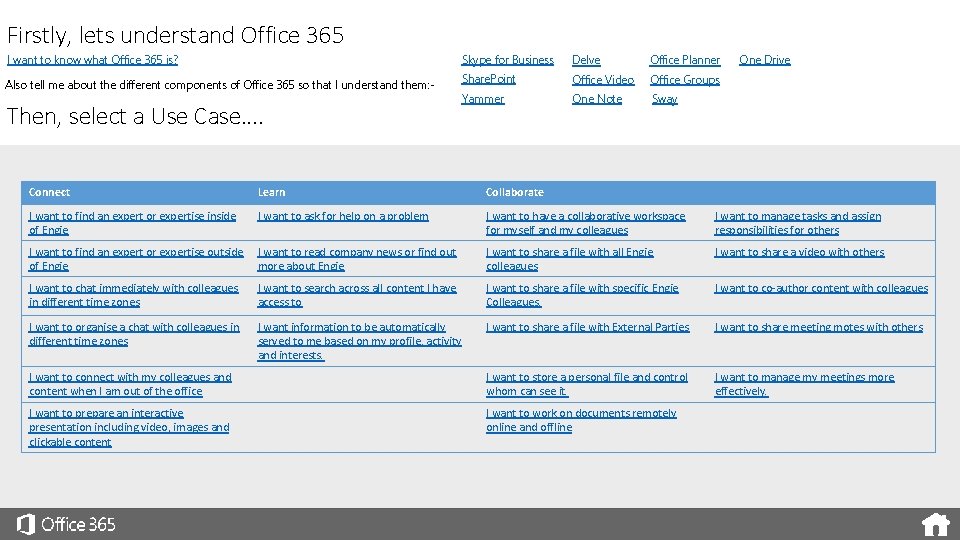
Firstly, lets understand Office 365 I want to know what Office 365 is? Skype for Business Delve Office Planner Also tell me about the different components of Office 365 so that I understand them: - Share. Point Office Video Office Groups Yammer One Note Sway Then, select a Use Case…. One Drive Connect Learn Collaborate I want to find an expert or expertise inside of Engie I want to ask for help on a problem I want to have a collaborative workspace for myself and my colleagues I want to manage tasks and assign responsibilities for others I want to find an expert or expertise outside of Engie I want to read company news or find out more about Engie I want to share a file with all Engie colleagues I want to share a video with others I want to chat immediately with colleagues in different time zones I want to search across all content I have access to I want to share a file with specific Engie Colleagues. I want to co-author content with colleagues I want to organise a chat with colleagues in different time zones I want information to be automatically served to me based on my profile, activity and interests. I want to share a file with External Parties I want to share meeting motes with others I want to connect with my colleagues and content when I am out of the office I want to store a personal file and control whom can see it. I want to manage my meetings more effectively. I want to prepare an interactive presentation including video, images and clickable content I want to work on documents remotely online and offline
I want to know what Office 365 is? Our complete Office in the cloud Office 365 is your personal Office and more. It lets you work from anywhere, on any device, whether you’re online or offline. It helps you do your best work, the way you want to, wherever you are. That means more powerful tools for creating content, better ways to work together, and easier ways to share. It includes Skype for Business, Exchange Online, Share. Point, Yammer, Office Video, Office Planner, Delve, Office Products Online, Sway…. . And that’s just the beginning. Check out the use cases in this guide to see some of the ways Office 365 can help you get things done, better, together.
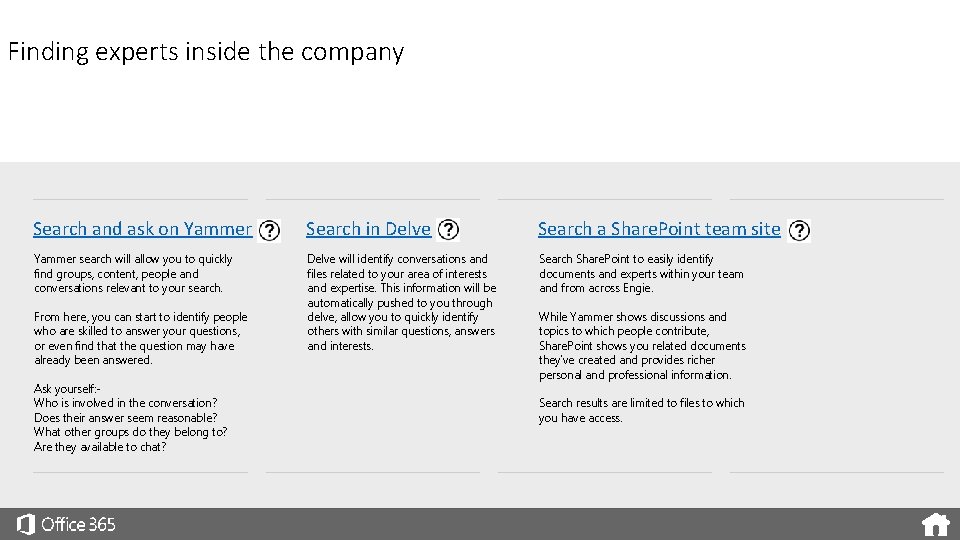
Finding experts inside the company Search and ask on Yammer Search in Delve Search a Share. Point team site Yammer search will allow you to quickly find groups, content, people and conversations relevant to your search. Delve will identify conversations and files related to your area of interests and expertise. This information will be automatically pushed to you through delve, allow you to quickly identify others with similar questions, answers and interests. Search Share. Point to easily identify documents and experts within your team and from across Engie. From here, you can start to identify people who are skilled to answer your questions, or even find that the question may have already been answered. Ask yourself: Who is involved in the conversation? Does their answer seem reasonable? What other groups do they belong to? Are they available to chat? While Yammer shows discussions and topics to which people contribute, Share. Point shows you related documents they’ve created and provides richer personal and professional information. Search results are limited to files to which you have access.
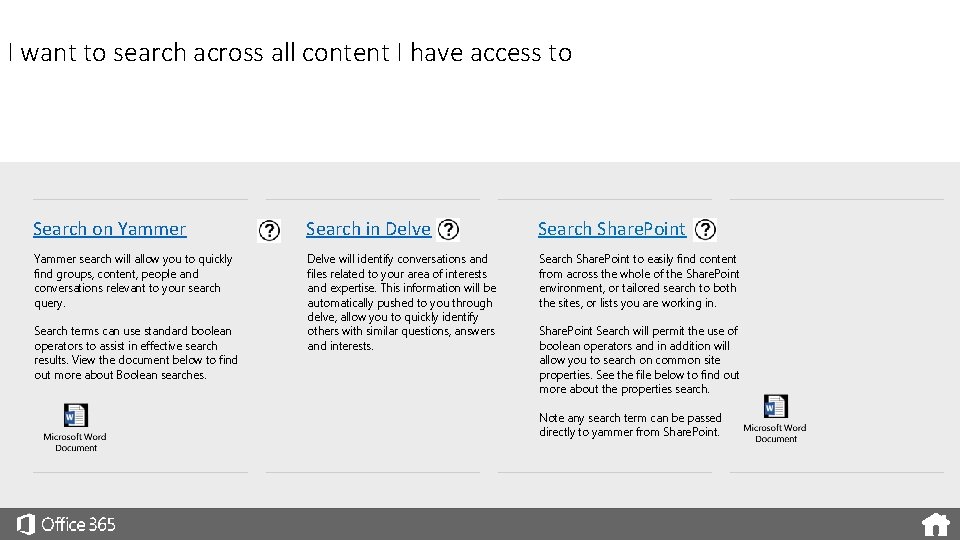
I want to search across all content I have access to Search on Yammer Search in Delve Search Share. Point Yammer search will allow you to quickly find groups, content, people and conversations relevant to your search query. Delve will identify conversations and files related to your area of interests and expertise. This information will be automatically pushed to you through delve, allow you to quickly identify others with similar questions, answers and interests. Search Share. Point to easily find content from across the whole of the Share. Point environment, or tailored search to both the sites, or lists you are working in. Search terms can use standard boolean operators to assist in effective search results. View the document below to find out more about Boolean searches. Share. Point Search will permit the use of boolean operators and in addition will allow you to search on common site properties. See the file below to find out more about the properties search. Note any search term can be passed directly to yammer from Share. Point.
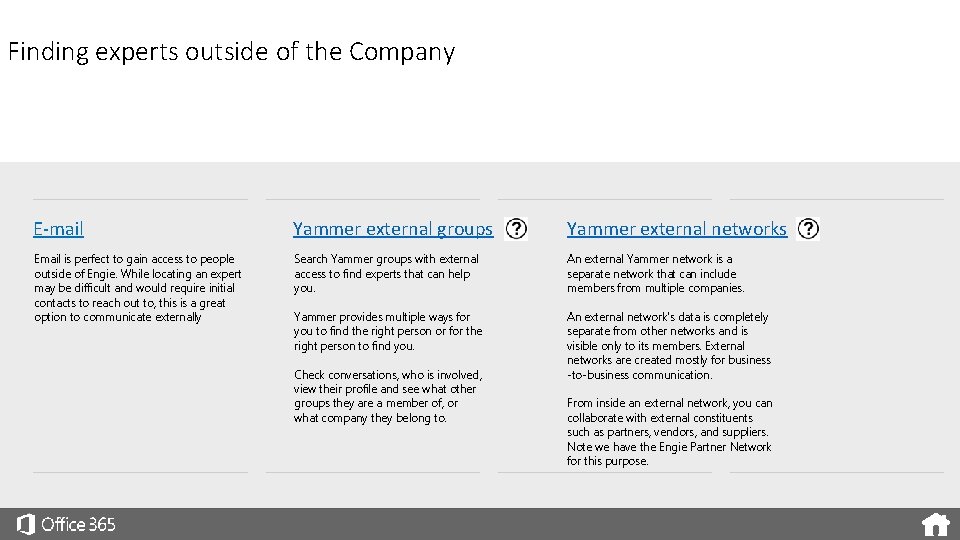
Finding experts outside of the Company E-mail Yammer external groups Yammer external networks Email is perfect to gain access to people outside of Engie. While locating an expert may be difficult and would require initial contacts to reach out to, this is a great option to communicate externally Search Yammer groups with external access to find experts that can help you. An external Yammer network is a separate network that can include members from multiple companies. Yammer provides multiple ways for you to find the right person or for the right person to find you. An external network's data is completely separate from other networks and is visible only to its members. External networks are created mostly for business -to-business communication. Check conversations, who is involved, view their profile and see what other groups they are a member of, or what company they belong to. From inside an external network, you can collaborate with external constituents such as partners, vendors, and suppliers. Note we have the Engie Partner Network for this purpose.
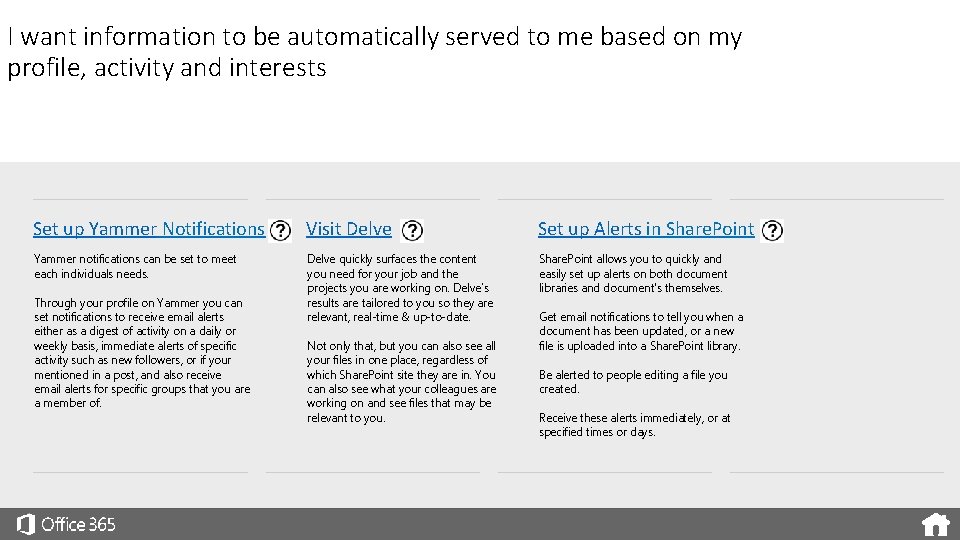
I want information to be automatically served to me based on my profile, activity and interests Set up Yammer Notifications Visit Delve Set up Alerts in Share. Point Yammer notifications can be set to meet each individuals needs. Delve quickly surfaces the content you need for your job and the projects you are working on. Delve’s results are tailored to you so they are relevant, real-time & up-to-date. Share. Point allows you to quickly and easily set up alerts on both document libraries and document's themselves. Through your profile on Yammer you can set notifications to receive email alerts either as a digest of activity on a daily or weekly basis, immediate alerts of specific activity such as new followers, or if your mentioned in a post, and also receive email alerts for specific groups that you are a member of. Not only that, but you can also see all your files in one place, regardless of which Share. Point site they are in. You can also see what your colleagues are working on and see files that may be relevant to you. Get email notifications to tell you when a document has been updated, or a new file is uploaded into a Share. Point library. Be alerted to people editing a file you created. Receive these alerts immediately, or at specified times or days.
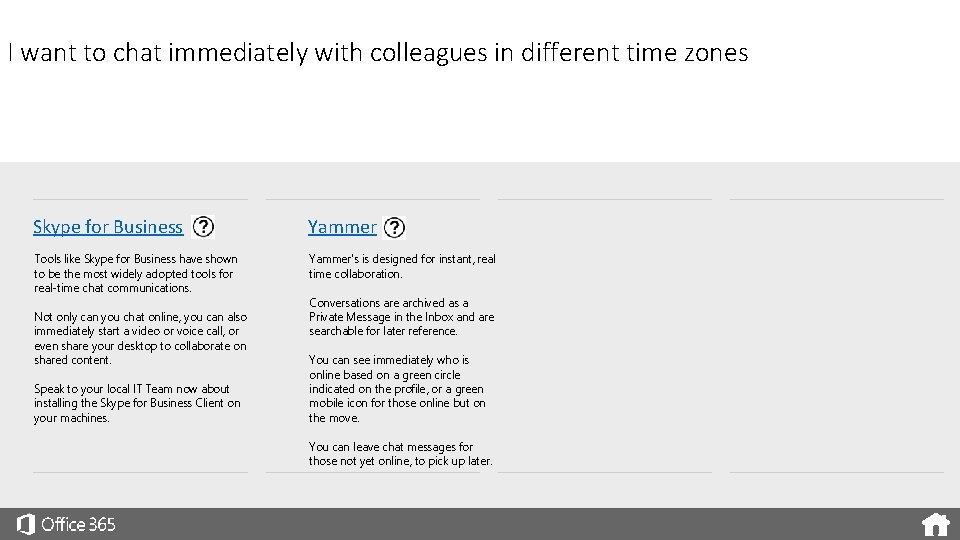
I want to chat immediately with colleagues in different time zones Skype for Business Yammer Tools like Skype for Business have shown to be the most widely adopted tools for real-time chat communications. Yammer's is designed for instant, real time collaboration. Not only can you chat online, you can also immediately start a video or voice call, or even share your desktop to collaborate on shared content. Speak to your local IT Team now about installing the Skype for Business Client on your machines. Conversations are archived as a Private Message in the Inbox and are searchable for later reference. You can see immediately who is online based on a green circle indicated on the profile, or a green mobile icon for those online but on the move. You can leave chat messages for those not yet online, to pick up later.
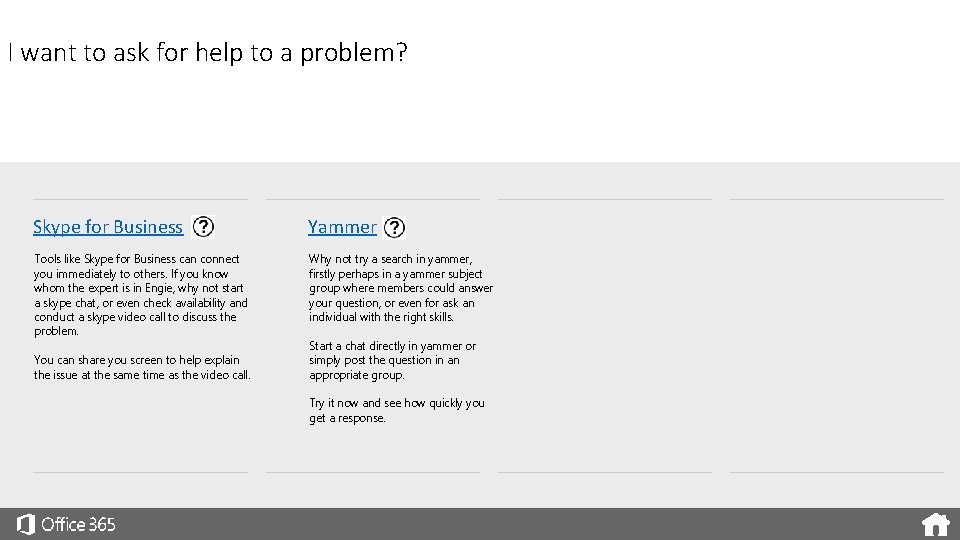
I want to ask for help to a problem? Skype for Business Yammer Tools like Skype for Business can connect you immediately to others. If you know whom the expert is in Engie, why not start a skype chat, or even check availability and conduct a skype video call to discuss the problem. Why not try a search in yammer, firstly perhaps in a yammer subject group where members could answer your question, or even for ask an individual with the right skills. You can share you screen to help explain the issue at the same time as the video call. Start a chat directly in yammer or simply post the question in an appropriate group. Try it now and see how quickly you get a response.
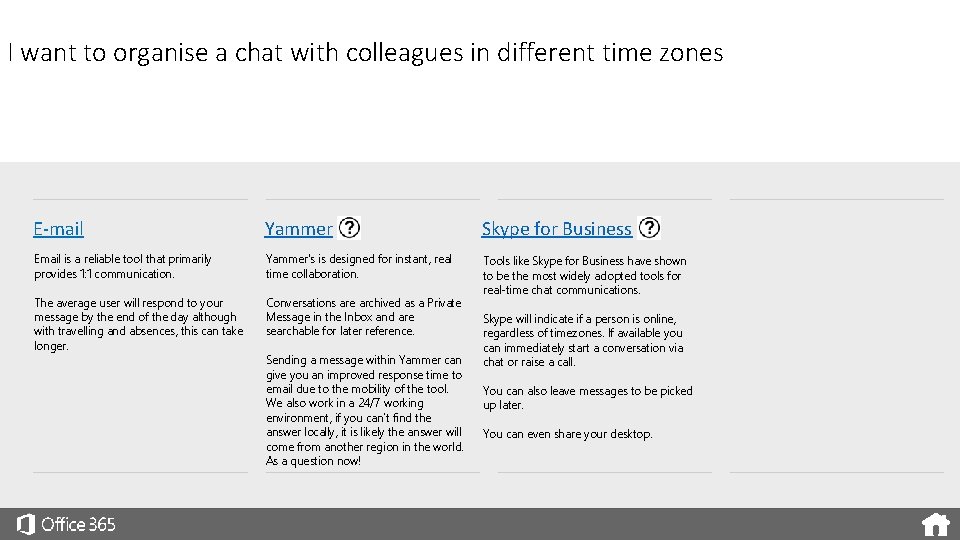
I want to organise a chat with colleagues in different time zones E-mail Yammer Skype for Business Email is a reliable tool that primarily provides 1: 1 communication. Yammer's is designed for instant, real time collaboration. The average user will respond to your message by the end of the day although with travelling and absences, this can take longer. Conversations are archived as a Private Message in the Inbox and are searchable for later reference. Tools like Skype for Business have shown to be the most widely adopted tools for real-time chat communications. Sending a message within Yammer can give you an improved response time to email due to the mobility of the tool. We also work in a 24/7 working environment, if you can’t find the answer locally, it is likely the answer will come from another region in the world. As a question now! Skype will indicate if a person is online, regardless of timezones. If available you can immediately start a conversation via chat or raise a call. You can also leave messages to be picked up later. You can even share your desktop.
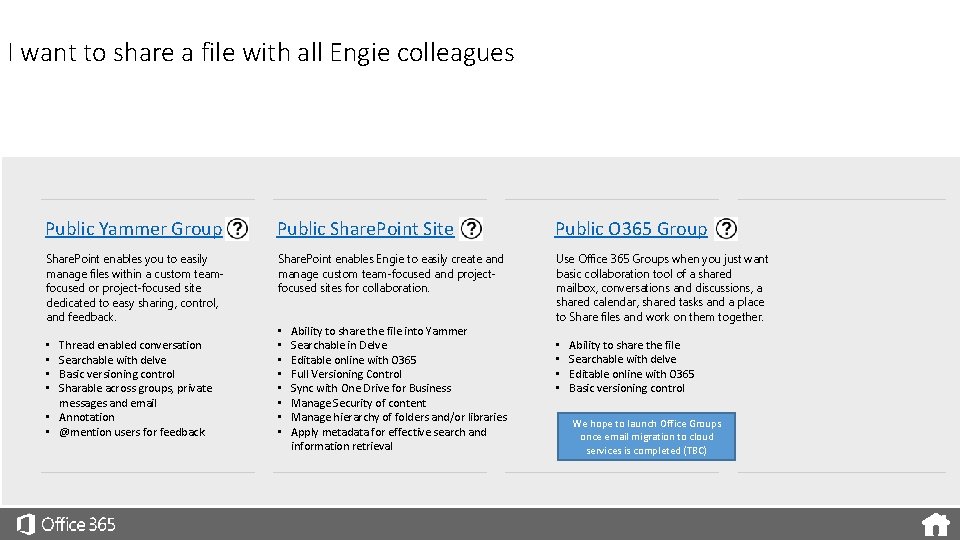
I want to share a file with all Engie colleagues Public Yammer Group Public Share. Point Site Public O 365 Group Share. Point enables you to easily manage files within a custom teamfocused or project-focused site dedicated to easy sharing, control, and feedback. Share. Point enables Engie to easily create and manage custom team-focused and projectfocused sites for collaboration. Use Office 365 Groups when you just want basic collaboration tool of a shared mailbox, conversations and discussions, a shared calendar, shared tasks and a place to Share files and work on them together. Thread enabled conversation Searchable with delve Basic versioning control Sharable across groups, private messages and email • Annotation • @mention users for feedback • • • Ability to share the file into Yammer Searchable in Delve Editable online with O 365 Full Versioning Control Sync with One Drive for Business Manage Security of content Manage hierarchy of folders and/or libraries Apply metadata for effective search and information retrieval • • Ability to share the file Searchable with delve Editable online with O 365 Basic versioning control We hope to launch Office Groups once email migration to cloud services is completed (TBC)
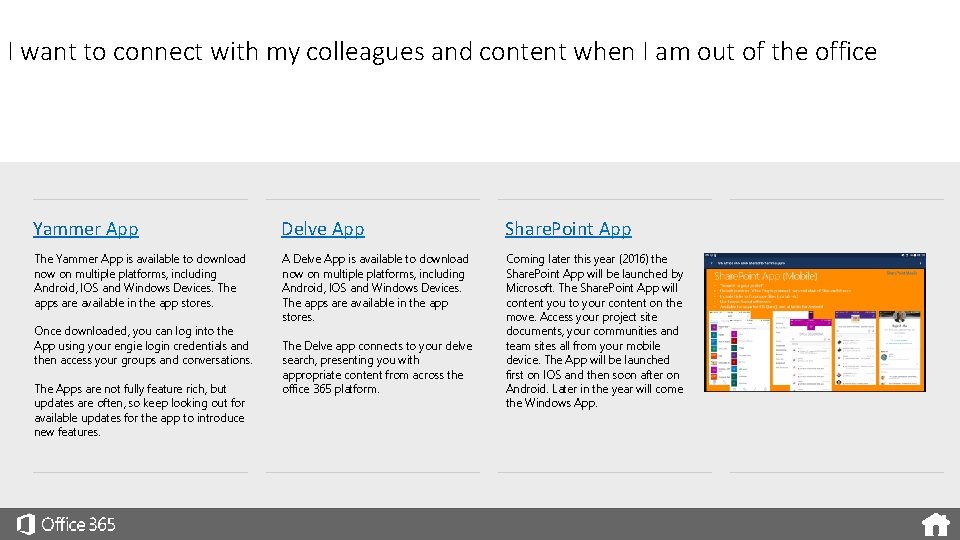
I want to connect with my colleagues and content when I am out of the office Yammer App Delve App Share. Point App The Yammer App is available to download now on multiple platforms, including Android, IOS and Windows Devices. The apps are available in the app stores. A Delve App is available to download now on multiple platforms, including Android, IOS and Windows Devices. The apps are available in the app stores. Coming later this year (2016) the Share. Point App will be launched by Microsoft. The Share. Point App will content you to your content on the move. Access your project site documents, your communities and team sites all from your mobile device. The App will be launched first on IOS and then soon after on Android. Later in the year will come the Windows App. Once downloaded, you can log into the App using your engie login credentials and then access your groups and conversations. The Apps are not fully feature rich, but updates are often, so keep looking out for available updates for the app to introduce new features. The Delve app connects to your delve search, presenting you with appropriate content from across the office 365 platform.
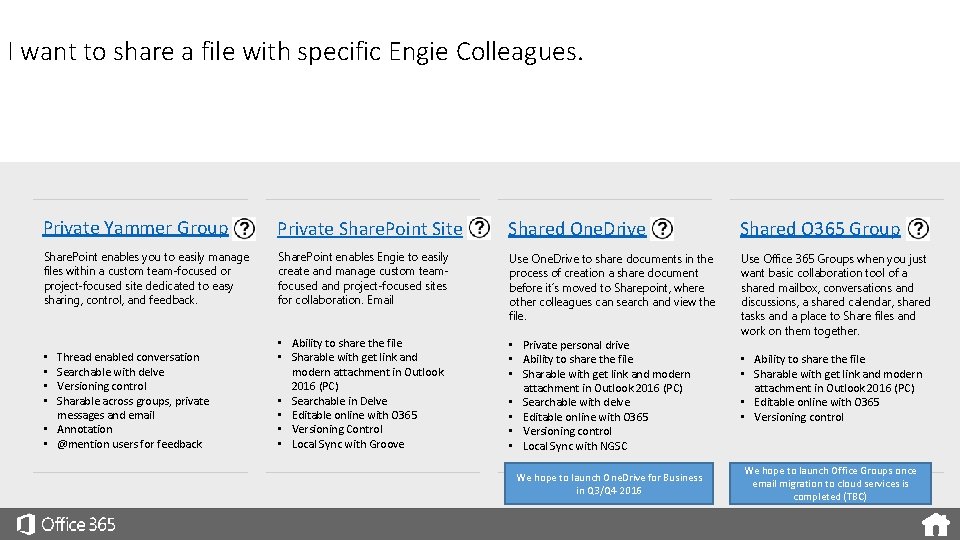
I want to share a file with specific Engie Colleagues. Private Yammer Group Private Share. Point Site Shared One. Drive Shared O 365 Group Share. Point enables you to easily manage files within a custom team-focused or project-focused site dedicated to easy sharing, control, and feedback. Share. Point enables Engie to easily create and manage custom teamfocused and project-focused sites for collaboration. Email Use One. Drive to share documents in the process of creation a share document before it´s moved to Sharepoint, where other colleagues can search and view the file. Thread enabled conversation Searchable with delve Versioning control Sharable across groups, private messages and email • Annotation • @mention users for feedback • Ability to share the file • Sharable with get link and modern attachment in Outlook 2016 (PC) • Searchable in Delve • Editable online with O 365 • Versioning Control • Local Sync with Groove • Private personal drive • Ability to share the file • Sharable with get link and modern attachment in Outlook 2016 (PC) • Searchable with delve • Editable online with O 365 • Versioning control • Local Sync with NGSC Use Office 365 Groups when you just want basic collaboration tool of a shared mailbox, conversations and discussions, a shared calendar, shared tasks and a place to Share files and work on them together. • • We hope to launch One. Drive for Business in Q 3/Q 4 2016 • Ability to share the file • Sharable with get link and modern attachment in Outlook 2016 (PC) • Editable online with O 365 • Versioning control We hope to launch Office Groups once email migration to cloud services is completed (TBC)
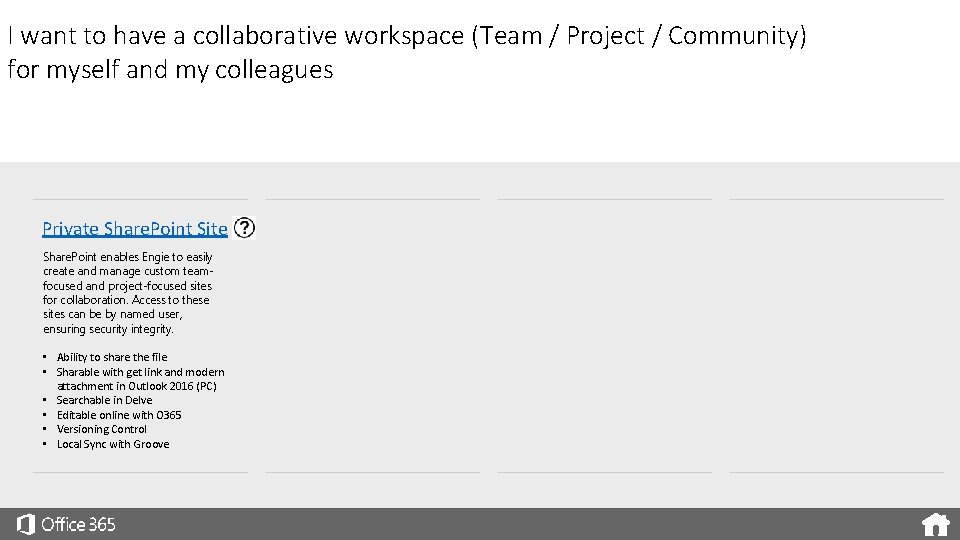
I want to have a collaborative workspace (Team / Project / Community) for myself and my colleagues Private Share. Point Site Share. Point enables Engie to easily create and manage custom teamfocused and project-focused sites for collaboration. Access to these sites can be by named user, ensuring security integrity. • Ability to share the file • Sharable with get link and modern attachment in Outlook 2016 (PC) • Searchable in Delve • Editable online with O 365 • Versioning Control • Local Sync with Groove
I want to read company news or find out more about Engie Share. Point Horizon 4 Share. Point provides the content management for the Horizon 4 Engie Intranet Site. The site can be used to find company news or find out more about Engie and the Business Units, Metiers and Functions within the group.
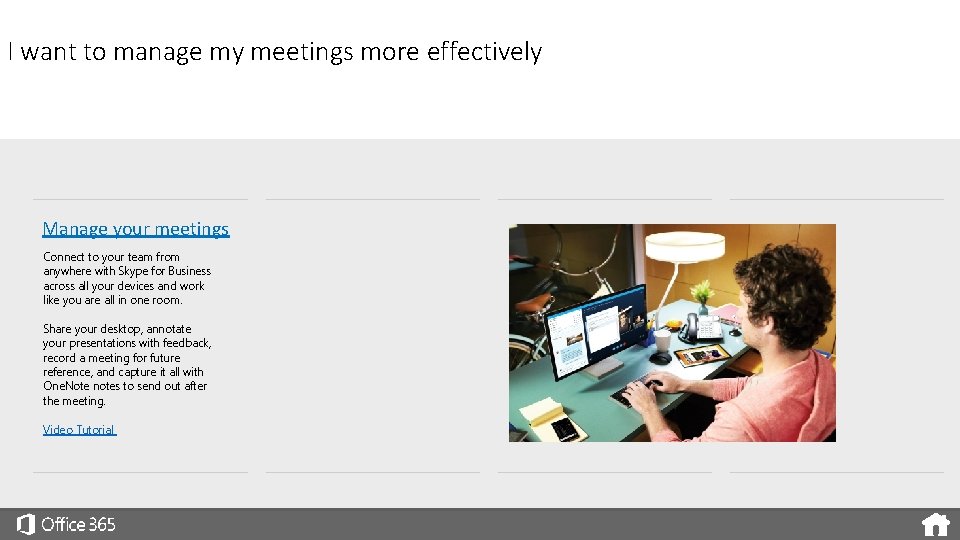
I want to manage my meetings more effectively Manage your meetings Connect to your team from anywhere with Skype for Business across all your devices and work like you are all in one room. Share your desktop, annotate your presentations with feedback, record a meeting for future reference, and capture it all with One. Note notes to send out after the meeting. Video Tutorial
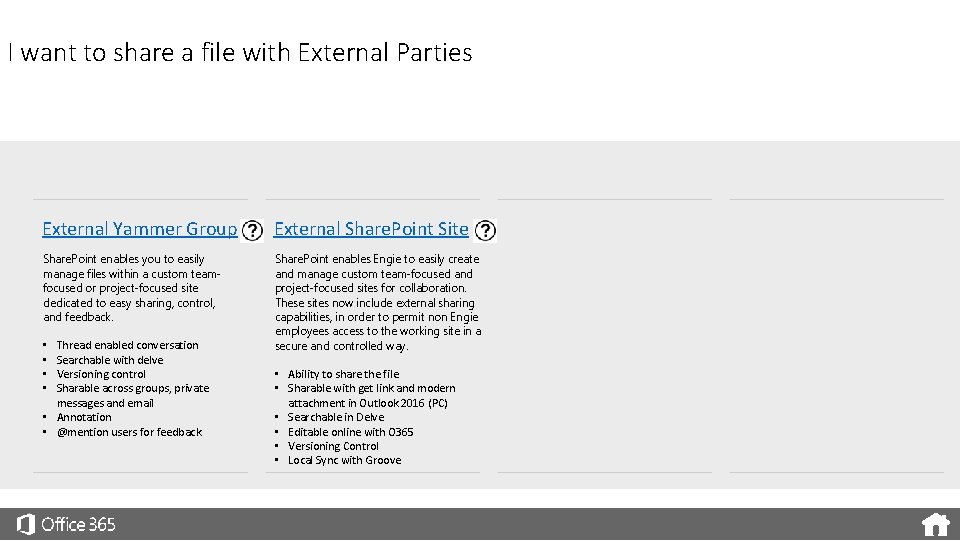
I want to share a file with External Parties External Yammer Group External Share. Point Site Share. Point enables you to easily manage files within a custom teamfocused or project-focused site dedicated to easy sharing, control, and feedback. Share. Point enables Engie to easily create and manage custom team-focused and project-focused sites for collaboration. These sites now include external sharing capabilities, in order to permit non Engie employees access to the working site in a secure and controlled way. Thread enabled conversation Searchable with delve Versioning control Sharable across groups, private messages and email • Annotation • @mention users for feedback • • • Ability to share the file • Sharable with get link and modern attachment in Outlook 2016 (PC) • Searchable in Delve • Editable online with O 365 • Versioning Control • Local Sync with Groove
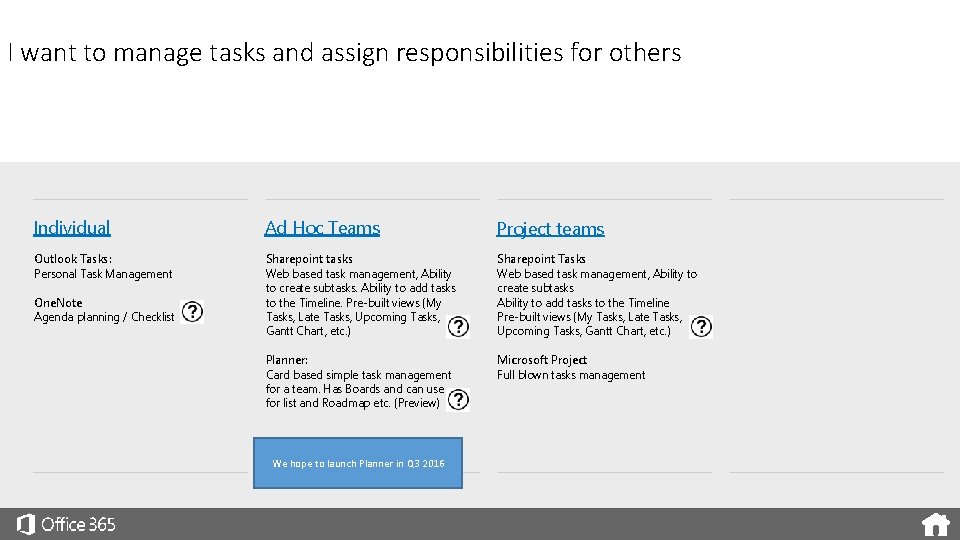
I want to manage tasks and assign responsibilities for others Individual Ad Hoc Teams Project teams Outlook Tasks: Personal Task Management Sharepoint tasks Web based task management, Ability to create subtasks. Ability to add tasks to the Timeline. Pre-built views (My Tasks, Late Tasks, Upcoming Tasks, Gantt Chart, etc. ) Sharepoint Tasks Web based task management, Ability to create subtasks Ability to add tasks to the Timeline Pre-built views (My Tasks, Late Tasks, Upcoming Tasks, Gantt Chart, etc. ) Planner: Card based simple task management for a team. Has Boards and can use for list and Roadmap etc. (Preview) Microsoft Project Full blown tasks management One. Note Agenda planning / Checklist We hope to launch Planner in Q 3 2016
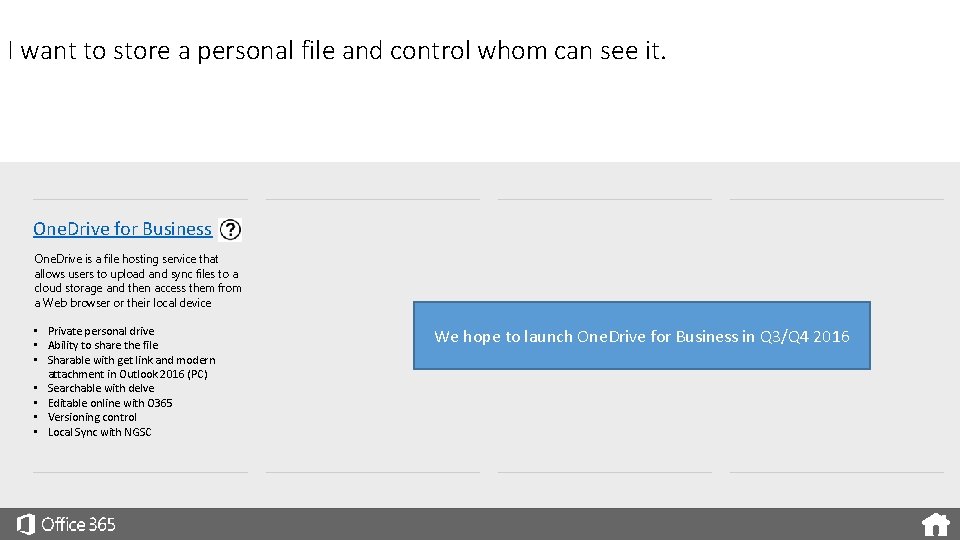
I want to store a personal file and control whom can see it. One. Drive for Business One. Drive is a file hosting service that allows users to upload and sync files to a cloud storage and then access them from a Web browser or their local device • Private personal drive • Ability to share the file • Sharable with get link and modern attachment in Outlook 2016 (PC) • Searchable with delve • Editable online with O 365 • Versioning control • Local Sync with NGSC We hope to launch One. Drive for Business in Q 3/Q 4 2016
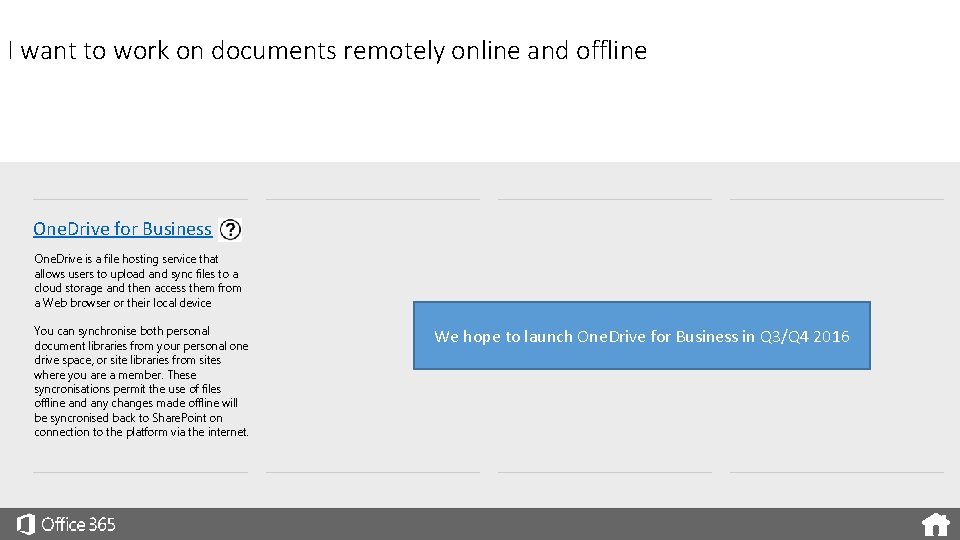
I want to work on documents remotely online and offline One. Drive for Business One. Drive is a file hosting service that allows users to upload and sync files to a cloud storage and then access them from a Web browser or their local device You can synchronise both personal document libraries from your personal one drive space, or site libraries from sites where you are a member. These syncronisations permit the use of files offline and any changes made offline will be syncronised back to Share. Point on connection to the platform via the internet. We hope to launch One. Drive for Business in Q 3/Q 4 2016
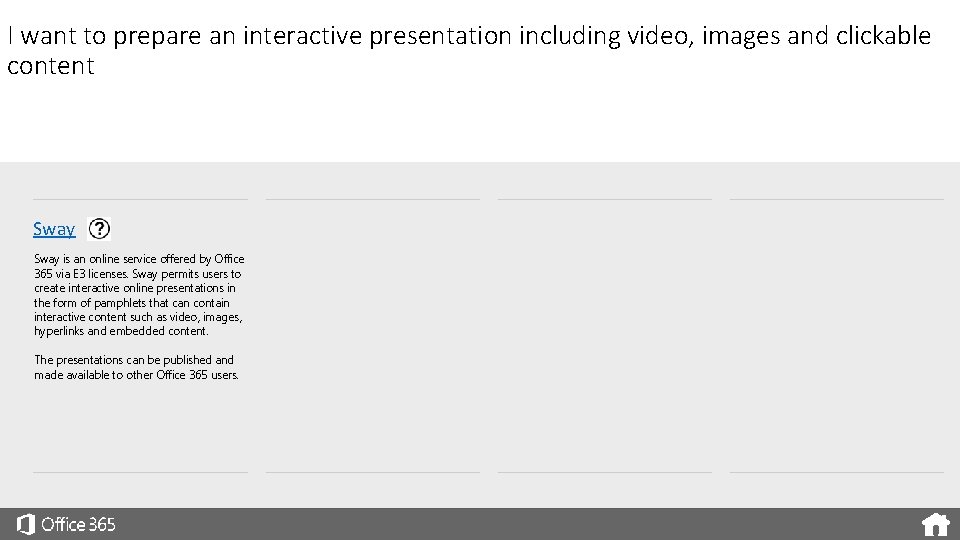
I want to prepare an interactive presentation including video, images and clickable content Sway is an online service offered by Office 365 via E 3 licenses. Sway permits users to create interactive online presentations in the form of pamphlets that can contain interactive content such as video, images, hyperlinks and embedded content. The presentations can be published and made available to other Office 365 users.
I want to share meeting motes with others One. Note One Note allows users to take meeting notes, conference notes, or simply capture ideas on a shared notebook available to all members of a Share. Point site. This notebook also has dedicated apps for ios, android and windows devices to allow note taking on the move. It also permits co -authoring content, so again users can share and work on notes together.
I want to Co-Author Content with Colleagues One. Note Yammer Notes Office Apps Online One Note allows users to take meeting notes, conference notes, or simply capture ideas on a shared notebook available to all members of a Share. Point site. This notebook also has dedicated apps for ios, android and windows devices to allow note taking on the move. It also permits co -authoring content, so again users can share and work on notes together. Yammer notes is a feature of Yammer groups that allows notes to be created and shared with other group members. Yammer notes includes the ability to coauthor the notes at the same time as other users. Office Apps is a feature that extends across the suite of Office 365 tools and Services. Office Apps brings you Word, Excel and Power. Point online via a browser. Not only can you use these services on multiple desktops (Mac / Windows) and multiple devices (Mobile / Tablet / Laptop / PC) but you can also now co-author content at the same time as other office 365 users. You will see changes highlighted on the screen and can start a discussion in yammer, or even a skype call to follow up with the other editors of the document. Changes are displayed so that you can see each others updates highlighted on the screen whilst editing.
I want to share a video with others. Office 365 Video Share. Point Site Office Video is a purpose built engine for storing and playing back video files. Imagine it as a You Tube for Business. Share. Point enables an organisation to easily create and manage custom teamfocused and project-focused sites for collaboration. Site can store all sorts of file types, including video. It is however a simple interface and will require encoded video players enabled on your browser or a need to download the file to play locally. • Ability to create video channels • Ability to post a video into a channel • Ability to security trim videos and channels to specific audiences • Store different video formats for a single playback experience. • See all Engie company shared business video’s in one place. • Ability to share the video file • Searchable in Delve • Versioning Control
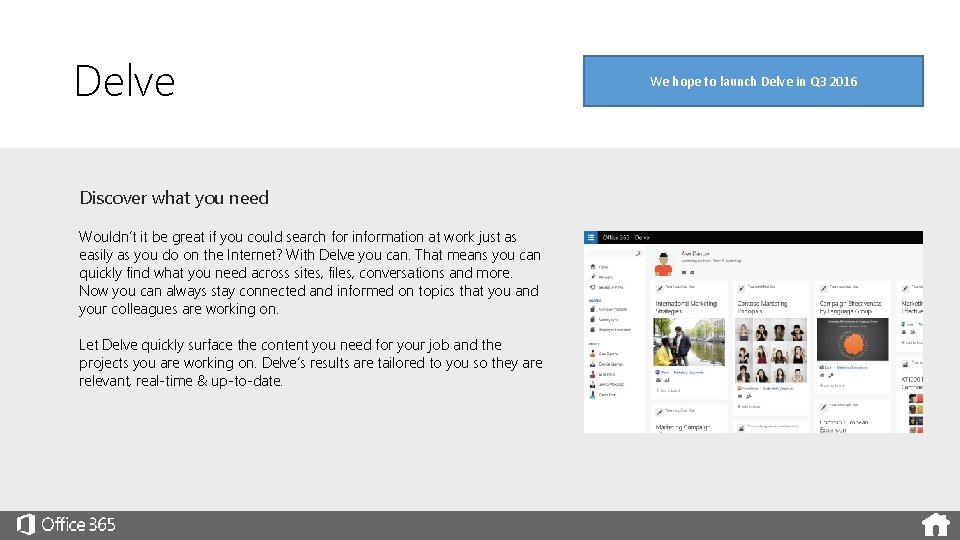
Delve Discover what you need Wouldn’t it be great if you could search for information at work just as easily as you do on the Internet? With Delve you can. That means you can quickly find what you need across sites, files, conversations and more. Now you can always stay connected and informed on topics that you and your colleagues are working on. Let Delve quickly surface the content you need for your job and the projects you are working on. Delve’s results are tailored to you so they are relevant, real-time & up-to-date. We hope to launch Delve in Q 3 2016
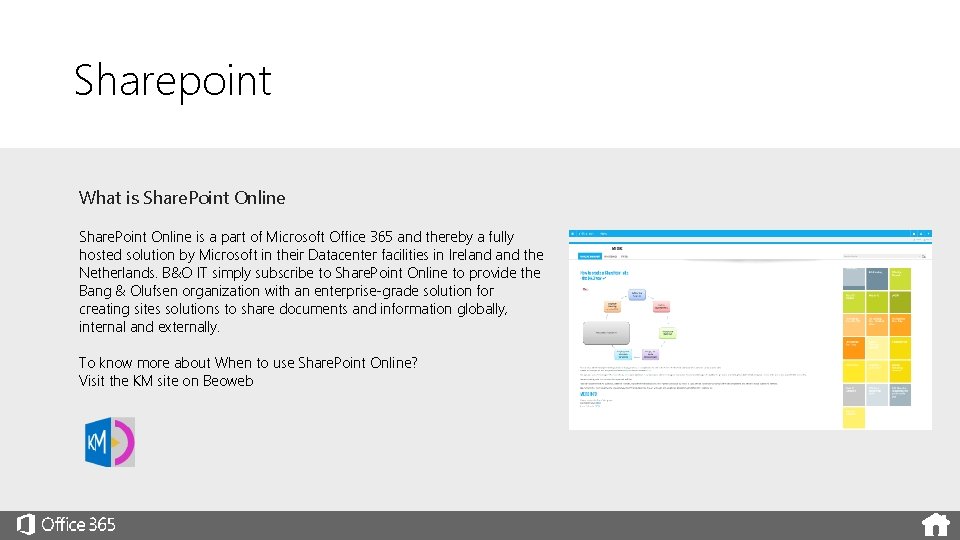
Sharepoint What is Share. Point Online is a part of Microsoft Office 365 and thereby a fully hosted solution by Microsoft in their Datacenter facilities in Ireland the Netherlands. B&O IT simply subscribe to Share. Point Online to provide the Bang & Olufsen organization with an enterprise-grade solution for creating sites solutions to share documents and information globally, internal and externally. To know more about When to use Share. Point Online? Visit the KM site on Beoweb
One. Note What is One. Note xxxxxx
Planner What is Planner xxxxxx
Sway What is Sway xxxxxx
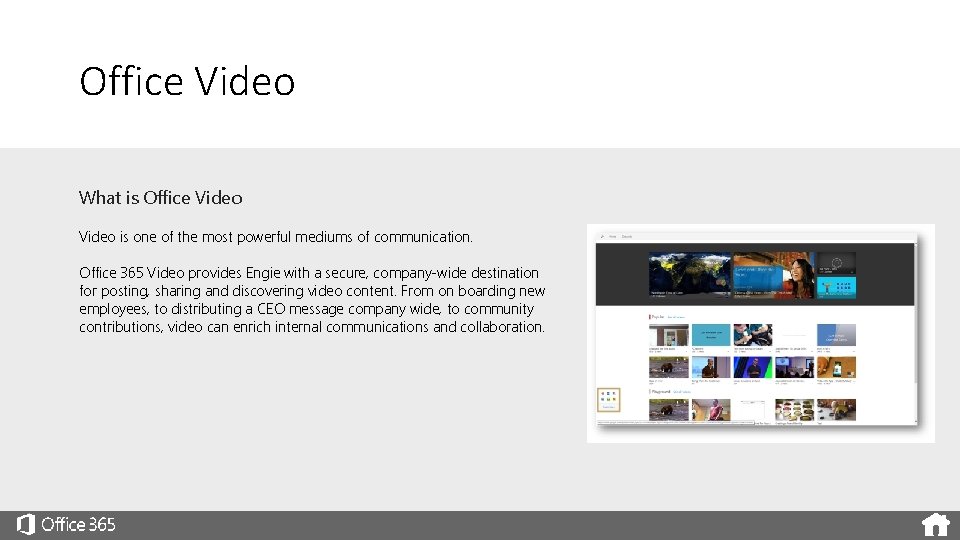
Office Video What is Office Video is one of the most powerful mediums of communication. Office 365 Video provides Engie with a secure, company-wide destination for posting, sharing and discovering video content. From on boarding new employees, to distributing a CEO message company wide, to community contributions, video can enrich internal communications and collaboration.
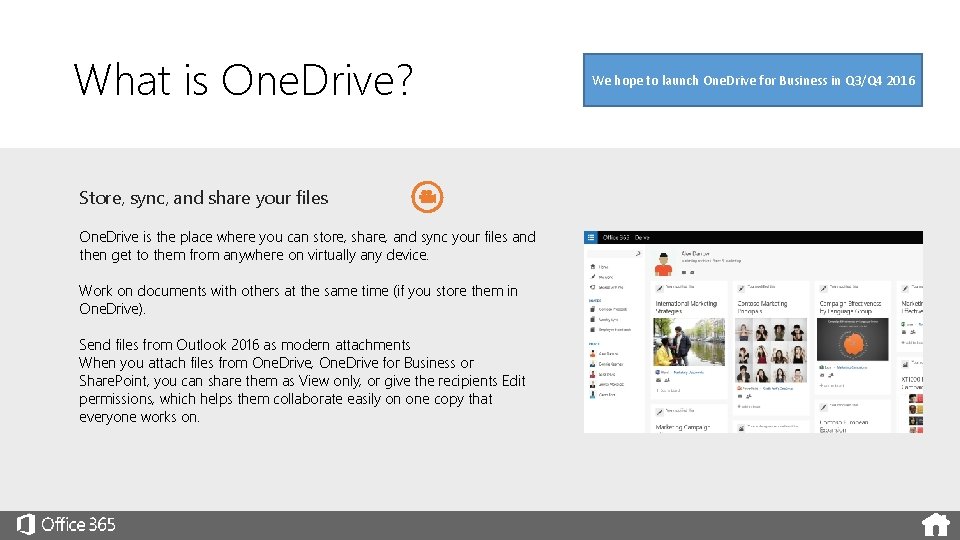
What is One. Drive? Store, sync, and share your files One. Drive is the place where you can store, share, and sync your files and then get to them from anywhere on virtually any device. Work on documents with others at the same time (if you store them in One. Drive). Send files from Outlook 2016 as modern attachments When you attach files from One. Drive, One. Drive for Business or Share. Point, you can share them as View only, or give the recipients Edit permissions, which helps them collaborate easily on one copy that everyone works on. We hope to launch One. Drive for Business in Q 3/Q 4 2016
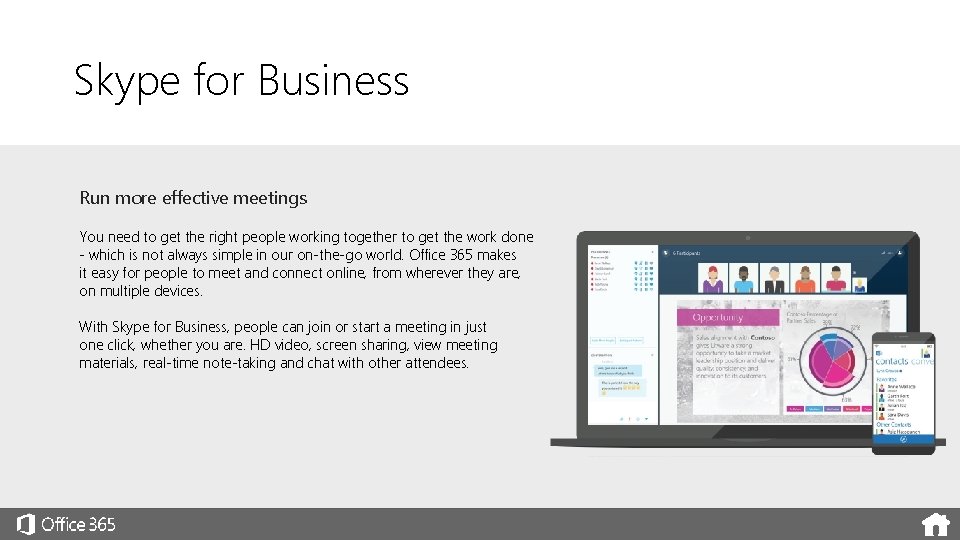
Skype for Business Run more effective meetings You need to get the right people working together to get the work done - which is not always simple in our on-the-go world. Office 365 makes it easy for people to meet and connect online, from wherever they are, on multiple devices. With Skype for Business, people can join or start a meeting in just one click, whether you are. HD video, screen sharing, view meeting materials, real-time note-taking and chat with other attendees.
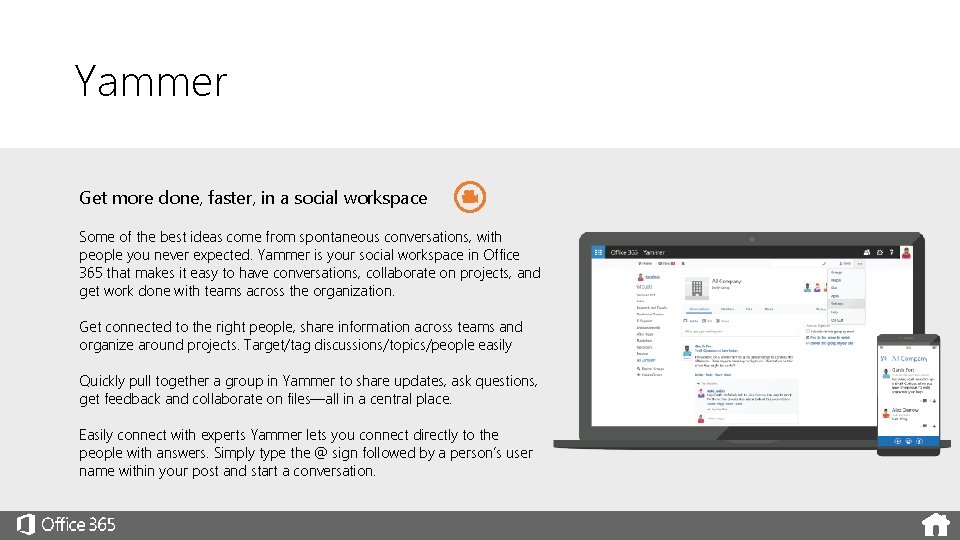
Yammer Get more done, faster, in a social workspace Some of the best ideas come from spontaneous conversations, with people you never expected. Yammer is your social workspace in Office 365 that makes it easy to have conversations, collaborate on projects, and get work done with teams across the organization. Get connected to the right people, share information across teams and organize around projects. Target/tag discussions/topics/people easily Quickly pull together a group in Yammer to share updates, ask questions, get feedback and collaborate on files—all in a central place. Easily connect with experts Yammer lets you connect directly to the people with answers. Simply type the @ sign followed by a person’s user name within your post and start a conversation.
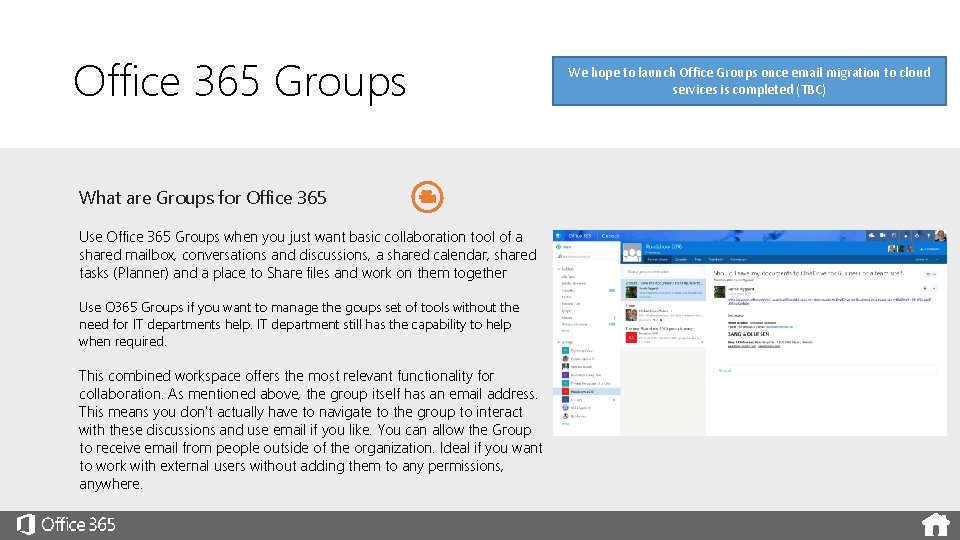
Office 365 Groups What are Groups for Office 365 Use Office 365 Groups when you just want basic collaboration tool of a shared mailbox, conversations and discussions, a shared calendar, shared tasks (Planner) and a place to Share files and work on them together Use O 365 Groups if you want to manage the goups set of tools without the need for IT departments help. IT department still has the capability to help when required. This combined workspace offers the most relevant functionality for collaboration. As mentioned above, the group itself has an email address. This means you don't actually have to navigate to the group to interact with these discussions and use email if you like. You can allow the Group to receive email from people outside of the organization. Ideal if you want to work with external users without adding them to any permissions, anywhere. We hope to launch Office Groups once email migration to cloud services is completed (TBC)
- Slides: 34