
How To Use Windows Connect Now To Enable
How To Use Windows Connect Now To Enable Simple Setup For Consumer Wi-Fi Networks Scott Manchester Program Director Windows Rally Microsoft Corporation
® Windows Access to Technologies Rally™ Program Simple Unified License Technical Guidance
® Windows Effortless to configure and maintain Rally™ Devices Reliable and simple to manage More secure and provide rich digital experiences
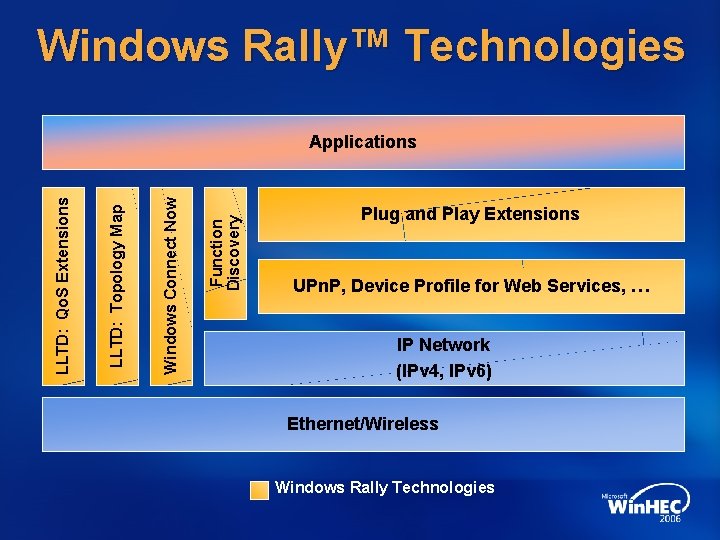
Windows Rally™ Technologies Function Discovery Windows Wireless Connect Setup. Now LLTD: Network Topology Map LLTD: Quality Qo. S Experiences Extensions Applications Network Device Plug and Installation Play Extensions and Configuration UPn. P, Network Device Profile Connected for Web Devices Services, … IP Network (IPv 4, IPv 6) Ethernet/Wireless Windows Rally Technologies
Session Outline Wi-Fi Simple Config Overview Windows Connect Now (WCN) Overview and Background WCN technologies WCN-UFD WCN-NET WCN-MTP WCN User Experience Demo
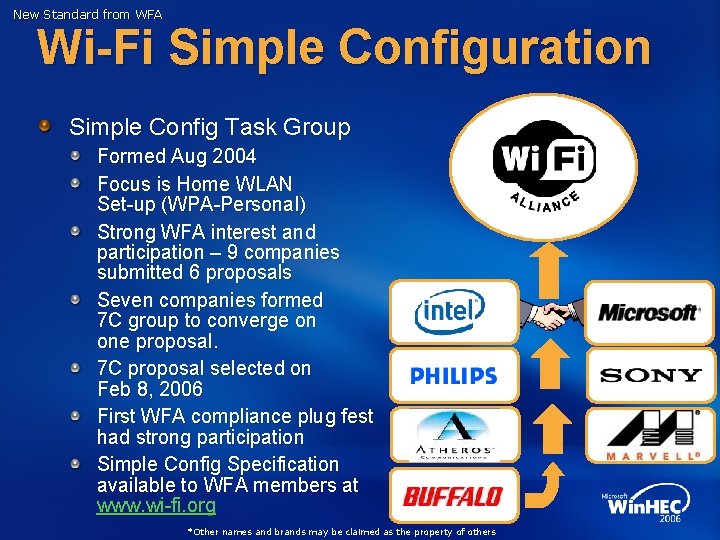
New Standard from WFA Wi-Fi Simple Configuration Simple Config Task Group Formed Aug 2004 Focus is Home WLAN Set-up (WPA-Personal) Strong WFA interest and participation – 9 companies submitted 6 proposals Seven companies formed 7 C group to converge on one proposal. 7 C proposal selected on Feb 8, 2006 First WFA compliance plug fest had strong participation Simple Config Specification available to WFA members at www. wi-fi. org *Other names and brands may be claimed as the property of others
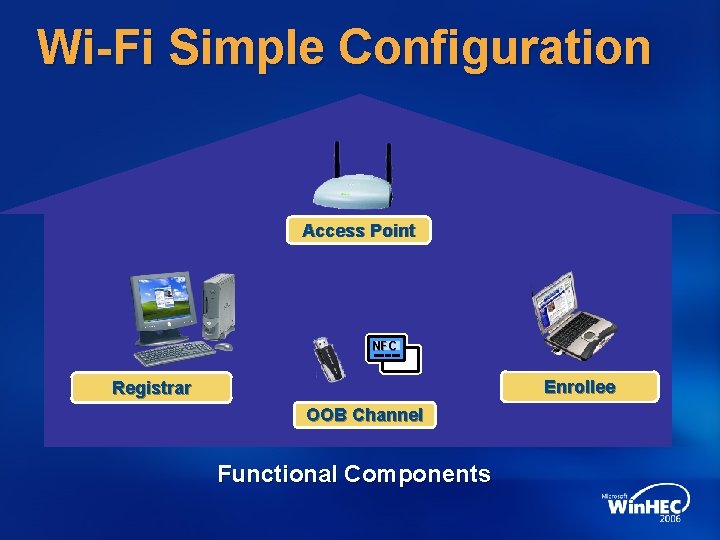
Wi-Fi Simple Configuration Access Point NFC Enrollee Registrar OOB Channel Functional Components
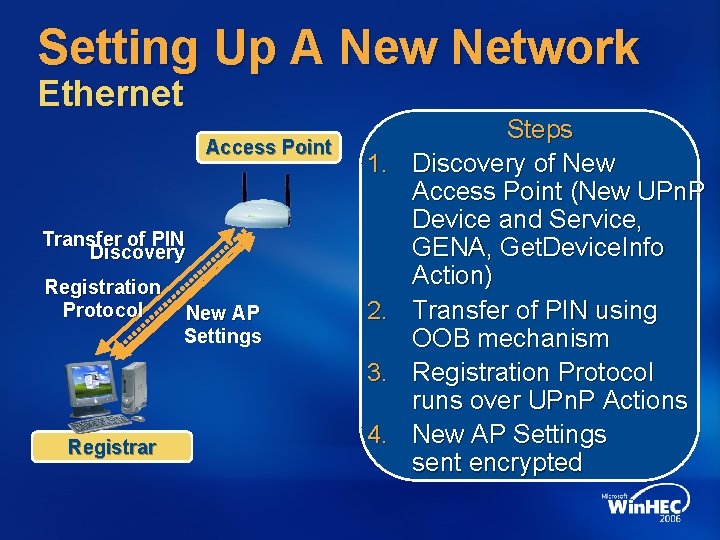
Setting Up A New Network Ethernet Access Point 1. Transfer of PIN Discovery Registration Protocol New AP Settings 2. 3. Registrar 4. Steps Discovery of New Access Point (New UPn. P Device and Service, GENA, Get. Device. Info Action) Transfer of PIN using OOB mechanism Registration Protocol runs over UPn. P Actions New AP Settings sent encrypted
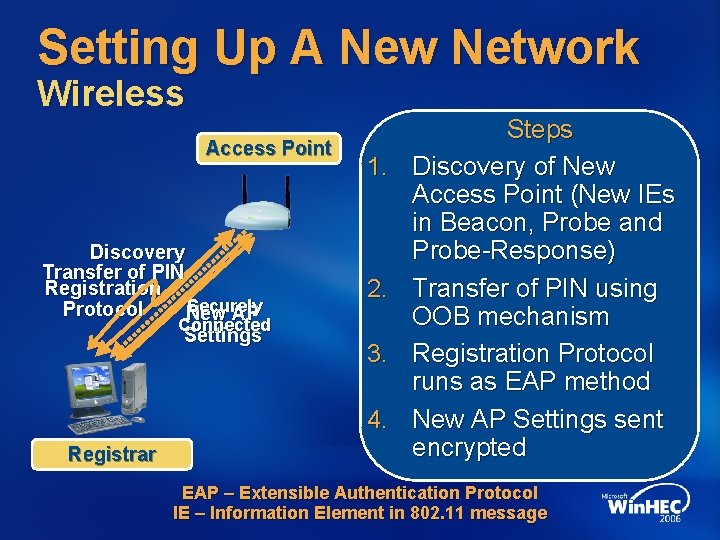
Setting Up A New Network Wireless Access Point Discovery Transfer of PIN Registration Securely Protocol New AP Connected Settings 1. 2. 3. 4. Registrar Steps Discovery of New Access Point (New IEs in Beacon, Probe and Probe-Response) Transfer of PIN using OOB mechanism Registration Protocol runs as EAP method New AP Settings sent encrypted EAP – Extensible Authentication Protocol IE – Information Element in 802. 11 message

Adding A New Member Device Wireless Access Point Registration Protocol Continues UPn. P Event UPn. P Securely Connected Discovery Start WLAN EAP Credentials Received User reads PIN from Enrollee New Enrollee Notification Registrar UPn. P – Universal Plug and Play EAP – Extensible Authentication Protocol Enrollee
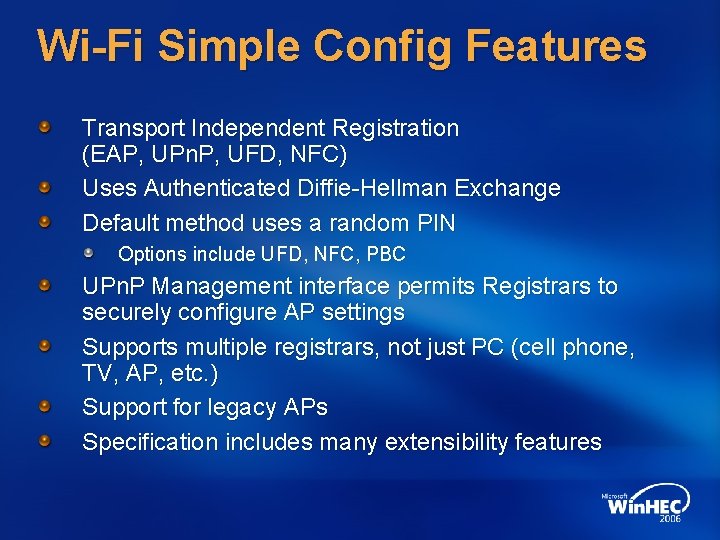
Wi-Fi Simple Config Features Transport Independent Registration (EAP, UPn. P, UFD, NFC) Uses Authenticated Diffie-Hellman Exchange Default method uses a random PIN Options include UFD, NFC, PBC UPn. P Management interface permits Registrars to securely configure AP settings Supports multiple registrars, not just PC (cell phone, TV, AP, etc. ) Support for legacy APs Specification includes many extensibility features
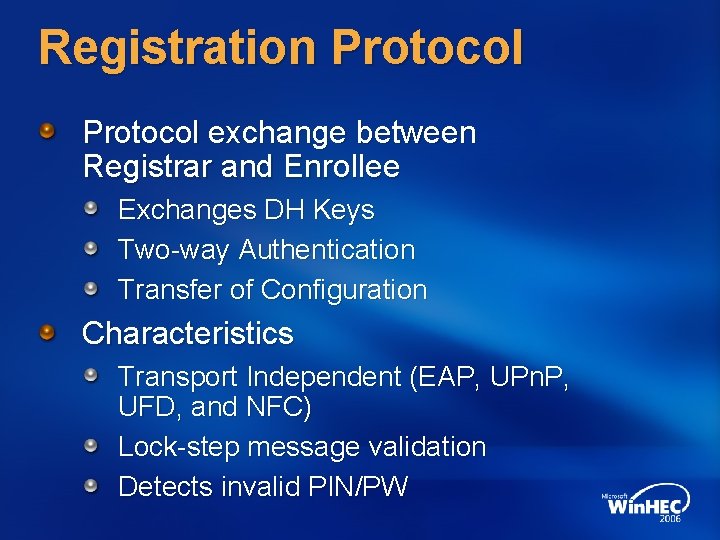
Registration Protocol exchange between Registrar and Enrollee Exchanges DH Keys Two-way Authentication Transfer of Configuration Characteristics Transport Independent (EAP, UPn. P, UFD, and NFC) Lock-step message validation Detects invalid PIN/PW
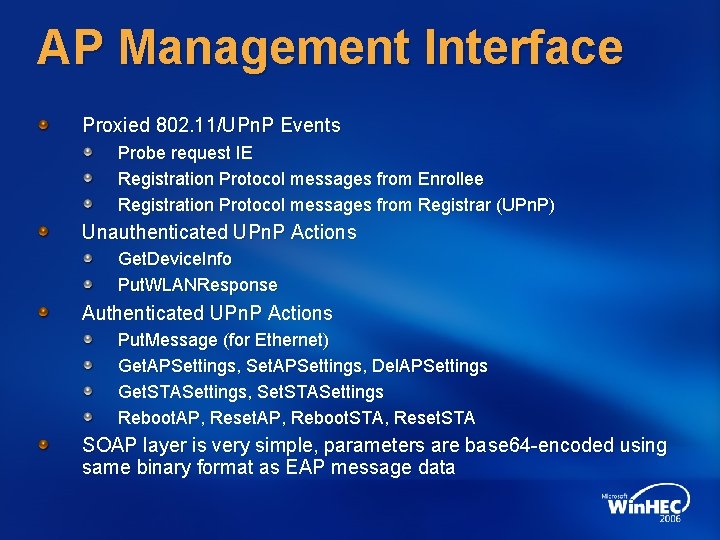
AP Management Interface Proxied 802. 11/UPn. P Events Probe request IE Registration Protocol messages from Enrollee Registration Protocol messages from Registrar (UPn. P) Unauthenticated UPn. P Actions Get. Device. Info Put. WLANResponse Authenticated UPn. P Actions Put. Message (for Ethernet) Get. APSettings, Set. APSettings, Del. APSettings Get. STASettings, Set. STASettings Reboot. AP, Reset. AP, Reboot. STA, Reset. STA SOAP layer is very simple, parameters are base 64 -encoded using same binary format as EAP message data
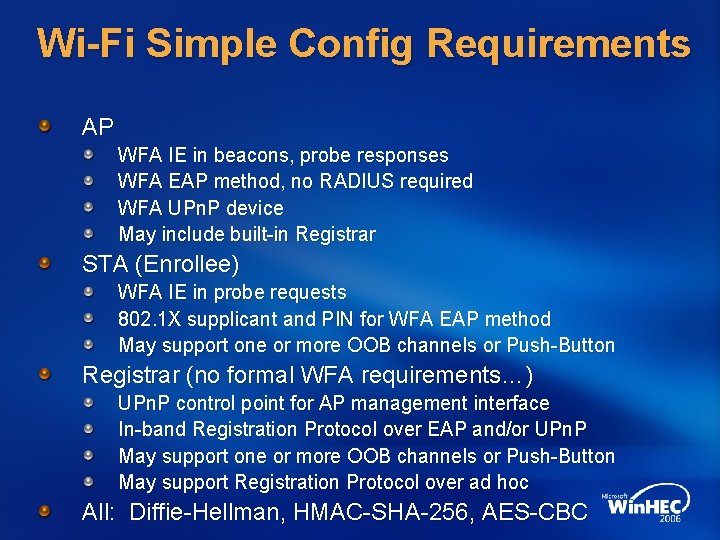
Wi-Fi Simple Config Requirements AP WFA IE in beacons, probe responses WFA EAP method, no RADIUS required WFA UPn. P device May include built-in Registrar STA (Enrollee) WFA IE in probe requests 802. 1 X supplicant and PIN for WFA EAP method May support one or more OOB channels or Push-Button Registrar (no formal WFA requirements…) UPn. P control point for AP management interface In-band Registration Protocol over EAP and/or UPn. P May support one or more OOB channels or Push-Button May support Registration Protocol over ad hoc All: Diffie-Hellman, HMAC-SHA-256, AES-CBC
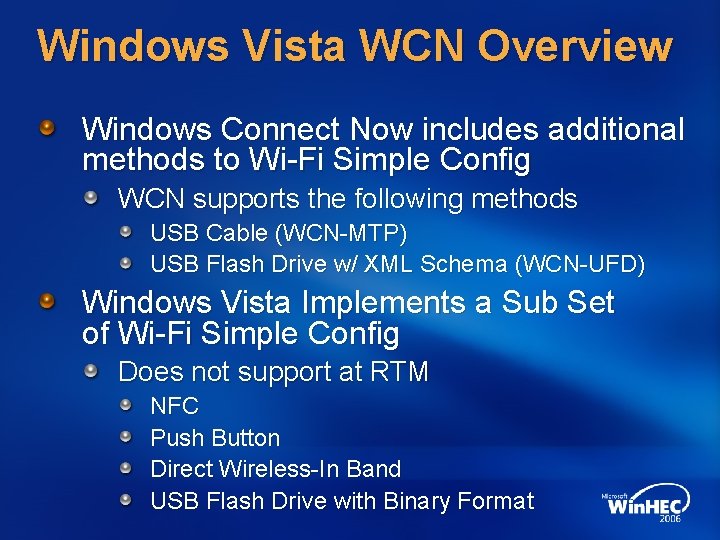
Windows Vista WCN Overview Windows Connect Now includes additional methods to Wi-Fi Simple Config WCN supports the following methods USB Cable (WCN-MTP) USB Flash Drive w/ XML Schema (WCN-UFD) Windows Vista Implements a Sub Set of Wi-Fi Simple Config Does not support at RTM NFC Push Button Direct Wireless-In Band USB Flash Drive with Binary Format

Windows Vista WCN Overview Windows Vista Does Include the Following Methods PC as Registrar Access Point Configuration USB Flash Drive (WCN-UFD) Ethernet Enrollee Configuration USB Flash Drive (WCN-UFD) USB Cable (WCN-MTP)* Ethernet Wireless** PC as Enrollee USB Flash Drive (WCN-UFD)
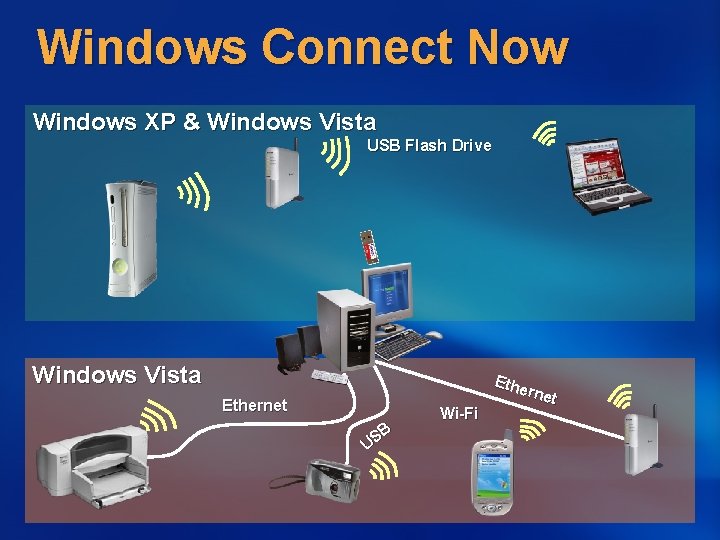
Windows Connect Now Windows XP & Windows Vista USB Flash Drive Windows Vista Ethernet B US Wi-Fi Ethe rnet

Windows Connect Now UFD Portable Media used to Transfer Settings Transferred using XML Schema Ideal for PCs or devices with USB Host Ports Shipped in Windows XP SP 2 Many Products on the Market Xbox 360, DLink, IO Data, Belkin, HP, Zy. XEL, Ubi. Com, Sercomm, Cybertan, …
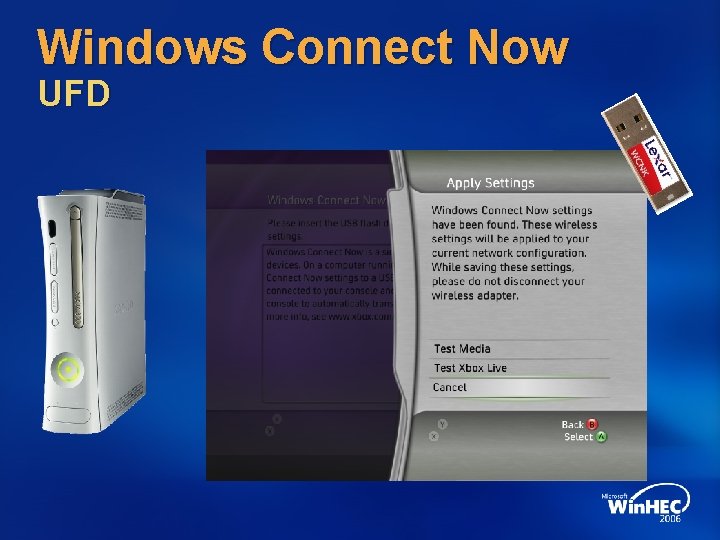
Windows Connect Now UFD
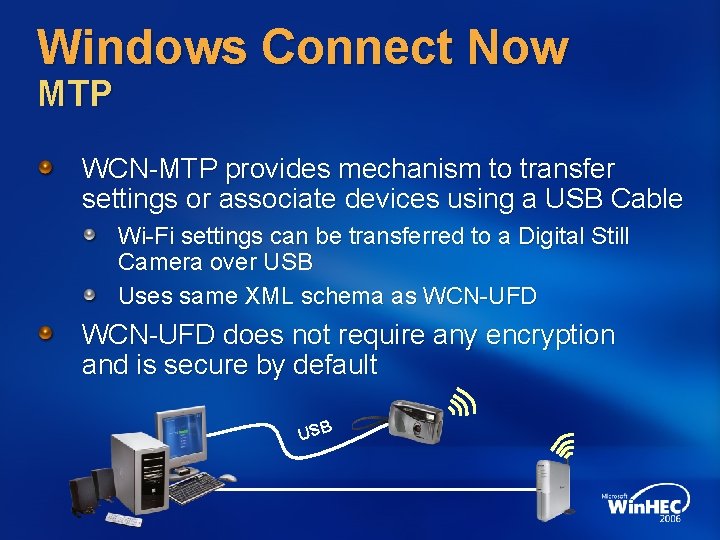
Windows Connect Now MTP WCN-MTP provides mechanism to transfer settings or associate devices using a USB Cable Wi-Fi settings can be transferred to a Digital Still Camera over USB Uses same XML schema as WCN-UFD does not require any encryption and is secure by default USB
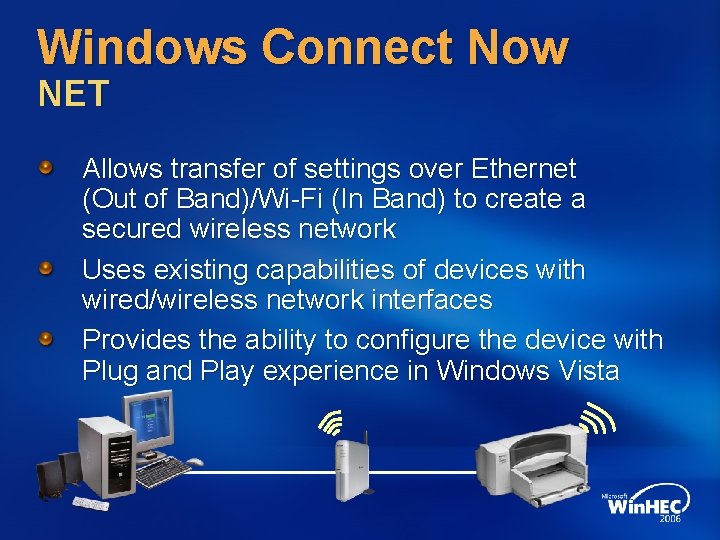
Windows Connect Now NET Allows transfer of settings over Ethernet (Out of Band)/Wi-Fi (In Band) to create a secured wireless network Uses existing capabilities of devices with wired/wireless network interfaces Provides the ability to configure the device with Plug and Play experience in Windows Vista
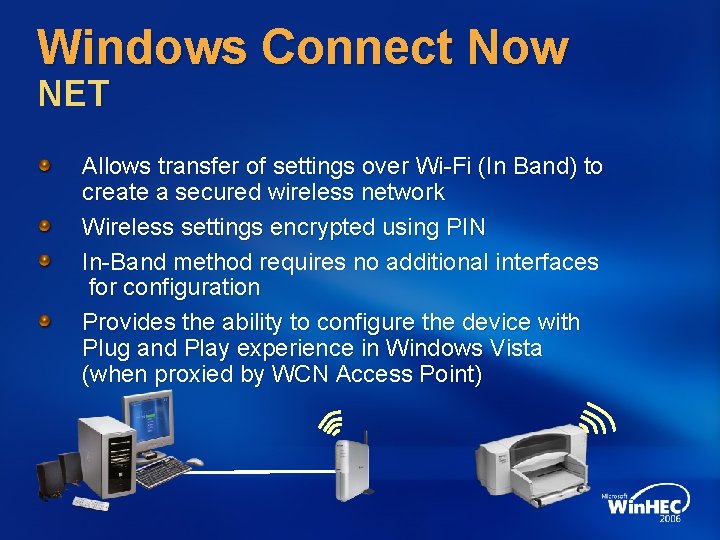
Windows Connect Now NET Allows transfer of settings over Wi-Fi (In Band) to create a secured wireless network Wireless settings encrypted using PIN In-Band method requires no additional interfaces for configuration Provides the ability to configure the device with Plug and Play experience in Windows Vista (when proxied by WCN Access Point)
Windows Connect Now
Windows Logo Program For Network Infrastructure Devices Requirements Router or WLAN AP must support WCN-NET WLAN AP must use an 8 character PIN WLAN AP must support WCN-NET Wireless Proxy
Call To Action Support Windows Connect Now for wireless configuration in your devices Chose a suitable method for setup and configuration USB Flash Drive Network USB Contact Microsoft for simple licensing terms
Additional Resources Web Resources Specs: http: //www. microsoft. com/rally Whitepapers: http: //www. microsoft. com/rally Other Resources: http: //www. microsoft. com/whdc Related Sessions Plug and Play for Network Connected Devices q. WAVE Diagnostics for AV Streaming and LLTD Working with the Windows Logo Program for Network Infrastructure Devices More Information Rally @ microsoft. com

© 2006 Microsoft Corporation. All rights reserved. Microsoft, Windows Vista and other product names are or may be registered trademarks and/or trademarks in the U. S. and/or other countries. The information herein is for informational purposes only and represents the current view of Microsoft Corporation as of the date of this presentation. Because Microsoft must respond to changing market conditions, it should not be interpreted to be a commitment on the part of Microsoft, and Microsoft cannot guarantee the accuracy of any information provided after the date of this presentation. MICROSOFT MAKES NO WARRANTIES, EXPRESS, IMPLIED OR STATUTORY, AS TO THE INFORMATION IN THIS PRESENTATION.
- Slides: 28