
How to Use this Template Purpose To help



- Slides: 49
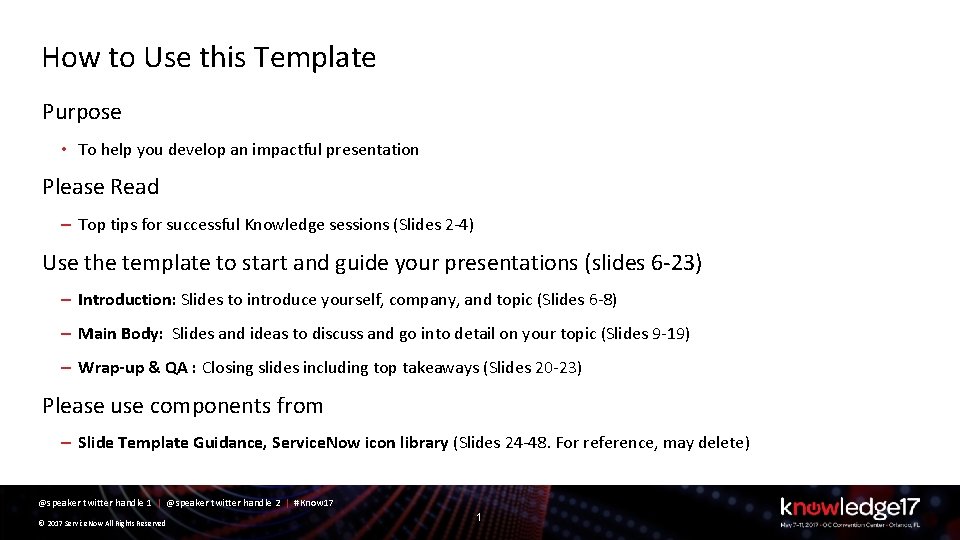
How to Use this Template Purpose • To help you develop an impactful presentation Please Read – Top tips for successful Knowledge sessions (Slides 2 -4) Use the template to start and guide your presentations (slides 6 -23) – Introduction: Slides to introduce yourself, company, and topic (Slides 6 -8) – Main Body: Slides and ideas to discuss and go into detail on your topic (Slides 9 -19) – Wrap-up & QA : Closing slides including top takeaways (Slides 20 -23) Please use components from – Slide Template Guidance, Service. Now icon library (Slides 24 -48. For reference, may delete) @speaker twitter handle 1 | @speaker twitter handle 2 | #Know 17 © 2017 Service. Now All Rights Reserved 1
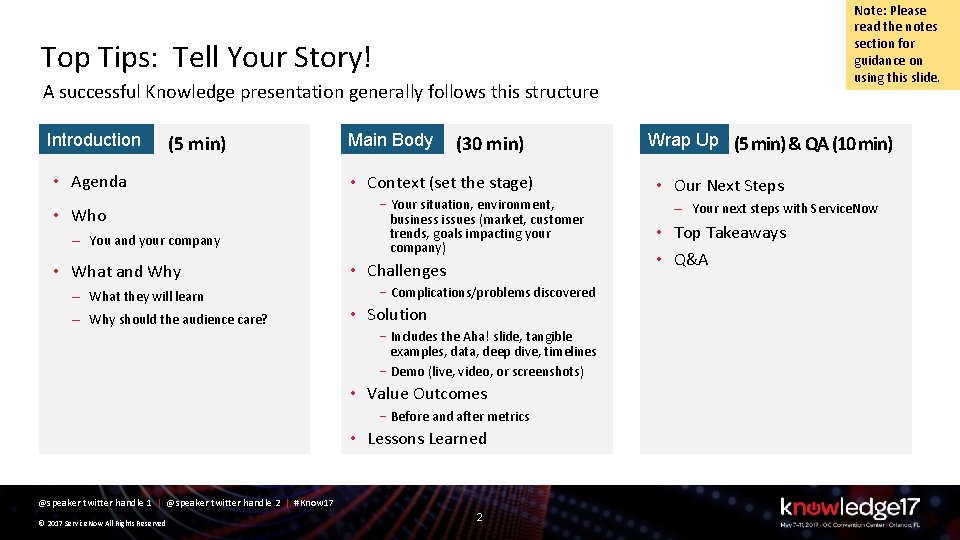
Note: Please read the notes section for guidance on using this slide. Top Tips: Tell Your Story! A successful Knowledge presentation generally follows this structure Introduction (5 min) • Agenda • Who – You and your company • What and Why – What they will learn – Why should the audience care? Main Body (30 min) • Context (set the stage) –Your situation, environment, business issues (market, customer trends, goals impacting your company) • Challenges –Complications/problems discovered • Solution –Includes the Aha! slide, tangible examples, data, deep dive, timelines –Demo (live, video, or screenshots) • Value Outcomes –Before and after metrics • Lessons Learned @speaker twitter handle 1 | @speaker twitter handle 2 | #Know 17 © 2017 Service. Now All Rights Reserved 2 Wrap Up (5 min) & QA (10 min) • Our Next Steps – Your next steps with Service. Now • Top Takeaways • Q&A
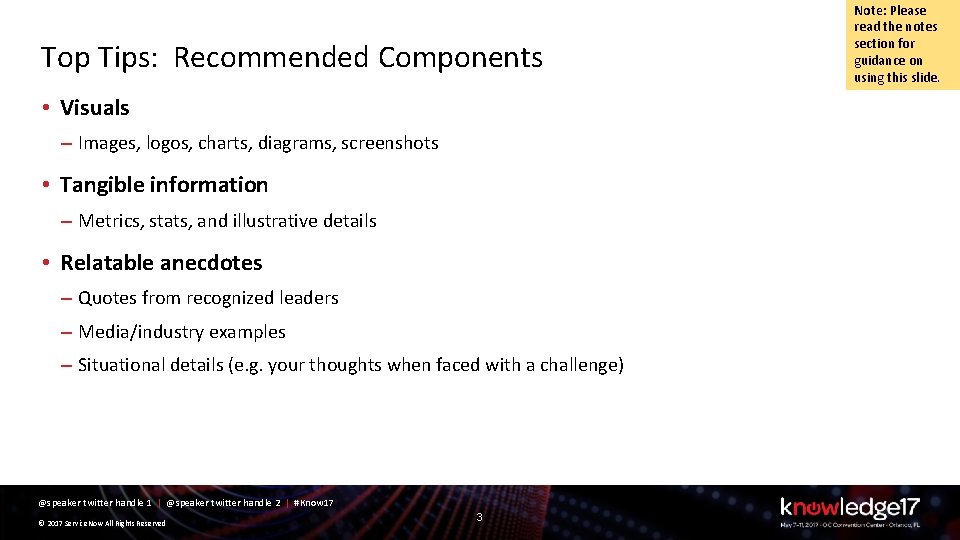
Top Tips: Recommended Components • Visuals – Images, logos, charts, diagrams, screenshots • Tangible information – Metrics, stats, and illustrative details • Relatable anecdotes – Quotes from recognized leaders – Media/industry examples – Situational details (e. g. your thoughts when faced with a challenge) @speaker twitter handle 1 | @speaker twitter handle 2 | #Know 17 © 2017 Service. Now All Rights Reserved 3 Note: Please read the notes section for guidance on using this slide.
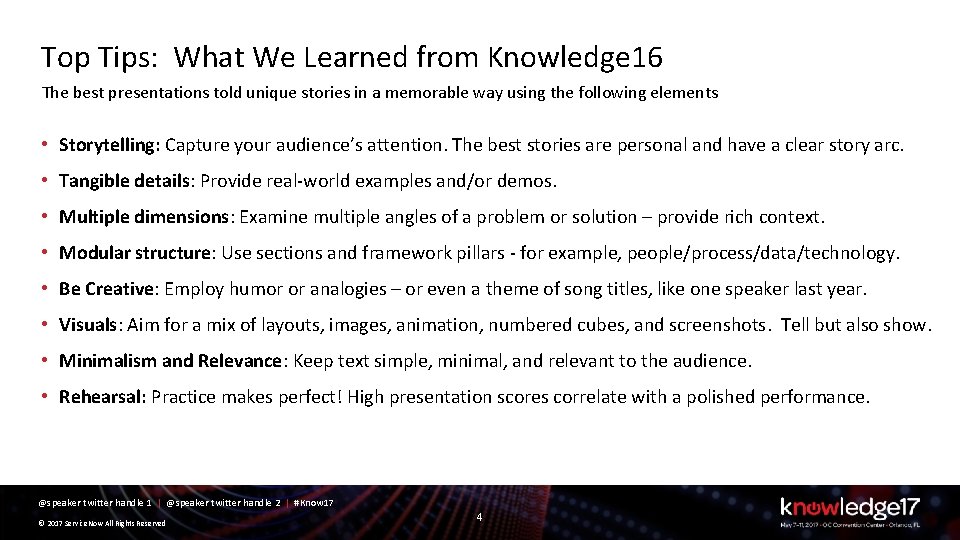
Top Tips: What We Learned from Knowledge 16 The best presentations told unique stories in a memorable way using the following elements • Storytelling: Capture your audience’s attention. The best stories are personal and have a clear story arc. • Tangible details: Provide real-world examples and/or demos. • Multiple dimensions: Examine multiple angles of a problem or solution – provide rich context. • Modular structure: Use sections and framework pillars - for example, people/process/data/technology. • Be Creative: Employ humor or analogies – or even a theme of song titles, like one speaker last year. • Visuals: Aim for a mix of layouts, images, animation, numbered cubes, and screenshots. Tell but also show. • Minimalism and Relevance: Keep text simple, minimal, and relevant to the audience. • Rehearsal: Practice makes perfect! High presentation scores correlate with a polished performance. @speaker twitter handle 1 | @speaker twitter handle 2 | #Know 17 © 2017 Service. Now All Rights Reserved 4
PRESENTER 1 TITLE Company PRESENTER 2 TITLE Company @speaker twitter handle 1 | @speaker twitter handle 2 | #Know 17 © 2017 Service. Now All Rights Reserved 5
Agenda • Agenda Item 1 • Agenda Item 2 • Agenda Item 3 @speaker twitter handle 1 | @speaker twitter handle 2 | #Know 17 © 2017 Service. Now All Rights Reserved 6
Note: Please read the notes section for guidance on using this slide. Speaker Introduction Name: Jane/John Doe Title: Architect/Manager/Director/VP/Cx. O Function: Development/Design/IT/HR/Services Company: My Awesome Firm/ Cool startup Experience: X years in function 1, Y years in function 2 Expertise: Dev. Ops, Compliance, Devices, Analytics, Security Achievements: Completed first overhaul of deployment process. Reduced customer service response time by x%. Developed Service. Now app that does … Current Projects: Driving process efficiencies. Automating all procurements/HR work streams @speaker twitter handle 1 | @speaker twitter handle 2 | #Know 17 © 2017 Service. Now All Rights Reserved 7
Note: Please read the notes section for guidance on using this slide. My Company Name: My Company Industry: Healthcare, IT Services, Manufacturing, Government, Fin. Tech Market Focus: My company provides insurance products for auto/home or develops GPS systems for defense Company’s Primary Products/solutions: Company-wide Initiatives • Product/Solution 1 • Cost efficiency • Product/Solution 2 • Speed of development/deployment/quality • Product/Solution 3 • Responsiveness to customers/partners/other teams • Regulatory Compliance @speaker twitter handle 1 | @speaker twitter handle 2 | #Know 17 © 2017 Service. Now All Rights Reserved 8
Objectives and What You Will Learn Objectives – (summarized In a few words) What you will learn – – Understand the environment and challenges facing [your industry/firm/department] Learn about [your Service. Now-based solution] Gather key lessons related to [area/topic] Discuss how the lessons may apply to you for your initiatives/projects @speaker twitter handle 1 | @speaker twitter handle 2 | #Know 17 © 2017 Service. Now All Rights Reserved 9 Note: Please read the notes section for guidance on using this slide.
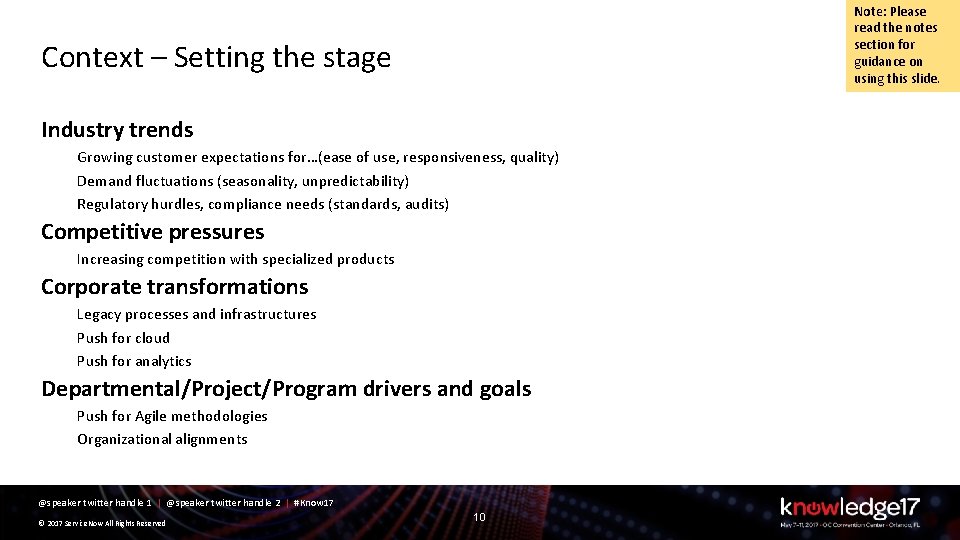
Note: Please read the notes section for guidance on using this slide. Context – Setting the stage Industry trends Growing customer expectations for…(ease of use, responsiveness, quality) Demand fluctuations (seasonality, unpredictability) Regulatory hurdles, compliance needs (standards, audits) Competitive pressures Increasing competition with specialized products Corporate transformations Legacy processes and infrastructures Push for cloud Push for analytics Departmental/Project/Program drivers and goals Push for Agile methodologies Organizational alignments @speaker twitter handle 1 | @speaker twitter handle 2 | #Know 17 © 2017 Service. Now All Rights Reserved 10
Note: Please read the notes section for guidance on using this slide. Challenges and Goals @speaker twitter handle 1 | @speaker twitter handle 2 | #Know 17 © 2017 Service. Now All Rights Reserved 11
Note: Please read the notes section for guidance on using this slide. Solution at a Glance Brief sentence describing the solution here or as subtitle – keep to single line Include a screenshot(s) or graphic @speaker twitter handle 1 | @speaker twitter handle 2 | #Know 17 © 2017 Service. Now All Rights Reserved 12
Solution – Strategy or Approach or Methodology @speaker twitter handle 1 | @speaker twitter handle 2 | #Know 17 © 2017 Service. Now All Rights Reserved 13 Note: Please read the notes section for guidance on using this slide.
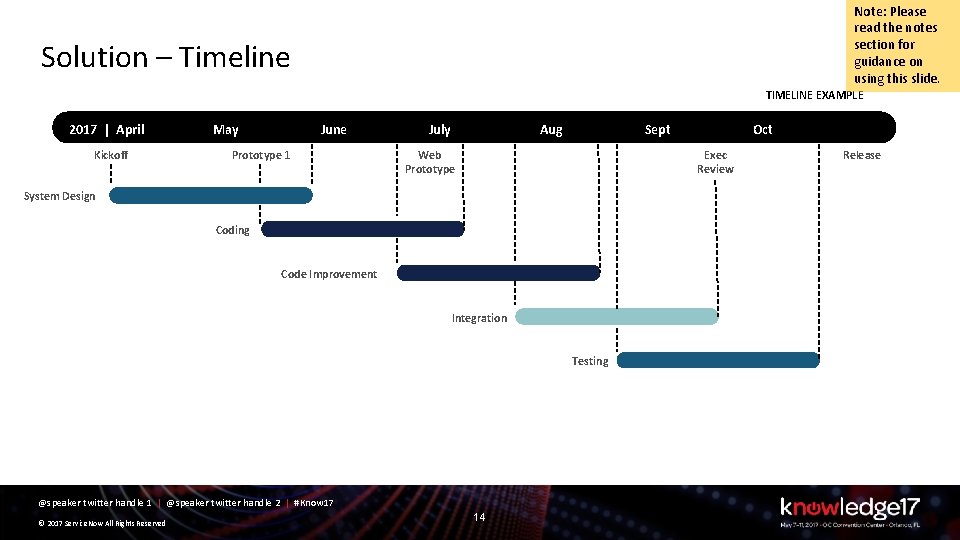
Note: Please read the notes section for guidance on using this slide. Solution – Timeline TIMELINE EXAMPLE 2017 | April Kickoff May June Prototype 1 July Aug Sept Web Prototype Exec Review System Design Coding Code Improvement Integration Testing @speaker twitter handle 1 | @speaker twitter handle 2 | #Know 17 © 2017 Service. Now All Rights Reserved Oct 14 Release
Note: Please read the notes section for guidance on using this slide. Solution – Relevant Data @speaker twitter handle 1 | @speaker twitter handle 2 | #Know 17 © 2017 Service. Now All Rights Reserved 15
Note: Please read the notes section for guidance on using this slide. Solution – Demo @speaker twitter handle 1 | @speaker twitter handle 2 | #Know 17 © 2017 Service. Now All Rights Reserved 16
Note: Please read the notes section for guidance on using this slide. Value Outcomes Before Metric 1 Metric 2 Qualitative Benefit 1 Qualitative Benefit 2 @speaker twitter handle 1 | @speaker twitter handle 2 | #Know 17 © 2017 Service. Now All Rights Reserved 17 After
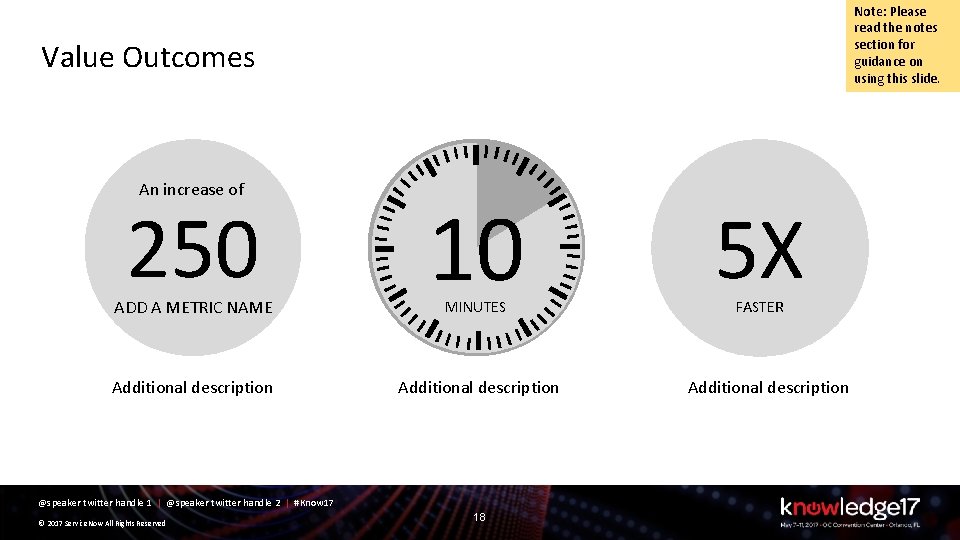
Note: Please read the notes section for guidance on using this slide. Value Outcomes An increase of 250 10 Additional description ADD A METRIC NAME MINUTES @speaker twitter handle 1 | @speaker twitter handle 2 | #Know 17 © 2017 Service. Now All Rights Reserved 18 5 X FASTER Additional description
Note: Please read the notes section for guidance on using this slide. Lessons Learned 1. Lorem Ipsum 2. Lorem Ipsum 3. Lorem Ipsum 4. Lorem Ipsum 5. Lorem Ipsum @speaker twitter handle 1 | @speaker twitter handle 2 | #Know 17 © 2017 Service. Now All Rights Reserved 19
Note: Please read the notes section for guidance on using this slide. Our Next Steps @speaker twitter handle 1 | @speaker twitter handle 2 | #Know 17 © 2017 Service. Now All Rights Reserved 20
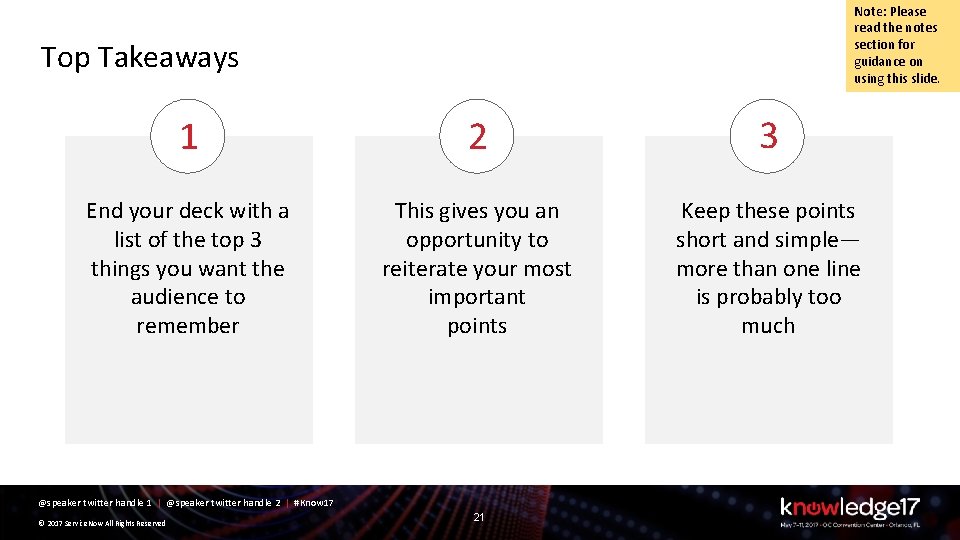
Note: Please read the notes section for guidance on using this slide. Top Takeaways 1 2 3 End your deck with a list of the top 3 things you want the audience to remember This gives you an opportunity to reiterate your most important points Keep these points short and simple— more than one line is probably too much @speaker twitter handle 1 | @speaker twitter handle 2 | #Know 17 © 2017 Service. Now All Rights Reserved 21
Thank You PRESENTER 1 TITLE Company PRESENTER 2 TITLE Company @speaker twitter handle 1 | @speaker twitter handle 2 | #Know 17 © 2017 Service. Now All Rights Reserved 22
Q&A PRESENTER 1 TITLE Company PRESENTER 2 TITLE Company @speaker twitter handle 1 | @speaker twitter handle 2 | #Know 17 © 2017 Service. Now All Rights Reserved 23
Section Header @speaker twitter handle 1 | @speaker twitter handle 2 | #Know 17 © 2017 Service. Now All Rights Reserved 24
@speaker twitter handle 1 | @speaker twitter handle 2 | #Know 17 © 2017 Service. Now All Rights Reserved 25
Note: Please read the notes section for guidance on using this slide. Speaker Introduction NAME: Jane/John Doe TITLE: Architect/Manager/Director/VP/Cx. O FUNCTION: Development/Design/IT/HR/Services COMPANY: My Awesome Firm/ Cool startup EXPERIENCE: X years in function 1, Y years in function 2 EXPERTISE: Dev. Ops, Compliance, Devices, Analytics, Security ACHIEVEMENTS: Completed first overhaul of deployment process. Reduced customer service response time by x%. Developed Service. Now app that does … CURRENT PROJECTS: Driving process efficiencies. Automating all procurements/HR work streams @speaker twitter handle 1 | @speaker twitter handle 2 | #Know 17 © 2017 Service. Now All Rights Reserved 26
Note: Please read the notes section for guidance on using this slide. My Company NAME: My Company INDUSTRY: Healthcare, IT Services, Manufacturing, Government, Fin. Tech MARKET FOCUS: My company provides insurance products for auto/home or develops GPS systems for defense COMPANY’S PRIMARY PRODUCTS/SOLUTIONS: Product/Solution 1, Product/Solution 2, Product/Solution 3 COMPANY-WIDE INITIATIVES: Cost efficiency, Speed of development/deployment, Responsiveness to customers/partners/other teams, Quality, Regulatory Compliance @speaker twitter handle 1 | @speaker twitter handle 2 | #Know 17 © 2017 Service. Now All Rights Reserved 27
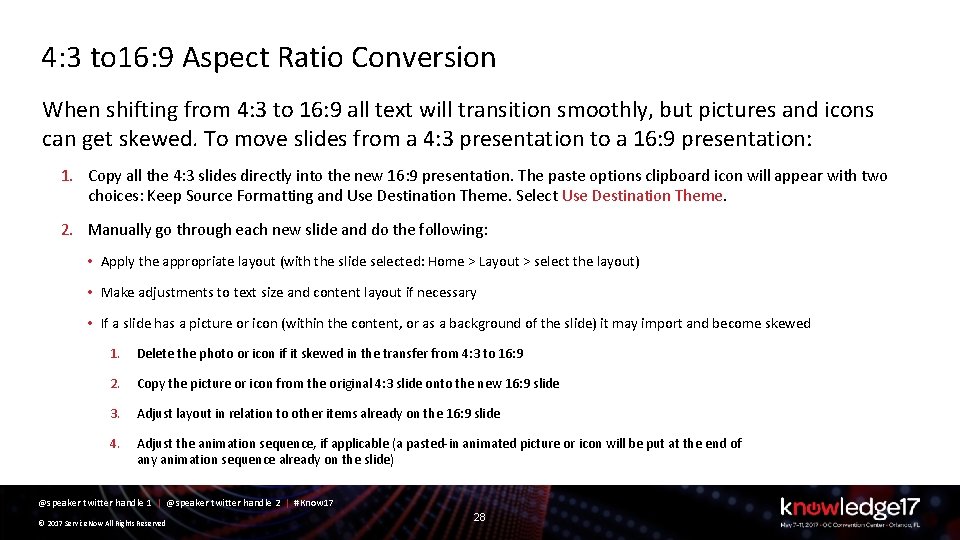
4: 3 to 16: 9 Aspect Ratio Conversion When shifting from 4: 3 to 16: 9 all text will transition smoothly, but pictures and icons can get skewed. To move slides from a 4: 3 presentation to a 16: 9 presentation: 1. Copy all the 4: 3 slides directly into the new 16: 9 presentation. The paste options clipboard icon will appear with two choices: Keep Source Formatting and Use Destination Theme. Select Use Destination Theme. 2. Manually go through each new slide and do the following: • Apply the appropriate layout (with the slide selected: Home > Layout > select the layout) • Make adjustments to text size and content layout if necessary • If a slide has a picture or icon (within the content, or as a background of the slide) it may import and become skewed 1. Delete the photo or icon if it skewed in the transfer from 4: 3 to 16: 9 2. Copy the picture or icon from the original 4: 3 slide onto the new 16: 9 slide 3. Adjust layout in relation to other items already on the 16: 9 slide 4. Adjust the animation sequence, if applicable (a pasted-in animated picture or icon will be put at the end of any animation sequence already on the slide) @speaker twitter handle 1 | @speaker twitter handle 2 | #Know 17 © 2017 Service. Now All Rights Reserved 28
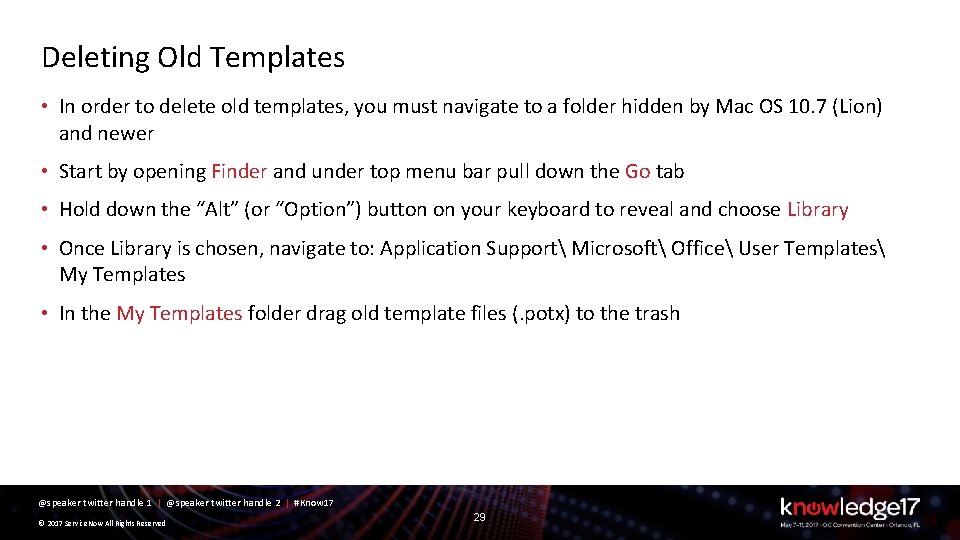
Deleting Old Templates • In order to delete old templates, you must navigate to a folder hidden by Mac OS 10. 7 (Lion) and newer • Start by opening Finder and under top menu bar pull down the Go tab • Hold down the “Alt” (or “Option”) button on your keyboard to reveal and choose Library • Once Library is chosen, navigate to: Application Support Microsoft Office User Templates My Templates • In the My Templates folder drag old template files (. potx) to the trash @speaker twitter handle 1 | @speaker twitter handle 2 | #Know 17 © 2017 Service. Now All Rights Reserved 29
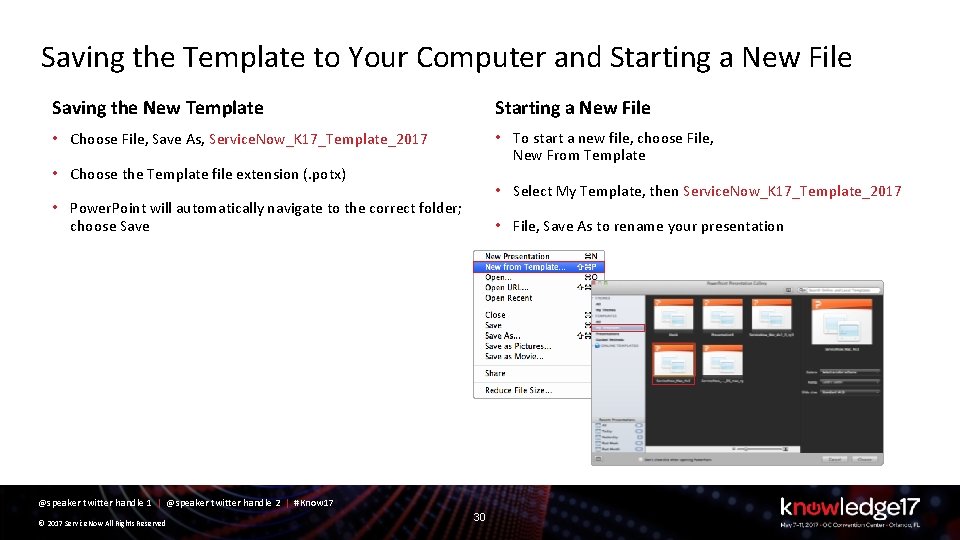
Saving the Template to Your Computer and Starting a New File Saving the New Template Starting a New File • Choose File, Save As, Service. Now_K 17_Template_2017 • To start a new file, choose File, New From Template • Choose the Template file extension (. potx) • Select My Template, then Service. Now_K 17_Template_2017 • Power. Point will automatically navigate to the correct folder; choose Save • File, Save As to rename your presentation @speaker twitter handle 1 | @speaker twitter handle 2 | #Know 17 © 2017 Service. Now All Rights Reserved 30
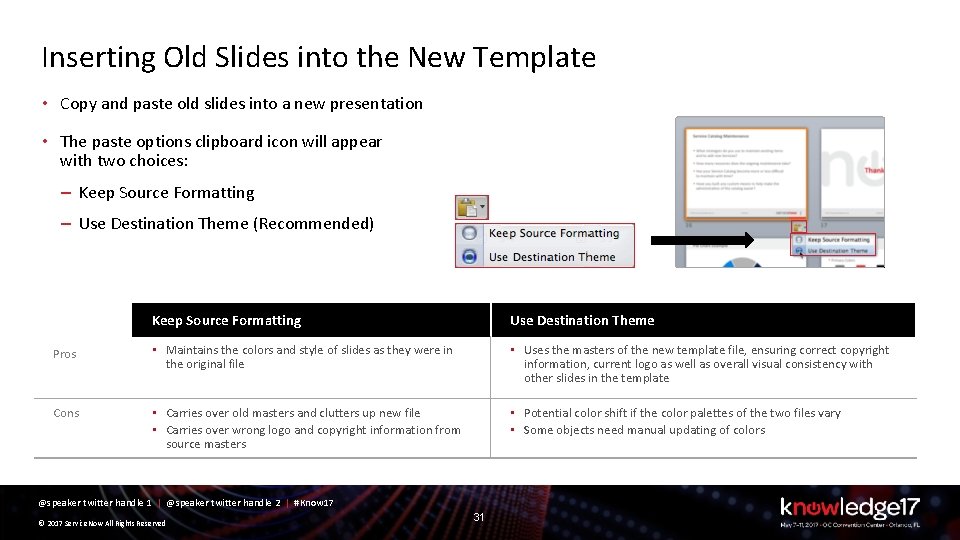
Inserting Old Slides into the New Template • Copy and paste old slides into a new presentation • The paste options clipboard icon will appear with two choices: – Keep Source Formatting – Use Destination Theme (Recommended) Keep Source Formatting Use Destination Theme Pros • Maintains the colors and style of slides as they were in the original file • Uses the masters of the new template file, ensuring correct copyright information, current logo as well as overall visual consistency with other slides in the template Cons • Carries over old masters and clutters up new file • Carries over wrong logo and copyright information from source masters • Potential color shift if the color palettes of the two files vary • Some objects need manual updating of colors @speaker twitter handle 1 | @speaker twitter handle 2 | #Know 17 © 2017 Service. Now All Rights Reserved 31
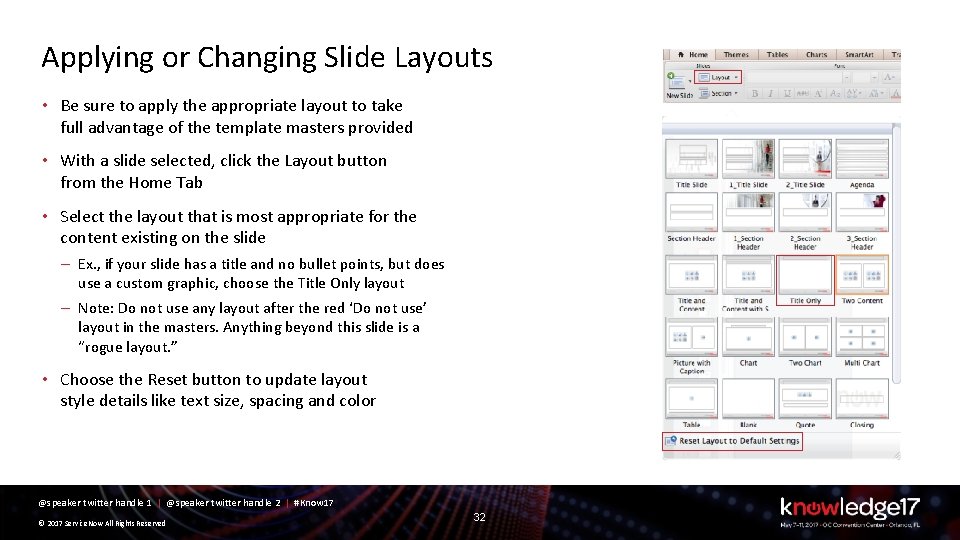
Applying or Changing Slide Layouts • Be sure to apply the appropriate layout to take full advantage of the template masters provided • With a slide selected, click the Layout button from the Home Tab • Select the layout that is most appropriate for the content existing on the slide – Ex. , if your slide has a title and no bullet points, but does use a custom graphic, choose the Title Only layout – Note: Do not use any layout after the red ‘Do not use’ layout in the masters. Anything beyond this slide is a “rogue layout. ” • Choose the Reset button to update layout style details like text size, spacing and color @speaker twitter handle 1 | @speaker twitter handle 2 | #Know 17 © 2017 Service. Now All Rights Reserved 32
Icon Library @speaker twitter handle 1 | @speaker twitter handle 2 | #Know 17 © 2017 Service. Now All Rights Reserved 33
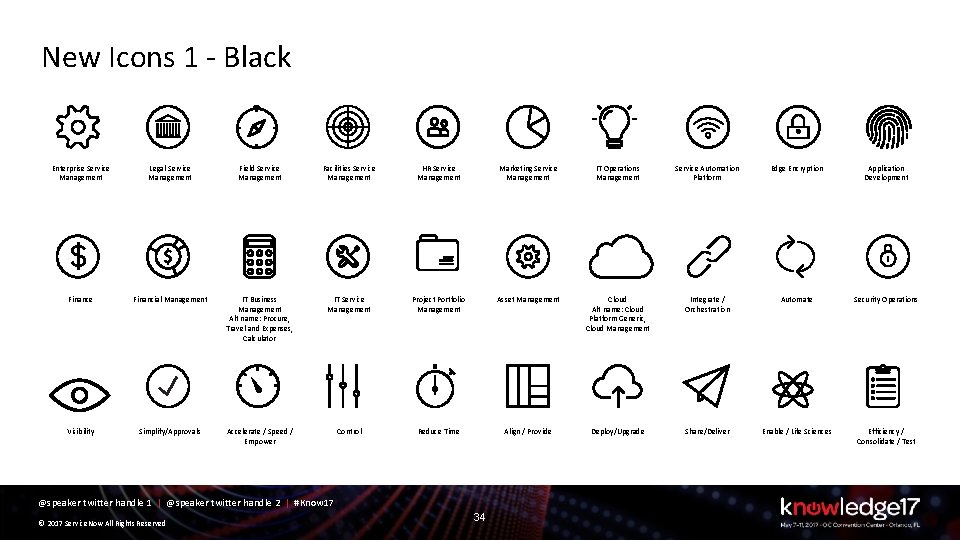
New Icons 1 - Black Enterprise Service Management Legal Service Management Field Service Management Facilities Service Management HR Service Management Marketing Service Management IT Operations Management Service Automation Platform Edge Encryption Application Development Finance Financial Management IT Business Management Alt name: Procure, Travel and Expenses, Calculator IT Service Management Project Portfolio Management Asset Management Cloud Alt name: Cloud Platform Generic, Cloud Management Integrate / Orchestration Automate Security Operations Visibility Simplify/Approvals Accelerate / Speed / Empower Control Reduce Time Align / Provide Deploy/Upgrade Share/Deliver Enable / Life Sciences Efficiency / Consolidate / Test @speaker twitter handle 1 | @speaker twitter handle 2 | #Know 17 © 2017 Service. Now All Rights Reserved 34
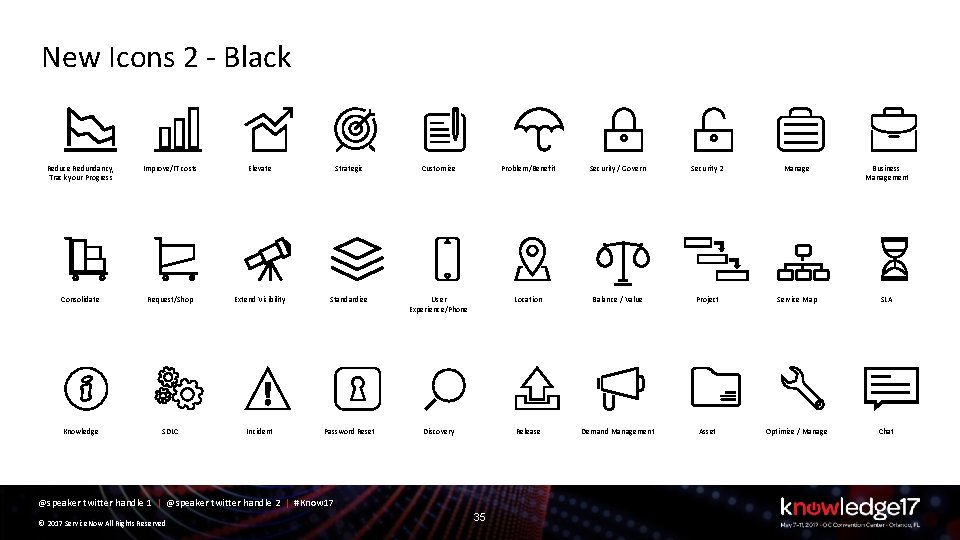
New Icons 2 - Black Reduce Redundancy, Track your Progress Improve/IT costs Elevate Strategic Customize Problem/Benefit Security / Govern Security 2 Manage Business Management Consolidate Request/Shop Extend Visibility Standardize User Experience/Phone Location Balance / Value Project Service Map SLA Knowledge SDLC Incident Password Reset Discovery Release Demand Management Asset Optimize / Manage Chat @speaker twitter handle 1 | @speaker twitter handle 2 | #Know 17 © 2017 Service. Now All Rights Reserved 35
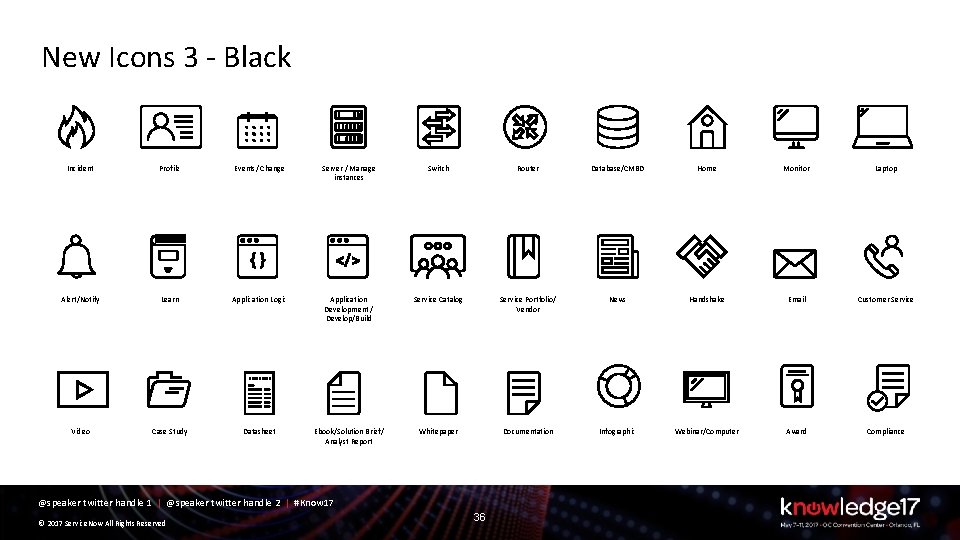
New Icons 3 - Black Incident Profile Events/ Change Server / Manage instances Switch Router Database/CMBD Home Monitor Laptop Alert/Notify Learn Application Logic Application Development / Develop/Build Service Catalog Service Portfolio/ Vendor News Handshake Email Customer Service Video Case Study Datasheet Ebook/Solution Brief/ Analyst Report Whitepaper Documentation Infographic Webinar/Computer Award Compliance @speaker twitter handle 1 | @speaker twitter handle 2 | #Know 17 © 2017 Service. Now All Rights Reserved 36
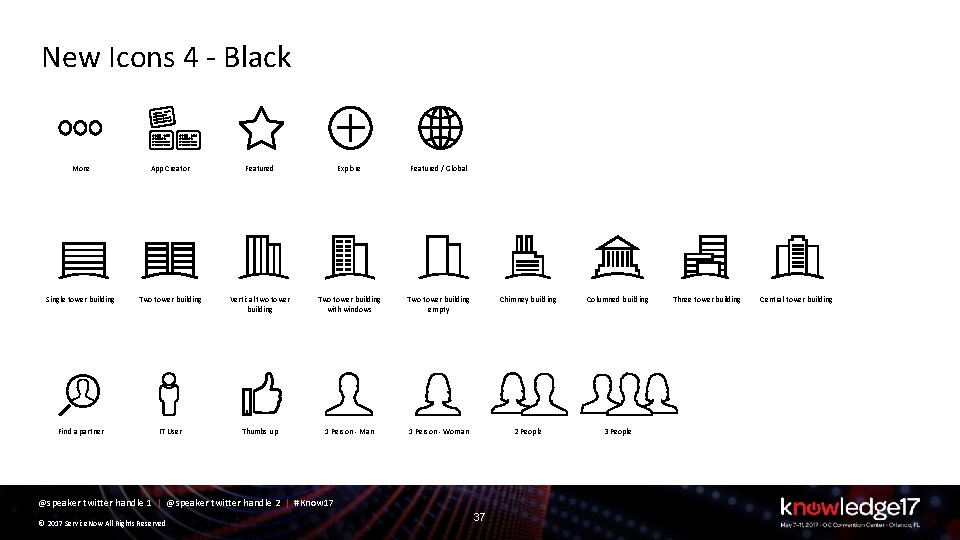
New Icons 4 - Black More App Creator Featured Explore Featured / Global Single tower building Two tower building Vertical two tower building Two tower building with windows Two tower building empty Chimney building Columned building Find a partner IT User Thumbs up 1 Person - Man 1 Person - Woman 2 People 3 People @speaker twitter handle 1 | @speaker twitter handle 2 | #Know 17 © 2017 Service. Now All Rights Reserved 37 Three tower building Central tower building
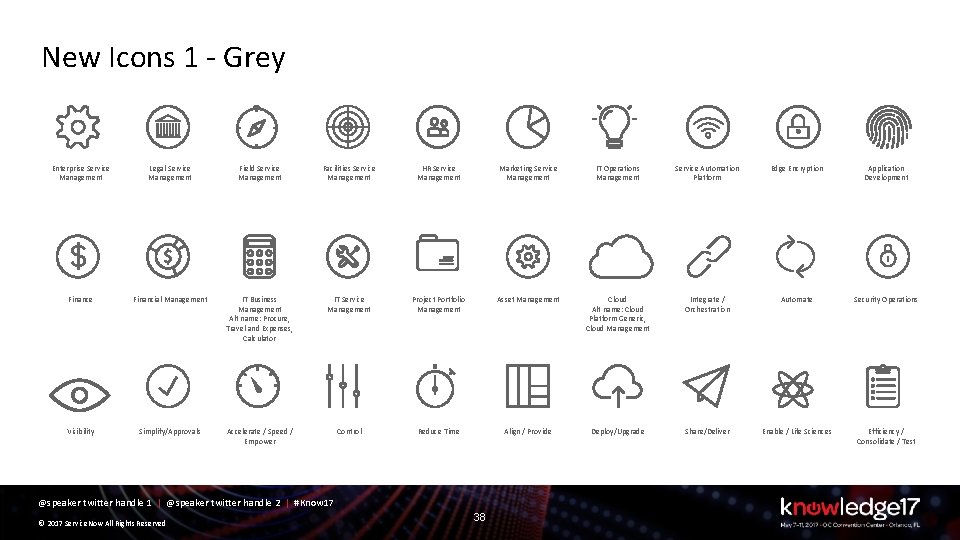
New Icons 1 - Grey Enterprise Service Management Legal Service Management Field Service Management Facilities Service Management HR Service Management Marketing Service Management IT Operations Management Service Automation Platform Edge Encryption Application Development Finance Financial Management IT Business Management Alt name: Procure, Travel and Expenses, Calculator IT Service Management Project Portfolio Management Asset Management Cloud Alt name: Cloud Platform Generic, Cloud Management Integrate / Orchestration Automate Security Operations Visibility Simplify/Approvals Accelerate / Speed / Empower Control Reduce Time Align / Provide Deploy/Upgrade Share/Deliver Enable / Life Sciences Efficiency / Consolidate / Test @speaker twitter handle 1 | @speaker twitter handle 2 | #Know 17 © 2017 Service. Now All Rights Reserved 38
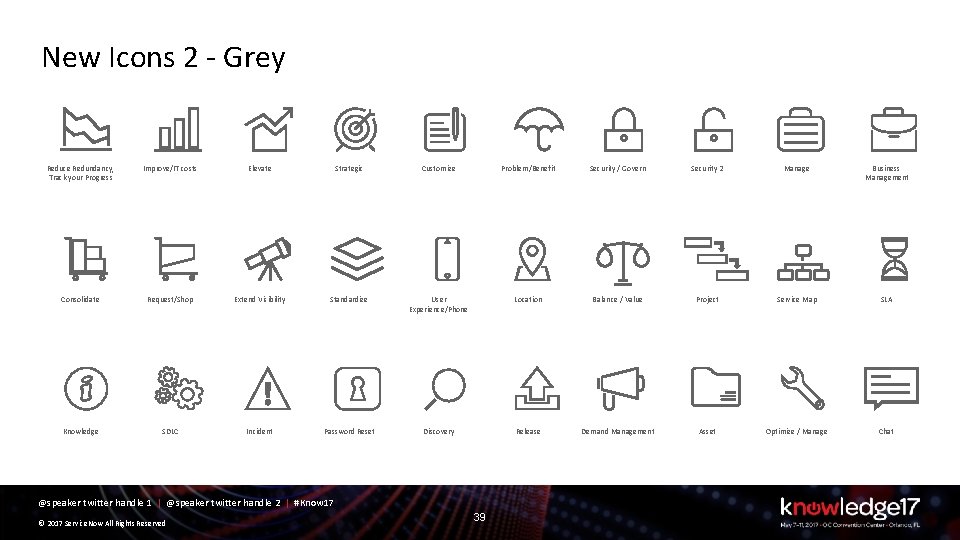
New Icons 2 - Grey Reduce Redundancy, Track your Progress Improve/IT costs Elevate Strategic Customize Problem/Benefit Security / Govern Security 2 Manage Business Management Consolidate Request/Shop Extend Visibility Standardize User Experience/Phone Location Balance / Value Project Service Map SLA Knowledge SDLC Incident Password Reset Discovery Release Demand Management Asset Optimize / Manage Chat @speaker twitter handle 1 | @speaker twitter handle 2 | #Know 17 © 2017 Service. Now All Rights Reserved 39
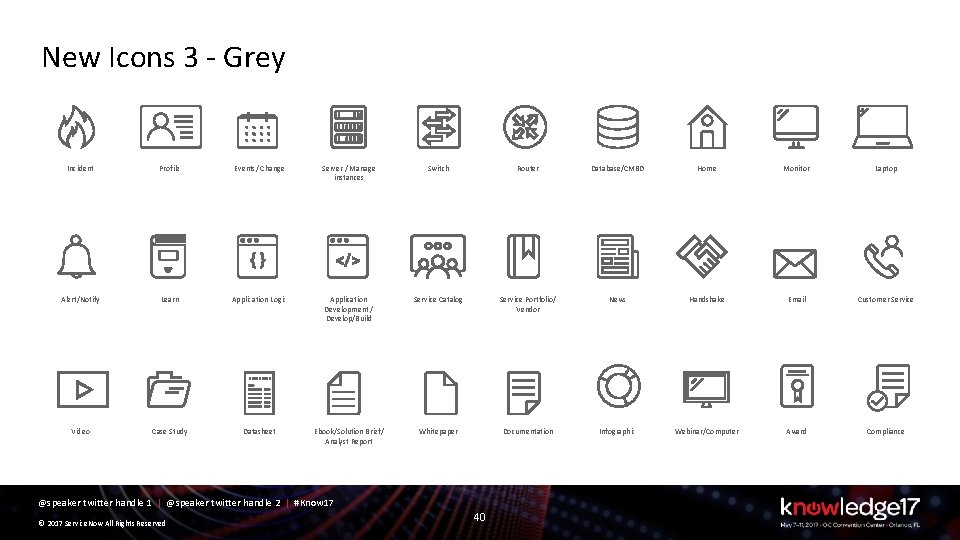
New Icons 3 - Grey Incident Profile Events/ Change Server / Manage instances Switch Router Database/CMBD Home Monitor Laptop Alert/Notify Learn Application Logic Application Development / Develop/Build Service Catalog Service Portfolio/ Vendor News Handshake Email Customer Service Video Case Study Datasheet Ebook/Solution Brief/ Analyst Report Whitepaper Documentation Infographic Webinar/Computer Award Compliance @speaker twitter handle 1 | @speaker twitter handle 2 | #Know 17 © 2017 Service. Now All Rights Reserved 40
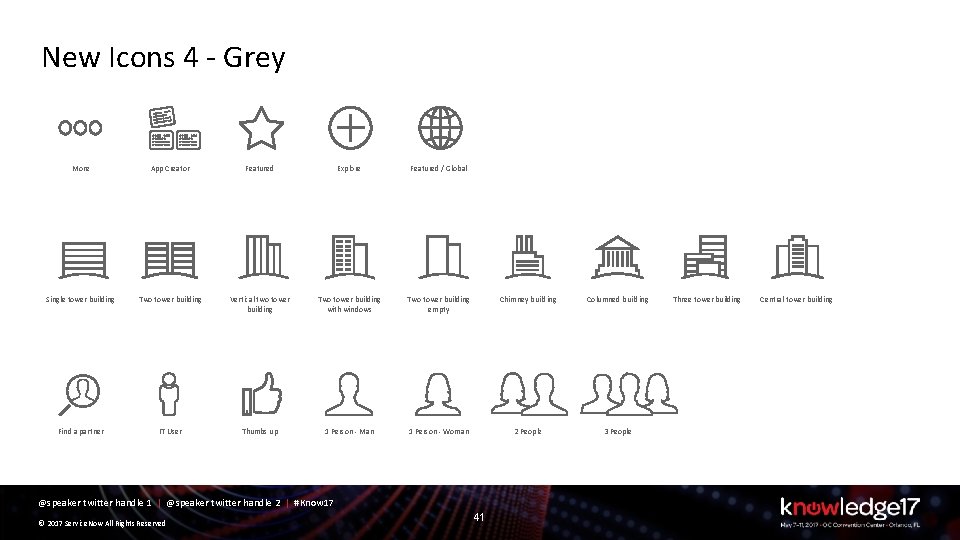
New Icons 4 - Grey More App Creator Featured Explore Featured / Global Single tower building Two tower building Vertical two tower building Two tower building with windows Two tower building empty Chimney building Columned building Find a partner IT User Thumbs up 1 Person - Man 1 Person - Woman 2 People 3 People @speaker twitter handle 1 | @speaker twitter handle 2 | #Know 17 © 2017 Service. Now All Rights Reserved 41 Three tower building Central tower building
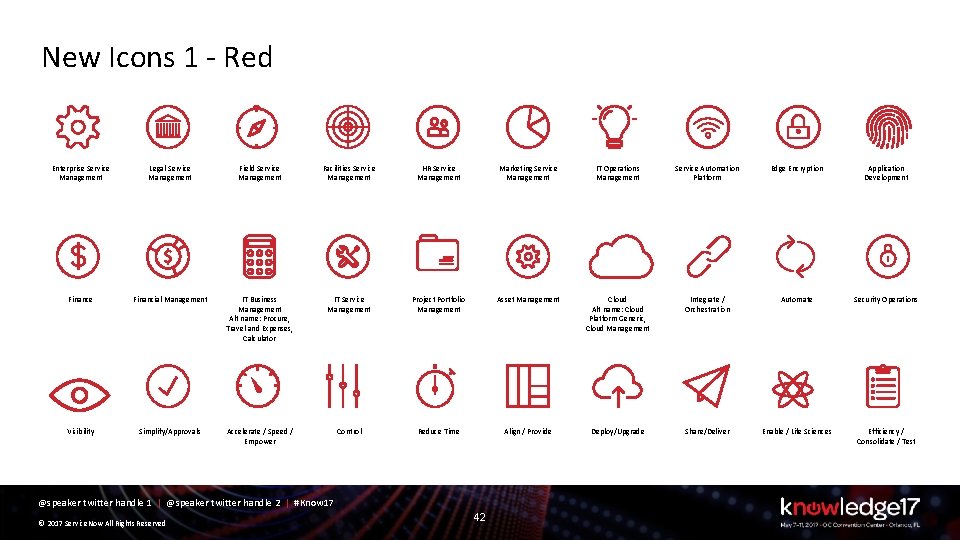
New Icons 1 - Red Enterprise Service Management Legal Service Management Field Service Management Facilities Service Management HR Service Management Marketing Service Management IT Operations Management Service Automation Platform Edge Encryption Application Development Finance Financial Management IT Business Management Alt name: Procure, Travel and Expenses, Calculator IT Service Management Project Portfolio Management Asset Management Cloud Alt name: Cloud Platform Generic, Cloud Management Integrate / Orchestration Automate Security Operations Visibility Simplify/Approvals Accelerate / Speed / Empower Control Reduce Time Align / Provide Deploy/Upgrade Share/Deliver Enable / Life Sciences Efficiency / Consolidate / Test @speaker twitter handle 1 | @speaker twitter handle 2 | #Know 17 © 2017 Service. Now All Rights Reserved 42
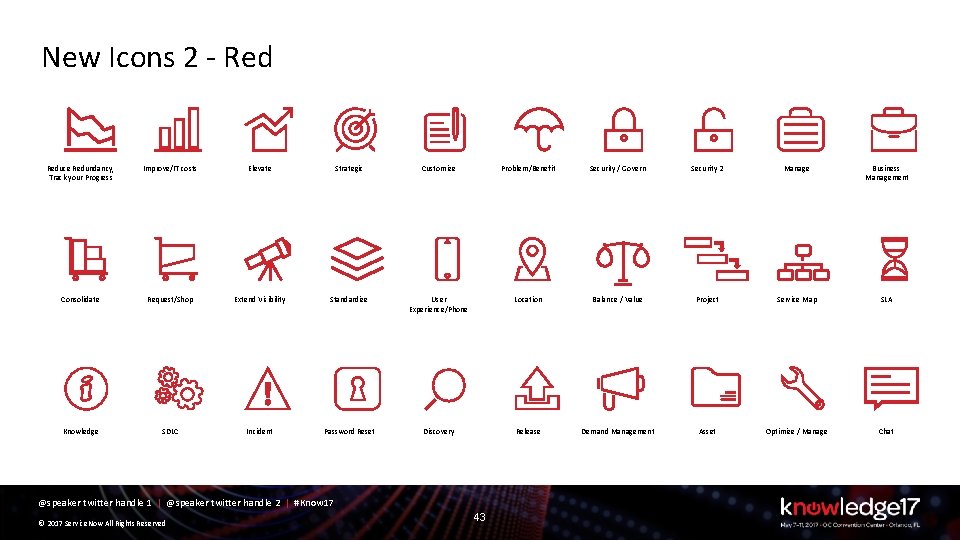
New Icons 2 - Reduce Redundancy, Track your Progress Improve/IT costs Elevate Strategic Customize Problem/Benefit Security / Govern Security 2 Manage Business Management Consolidate Request/Shop Extend Visibility Standardize User Experience/Phone Location Balance / Value Project Service Map SLA Knowledge SDLC Incident Password Reset Discovery Release Demand Management Asset Optimize / Manage Chat @speaker twitter handle 1 | @speaker twitter handle 2 | #Know 17 © 2017 Service. Now All Rights Reserved 43
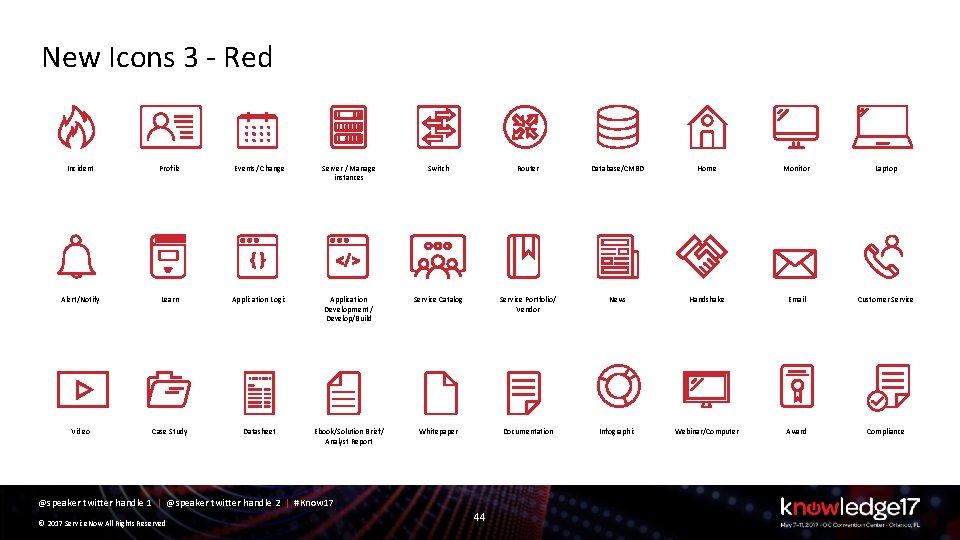
New Icons 3 - Red Incident Profile Events/ Change Server / Manage instances Switch Router Database/CMBD Home Monitor Laptop Alert/Notify Learn Application Logic Application Development / Develop/Build Service Catalog Service Portfolio/ Vendor News Handshake Email Customer Service Video Case Study Datasheet Ebook/Solution Brief/ Analyst Report Whitepaper Documentation Infographic Webinar/Computer Award Compliance @speaker twitter handle 1 | @speaker twitter handle 2 | #Know 17 © 2017 Service. Now All Rights Reserved 44
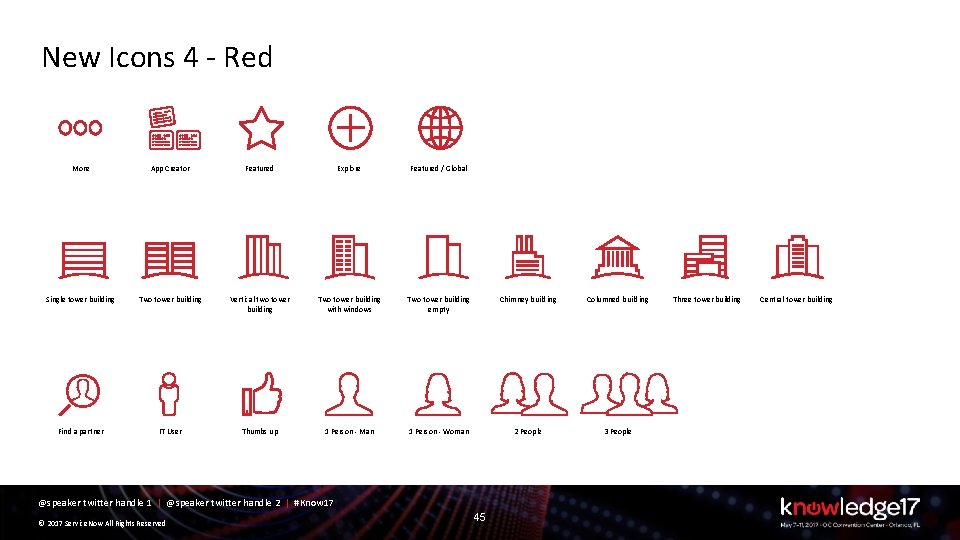
New Icons 4 - Red More App Creator Featured Explore Featured / Global Single tower building Two tower building Vertical two tower building Two tower building with windows Two tower building empty Chimney building Columned building Find a partner IT User Thumbs up 1 Person - Man 1 Person - Woman 2 People 3 People @speaker twitter handle 1 | @speaker twitter handle 2 | #Know 17 © 2017 Service. Now All Rights Reserved 45 Three tower building Central tower building
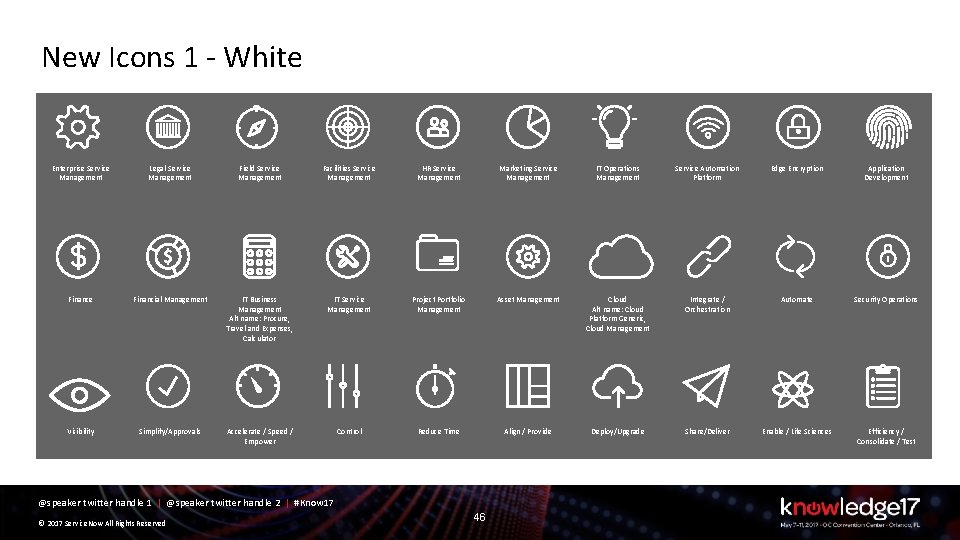
New Icons 1 - White Enterprise Service Management Legal Service Management Field Service Management Facilities Service Management HR Service Management Marketing Service Management IT Operations Management Service Automation Platform Edge Encryption Application Development Finance Financial Management IT Business Management Alt name: Procure, Travel and Expenses, Calculator IT Service Management Project Portfolio Management Asset Management Cloud Alt name: Cloud Platform Generic, Cloud Management Integrate / Orchestration Automate Security Operations Visibility Simplify/Approvals Accelerate / Speed / Empower Control Reduce Time Align / Provide Deploy/Upgrade Share/Deliver Enable / Life Sciences Efficiency / Consolidate / Test @speaker twitter handle 1 | @speaker twitter handle 2 | #Know 17 © 2017 Service. Now All Rights Reserved 46
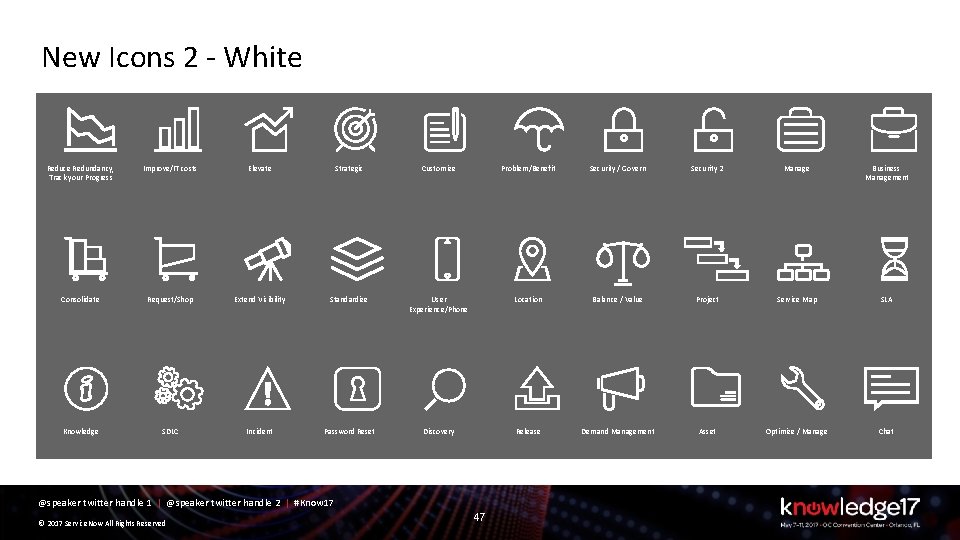
New Icons 2 - White Reduce Redundancy, Track your Progress Improve/IT costs Elevate Strategic Customize Problem/Benefit Security / Govern Security 2 Manage Business Management Consolidate Request/Shop Extend Visibility Standardize User Experience/Phone Location Balance / Value Project Service Map SLA Knowledge SDLC Incident Password Reset Discovery Release Demand Management Asset Optimize / Manage Chat @speaker twitter handle 1 | @speaker twitter handle 2 | #Know 17 © 2017 Service. Now All Rights Reserved 47
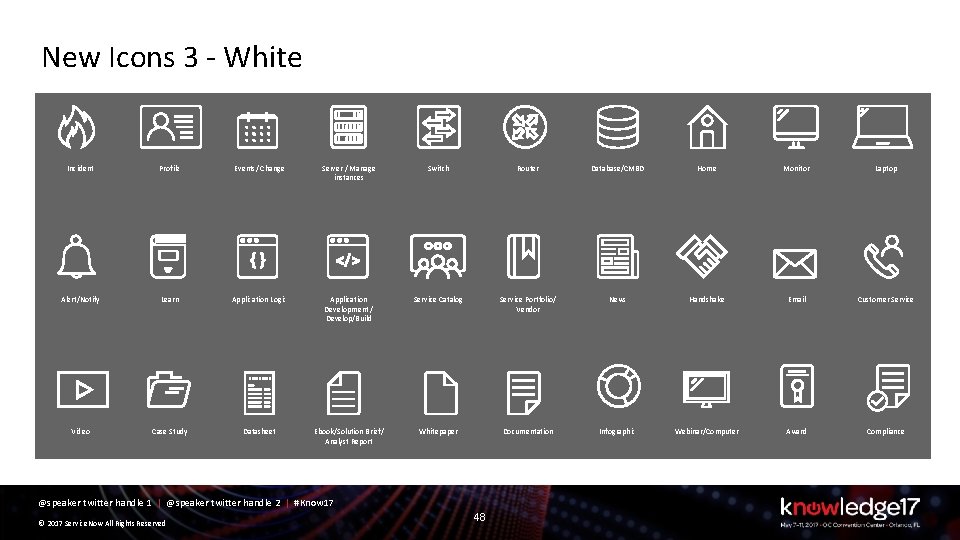
New Icons 3 - White Incident Profile Events/ Change Server / Manage instances Switch Router Database/CMBD Home Monitor Laptop Alert/Notify Learn Application Logic Application Development / Develop/Build Service Catalog Service Portfolio/ Vendor News Handshake Email Customer Service Video Case Study Datasheet Ebook/Solution Brief/ Analyst Report Whitepaper Documentation Infographic Webinar/Computer Award Compliance @speaker twitter handle 1 | @speaker twitter handle 2 | #Know 17 © 2017 Service. Now All Rights Reserved 48
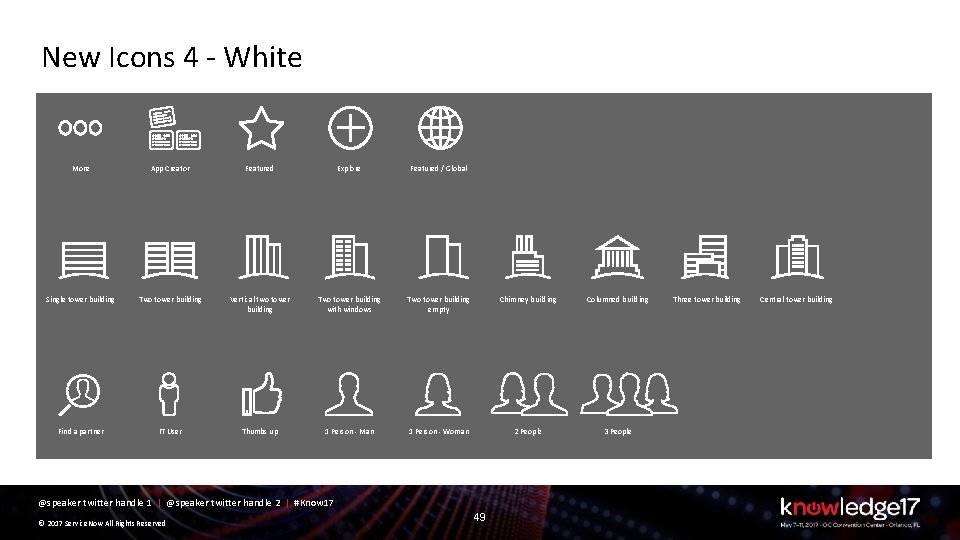
New Icons 4 - White More App Creator Featured Explore Featured / Global Single tower building Two tower building Vertical two tower building Two tower building with windows Two tower building empty Chimney building Columned building Find a partner IT User Thumbs up 1 Person - Man 1 Person - Woman 2 People 3 People @speaker twitter handle 1 | @speaker twitter handle 2 | #Know 17 © 2017 Service. Now All Rights Reserved 49 Three tower building Central tower building