
How to use this template Delete this slide
- Slides: 14
How to use this template (Delete this slide before use) Instructions • Expand the notes sections for each slide to view suggestions on how to customize the presentation for your customer and relevant content that you can use for presentation notes. Delete these particular notes or hide before presenting to your customer. • Change or delete all placeholder text to customize verbiage for your customer and their specific situation • Delete any slides that are not applicable for your specific presentation. • Add slides from other resources, but ensure that they are approved for customer presentation use and meet the formatting styles from Dell Technologies Brand Experiential Power. Point guidelines. Also be sure to follow Dell Technologies Brand Logo Guidance. https: //inside. dell. com/community/active/global-marketing/brand • You can change a slide layout background with approved Power. Point slide layouts by right clicking on the slide, choose Layout and then select one of the slide backgrounds displayed. • You can find additional, approved graphics here: dam. dell. com. Internal Use - Confidential 1 of 20 © Copyright 2020 Dell Inc.
Dell Latitude Chromebook Enterprise Smarter Together Presentation for: Enter customer and company name Presented by: Enter names and titles of team members Dell Technologies Confidential
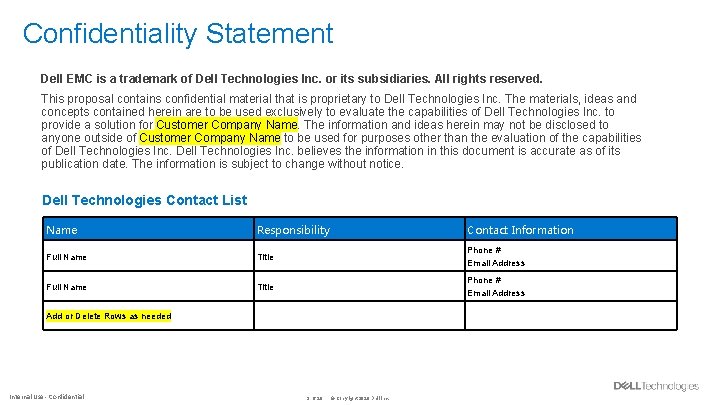
Confidentiality Statement Dell EMC is a trademark of Dell Technologies Inc. or its subsidiaries. All rights reserved. This proposal contains confidential material that is proprietary to Dell Technologies Inc. The materials, ideas and concepts contained herein are to be used exclusively to evaluate the capabilities of Dell Technologies Inc. to provide a solution for Customer Company Name. The information and ideas herein may not be disclosed to anyone outside of Customer Company Name to be used for purposes other than the evaluation of the capabilities of Dell Technologies Inc. believes the information in this document is accurate as of its publication date. The information is subject to change without notice. Dell Technologies Contact List Name Responsibility Contact Information Full Name Title Phone # Email Address Add or Delete Rows as needed Internal Use - Confidential 3 of 20 © Copyright 2020 Dell Inc.
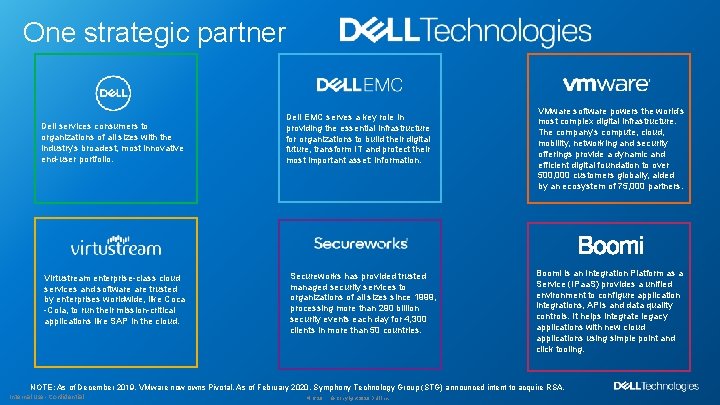
One strategic partner Dell services consumers to organizations of all sizes with the industry’s broadest, most innovative end-user portfolio. Virtustream enterprise-class cloud services and software trusted by enterprises worldwide, like Coca -Cola, to run their mission-critical applications like SAP in the cloud. Dell EMC serves a key role in providing the essential infrastructure for organizations to build their digital future, transform IT and protect their most important asset: information. Secureworks has provided trusted managed security services to organizations of all sizes since 1999, processing more than 290 billion security events each day for 4, 300 clients in more than 50 countries. VMware software powers the world’s most complex digital infrastructure. The company’s compute, cloud, mobility, networking and security offerings provide a dynamic and efficient digital foundation to over 500, 000 customers globally, aided by an ecosystem of 75, 000 partners. Boomi is an Integration Platform as a Service (IPaa. S) provides a unified environment to configure application integrations, APIs and data quality controls. It helps integrate legacy applications with new cloud applications using simple point and click tooling. NOTE: As of December 2019, VMware now owns Pivotal. As of February 2020, Symphony Technology Group (STG) announced intent to acquire RSA. Internal Use - Confidential 4 of 20 © Copyright 2020 Dell Inc.
Business Challenges • • Today’s workforce want the latest technology that works with them-connected, efficient, collaborative and easy. Flexibility-same work experience anywhere, any time, and on any device. Create, manage, and share data easily, efficiently, and securely. A hassle-free experience were everything works. Specific Challenges for Customer • Add customer’s projects, future needs, or directives that present an IT challenge. • Include specific challenges for the company in their current environment as it relates to the above. • Add customer’s projects, future needs, or directives Internal Use - Confidential 5 of 20 © Copyright 2020 Dell Inc.
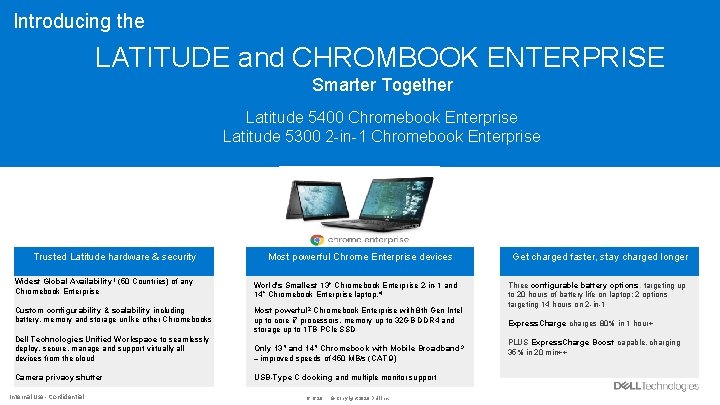
Introducing the LATITUDE and CHROMBOOK ENTERPRISE Smarter Together Latitude 5400 Chromebook Enterprise Latitude 5300 2 -in-1 Chromebook Enterprise Trusted Latitude hardware & security Most powerful Chrome Enterprise devices Widest Global Availability 1 (50 Countries) of any Chromebook Enterprise World's Smallest 13" Chromebook Enterprise 2 -in-1 and 14” Chromebook Enterprise laptop. 4 Custom configurability & scalability including battery, memory and storage unlike other Chromebooks Most powerful 2 Chromebook Enterprise with 8 th Gen Intel up to core i 7 processors, memory up to 32 GB DDR 4 and storage up to 1 TB PCIe SSD Dell Technologies Unified Workspace to seamlessly deploy, secure, manage and support virtually all devices from the cloud Only 13” and 14” Chromebook with Mobile Broadband 3 – improved speeds of 450 MB/s (CAT 9) Camera privacy shutter USB-Type C docking and multiple monitor support Internal Use - Confidential 6 of 20 © Copyright 2020 Dell Inc. Get charged faster, stay charged longer Three configurable battery options, targeting up to 20 hours of battery life on laptop; 2 options targeting 14 hours on 2 -in-1 Express. Charge charges 80% in 1 hour+ PLUS Express. Charge Boost capable, charging 35% in 20 min++
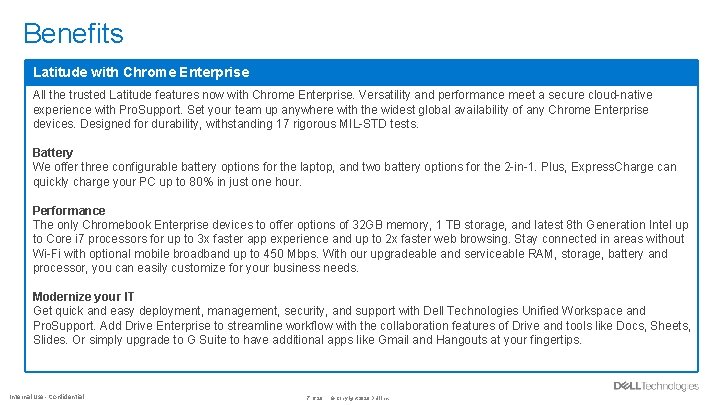
Benefits Latitude with Chrome Enterprise All the trusted Latitude features now with Chrome Enterprise. Versatility and performance meet a secure cloud-native experience with Pro. Support. Set your team up anywhere with the widest global availability of any Chrome Enterprise devices. Designed for durability, withstanding 17 rigorous MIL-STD tests. Battery We offer three configurable battery options for the laptop, and two battery options for the 2 -in-1. Plus, Express. Charge can quickly charge your PC up to 80% in just one hour. Performance The only Chromebook Enterprise devices to offer options of 32 GB memory, 1 TB storage, and latest 8 th Generation Intel up to Core i 7 processors for up to 3 x faster app experience and up to 2 x faster web browsing. Stay connected in areas without Wi-Fi with optional mobile broadband up to 450 Mbps. With our upgradeable and serviceable RAM, storage, battery and processor, you can easily customize for your business needs. Modernize your IT Get quick and easy deployment, management, security, and support with Dell Technologies Unified Workspace and Pro. Support. Add Drive Enterprise to streamline workflow with the collaboration features of Drive and tools like Docs, Sheets, Slides. Or simply upgrade to G Suite to have additional apps like Gmail and Hangouts at your fingertips. Internal Use - Confidential 7 of 20 © Copyright 2020 Dell Inc.
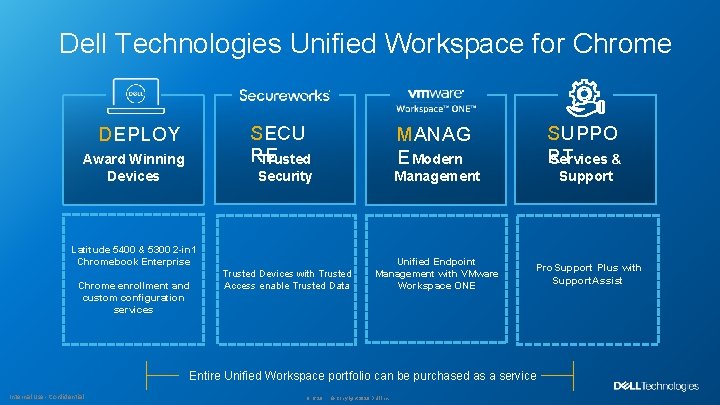
Dell Technologies Unified Workspace for Chrome SECU RE Trusted DEPLOY Award Winning Devices MANAG E Modern SUPPO RT Services & Security Management Support Trusted Devices with Trusted Access enable Trusted Data Unified Endpoint Management with VMware Workspace ONE Latitude 5400 & 5300 2 -in 1 Chromebook Enterprise Chrome enrollment and custom configuration services Pro. Support Plus with Entire Unified Workspace portfolio can be purchased as a service Internal Use - Confidential 8 of 20 © Copyright 2020 Dell Inc. Support. Assist
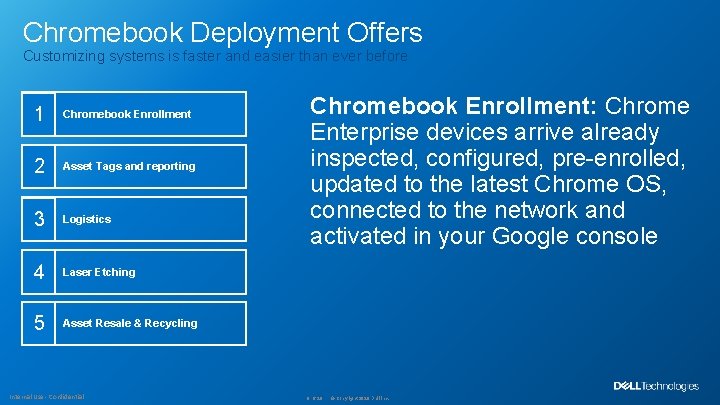
Chromebook Deployment Offers Customizing systems is faster and easier than ever before 1 Chromebook Enrollment 2 Asset Tags and reporting 3 Logistics 4 Laser Etching 5 Asset Resale & Recycling Internal Use - Confidential Chromebook Enrollment: Chrome Enterprise devices arrive already inspected, configured, pre-enrolled, updated to the latest Chrome OS, connected to the network and activated in your Google console 9 of 20 © Copyright 2020 Dell Inc.
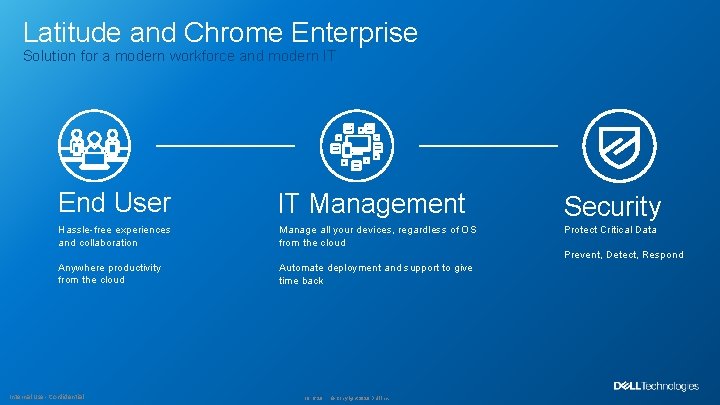
Latitude and Chrome Enterprise Solution for a modern workforce and modern IT End User IT Management Security Hassle-free experiences and collaboration Manage all your devices, regardless of OS from the cloud Protect Critical Data Anywhere productivity from the cloud Automate deployment and support to give time back Prevent, Detect, Respond Internal Use - Confidential 10 of 20 © Copyright 2020 Dell Inc.
Current State to Future State Current Environment Proposed Solution/Environment Internal Use - Confidential 11 of 20 © Copyright 2020 Dell Inc.
Financial: Projected Future State Financial Requirements • Specific financial requirements based on customer’s current situation Financial Projection of Future State • Describe how new environment meets customer’s financial situation and needs. Internal Use - Confidential 12 of 20 © Copyright 2020 Dell Inc.
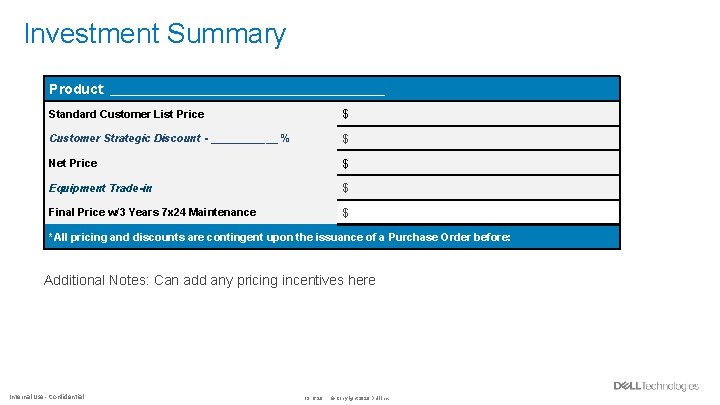
Investment Summary Product: ____________________________ Standard Customer List Price $ Customer Strategic Discount - ______ % $ Net Price $ Equipment Trade-in $ Final Price w/3 Years 7 x 24 Maintenance $ *All pricing and discounts are contingent upon the issuance of a Purchase Order before: Additional Notes: Can add any pricing incentives here Internal Use - Confidential 13 of 20 © Copyright 2020 Dell Inc.
Thank you This is just the beginning. We’re excited to press the boundaries, creating faster user experiences, smarter design and intelligent solutions for IT. We continue to incorporate customer feedback, stay ahead of tech trends, be a thought leader, and innovate in the market so we can be the right partner for you. Internal Use - Confidential 14 of 20 © Copyright 2020 Dell Inc.