
How to use this template Browse the slides
How to use this template? Browse the slides for slide-layout suggestions and start building your own. Getting started Copying from other documents Adding a new font for variation To change and select a slide layout: • Right click on the slide outside of any text boxes or objects • Click on layout • Select an option When copying slides from another presentation try to match the destination theme. For more information please see the Power. Point Help on paste options. We are using Valerian Handwriting as additional headline font option. This template does not include an example as the font is not a system font for ease of sharing template broadly. If you would like to use it, save the zip below, unpack it and install the font. Then open Power. Point and you can start using it. When sharing the deck with others you need to EMBED the font. Go to File > Options > Save > Embed fonts in the file > Select Embed ALL characters. Will add 2 -3 MB in file size and saving will take longer.
Short Presentation Title Presenter(s)
Section or Presentation Title Presenter, Sub Title

Section Title Presenter, Sub Title

Section Title Presenter, Sub Title

Section Title Presenter, Sub Title
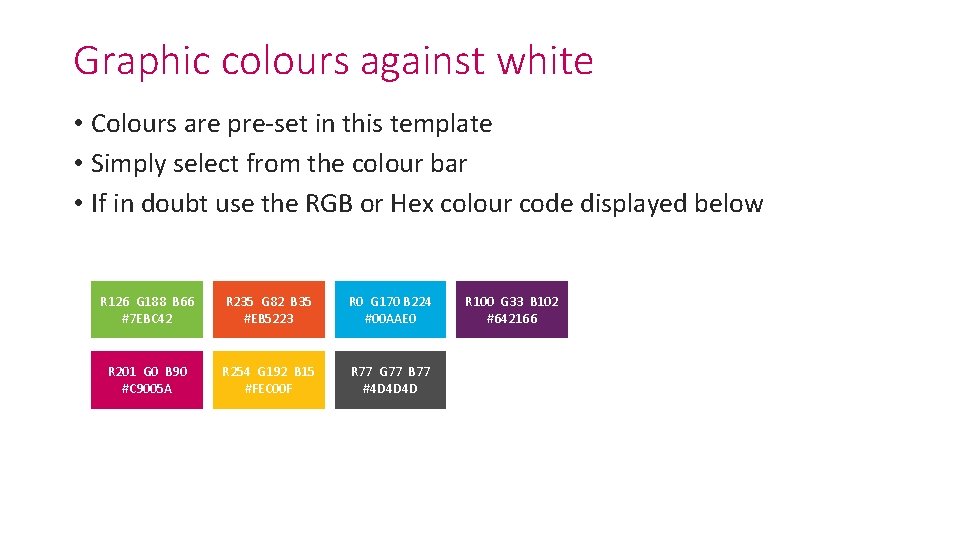
Graphic colours against white • Colours are pre-set in this template • Simply select from the colour bar • If in doubt use the RGB or Hex colour code displayed below R 126 G 188 B 66 #7 EBC 42 R 235 G 82 B 35 #EB 5223 R 0 G 170 B 224 #00 AAE 0 R 201 G 0 B 90 #C 9005 A R 254 G 192 B 15 #FEC 00 F R 77 G 77 B 77 #4 D 4 D 4 D R 100 G 33 B 102 #642166
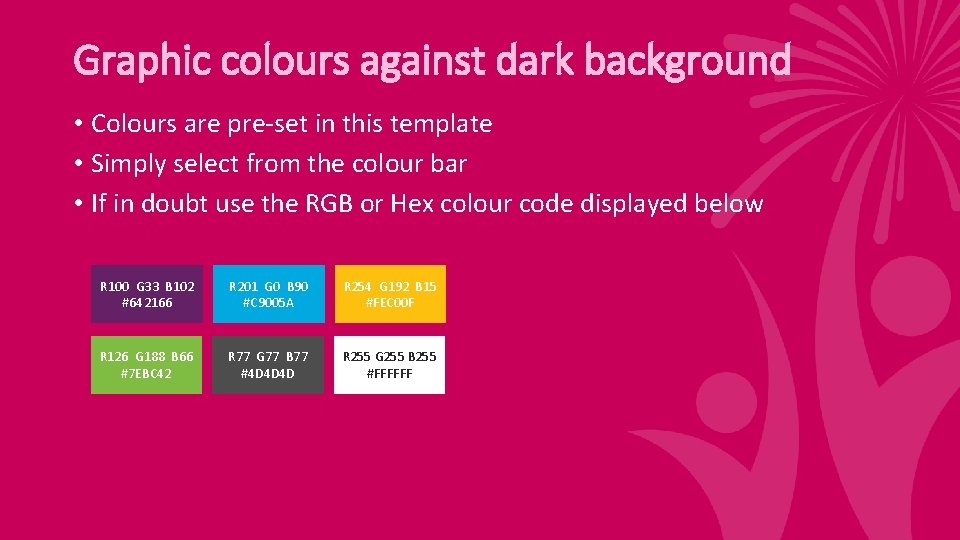
Graphic colours against dark background • Colours are pre-set in this template • Simply select from the colour bar • If in doubt use the RGB or Hex colour code displayed below R 100 G 33 B 102 #642166 R 201 G 0 B 90 #C 9005 A R 254 G 192 B 15 #FEC 00 F R 126 G 188 B 66 #7 EBC 42 R 77 G 77 B 77 #4 D 4 D 4 D R 255 G 255 B 255 #FFFFFF
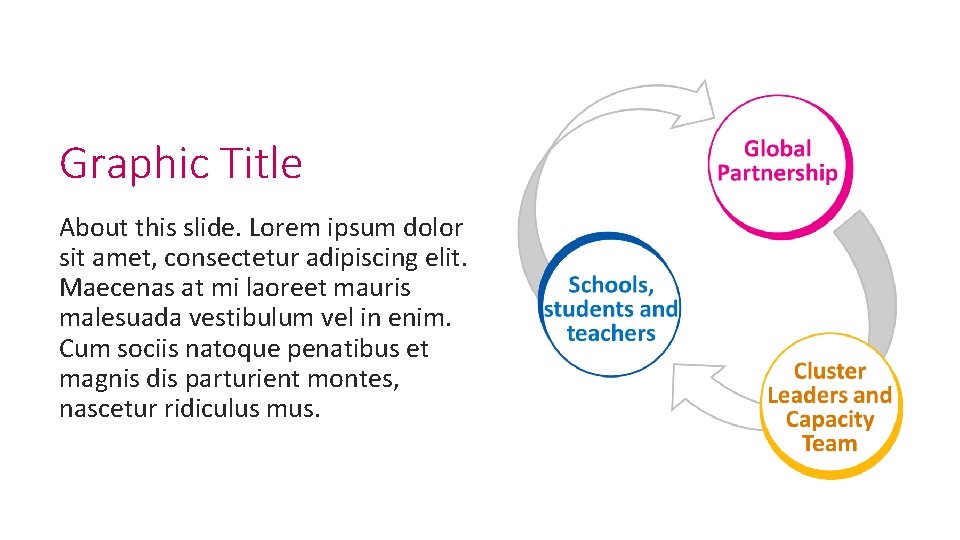
Graphic Title About this slide. Lorem ipsum dolor sit amet, consectetur adipiscing elit. Maecenas at mi laoreet mauris malesuada vestibulum vel in enim. Cum sociis natoque penatibus et magnis dis parturient montes, nascetur ridiculus mus.
Watermark on the right • Colours are pre-set in this template. • In at fermentum nisi, eget accumsan augue. • Phasellus quis enim eu turpis vulputate consectetur. • Duis semper velit a ipsum dapibus fermentum. • Nulla eu feugiat massa, non sollicitudin turpis.
Watermark on the left • Colours are pre-set in this template. • In at fermentum nisi, eget accumsan augue. • Phasellus quis enim eu turpis vulputate consectetur. • Duis semper velit a ipsum dapibus fermentum. • Nulla eu feugiat massa, non sollicitudin turpis.
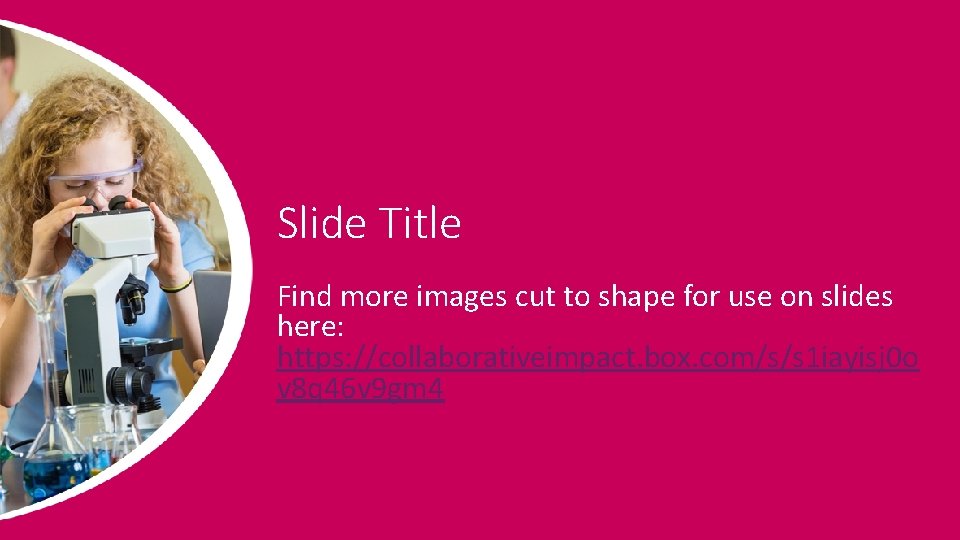
Slide Title Find more images cut to shape for use on slides here: https: //collaborativeimpact. box. com/s/s 1 iayisj 0 o v 8 q 46 v 9 gm 4
Our Purpose A global partnership implementing deep learning goals that are enabled by new pedagogies and accelerated by technology.
Our Goals Engage systems in collective effort to mobilize deep learning. Identify deep learning work within those systems. Capture and cultivate new pedagogies that advance deep learning. Operationalize, refine and validate measures for deep learning.
“When you commit to a vision of something that’s never been done before, there’s no way of knowing how to get there. You have to (simply) build the bridge as you walk on it. ” Building the Bridge As You Walk On It: A Guide for Leading Change (Quinn, 2004)
- Slides: 15