
How to use this map template Page 1

- Slides: 3
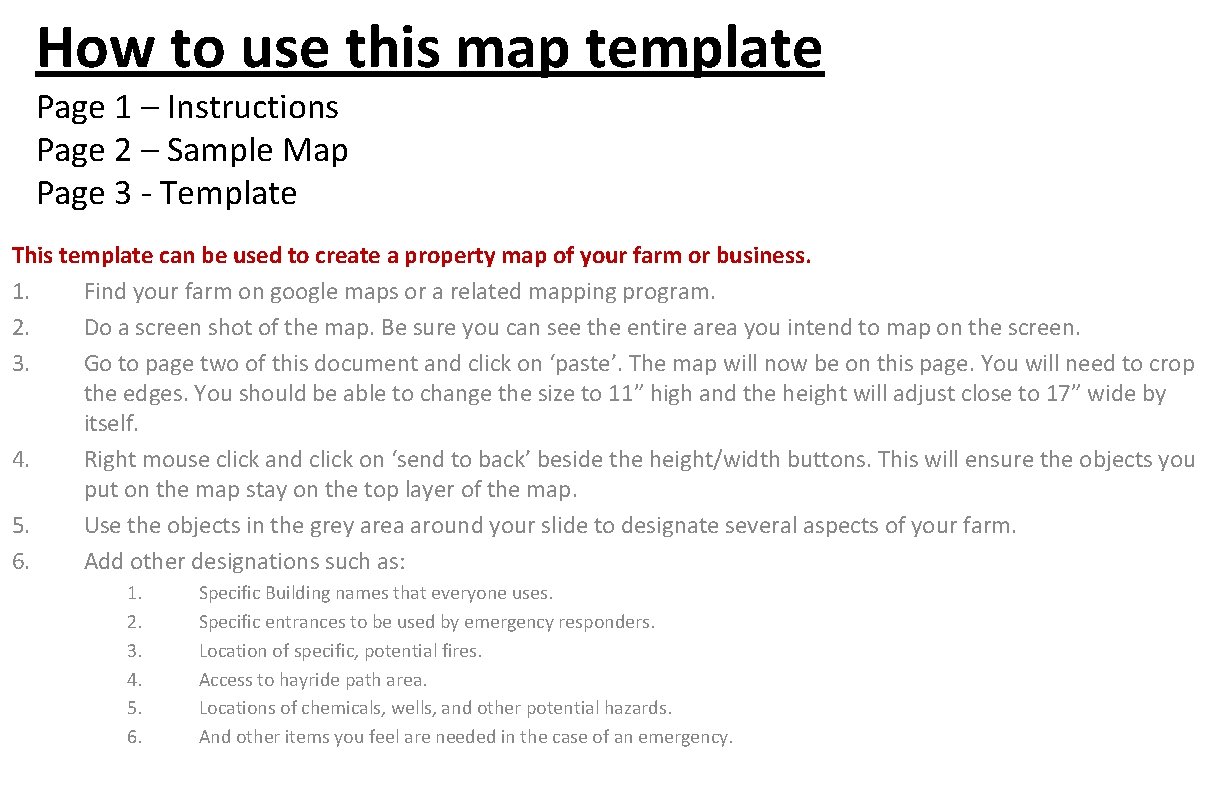
How to use this map template Page 1 – Instructions Page 2 – Sample Map Page 3 - Template This template can be used to create a property map of your farm or business. 1. Find your farm on google maps or a related mapping program. 2. Do a screen shot of the map. Be sure you can see the entire area you intend to map on the screen. 3. Go to page two of this document and click on ‘paste’. The map will now be on this page. You will need to crop the edges. You should be able to change the size to 11” high and the height will adjust close to 17” wide by itself. 4. Right mouse click and click on ‘send to back’ beside the height/width buttons. This will ensure the objects you put on the map stay on the top layer of the map. 5. Use the objects in the grey area around your slide to designate several aspects of your farm. 6. Add other designations such as: 1. 2. 3. 4. 5. 6. Specific Building names that everyone uses. Specific entrances to be used by emergency responders. Location of specific, potential fires. Access to hayride path area. Locations of chemicals, wells, and other potential hazards. And other items you feel are needed in the case of an emergency.
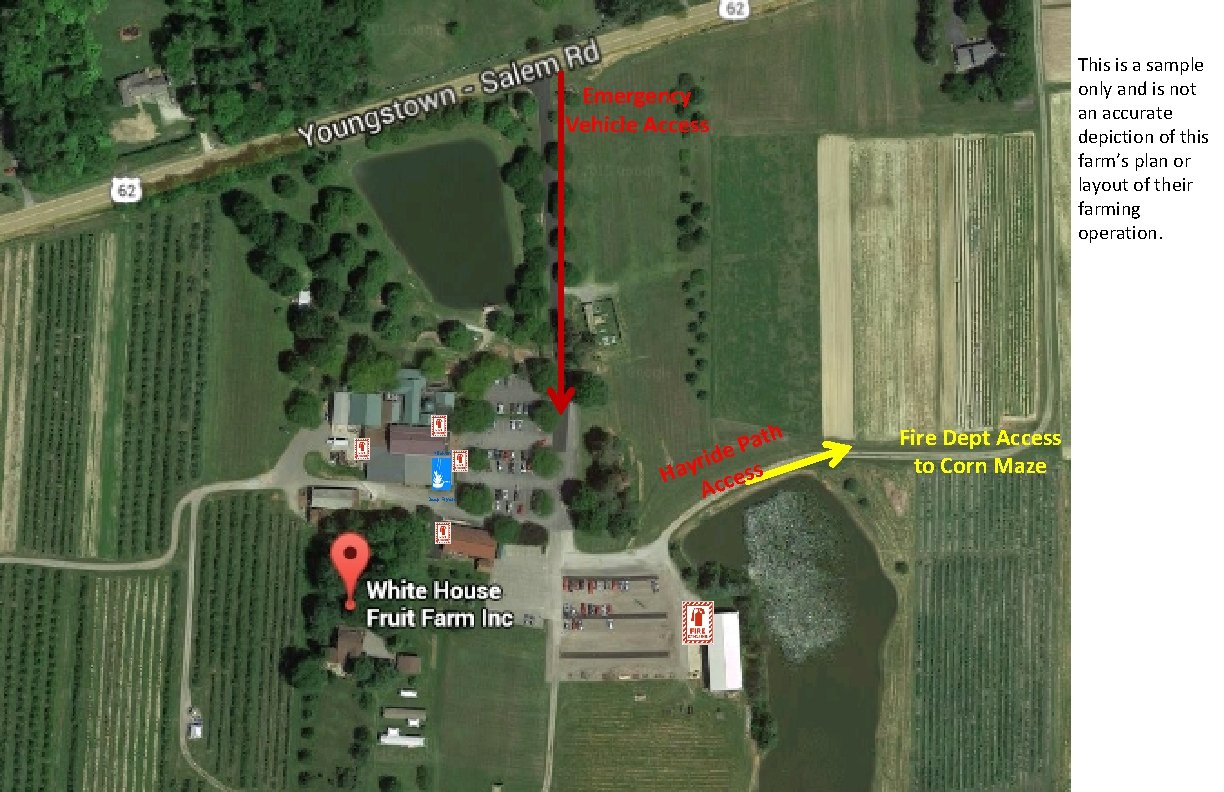
This is a sample only and is not an accurate depiction of this farm’s plan or layout of their farming operation. Emergency Vehicle Access Kitchen Deep Fryers th a P e d i r Hay ccess A Fire Dept Access to Corn Maze