
How to Use These Slides The following slides
- Slides: 16
How to Use These Slides • The following slides have been designed to help demonstrate the value of Tech. Smith products within an organization. They are not intended to be a single cohesive presentation, but a set of ten use cases and customer stories that can individually be used to show Tech. Smith products help in different areas of the organization. • Slides 1 and 2 provide a general introduction to Tech. Smith in the workplace and how screencasts differ from camera video. • Slides 4 -13 cover the ten use cases and customer stories that touch different areas of the organization – Training, Sales, IT, HR, Finance, etc. • Slides 14 -16 provide a brief overview of Tech. Smith products, a way to get in touch with Tech. Smith, and some additional resources that may be helpful in making your pitch. • Feel free to adapt and add to these slides to suit your needs.
Everyone is an expert at something. Tech. Smith software makes it easy and efficient for everyone to create content and share their expertise. The following slides show examples of how Tech. Smith helps: • Accelerate productive communication and eliminate wasted effort across the organization: Sales | HR | IT/Help Desk | Accounting/Finance | Training | Project Management • Enhance existing system investments by injecting images and video into: • • • Email Presentation Software Instant Messaging Help Desk Intranet Social
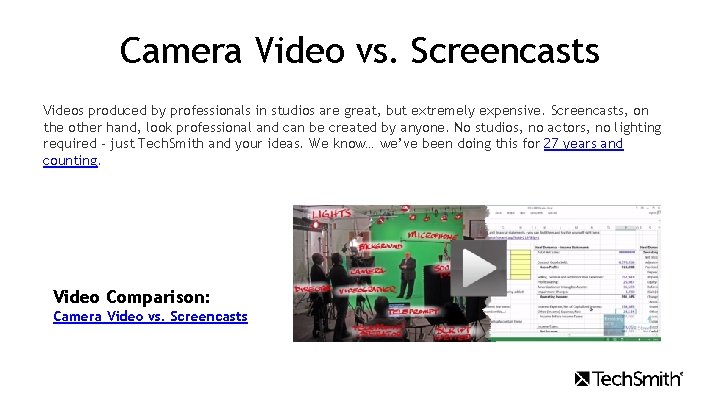
Camera Video vs. Screencasts Videos produced by professionals in studios are great, but extremely expensive. Screencasts, on the other hand, look professional and can be created by anyone. No studios, no actors, no lighting required - just Tech. Smith and your ideas. We know… we’ve been doing this for 27 years and counting. Video Comparison: Camera Video vs. Screencasts
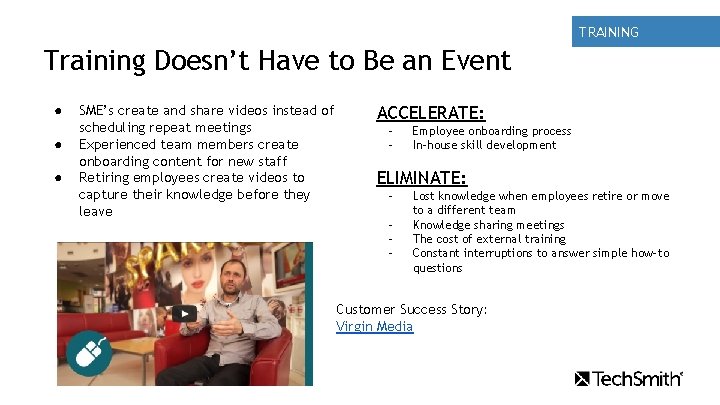
TRAINING Training Doesn’t Have to Be an Event ● ● ● SME’s create and share videos instead of scheduling repeat meetings Experienced team members create onboarding content for new staff Retiring employees create videos to capture their knowledge before they leave ACCELERATE: - Employee onboarding process In-house skill development ELIMINATE: - Lost knowledge when employees retire or move to a different team Knowledge sharing meetings The cost of external training Constant interruptions to answer simple how-to questions Customer Success Story: Virgin Media
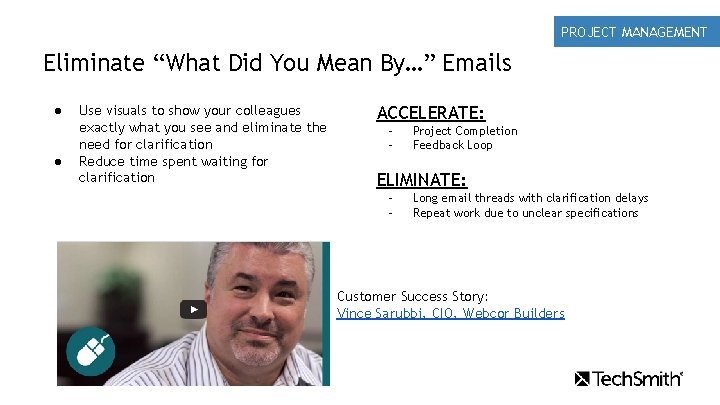
PROJECT MANAGEMENT Eliminate “What Did You Mean By…” Emails ● ● Use visuals to show your colleagues exactly what you see and eliminate the need for clarification Reduce time spent waiting for clarification ACCELERATE: - Project Completion Feedback Loop ELIMINATE: - Long email threads with clarification delays Repeat work due to unclear specifications Customer Success Story: Vince Sarubbi, CIO, Webcor Builders
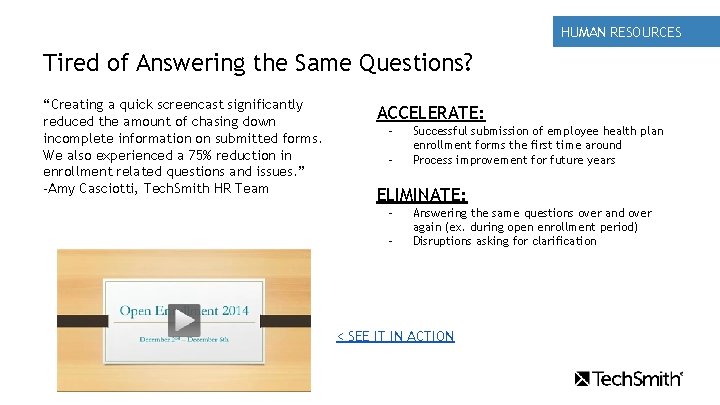
HUMAN RESOURCES Tired of Answering the Same Questions? “Creating a quick screencast significantly reduced the amount of chasing down incomplete information on submitted forms. We also experienced a 75% reduction in enrollment related questions and issues. ” -Amy Casciotti, Tech. Smith HR Team ACCELERATE: - Successful submission of employee health plan enrollment forms the first time around Process improvement for future years ELIMINATE: - Answering the same questions over and over again (ex. during open enrollment period) Disruptions asking for clarification < SEE IT IN ACTION
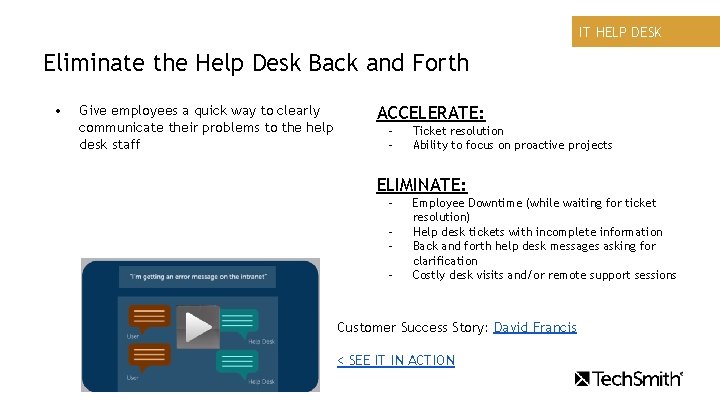
IT HELP DESK Eliminate the Help Desk Back and Forth • Give employees a quick way to clearly communicate their problems to the help desk staff ACCELERATE: - Ticket resolution Ability to focus on proactive projects ELIMINATE: - Employee Downtime (while waiting for ticket resolution) Help desk tickets with incomplete information Back and forth help desk messages asking for clarification Costly desk visits and/or remote support sessions Customer Success Story: David Francis < SEE IT IN ACTION
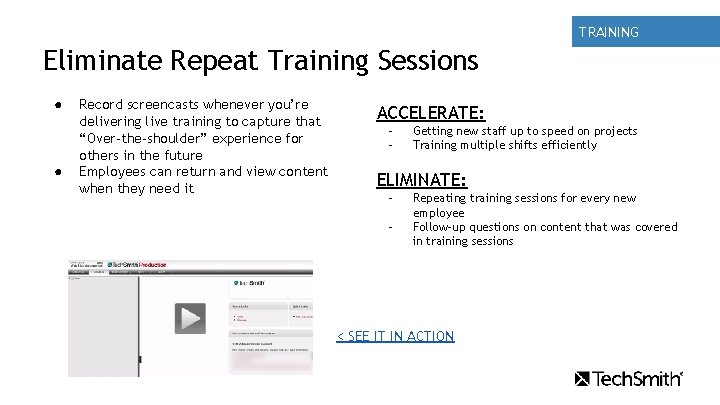
TRAINING Eliminate Repeat Training Sessions ● ● Record screencasts whenever you’re delivering live training to capture that “Over-the-shoulder” experience for others in the future Employees can return and view content when they need it ACCELERATE: - Getting new staff up to speed on projects Training multiple shifts efficiently ELIMINATE: - Repeating training sessions for every new employee Follow-up questions on content that was covered in training sessions < SEE IT IN ACTION
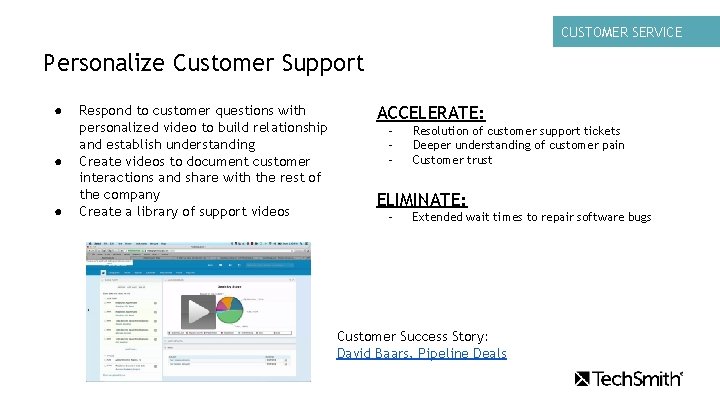
CUSTOMER SERVICE Personalize Customer Support ● ● ● Respond to customer questions with personalized video to build relationship and establish understanding Create videos to document customer interactions and share with the rest of the company Create a library of support videos ACCELERATE: - Resolution of customer support tickets Deeper understanding of customer pain Customer trust ELIMINATE: - Extended wait times to repair software bugs Customer Success Story: David Baars, Pipeline Deals
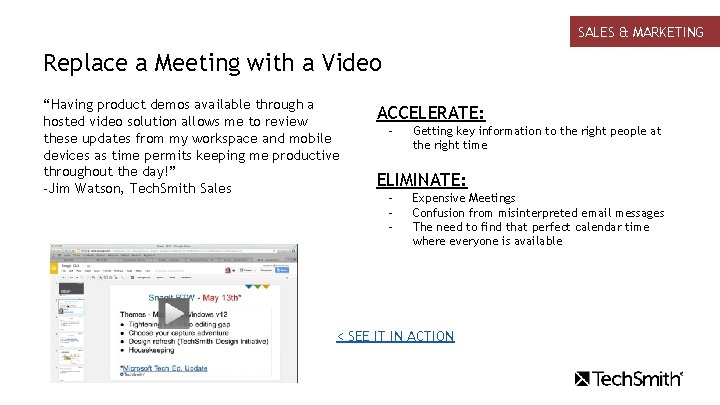
SALES & MARKETING Replace a Meeting with a Video “Having product demos available through a hosted video solution allows me to review these updates from my workspace and mobile devices as time permits keeping me productive throughout the day!” -Jim Watson, Tech. Smith Sales ACCELERATE: - Getting key information to the right people at the right time ELIMINATE: - Expensive Meetings Confusion from misinterpreted email messages The need to find that perfect calendar time where everyone is available < SEE IT IN ACTION
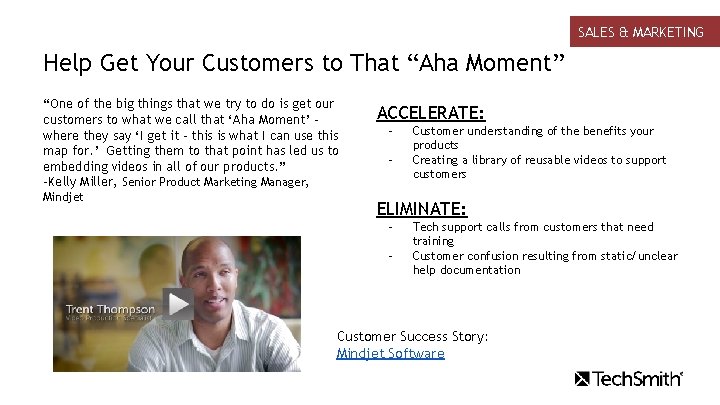
SALES & MARKETING Help Get Your Customers to That “Aha Moment” “One of the big things that we try to do is get our customers to what we call that ‘Aha Moment’ where they say ‘I get it - this is what I can use this map for. ’ Getting them to that point has led us to embedding videos in all of our products. ” -Kelly Miller, Senior Product Marketing Manager, Mindjet ACCELERATE: - Customer understanding of the benefits your products Creating a library of reusable videos to support customers ELIMINATE: - Tech support calls from customers that need training Customer confusion resulting from static/unclear help documentation Customer Success Story: Mindjet Software
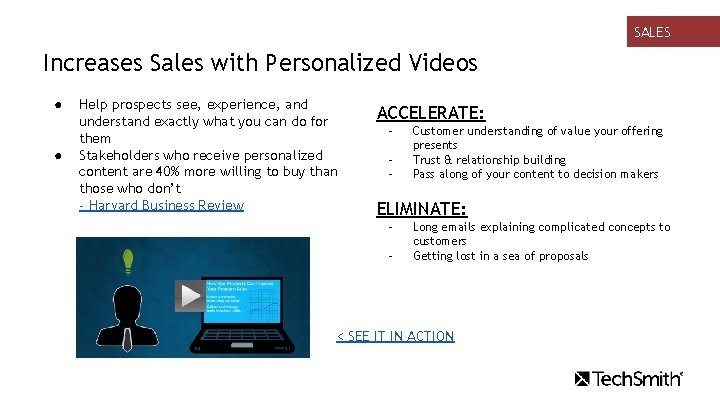
SALES Increases Sales with Personalized Videos ● ● Help prospects see, experience, and understand exactly what you can do for them Stakeholders who receive personalized content are 40% more willing to buy than those who don’t - Harvard Business Review ACCELERATE: - Customer understanding of value your offering presents Trust & relationship building Pass along of your content to decision makers ELIMINATE: - Long emails explaining complicated concepts to customers Getting lost in a sea of proposals < SEE IT IN ACTION
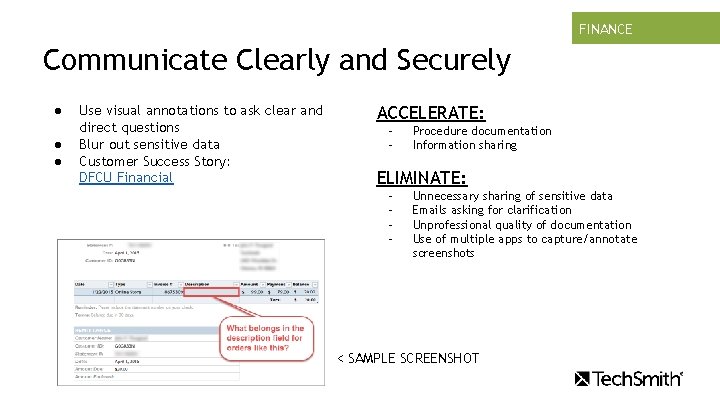
FINANCE TRAINING Communicate Clearly and Securely ● ● ● Use visual annotations to ask clear and direct questions Blur out sensitive data Customer Success Story: DFCU Financial ACCELERATE: - Procedure documentation Information sharing ELIMINATE: - Unnecessary sharing of sensitive data Emails asking for clarification Unprofessional quality of documentation Use of multiple apps to capture/annotate screenshots < SAMPLE SCREENSHOT
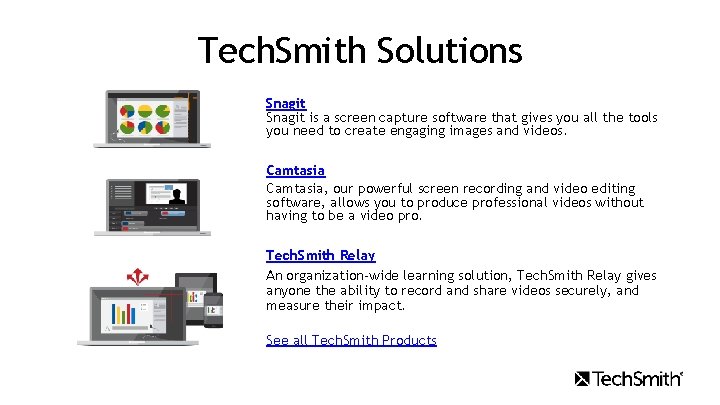
Tech. Smith Solutions Snagit is a screen capture software that gives you all the tools you need to create engaging images and videos. Camtasia, our powerful screen recording and video editing software, allows you to produce professional videos without having to be a video pro. Tech. Smith Relay An organization-wide learning solution, Tech. Smith Relay gives anyone the ability to record and share videos securely, and measure their impact. See all Tech. Smith Products
Request a Consultation Get a customized solution created just for your organization What you won't get is just a bunch of licenses. What you will get is a real person who not only understands the problems you're facing, but how to help solve them. If you'd like to learn more about adding visuals into your everyday communication and capturing knowledge across your organization, we'd love to talk. Request a consultation Visit www. techsmith. com Phone +1. 517. 381. 2300 | Toll Free +1. 800. 517. 3001 (U. S. & Canada Only)
Additional Resources • • • Tech. Smith Use Cases for the Workplace When to Use Video in Business How Tech. Smith Uses Video Which Tech. Smith Products are Right for You Snagit vs the Snipping Tool