
HOW TO USE THE TEMPLATES FIRST STEP SECOND

















- Slides: 19
HOW TO USE THE TEMPLATES. FIRST STEP. SECOND STEP. THIRD STEP. Click New Slide Master slides contain all the design layouts Customize the look of the templates, edit text, add images It should work, but in case you are lost, we can support you: communications@add. org. uk
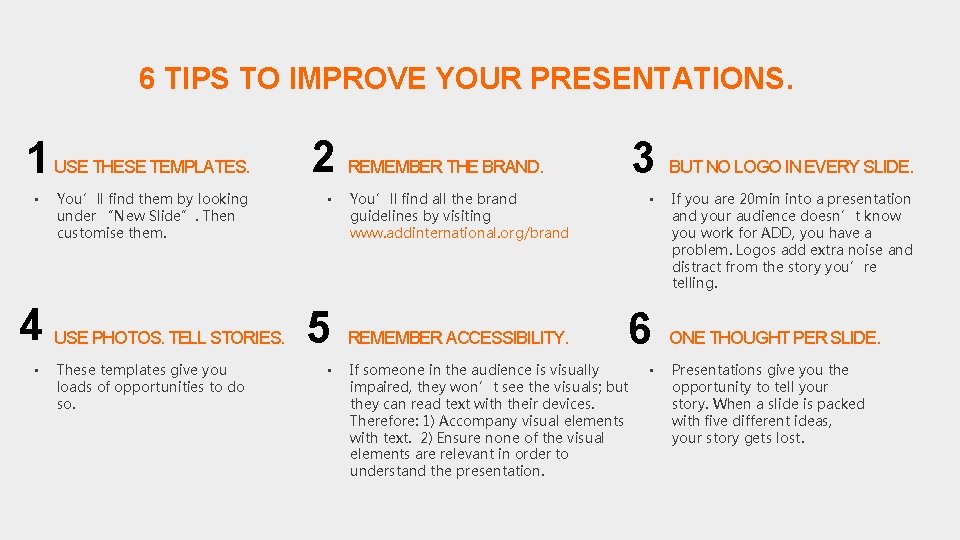
6 TIPS TO IMPROVE YOUR PRESENTATIONS. 1 USE THESE TEMPLATES. • You’ll find them by looking under “New Slide”. Then customise them. 2 REMEMBER THE BRAND. • 4 USE PHOTOS. TELL STORIES. 5 • These templates give you loads of opportunities to do so. • 3 You’ll find all the brand guidelines by visiting www. addinternational. org/brand REMEMBER ACCESSIBILITY. • 6 If someone in the audience is visually impaired, they won’t see the visuals; but they can read text with their devices. Therefore: 1) Accompany visual elements with text. 2) Ensure none of the visual elements are relevant in order to understand the presentation. • BUT NO LOGO IN EVERY SLIDE. If you are 20 min into a presentation and your audience doesn’t know you work for ADD, you have a problem. Logos add extra noise and distract from the story you’re telling. ONE THOUGHT PER SLIDE. Presentations give you the opportunity to tell your story. When a slide is packed with five different ideas, your story gets lost.
CLICK TO EDIT MASTER TITLE STYLE.
Click to edit