
How to use Max Buzz Fitness tracker Sleek
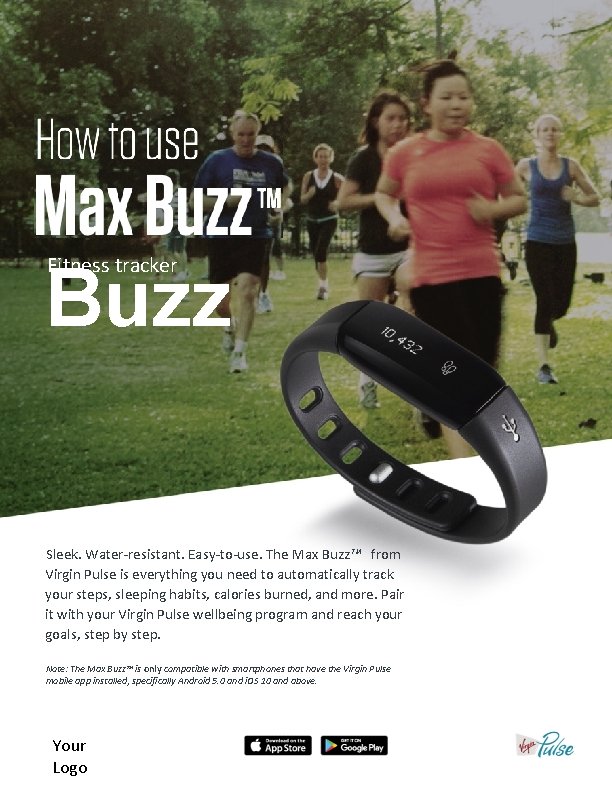
How to use Max Buzz Fitness tracker Sleek. Water-resistant. Easy-to-use. The Max Buzz™ from Virgin Pulse is everything you need to automatically track your steps, sleeping habits, calories burned, and more. Pair it with your Virgin Pulse wellbeing program and reach your goals, step by step. Note: The Max Buzz™ is only compatible with smartphones that have the Virgin Pulse mobile app installed, specifically Android 5. 0 and i. OS 10 and above. Your Logo
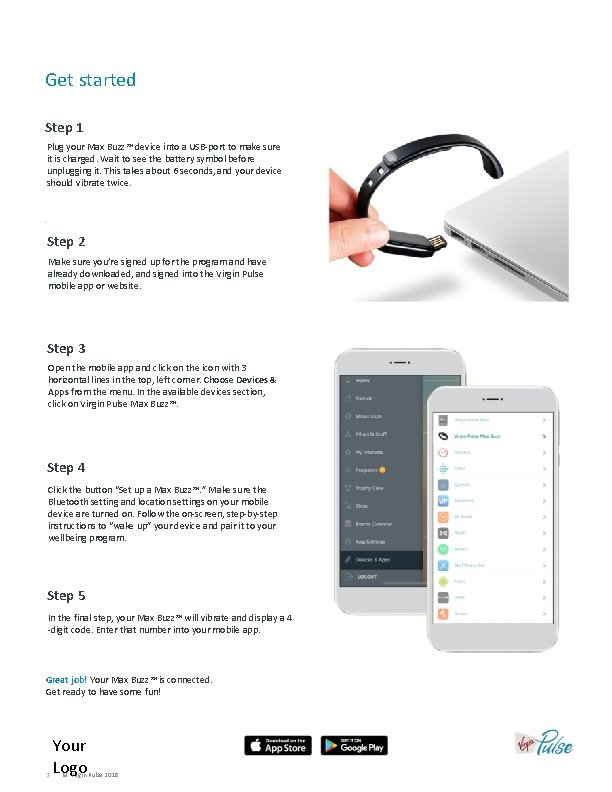
Get started Step 1 Plug your Max Buzz™ device into a USB-port to make sure it is charged. Wait to see the battery symbol before unplugging it. This takes about 6 seconds, and your device should vibrate twice. Step 2 Make sure you’re signed up for the program and have already downloaded, and signed into the Virgin Pulse mobile app or website. Step 3 Open the mobile app and click on the icon with 3 horizontal lines in the top, left corner. Choose Devices & Apps from the menu. In the available devices section, click on Virgin Pulse Max Buzz™. Step 4 Click the button “Set up a Max Buzz™. ” Make sure the Bluetooth setting and location settings on your mobile device are turned on. Follow the on-screen, step-by-step instructions to “wake up” your device and pair it to your wellbeing program. Step 5 In the final step, your Max Buzz™ will vibrate and display a 4 -digit code. Enter that number into your mobile app. Great job! Your Max Buzz™ is connected. Get ready to have some fun! 2 Your Logo © Virgin Pulse 2018
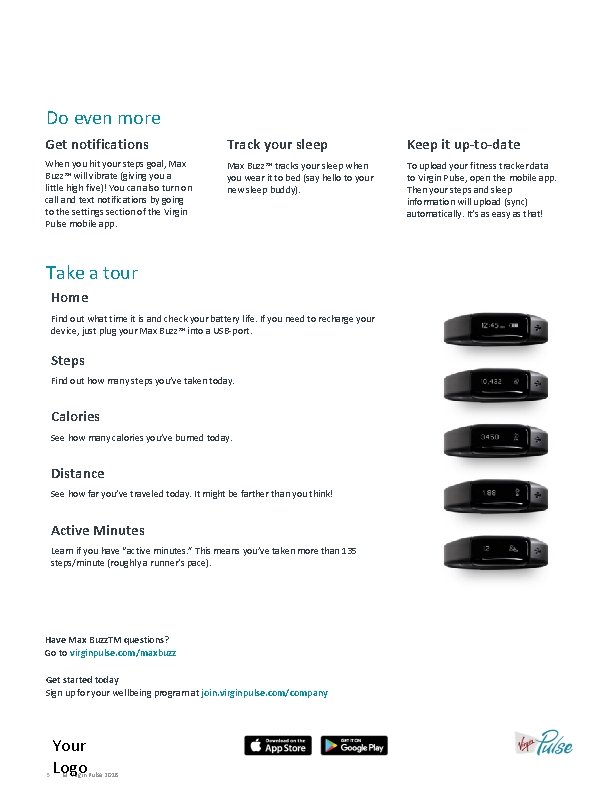
Do even more Get notifications Track your sleep Keep it up-to-date When you hit your steps goal, Max Buzz™ will vibrate (giving you a little high five)! You can also turn on call and text notifications by going to the settings section of the Virgin Pulse mobile app. Max Buzz™ tracks your sleep when you wear it to bed (say hello to your new sleep buddy). To upload your fitness tracker data to Virgin Pulse, open the mobile app. Then your steps and sleep information will upload (sync) automatically. It’s as easy as that! Take a tour Home Find out what time it is and check your battery life. If you need to recharge your device, just plug your Max Buzz™ into a USB-port. Steps Find out how many steps you’ve taken today. Calories See how many calories you’ve burned today. Distance See how far you’ve traveled today. It might be farther than you think! Active Minutes Learn if you have “active minutes. ” This means you’ve taken more than 135 steps/minute (roughly a runner’s pace). Have Max Buzz. TM questions? Go to virginpulse. com/maxbuzz Get started today Sign up for your wellbeing program at join. virginpulse. com/company 3 Your Logo © Virgin Pulse 2018
- Slides: 3