
How to use IBM 10 2 2 Cognos
How to use IBM 10. 2. 2 Cognos Mashup Service (CMS) Samples in IBM Cognos Analytics 11 January 2017
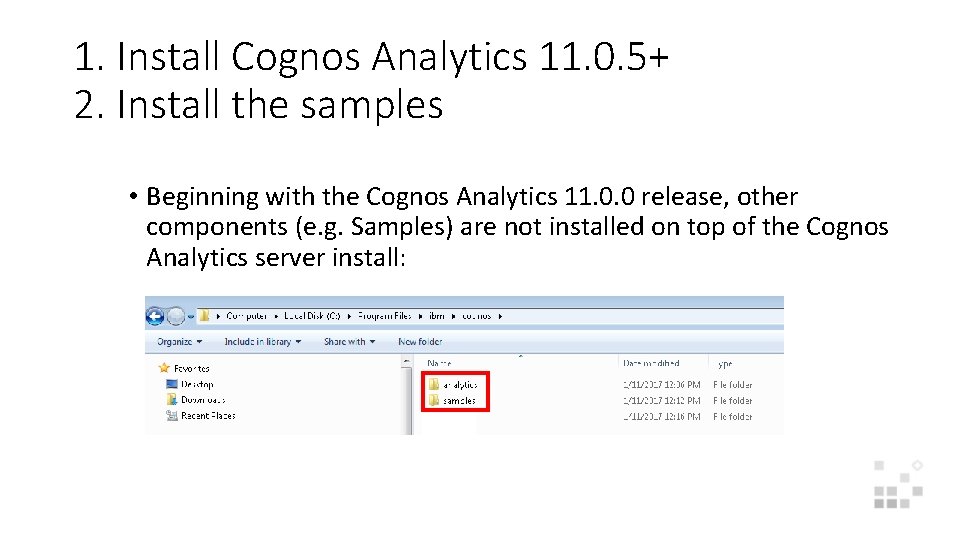
1. Install Cognos Analytics 11. 0. 5+ 2. Install the samples • Beginning with the Cognos Analytics 11. 0. 0 release, other components (e. g. Samples) are not installed on top of the Cognos Analytics server install:

3. Copy the deployment file • After you have installed the Samples, copy the deployment file IBM_Cognos_Samples_CQ_legacy. zip from the Samples install location. . /samples/webcontent/samples/content/IBMCognos 10 to. . /analytics/deployment
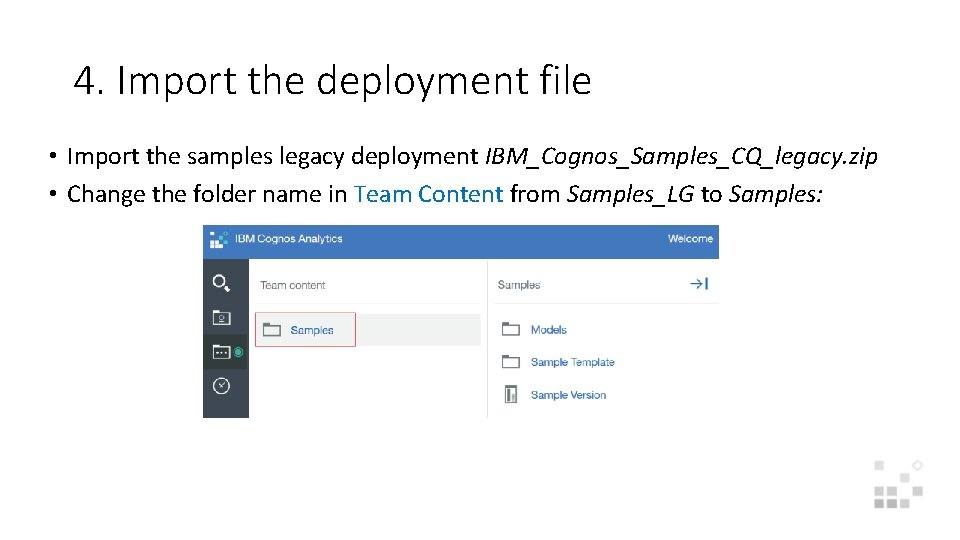
4. Import the deployment file • Import the samples legacy deployment IBM_Cognos_Samples_CQ_legacy. zip • Change the folder name in Team Content from Samples_LG to Samples:
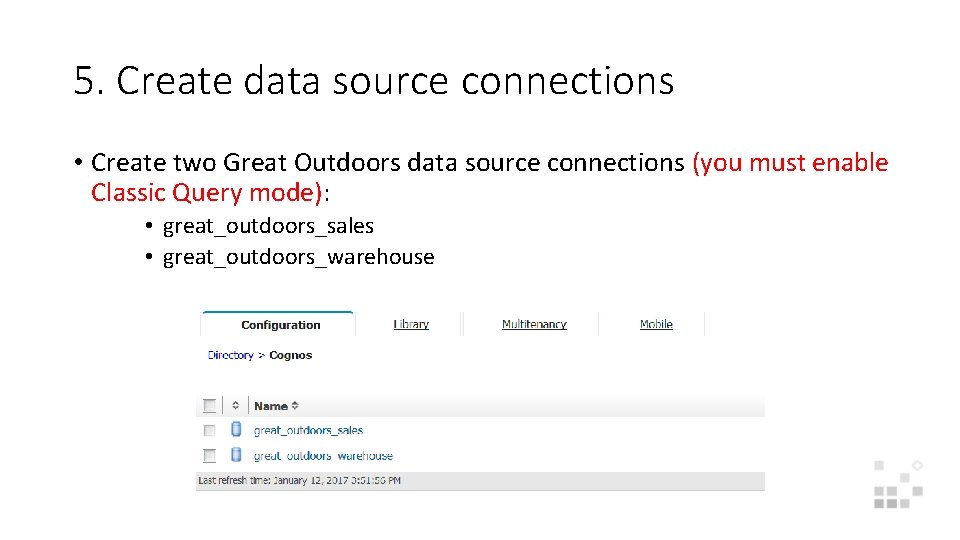
5. Create data source connections • Create two Great Outdoors data source connections (you must enable Classic Query mode): • great_outdoors_sales • great_outdoors_warehouse
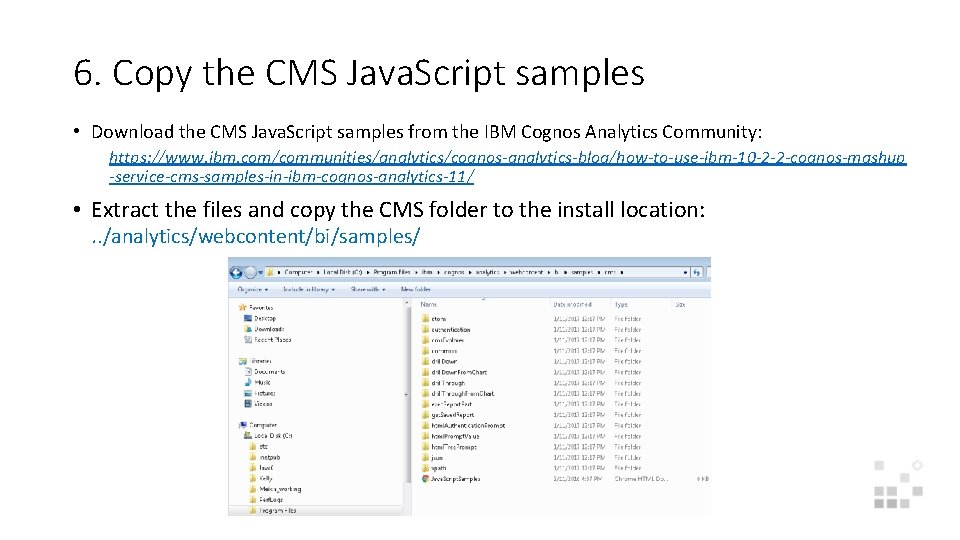
6. Copy the CMS Java. Script samples • Download the CMS Java. Script samples from the IBM Cognos Analytics Community: https: //www. ibm. com/communities/analytics/cognos-analytics-blog/how-to-use-ibm-10 -2 -2 -cognos-mashup -service-cms-samples-in-ibm-cognos-analytics-11/ • Extract the files and copy the CMS folder to the install location: . . /analytics/webcontent/bi/samples/

7. Update default Server URL in Java. Script sample to Gateway URL: http: //<CA 11 server>: 9300/bi/v 1/disp 8. Run Java. Script Samples using following link: http: //<CA 11 server>: 9300/bi/samples/cms/Java. Script. Samples. html
- Slides: 7