
How to Use Destiny Discover Click on Destiny
- Slides: 17
How to Use Destiny Discover
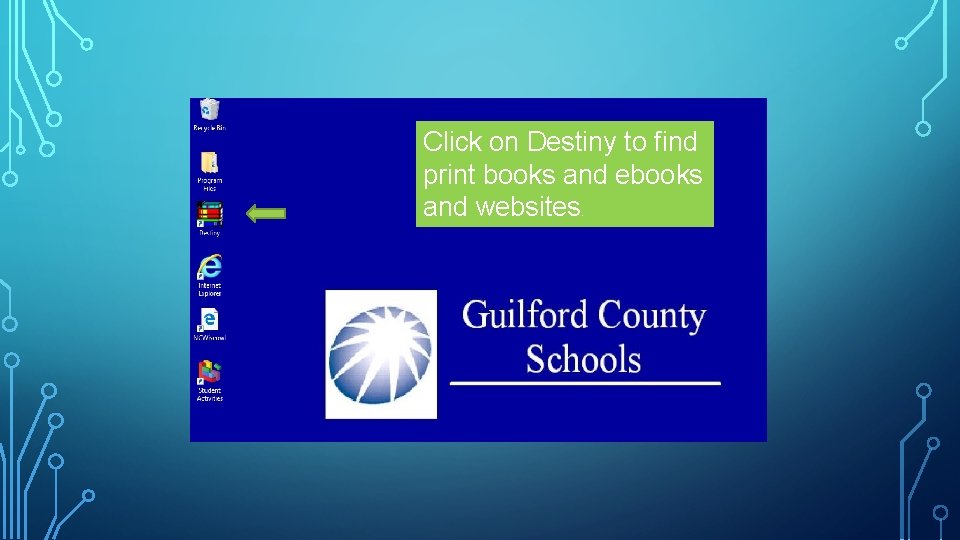
Click on Destiny to find print books and ebooks and websites.
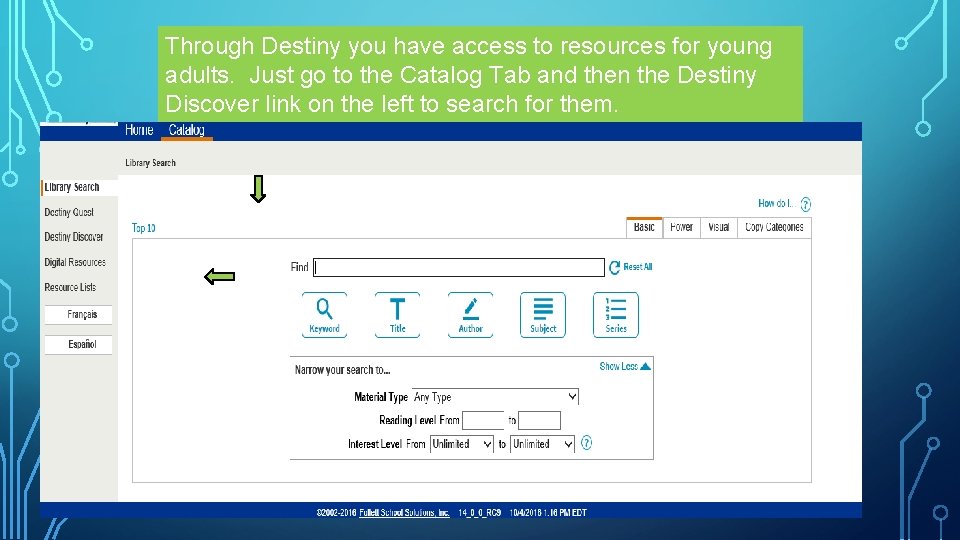
Through Destiny you have access to resources for young adults. Just go to the Catalog Tab and then the Destiny Discover link on the left to search for them.
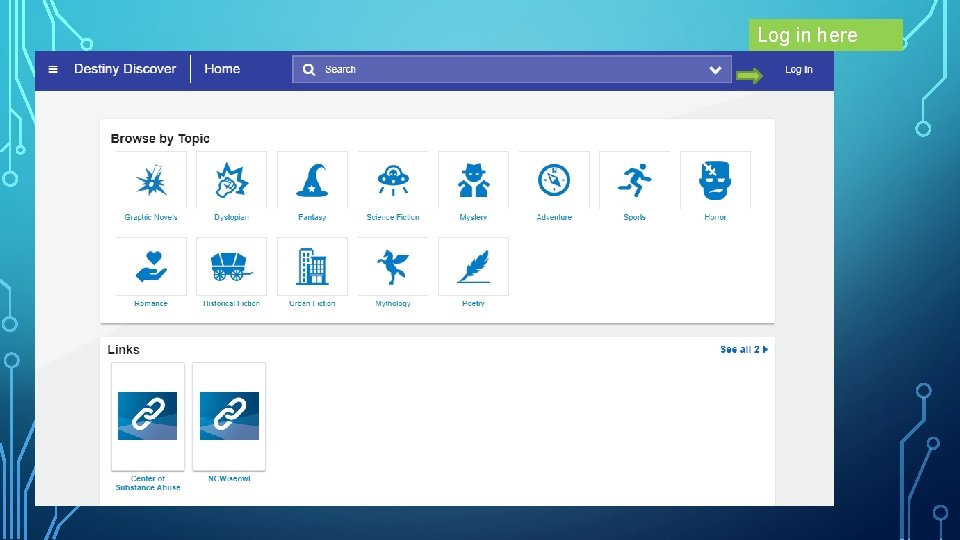
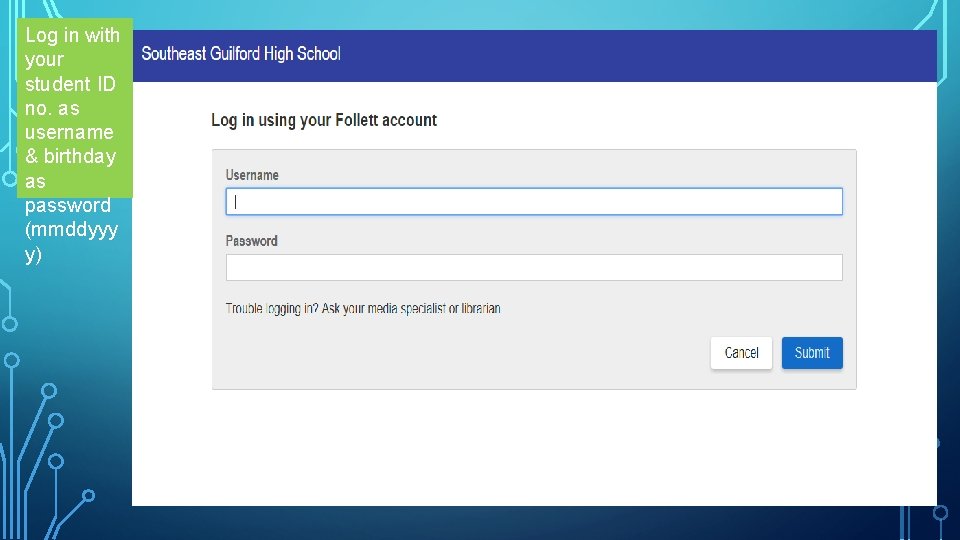
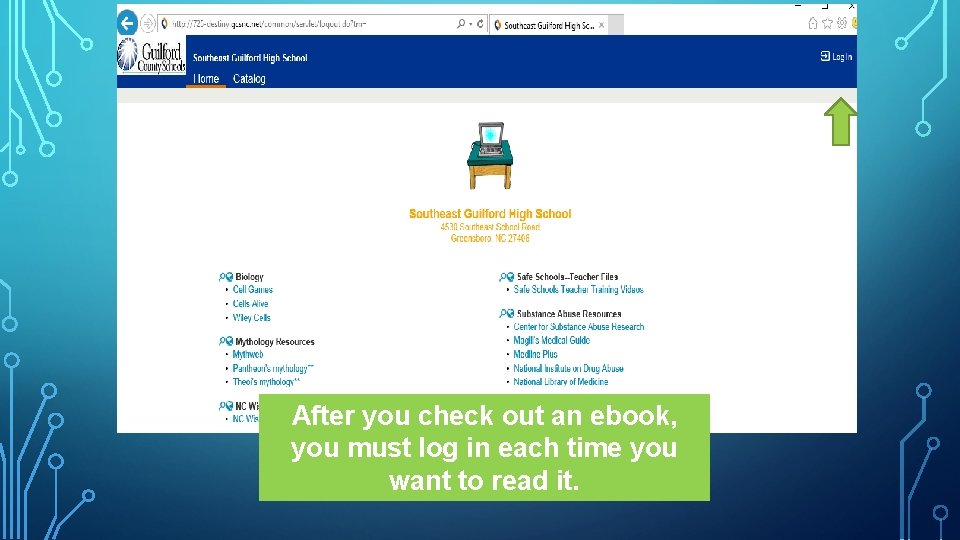
Log in here
Log in with your student ID no. as username & birthday as password (mmddyyy y)
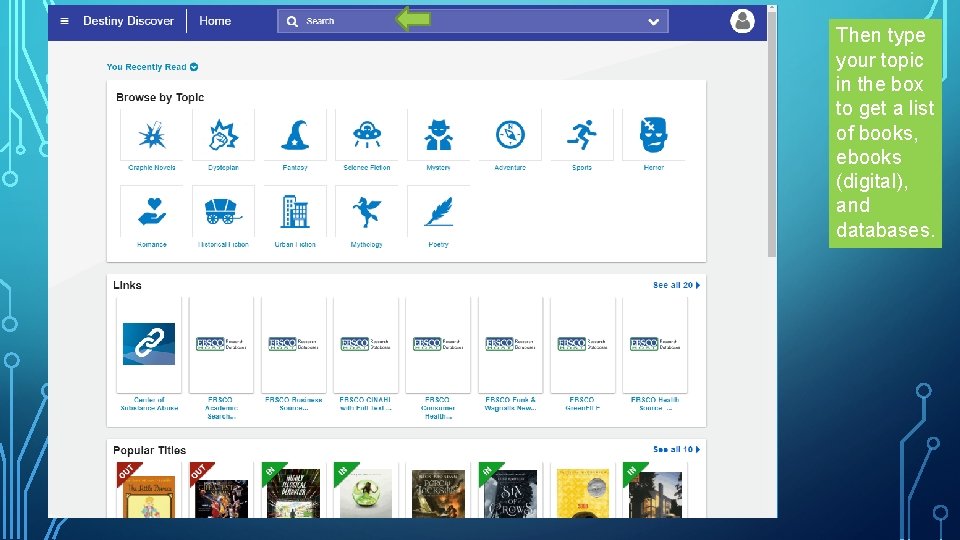
Then type your topic in the box to get a list of books, ebooks (digital), and databases.
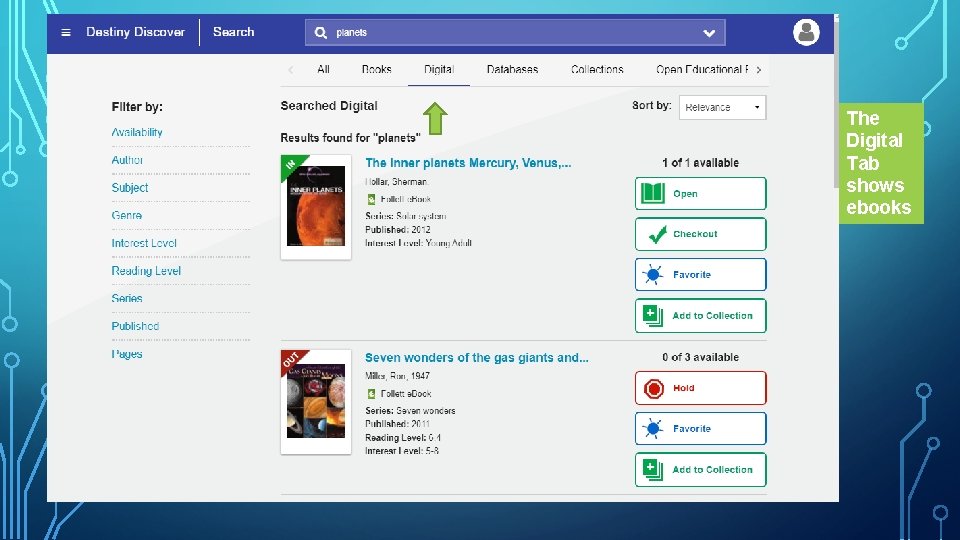
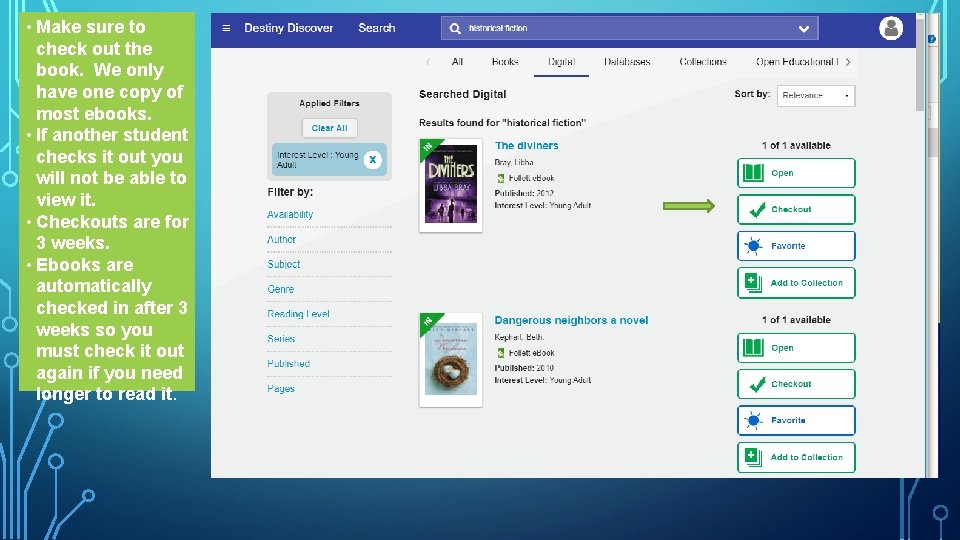
The Digital Tab shows ebooks
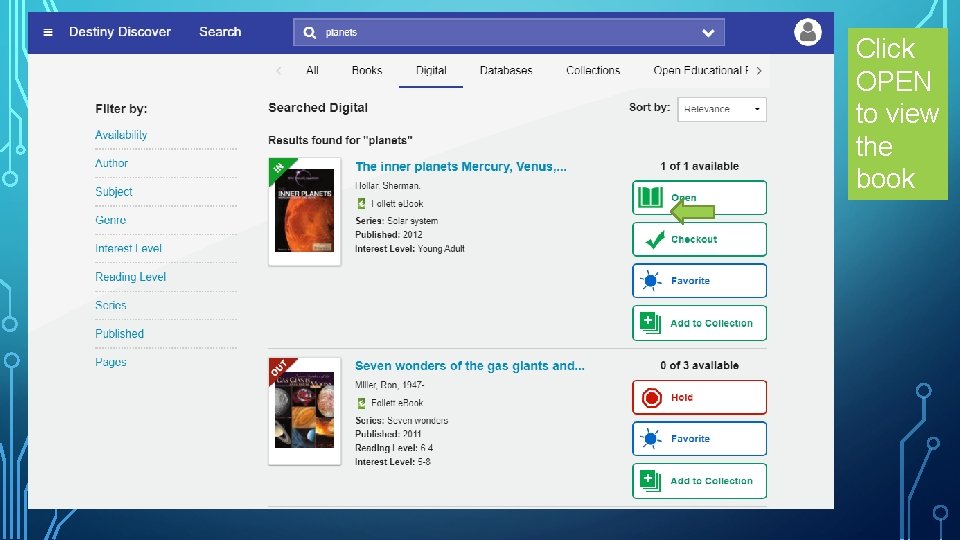
Click OPEN to view the book
• Make sure to check out the book. We only have one copy of most ebooks. • If another student checks it out you will not be able to view it. • Checkouts are for 3 weeks. • Ebooks are automatically checked in after 3 weeks so you must check it out again if you need longer to read it.
After you check out an ebook, you must log in each time you want to read it.
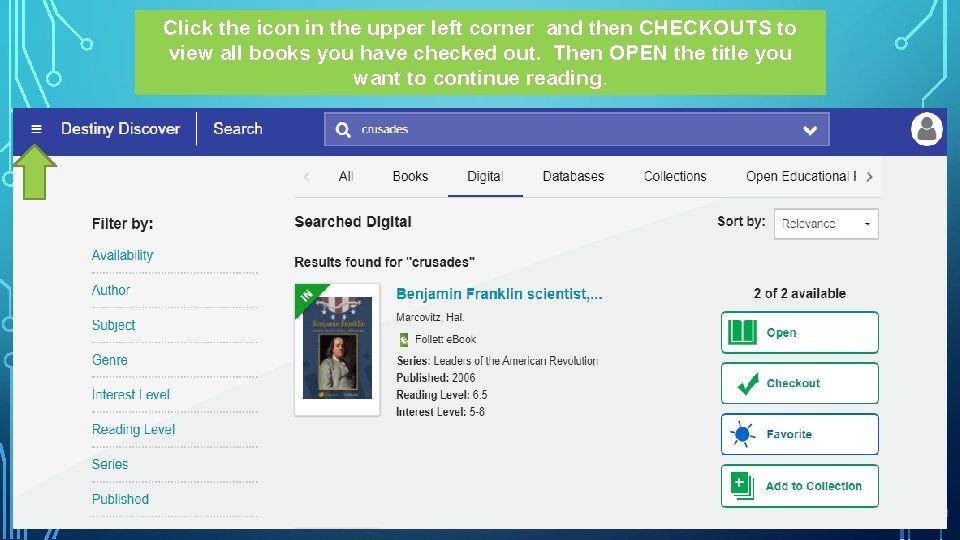
Click the icon in the upper left corner and then CHECKOUTS to view all books you have checked out. Then OPEN the title you want to continue reading.
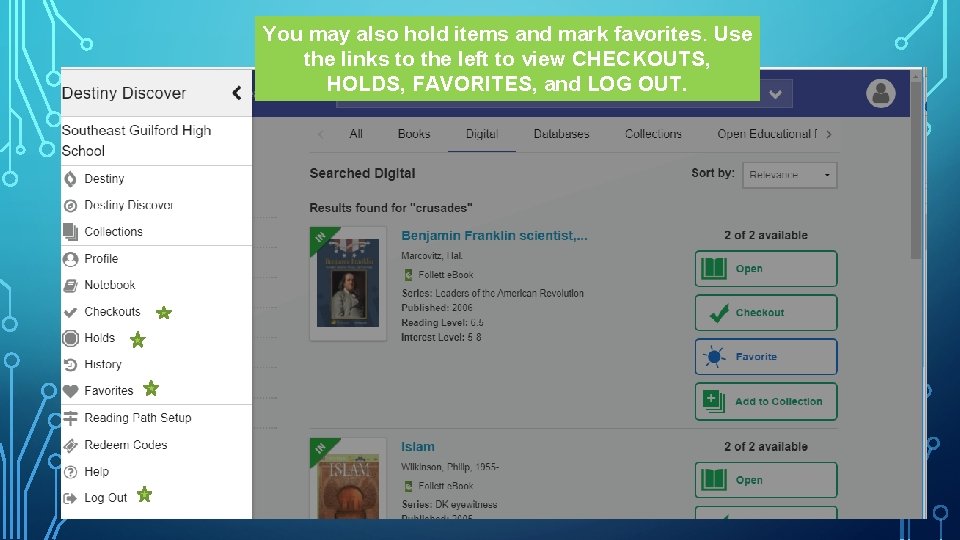
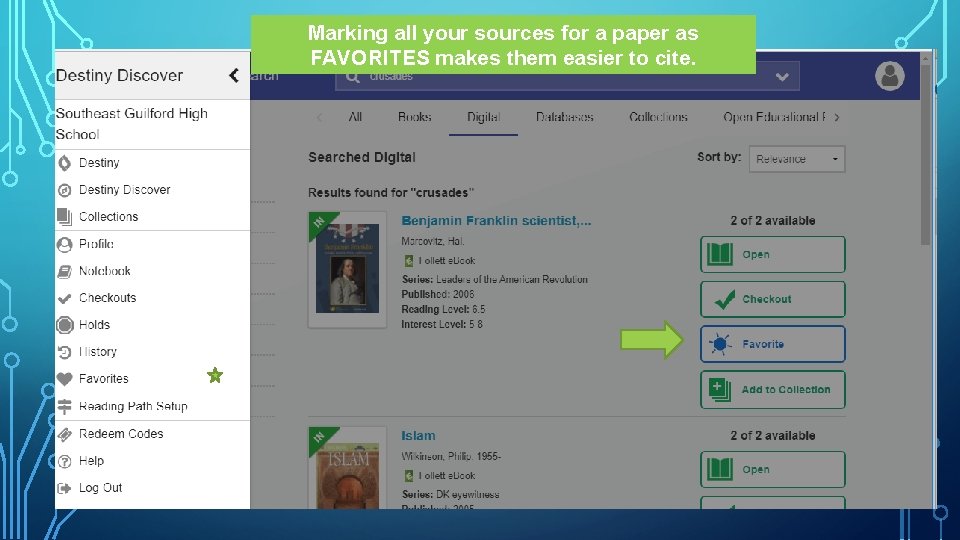
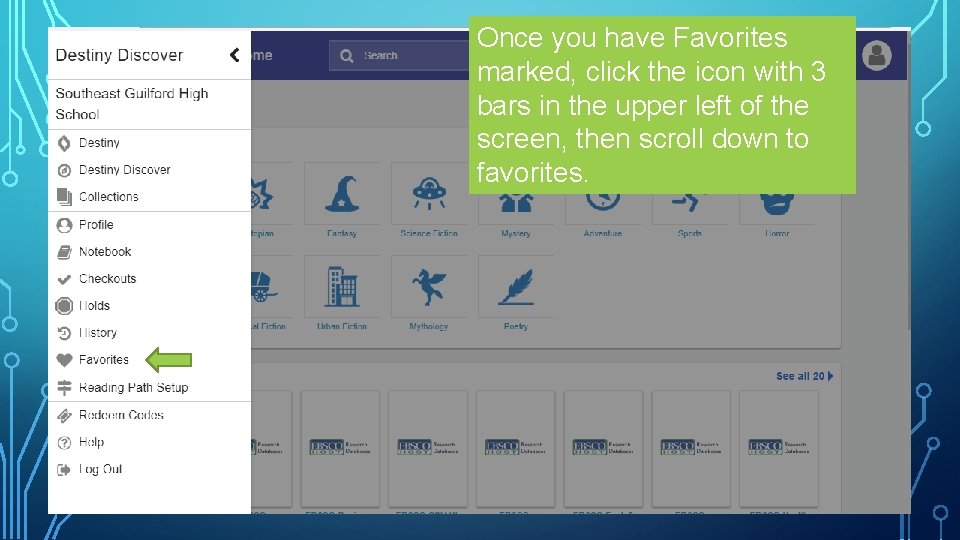
You may also hold items and mark favorites. Use the links to the left to view CHECKOUTS, HOLDS, FAVORITES, and LOG OUT.
Marking all your sources for a paper as FAVORITES makes them easier to cite.
Once you have Favorites marked, click the icon with 3 bars in the upper left of the screen, then scroll down to favorites.
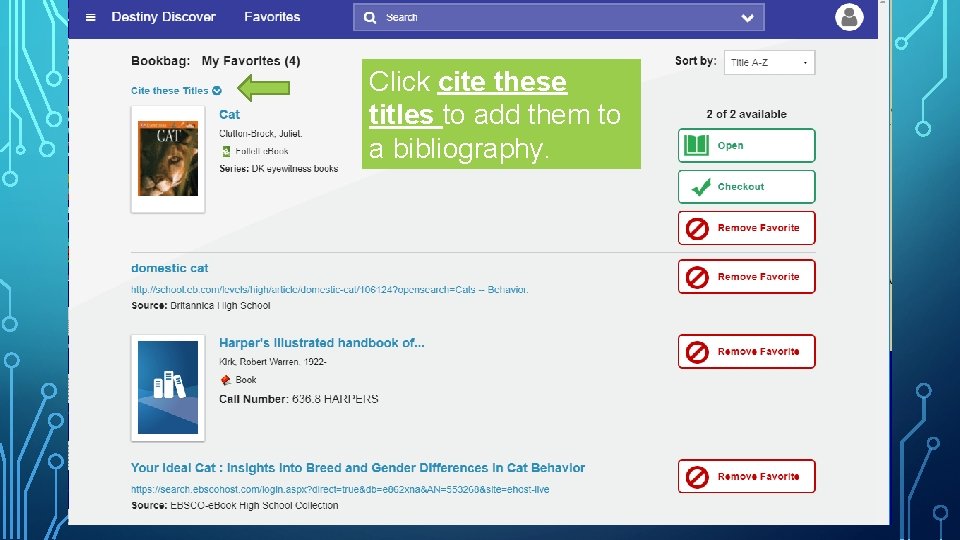
Click cite these titles to add them to a bibliography.
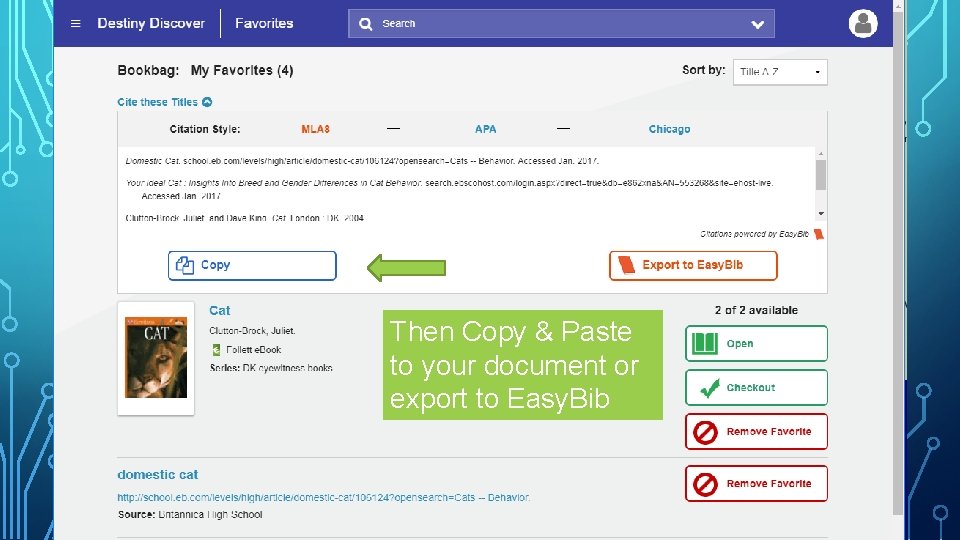
Then Copy & Paste to your document or export to Easy. Bib
See Mrs. Aydelette if you need assistance using Destiny Discover.