
HOW TO USE A CAMERA STEP 1 You
- Slides: 8
HOW TO USE A CAMERA
STEP 1… You need to have your I. D. with you so you can check out a camera, if you take a camera and have no I. D. then I will find out and ask you to pay a find to replace it.
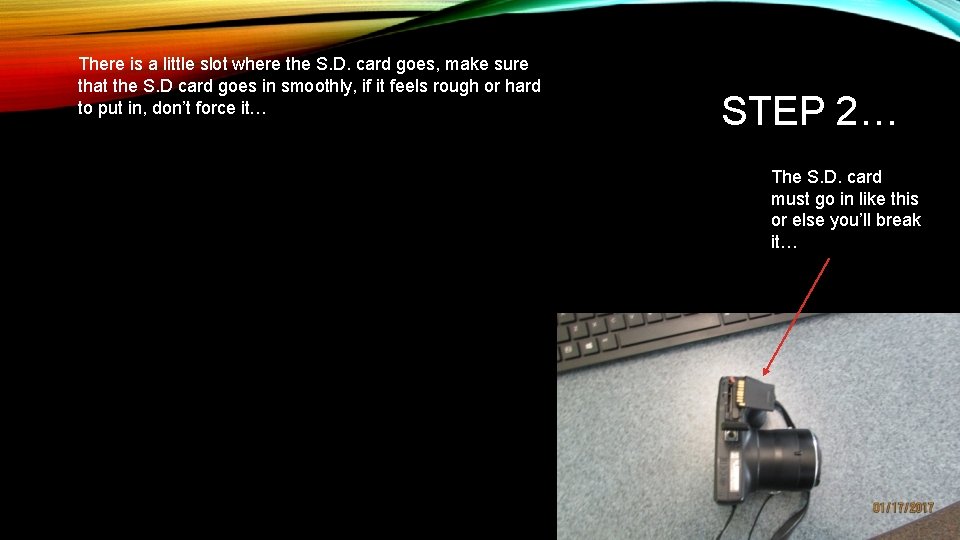
There is a little slot where the S. D. card goes, make sure that the S. D card goes in smoothly, if it feels rough or hard to put in, don’t force it… STEP 2… The S. D. card must go in like this or else you’ll break it…
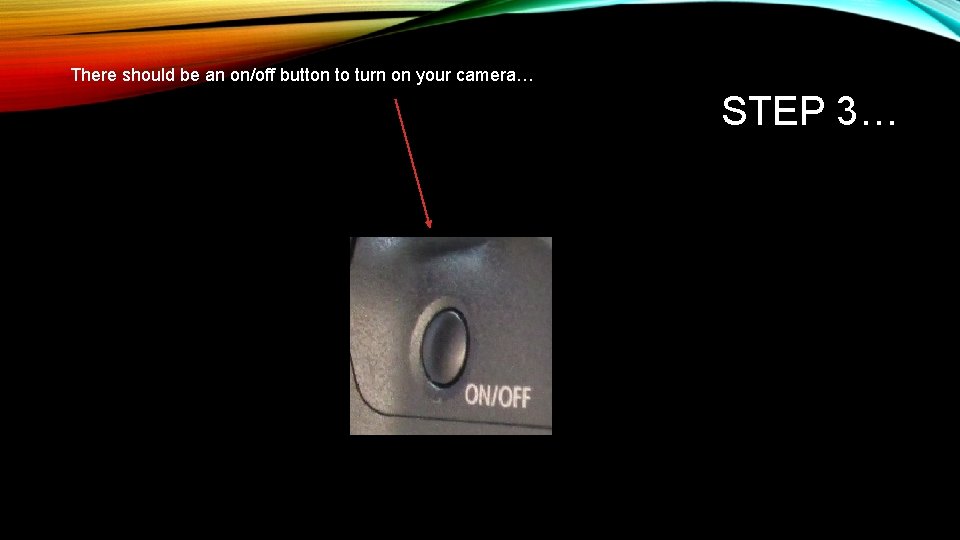
There should be an on/off button to turn on your camera… STEP 3…
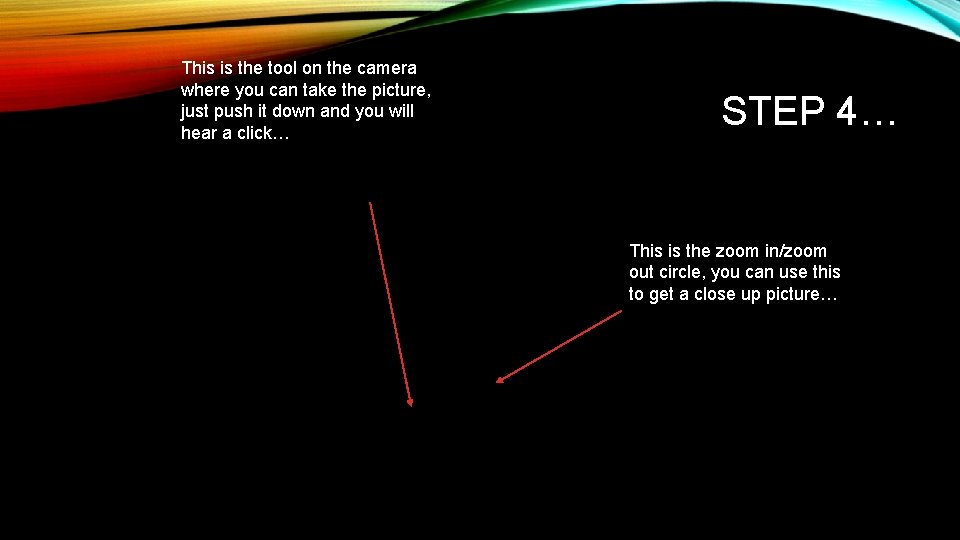
This is the tool on the camera where you can take the picture, just push it down and you will hear a click… STEP 4… This is the zoom in/zoom out circle, you can use this to get a close up picture…
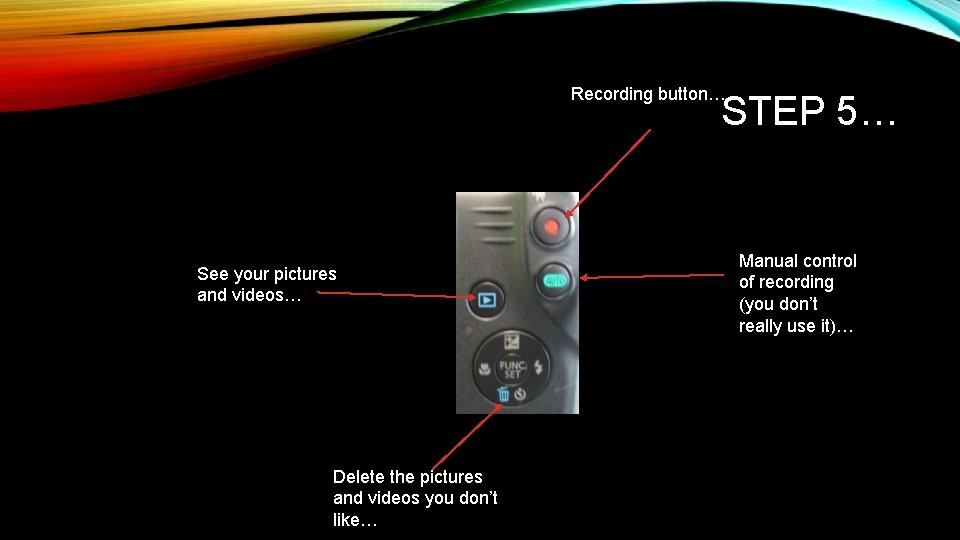
Recording button… STEP 5… See your pictures and videos… Delete the pictures and videos you don’t like… Manual control of recording (you don’t really use it)…
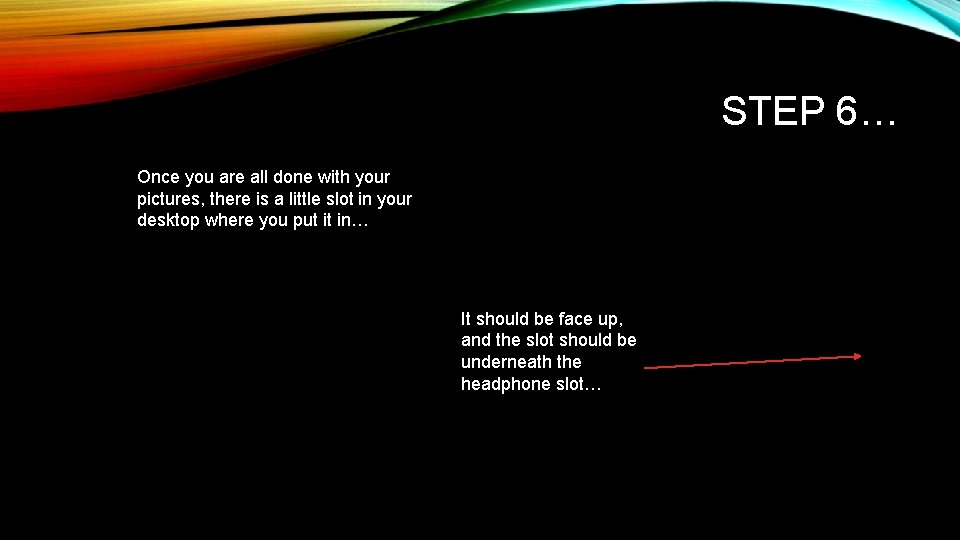
STEP 6… Once you are all done with your pictures, there is a little slot in your desktop where you put it in… It should be face up, and the slot should be underneath the headphone slot…
CONCLUSION When you are done with everything, eject the S. D. card and put it back in the camera. You should be all set with how to use a camera after this presentation. If you still have trouble, ask Sam Mouradian and he will come and help you.