
How to Upgrade to Lawson v 10 By
How to Upgrade to Lawson v 10 By May 31, 2017
Established 2003
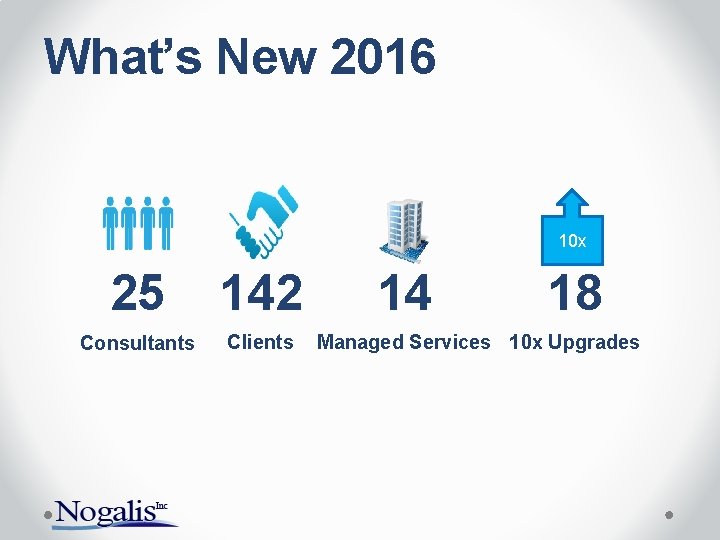
What’s New 2016 10 x 25 142 Consultants Clients 14 18 Managed Services 10 x Upgrades
The leader in Lawson Managed Services
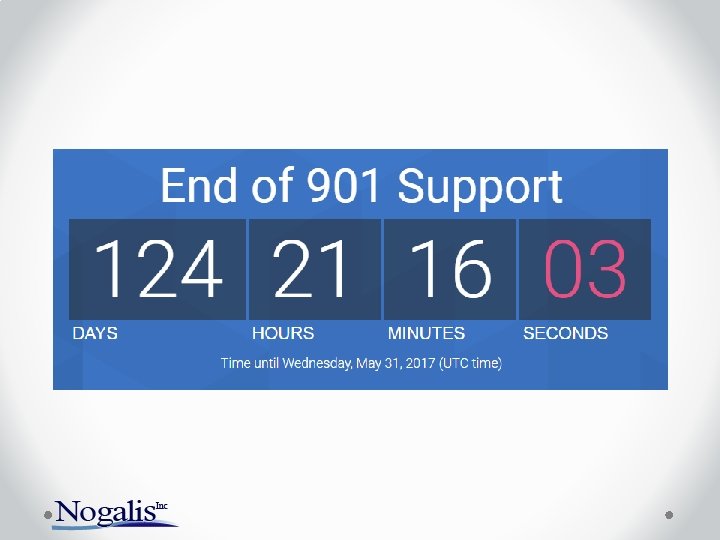
Why Upgrade? • Extended 901 support deadline is 5/31/17 • Latest technology changes • Infor Process Automation • Infor BI 10 • Cleaner look & feel • More supported browsers • IE 10+ • Chrome • Firefox
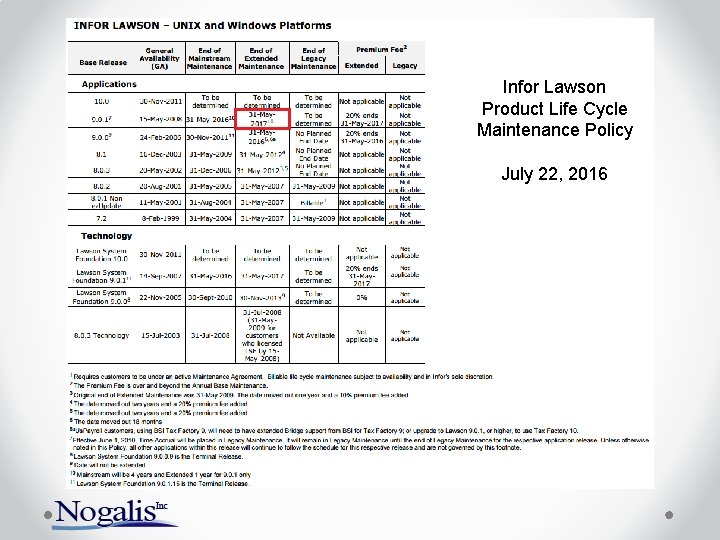
Infor Lawson Product Life Cycle Maintenance Policy July 22, 2016
What will happen? • Best Case (No Issues until year-end) o No year-end updates for Payroll o No year-end updates for AP o No support for the environment • Worst Case o Possible BSI Cyclical Update that requires 10 x environment as minimum release o Possible OS updated that conflicts with environment o No year-end updates for Payroll o No year-end updates for AP o No support for the environment
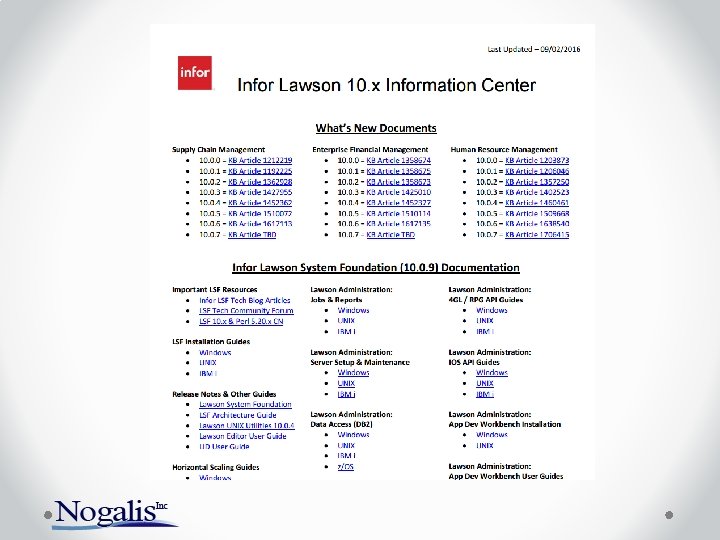
Infor Lawson 10. x Information Center • Knowledgebase Article 1444526 • Topic # 29307 o o o o o What’s New Release Notes Installation Guides IPA Guides Ming. le Guides ISS Guides Upgrade Docs Recommended training Recent related webinars Recorded webinars
How do we get there? Before May 31 2017
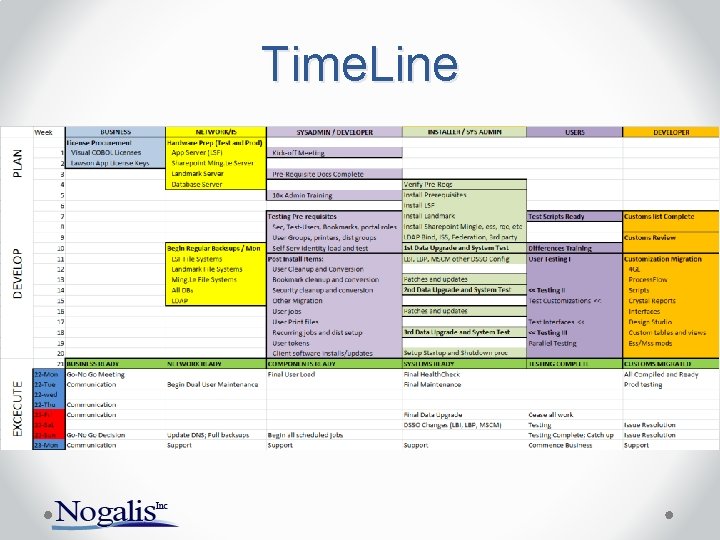
Time. Line
Before we Begin • Complete the pre-install checklist o Applications o Server names & architecture o User names & passwords • Server Pre-requisites o Server configuration/architecture o Pre-requisite installations o Visual COBOL and V 10 Apps License Keys o Product downloads • Installer access o Access to the environment o Infor account for issue resolution
Project Management • One dedicated project manager o Decision maker & facilitator o Coordinates schedules o Coordinates meetings • Clearly define roles ahead of time o Project team o Contact information • Limit project meetings o Essential personnel only o Hold to the scheduled time • Issue Tracking o JIRA o NO EMAILS!
Availability • Contact information for project team o Project stakeholders o Multiple contact numbers/emails • Technical staff o After-hours contact information o Clearly defined roles o Help Desk contact information • Priority service tickets • Functional users o Issue resolution o Testing o Functional questions
Tools • • • JIRA – Project Management and Issue Resolution Remote Access / VPN – We prefer Cisco Anyconnect Jump Boxes – Facilitate teams working at the same time Slack - For quick team communication On the server o o Notepad++ Chrome LDAP Browser Classic Shell • LSF_IQ – Review and validate security and loading users o Migration of security o Migration of Users with correct NTIDs
Installation • • Two environments only (Pick your version carefully) Possibly install Landmark after 5/31 if IPA is not critical Federate Later if possible Customizations o 4 GL, reports, Design Studio, Flows/Processes, Custom DB tables, etc. o Essential interfaces/customizations only • Work on the remainder after 5/31 Additional applications o BSI, LBI, MSCM, LBP, LSO, EDI, etc. Install LSF with Portal only o Install Share. Point & Ming. le after 5/31 Install patches & updates after 5/31 What can we live without for a few weeks? o Examples: LSO, LBI, Specified Interfaces & Customizations
Testing • Limit to two testing passes • Pick your data refresh date wisely • Test case documentation / Test Scripts o Ready before installation begins • Process testing (year-end/month-end/payroll) o Prioritize in case some can be done after 5/31 • Testers o Small, dedicated group of functional users o Priority availability o Ability to work after hours and on weekends (especially go-live weekend) • Make sure to test well: o ESS/MSS, RQC, MSCM Handhelds o EDI Maps
Training • Short two hour webinars with each group o HR/Payroll/Benefits o Procurement/Req o Finance • Record webinar for future review • One hour Q/A session
Organizationally • Get buy-in from the organization on necessity of the project • Budget appropriately so you don’t have to spend time on getting additional funds • Get a pass on tight security upfront o Lawson credentials (and other users) o Network security rules and firewall settings o DB SA rights • Set expectations with users, executives, contractors early on • Read this: “How to cut consulting costs by up to 30%”
Go-Live • Flexible on the dates & times • Preferably begin on Thursday evening • Availability (including after hours and weekend) o Technical staff o Functional staff • Issue resolution
- Slides: 21