
How to set up your Jeopardy Game and
- Slides: 12
How to set up your Jeopardy Game and how it will work
After your questions and answers are created on your Outline, you need to come up with a color scheme and follow the directions on your instructions sheet to set up your Master Slides.
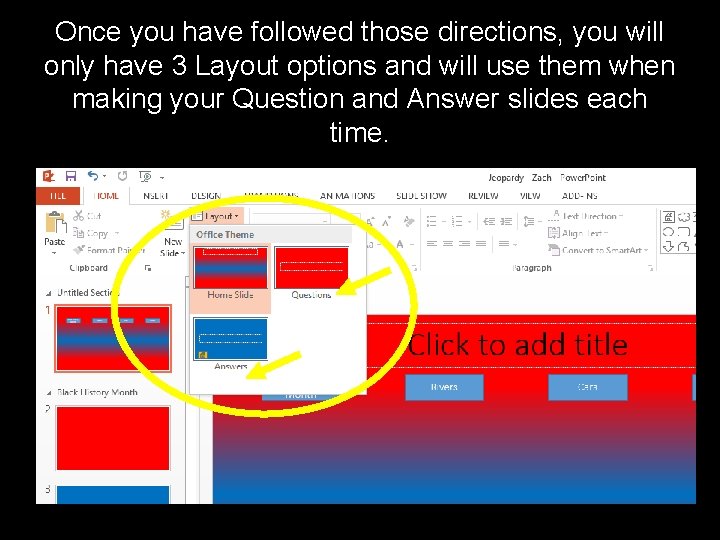
Once you have followed those directions, you will only have 3 Layout options and will use them when making your Question and Answer slides each time.
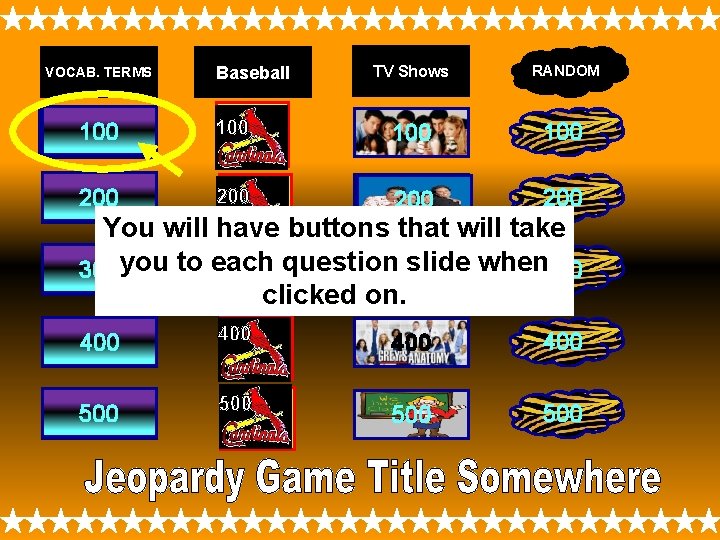
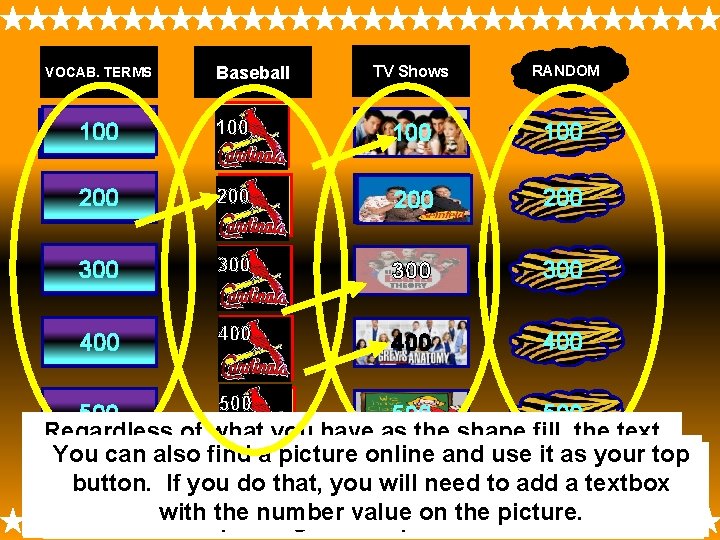
Your first slide will have a Title somewhere on the slide and all of your buttons and question number values on it.
VOCAB. TERMS Baseball TV Shows RANDOM 100 100 200 200 400 400 500 500 You will have buttons that will take question 300 slide when 300 300 you to each 300 300 clicked on. 400 500
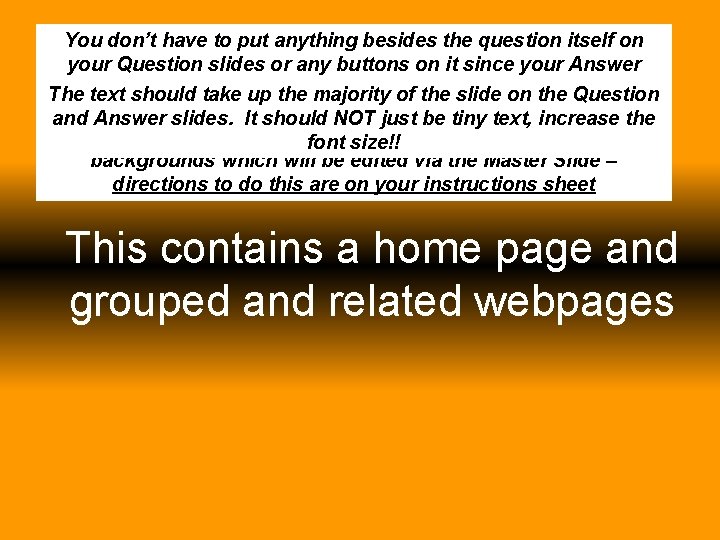
You don’t have to put anything besides the question itself on your Question slides or any buttons on it since your Answer slide should be directly it. When mouse it will The text should take up after the majority ofyou the click slide the on the Question to the next slide which will thebe Answer Slide for thatthe andgo. Answer slides. It should NOTbejust tiny text, increase question. Your Question & Answer font size!!slides must have different backgrounds which will be edited via the Master Slide – directions to do this are on your instructions sheet This contains a home page and grouped and related webpages
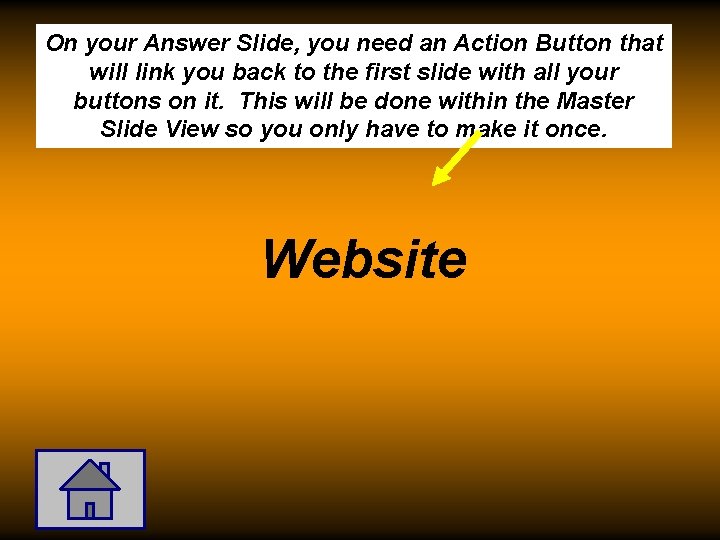
On your Answer Slide, you need an Action Button that will link you back to the first slide with all your buttons on it. This will be done within the Master Slide View so you only have to make it once. Website
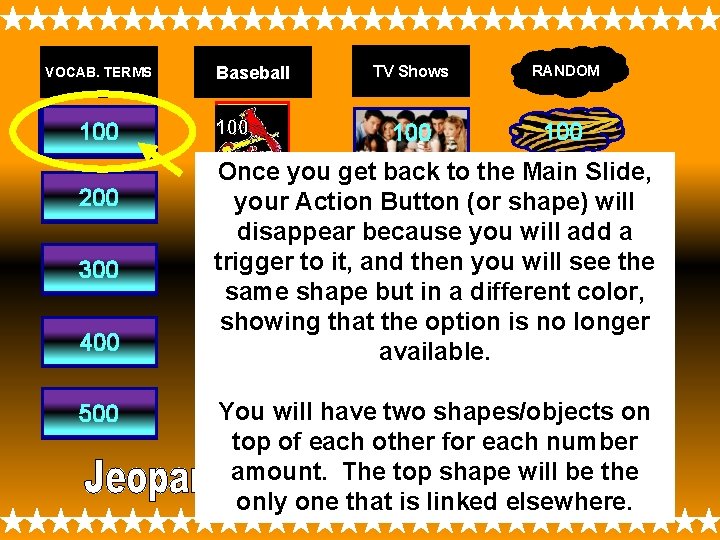
VOCAB. TERMS 100 200 300 400 500 Baseball 100 TV Shows RANDOM 100 100 Once you get back to the Main Slide, 200 will 200 200 your (or shape) 200 Action Button disappear because you will add a trigger to it, and then you will 300 see the 300 300 same shape but in a different color, showing that the option is no longer 400 400 400 available. 500 will have two shapes/objects 500 You on 500 500 top of each other for each number amount. The top shape will be the only one that is linked elsewhere.
VOCAB. TERMS Baseball TV Shows RANDOM 100 100 200 200 300 300 400 400 300 400 500 500 Regardless of what you have as the shape fill, the text You can also findbuttons a. Change picture online and use it. Glow asdirectly your MUST be visible!! text colors, add text top If. You you use shapes or Action Buttons, you type The number value can be made from anything. must change the shape color and outline color of button. Ifactual you do that, you will to add acan textbox effects, OR change the transparency ofjust the picture in/onto them. DO NOT put textboxes with the number They can be Action Buttons or can be regular each shape from the original blueneed color. You add fill with theofthe number value onor the picture. within thecolors/gradients filltop (on right) sopictures that the text visible. values on regular shapes Action Buttons shapes. or as theisfill.
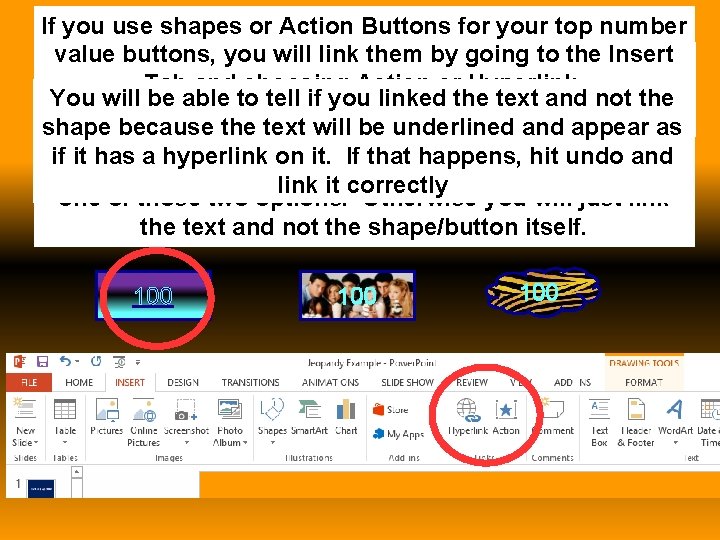
If you use shapes or Action Buttons for your top number value buttons, youyour will link them going to the you Insert Before you add shapes inby and link them, Taball and choosing Action or Hyperlink. should add of the question and answer so the that You will be able to tell if you linked the textslides and not you have athe place actually link the buttons to. as shape because texttowill be underlined and appear MAKE SURE you have selected the OUTSIDE edge of if it has a hyperlink on it. If that happens, hit undo and the shape/button NOT the text inside before you click link it correctly one of those two options. Otherwise you will just link the text and not the shape/button itself. 100 100
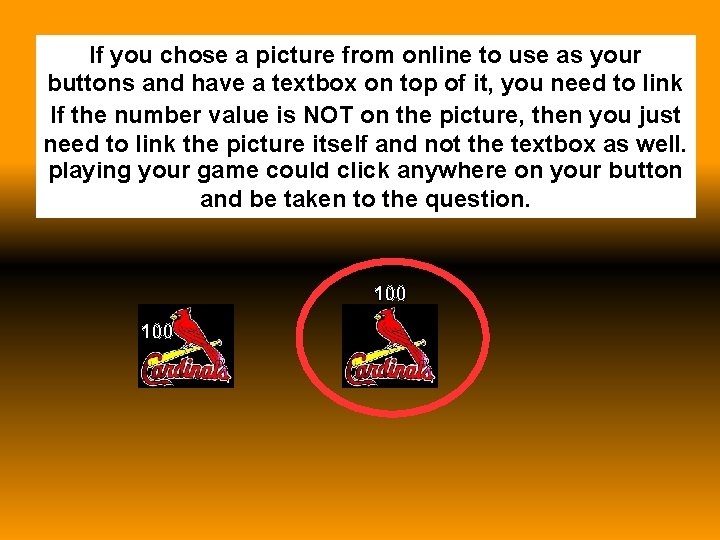
If you chose a picture from online to use as your buttons and have a textbox on top of it, you need to link bothnumber the textbox the picture to each then slide you IF the If the valueand is NOT on the picture, just number value is on the picture. That way whoever is need to link the picture itself and not the textbox as well. playing your game could click anywhere on your button and be taken to the question. 100
MAKE SURE you follow all directions within the instructions sheet. Remember, there are step-by-step instructions for adding Triggers on Notes #4. Make sure you go through the rubric to see if you have everything included before you decide you are done and turn in your game.