
How to Set Up for a Zenith City
- Slides: 10
How to Set Up for a Zenith City Tabletop Exercise
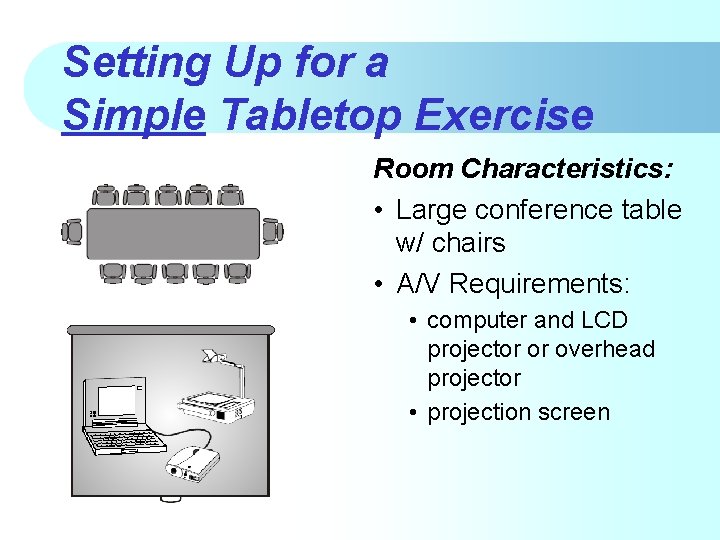
Setting Up for a Simple Tabletop Exercise Room Characteristics: • Large conference table w/ chairs • A/V Requirements: • computer and LCD projector or overhead projector • projection screen
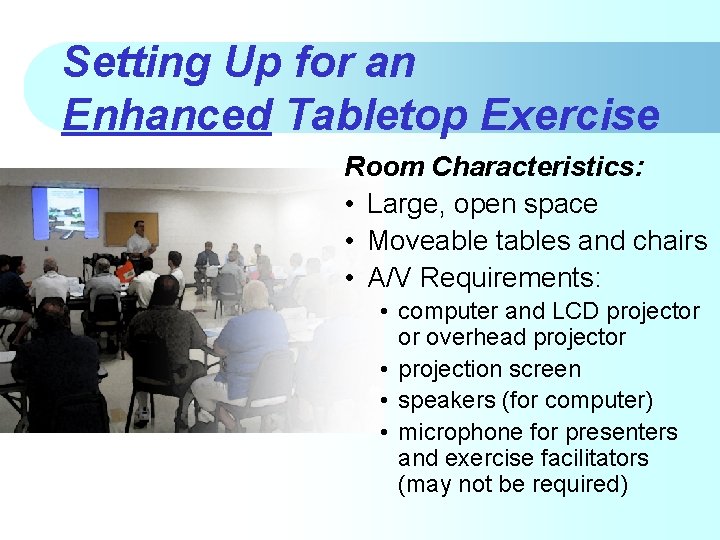
Setting Up for an Enhanced Tabletop Exercise Room Characteristics: • Large, open space • Moveable tables and chairs • A/V Requirements: • computer and LCD projector or overhead projector • projection screen • speakers (for computer) • microphone for presenters and exercise facilitators (may not be required)
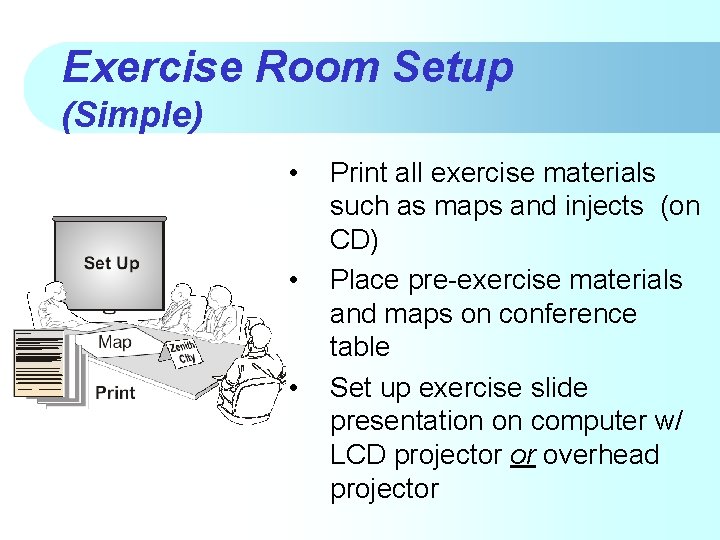
Exercise Room Setup (Simple) • • • Print all exercise materials such as maps and injects (on CD) Place pre-exercise materials and maps on conference table Set up exercise slide presentation on computer w/ LCD projector or overhead projector
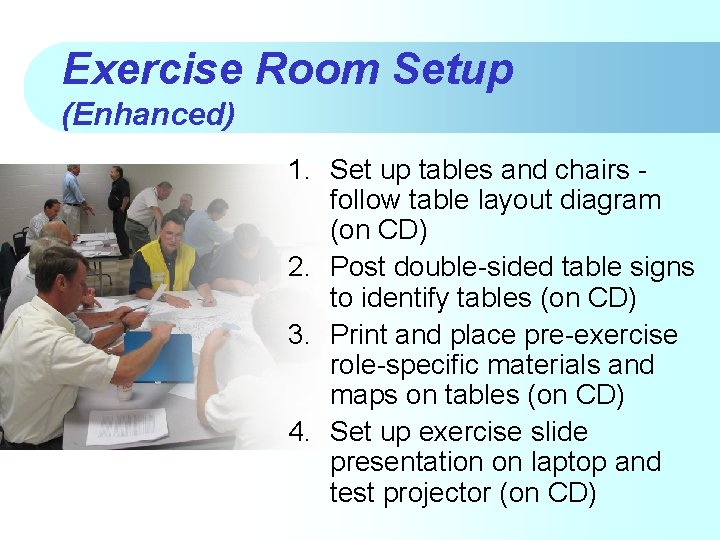
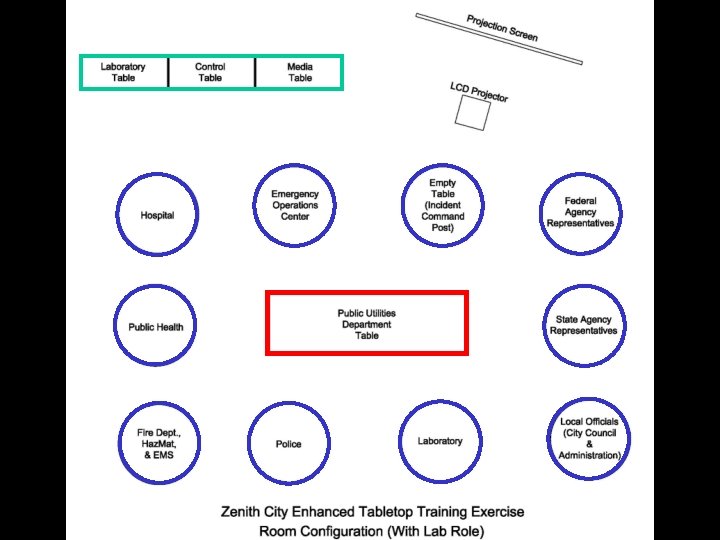
Exercise Room Setup (Enhanced) 1. Set up tables and chairs follow table layout diagram (on CD) 2. Post double-sided table signs to identify tables (on CD) 3. Print and place pre-exercise role-specific materials and maps on tables (on CD) 4. Set up exercise slide presentation on laptop and test projector (on CD)
The Tabletop Exercise CD 1. Select the exercise you plan to run – CD provides all exercise materials 2. Print the “Tabletop Materials Checklist” for the exercise 3. Print all the materials for the exercise and use the “Checklist” to verify that all materials are printed and distributed appropriately
Exercises on the Zenith City CD Demonstration
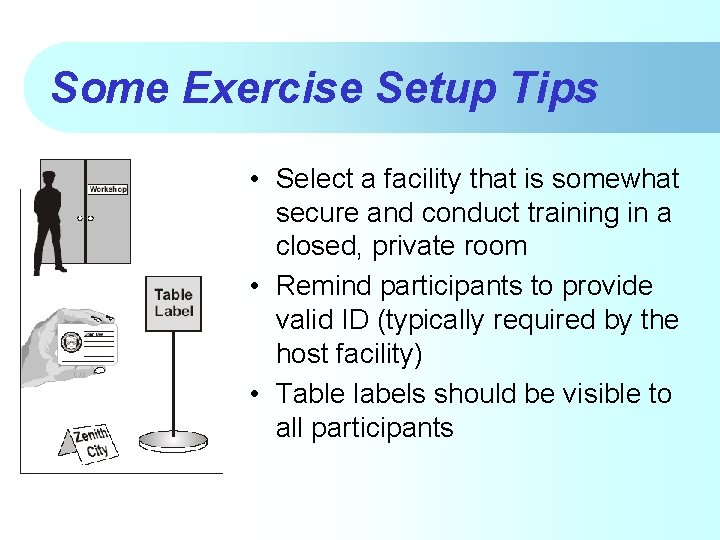
Some Exercise Setup Tips • Select a facility that is somewhat secure and conduct training in a closed, private room • Remind participants to provide valid ID (typically required by the host facility) • Table labels should be visible to all participants
Some Exercise Setup Tips (cont’d. ) • Provide additional copies of exercise materials (if group is large) • Have spare forms on hand for participants • Take a moment to let participants introduce themselves to each other