
How to Set Performance Test Requirements and Expectations
- Slides: 27
How to Set Performance Test Requirements and Expectations Presented by Ragan Shearing of Avaya
Introduction n n Experience – Consulting and as employee of Avaya Automation and Performance Lead SQu. AD Test Automation Panel – Twice Today’s Focus – Setting Performance Requirements and Expectations n n Poorly understood Inconsistently implemented
Personal Experience – First Load Test Project n Mayo Clinic n n n Four applications, all central to daily operations Problem – without requirements, how do we measure/identify failed performance? Lessons Learned: n n Any application can have some level of performance testing. Set performance expectations, have an opinion
Goal of the Presentation n n Identify a process for setting performance requirements and performance expectations Present examples of Performance testing experiences Understand when Performance is Good Enough for the application at hand. Brief overview of statistics n n average just isn’t good enough the 90 th percentile
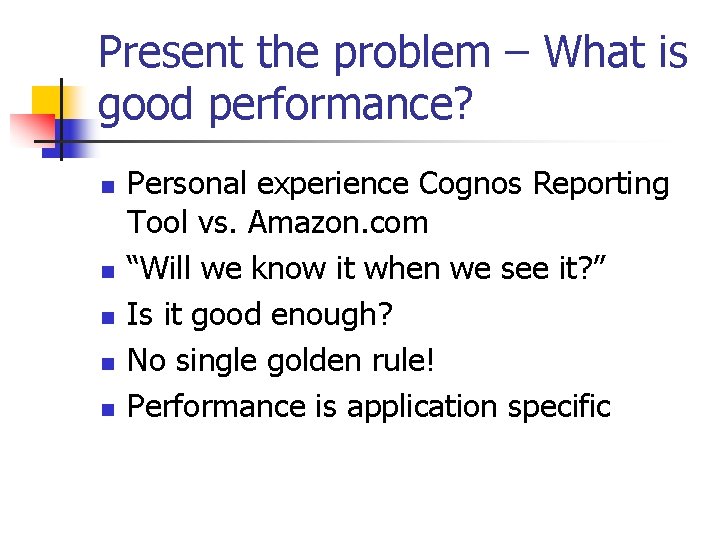
Present the problem – What is good performance? n n n Personal experience Cognos Reporting Tool vs. Amazon. com “Will we know it when we see it? ” Is it good enough? No single golden rule! Performance is application specific
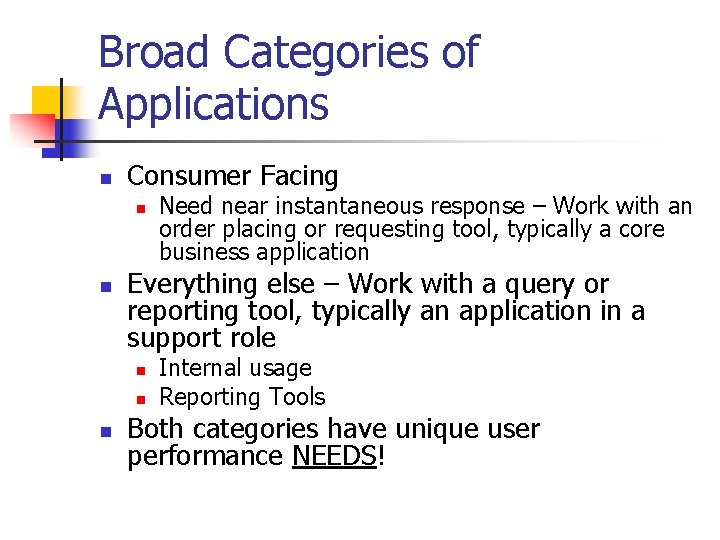
Broad Categories of Applications n Consumer Facing n n Everything else – Work with a query or reporting tool, typically an application in a support role n n n Need near instantaneous response – Work with an order placing or requesting tool, typically a core business application Internal usage Reporting Tools Both categories have unique user performance NEEDS!
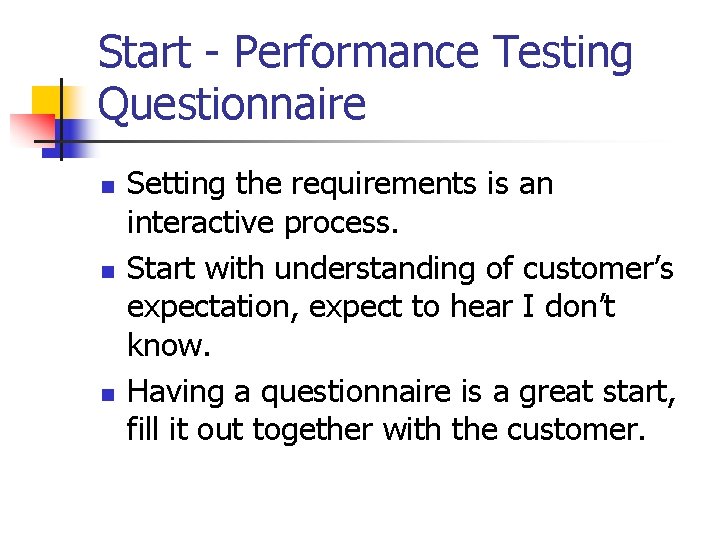
Start - Performance Testing Questionnaire n n n Setting the requirements is an interactive process. Start with understanding of customer’s expectation, expect to hear I don’t know. Having a questionnaire is a great start, fill it out together with the customer.
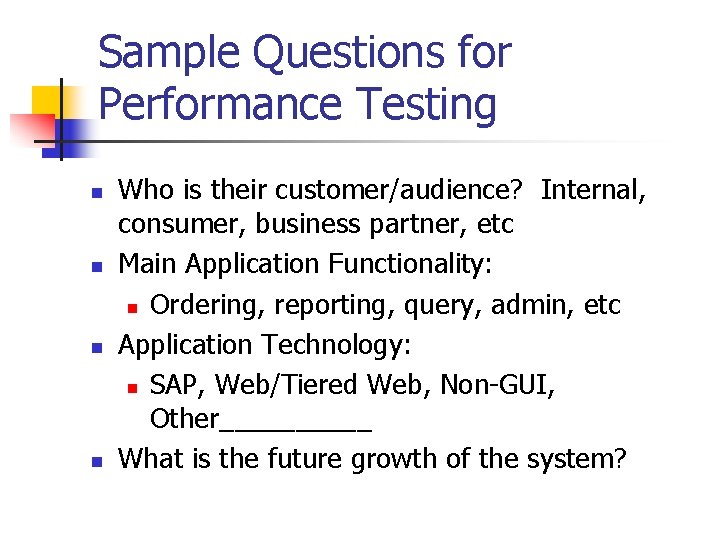
Sample Questions for Performance Testing n n Who is their customer/audience? Internal, consumer, business partner, etc Main Application Functionality: n Ordering, reporting, query, admin, etc Application Technology: n SAP, Web/Tiered Web, Non-GUI, Other_____ What is the future growth of the system?
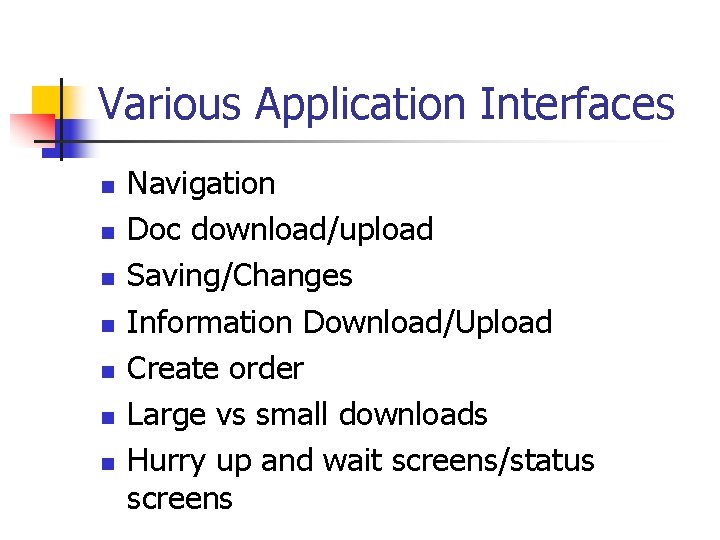
Various Application Interfaces n n n n Navigation Doc download/upload Saving/Changes Information Download/Upload Create order Large vs small downloads Hurry up and wait screens/status screens
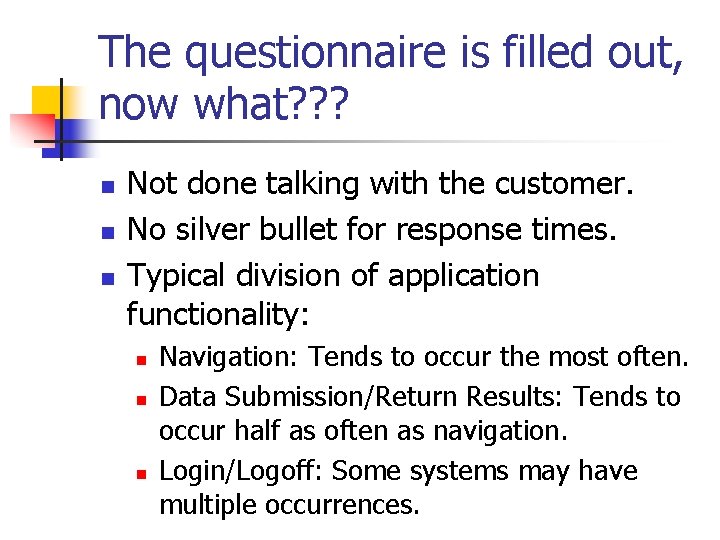
The questionnaire is filled out, now what? ? ? n n n Not done talking with the customer. No silver bullet for response times. Typical division of application functionality: n n n Navigation: Tends to occur the most often. Data Submission/Return Results: Tends to occur half as often as navigation. Login/Logoff: Some systems may have multiple occurrences.
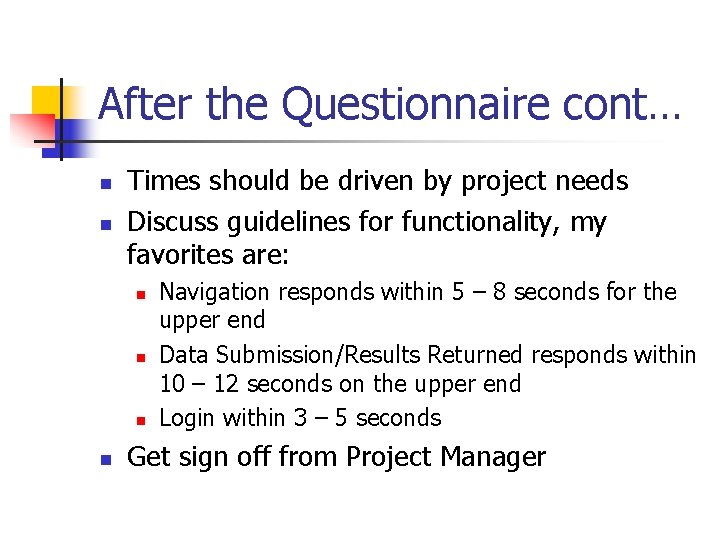
After the Questionnaire cont… n n Times should be driven by project needs Discuss guidelines for functionality, my favorites are: n n Navigation responds within 5 – 8 seconds for the upper end Data Submission/Results Returned responds within 10 – 12 seconds on the upper end Login within 3 – 5 seconds Get sign off from Project Manager
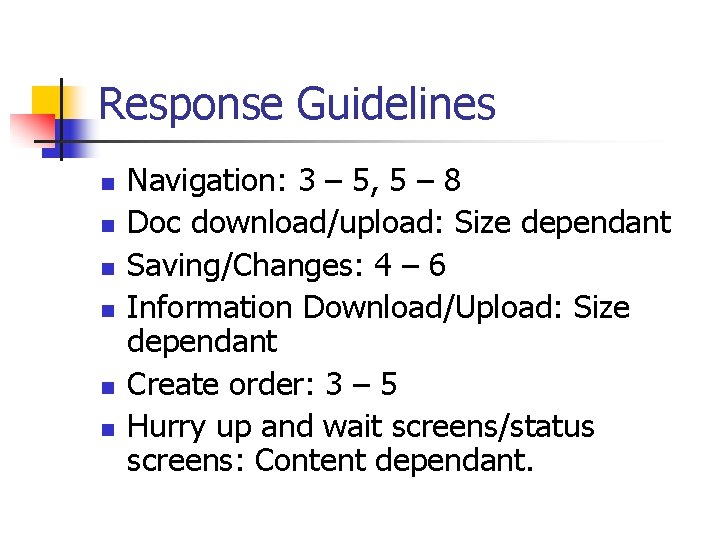
Response Guidelines n n n Navigation: 3 – 5, 5 – 8 Doc download/upload: Size dependant Saving/Changes: 4 – 6 Information Download/Upload: Size dependant Create order: 3 – 5 Hurry up and wait screens/status screens: Content dependant.
First Step – Set and understand the system usage n Understanding: n n Yours The Project’s Third party/vendor 20/80 rule n Can’t test every piece of functionality or every permutation
Personal Experience - ITMS n Give example of ITMS and expected usage n n Vendor’s expected usage Company’s expected usage My expected usage Application broke in production, information lost
Second Step - Educate the Project Team n n Present the guidelines relative to productivity Contents of a Good Performance Test Plan n n Identifies the performance requirements Lays out in black and white the testing to be done
Third Step – Setting Performance Expectations n n Ask them about business criticality of the application. Set expectation for response times separate from capacity of users on the system
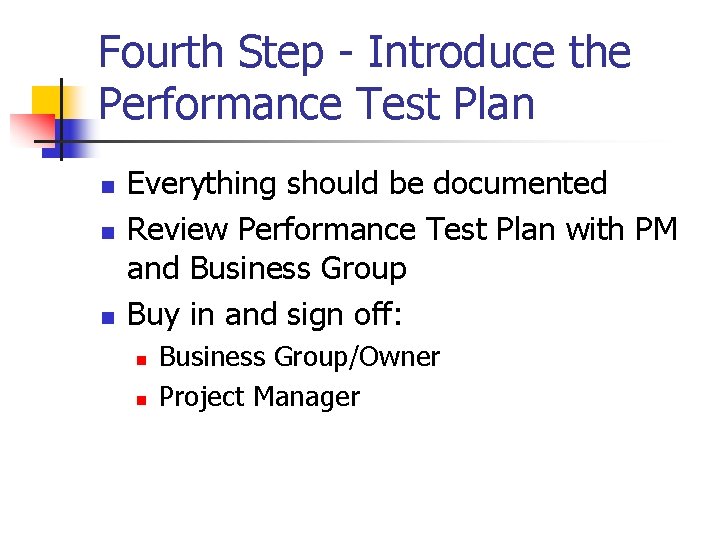
Fourth Step - Introduce the Performance Test Plan n Everything should be documented Review Performance Test Plan with PM and Business Group Buy in and sign off: n n Business Group/Owner Project Manager
Run the Test!!
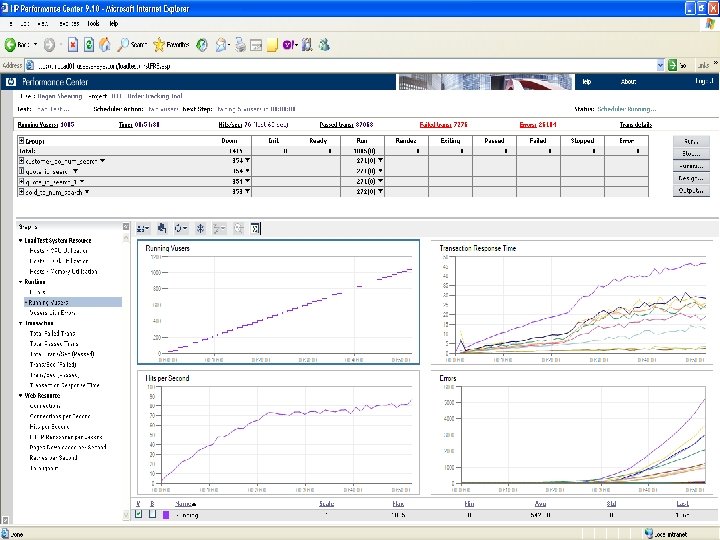
Fifth Step – Run the test
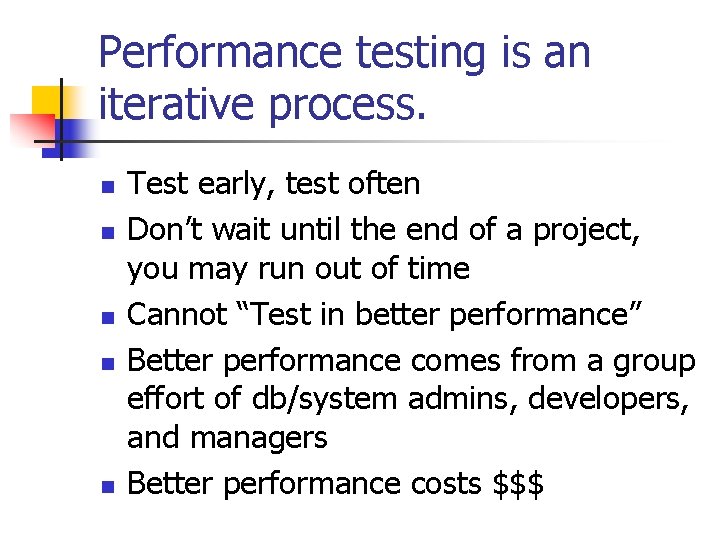
Performance testing is an iterative process. n n n Test early, test often Don’t wait until the end of a project, you may run out of time Cannot “Test in better performance” Better performance comes from a group effort of db/system admins, developers, and managers Better performance costs $$$
Personal Experience – Iterative/Tuning/Don’t Wait n MSQT n Government Project n Lesson Learned – Don’t wait to the end!!!
Sixth Step – the Test has Run, now what? n n Compare the results to the expectations/requirements How close is close enough? When to change or update expectations based on performance Present the results as they relate to user/customer productivity n n Faster response times = greater productivity Point of diminished returns
Poor performance, what to do n n Tuning Runs as time/budget allows Add status bars Communicate to future users Future test efforts
Good Performance, what to do n SHIP IT!!!
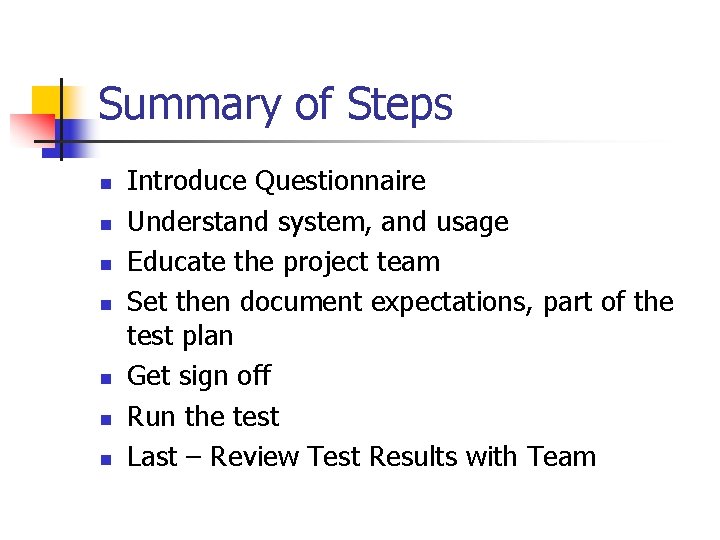
Summary of Steps n n n n Introduce Questionnaire Understand system, and usage Educate the project team Set then document expectations, part of the test plan Get sign off Run the test Last – Review Test Results with Team
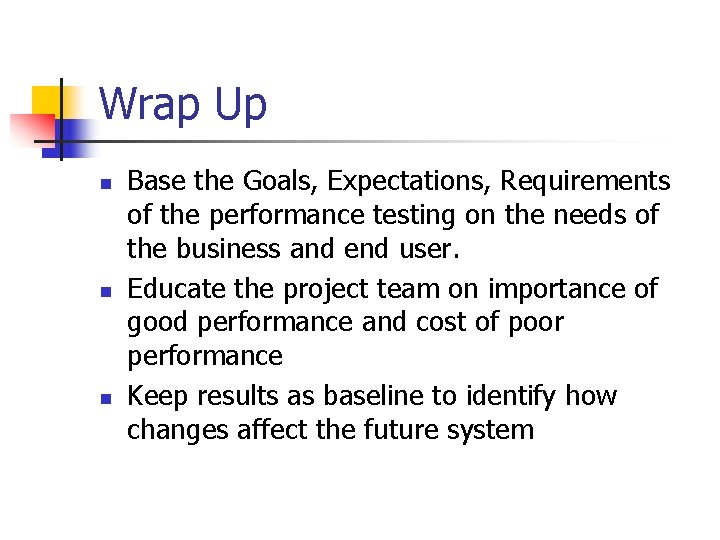
Wrap Up n n n Base the Goals, Expectations, Requirements of the performance testing on the needs of the business and end user. Educate the project team on importance of good performance and cost of poor performance Keep results as baseline to identify how changes affect the future system
Questions n Contact me via email: n n iradari@yahoo. com Will send a copy of performance testing questionnaires for creating a performance test plan.