
HOW TO SEE ACKNOWLEDGE FEEDBACK ON YOUR BOOKING

HOW TO SEE / ACKNOWLEDGE FEEDBACK ON YOUR BOOKING REQUESTS?
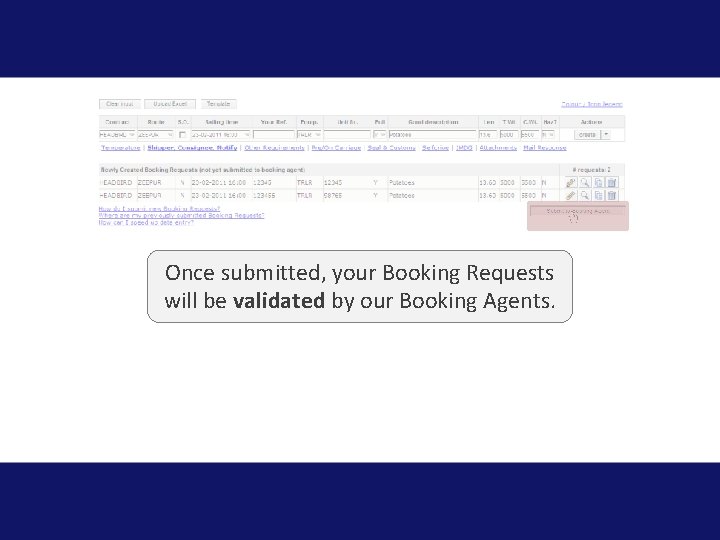
Once submitted, your Booking Requests will be validated by our Booking Agents.
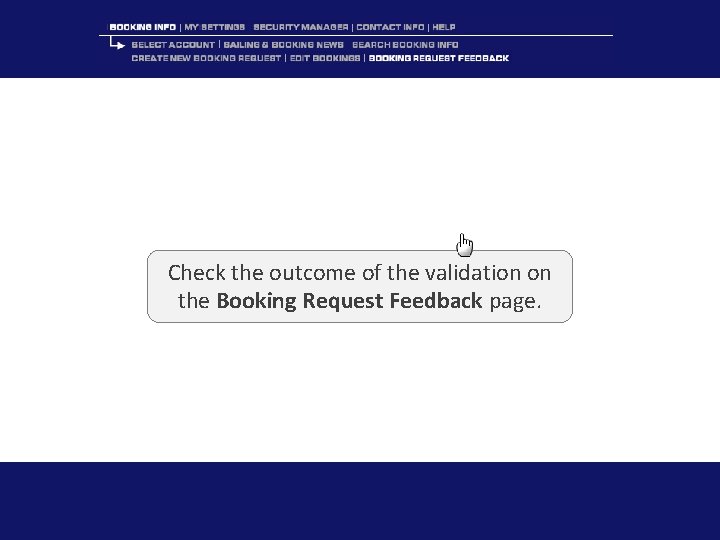
Check the outcome of the validation on the Booking Request Feedback page.
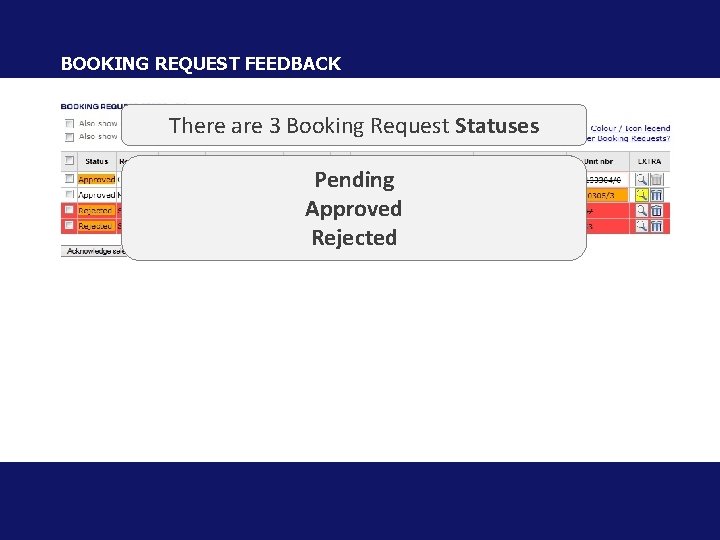
BOOKING REQUEST FEEDBACK There are 3 Booking Request Statuses Pending Approved Rejected
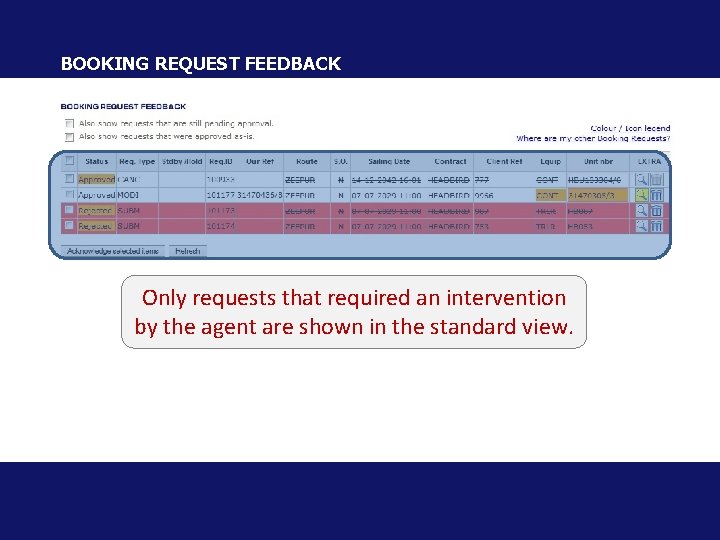
BOOKING REQUEST FEEDBACK Only requests that required an intervention by the agent are shown in the standard view.
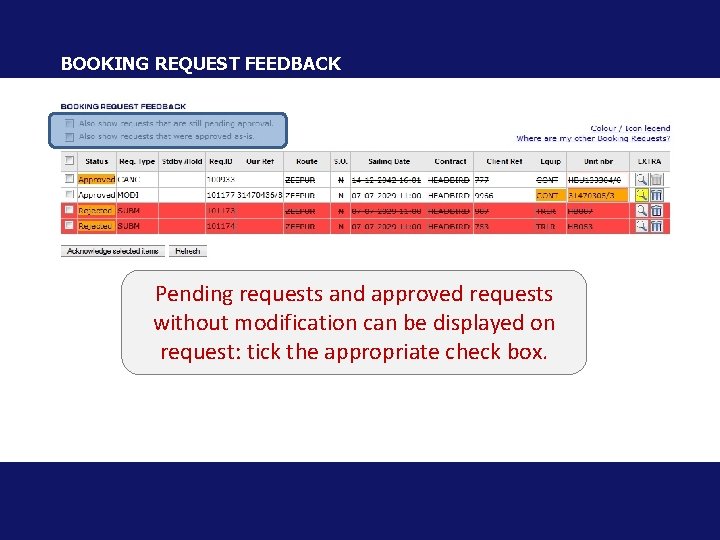
BOOKING REQUEST FEEDBACK Pending requests and approved requests without modification can be displayed on request: tick the appropriate check box.
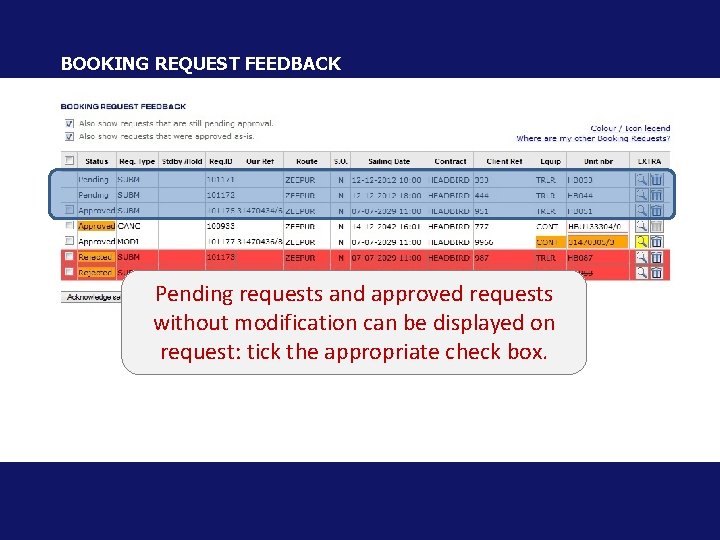
BOOKING REQUEST FEEDBACK Pending requests and approved requests without modification can be displayed on request: tick the appropriate check box.
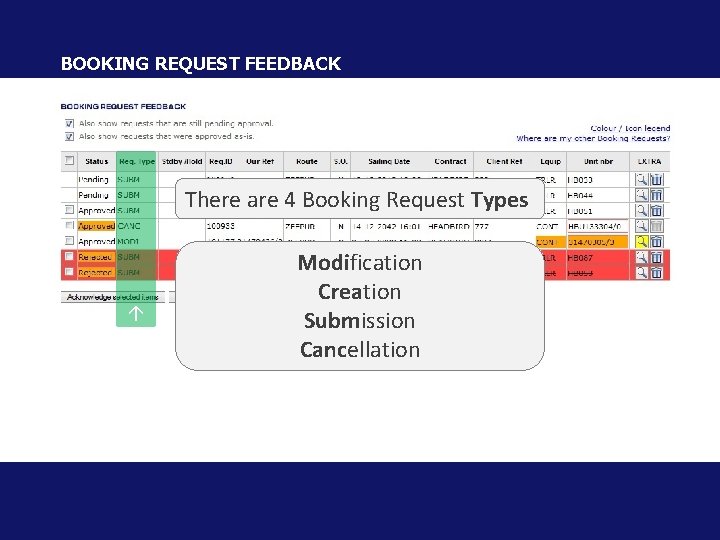
BOOKING REQUEST FEEDBACK There are 4 Booking Request Types Modification Creation Submission Cancellation
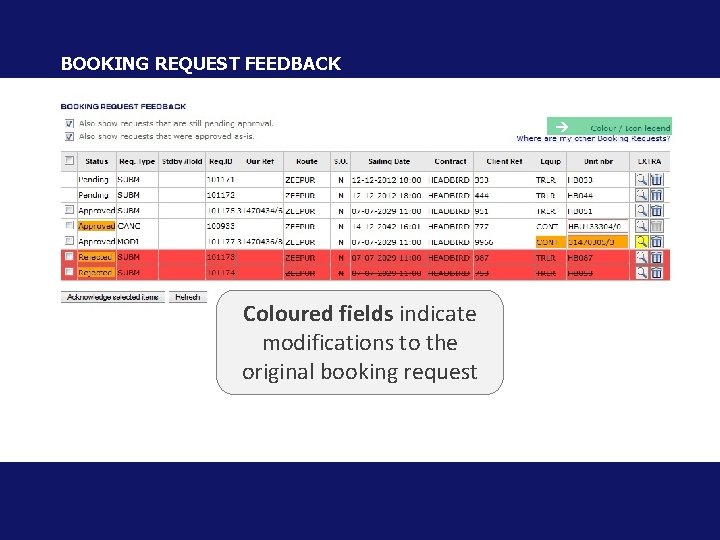
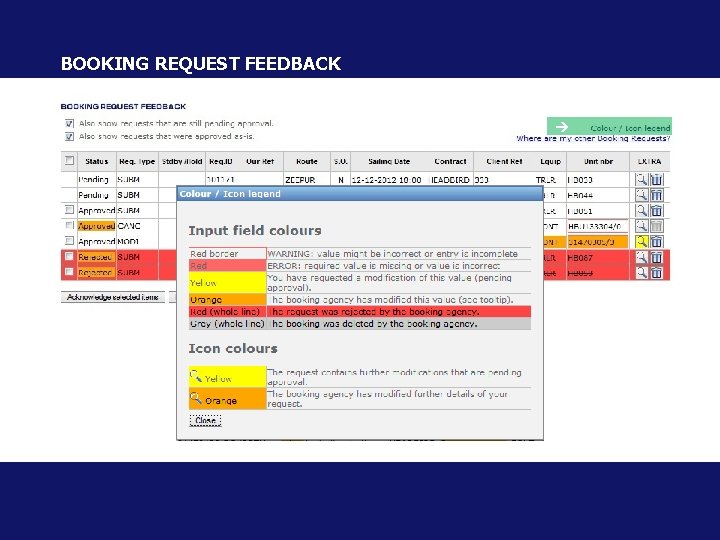
BOOKING REQUEST FEEDBACK Coloured fields indicate modifications to the original booking request
BOOKING REQUEST FEEDBACK
BOOKING REQUEST FEEDBACK Delete - View details - Edit
Delete a Request BOOKING REQUEST FEEDBACK
BOOKING REQUEST FEEDBACK View Request Details
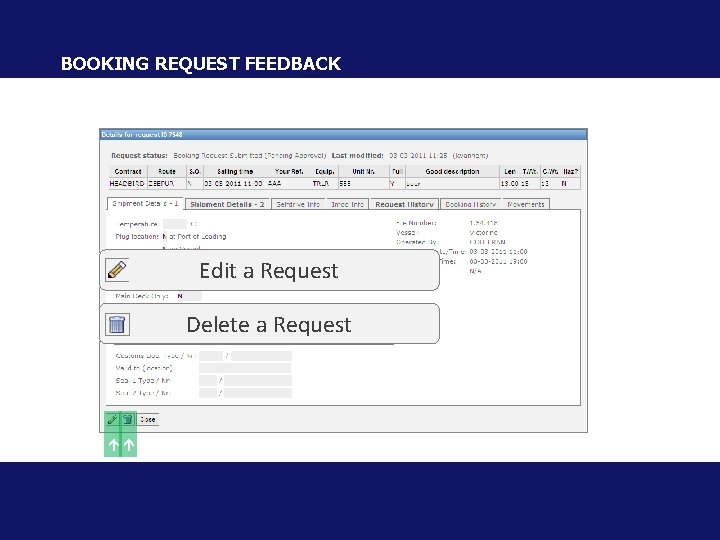
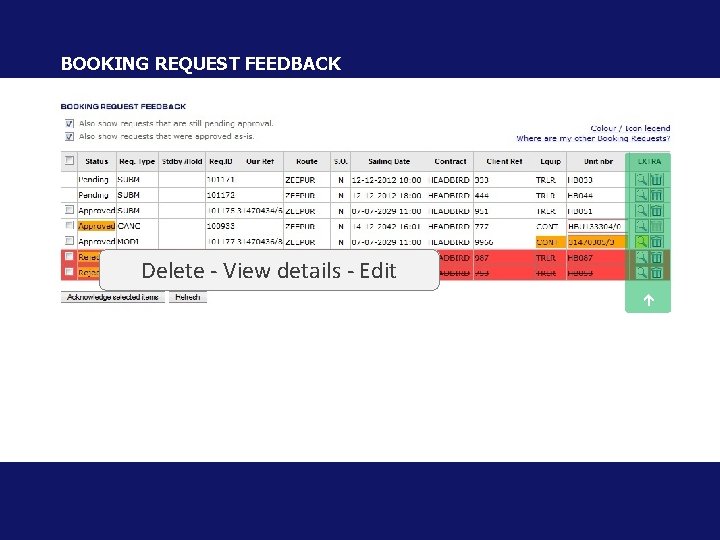
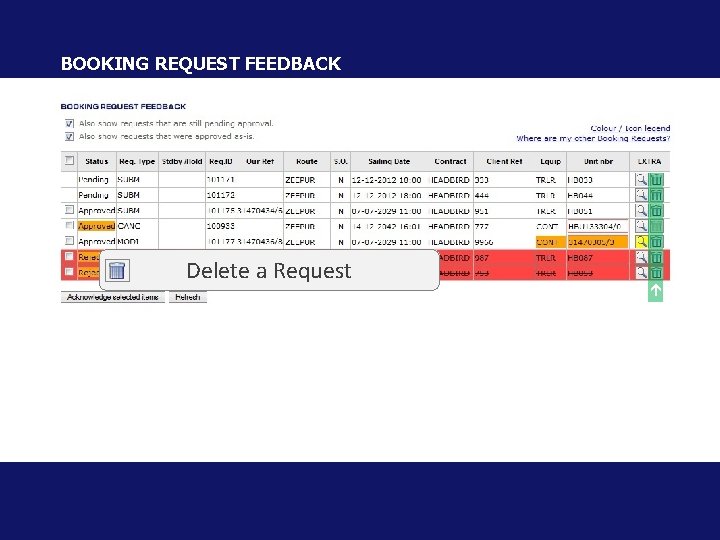
BOOKING REQUEST FEEDBACK Edit a Request Delete a Request
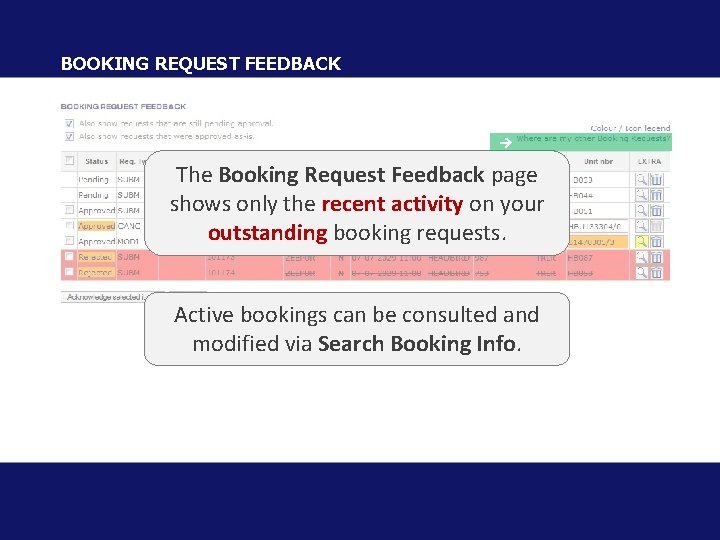
BOOKING REQUEST FEEDBACK The Booking Request Feedback page shows only the recent activity on your outstanding booking requests. Active bookings can be consulted and modified via Search Booking Info.
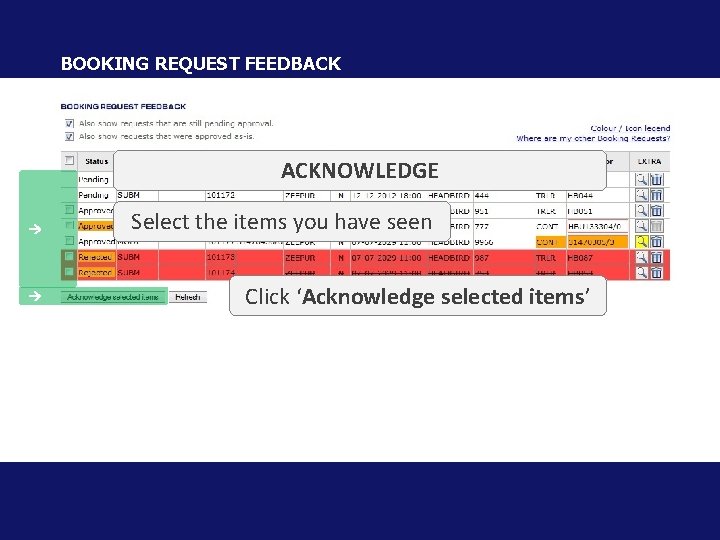
BOOKING REQUEST FEEDBACK ACKNOWLEDGE Select the items you have seen Click ‘Acknowledge selected items’
Replay
- Slides: 17