
How to renew your study permit Step 1

- Slides: 25
How to renew your study permit?
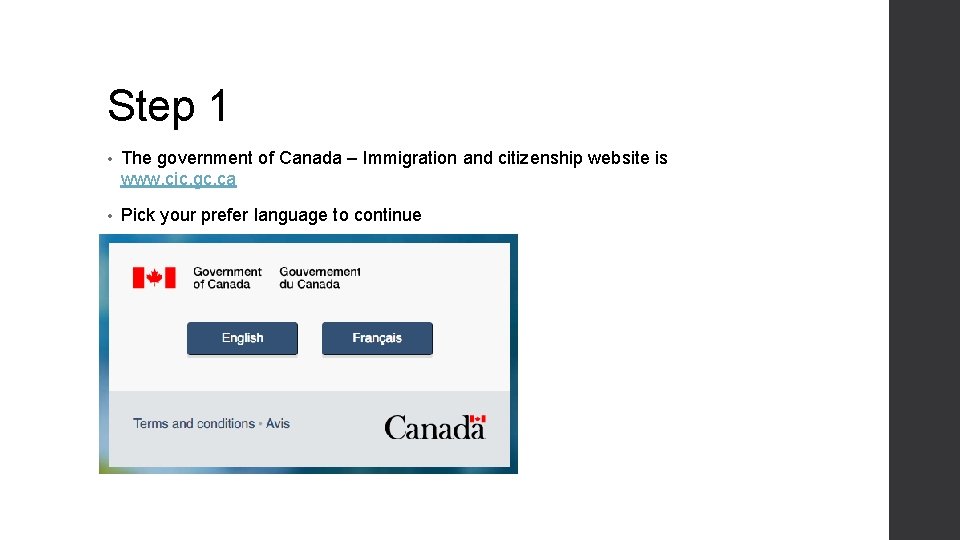
Step 1 • The government of Canada – Immigration and citizenship website is www. cic. gc. ca • Pick your prefer language to continue
Step 2 • Go to ‘Topics’ • Click the ‘Study’ button • Extend your study permit • Under the ‘extend your study permit’ section, the applicants may pick ‘apply online’ or ‘apply on paper’. If you are going to apply online, press the ‘Apply Online’ button to continue.
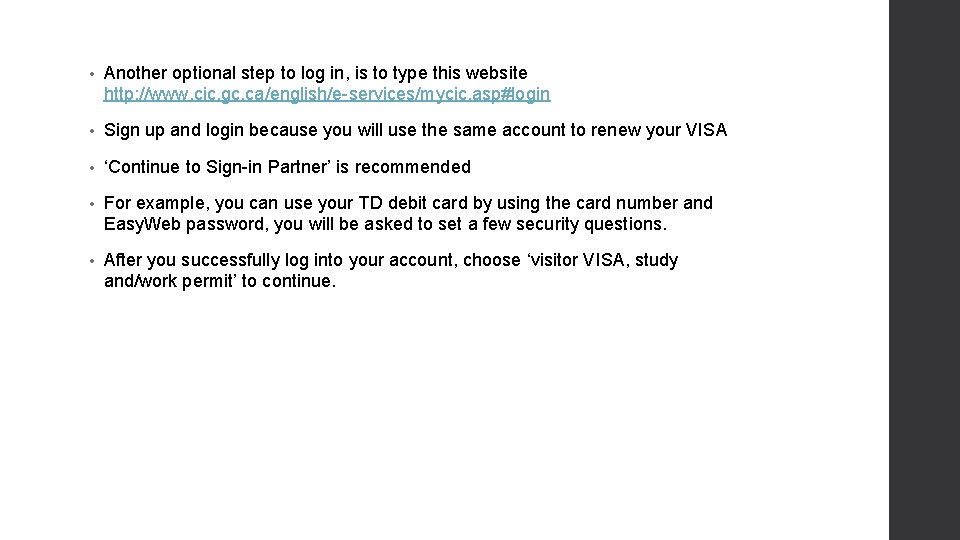
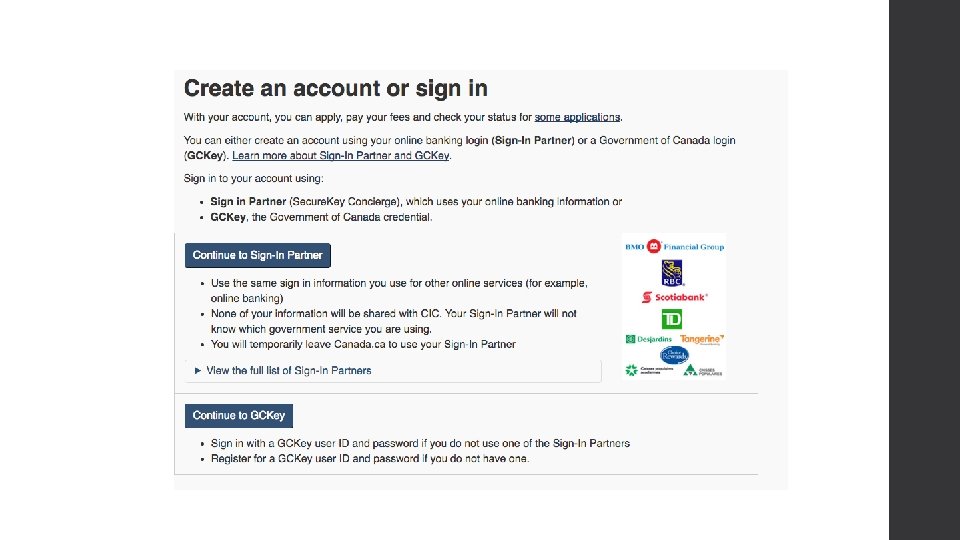
• Another optional step to log in, is to type this website http: //www. cic. gc. ca/english/e-services/mycic. asp#login • Sign up and login because you will use the same account to renew your VISA • ‘Continue to Sign-in Partner’ is recommended • For example, you can use your TD debit card by using the card number and Easy. Web password, you will be asked to set a few security questions. • After you successfully log into your account, choose ‘visitor VISA, study and/work permit’ to continue.
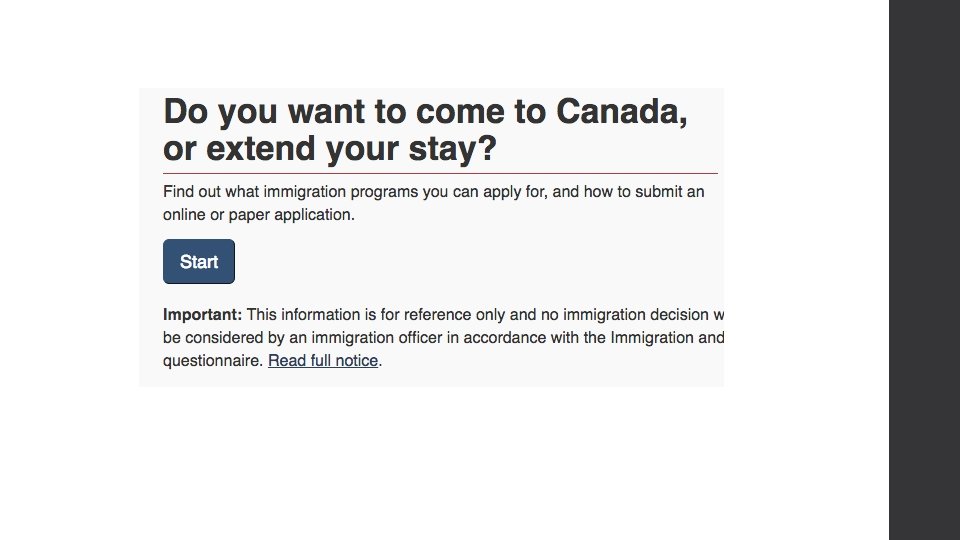
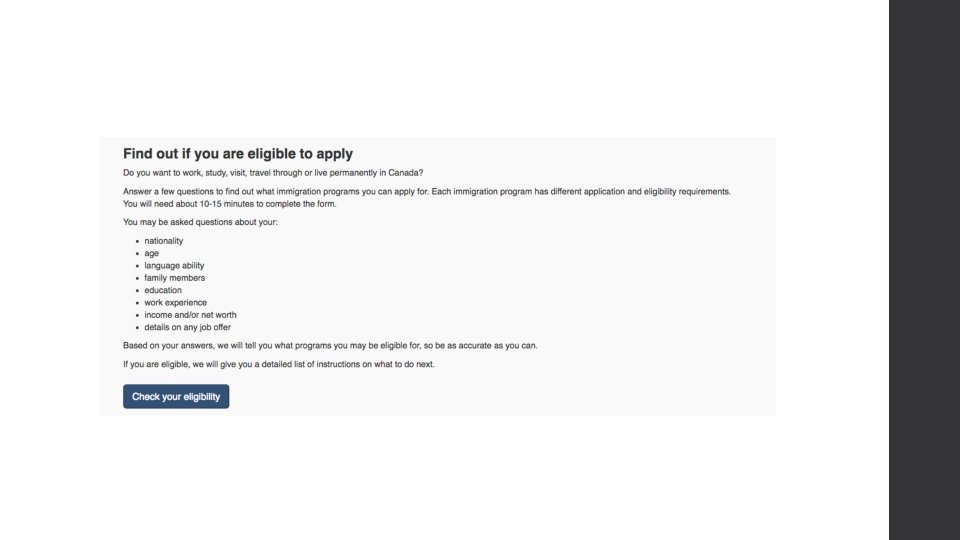
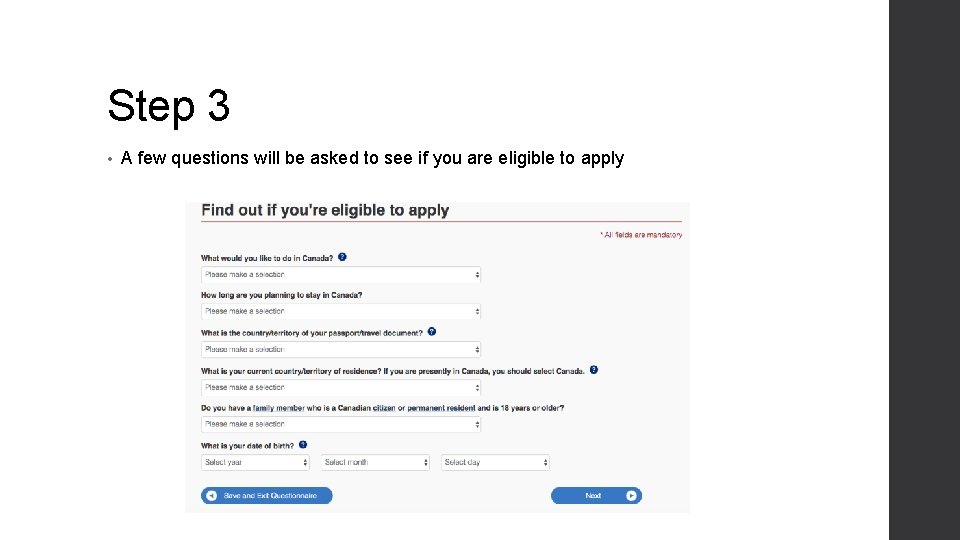
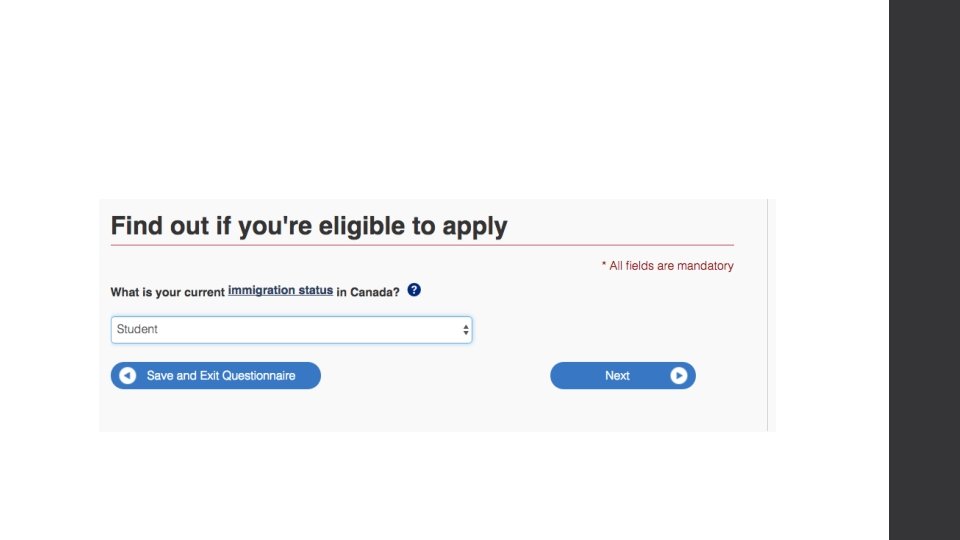
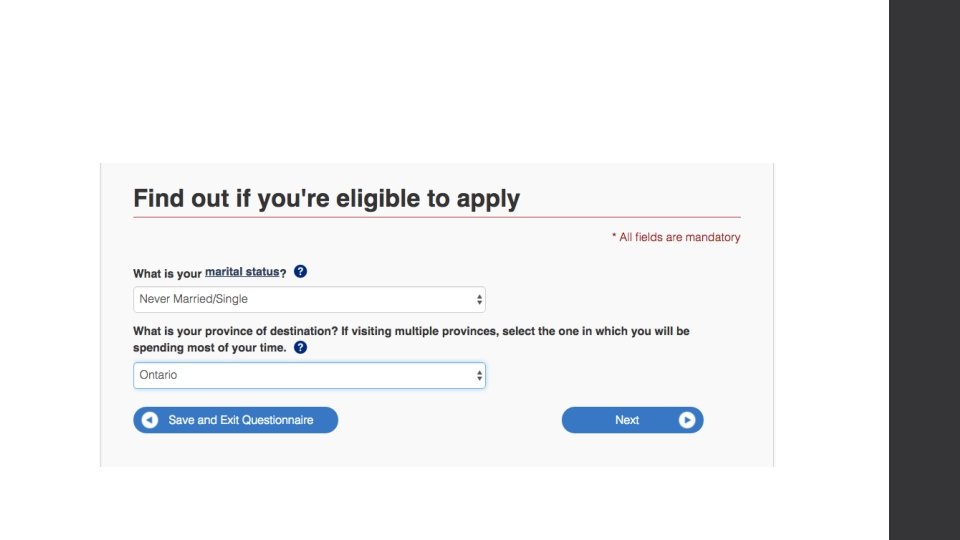
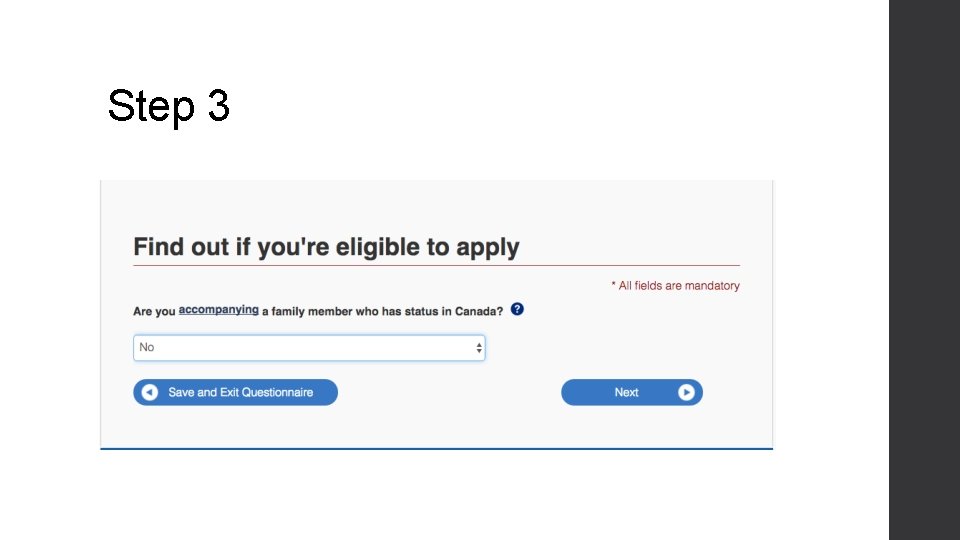
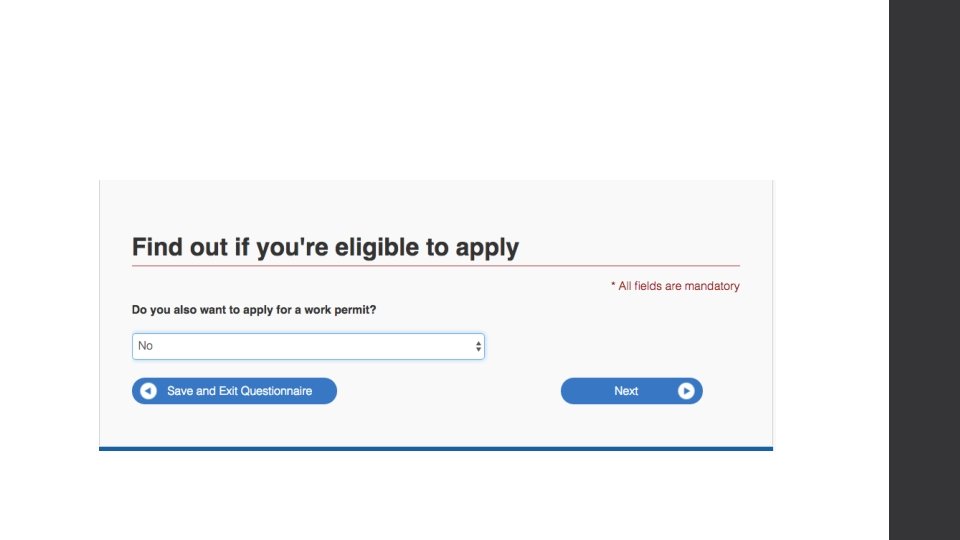
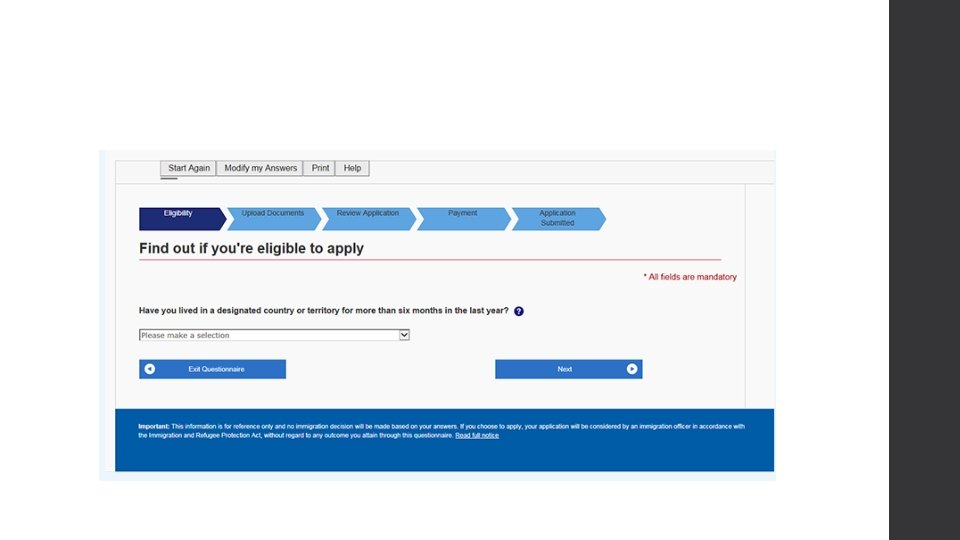
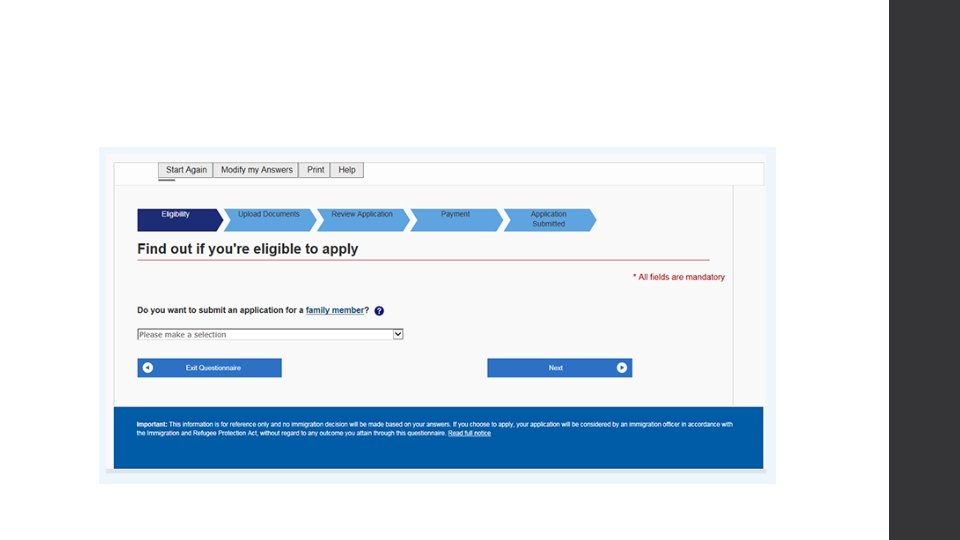
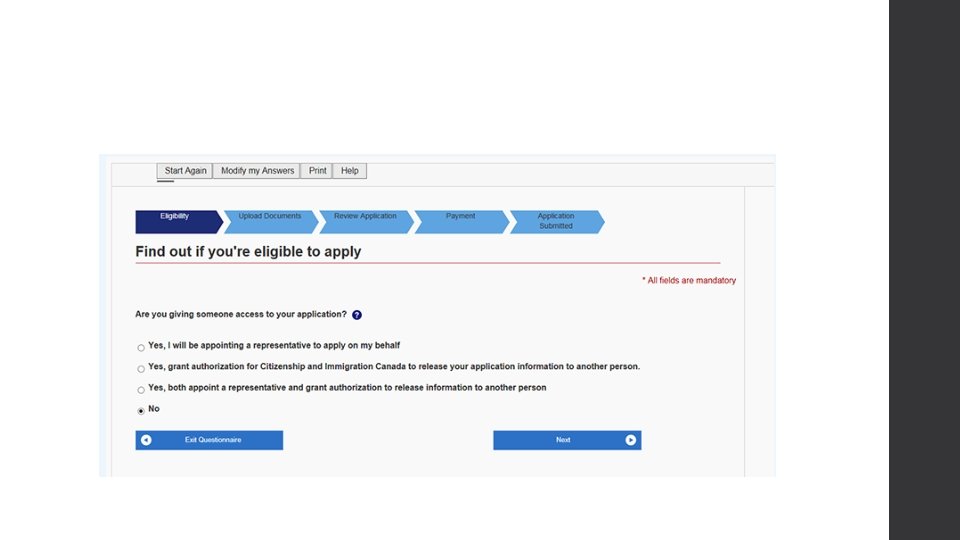
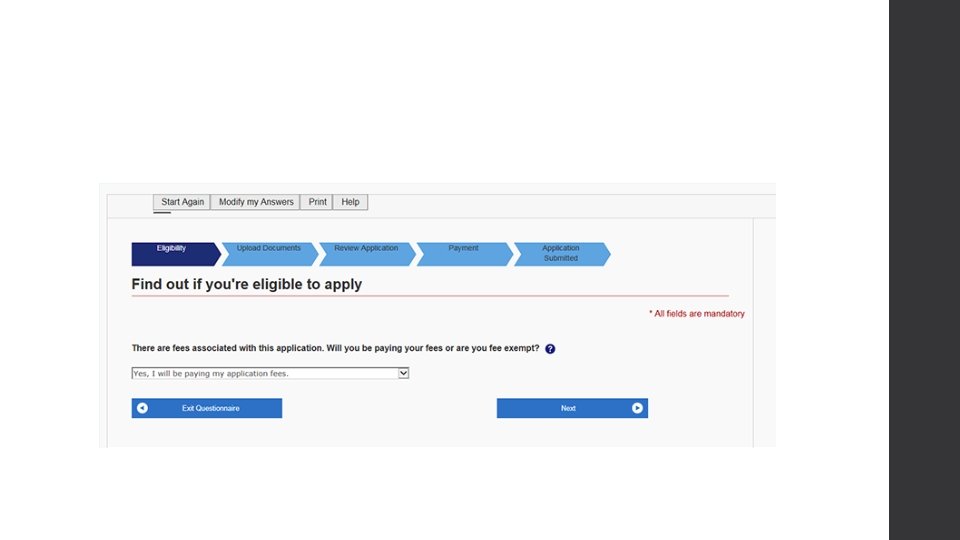
Step 3 • A few questions will be asked to see if you are eligible to apply
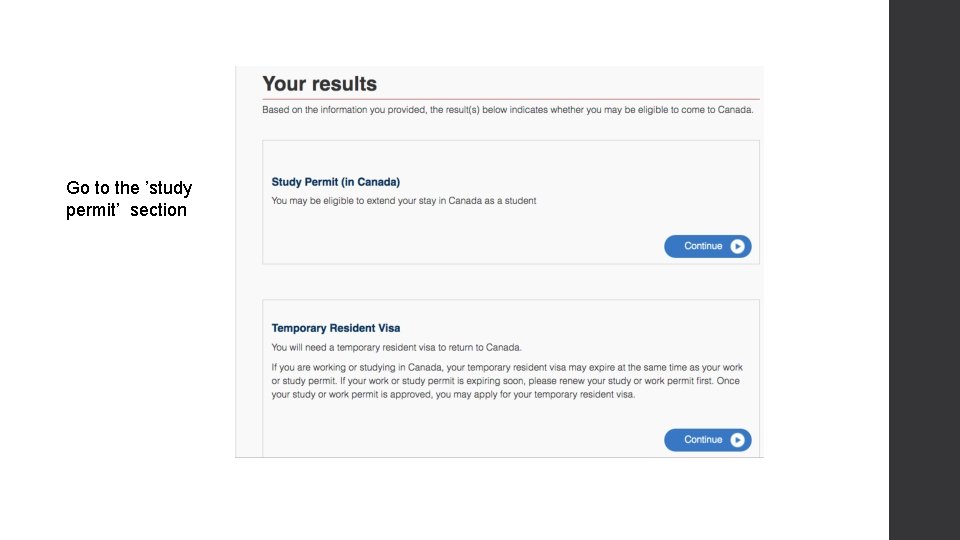
Go to the ’study permit’ section
Step 3
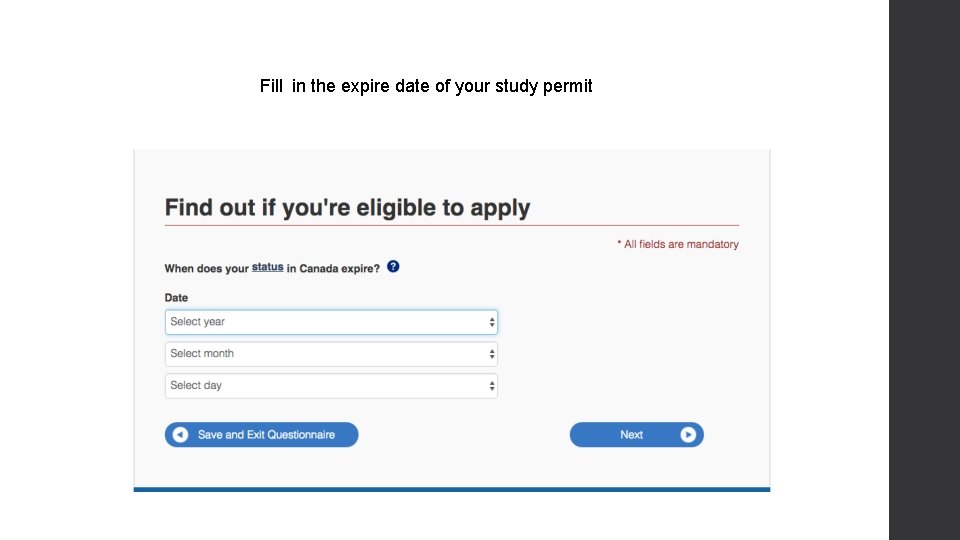
Fill in the expire date of your study permit
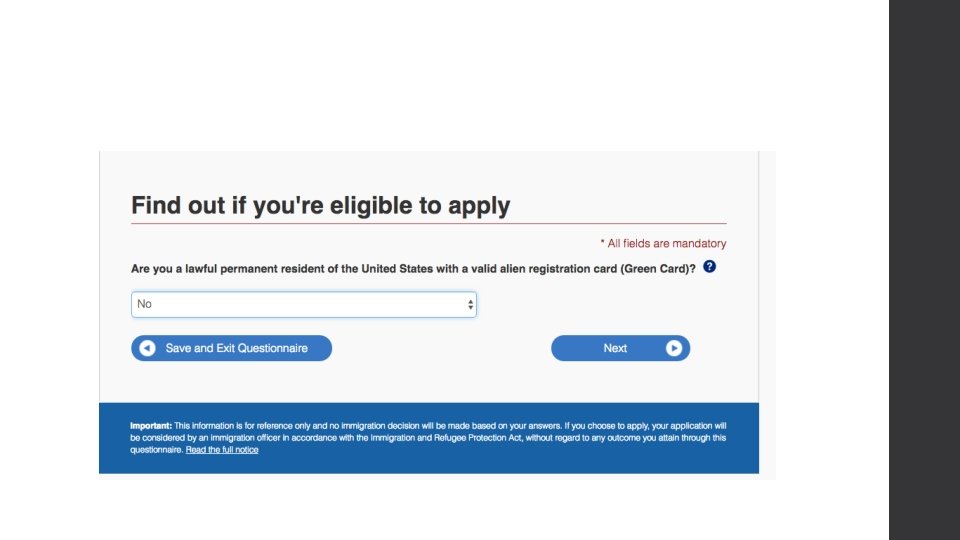
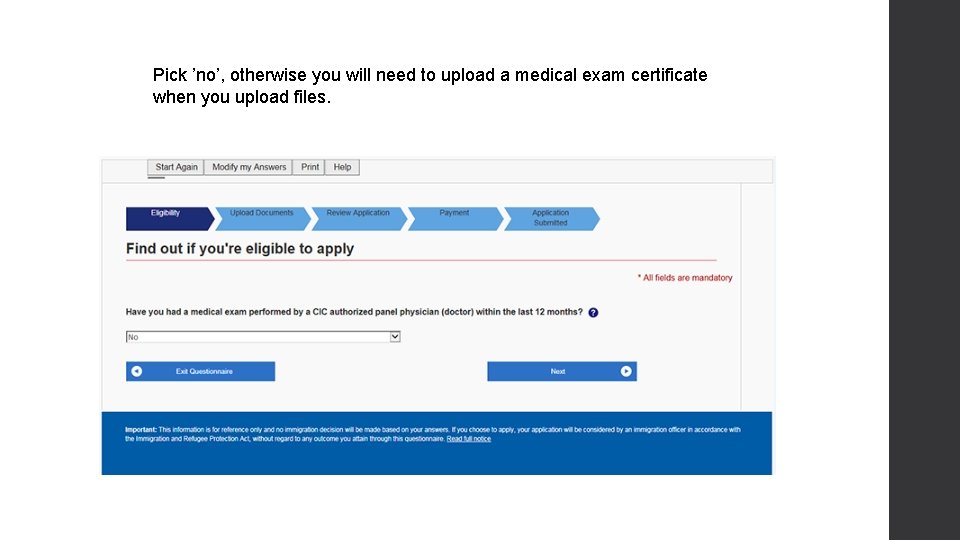
Pick ’no’, otherwise you will need to upload a medical exam certificate when you upload files.
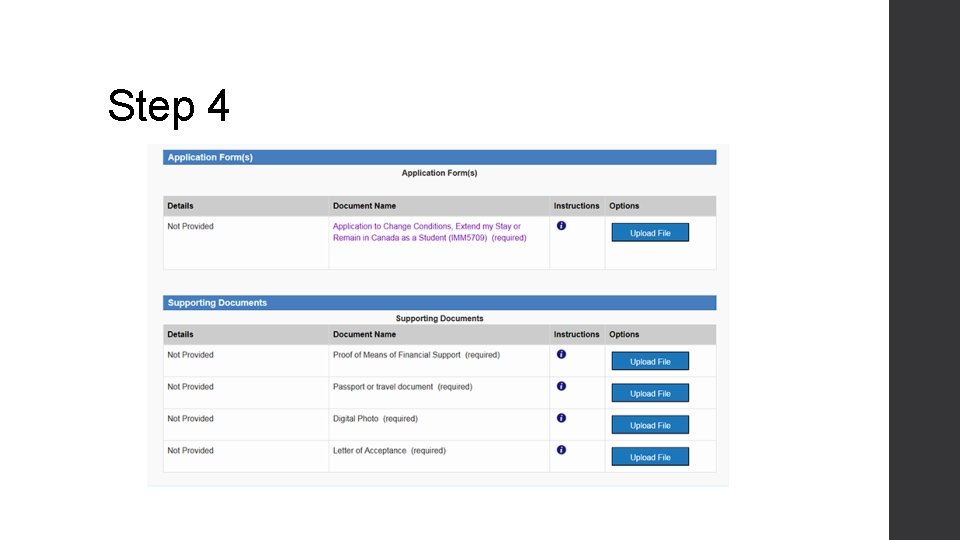
Step 4
• You will be asked to upload a few files Fill in the Imm 5709 form which can be downloaded from the website Scan those files below and upload as PDF version bank statement (Proof of means of financial support) Passport of travel document (each page in your passport with any official seal, your personal information, signature, VISA, previous study permit etc. ) Digital photo Letter of acceptance (the proof of payment for next year tuition and the new enrollment certificate) Noted that the UCI number required in Imm 5709 form is the 8 -digit number on the right top of your study permit
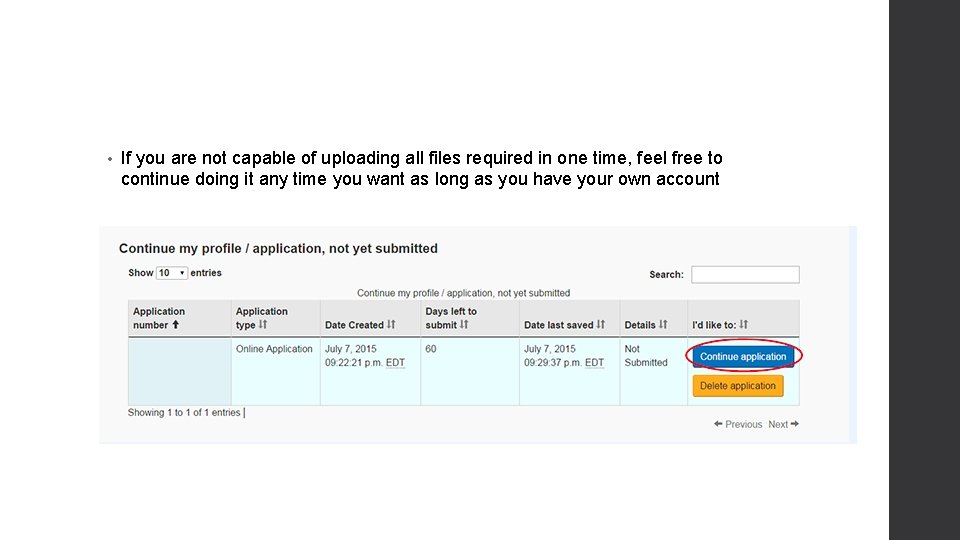
• If you are not capable of uploading all files required in one time, feel free to continue doing it any time you want as long as you have your own account
Step 5 • After upload all the required files, you will be asked to pay $150 with your credit card • VISA, Master. Card and American Express will be acceptable.
Reference • http: //www. gowindsor. ca/beginning/1435. html • http: //www. cic. gc. ca/english/index. asp