
How to Protect Big Data in a Containerized
How to Protect Big Data in a Containerized Environment Thomas Phelan Chief Architect, Blue. Data (recently acquired by HPE) @tapbluedata
Outline § Securing a Big Data Environment § Data Protection § Transparent Data Encryption in a Containerized/Virtualized Environment § Takeaways
In the beginning … § Hadoop was used to process public web data - No compelling need for security - No user or service authentication - No data security
Then Hadoop(HDFS) Became Popular Security is important.
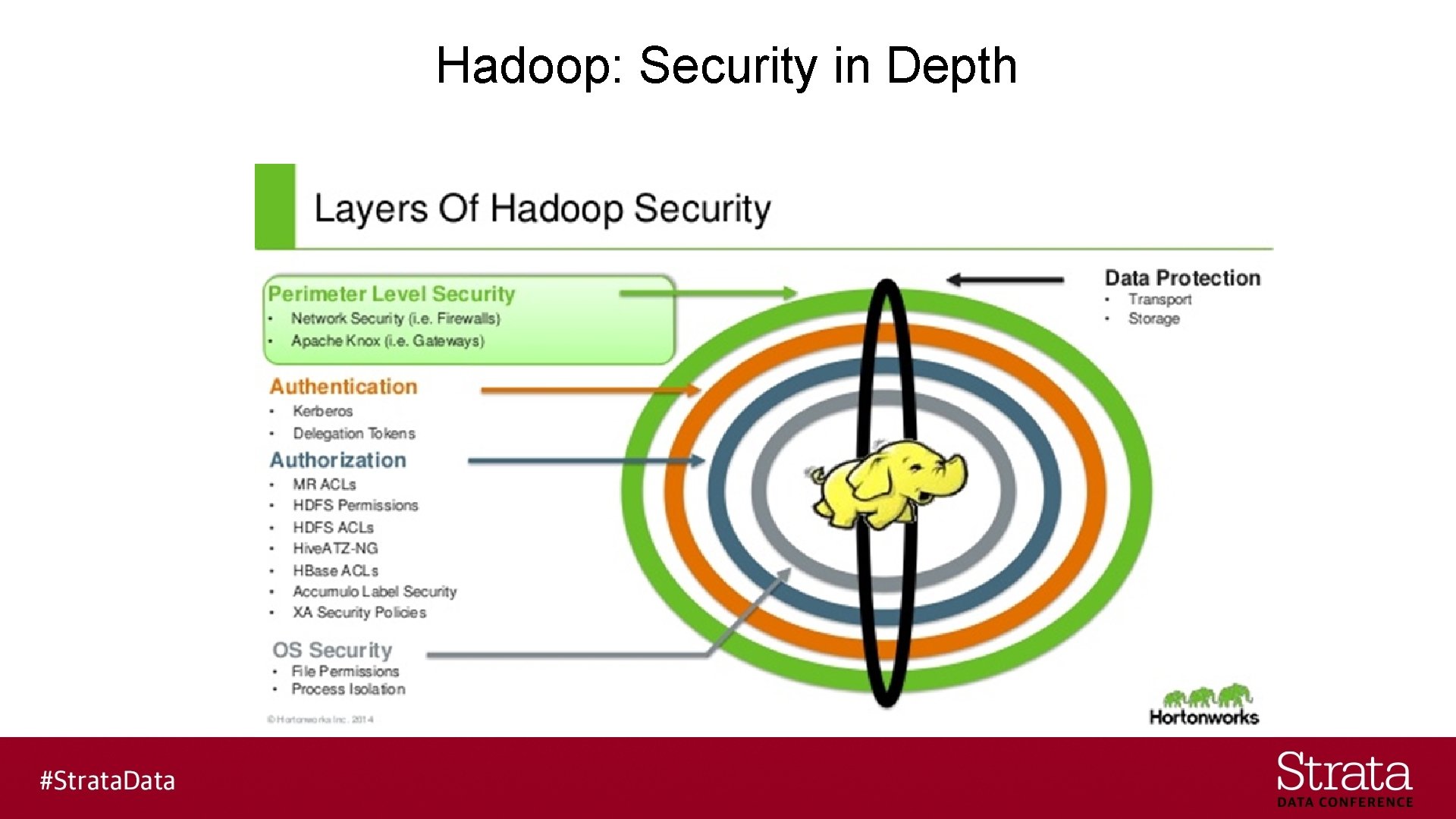
Hadoop: Security in Depth
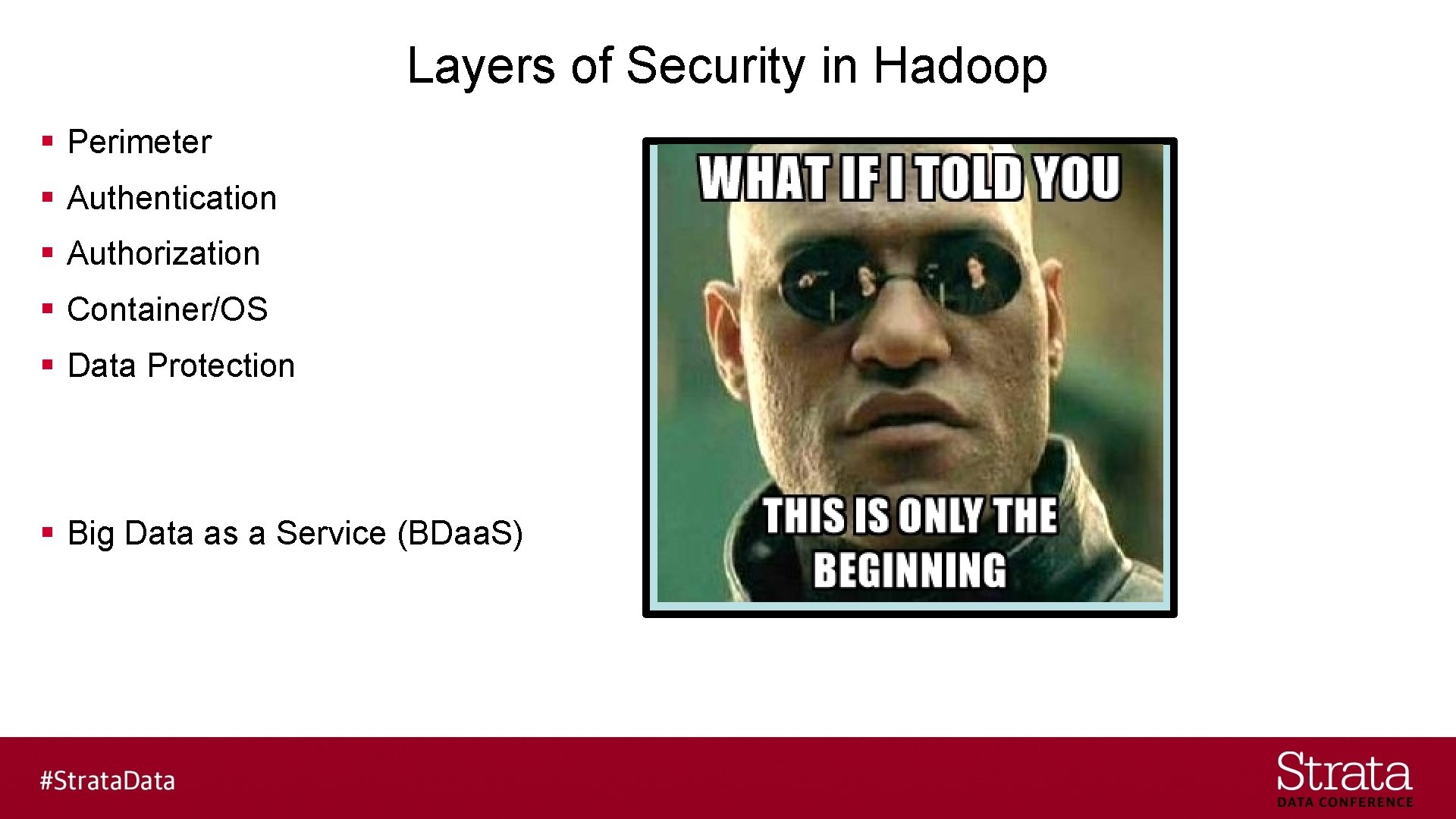
Layers of Security in Hadoop § Perimeter § Authentication § Authorization § Container/OS § Data Protection § Big Data as a Service (BDaa. S)
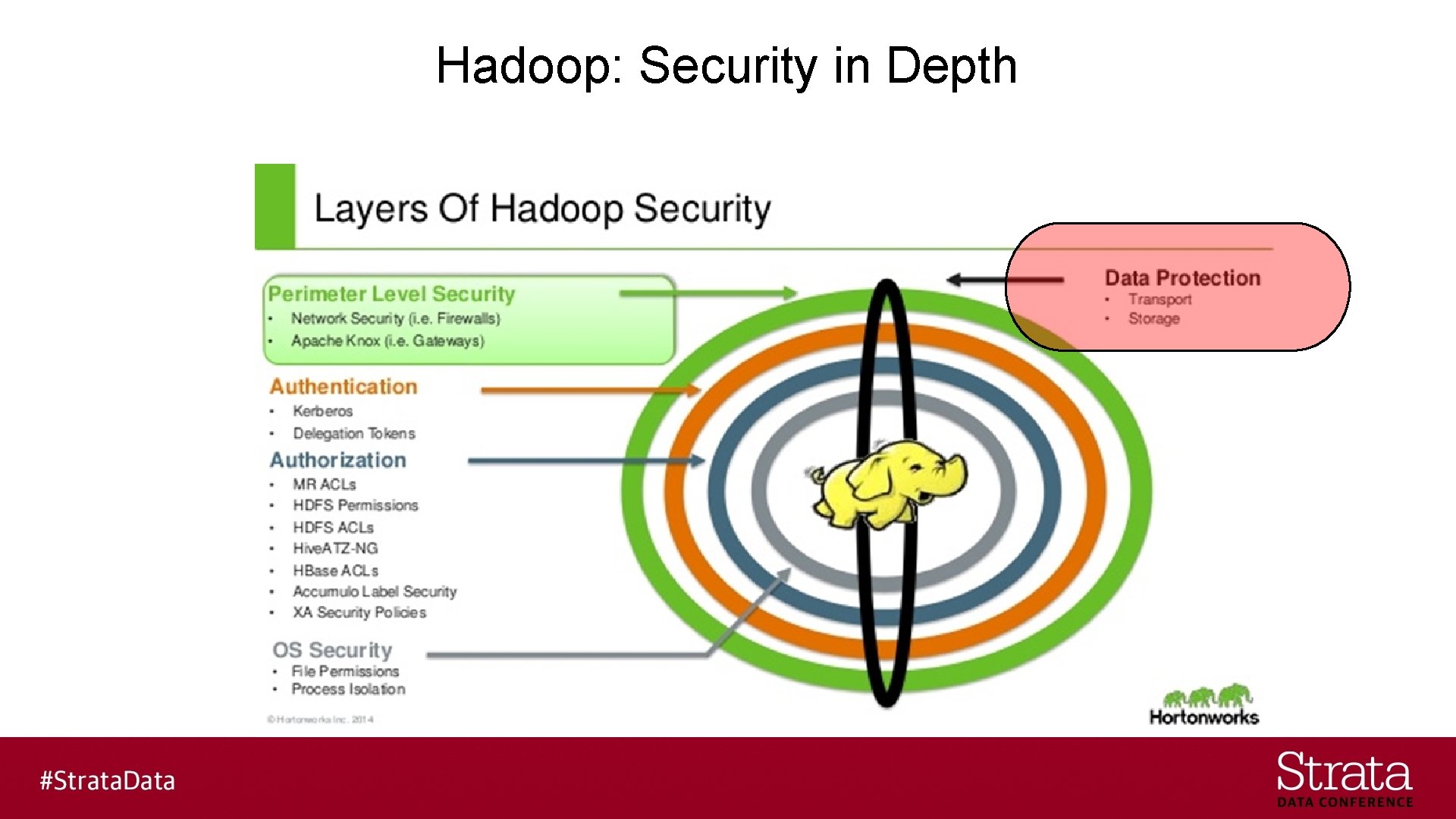
Hadoop: Security in Depth
Focus on Data Security § Confidentiality - Confidentiality is lost when data is accessed by someone not authorized to do so § Integrity - Integrity is lost when data is modified in unexpected ways § Availability - Availability is lost when data is erased or becomes inaccessible Reference: https: //www. us-cert. gov/sites/default/files/publications/infosecuritybasics. pdf
Hadoop Distributed File System § Data Security Features - Access Control - Data Encryption - Data Replication
Access Control § Simple - Identity determined by host operating system § Kerberos - Identity determined by Kerberos credentials - Most common to have one realm for both compute and storage
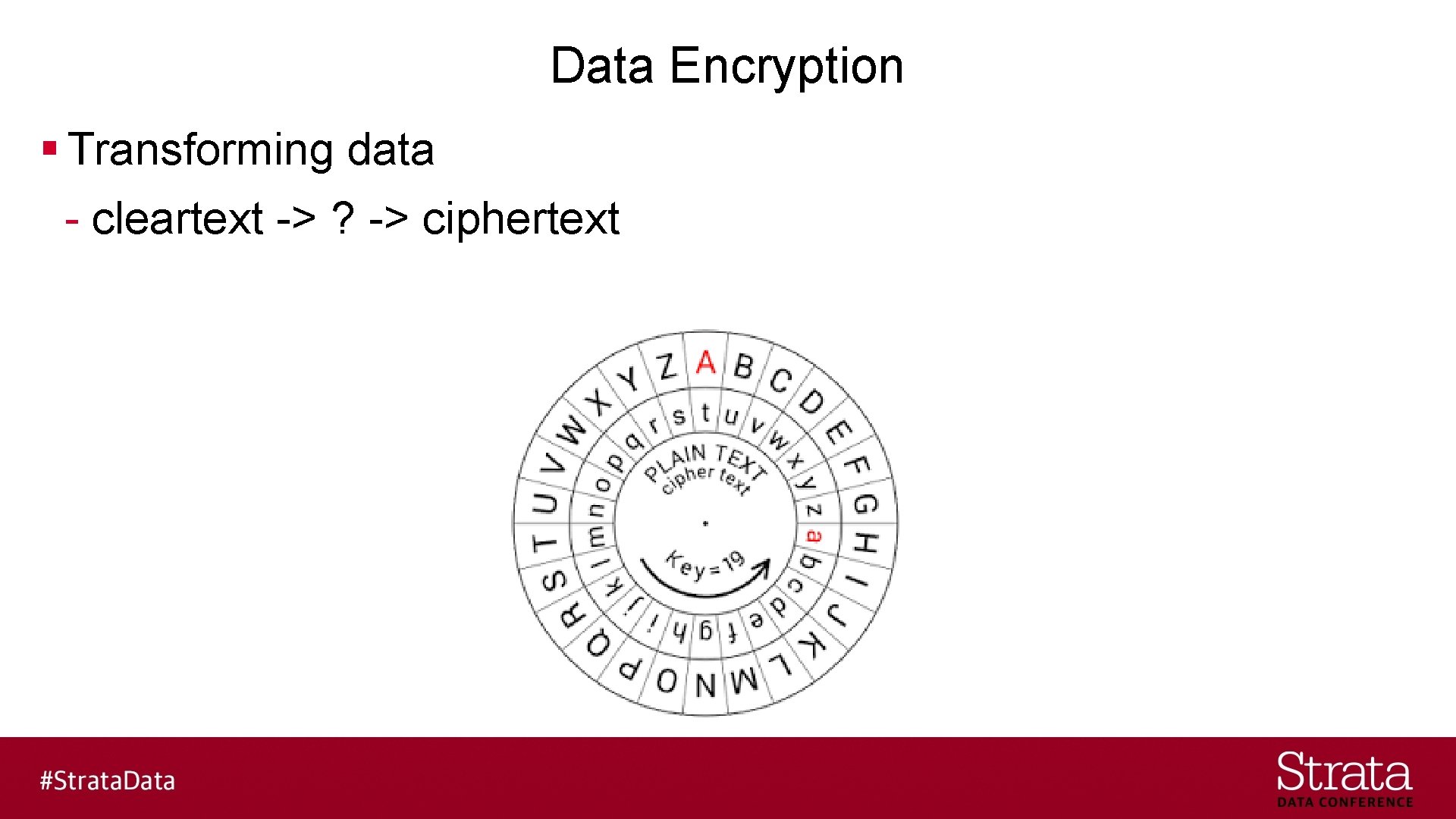
Data Encryption § Transforming data - cleartext -> ? -> ciphertext
Data Replication § 3 way replication - Can survive any 2 failures § Erasure Coding - New in Hadoop 3. 0 - Can survive > 2 failures depending on parity bit configuration
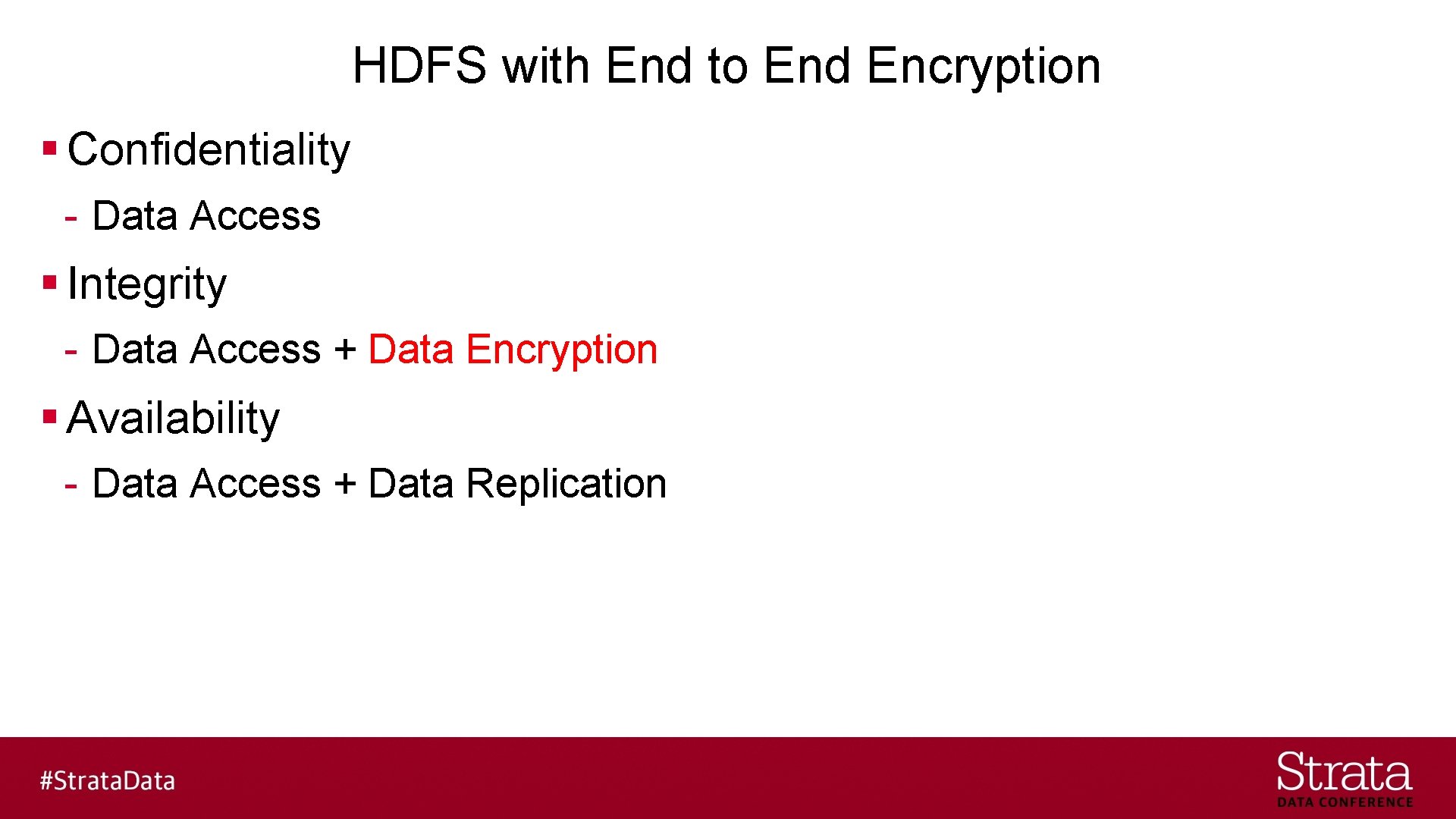
HDFS with End to End Encryption § Confidentiality - Data Access § Integrity - Data Access + Data Encryption § Availability - Data Access + Data Replication
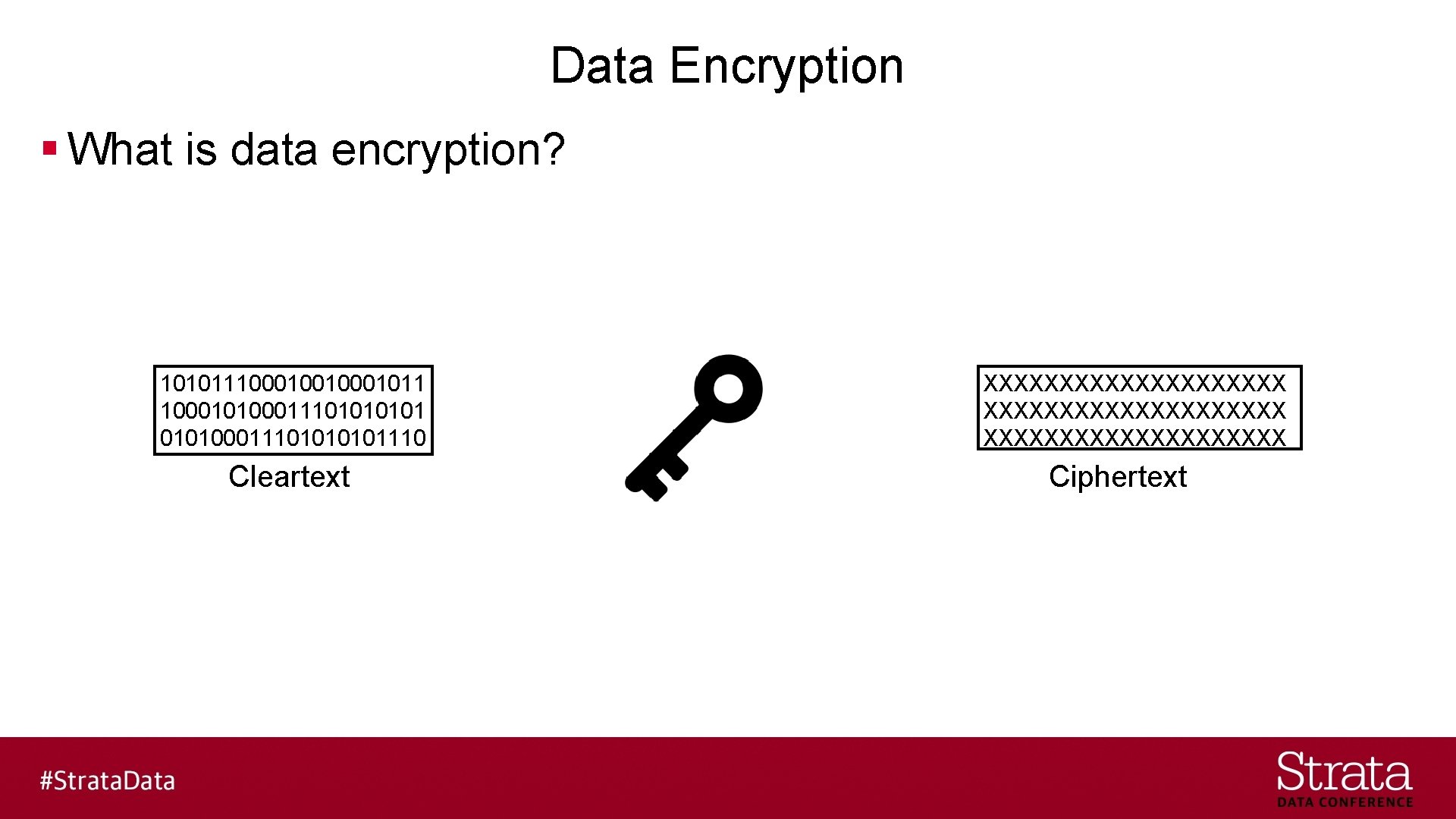
Data Encryption § What is data encryption? 10101110001001011 10001010001110101110 Cleartext XXXXXXXXXXXXXXXXXXXX Ciphertext
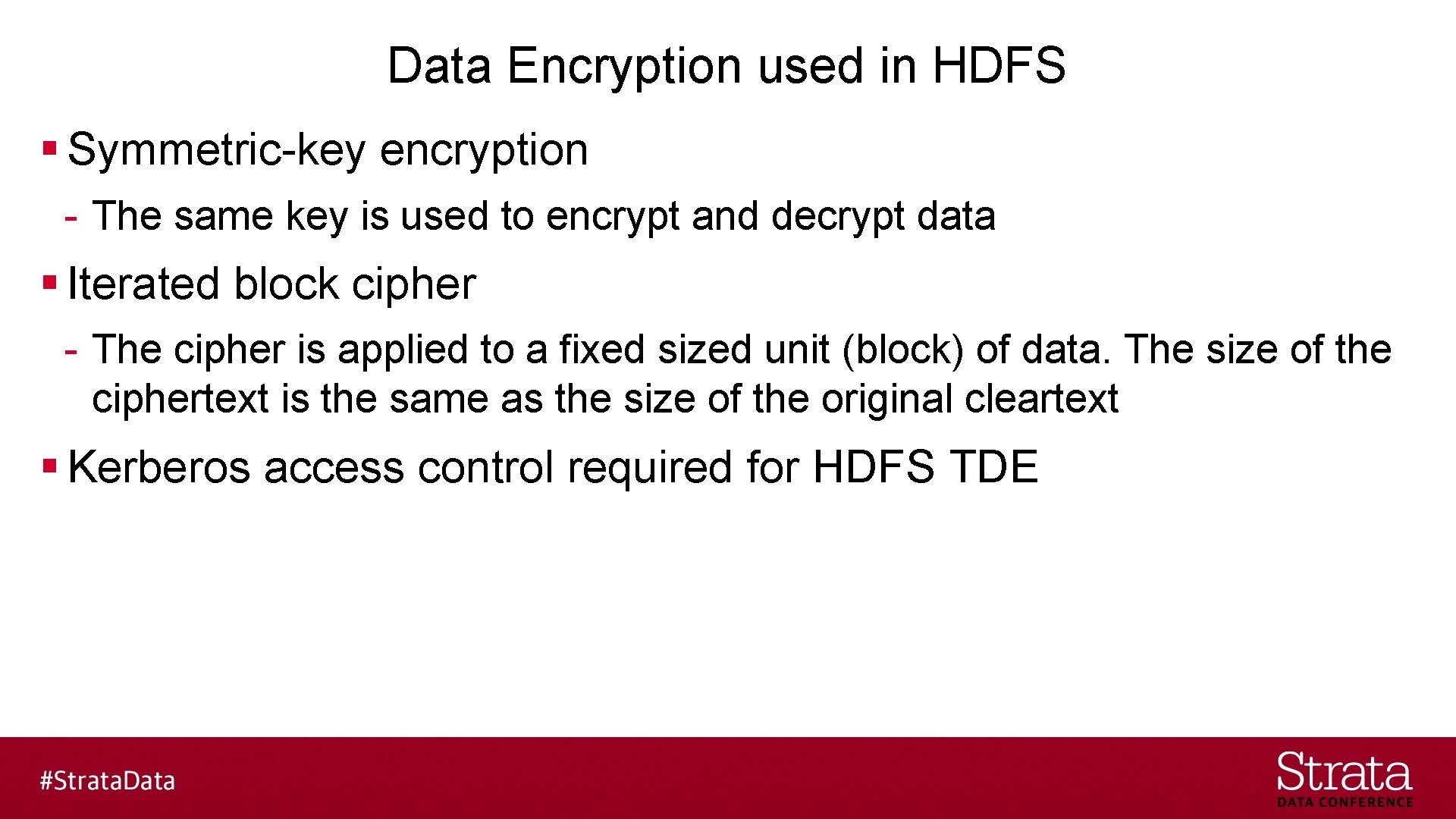
Data Encryption used in HDFS § Symmetric-key encryption - The same key is used to encrypt and decrypt data § Iterated block cipher - The cipher is applied to a fixed sized unit (block) of data. The size of the ciphertext is the same as the size of the original cleartext § Kerberos access control required for HDFS TDE

Data Encryption – At Rest § Data is encrypted while on persistent media (disk)

Data Encryption – In Transit § Data is encrypted while traveling over the network
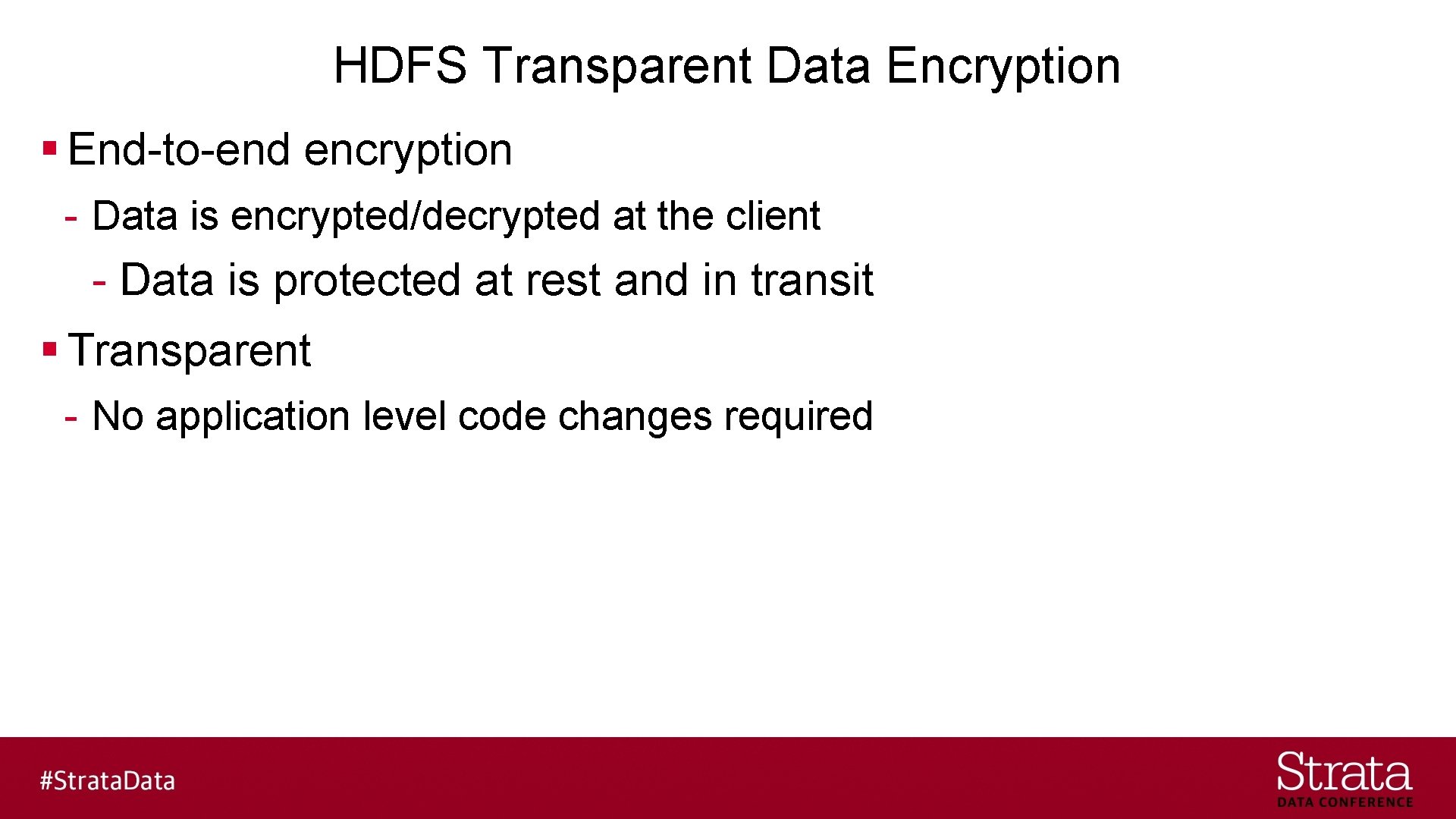
HDFS Transparent Data Encryption § End-to-end encryption - Data is encrypted/decrypted at the client - Data is protected at rest and in transit § Transparent - No application level code changes required
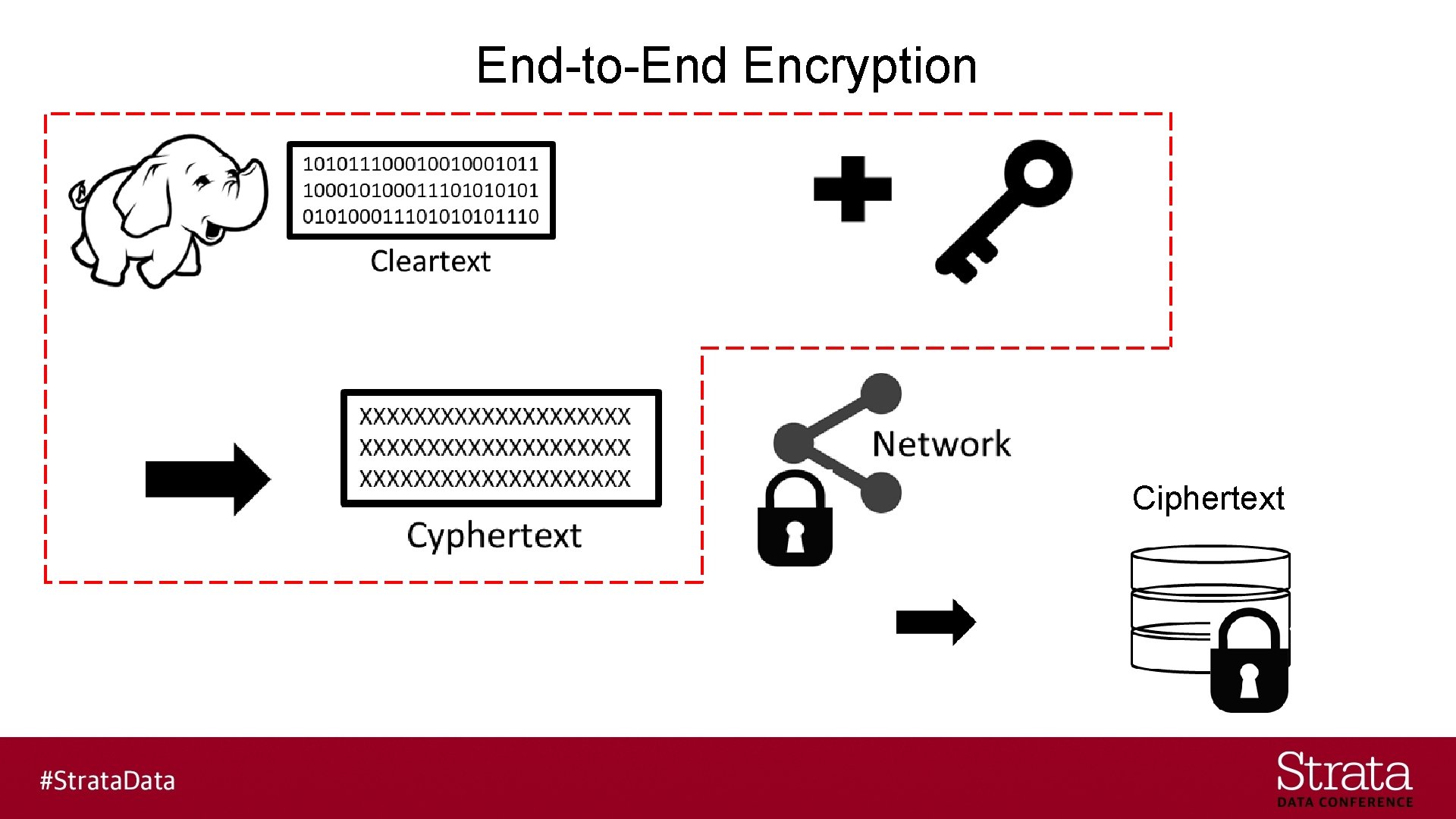
End-to-End Encryption Ciphertext
HDFS TDE - Design § Goals: - Only an authorized client/user can access cleartext - HDFS never stores cleartext or unencrypted data encryption keys
HDFS TDE – Terminology I § Encryption Zone - A directory whose file contents will be encrypted upon write and decrypted upon read - An EZKEY is generated for each zone
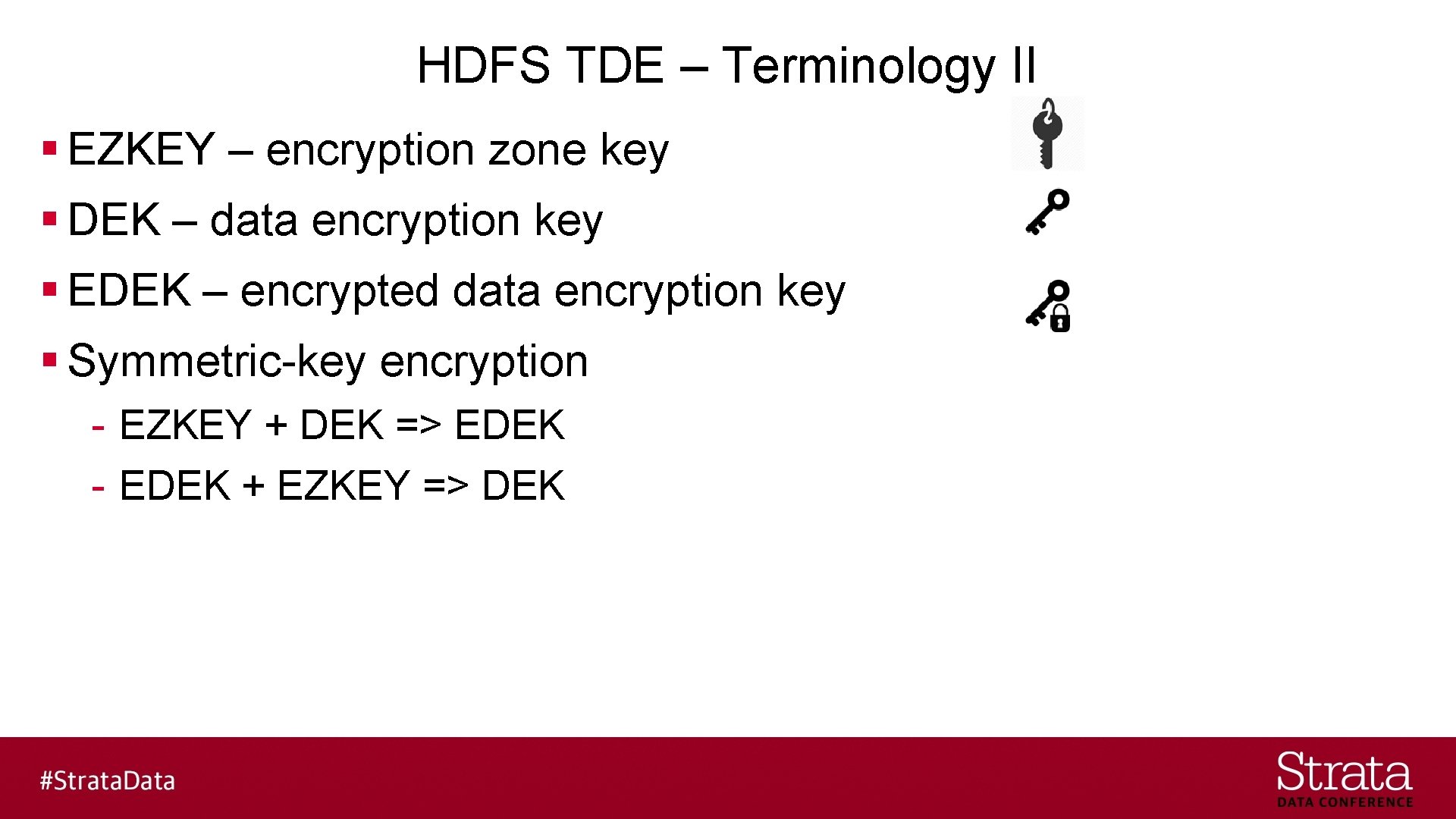
HDFS TDE – Terminology II § EZKEY – encryption zone key § DEK – data encryption key § EDEK – encrypted data encryption key § Symmetric-key encryption - EZKEY + DEK => EDEK - EDEK + EZKEY => DEK
HDFS TDE - Services § HDFS Name. Node (NN) § Hadoop Key Management Server (KMS) - Key Trustee Server § Kerberos Key Distribution Center (KDC)
HDFS TDE – Security Concepts § KMS creates the EZKEY & DEK § KMS encrypts/decrypts the DEK/EDEK using the EZKEY
HDFS TDE – Security Concepts § The name of the EZKEY is stored in the HDFS extended attributes of the directory associated with the encryption zone § The EDEK is stored in the HDFS extended attributes of the file in the encryption zone $ hadoop key … $ hdfs crypto …
HDFS TDE – Security Concepts § The HDFS NN communicates with the KMS to create EZKEYs & EDEKs to store in the extended attributes in the encryption zone § The HDFS client communicates with the KMS to get the DEK using the EZKEY and EDEK.
HDFS Examples § Simplified diagrams to avoid confusion/distraction: - Kerberos actions not shown - Name. Node EDEK cache not shown
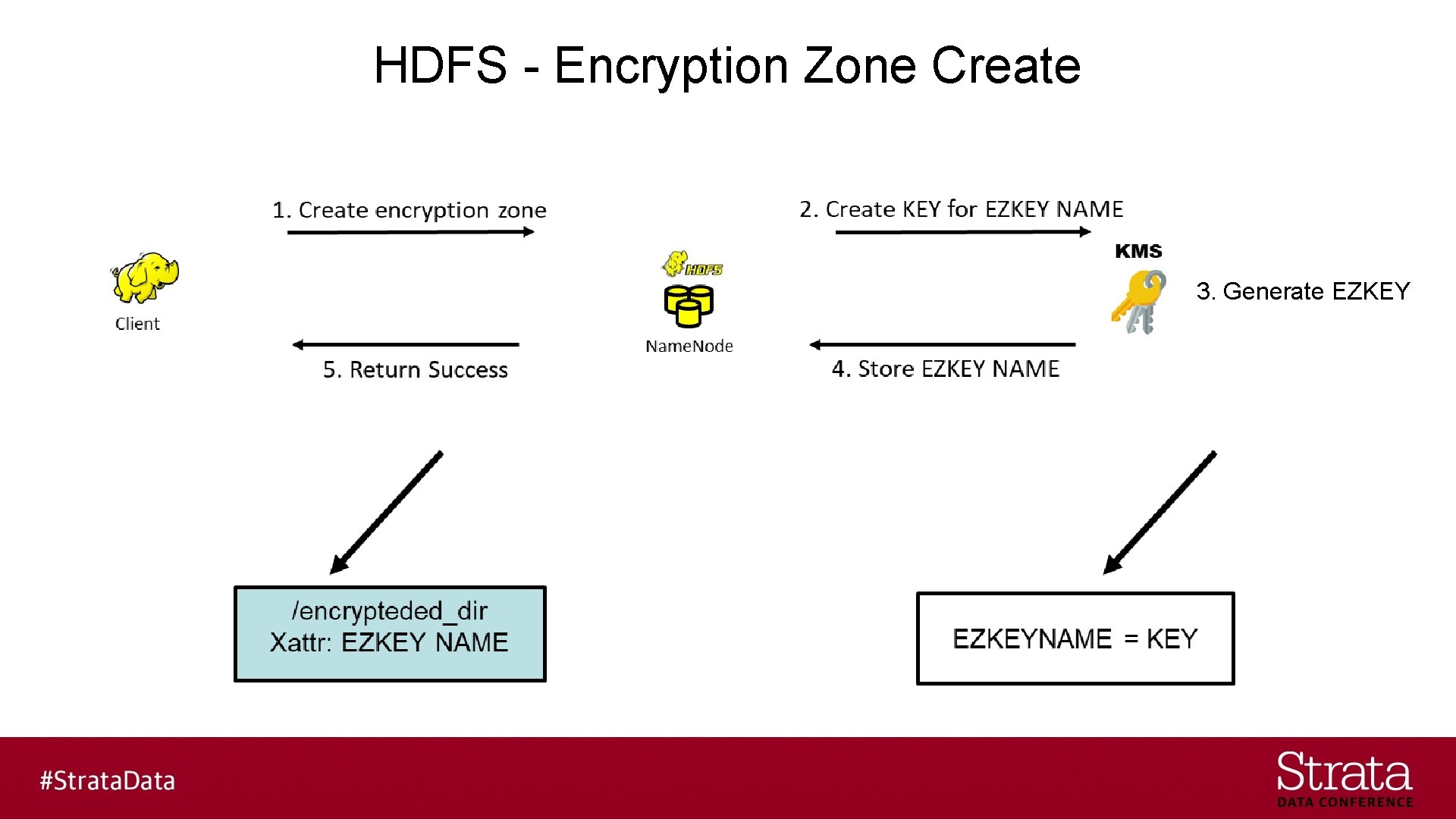
HDFS - Encryption Zone Create 3. Generate EZKEY
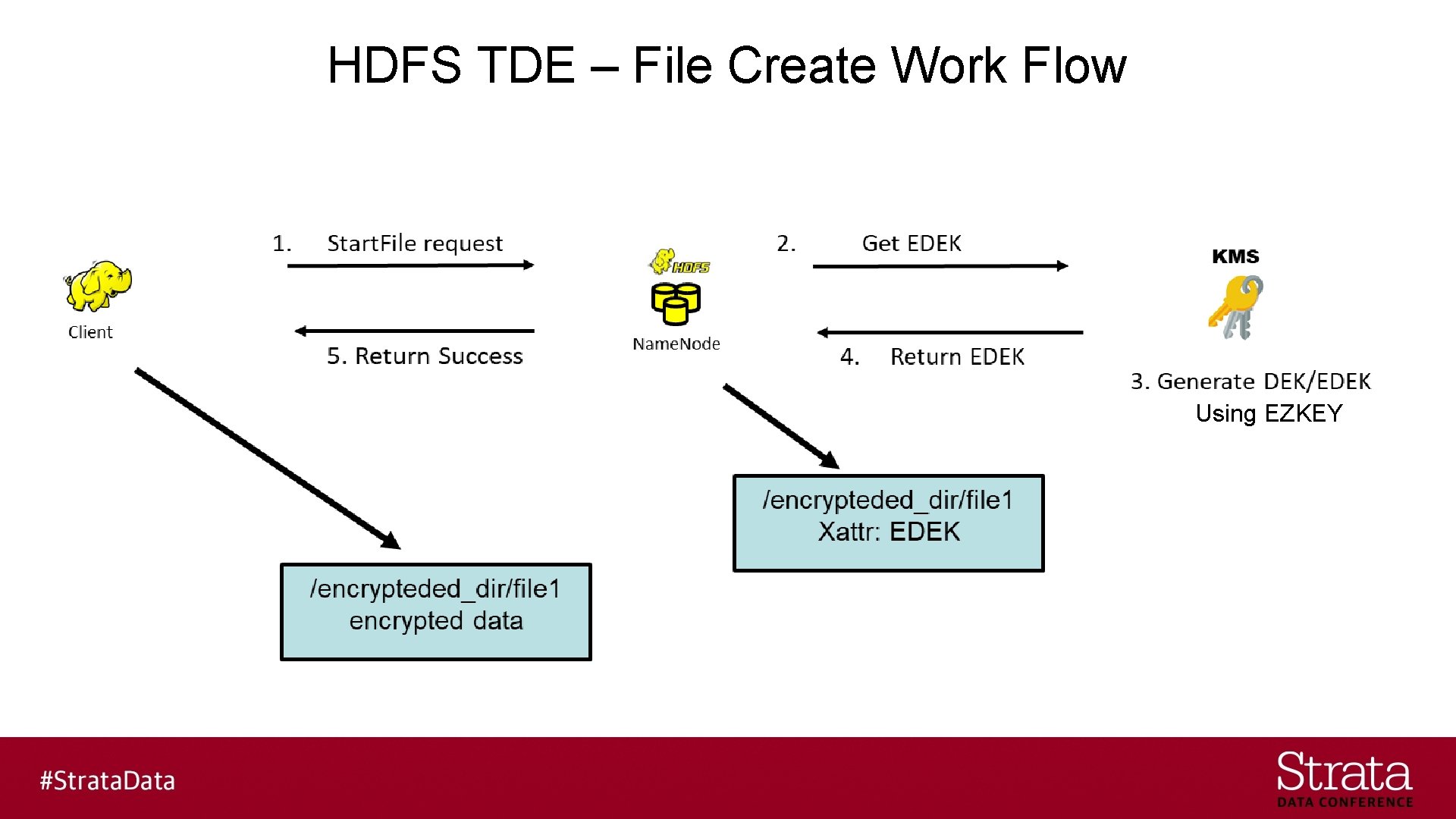
HDFS TDE – File Create Work Flow Using EZKEY
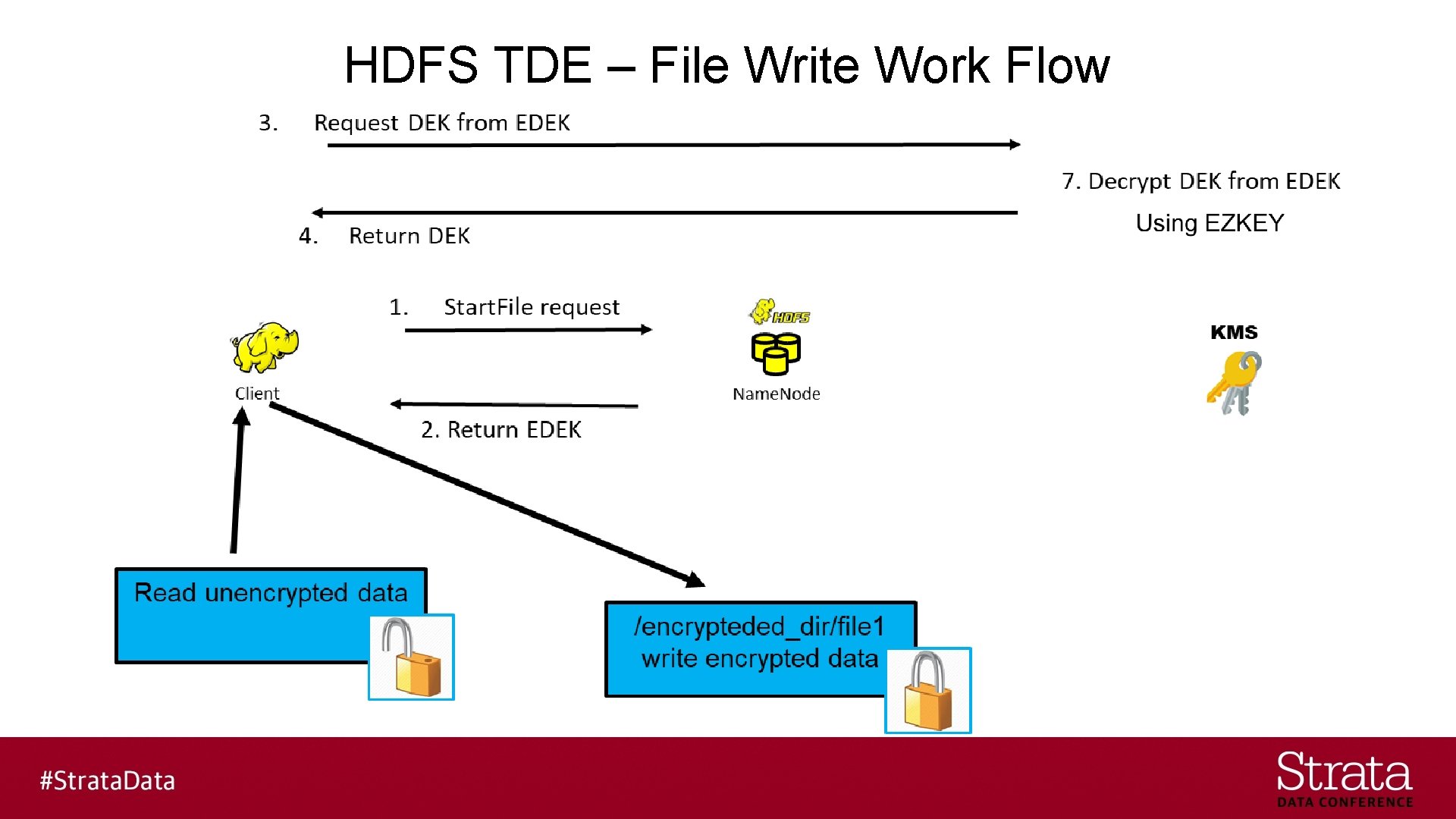
HDFS TDE – File Write Work Flow

HDFS TDE – File Read Work Flow Using EZKEY
Bring in the Containers § Issues are the same for any virtualization platform - Multiple Compute Clusters - Multiple HDFS File Systems - Multiple Kerberos Realms - Cross realm trust configuration
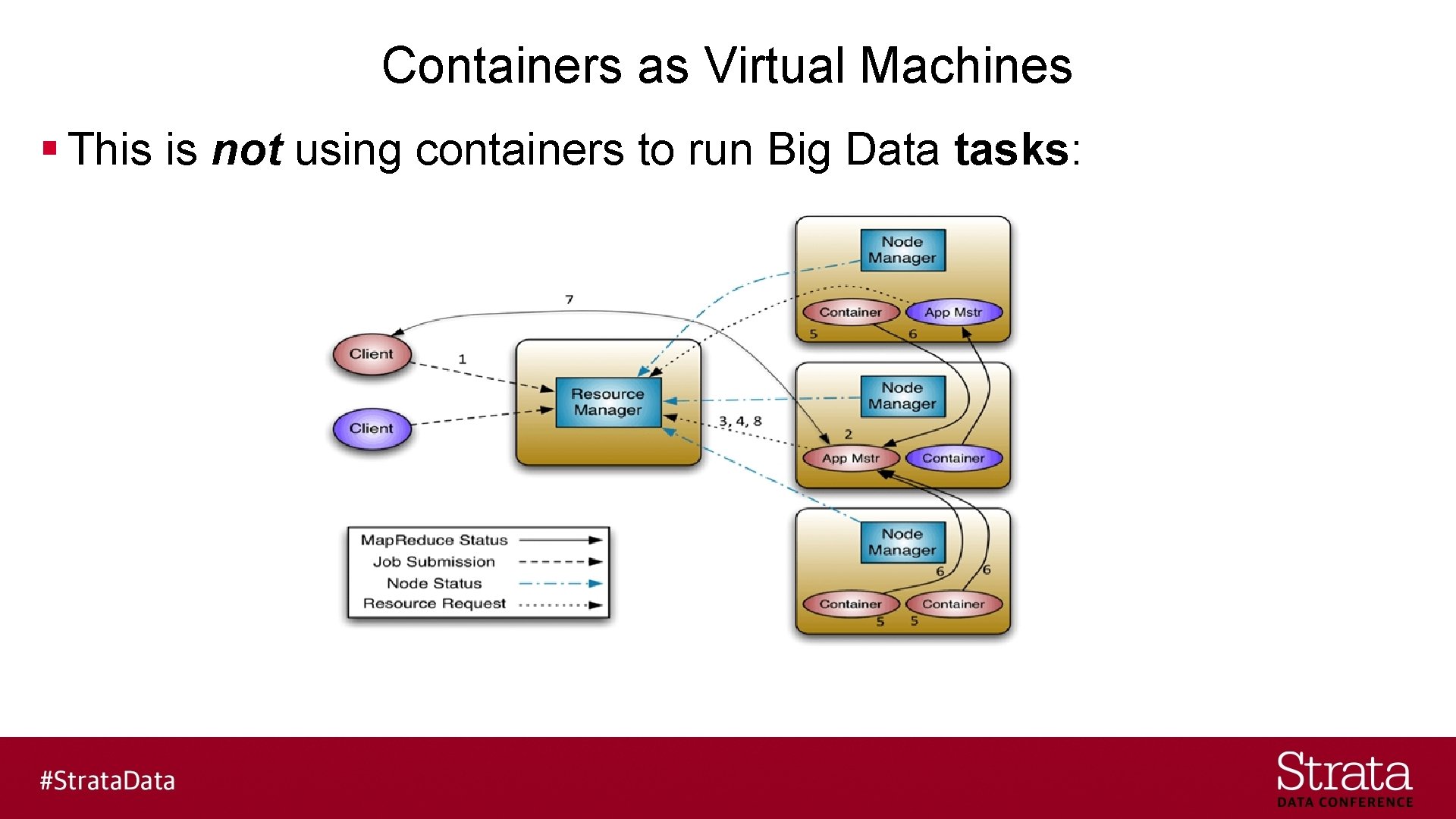
Containers as Virtual Machines § This is not using containers to run Big Data tasks:
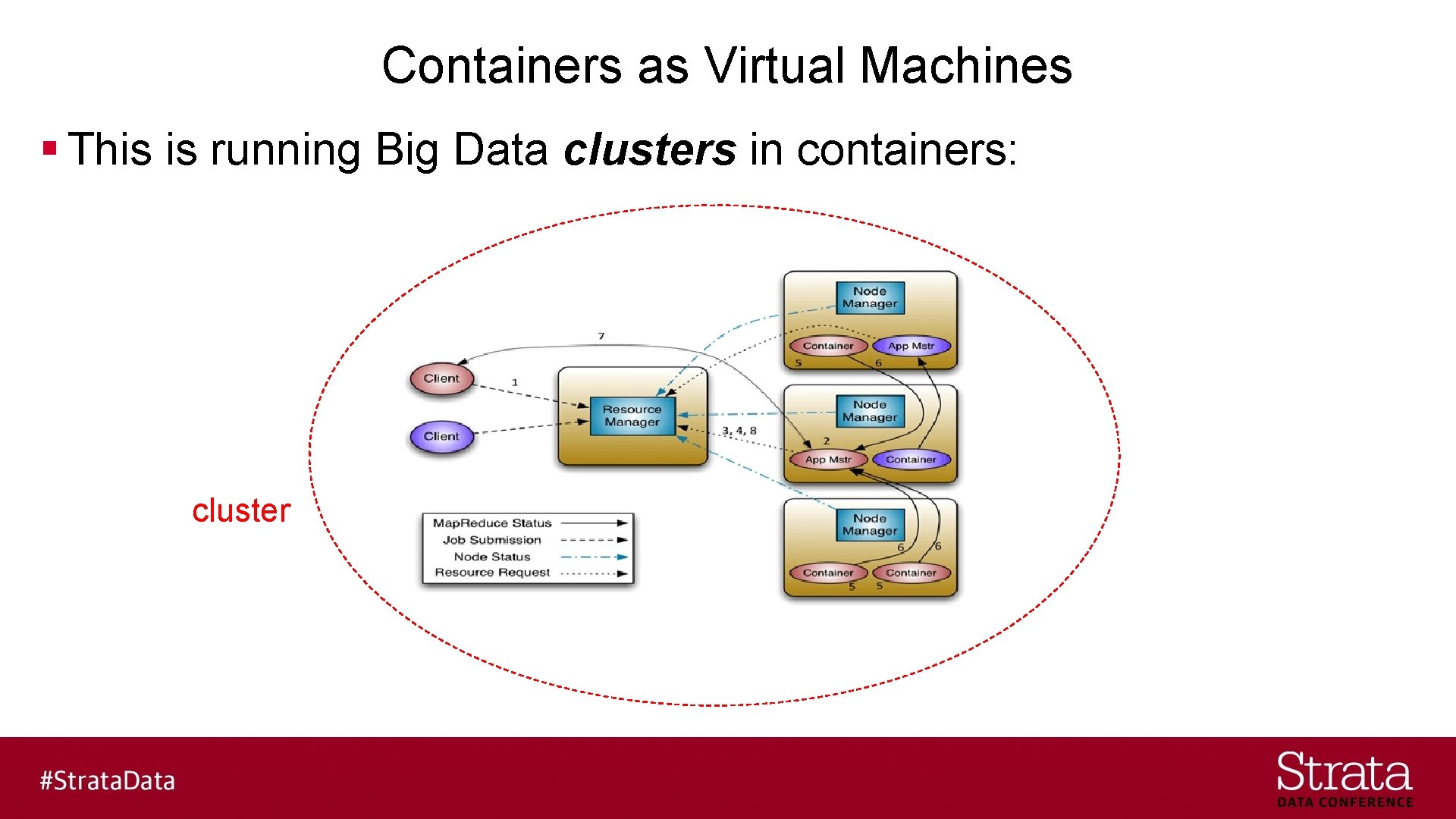
Containers as Virtual Machines § This is running Big Data clusters in containers: cluster
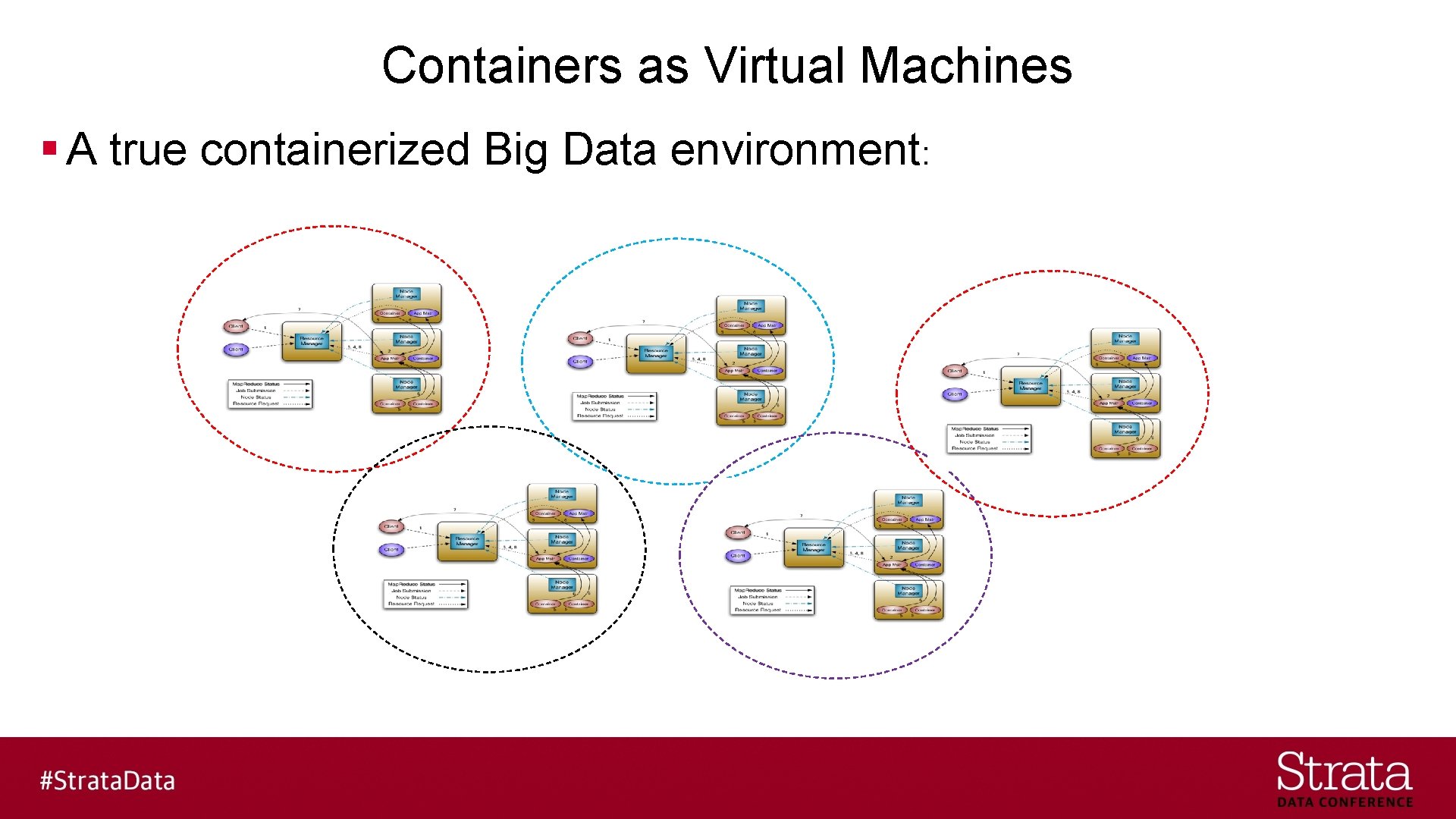
Containers as Virtual Machines § A true containerized Big Data environment:
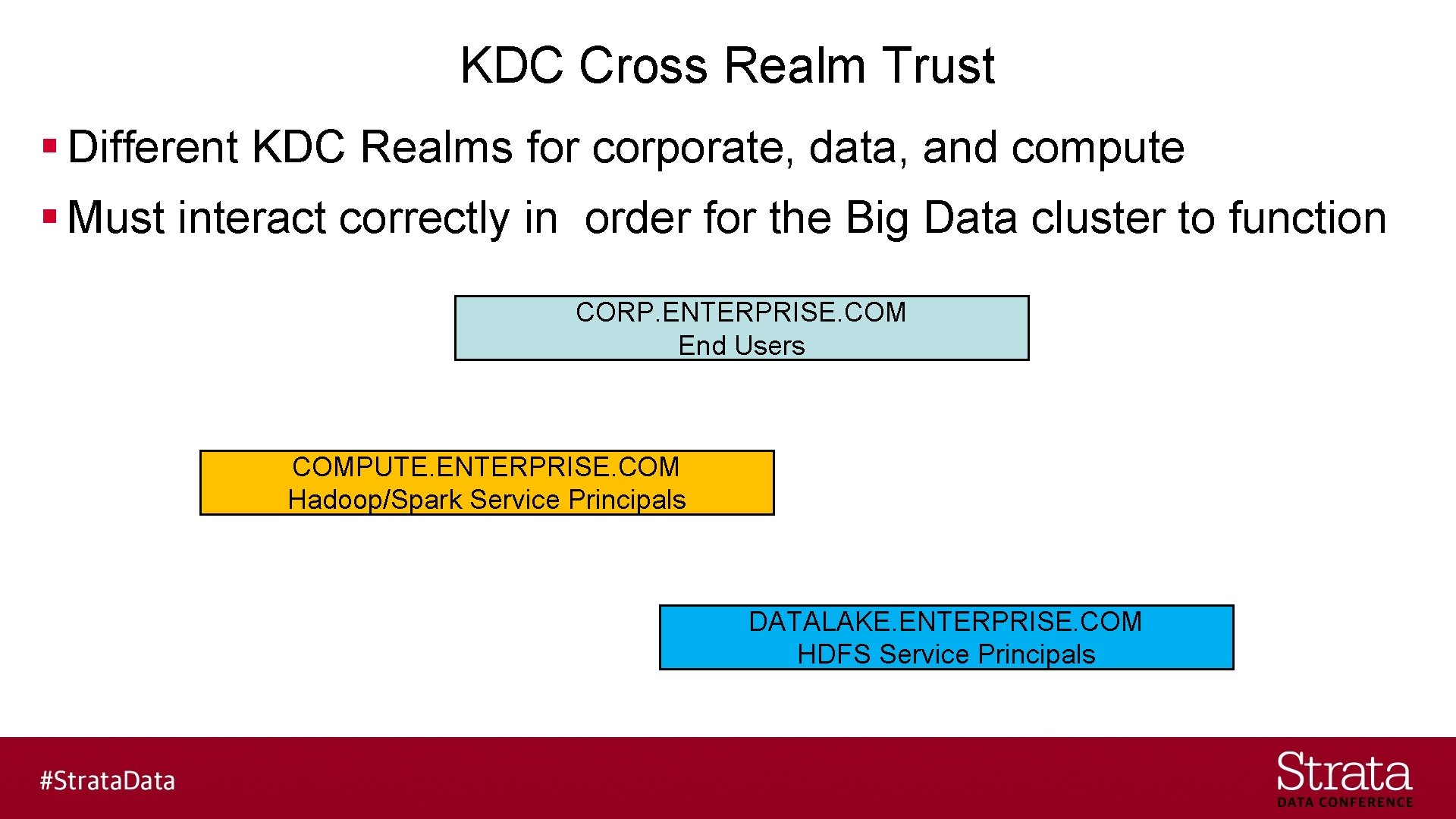
KDC Cross Realm Trust § Different KDC Realms for corporate, data, and compute § Must interact correctly in order for the Big Data cluster to function CORP. ENTERPRISE. COM End Users COMPUTE. ENTERPRISE. COM Hadoop/Spark Service Principals DATALAKE. ENTERPRISE. COM HDFS Service Principals
KDC Cross Realm Trust § Different KDC Realms for corporate, data, and compute - One way trust - Compute Realm trusts the Corporate Realm - Data Realm trusts the Compute Realm
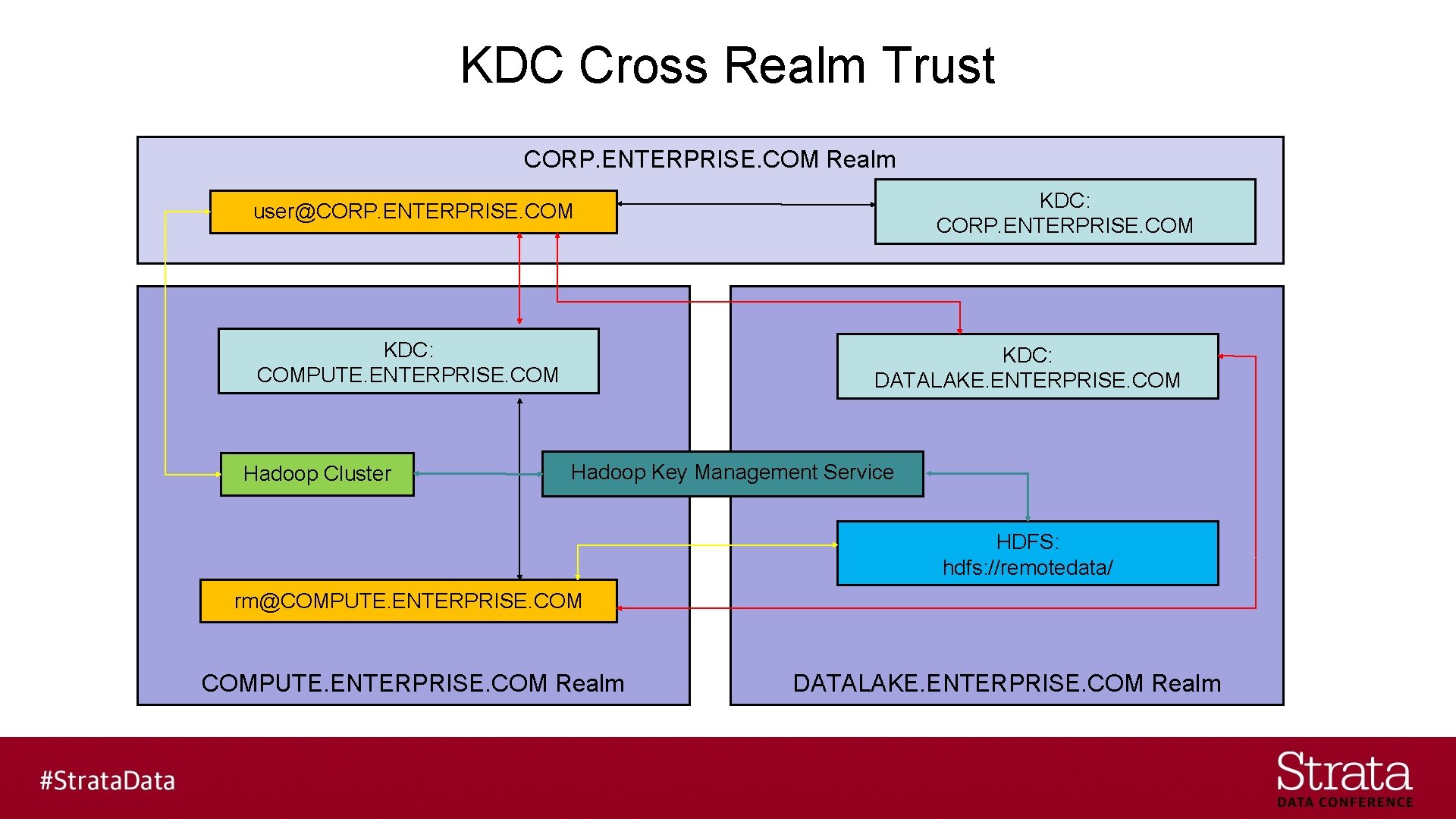
KDC Cross Realm Trust CORP. ENTERPRISE. COM Realm KDC: CORP. ENTERPRISE. COM user@CORP. ENTERPRISE. COM KDC: COMPUTE. ENTERPRISE. COM Hadoop Cluster KDC: DATALAKE. ENTERPRISE. COM Hadoop Key Management Service HDFS: hdfs: //remotedata/ rm@COMPUTE. ENTERPRISE. COM Realm DATALAKE. ENTERPRISE. COM Realm
Key Management Service § Must be enterprise quality - Key Trustee Server - Java Key. Store KMS - Cloudera Navigator Key Trustee Server
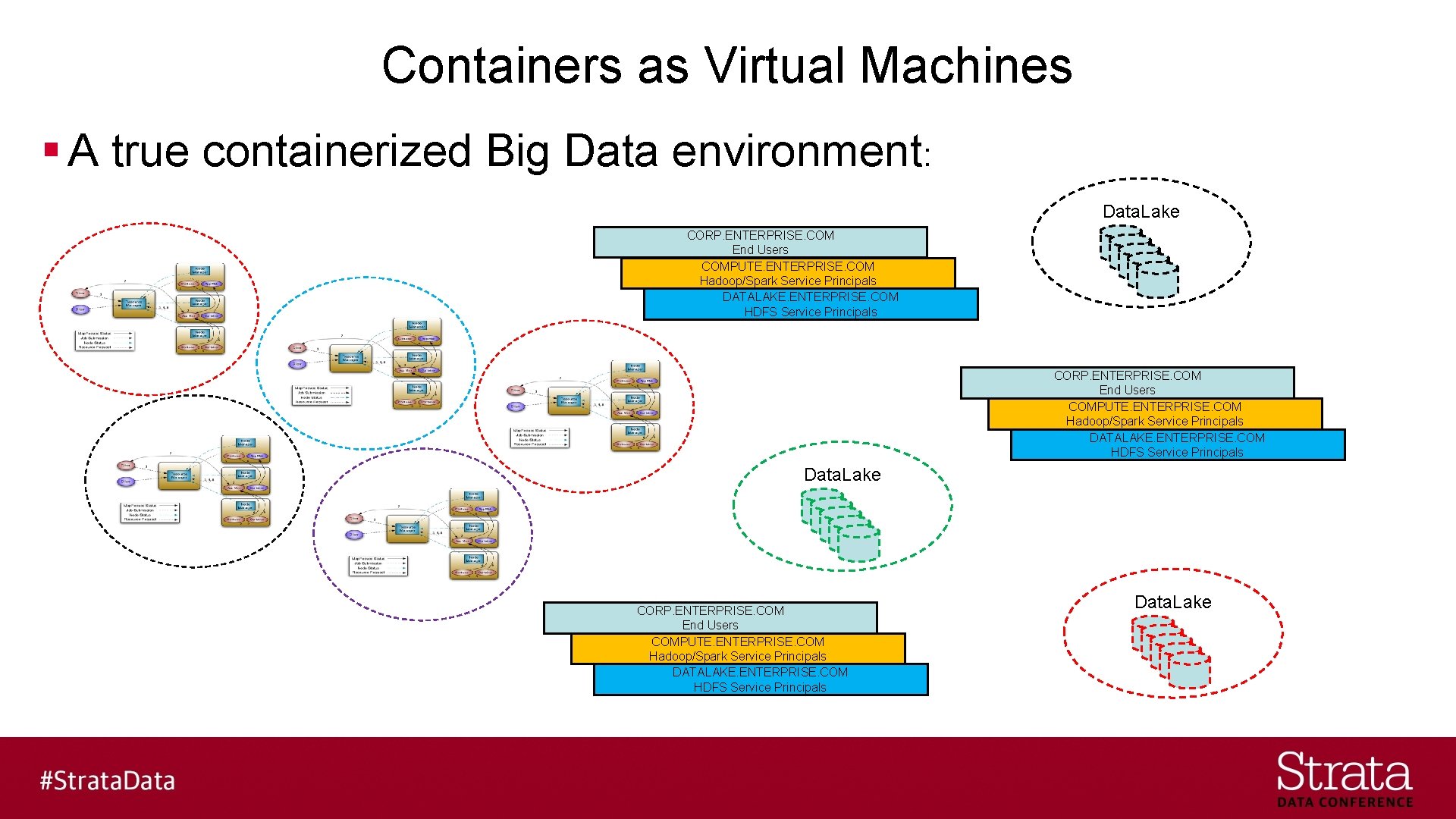
Containers as Virtual Machines § A true containerized Big Data environment: Data. Lake CORP. ENTERPRISE. COM End Users COMPUTE. ENTERPRISE. COM Hadoop/Spark Service Principals DATALAKE. ENTERPRISE. COM HDFS Service Principals Data. Lake
Key Takeaways § Hadoop has many security layers - HDFS Transparent Data Encryption is best of breed - Security is hard (complex) and virtualization only makes it harder - Compute and Storage separation with virtualization makes it harder still
Tom Phelan @tapbluedata www. bluedata. com
Rate today ’s session Session page on conference website O’Reilly Events App
- Slides: 43