
How to Present a Seminar Paper A Speakers
- Slides: 15
How to Present a Seminar Paper: A Speaker’s Guide From “How to Present a Technical Paper” By Dr. Ian Parberry, UNT, Denton Presentation by Dr. Ranette Halverson, MSU
Presenting a Paper My Pet Peeves n Reading to the audience n Running over the time limit n Slides too small to read n Speaking to the wall n Tracing Code
Lengths of Talks n Be fully aware of your time limit n Conferences n 15 – 20 minutes n 50 minutes n Classroom n 15 – 45 minutes n Allow time for questions
Rules for Presentations n. Intro: Tell them what you are going to tell them n. Body: Tell them n. Conclude: Tell them what you told them
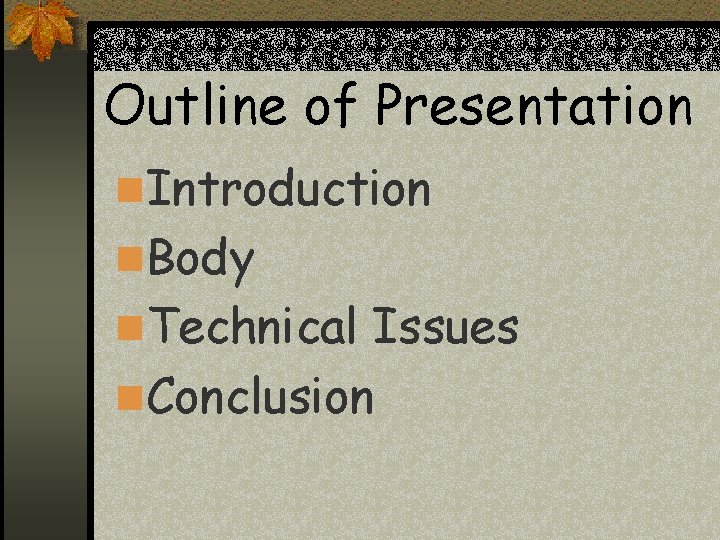
Outline of Presentation n. Introduction n. Body n. Technical Issues n. Conclusion
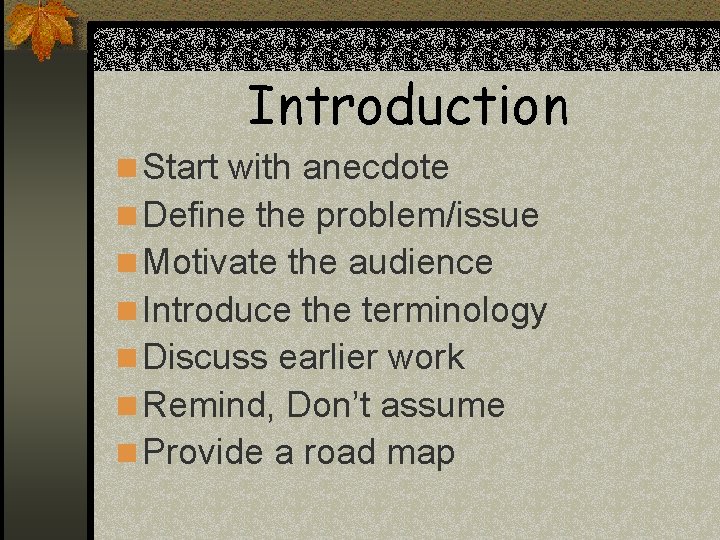
Introduction n Start with anecdote n Define the problem/issue n Motivate the audience n Introduce the terminology n Discuss earlier work n Remind, Don’t assume n Provide a road map
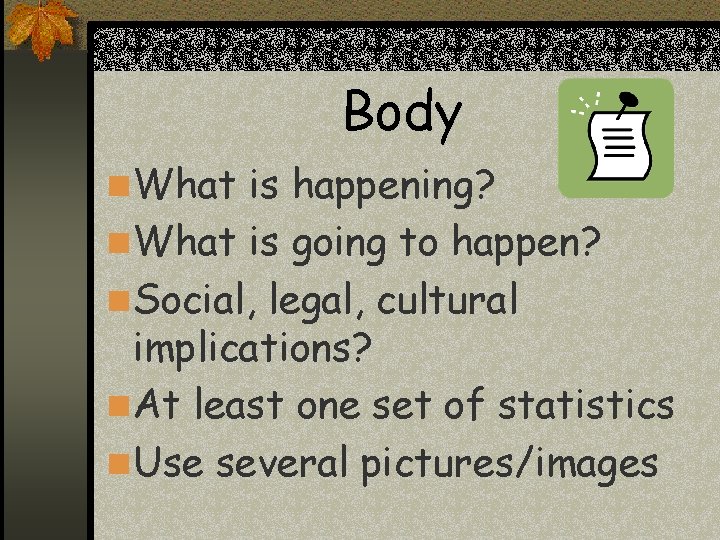
Body n What is happening? n What is going to happen? n Social, legal, cultural implications? n At least one set of statistics n Use several pictures/images
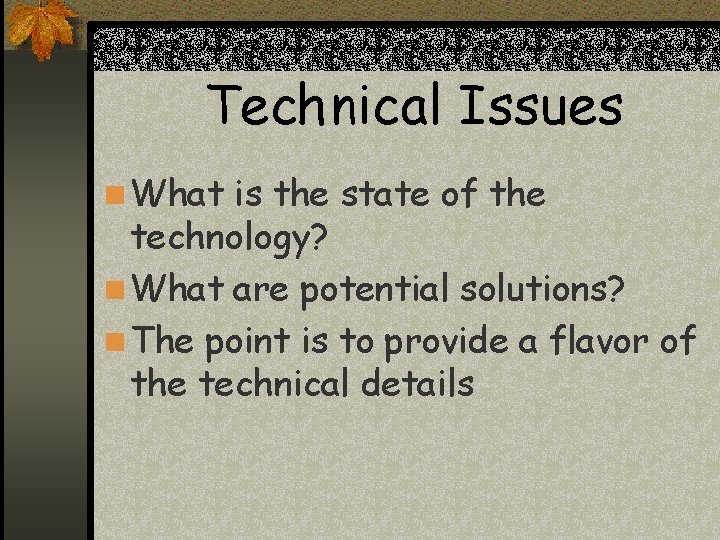
Technical Issues n What is the state of the technology? n What are potential solutions? n The point is to provide a flavor of the technical details
Conclusion n Briefly review the talk, indicating the important concepts n. Hindsight is clearer than foresight n. Give open problems n. Indicate your talk is over
Reaching the Audience n Use Repetition n Don’t get bogged down in details n Know your audience!!!! n Don’t run over your time limit
Power Point Guidelines n NO complete sentences n Do not overload slides n Do not use too many slides n Do use diagrams, tables, pictures n Very little animation – if any n Be very careful with color, fonts n Light background, Dark font REQUIRED
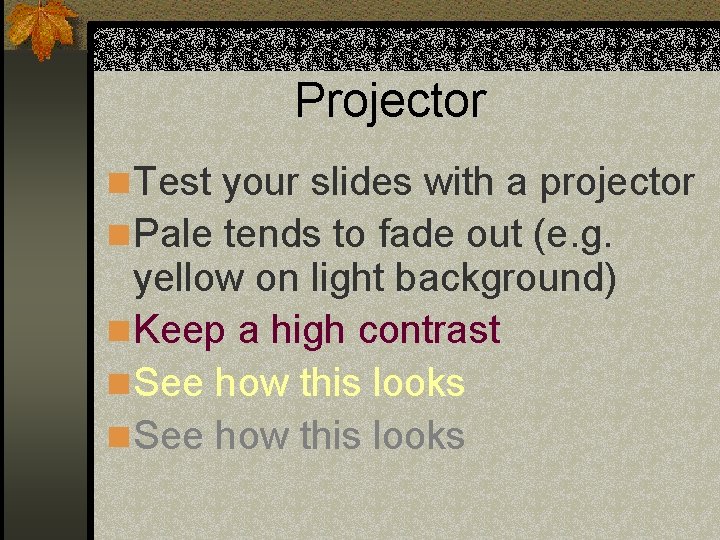
Projector n Test your slides with a projector n Pale tends to fade out (e. g. yellow on light background) n Keep a high contrast n See how this looks
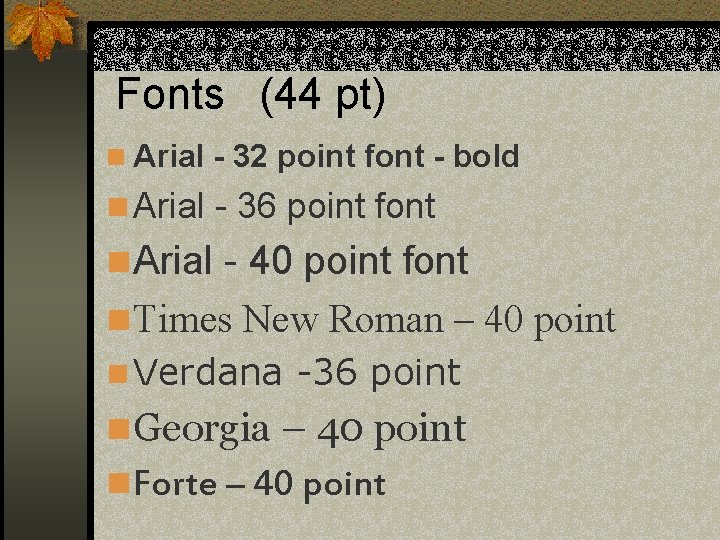
Fonts (44 pt) n Arial - 32 point font - bold n Arial - 36 point font n Arial - 40 point font n Times New Roman – 40 point n Verdana -36 point n Georgia – 40 point n Forte – 40 point
Animation - Motion n Use very judiciously n Distracting to audience n Distracts speaker from the talk n Use occasionally for effect
Conclusion n Thank you for your attention! n Any questions? n References