
How to Polish your Poster Presentation April 25

- Slides: 16
How to Polish your Poster Presentation April 25, 2019 Washington State Department of Health Amanda Jones
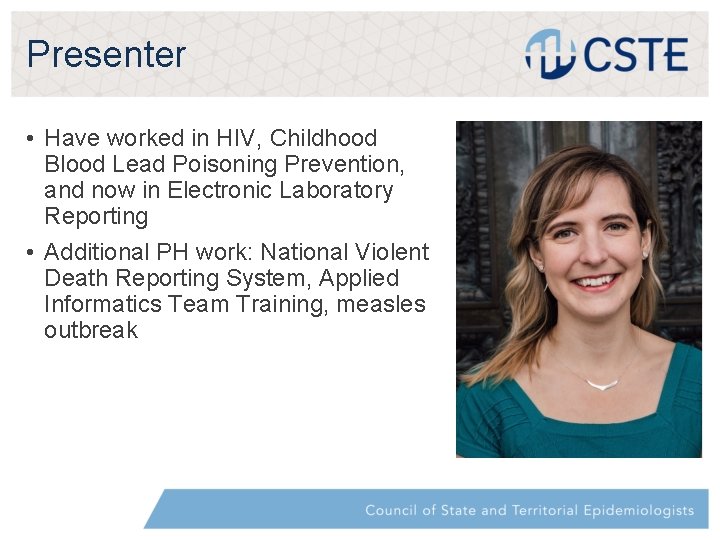
Presenter • Have worked in HIV, Childhood Blood Lead Poisoning Prevention, and now in Electronic Laboratory Reporting • Additional PH work: National Violent Death Reporting System, Applied Informatics Team Training, measles outbreak
Topics • • • How to Start? Template Data analysis Peer review Printing Presenting
How to Start? • First and foremost: Do not do this alone, if at all possible • Find a peer, talk to your supervisor, phone a friend • Things you’ll likely want help with: • • • Providing a sample template Helping you narrow your focus Peer review of data analysis Provide visual feedback Talk through
Template From CSTE: • Poster presentation materials must fit within the poster board display area of 4 ft tall x 8 ft wide. • The board is oriented in the landscape position (long dimension is horizontal). • Posters should be designed using appropriate font sizes so they can be easily viewed from 3 ft away. • Recommended fonts are san serif font, such as Arial [or Calibri] • The text on this slide is Arial • My poster was Calibri size 30
Template Cont. • There’s a beautiful balance between text and graphics • We’re Epis – We like the data • We’re also human – Pictures are pretty and easier to absorb • Images/tables/flow charts and graphs will help substantially • Grab attention • Give credibility • Who doesn’t love a good table? • You can make everything you need fit on your poster – I promise • If you can’t, ask a peer • They’re going to want to cut things • They may have formatting tips and tricks • Put your contact information on your poster
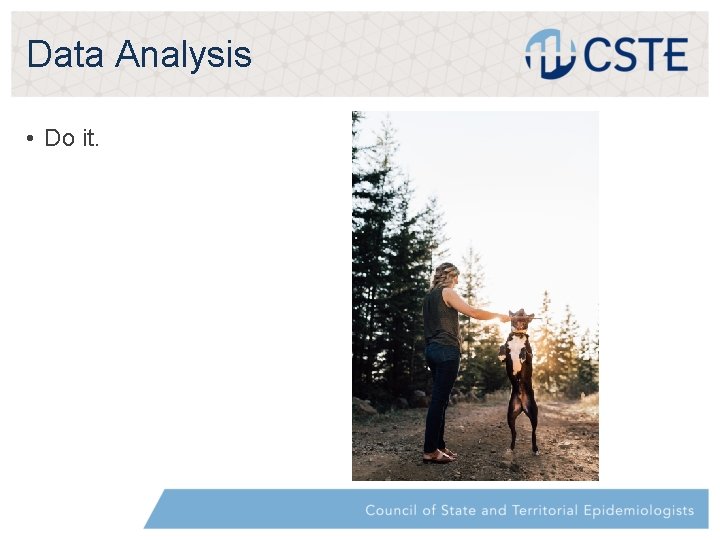
Data Analysis • Do it.
Data Analysis Cont. • Take a look at your abstract submission • At the very least present: • • Background Methods Discussion Challenges/Limitations
Peer Review • It feels impossible, but try to leave formatting issues for last • It may not all fit at first – that’s ok. • Let others review your poster • Share with someone who may not be familiar with your work/area • Your poster has to make sense when you aren’t there to answer questions • Incorporate their feedback • It can be tempting to think your reviewer wants things overly simple. If they do, they are a good peer reviewer.
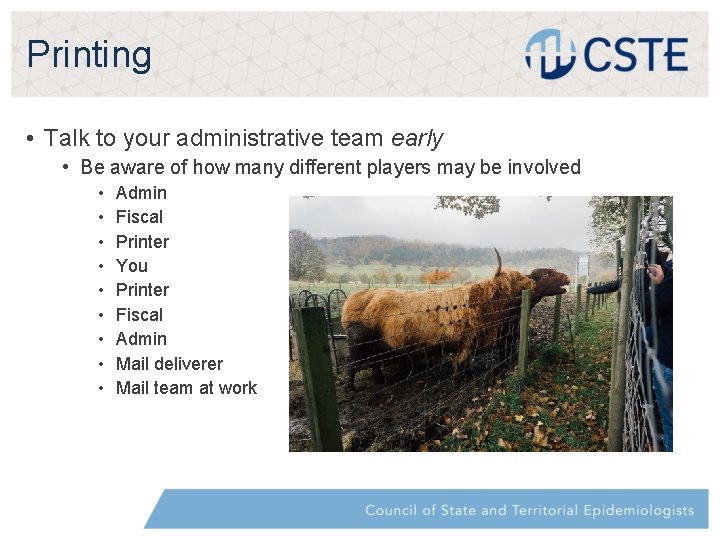
Printing • Talk to your administrative team early • Be aware of how many different players may be involved • • • Admin Fiscal Printer You Printer Fiscal Admin Mail deliverer Mail team at work
Printing Cont. • Material • Plastic • Paper • Cardstock or Laminated • Fabric From CSTE: Pushpins will be provided for you to attach your materials to the poster board. The use of glue, tape or staples is not allowed. Use a mailing tube or portfolio case for transporting your poster to the conference. Most presenters carry their poster with them, but if you want to ship your materials ahead, you must ship them to yourself in care of the hotel at which you will be staying.
Presenting • Be on time to hang up your poster! • CSTE gives you a viewing time that aligns with breaks between sessions. • Leave business cards • Leave printed copies of your poster • Have a signup sheet for people to leave their e-mail • Optional
Presenting Cont. • Look at other posters before presenting • Others may have a similar topic but different methods/outcome? • Remember: the ultimate goal is to educate others and yourself
Thank You Amanda Jones Washington State Dept. of Health amanda. jones@doh. wa. gov 360 -522 -3708 | www. doh. wa. gov Gender Pronouns: she/her
CSTE National Office 2635 Century Parkway NE, Suite 700 Atlanta, Georgia 30345 770. 458. 3811 770. 458. 8516