
How to perform a search in the Global
How to perform a search in the Global Brand Database Sandrine Ammann Marketing & Communications Officer Cyberworld February 2019
Agenda Clarification Interface: Search features Filter features Results Menus Q&A
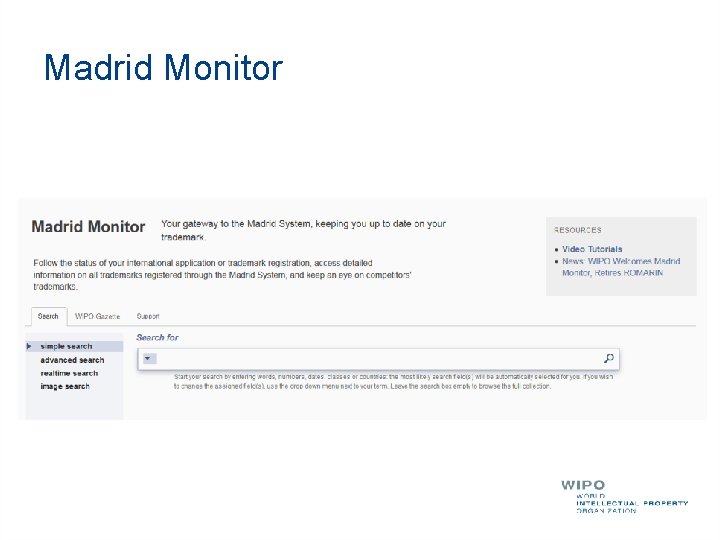
Madrid Monitor
Why is the GBD useful? Brand landscape Details about brands
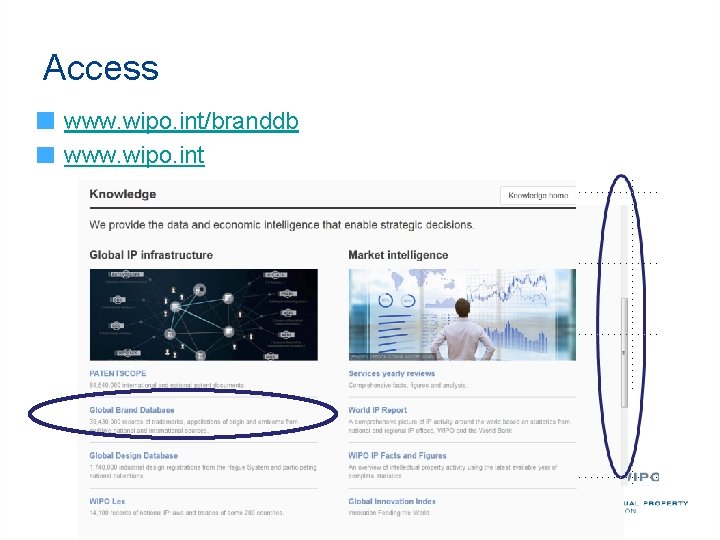
Access www. wipo. int/branddb www. wipo. int

Addition of the WHO INNs collection Over 9, 800 records
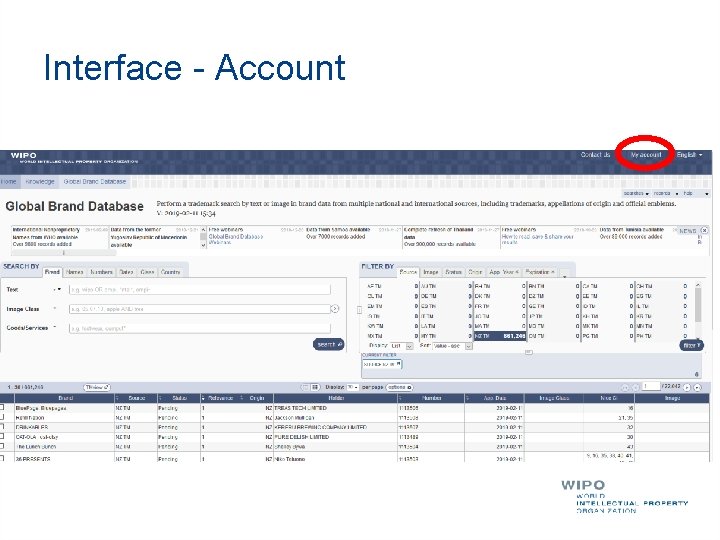
Interface - Account
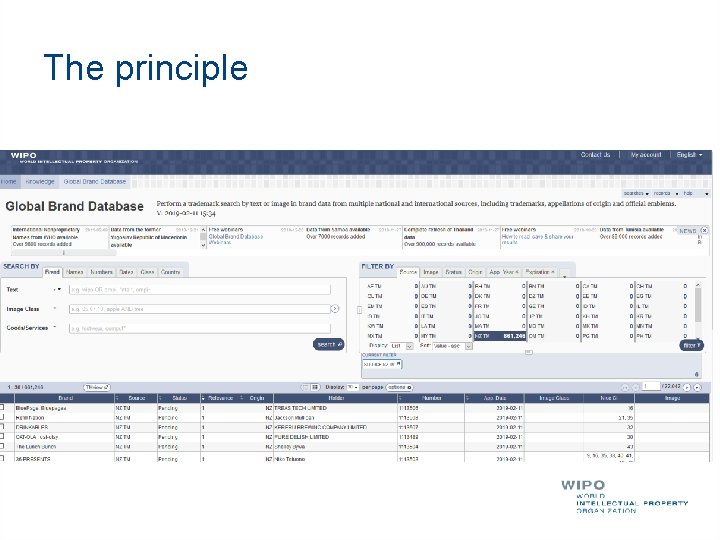
The principle
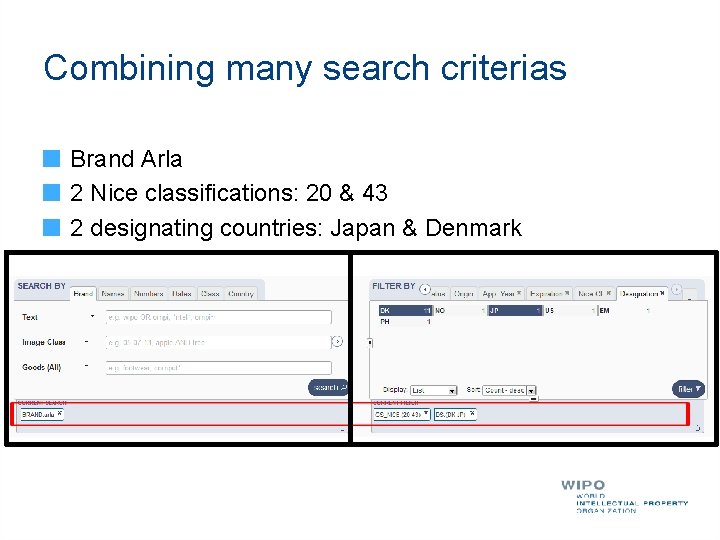
Combining many search criterias Brand Arla 2 Nice classifications: 20 & 43 2 designating countries: Japan & Denmark
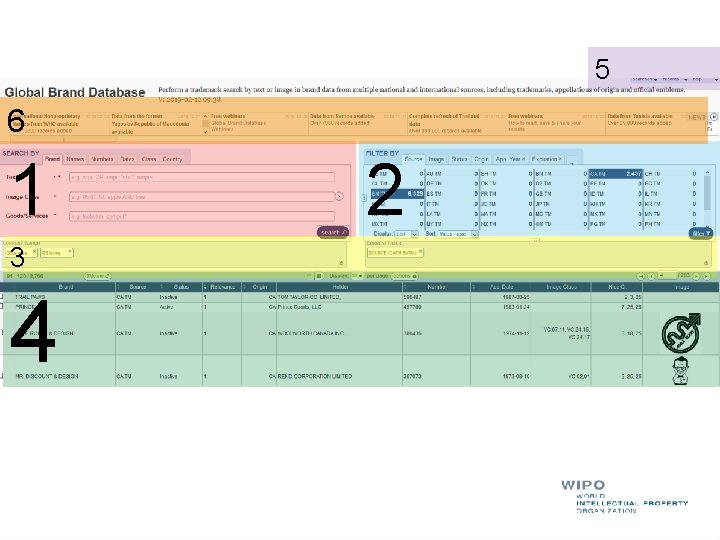
5 6 1 3 4 2
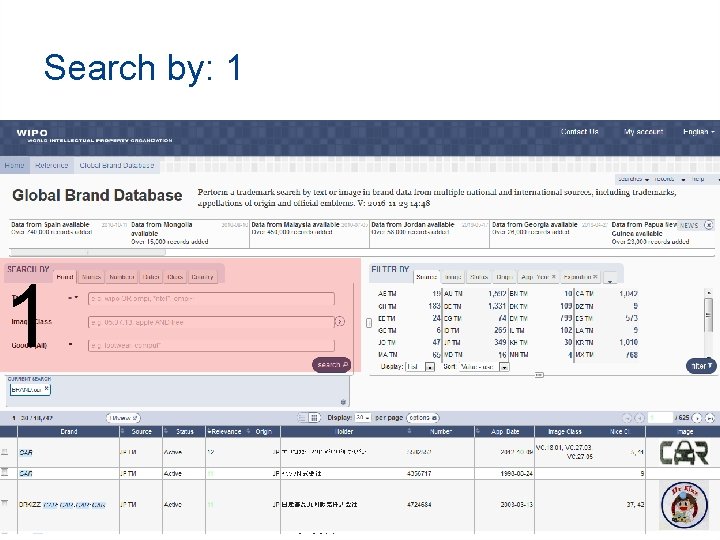
Search by: 1 1
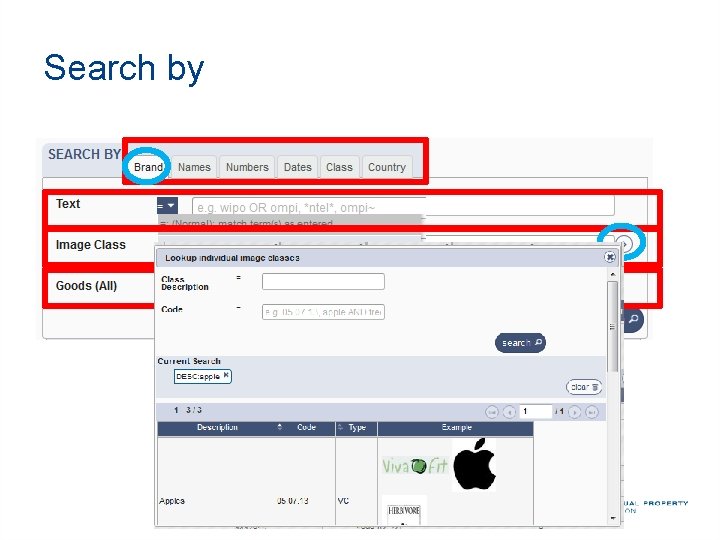
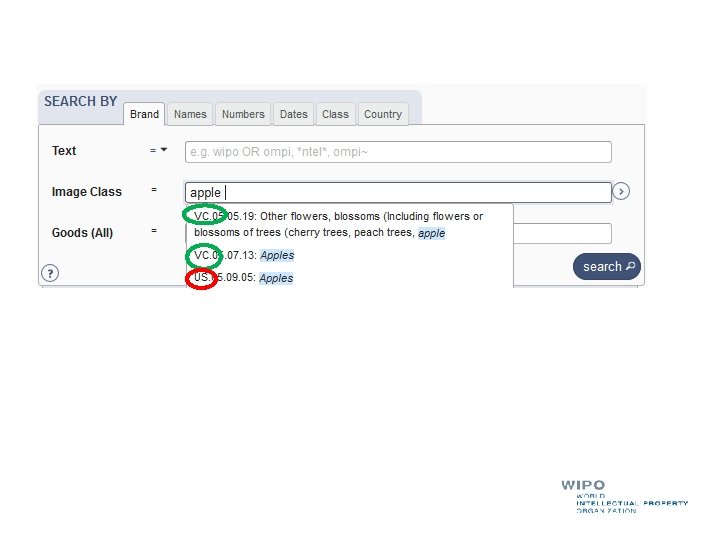
Search by
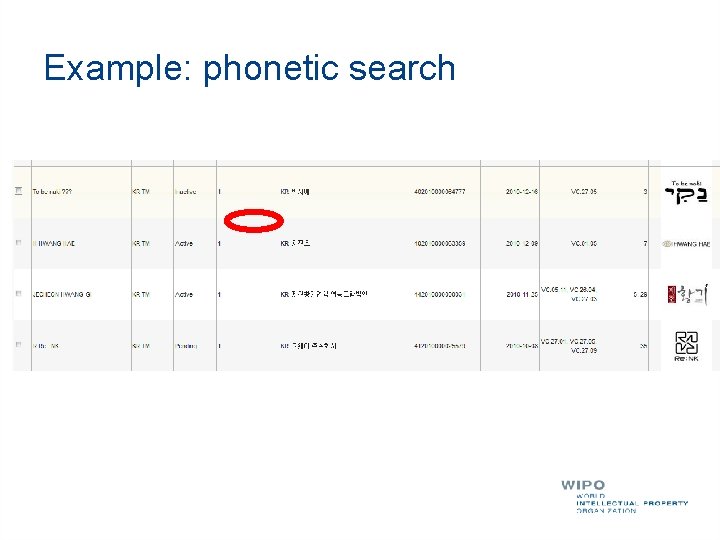
Example: phonetic search
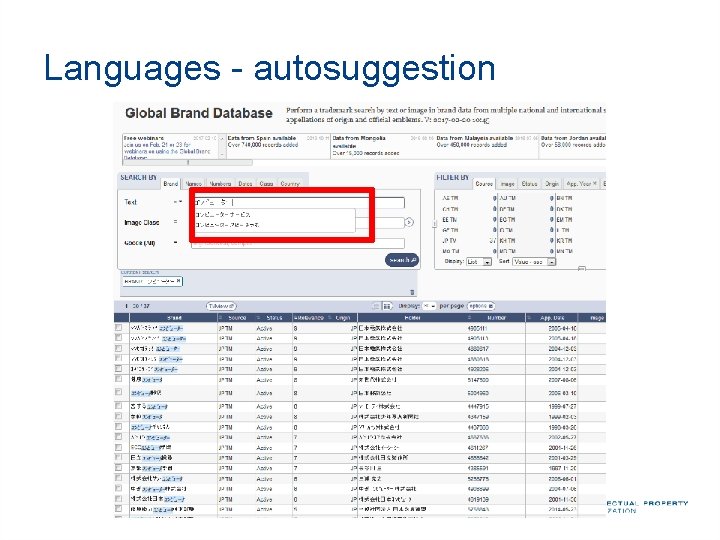
Languages - autosuggestion
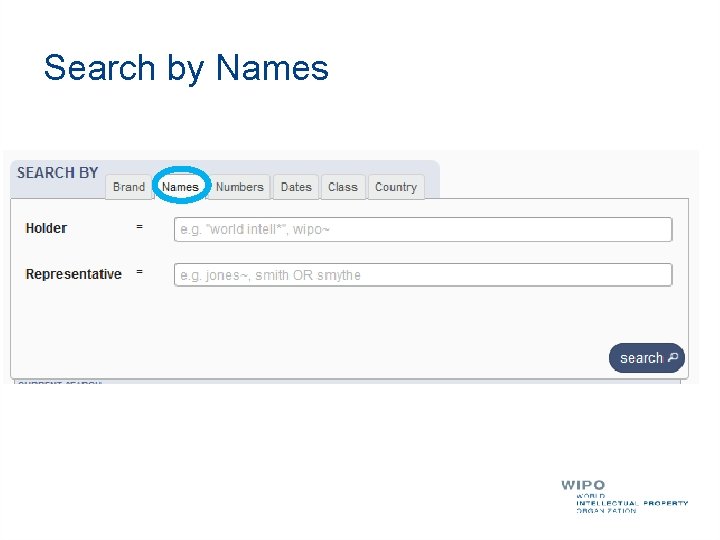
Search by Names
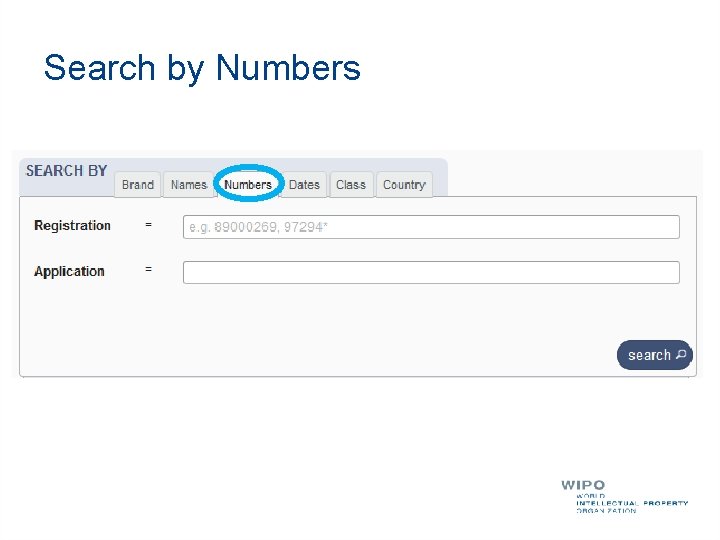
Search by Numbers
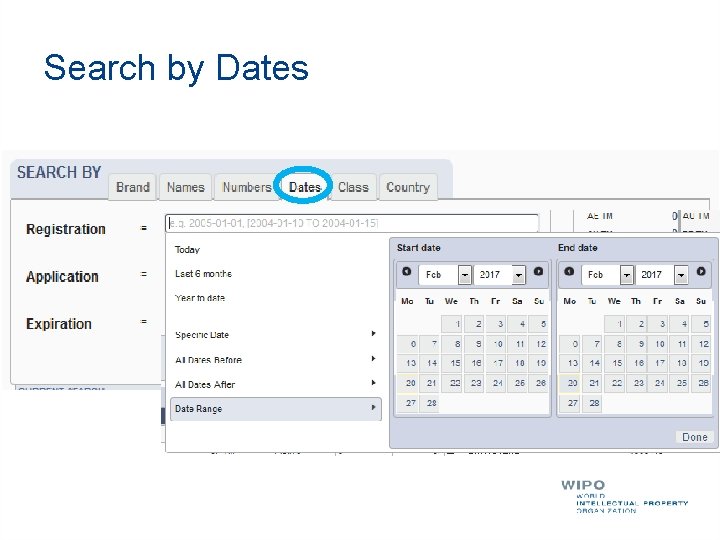
Search by Dates
![Tips Range: […]{…} + TO Error message](http://slidetodoc.com/presentation_image_h2/c80626706699a4d772aa0d24fff702d6/image-20.jpg "Tips Range: […]{…} + TO Error message")
Tips Range: […]{…} + TO Error message
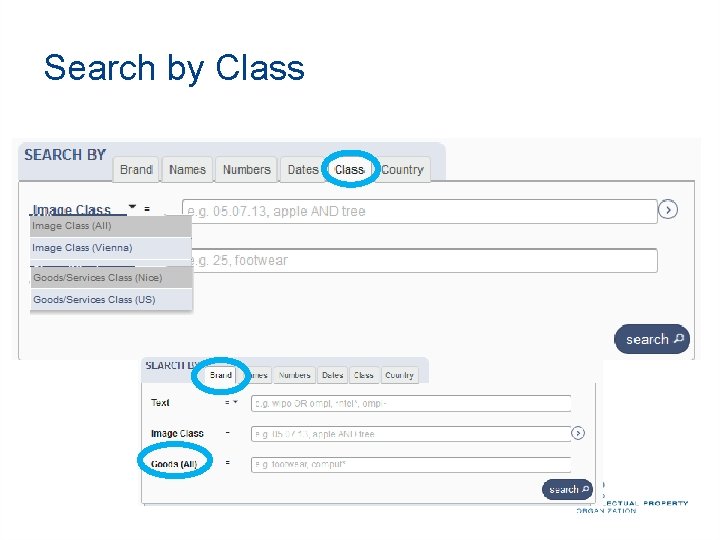
Search by Class
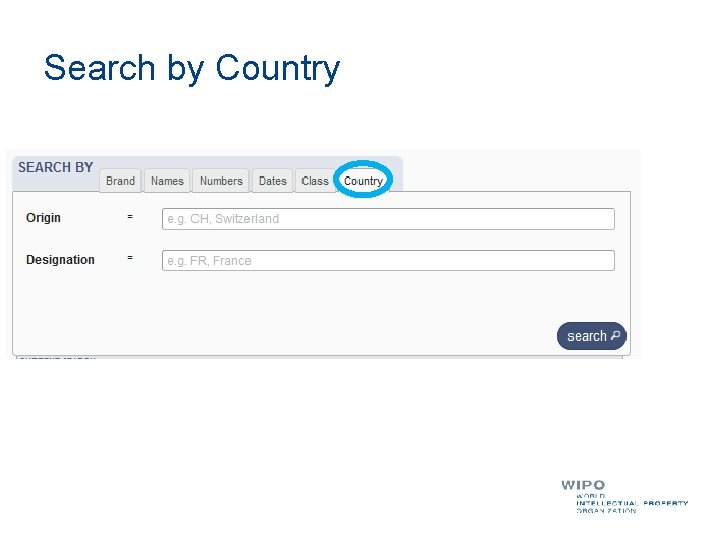
Search by Country
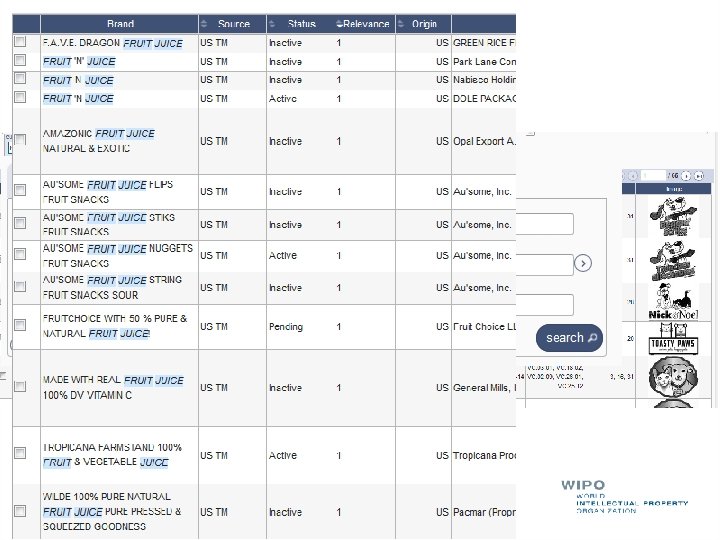
Examples
Tips OR Not limit Needle or "hypodermic needle" Transliteration: Korean + Japanese : automatic Arabic: not supported Punctuation/ accent: ignored
Wildcards, fuzzy, proximity Wilcards: * = 0/multiple letter; ? = 1 letter te? t 'test' and 'text‘ text* 'text', 'texts', 'texting‘ *text or te*t. Proximity operators: «…» ~10 Fuzzy: ~+ value between 0 and 1 alco~ 'also', 'alcoh', 'asco'
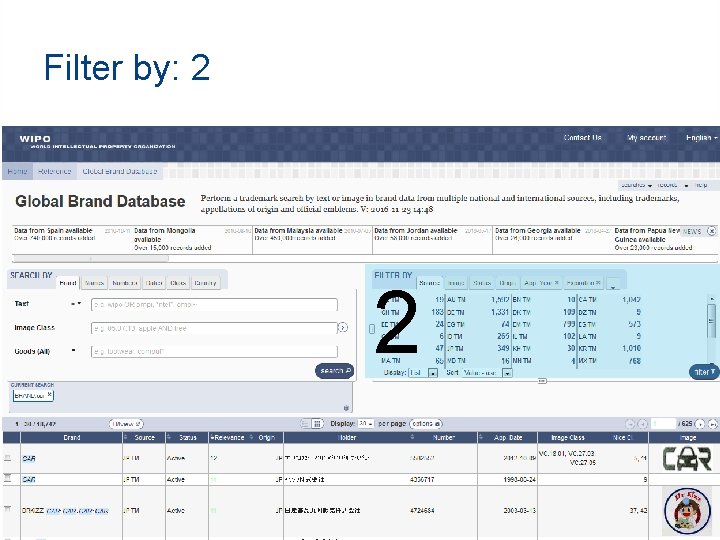
Filter by: 2 2
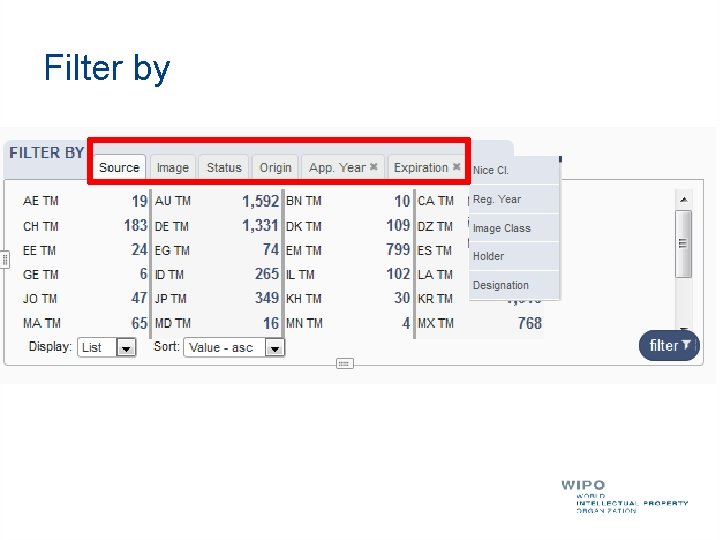
Filter by
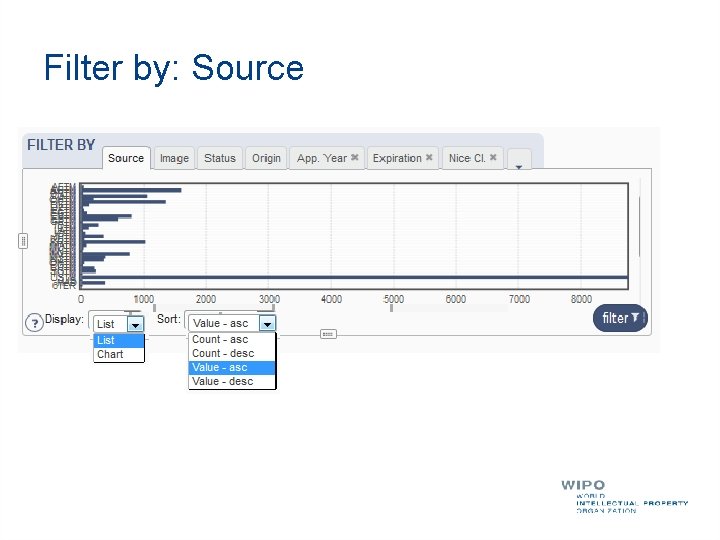
Filter by: Source
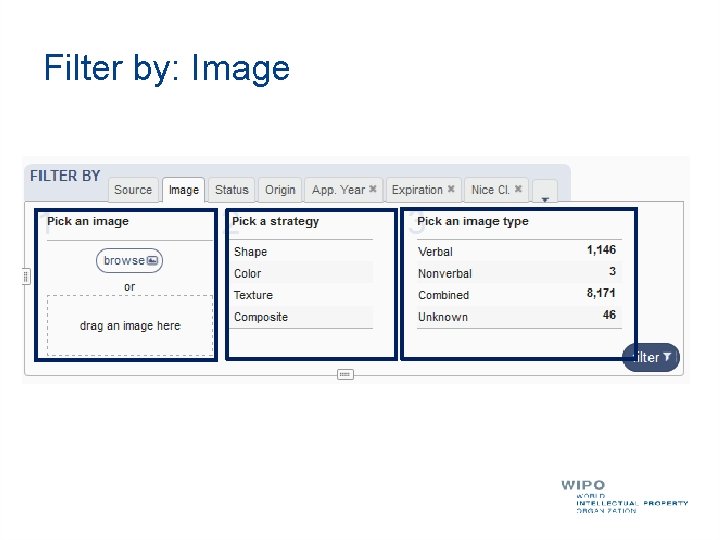
Filter by: Image
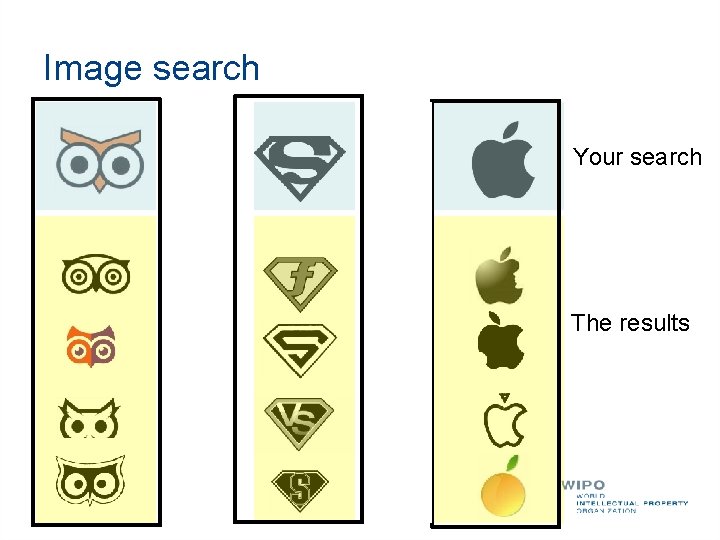
Image search Your search The results
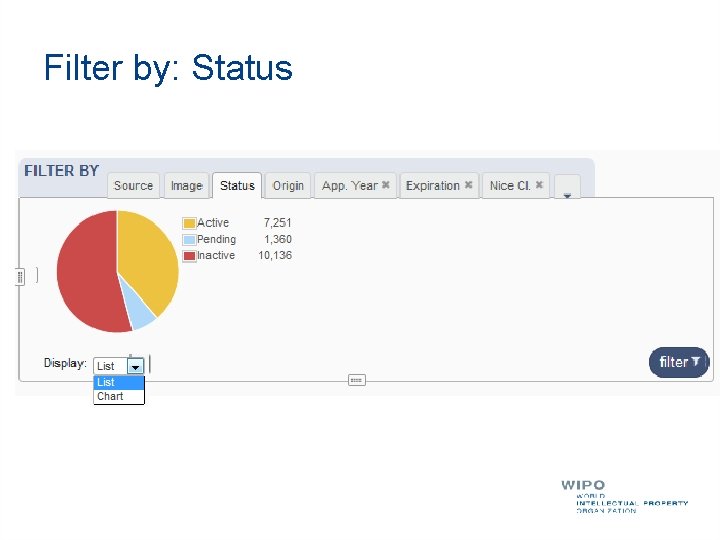
Filter by: Status
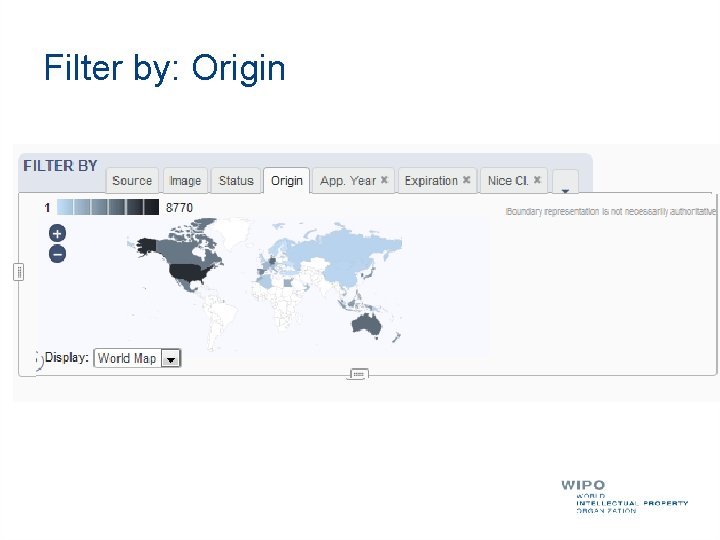
Filter by: Origin
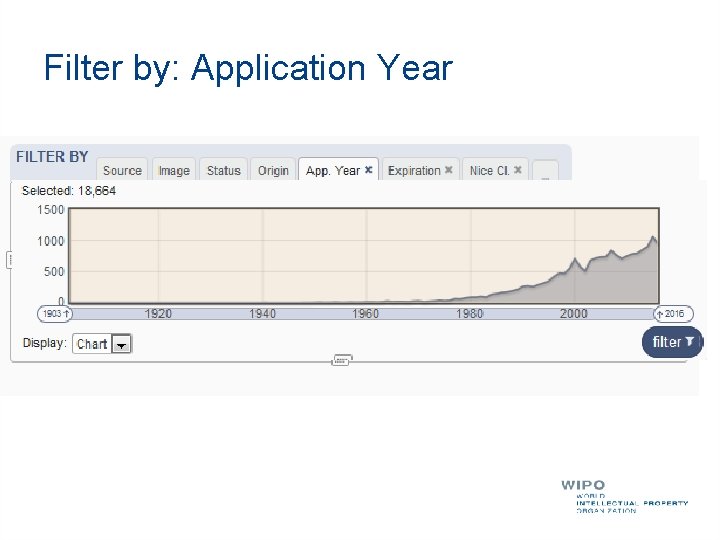
Filter by: Application Year
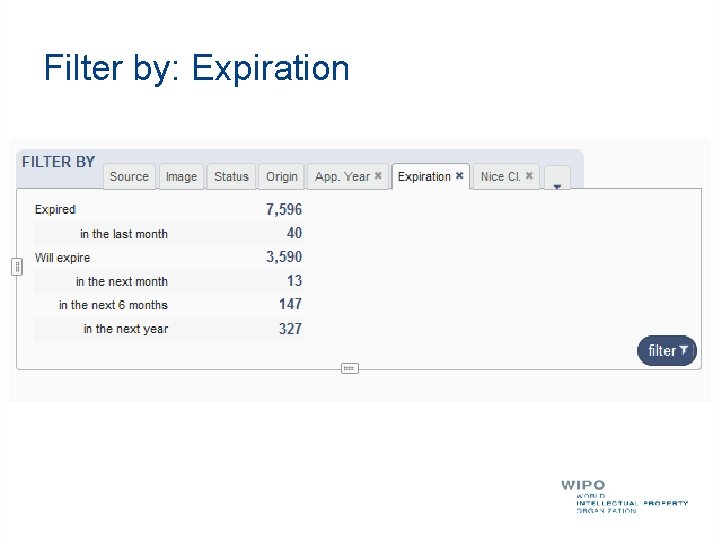
Filter by: Expiration
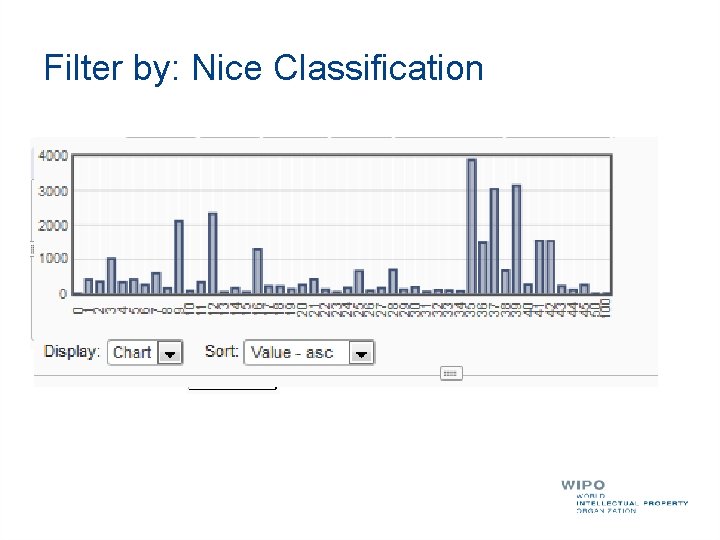
Filter by: Nice Classification
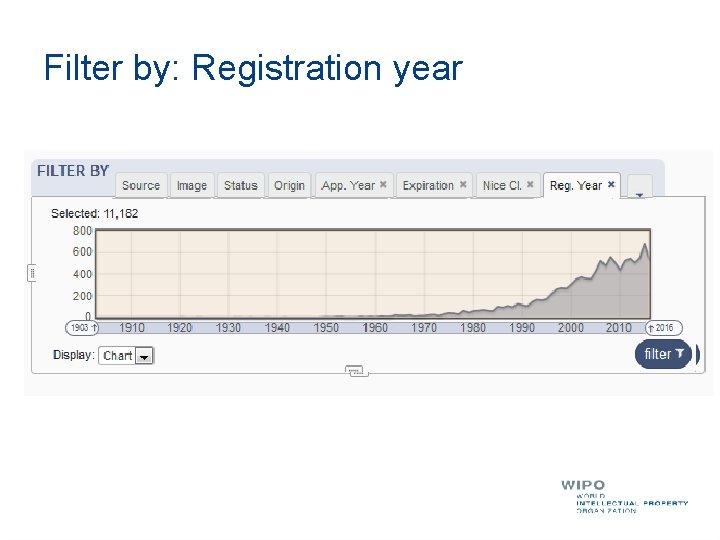
Filter by: Registration year
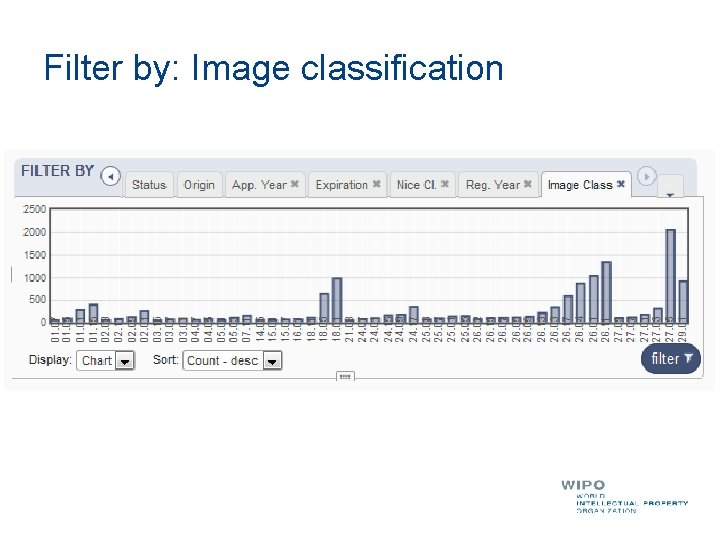
Filter by: Image classification
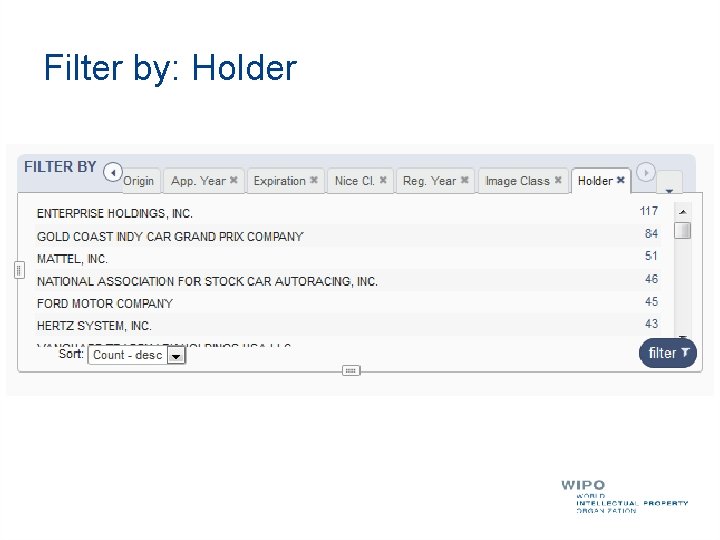
Filter by: Holder
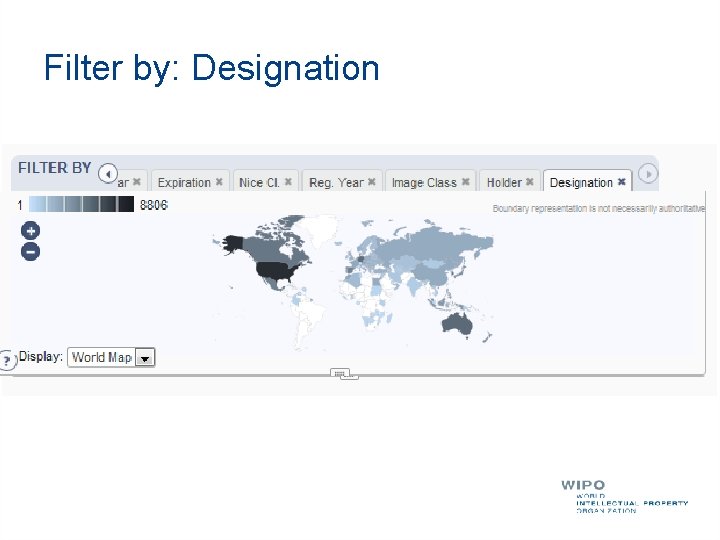
Filter by: Designation
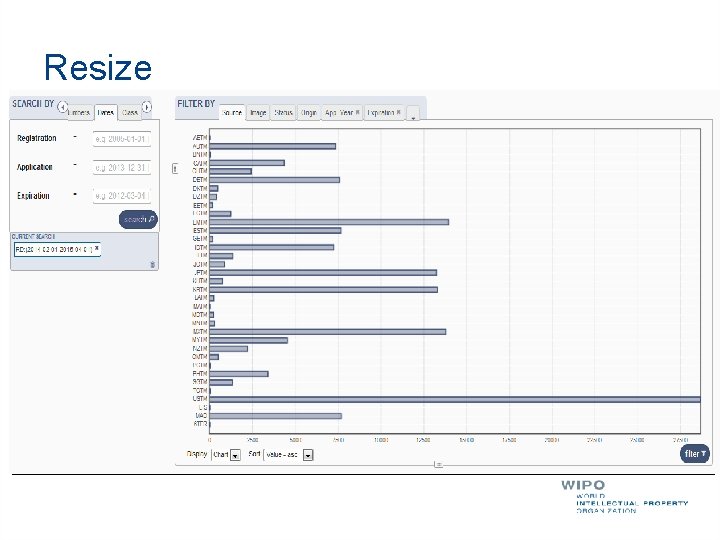
Resize
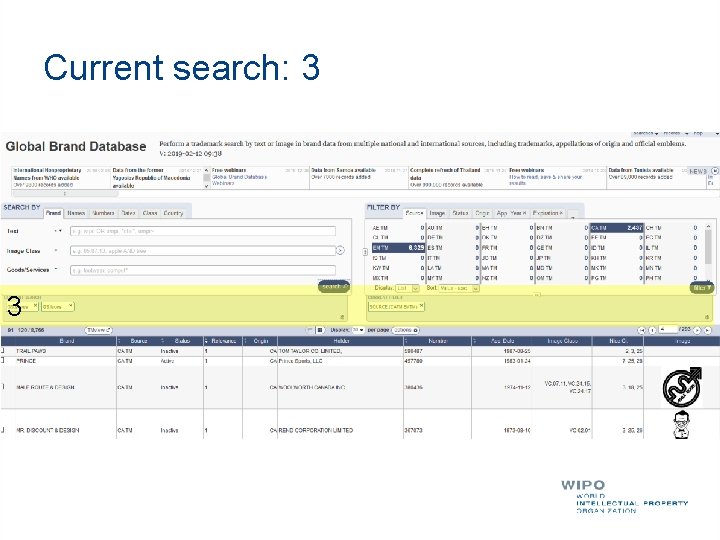
Current search: 3 3 3
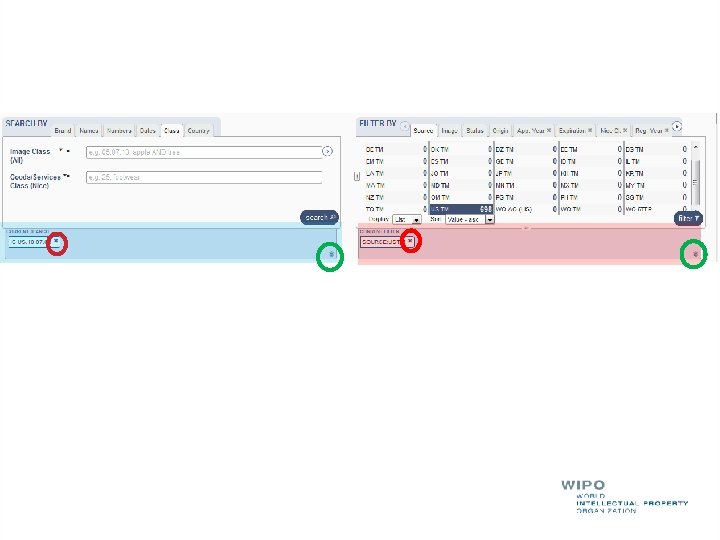
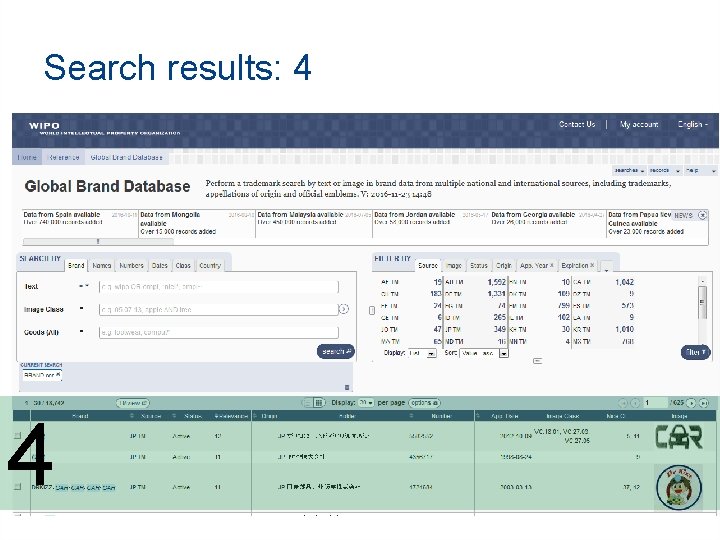
Search results: 4 4
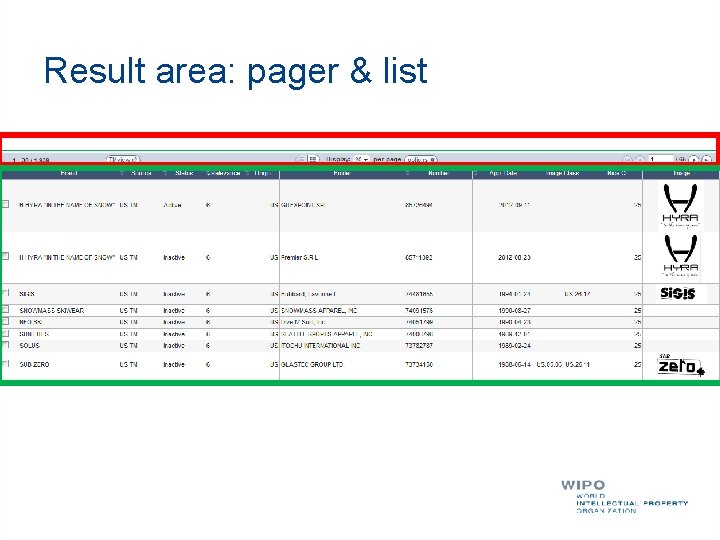
Result area: pager & list
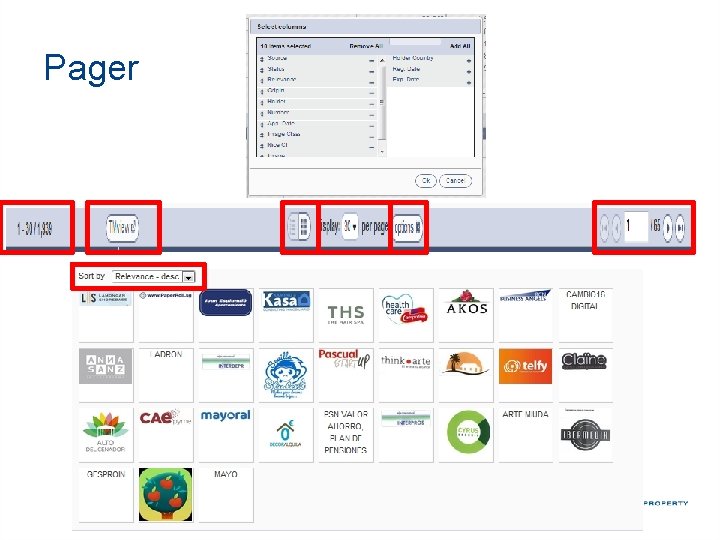
Pager
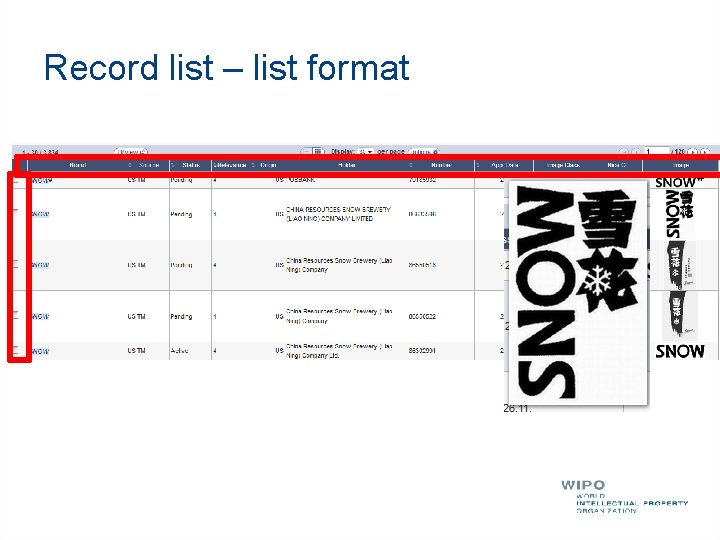
Record list – list format
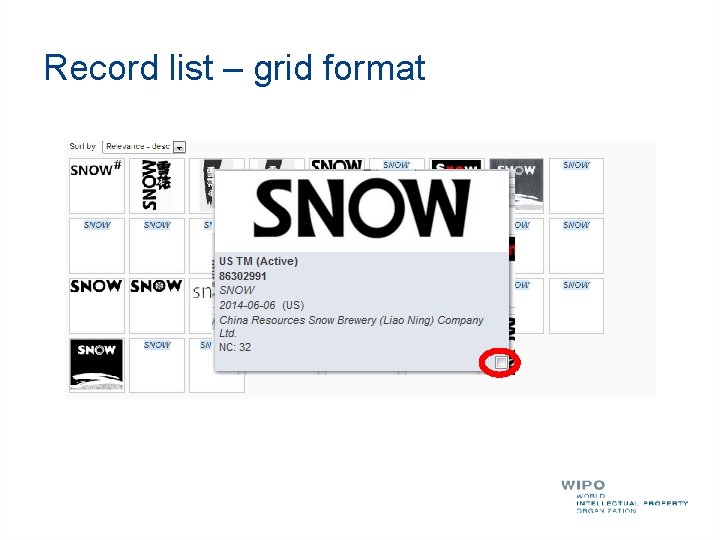
Record list – grid format
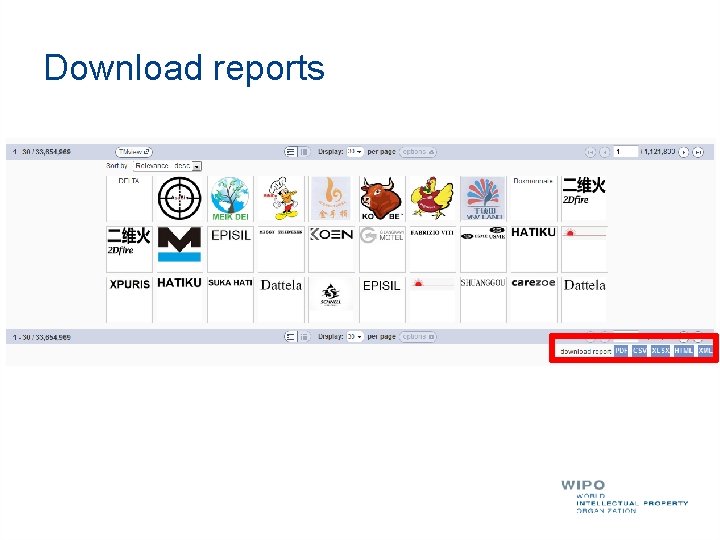
Download reports
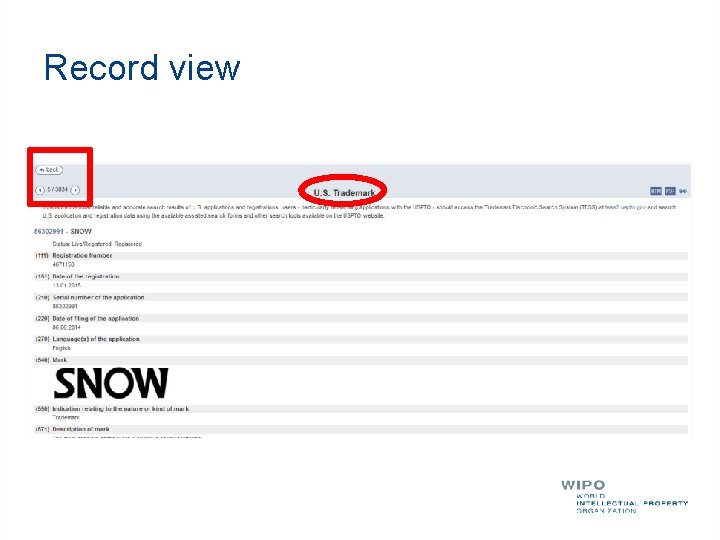
Record view
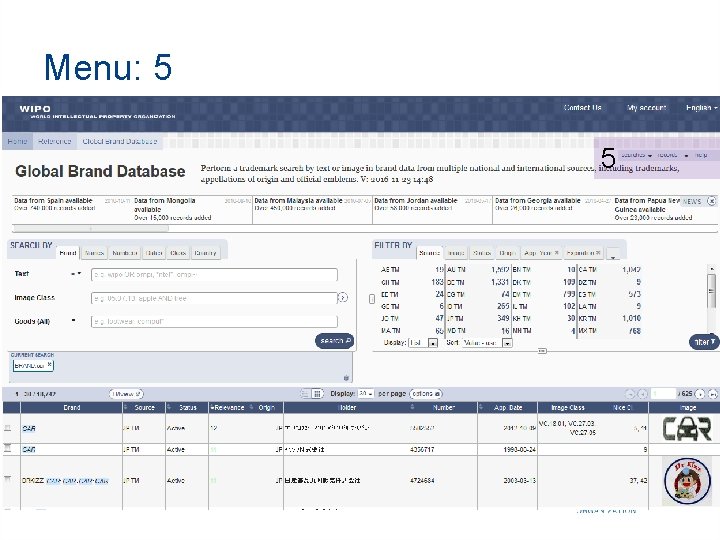
Menu: 5 5
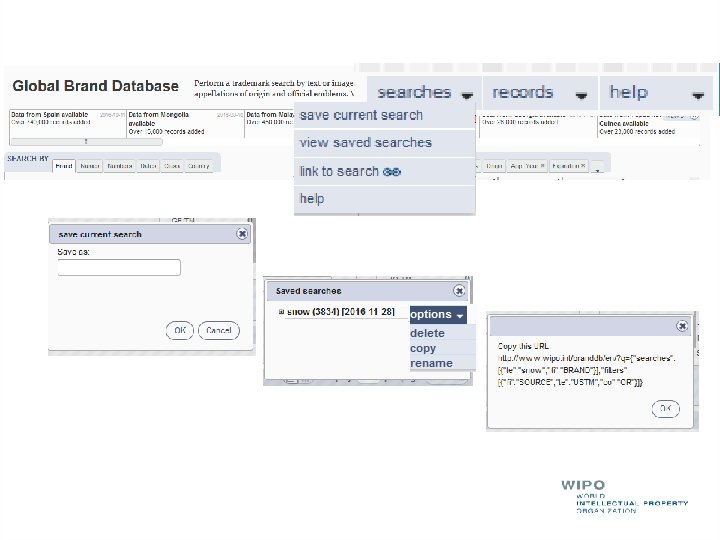
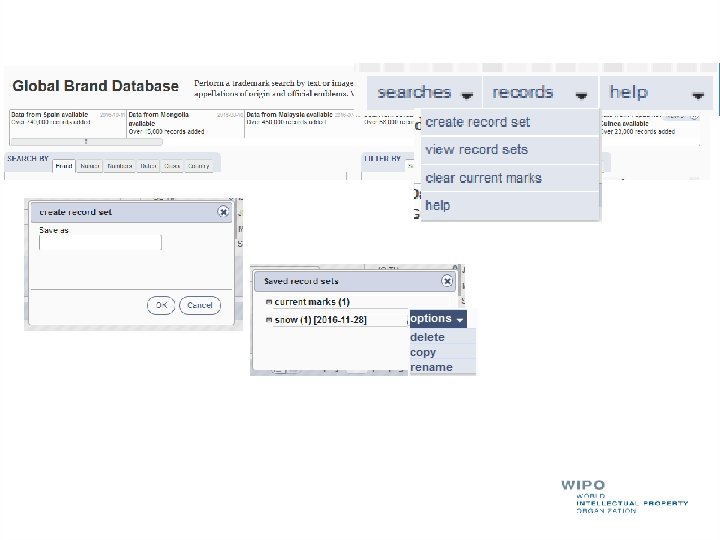
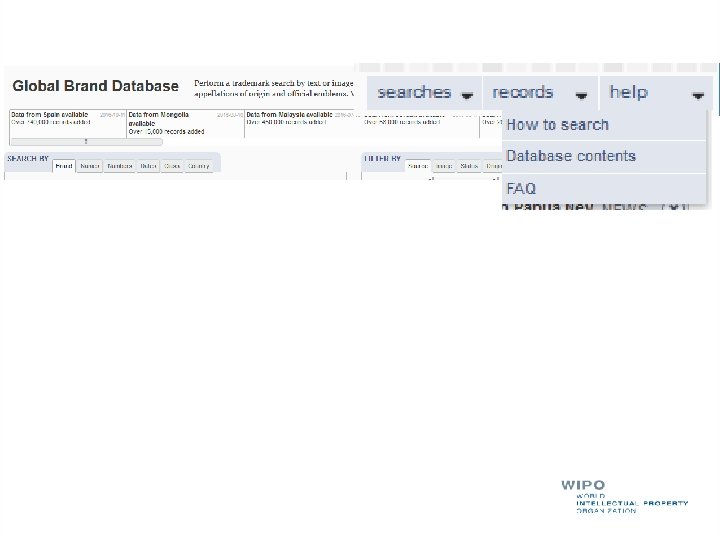
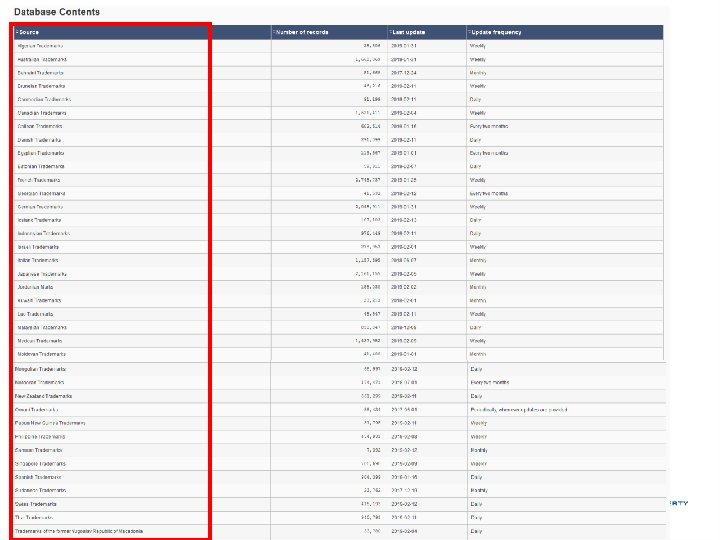
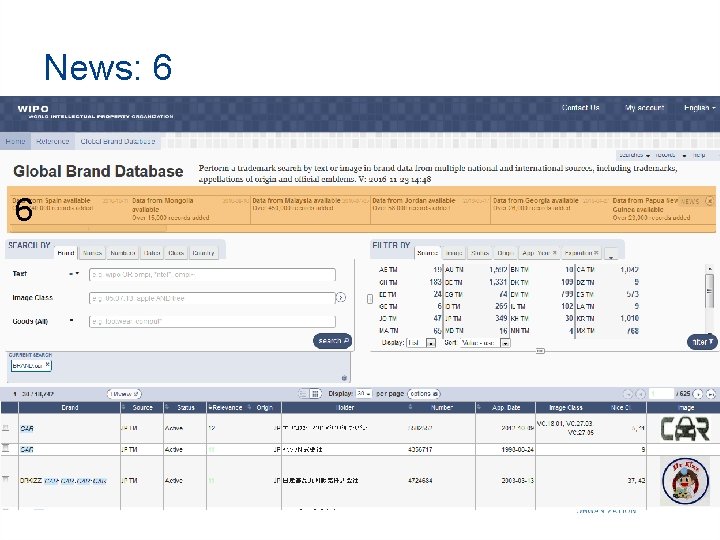
News: 6 6
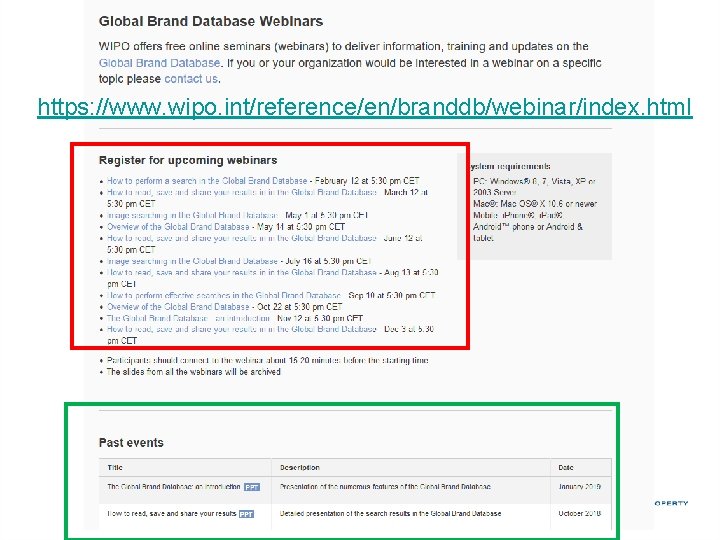
https: //www. wipo. int/reference/en/branddb/webinar/index. html
mulțumesc gbd@wipo. int
- Slides: 57