
How to Pay Invoices November 1 2019 Presenters
How to Pay Invoices November 1, 2019 Presenters Tamarra Brown, Lawrence Lee & Helen Yu
Getting Things Paid Invoices Mileage & Personal Expenses 2 Credit Card Purchases
Paying Invoices 1 Receive invoice 2 Stamp invoice 3 Review and verify invoice 4 Sign and date invoice 5 Submit invoice to Invoice Reviewer 3
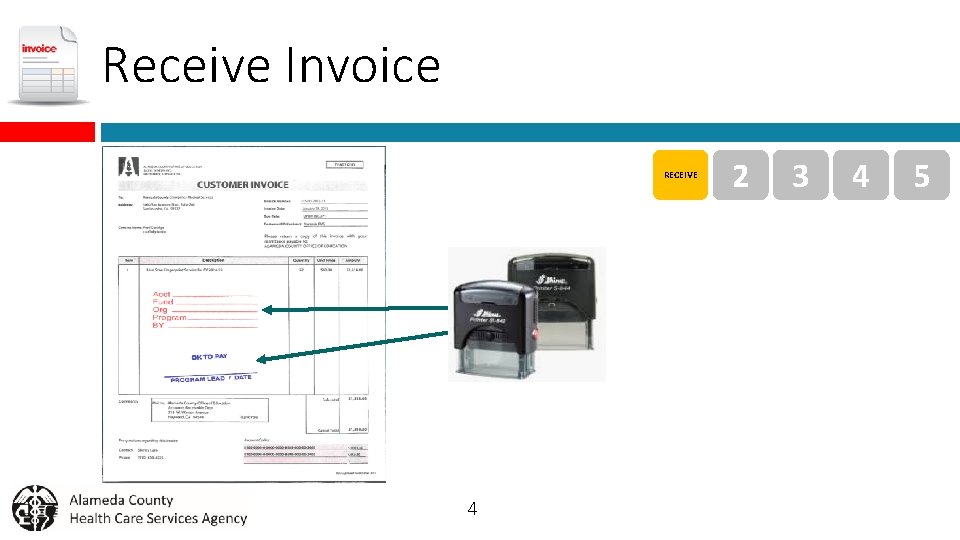
Receive Invoice RECEIVE 4 2 3 4 5

Stamp Invoice 1 STAMP 3 4 If the invoice isn’t already stamped, ask a designated Admin Support person to stamp it for you. IMPORTANT Must check Daily PO report for outstanding PO balance to ensure there are enough funds to pay invoice. H: PublicBudget to Actuals ReportsDaily PO reports Y: FinanceAlcolinkBY 2020FY 19 -20 REPORTSDAILY PO 5 5

Review and Verify Invoice 1 FOR ALL INVOICES q Review for accuracy § Vendor Name § Remittance Address q Verify goods and services were delivered 2 VERIFY 4 FOR CONTRACTOR INVOICES q Check Exhibit A: Definition of Services q Check Exhibit B: Payment Terms q Internal Contract Processing Request (ICPR) form § Vendor Name § Remittance Address § Mailing Method 6 5
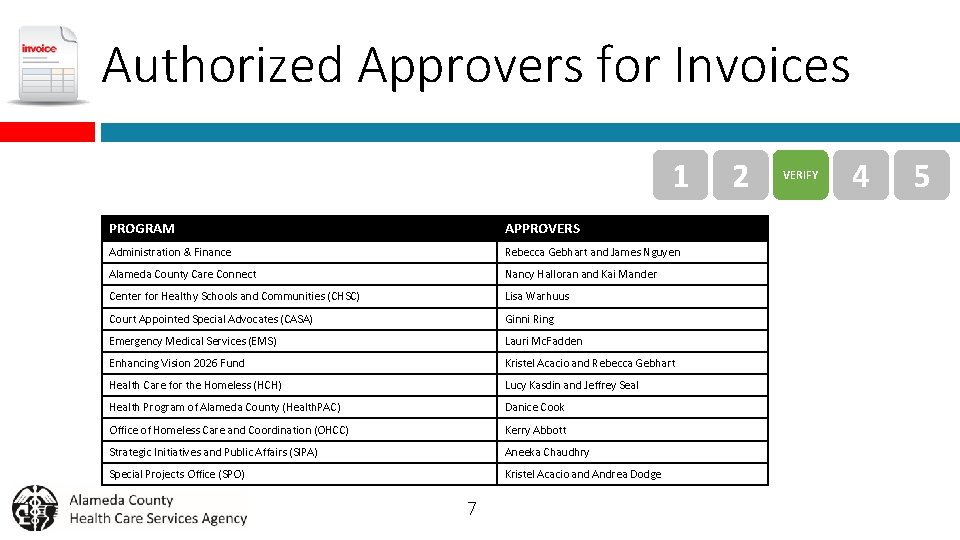
Authorized Approvers for Invoices 1 PROGRAM APPROVERS Administration & Finance Rebecca Gebhart and James Nguyen Alameda County Care Connect Nancy Halloran and Kai Mander Center for Healthy Schools and Communities (CHSC) Lisa Warhuus Court Appointed Special Advocates (CASA) Ginni Ring Emergency Medical Services (EMS) Lauri Mc. Fadden Enhancing Vision 2026 Fund Kristel Acacio and Rebecca Gebhart Health Care for the Homeless (HCH) Lucy Kasdin and Jeffrey Seal Health Program of Alameda County (Health. PAC) Danice Cook Office of Homeless Care and Coordination (OHCC) Kerry Abbott Strategic Initiatives and Public Affairs (SIPA) Aneeka Chaudhry Special Projects Office (SPO) Kristel Acacio and Andrea Dodge 7 2 VERIFY 4 5
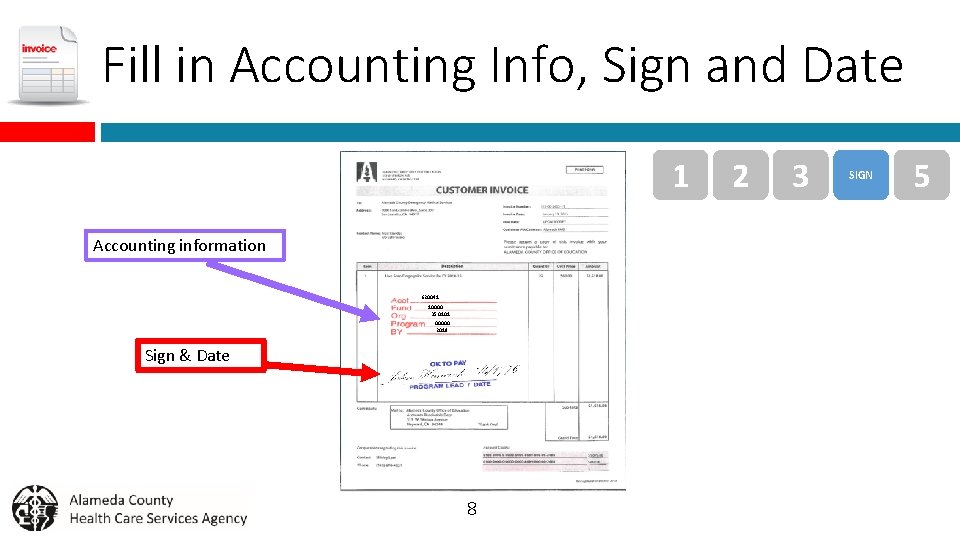
Fill in Accounting Info, Sign and Date 1 Accounting information 620041 10000 350101 00000 2019 Sign & Date 8 2 3 SIGN 5
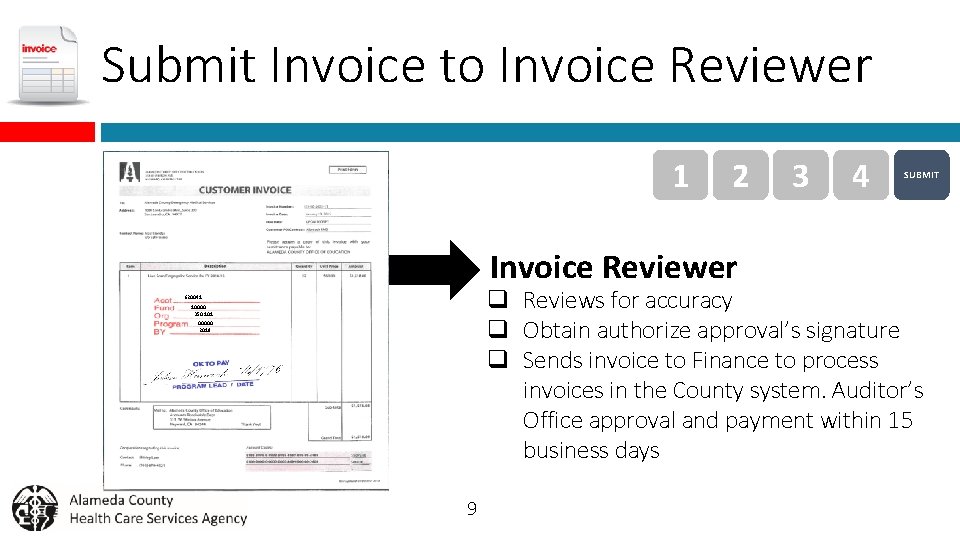
Submit Invoice to Invoice Reviewer 1 2 Invoice Reviewer 3 4 SUBMIT q Reviews for accuracy q Obtain authorize approval’s signature q Sends invoice to Finance to process invoices in the County system. Auditor’s Office approval and payment within 15 business days 620041 10000 350101 00000 2019 9
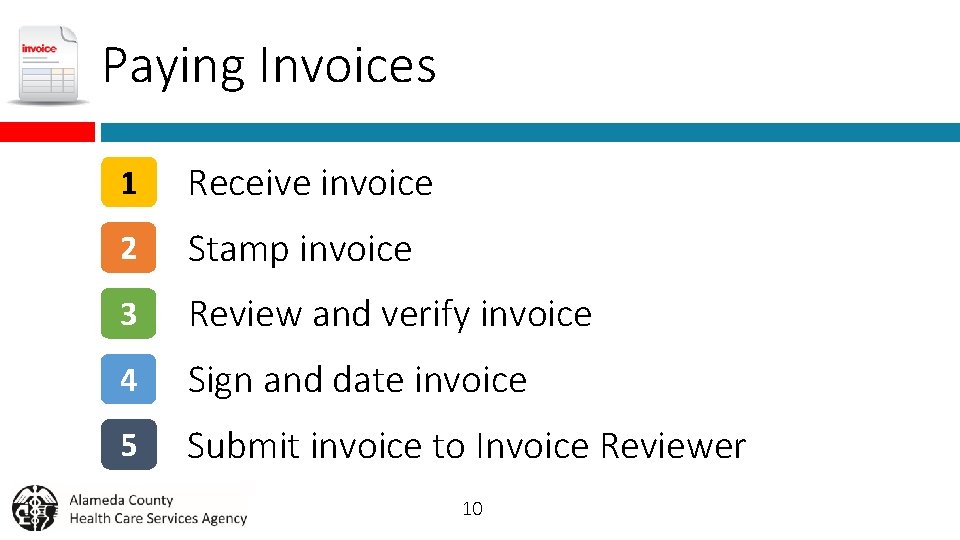
Paying Invoices 1 Receive invoice 2 Stamp invoice 3 Review and verify invoice 4 Sign and date invoice 5 Submit invoice to Invoice Reviewer 10
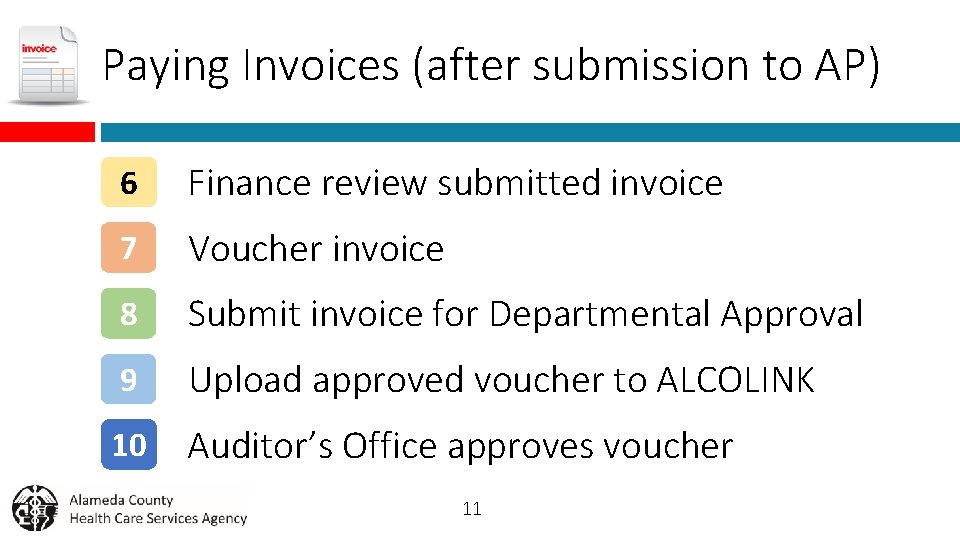
Paying Invoices (after submission to AP) 6 Finance review submitted invoice 7 Voucher invoice 8 Submit invoice for Departmental Approval 9 Upload approved voucher to ALCOLINK 10 Auditor’s Office approves voucher 11
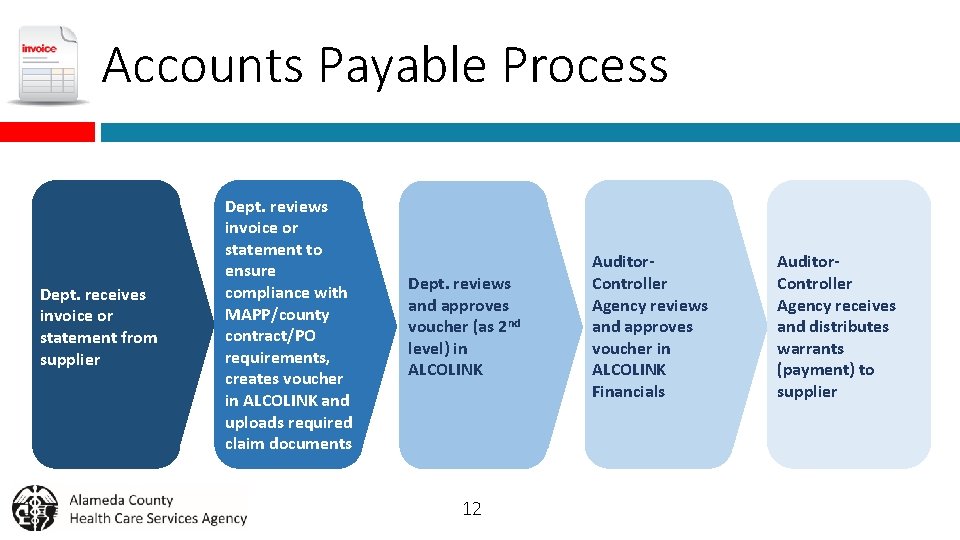
Accounts Payable Process Dept. receives invoice or statement from supplier Dept. reviews invoice or statement to ensure compliance with MAPP/county contract/PO requirements, creates voucher in ALCOLINK and uploads required claim documents Dept. reviews and approves voucher (as 2 nd level) in ALCOLINK 12 Auditor. Controller Agency reviews and approves voucher in ALCOLINK Financials Auditor. Controller Agency receives and distributes warrants (payment) to supplier
Paying Invoices What Could Possibly Go Wrong? 13
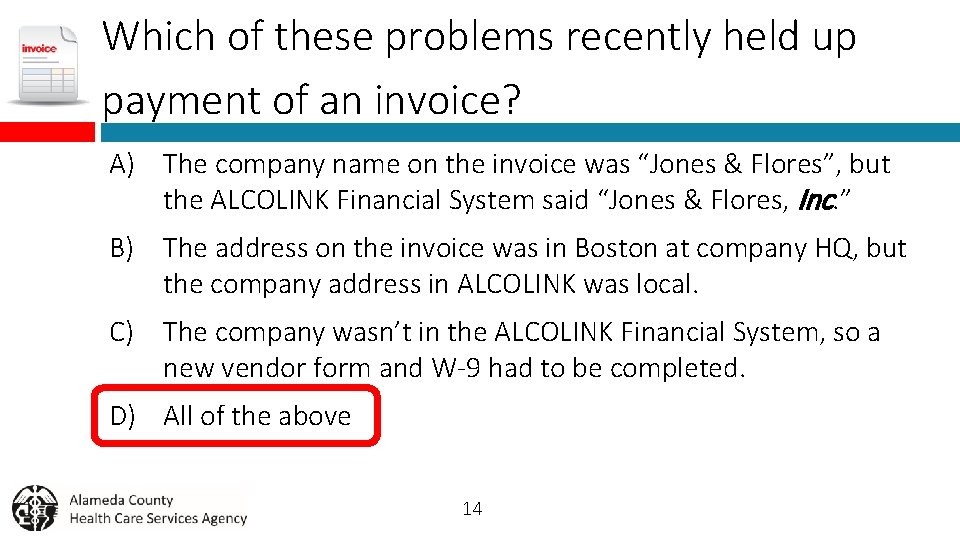
Which of these problems recently held up payment of an invoice? A) The company name on the invoice was “Jones & Flores”, but the ALCOLINK Financial System said “Jones & Flores, Inc. ” B) The address on the invoice was in Boston at company HQ, but the company address in ALCOLINK was local. C) The company wasn’t in the ALCOLINK Financial System, so a new vendor form and W-9 had to be completed. D) All of the above 14

15
- Slides: 15