
How to Make Thermal Images from a Thermal
- Slides: 8
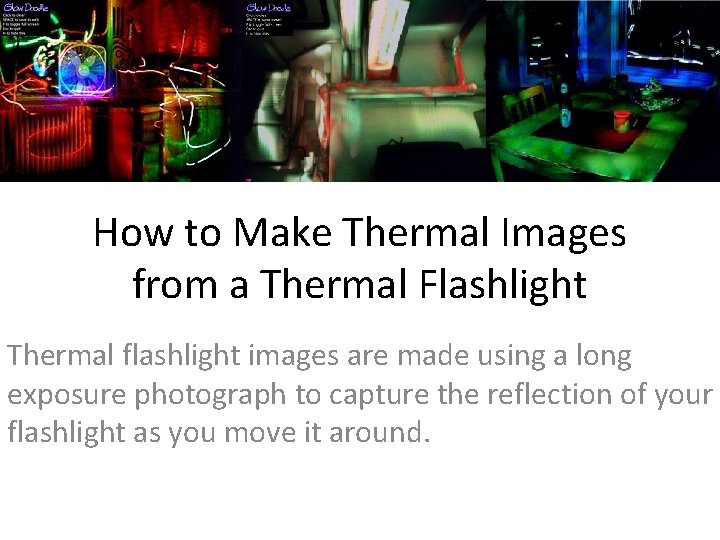
How to Make Thermal Images from a Thermal Flashlight Thermal flashlight images are made using a long exposure photograph to capture the reflection of your flashlight as you move it around.
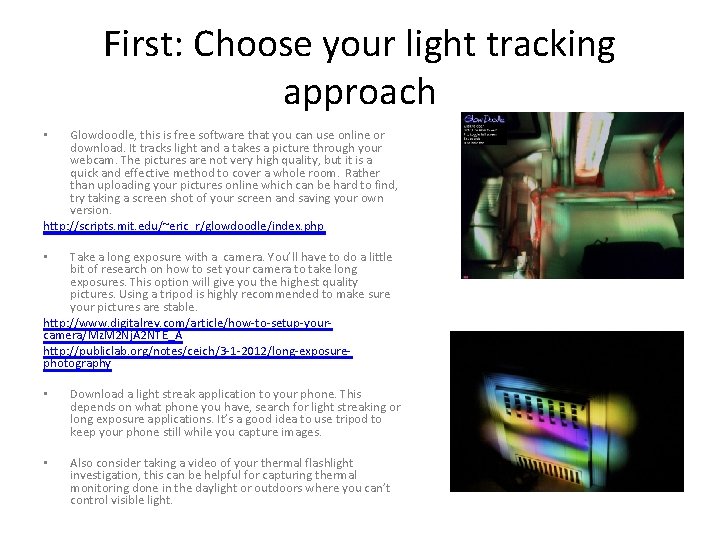
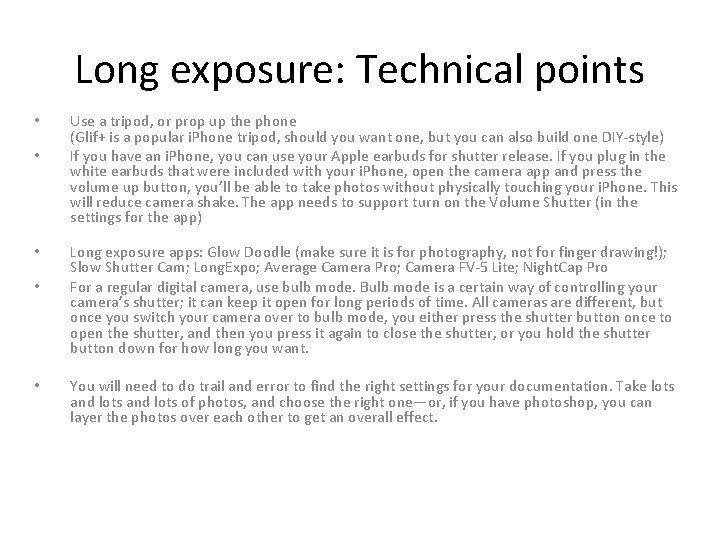
First: Choose your light tracking approach Glowdoodle, this is free software that you can use online or download. It tracks light and a takes a picture through your webcam. The pictures are not very high quality, but it is a quick and effective method to cover a whole room. Rather than uploading your pictures online which can be hard to find, try taking a screen shot of your screen and saving your own version. http: //scripts. mit. edu/~eric_r/glowdoodle/index. php • Take a long exposure with a camera. You’ll have to do a little bit of research on how to set your camera to take long exposures. This option will give you the highest quality pictures. Using a tripod is highly recommended to make sure your pictures are stable. http: //www. digitalrev. com/article/how-to-setup-yourcamera/Mz. M 2 Nj. A 2 NTE_A http: //publiclab. org/notes/ceich/3 -1 -2012/long-exposurephotography • • Download a light streak application to your phone. This depends on what phone you have, search for light streaking or long exposure applications. It’s a good idea to use tripod to keep your phone still while you capture images. • Also consider taking a video of your thermal flashlight investigation, this can be helpful for capturing thermal monitoring done in the daylight or outdoors where you can’t control visible light.
Long exposure: Technical points • • • Use a tripod, or prop up the phone (Glif+ is a popular i. Phone tripod, should you want one, but you can also build one DIY-style) If you have an i. Phone, you can use your Apple earbuds for shutter release. If you plug in the white earbuds that were included with your i. Phone, open the camera app and press the volume up button, you’ll be able to take photos without physically touching your i. Phone. This will reduce camera shake. The app needs to support turn on the Volume Shutter (in the settings for the app) Long exposure apps: Glow Doodle (make sure it is for photography, not for finger drawing!); Slow Shutter Cam; Long. Expo; Average Camera Pro; Camera FV-5 Lite; Night. Cap Pro For a regular digital camera, use bulb mode. Bulb mode is a certain way of controlling your camera’s shutter; it can keep it open for long periods of time. All cameras are different, but once you switch your camera over to bulb mode, you either press the shutter button once to open the shutter, and then you press it again to close the shutter, or you hold the shutter button down for how long you want. You will need to do trail and error to find the right settings for your documentation. Take lots and lots of photos, and choose the right one—or, if you have photoshop, you can layer the photos over each other to get an overall effect.
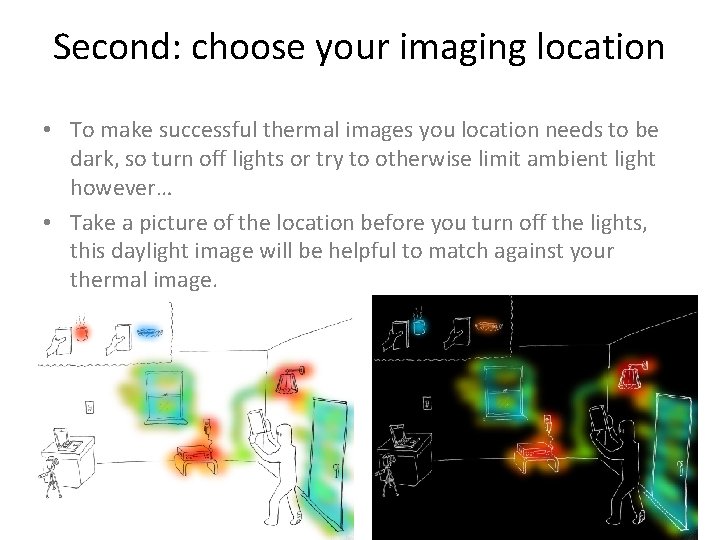
Second: choose your imaging location • To make successful thermal images you location needs to be dark, so turn off lights or try to otherwise limit ambient light however… • Take a picture of the location before you turn off the lights, this daylight image will be helpful to match against your thermal image.
Third: set your flashlight to the right temperature range • Measure the ambient temperature in the room, and consider the temperature range of the phenomena you are hoping to map. Set your Thermal Flashlight accordingly. • What you see in your infrared images will depend on the range you set your camera to. Here are galleries of FLIR images with temperature ranges for reference: • http: //www 1. infraredtraining. com/view/? id=40048 • Make sure to record what range you set your Thermal Flashlight to. • Also try experimenting with different temperature ranges
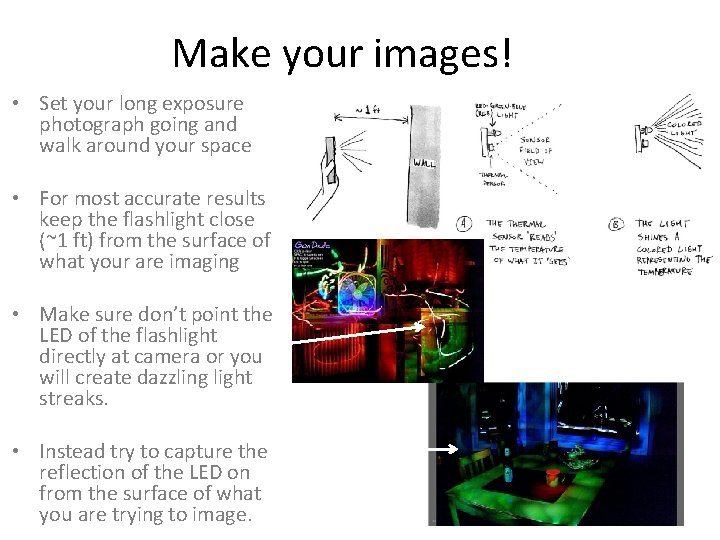
Make your images! • Set your long exposure photograph going and walk around your space • For most accurate results keep the flashlight close (~1 ft) from the surface of what your are imaging • Make sure don’t point the LED of the flashlight directly at camera or you will create dazzling light streaks. • Instead try to capture the reflection of the LED on from the surface of what you are trying to image.
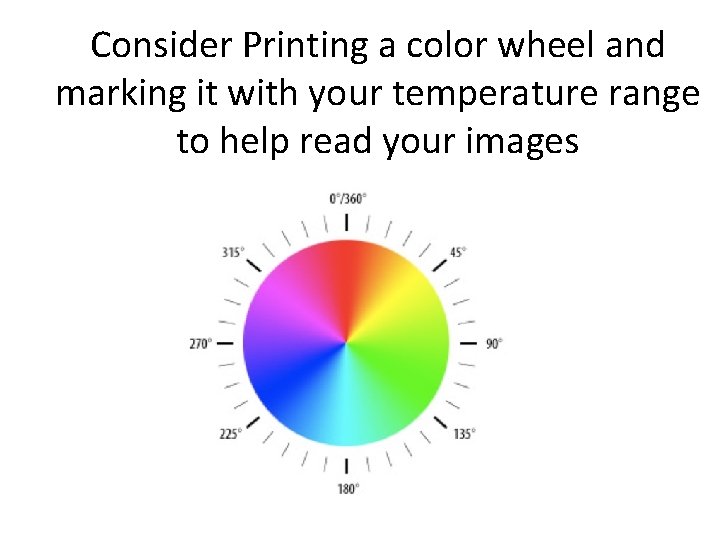
Consider Printing a color wheel and marking it with your temperature range to help read your images
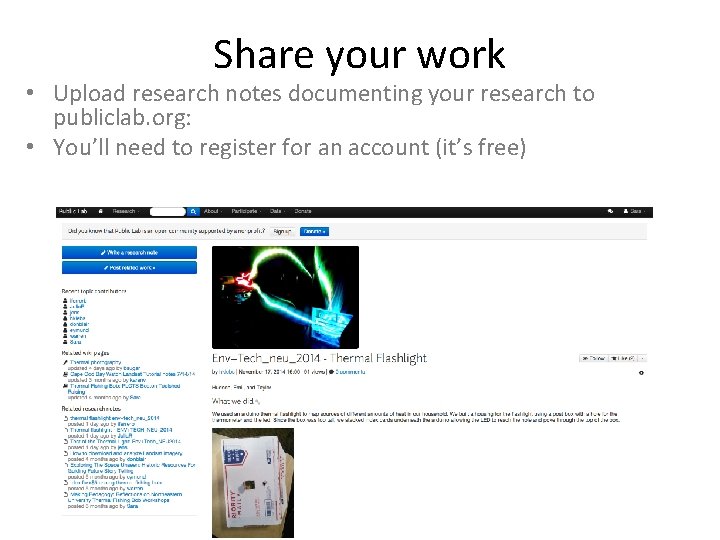
Share your work • Upload research notes documenting your research to publiclab. org: • You’ll need to register for an account (it’s free)