
How to make and use QR Codes by
How to make and use QR Codes by Adina Karpoff Rosemary Hills Elementary School
What is a QR Code? • “QR” stands for quick response. A QR Code is a barcode that can be read by a smartphone or other devices and is used to store URLs (websites) or other information.
How can you use QR Codes in your classroom? • Listening centers • Self-checking for math • Engaging students • Assessments
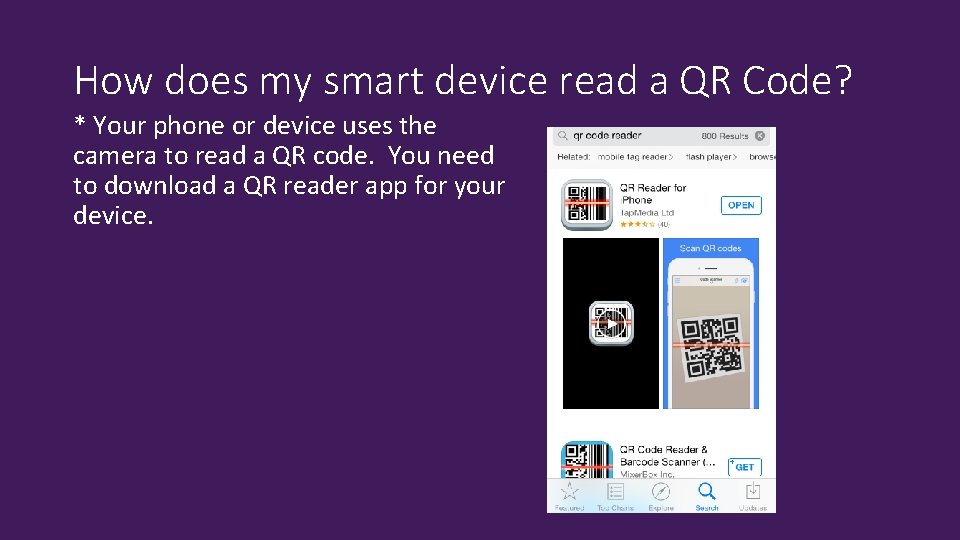
How does my smart device read a QR Code? * Your phone or device uses the camera to read a QR code. You need to download a QR reader app for your device.
How does my smart device read a QR Code? • Those with Chrome can download the QR code extention from the Chrome web store: • https: //chrome. google. com/webstore/detail/the-qr-codeextension/oijdcdmnjjgnnhgljmhkjlablaejfeeb? hl=en
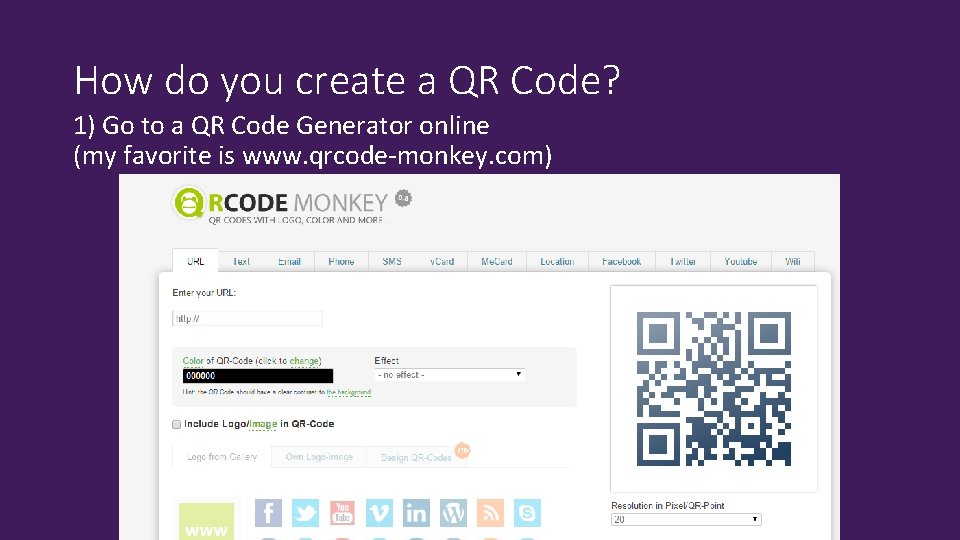
How do you create a QR Code? 1) Go to a QR Code Generator online (my favorite is www. qrcode-monkey. com)
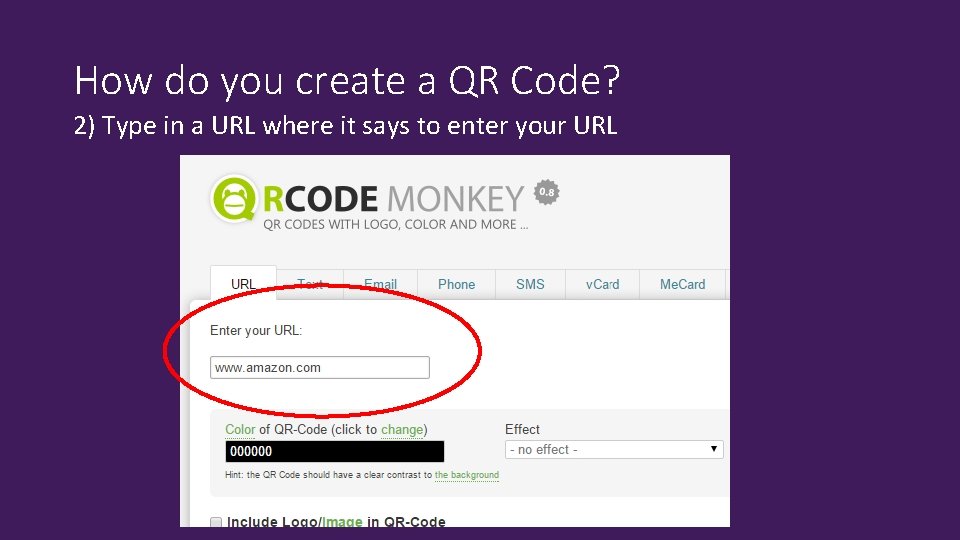
How do you create a QR Code? 2) Type in a URL where it says to enter your URL
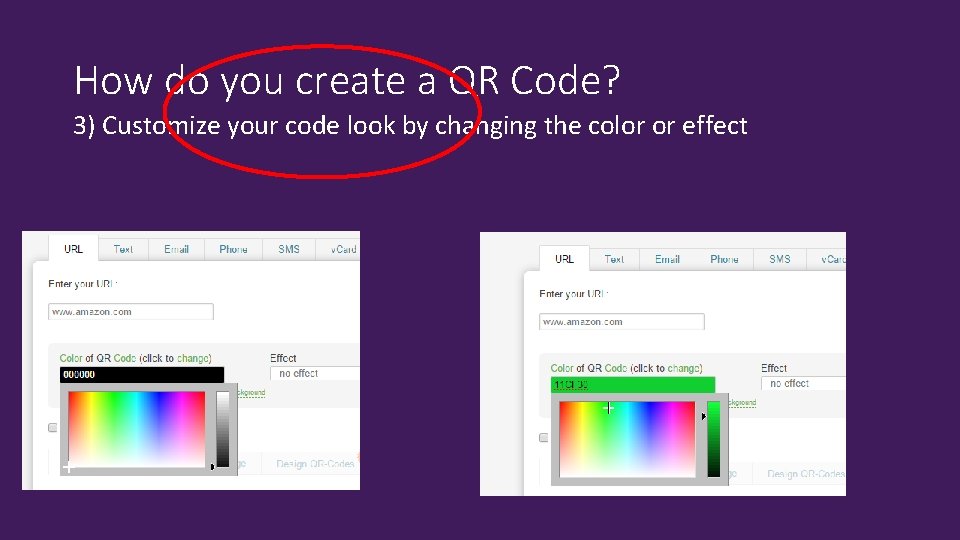
How do you create a QR Code? 3) Customize your code look by changing the color or effect
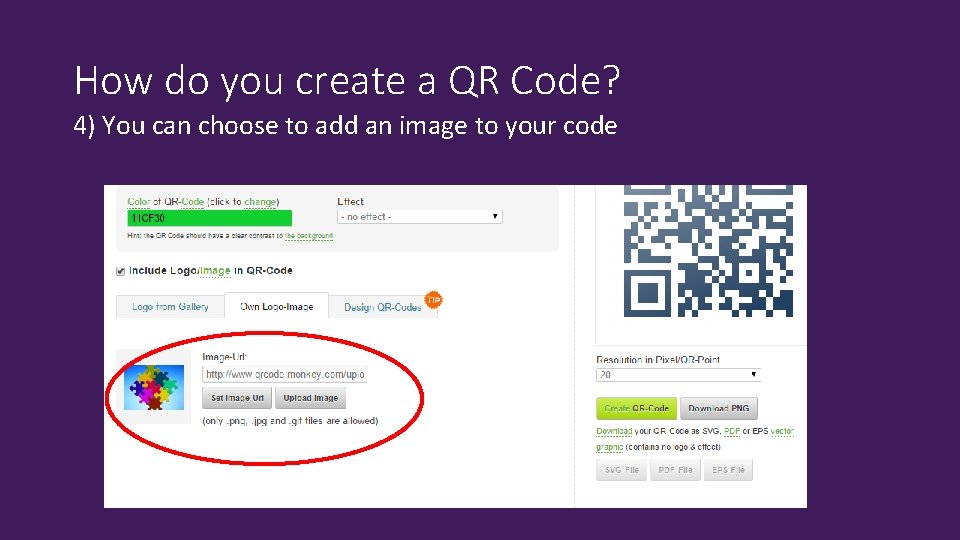
How do you create a QR Code? 4) You can choose to add an image to your code
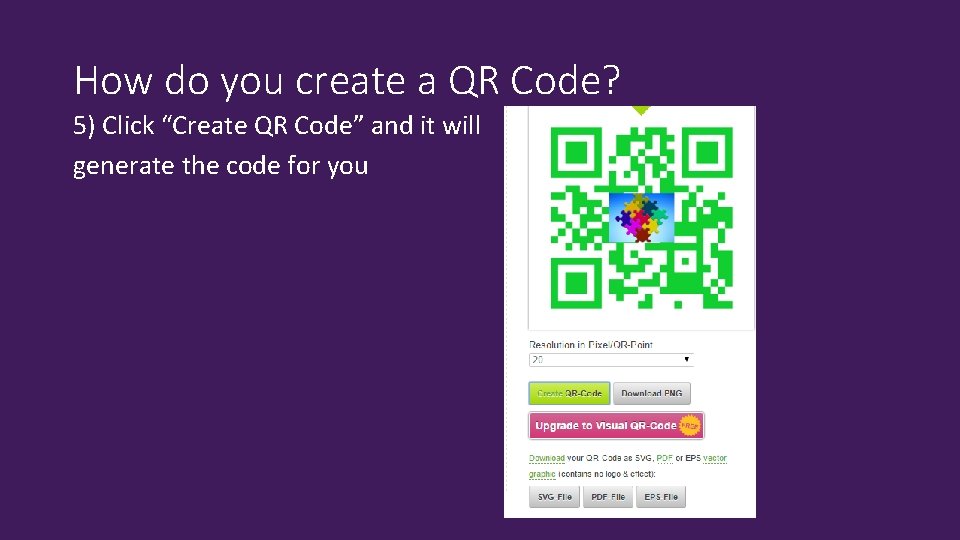
How do you create a QR Code? 5) Click “Create QR Code” and it will generate the code for you
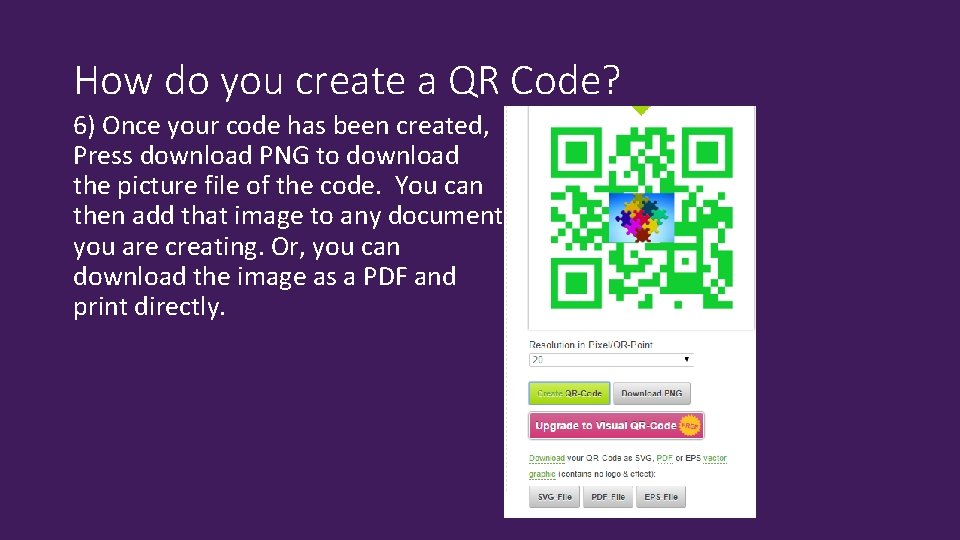
How do you create a QR Code? 6) Once your code has been created, Press download PNG to download the picture file of the code. You can then add that image to any document you are creating. Or, you can download the image as a PDF and print directly.
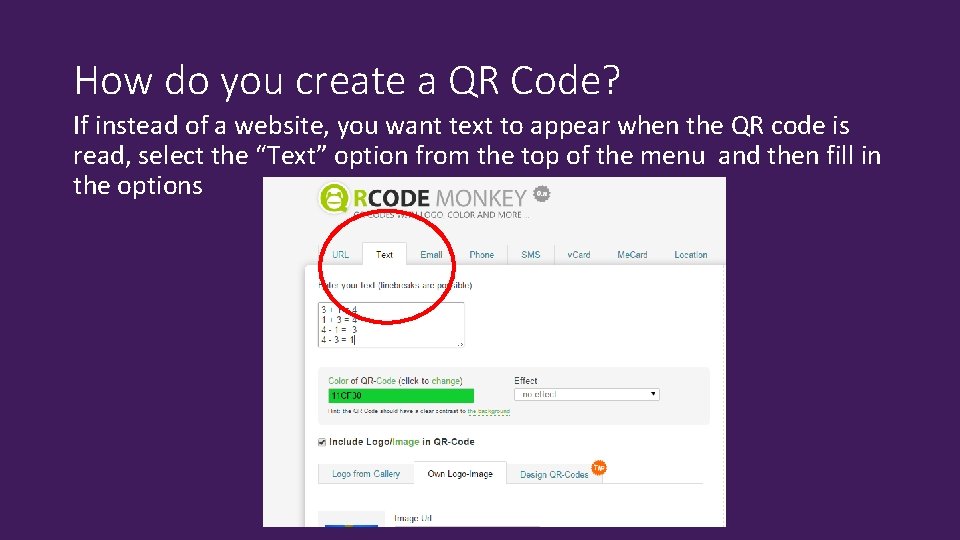
How do you create a QR Code? If instead of a website, you want text to appear when the QR code is read, select the “Text” option from the top of the menu and then fill in the options
Additional Resources for QR Codes • https: //www. teacherspayteachers. com/ • http: //www. schrockguide. net/qr-codes-in-the-classroom. html • http: //www. classtools. net/QR/
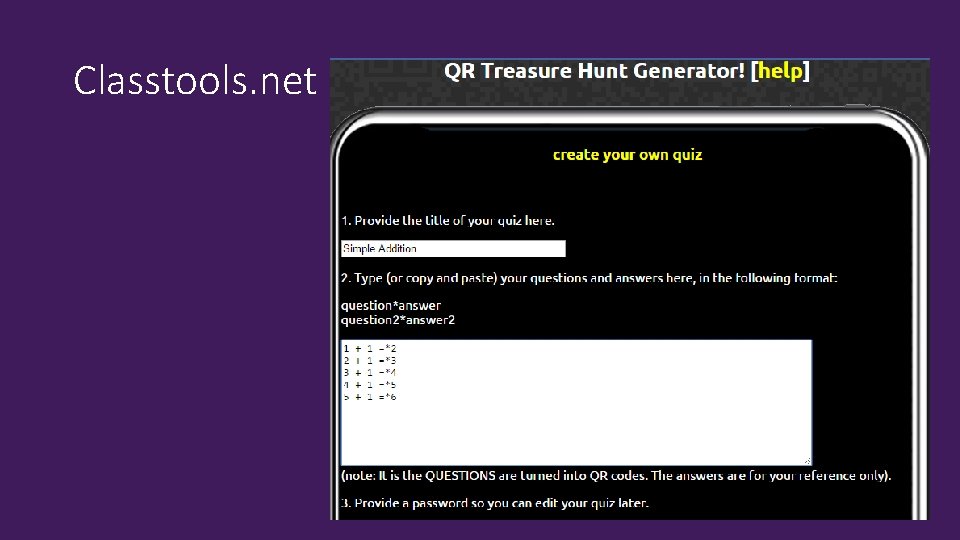
Classtools. net
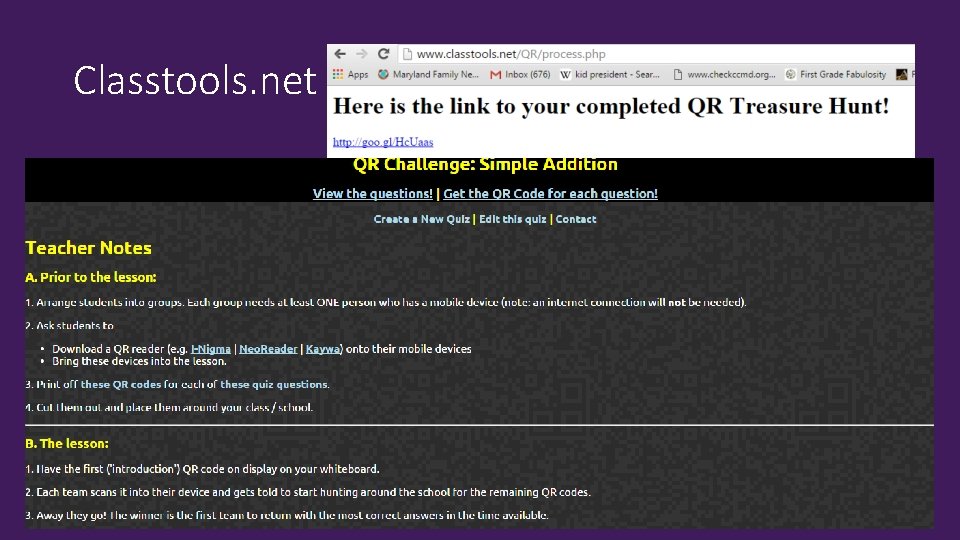
Classtools. net

Classtools. net
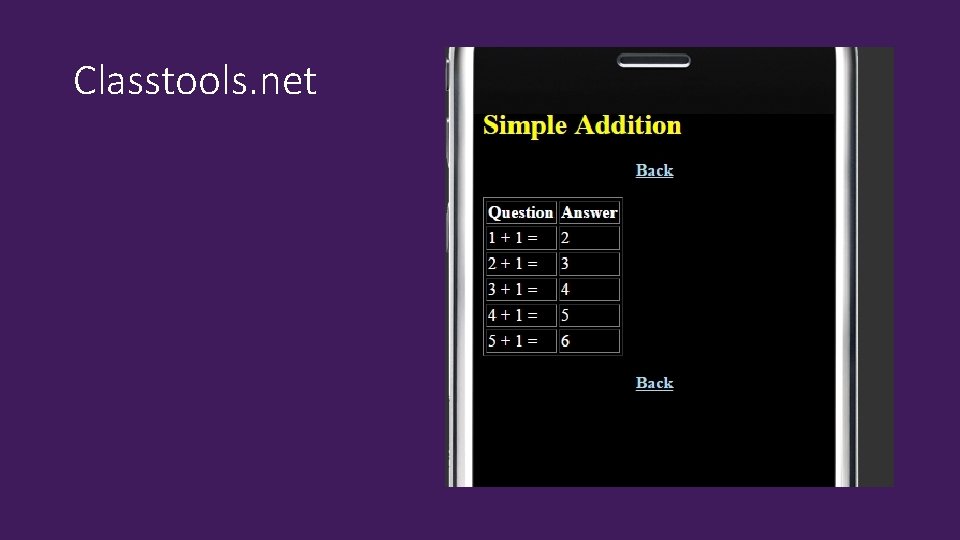
Classtools. net

Now, it’s your turn!
Questions?
- Slides: 19