
How To Make a Slide Show Presentation Using
- Slides: 23
How To Make a Slide Show Presentation Using Microsoft Power. Point
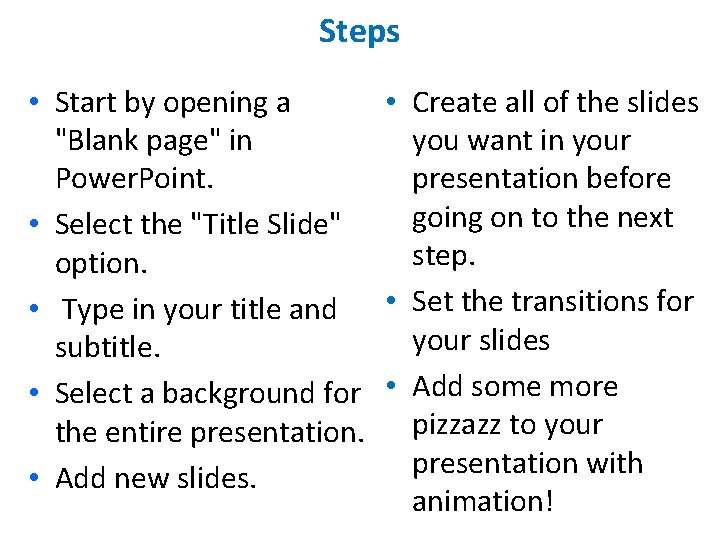
Steps • Start by opening a • Create all of the slides "Blank page" in you want in your Power. Point. presentation before going on to the next • Select the "Title Slide" step. option. • Type in your title and • Set the transitions for your slides subtitle. • Select a background for • Add some more the entire presentation. pizzazz to your presentation with • Add new slides. animation!
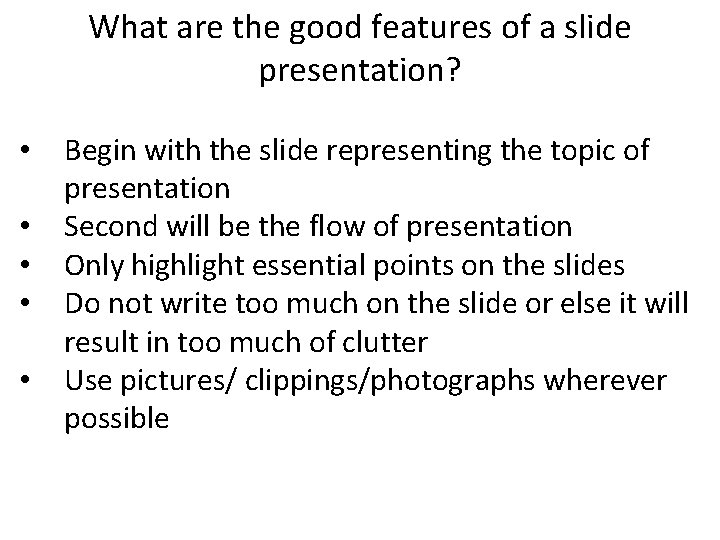
What are the good features of a slide presentation? • • • Begin with the slide representing the topic of presentation Second will be the flow of presentation Only highlight essential points on the slides Do not write too much on the slide or else it will result in too much of clutter Use pictures/ clippings/photographs wherever possible
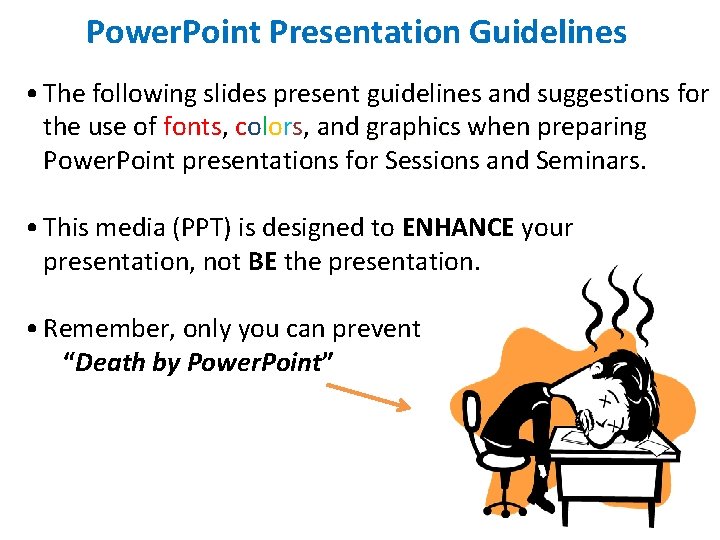
Power. Point Presentation Guidelines • The following slides present guidelines and suggestions for the use of fonts, colors, and graphics when preparing graphics Power. Point presentations for Sessions and Seminars. • This media (PPT) is designed to ENHANCE your presentation, not BE the presentation. • Remember, only you can prevent “Death by Power. Point”
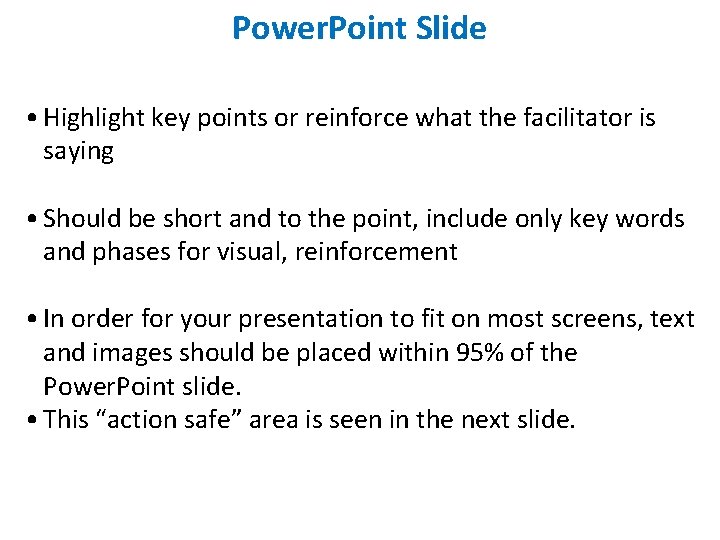
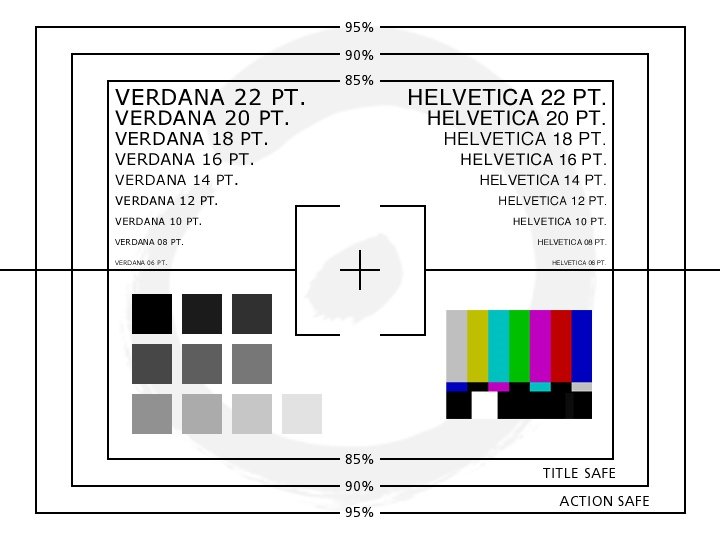
Power. Point Slide • Highlight key points or reinforce what the facilitator is saying • Should be short and to the point, include only key words and phases for visual, reinforcement • In order for your presentation to fit on most screens, text and images should be placed within 95% of the Power. Point slide. • This “action safe” area is seen in the next slide.
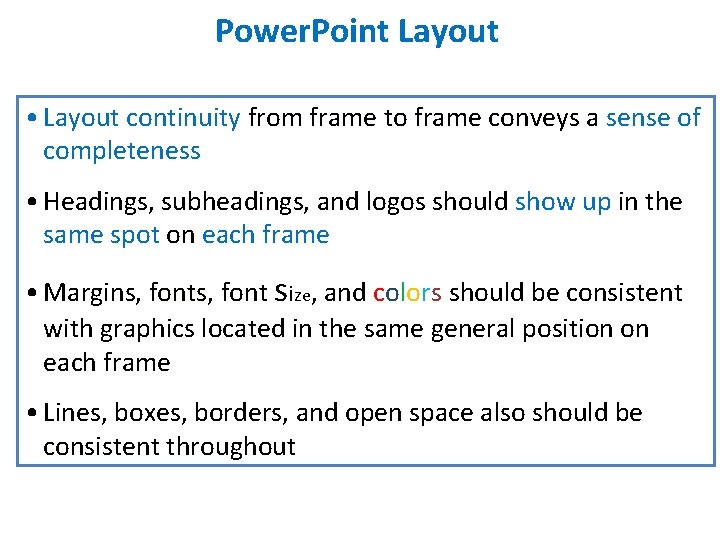
Power. Point Layout • Layout continuity from frame to frame conveys a sense of completeness • Headings, subheadings, and logos should show up in the same spot on each frame • Margins, font size, and colors should be consistent fonts with graphics located in the same general position on each frame • Lines, boxes, borders, and open space also should be consistent throughout
Quiz What are the good features of a slide presentation?
How To Make a Slide Show Presentation Using Microsoft Power. Point
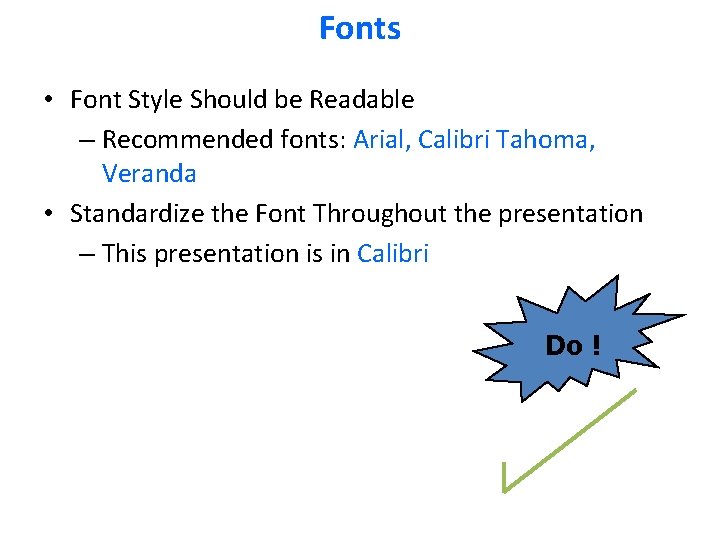
Fonts • Font Style Should be Readable – Recommended fonts: Arial, Calibri Tahoma, Veranda • Standardize the Font Throughout the presentation – This presentation is in Calibri Do !
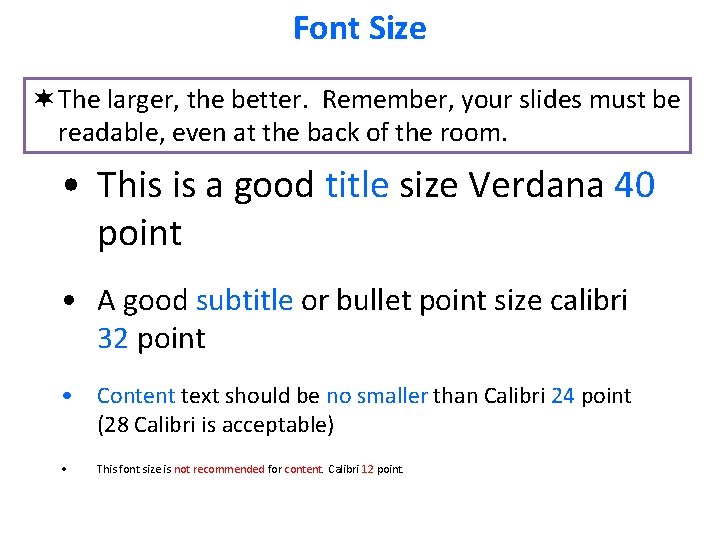
Font Size ¬ The larger, the better. Remember, your slides must be readable, even at the back of the room. • This is a good title size Verdana 40 point • A good subtitle or bullet point size calibri 32 point • Content text should be no smaller than Calibri 24 point (28 Calibri is acceptable) • This font size is not recommended for content. Calibri 12 point.
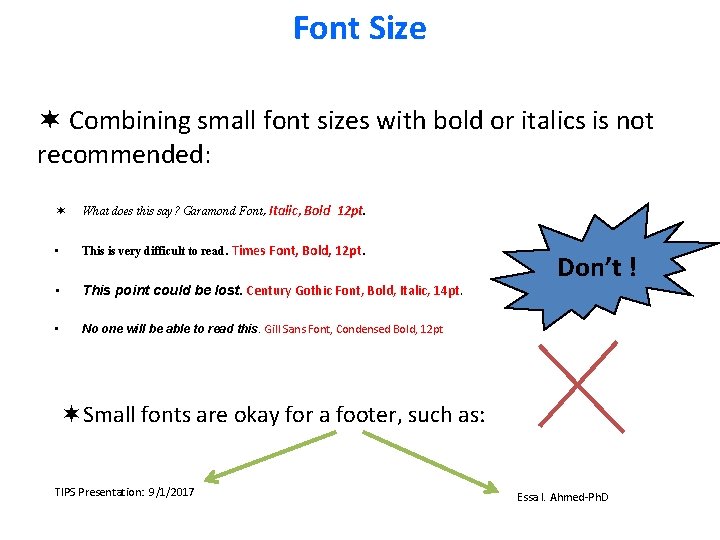
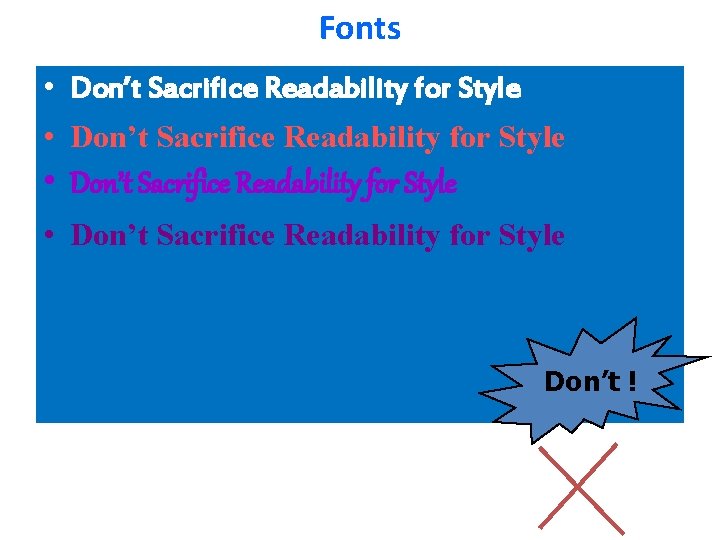
Font Size ¬ Combining small font sizes with bold or italics is not recommended: ¬ What does this say? Garamond Font, Italic, Bold 12 pt. • This is very difficult to read. Times Font, Bold, 12 pt. • This point could be lost. Century Gothic Font, Bold, Italic, 14 pt. • No one will be able to read this. Gill Sans Font, Condensed Bold, 12 pt Don’t ! ¬Small fonts are okay for a footer, such as: TIPS Presentation: 9/1/2017 Essa I. Ahmed-Ph. D
Fonts • Don’t Sacrifice Readability for Style Don’t !
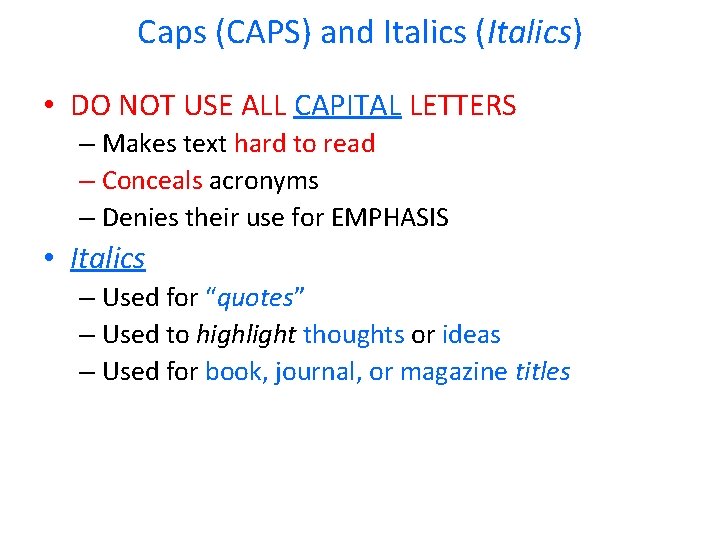
Caps (CAPS) and Italics (Italics) • DO NOT USE ALL CAPITAL LETTERS – Makes text hard to read – Conceals acronyms – Denies their use for EMPHASIS • Italics – Used for “quotes” – Used to highlight thoughts or ideas – Used for book, journal, or magazine titles
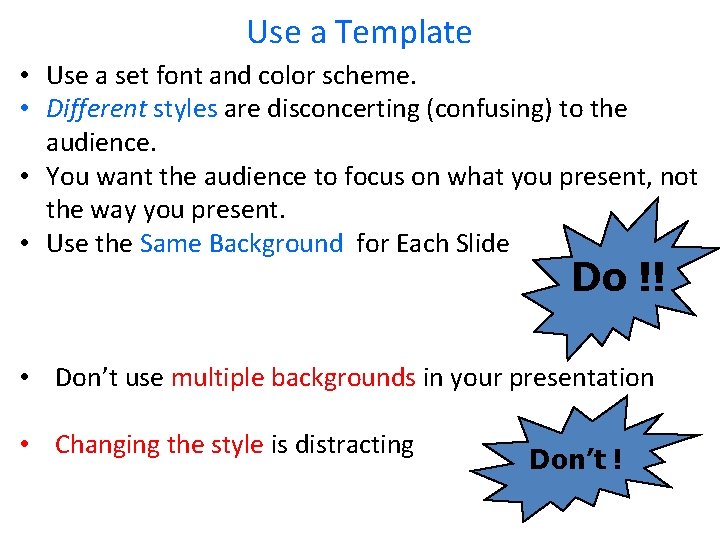
Use a Template • Use a set font and color scheme. • Different styles are disconcerting (confusing) to the audience. • You want the audience to focus on what you present, not the way you present. • Use the Same Background for Each Slide Do !! • Don’t use multiple backgrounds in your presentation • Changing the style is distracting Don’t !
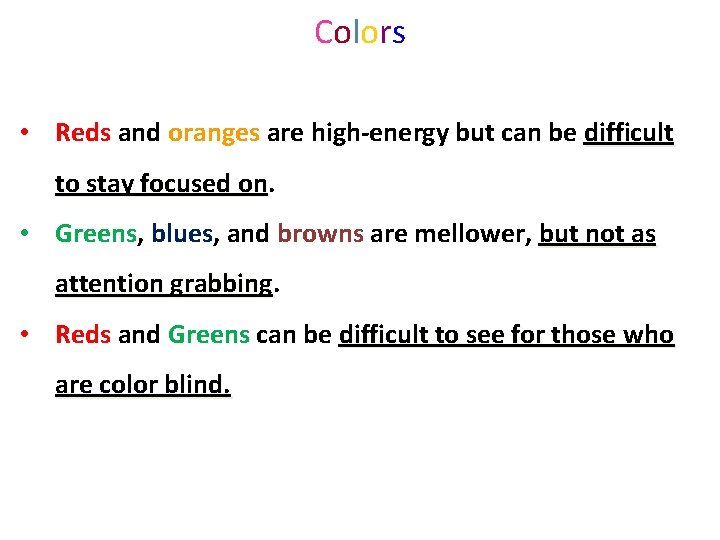
Colors • Reds and oranges are high-energy but can be difficult to stay focused on. on • Greens, blues, and browns are mellower, but not as attention grabbing • Reds and Greens can be difficult to see for those who are color blind.
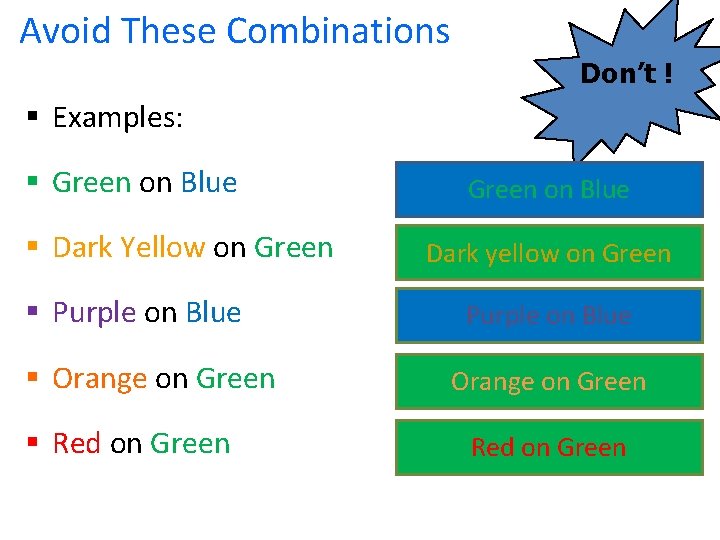
Avoid These Combinations Don’t ! § Examples: § Green on Blue § Dark Yellow on Green § Purple on Blue § Orange on Green § Red on Green on Blue Dark yellow on Green Purple on Blue Orange on Green Red on Green
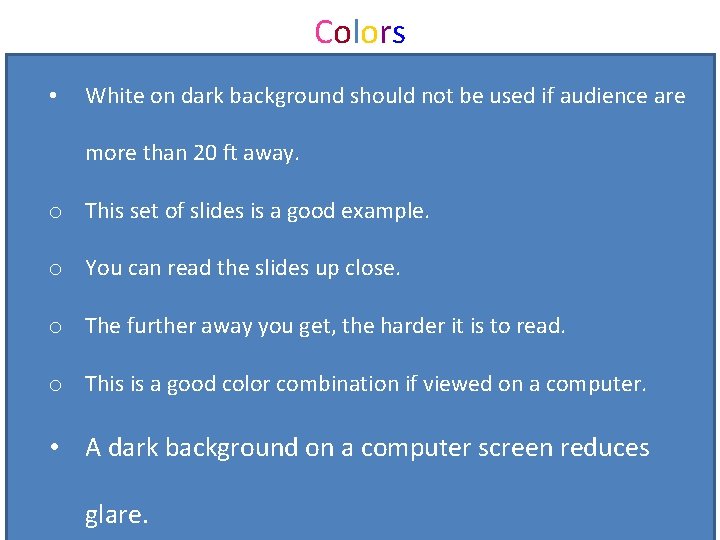
Colors • White on dark background should not be used if audience are more than 20 ft away. o This set of slides is a good example. o You can read the slides up close. o The further away you get, the harder it is to read. o This is a good color combination if viewed on a computer. • A dark background on a computer screen reduces glare.
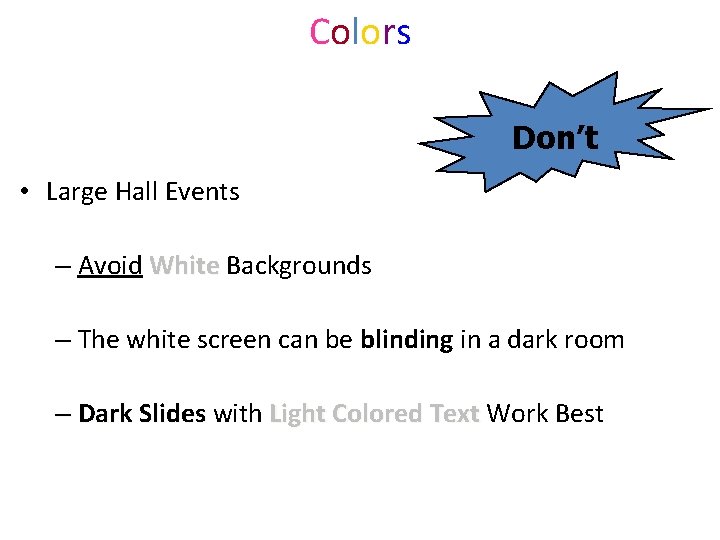
Colors Don’t • Large Hall Events – Avoid White Backgrounds White – The white screen can be blinding in a dark room – Dark Slides with Light Colored Text Work Best Slides Text
ll- dy sc a Discrimination et dn iqa b Wiki. Leaks e Mine Ban Treaty rag no l an sto ha rq a ste sic bu wa lo m ar llu us li cle Ce Climate change sa ta irp or ts er n. M nu nn no nd rou bo erg Fu d Un Drug testing Ba Birthright citizenship for children of illegal immigrants
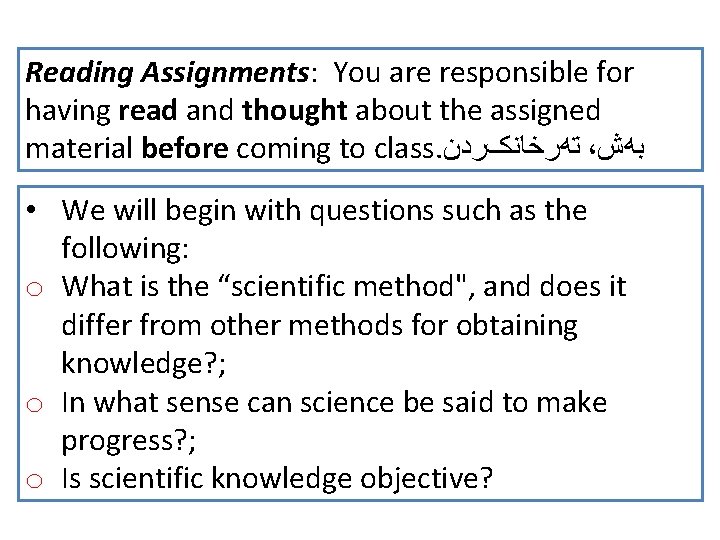
Reading Assignments: You are responsible for having read and thought about the assigned material before coming to class. ﺗﻪﺭﺧﺎﻧکﺮﺩﻥ ، ﺑﻪﺵ • We will begin with questions such as the following: o What is the “scientific method", and does it differ from other methods for obtaining knowledge? ; o In what sense can science be said to make progress? ; o Is scientific knowledge objective?
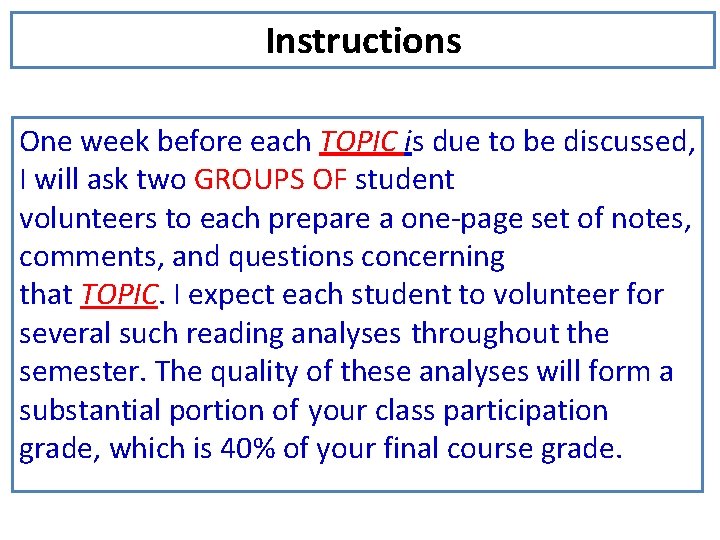
Instructions One week before each TOPIC is due to be discussed, I will ask two GROUPS OF student volunteers to each prepare a one-page set of notes, comments, and questions concerning that TOPIC. I expect each student to volunteer for several such reading analyses throughout the semester. The quality of these analyses will form a substantial portion of your class participation grade, which is 40% of your final course grade.
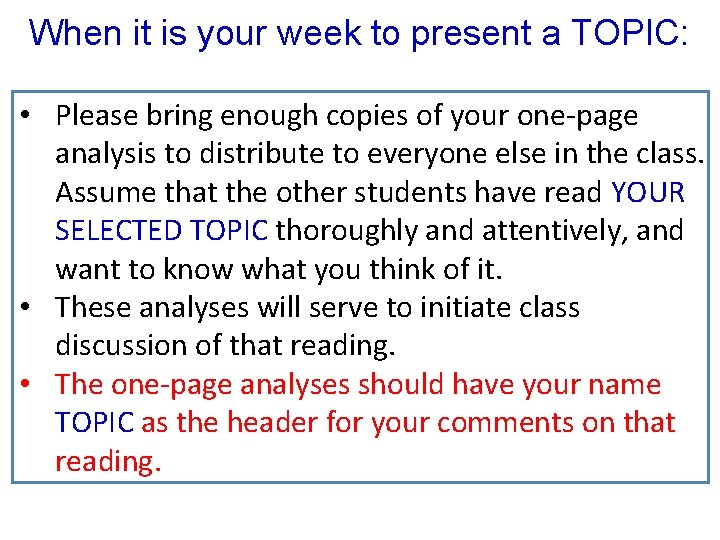
When it is your week to present a TOPIC: • Please bring enough copies of your one-page analysis to distribute to everyone else in the class. Assume that the other students have read YOUR SELECTED TOPIC thoroughly and attentively, and want to know what you think of it. • These analyses will serve to initiate class discussion of that reading. • The one-page analyses should have your name TOPIC as the header for your comments on that reading.