
How to make a poster Getting started Importing
- Slides: 9
How to make a poster ü Getting started… ü Importing graphs and pics ü A few tips
Getting started… POSTER SESSION ü square format ü size 42’ x 42’ ü Use Powerpoint
Structure ü Abstract ü Introduction (end with ‘Thesis Statement’) ü Methods ü Results and Discussion ü Conclusions ü Key References (< 5)
Key Rules ü Minimize Text ü Maximize Graphs + Charts + Images ü Only use tables if absolutely required ü No background image/color üLeave 1 inch of empty space all around ü FILE SIZE (< 5 MB)
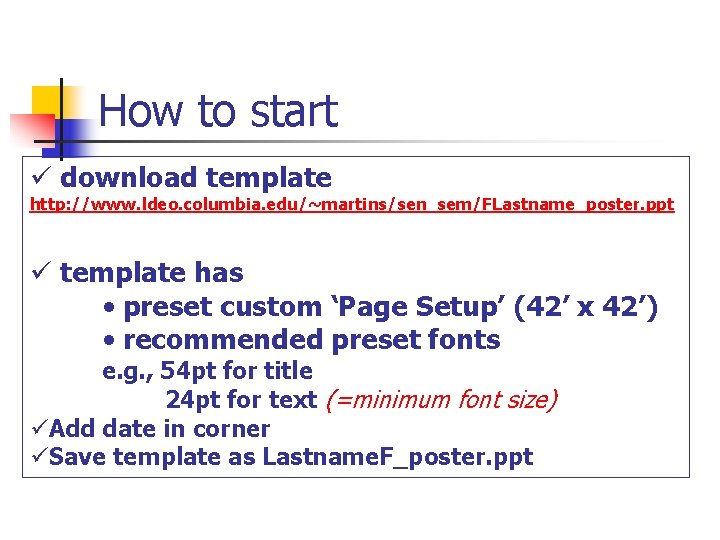
How to start ü download template http: //www. ldeo. columbia. edu/~martins/sen_sem/FLastname_poster. ppt ü template has • preset custom ‘Page Setup’ (42’ x 42’) • recommended preset fonts e. g. , 54 pt for title 24 pt for text (=minimum font size) üAdd date in corner üSave template as Lastname. F_poster. ppt
Tips 1 - Text “Most people won’t read through all off your poster” Most important: Title Abstract Concise Introduction (Motivation) Graphs (with meaningful captions) Text: re-write text (vs. thesis) structure text by using BULLETS etc.
Tips 2 – Graphs & Images ü Images should be 200 dpi ü Implementation of Excel Graphs Use ‘Paste Special’ to Copy Excel Graphs as Picture (Enhanced Metafile) ü Implementation of Graphs/Images e. g. , cut/past from pdf: Image Size/ Resolution depends on size on screen FILE SIZE ideally < 5 MB
Poster Printing ü sign up for Printing Session (20 min) ü bring PPTX file and PDF file ü print from pdf on MAC ü be ready to print when you come in! ü put draft/final ppt file on courseworks website ü ppt file < 5 MB
Poster Session For the Poster Session ü Print your poster on ‘letter’ format for use as “hand-outs” (optional) (use ‘scale to fit’ option) ü Be prepared to give quick “tour through your poster” focusing on the most relevant points of your project