
How to Make a Great Power Point By
How to Make a Great Power. Point By Mr. Bishop
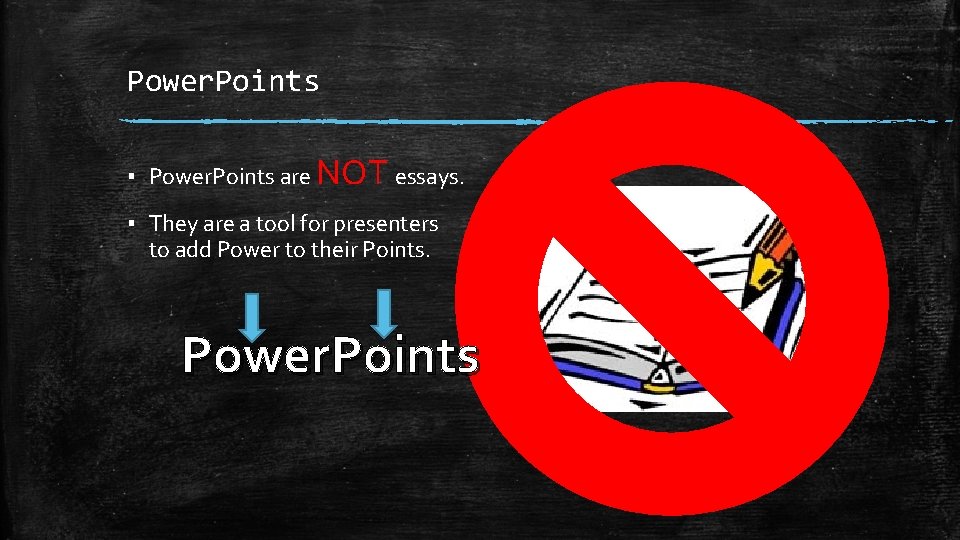
Power. Points ▪ Power. Points are NOT essays. ▪ They are a tool for presenters to add Power to their Points. Power. Points
I Should Know this Much… ▪ Originally designed for the Macintosh computer, the initial release was called "Presenter", developed by Dennis Austin and Thomas Rudkin[2] of Forethought, Inc. [3] In 1987, it was renamed to "Power. Point" due to problems with trademarks, the idea for the name coming from Robert Gaskins. [4] In August of the same year, Forethought was bought by Microsoft for $14 million USD ($29. 1 million in present-day terms [5]), and became Microsoft's Graphics Business Unit, which continued to develop the software further. Power. Point was officially launched on May 22, 1990, the same day that Microsoft released Windows 3. 0. ▪ Power. Point introduced many new changes with the release of Power. Point 97 incorporated the Visual Basic for Applications (VBA) language, underlying all macro generation in Office 97. ▪ Power. Point 2000 (and the rest of the Office 2000 suite) introduced a clipboard that could hold multiple objects at once. Another change was that the Office Assistant was changed to be less intrusive. [6] ▪ Power. Point 2002 massively overhauled the animation engine, allowing users to create more advanced and custom animations. [7] ▪ As of 2012[update], various versions of Power. Point claim ~95% of the presentation software market share, with installations on at least 1 billion computers. Among presenters world-wide, this program is used at an estimated frequency of 350 times per second. [8] http: //en. wikipedia. org/wiki/Microsoft_Power. Point
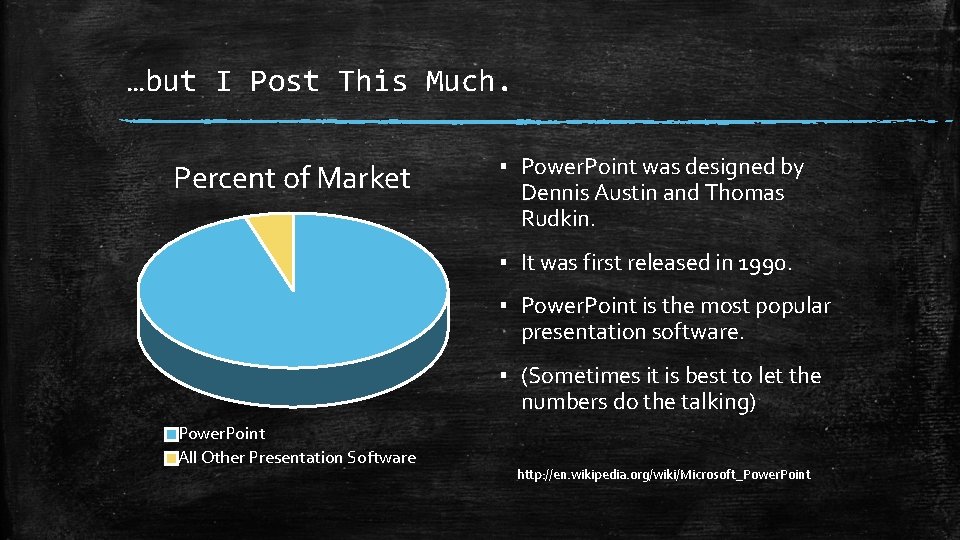
…but I Post This Much. Percent of Market ▪ Power. Point was designed by Dennis Austin and Thomas Rudkin. ▪ It was first released in 1990. ▪ Power. Point is the most popular presentation software. ▪ (Sometimes it is best to let the numbers do the talking) Power. Point All Other Presentation Software http: //en. wikipedia. org/wiki/Microsoft_Power. Point
Choose Fonts, sizes. That are easy to read. colors, and
Include Pictures People like to look at pictures Pictures illustrate what I am talking about

Heading Caption Power. Points are like the Text Features in an oral presentation Picture Oral Presentation: Sharing information out loud.
Check your spelling and grammar even if spell check says ewe our write.
Don’t go Overboard ▪ Overboard Overboard Overboard Overboard Overboard
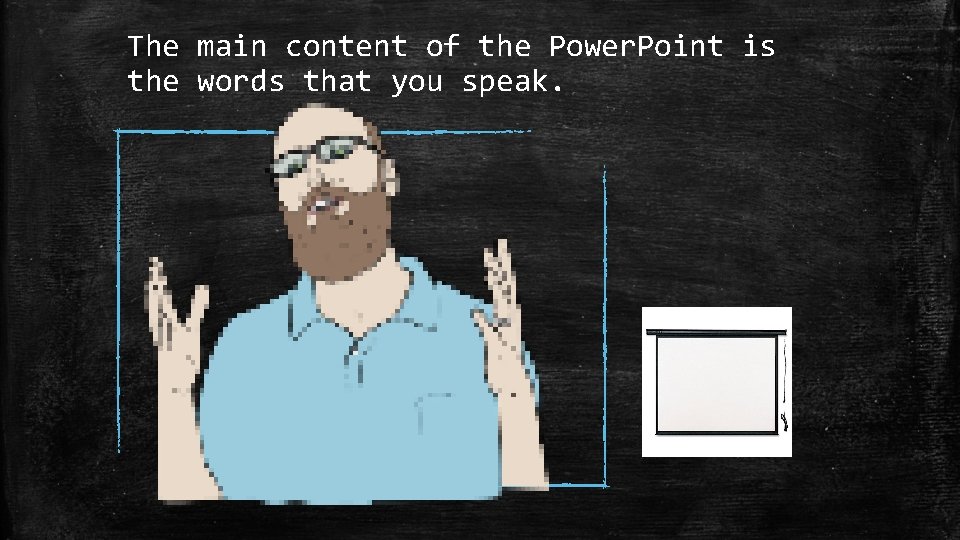
The main content of the Power. Point is the words that you speak.
Thank You For Listening It is nice to end with a thank you and citations of my sources if they aren’t included in the presentation. http: //en. wikipedia. org/wiki/Microsoft_Power. Point
- Slides: 11