
How to Make a Good Presentation Tips Sample


- Slides: 65
How to Make a Good Presentation Tips & Sample Slides Daniel Naujoks daniel. naujoks@columbia. edu @danaujoks
How to Make a Good Presentation Tips & Sample Slides Daniel Naujoks @danaujoks daniel. naujoks@columbia. edu
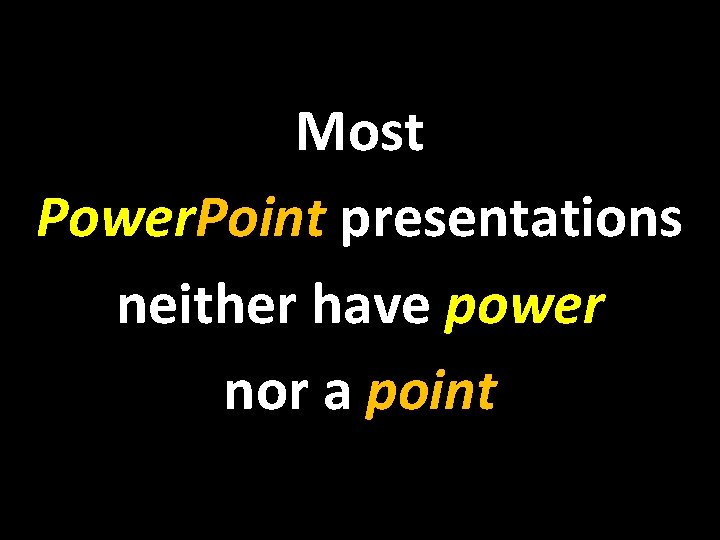
Most Power. Point presentations neither have power nor a point
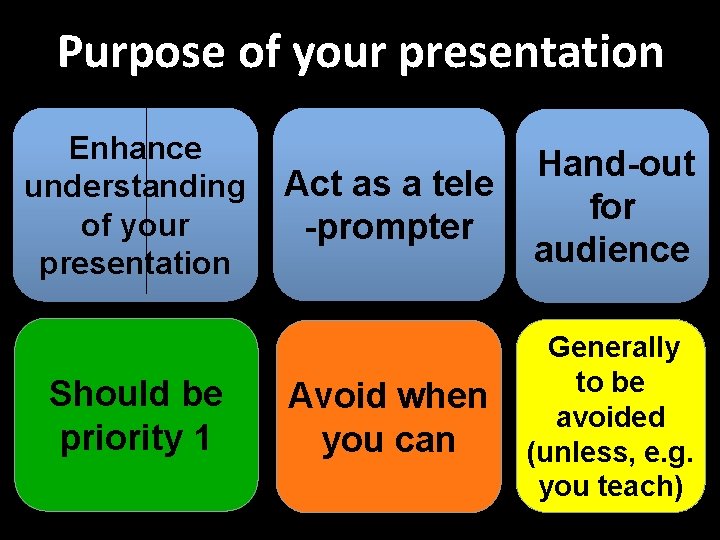
Purpose of your presentation Enhance understanding of your presentation Should be priority 1 Act as a tele -prompter Hand-out for audience Avoid when you can Generally to be avoided (unless, e. g. you teach)
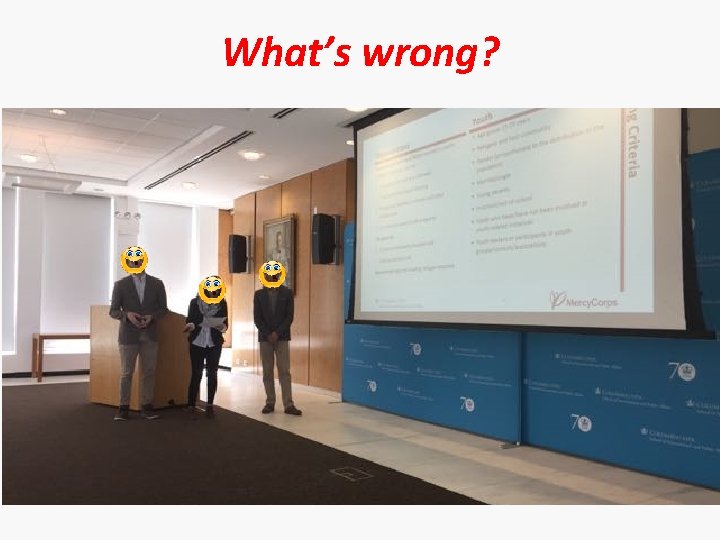
What’s wrong?
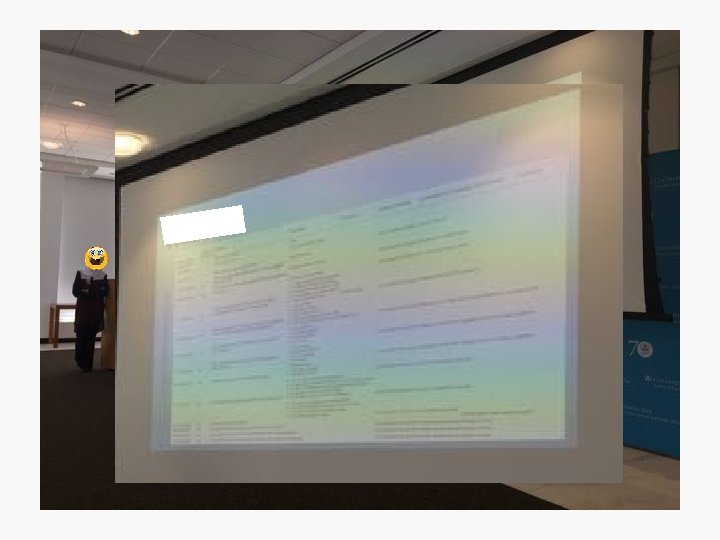
Formatting • 90% of presentations are hard or impossible to read: try to have 28 -30 pt font size. – Make it for the people in the back of the room. • Don’t put too many points on a slide. And not too much text. – If this were a real presentation (which it is not) this would be way too much text. • Use more slides and details to illustrate your points, rather than putting all on one “overview slide”. • Ideally you know the size of your screen before you make a presentation: How small/big should you go?
Formatting • Don’t think in terms of “how many slides”. – On some slides you dwell only for 20 seconds. – It’s more important to think about how to illustrate a point rather than covering many issues in several bullet points on one slide.
Cues not text • Your presentation should highlight key concepts and relationships. It is not a text. – However, the ‘presentation’ you’re reading right now is a more a text than a presentation. Don’t use sentences. Abbreviate. • Often your presentations will be based on a text you wrote. You may start with using phrases/ideas from the text for your presentation. But you have to edit the text: be shorter, use only relevant key words and connections.
Cues not text • You can also use symbols to make slides more quickly readable, using for example: ≥ => ≠ ≈ • In your oral presentation, use the keywords from the slides. – The audience wants to be reassured that this is what you’re talking about right now. Don’t make them guess.
Animate your slides • Animate you slides. Your slides have to support your talk. The moment you bring up the “next slide”, the audience will start reading the slide. If you have 5 different points on the slide, the audience will be distracted by the other points and won’t focus on what you say. Thus, bring up only bullet points that you are currently talking about. Not future points. But: Generally use simple animation (“appear”). Others only for effect. Otherwise it’s too distracting.
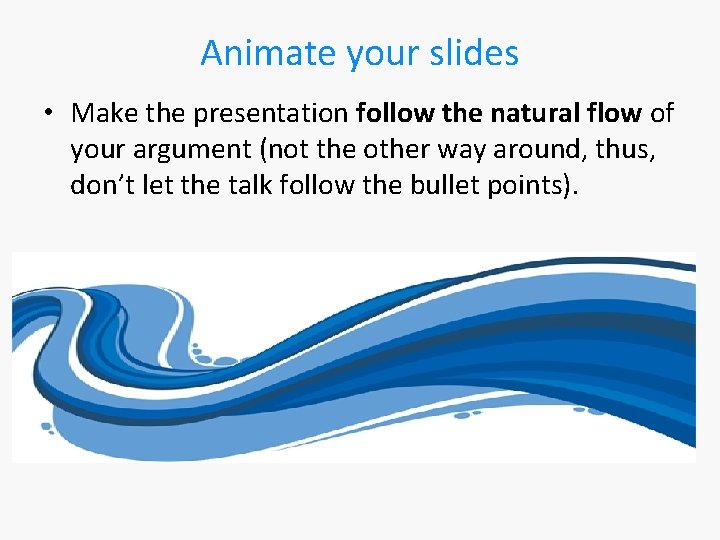
Animate your slides • Make the presentation follow the natural flow of your argument (not the other way around, thus, don’t let the talk follow the bullet points).
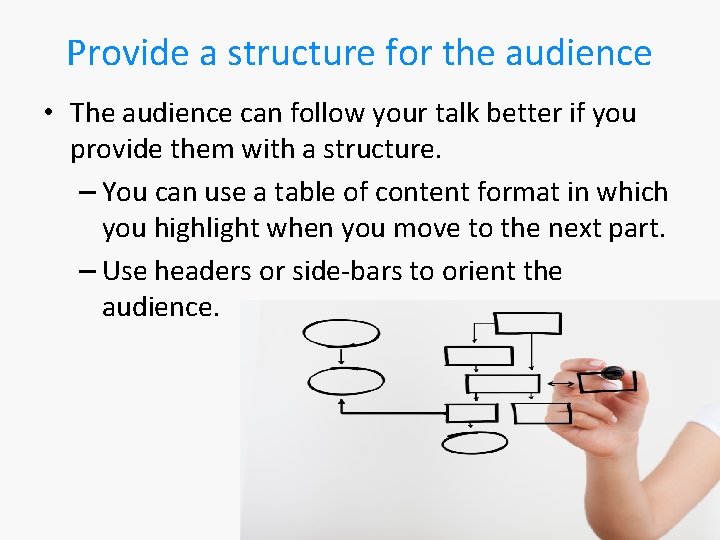
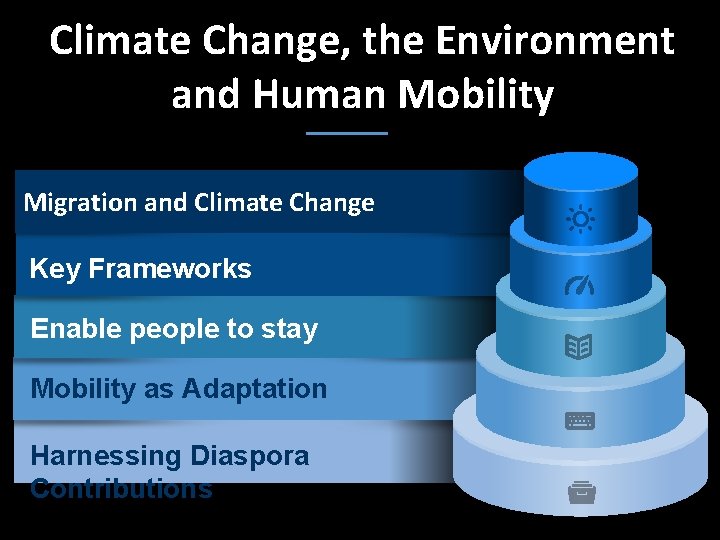
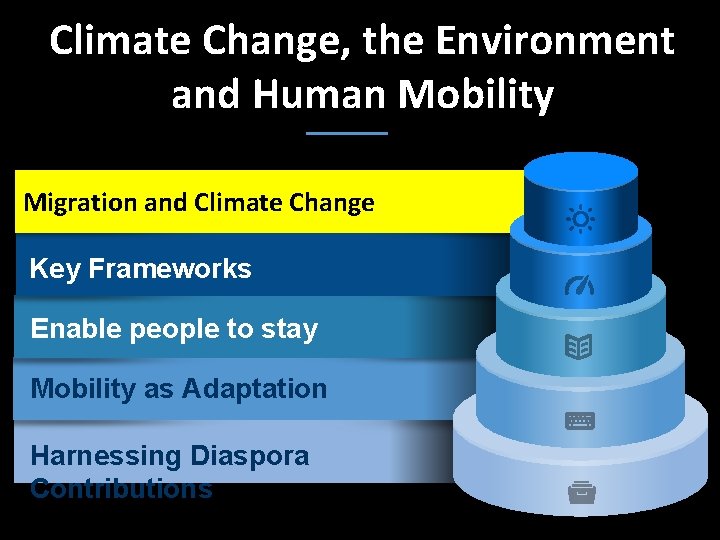
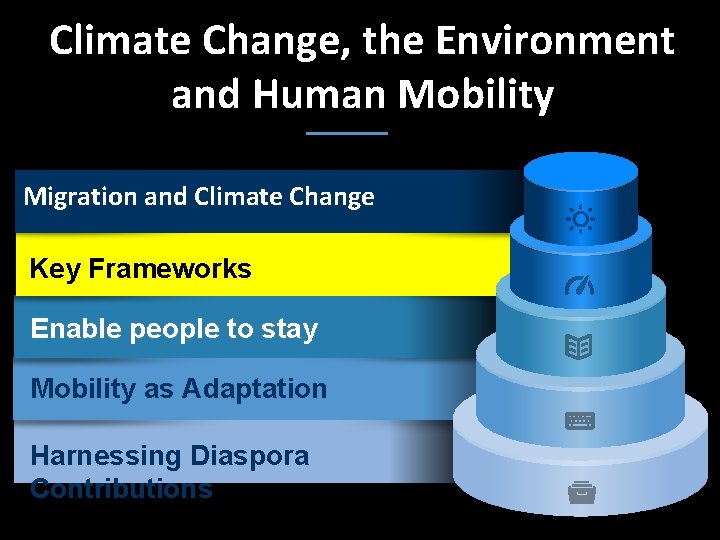
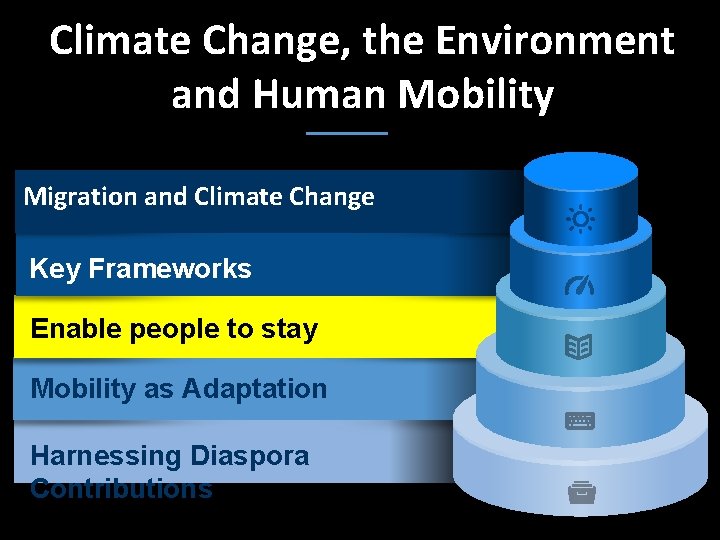
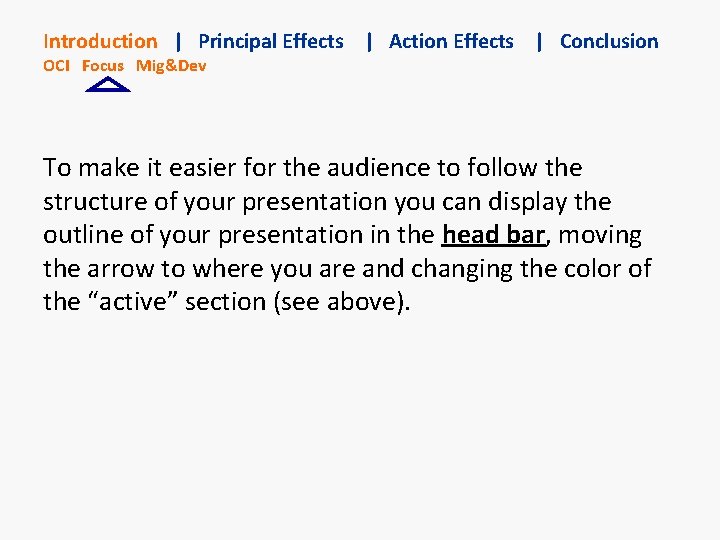
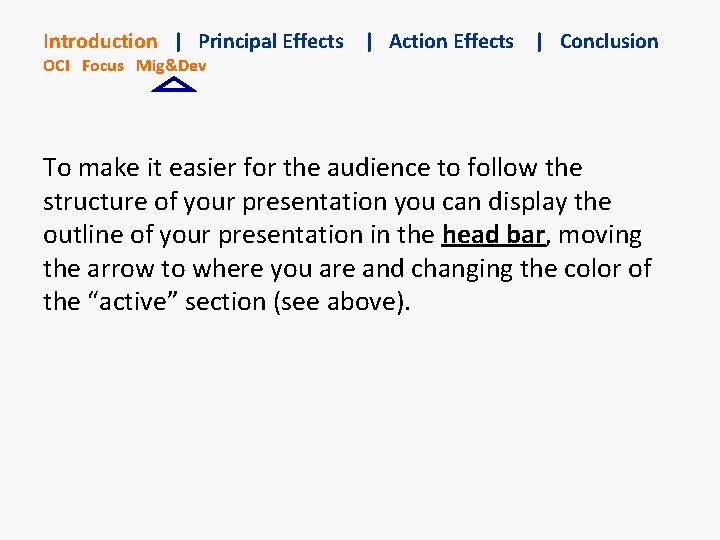
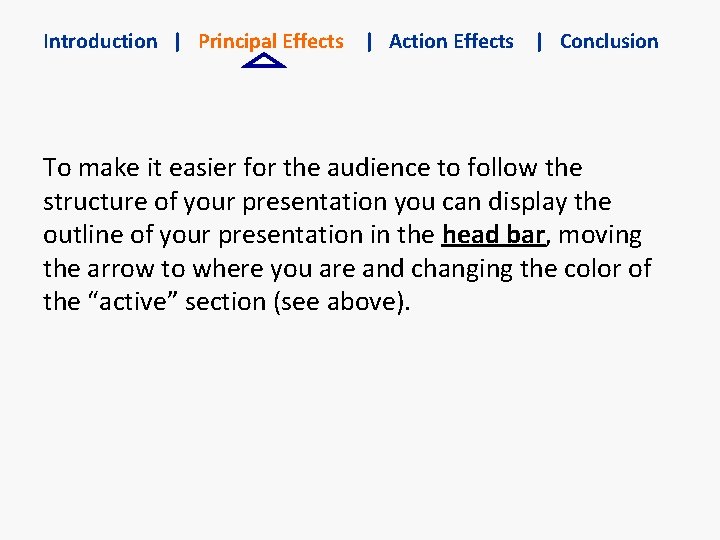
Provide a structure for the audience • The audience can follow your talk better if you provide them with a structure. – You can use a table of content format in which you highlight when you move to the next part. – Use headers or side-bars to orient the audience.
Climate Change, the Environment and Human Mobility Migration and Climate Change Key Frameworks Enable people to stay Mobility as Adaptation Harnessing Diaspora Contributions
Climate Change, the Environment and Human Mobility Migration and Climate Change Key Frameworks Enable people to stay Mobility as Adaptation Harnessing Diaspora Contributions
Climate Change, the Environment and Human Mobility Migration and Climate Change Key Frameworks Enable people to stay Mobility as Adaptation Harnessing Diaspora Contributions
Climate Change, the Environment and Human Mobility Migration and Climate Change Key Frameworks Enable people to stay Mobility as Adaptation Harnessing Diaspora Contributions
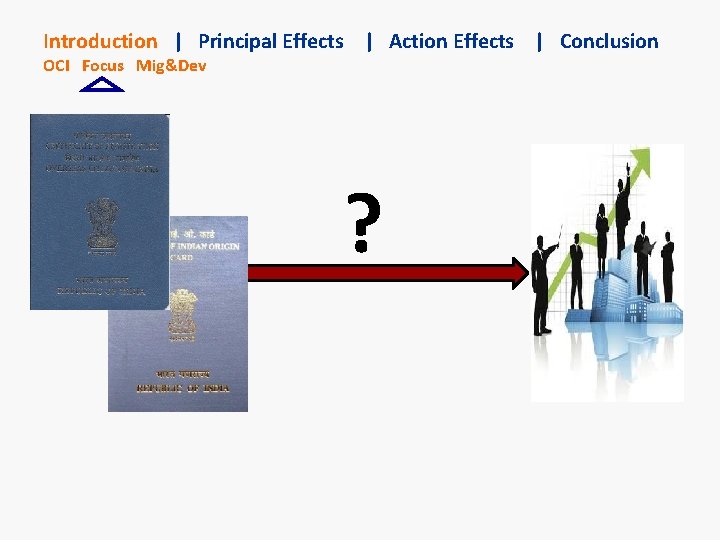
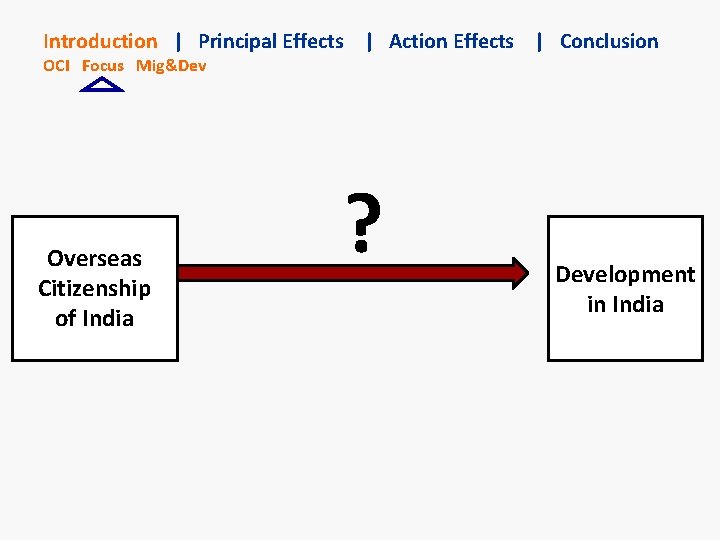
Introduction | Principal Effects | Action Effects | Conclusion OCI Focus Mig&Dev To make it easier for the audience to follow the structure of your presentation you can display the outline of your presentation in the head bar, moving the arrow to where you are and changing the color of the “active” section (see above).
Introduction | Principal Effects | Action Effects | Conclusion OCI Focus Mig&Dev To make it easier for the audience to follow the structure of your presentation you can display the outline of your presentation in the head bar, moving the arrow to where you are and changing the color of the “active” section (see above).
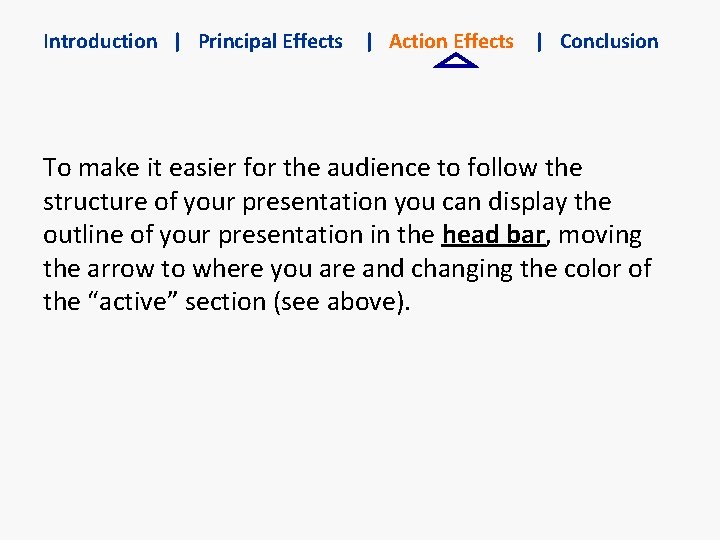
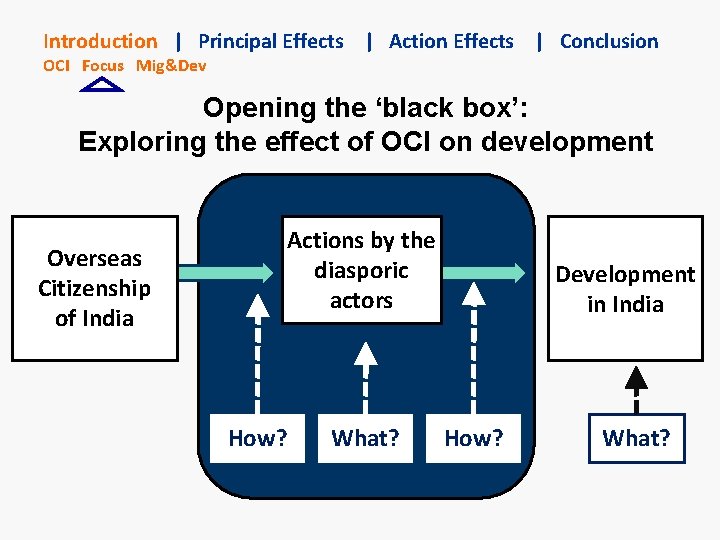
Introduction | Principal Effects | Action Effects | Conclusion To make it easier for the audience to follow the structure of your presentation you can display the outline of your presentation in the head bar, moving the arrow to where you are and changing the color of the “active” section (see above).
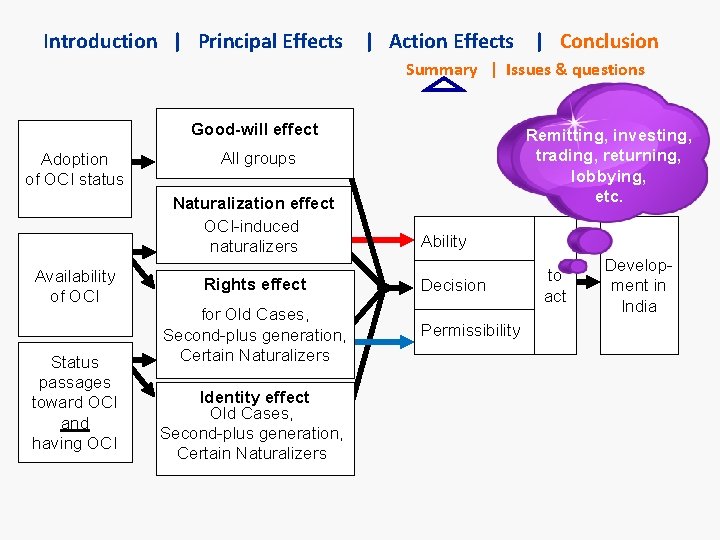
Introduction | Principal Effects | Action Effects | Conclusion To make it easier for the audience to follow the structure of your presentation you can display the outline of your presentation in the head bar, moving the arrow to where you are and changing the color of the “active” section (see above).
Alternatives to text: boxes and animated flow charts • Whenever you can don’t use text but boxes, diagrams and flow-charts to illustrate relationships, developments, etc. – Some suggestions for this are in the sample slides further below. • Avoid using “images” of diagrams where it would be better to animate the different boxes/elements. It’s often easy to recreate such diagrams.
Alternatives to text: boxes and animated flow charts • Or use full screen good photos and a few words (or even just one word) in the center. – You can elaborate on these – you don’t need a prompt for every idea you present. – Sometimes it’s fine to bring up a “theme” slide and you talk without additional bullet points.
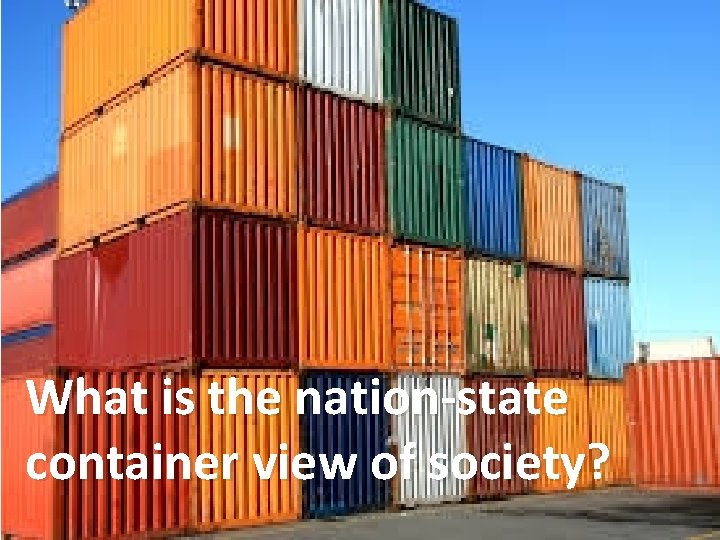
What is the nation-state container view of society?
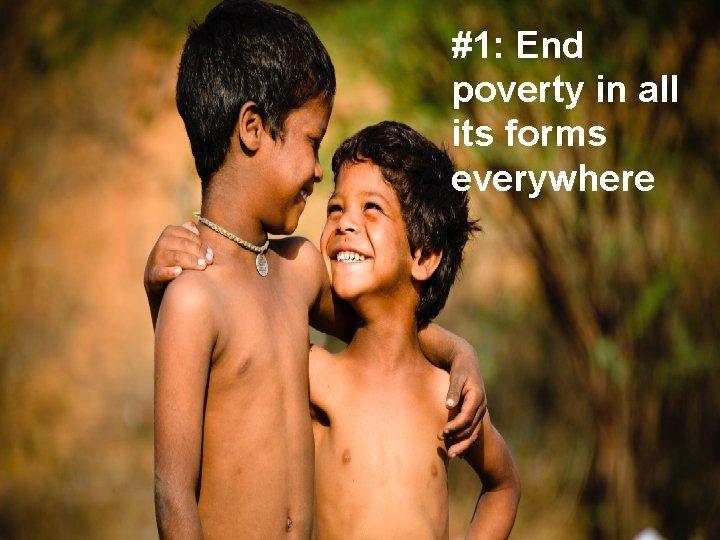
#1: End poverty in all its forms everywhere
Entertain and pace your presentation • Make your presentations entertaining (without being goofy). Even serious presentations are better with a pinch of humor (the occasion determines to what extent this is adequate). • When making your presentation, don’t spend too much time on the background. Many presentations loose precious time “setting the scene” and then don’t have enough time for the major finding/points. • Set your own timer when you present. You don’t want to get a surprising “ 1 min” left warning half way through your presentation (and disable the auto lock function of your phone).
Professionalize your slides • A lot of useful animation comes intuitive when you spend some time with ppt. But there are 2 ways of “kicking it up a notch”: – Watch You. Tube tutorials on how to do more sophisticated animation. – Invest 10 -20 USD into a set of professionally made PPTs. (A few examples are in the Class Presentations folder).
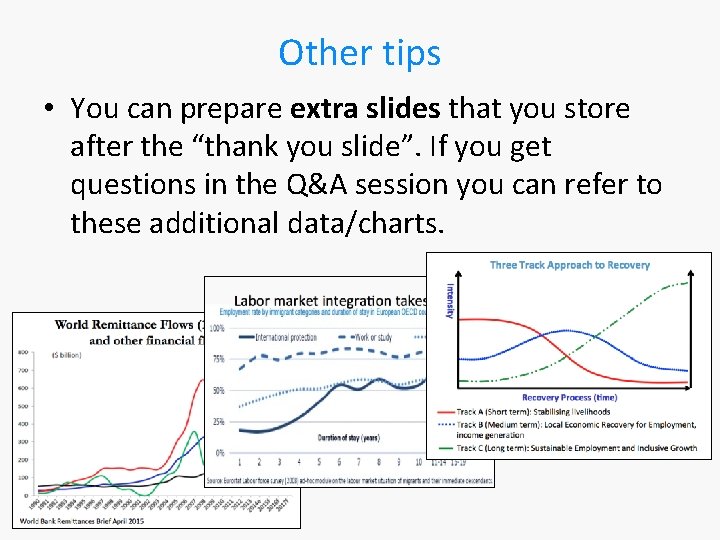
Other tips • You can prepare extra slides that you store after the “thank you slide”. If you get questions in the Q&A session you can refer to these additional data/charts.
Advice for group presentations • You may want to briefly introduce the team. • Some prefer explicit transitions (“Now Samira will introduce the …”). I think it’s better to just switch without much noise about it. But if you present the structure of your talk in the beginning you can say who will do what. • Even those not talking are “on stage”. Consider your body posture and presence. • Rehearse together and respect your time limit. Otherwise the last person gets no time to talk.
General advice on presenting • Avoid large, white, letter-sized notepads in your hands that distract. – You can have small notes or cue cards. – If you have many “notes”, you can make another Power. Point presentation with them, print them with 2 or 3 slides on one page (hand-out format) and then cut out the “slides” into “talk show host cue cards”. – However the best presentations are delivered freely.
General advice on presenting • Move your head and look at all sides of the room to include everyone. – If you are presenting in front of a panel or your professor, as well as the class, don’t present only for the panel. Present to the entire audience, which happens to include the panel. • If you regularly give presentations I recommend you to get a wireless presenter (clicker). This makes presenting a lot easier.
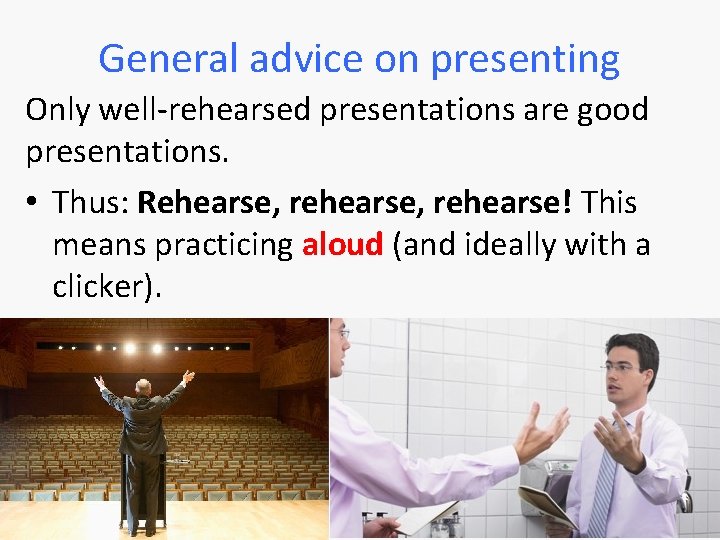
General advice on presenting Only well-rehearsed presentations are good presentations. • Thus: Rehearse, rehearse! This means practicing aloud (and ideally with a clicker).
Some sample slides from my own presentations (I recommend you start the slide show for these to see the animation that follows the flow of my argument)
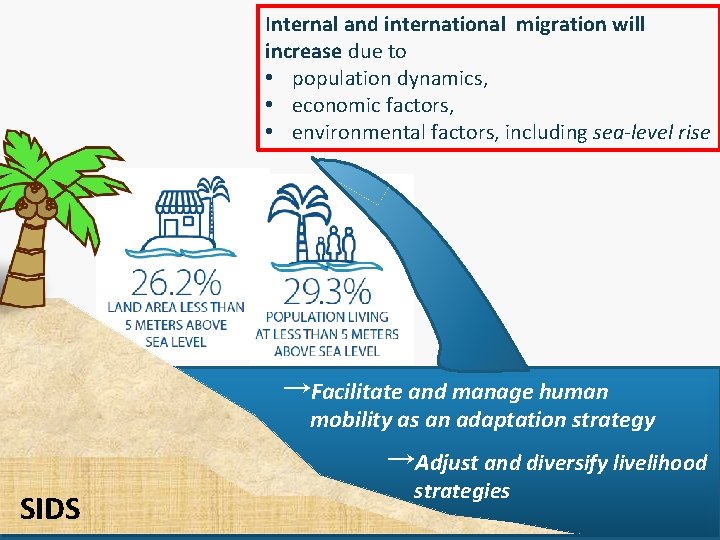
Internal and international migration will increase due to • population dynamics, • economic factors, • environmental factors, including sea-level rise →Facilitate and manage human mobility as an adaptation strategy →Adjust and diversify livelihood SIDS strategies
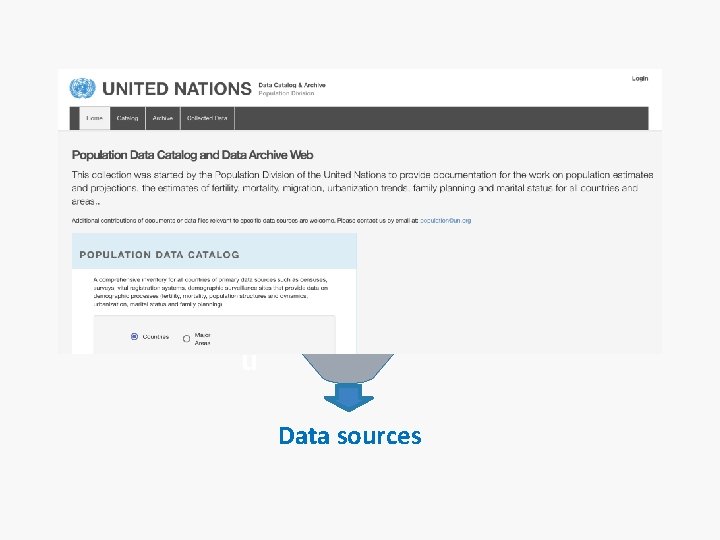
Scanning data & information sources: Step 3 Screened 200+ surveys u Data sources
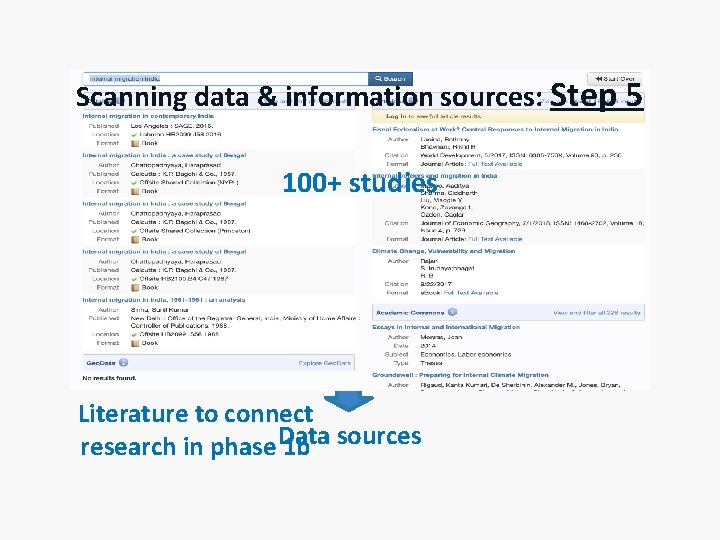
Scanning data & information sources: Step 5 100+ studies u Literature to connect research in phase Data 1 b sources
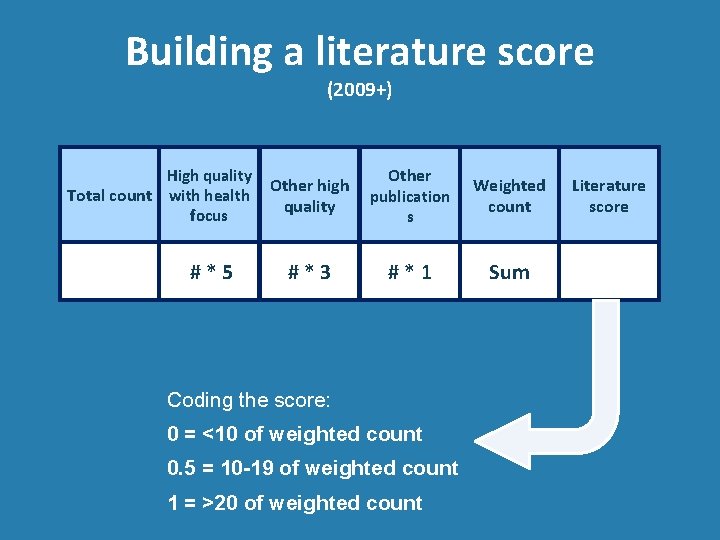
Building a literature score (2009+) High quality Total count with health focus #*5 Other high quality Other publication s Weighted count #*3 #*1 Sum Coding the score: 0 = <10 of weighted count 0. 5 = 10 -19 of weighted count 1 = >20 of weighted count Literature score
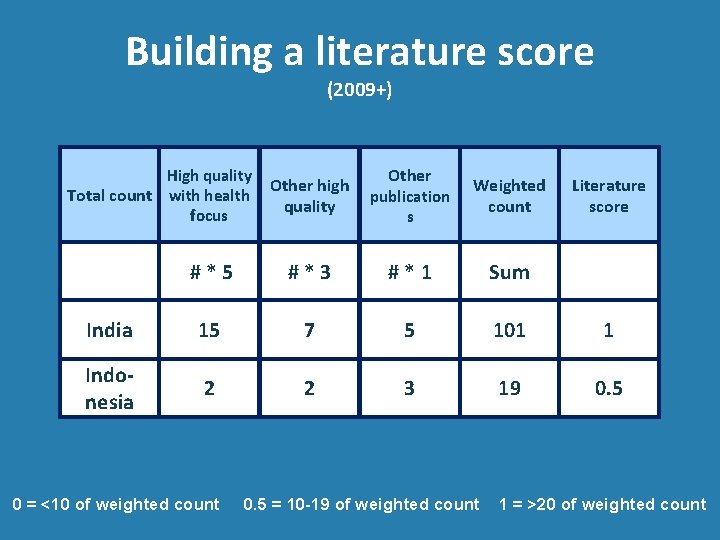
Building a literature score (2009+) Other high quality Other publication s Weighted count #*5 #*3 #*1 Sum India 15 7 5 101 1 Indonesia 2 2 3 19 0. 5 High quality Total count with health focus 0 = <10 of weighted count 0. 5 = 10 -19 of weighted count Literature score 1 = >20 of weighted count
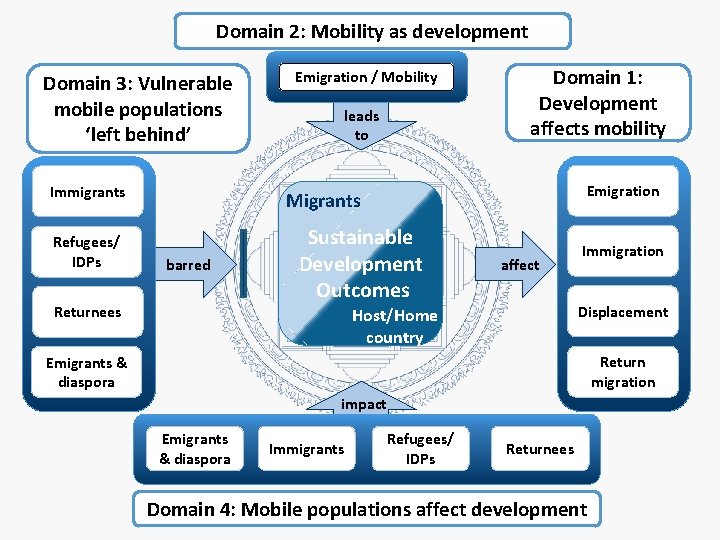
Domain 2: Mobility as development Domain 3: Vulnerable mobile populations ‘left behind’ Immigrants Refugees/ IDPs Emigration / Mobility leads to Domain 1: Development affects mobility Emigration Migrants barred Returnees Sustainable Development Outcomes affect Immigration Displacement Host/Home country Return migration Emigrants & diaspora impact Emigrants & diaspora Immigrants Refugees/ IDPs Returnees Domain 4: Mobile populations affect development
Introduction | Principal Effects | Action Effects | Conclusion OCI Focus Mig&Dev ?
Introduction | Principal Effects | Action Effects | Conclusion OCI Focus Mig&Dev Overseas Citizenship of India ? Development in India
Introduction | Principal Effects | Action Effects | Conclusion OCI Focus Mig&Dev Opening the ‘black box’: Exploring the effect of OCI on development Actions by the diasporic actors Overseas Citizenship of India How? What? Development in India How? What?
Introduction | Principal Effects | Action Effects | Conclusion Summary | Issues & questions Good-will effect Adoption of OCI status All groups Naturalization effect OCI-induced naturalizers Availability of OCI Status passages toward OCI and having OCI Remitting, investing, trading, returning, lobbying, etc. Rights effect for Old Cases, Second-plus generation, Certain Naturalizers Identity effect Old Cases, Second-plus generation, Certain Naturalizers Ability Decision Permissibility to act Development in India
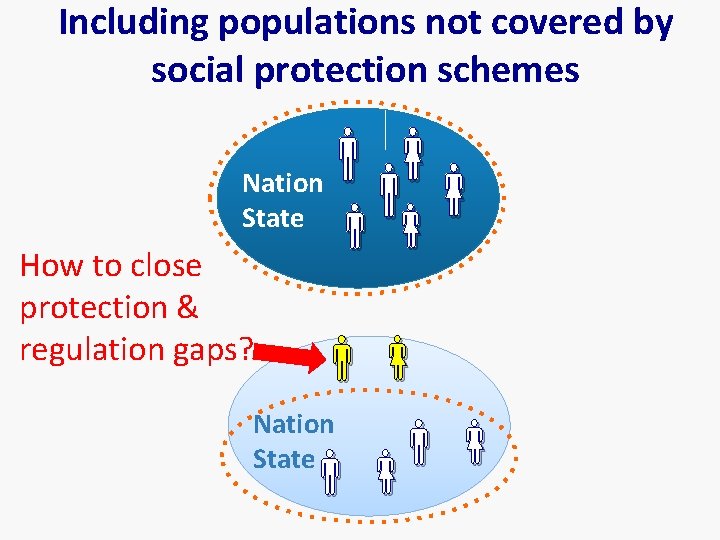
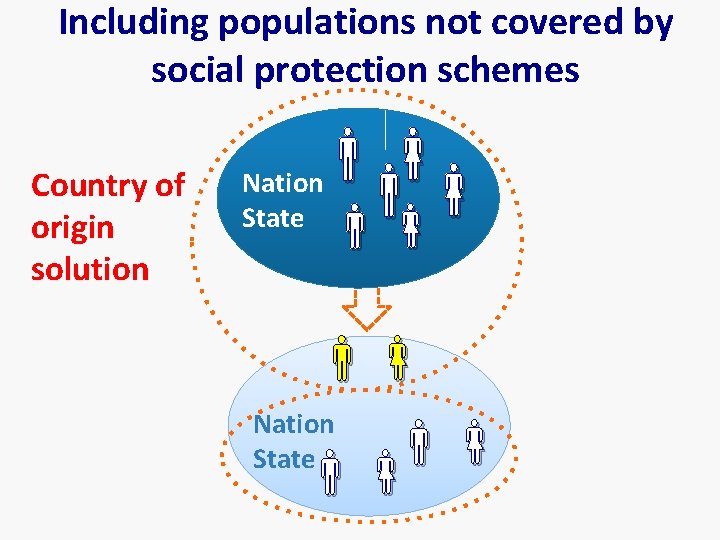
Including populations not covered by social protection schemes Nation State How to close protection & regulation gaps? Nation State
Including populations not covered by social protection schemes Country of origin solution Nation State
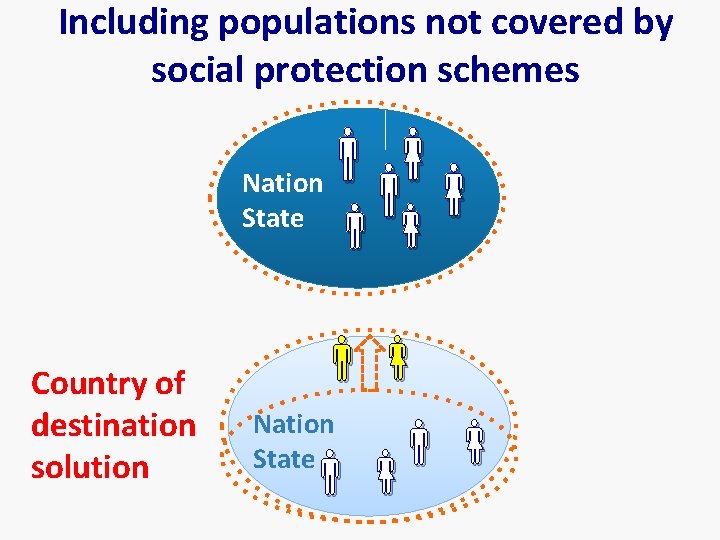
Including populations not covered by social protection schemes Nation State Country of destination solution Nation State
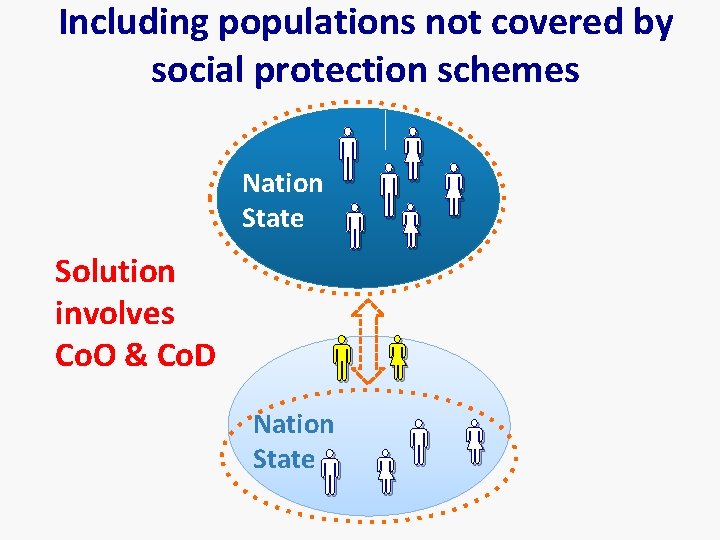
Including populations not covered by social protection schemes Solution involves Co. O & Co. D Nation State
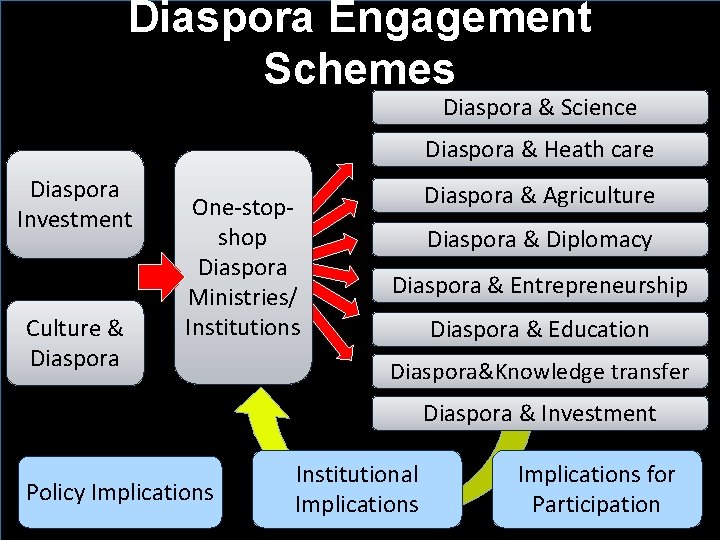
Diaspora Engagement Schemes Diaspora & Science Diaspora & Heath care Diaspora Investment Culture & Diaspora One-stopshop Diaspora Ministries/ Institutions Diaspora & Agriculture Diaspora & Diplomacy Diaspora & Entrepreneurship Diaspora & Education Diaspora&Knowledge transfer Diaspora & Investment Policy Implications Institutional Implications for Participation
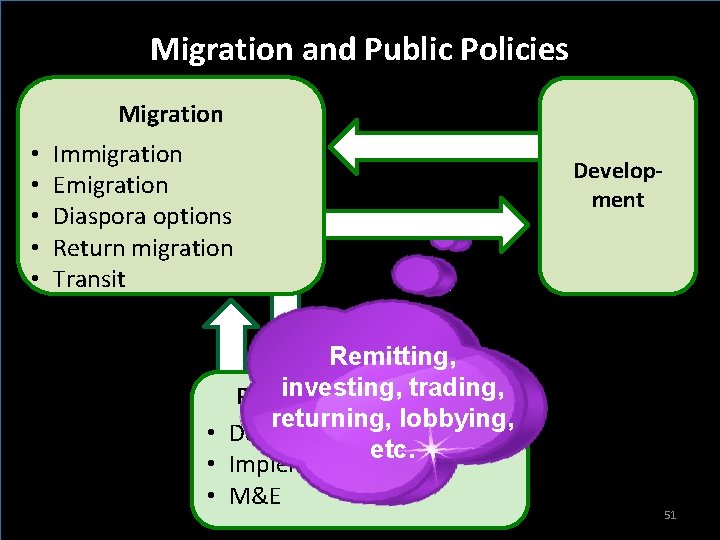
Migration and Public Policies Migration • • • Immigration Emigration Diaspora options Return migration Transit Remitting, investing, trading, Policies & Programmes returning, lobbying, • Design etc. • Implementation • M&E Development 51
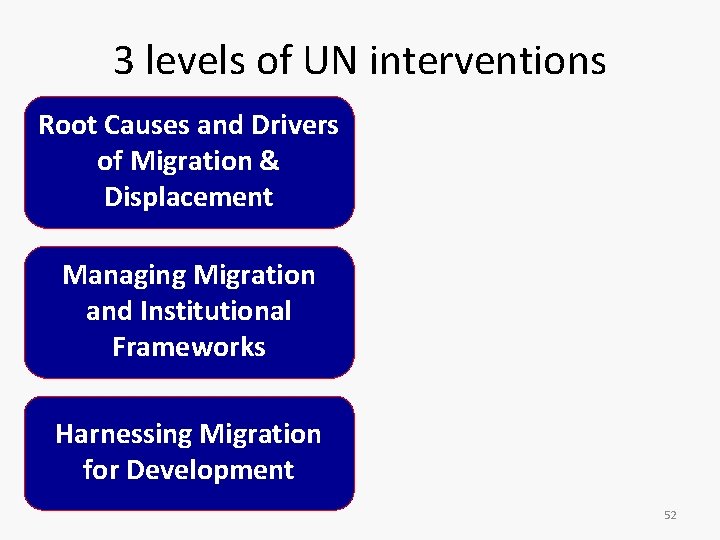
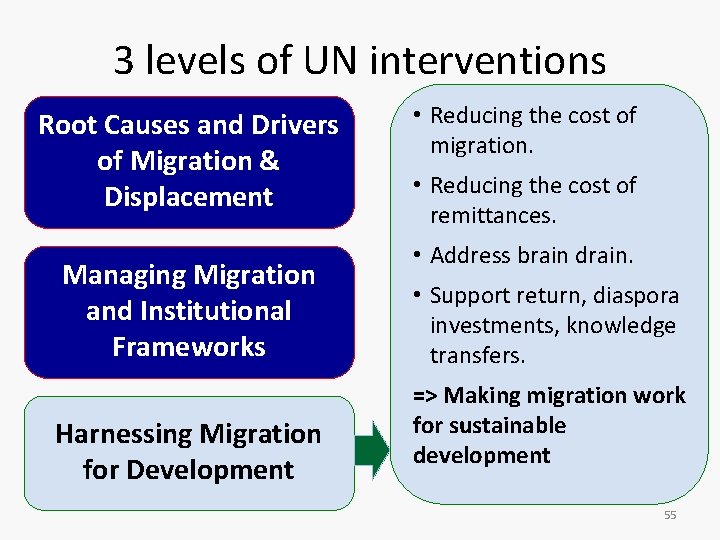
3 levels of UN interventions Root Causes and Drivers of Migration & Displacement Managing Migration and Institutional Frameworks Harnessing Migration for Development 52
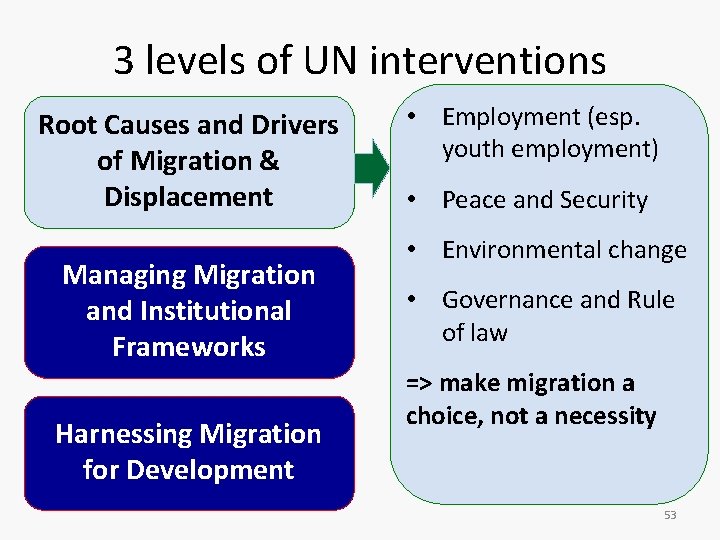
3 levels of UN interventions Root Causes and Drivers of Migration & Displacement Managing Migration and Institutional Frameworks Harnessing Migration for Development • Employment (esp. youth employment) • Peace and Security • Environmental change • Governance and Rule of law => make migration a choice, not a necessity 53
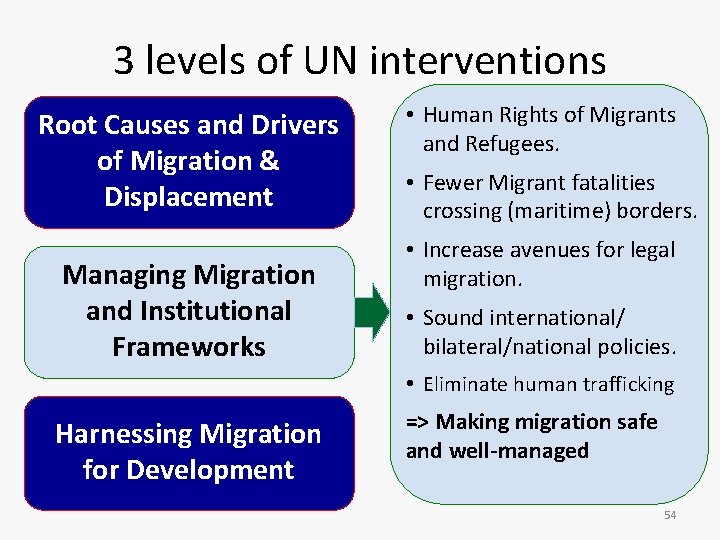
3 levels of UN interventions Root Causes and Drivers of Migration & Displacement Managing Migration and Institutional Frameworks • Human Rights of Migrants and Refugees. • Fewer Migrant fatalities crossing (maritime) borders. • Increase avenues for legal migration. • Sound international/ bilateral/national policies. • Eliminate human trafficking Harnessing Migration for Development => Making migration safe and well-managed 54
3 levels of UN interventions Root Causes and Drivers of Migration & Displacement Managing Migration and Institutional Frameworks Harnessing Migration for Development • Reducing the cost of migration. • Reducing the cost of remittances. • Address brain drain. • Support return, diaspora investments, knowledge transfers. => Making migration work for sustainable development 55
Unpacking the links between migration and public policies Migration & policies
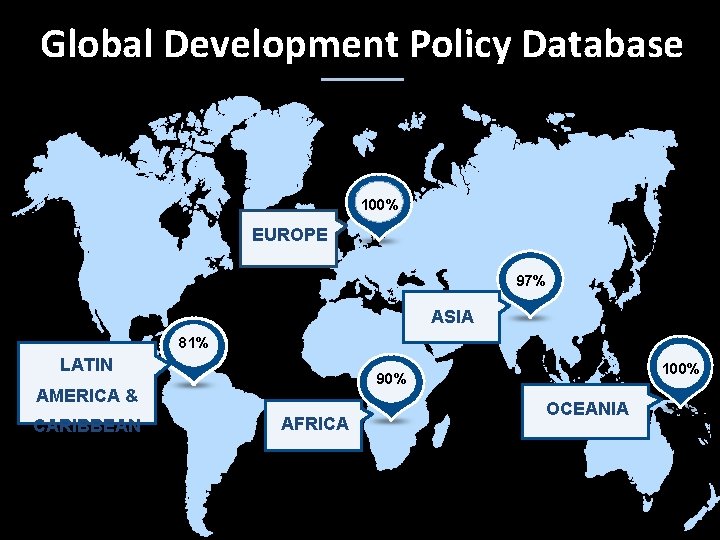
Global Development Policy Database 100% EUROPE 97% ASIA 81% LATIN AMERICA & CARIBBEAN 100% 90% AFRICA OCEANIA
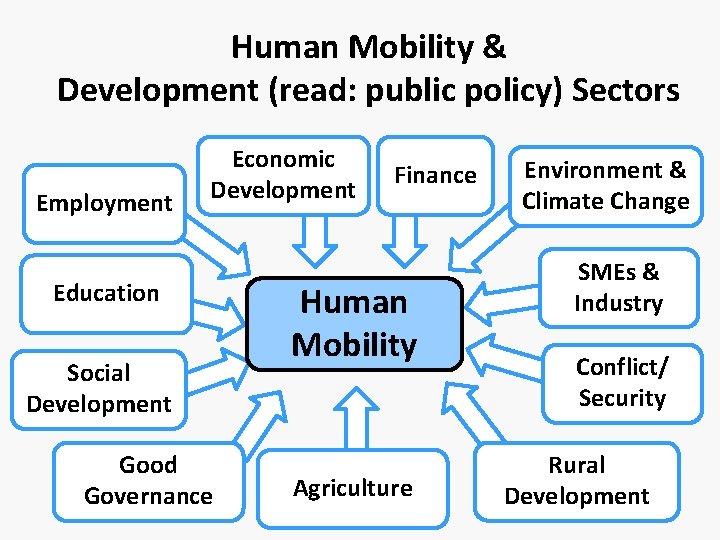
Human Mobility & Development (read: public policy) Sectors Employment Economic Development Education Social Development Good Governance Finance Human Mobility Agriculture Environment & Climate Change SMEs & Industry Conflict/ Security Rural Development
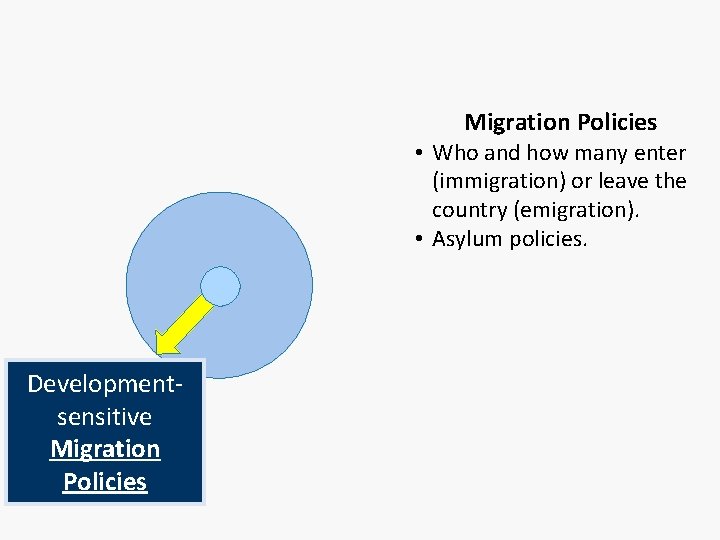
Migration Policies • Who and how many enter (immigration) or leave the country (emigration). • Asylum policies. Developmentsensitive Migration Policies
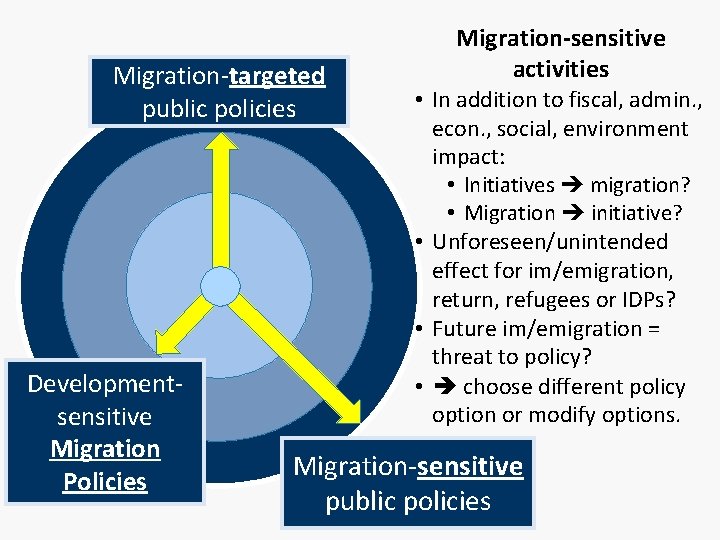
Migration-targeted public policies Developmentsensitive Migration Policies Migration-sensitive activities • In addition to fiscal, admin. , econ. , social, environment impact: • Initiatives migration? • Migration initiative? • Unforeseen/unintended effect for im/emigration, return, refugees or IDPs? • Future im/emigration = threat to policy? • choose different policy option or modify options. Migration-sensitive public policies
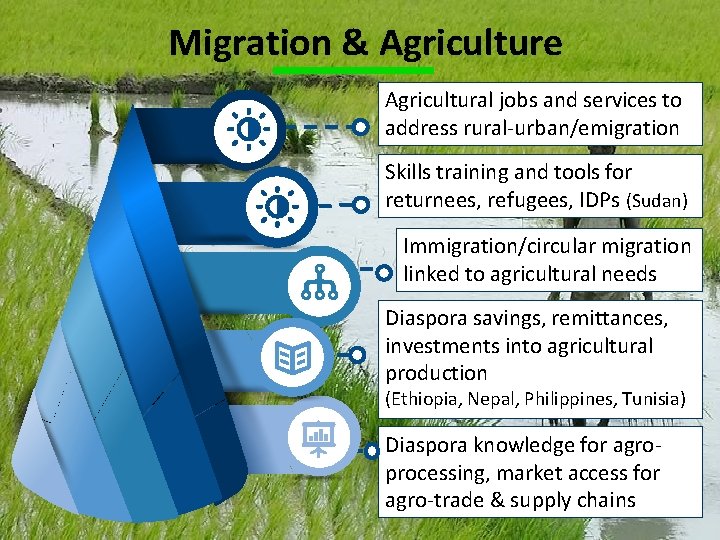
Migration & Agriculture Agricultural jobs and services to address rural-urban/emigration Skills training and tools for returnees, refugees, IDPs (Sudan) Immigration/circular migration linked to agricultural needs Diaspora savings, remittances, investments into agricultural production (Ethiopia, Nepal, Philippines, Tunisia) Diaspora knowledge for agroprocessing, market access for agro-trade & supply chains
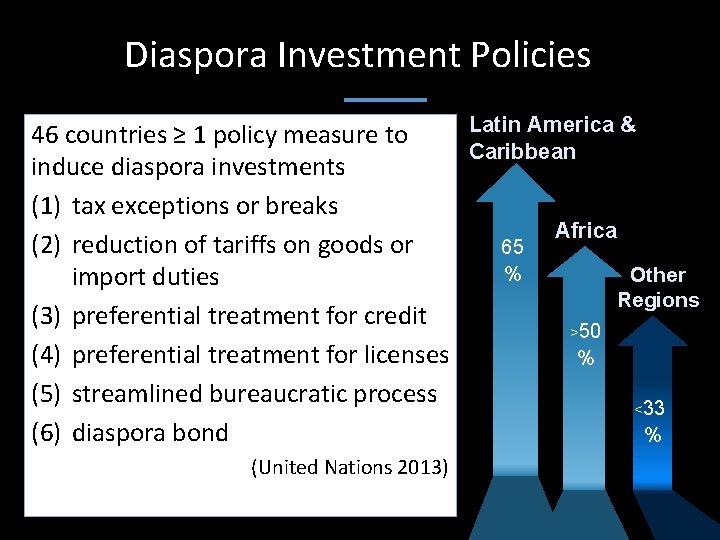
Diaspora Investment Policies Latin America & 46 countries ≥ 1 policy measure to Caribbean induce diaspora investments (1) tax exceptions or breaks Africa (2) reduction of tariffs on goods or 65 % Other import duties Regions (3) preferential treatment for credit >50 (4) preferential treatment for licenses % (5) streamlined bureaucratic process <33 (6) diaspora bond % (United Nations 2013)
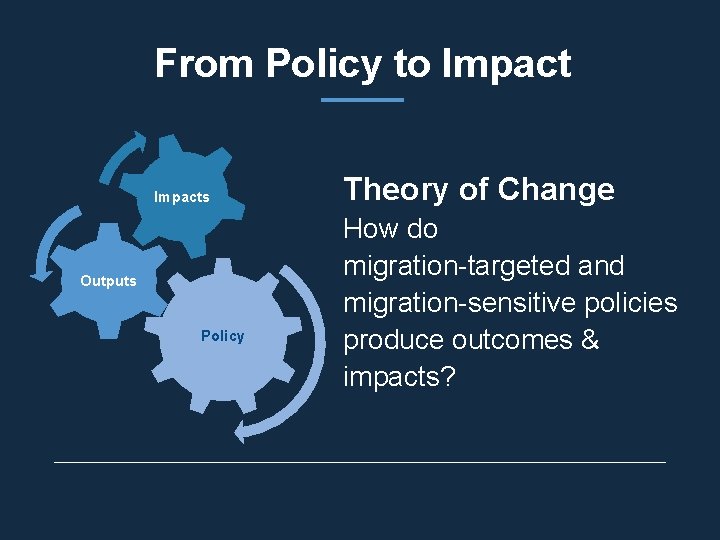
From Policy to Impacts Outputs Policy Theory of Change How do migration-targeted and migration-sensitive policies produce outcomes & impacts?
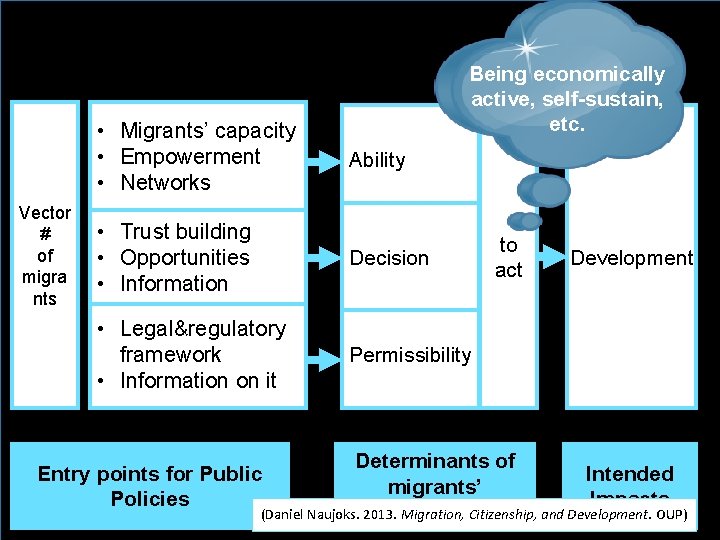
• Migrants’ capacity • Empowerment • Networks Vector # of migra nts Ability Remitting, investing, Being economically trading, self-sustain, returning, active, lobbying, etc. • Trust building • Opportunities • Information Decision • Legal®ulatory framework • Information on it Permissibility to act Development Determinants of Intended migrants’ Impacts engagement 64 (Daniel Naujoks. 2013. Migration, Citizenship, and Development. OUP) Entry points for Public Policies
Thank you for your attention EMAIL @danaujoks