
How to Look up a CVR Chart Validator
- Slides: 11
How to Look up a CVR
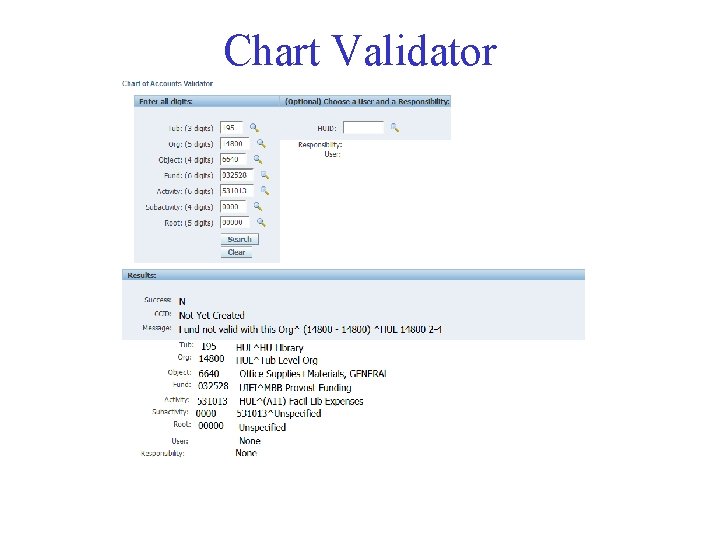
Chart Validator
Chart Validator • Enter a 33 digit CCID that you would like to validate • If valid, you will see Success=Y • If invalid you will see an error message indicating the CVR to loosen.
HRVD^GL^UNV^QUERYONLY Scenario: Authorized requestor for SEAS needs to make a CVR request to allow: Fund 336842 with Org 28500 What is the name of the CVR to loosen?
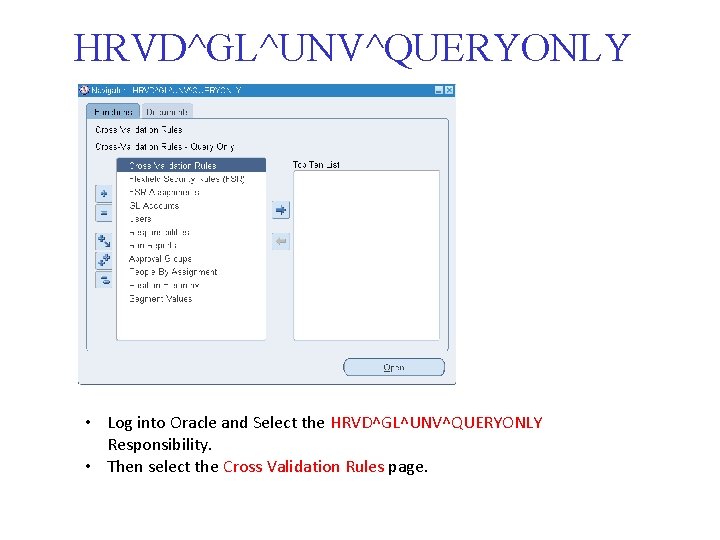
HRVD^GL^UNV^QUERYONLY • Log into Oracle and Select the HRVD^GL^UNV^QUERYONLY Responsibility. • Then select the Cross Validation Rules page.
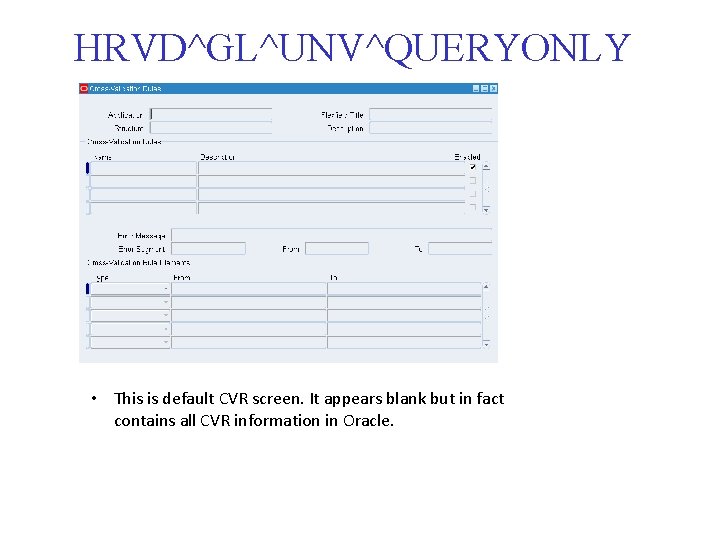
HRVD^GL^UNV^QUERYONLY • This is default CVR screen. It appears blank but in fact contains all CVR information in Oracle.
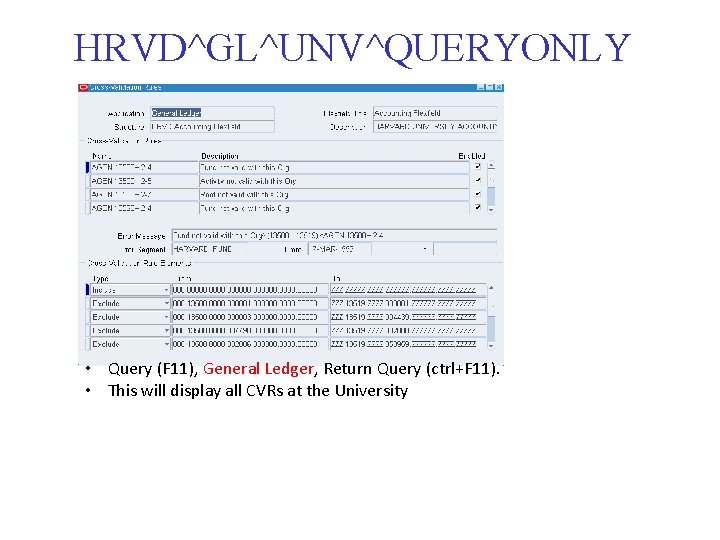
HRVD^GL^UNV^QUERYONLY • Query (F 11), General Ledger, Return Query (ctrl+F 11). • This will display all CVRs at the University
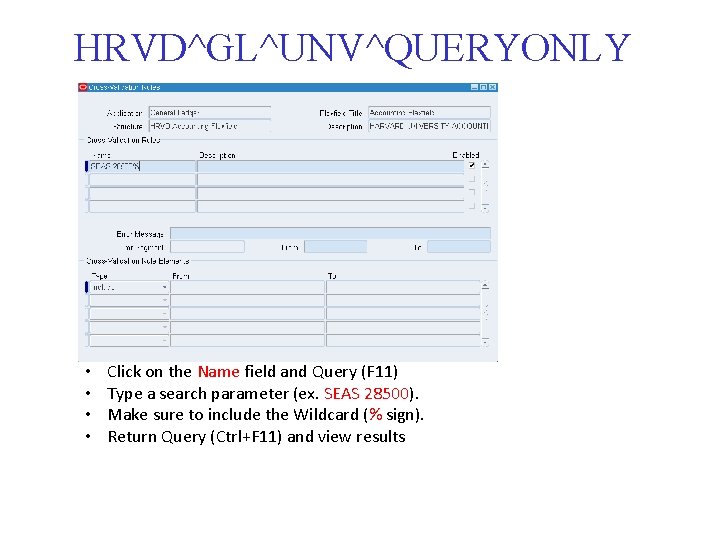
HRVD^GL^UNV^QUERYONLY • • Click on the Name field and Query (F 11) Type a search parameter (ex. SEAS 28500). Make sure to include the Wildcard (% sign). Return Query (Ctrl+F 11) and view results
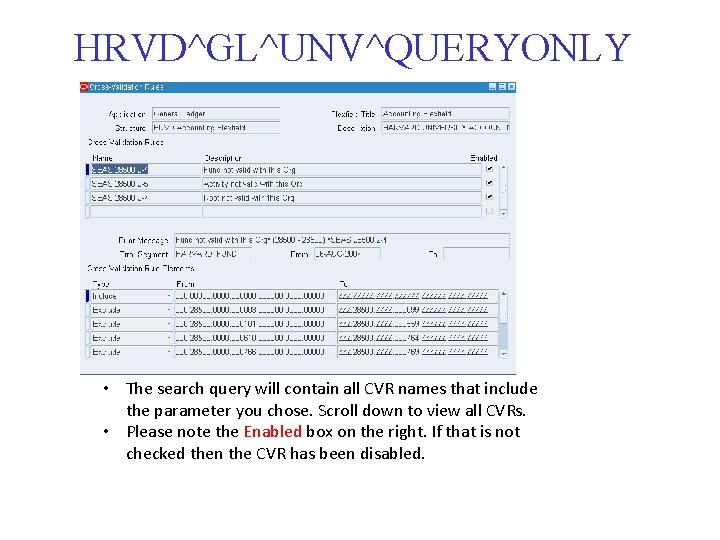
HRVD^GL^UNV^QUERYONLY • The search query will contain all CVR names that include the parameter you chose. Scroll down to view all CVRs. • Please note the Enabled box on the right. If that is not checked then the CVR has been disabled.
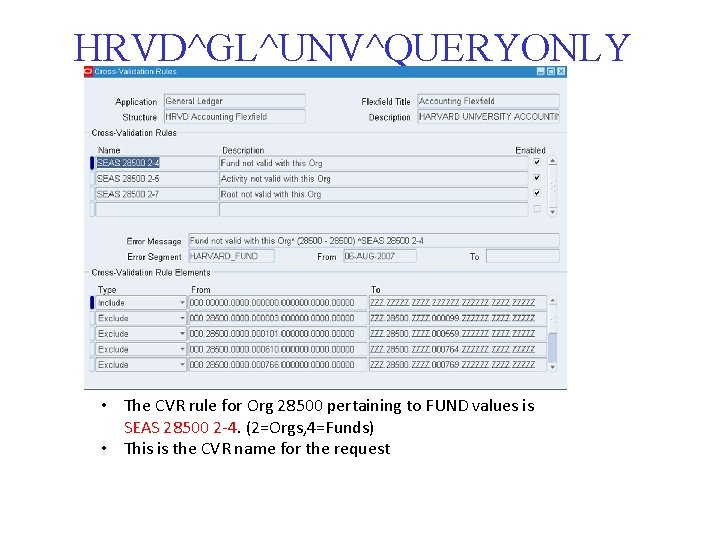
HRVD^GL^UNV^QUERYONLY • The CVR rule for Org 28500 pertaining to FUND values is SEAS 28500 2 -4. (2=Orgs, 4=Funds) • This is the CVR name for the request
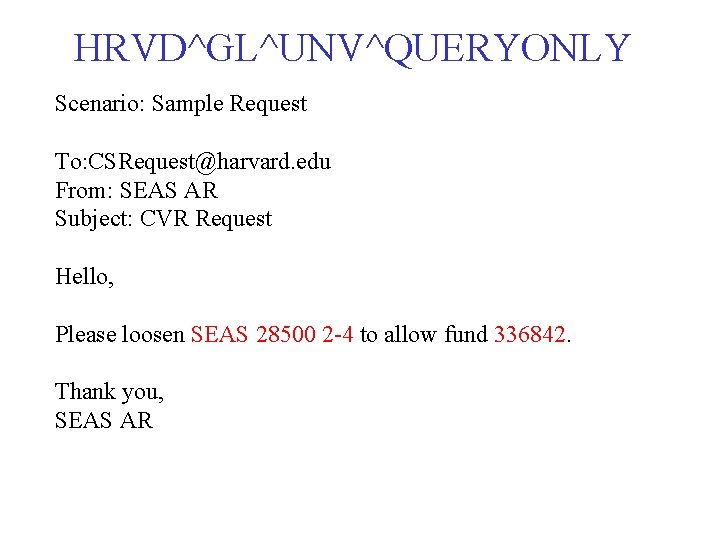
HRVD^GL^UNV^QUERYONLY Scenario: Sample Request To: CSRequest@harvard. edu From: SEAS AR Subject: CVR Request Hello, Please loosen SEAS 28500 2 -4 to allow fund 336842. Thank you, SEAS AR