
How to graph impedance and build your own
How to graph impedance and build your own spreadsheets with the Si 6000 b polarinstruments. com
In this tutorial • Building a simple example sheet (This tutorial assumes you have a basic understanding of Excel) polarinstruments. com
How to use this tutorial Please run through all the slides to give yourself an overview. Then launch the Si 6000 b, and work through the examples yourself. If you are not familiar with some of the features of Excel, you may find it worth taking reviewing the Si 6000 b Introduction presentation. polarinstruments. com
From this example: • Learn the tools needed to • Maximise yields • Study microsection results • Investigate production variation • Design for manufacture polarinstruments. com
Example 3 • For this example lets build a simple impedance calculator using the embedded field solvers… polarinstruments. com
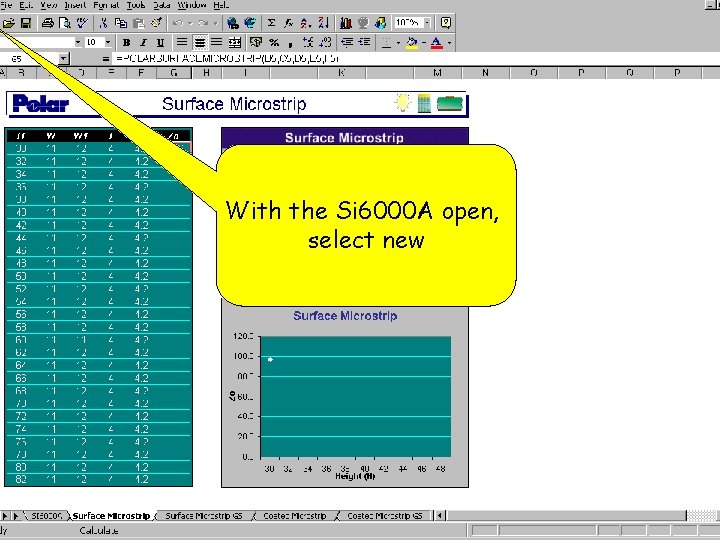
With the Si 6000 A open, select new
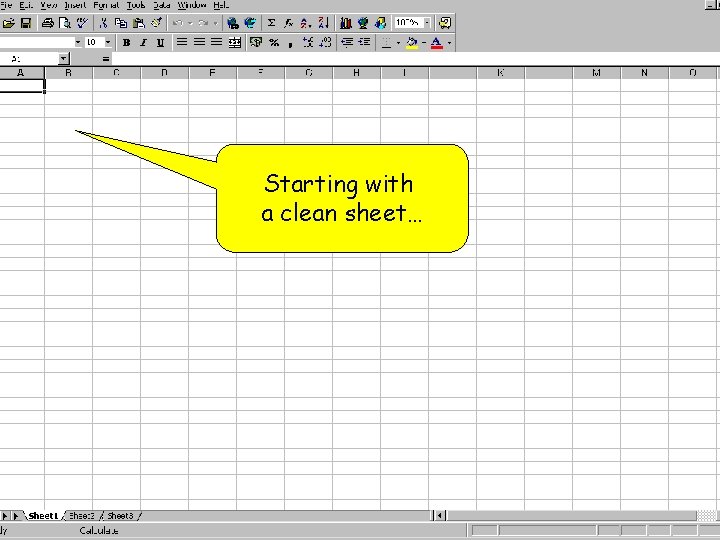
Starting with a clean sheet…
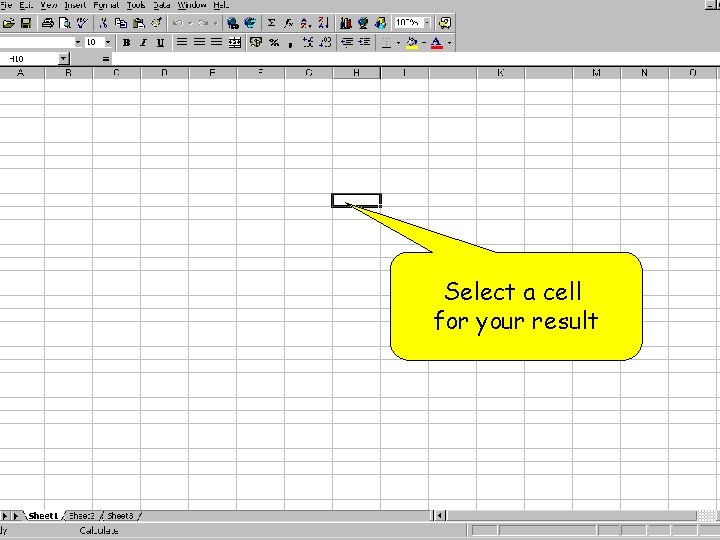
Select a cell for your result
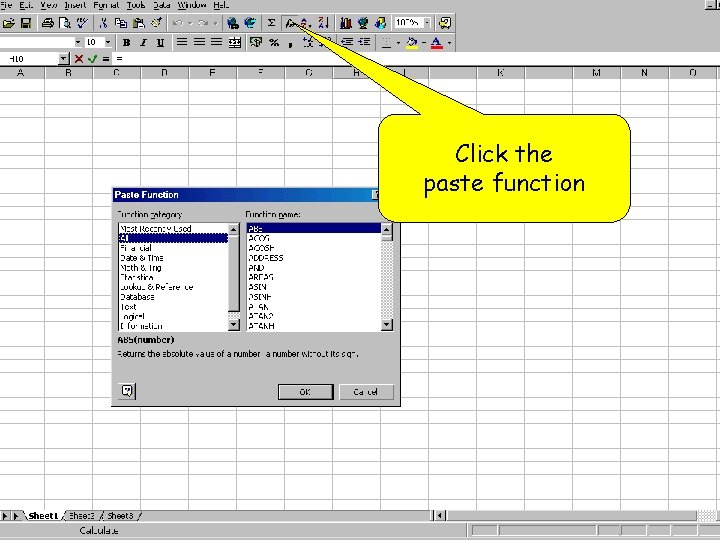
Click the paste function
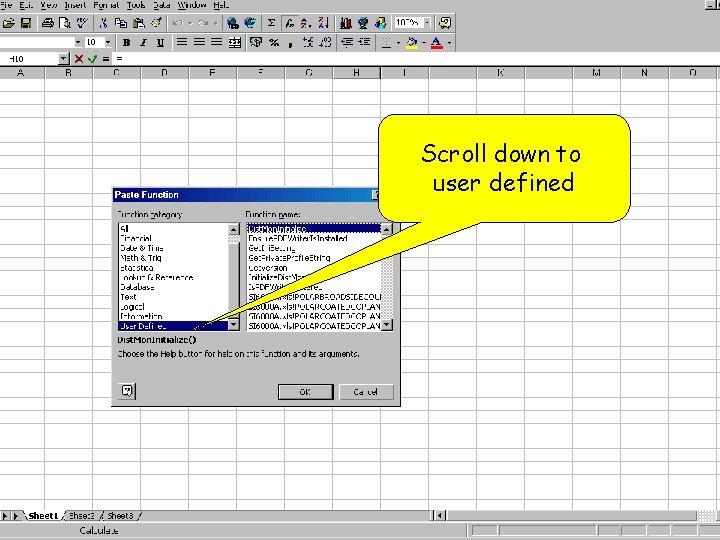
Scroll down to user defined
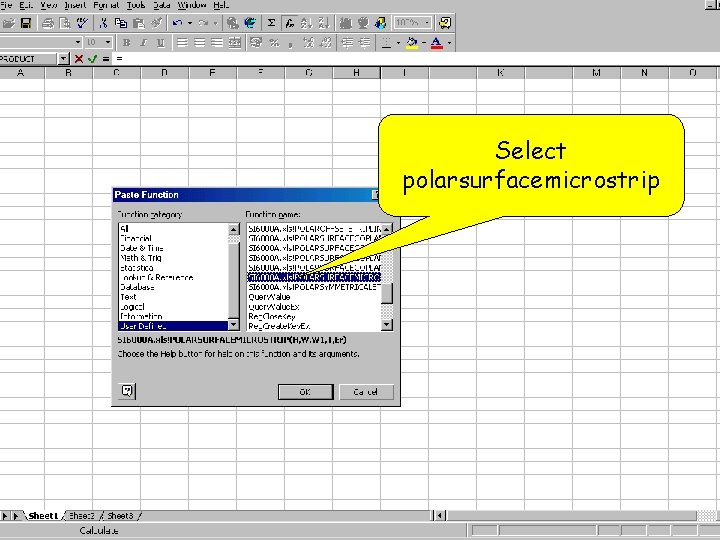
Select polarsurfacemicrostrip
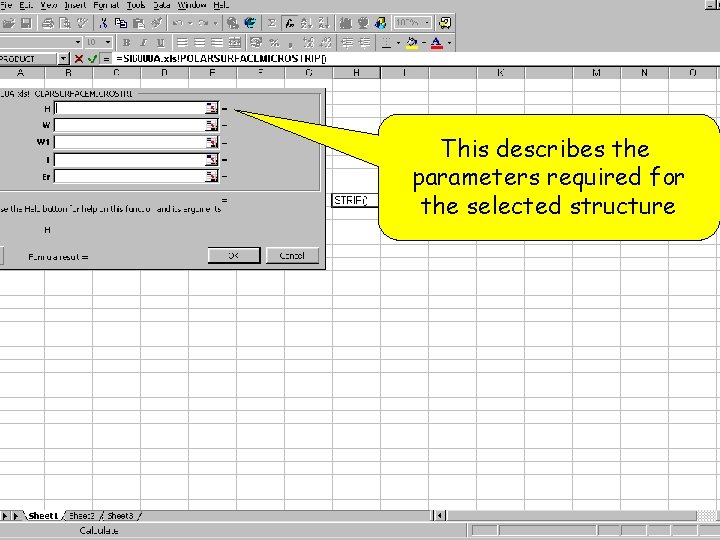
This describes the parameters required for the selected structure
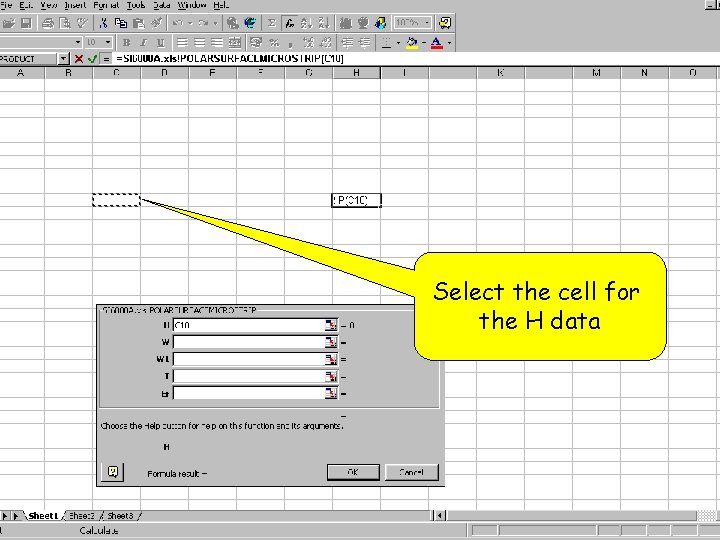
Select the cell for the H data
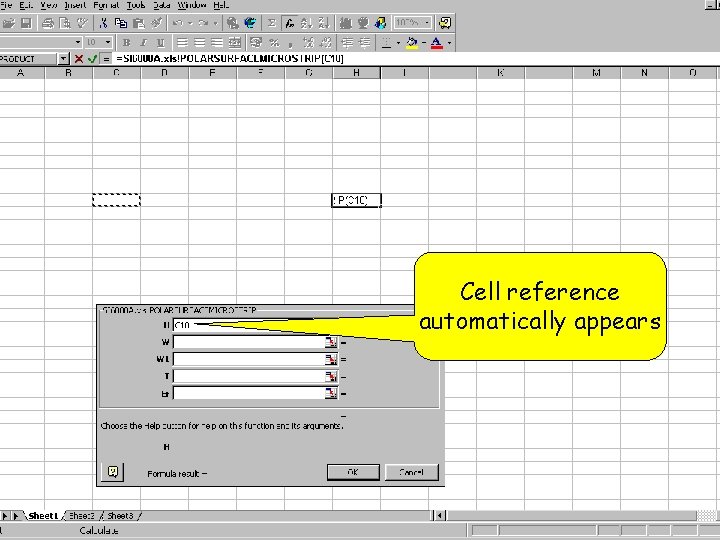
Cell reference automatically appears
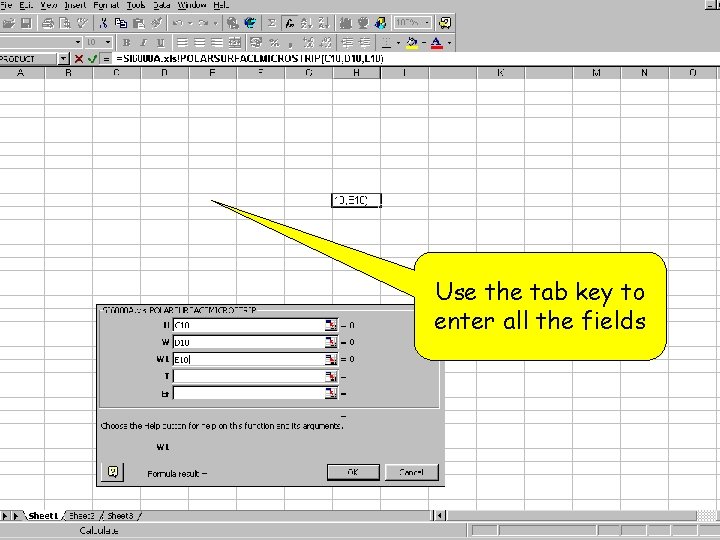
Use the tab key to enter all the fields
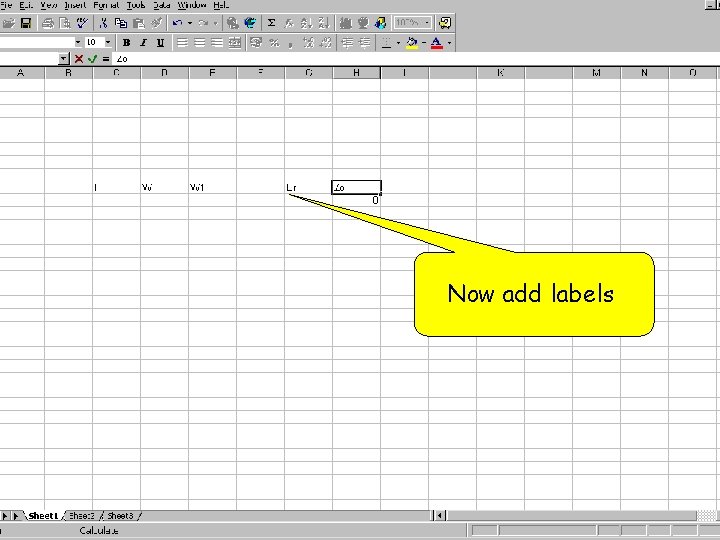
Now add labels
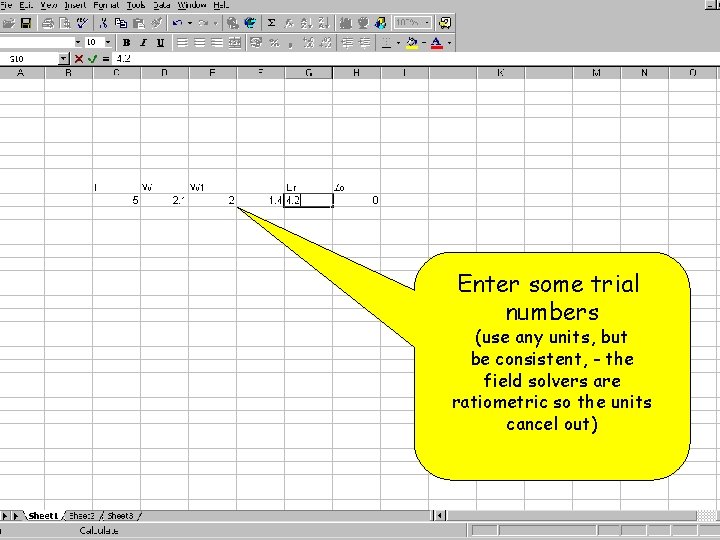
Enter some trial numbers (use any units, but be consistent, - the field solvers are ratiometric so the units cancel out)
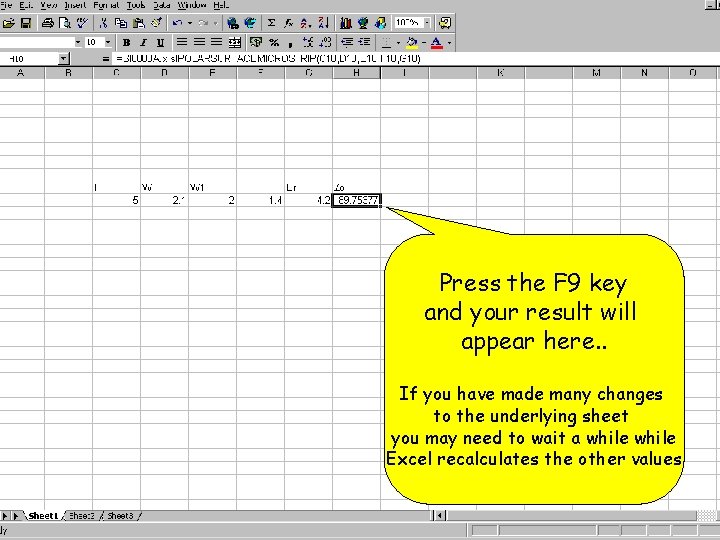
Press the F 9 key and your result will appear here. . If you have made many changes to the underlying sheet you may need to wait a while Excel recalculates the other values
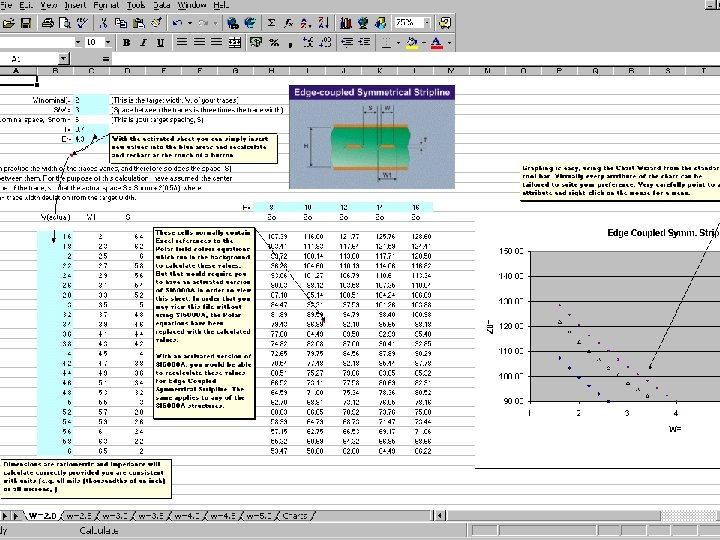
How creative can you be? • Here is one example of a sheet created by a customer who needed to use Si 6000 to graph impedance sensitivity against structure height. . • You can download your own copy from the application notes section of the website: polarinstruments. com

Thank you for taking the time to study this presentation. For further information or if you would like to purchase a copy please contact your local Polar representative or email: ken. taylor@polarinstruments. com
- Slides: 21