
How to find credible sources and gather information
How to find credible sources and gather information
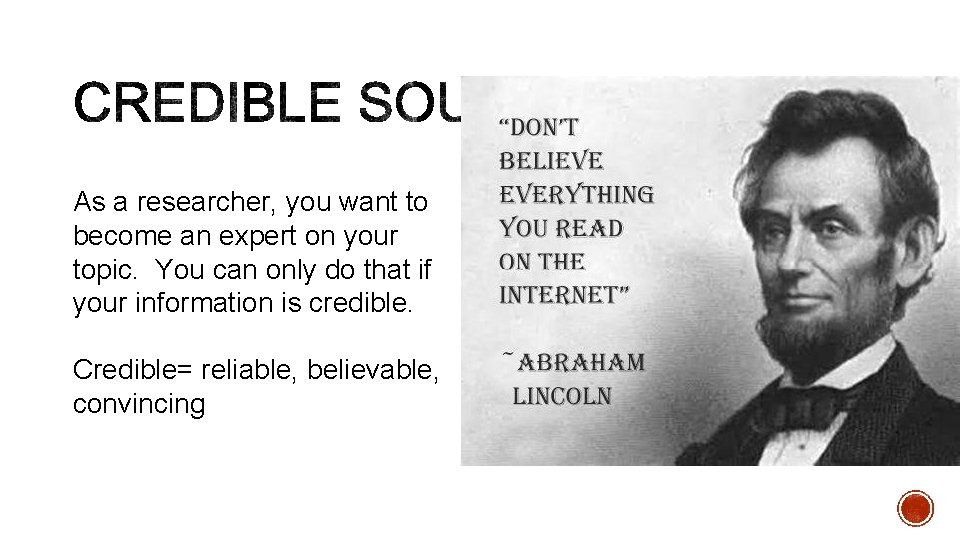
As a researcher, you want to become an expert on your topic. You can only do that if your information is credible. Credible= reliable, believable, convincing
Use the CRAP method! C= CURRENCY §How recent is the information? § How recently has the website been updated? § Is it current enough for your topic?
R= RELIABILITY § What kind of information is included in the resource? § Is the content primarily opinion? If so, is it balanced? § Does the creator provide references or sources for data or quotations?
A= AUTHORITY § Who is the creator or author? § What are his/her credentials? Can you find any information about the author's background? § Who is the publisher or sponsor? § Are they reputable? § What is the publisher's interest (if any) in this information? § Are there advertisements on the website? If so, are they cleared marked?
P= PURPOSE/ POINT OF VIEW § Is this fact or opinion? Does the author list sources or cite references? § Is it biased? Does the author seem to be trying to push an agenda or particular side? § Is the creator/author trying to sell you something? If so, is it clearly stated? Evaluating Sources for Credibility video
§ Use a library or academic search engine instead of Google. § Clinton-Macomb Public Library: www. cmpl. org § Click “Research. ” Under “Advanced Research Databases” click ERIC § Michigan Electronic Library (Me. L): www. mel. org § i. Seek: http: //education. iseek. com/iseek/home. page § Look at the end of the website’s URL. Credible endings: . edu . org . gov
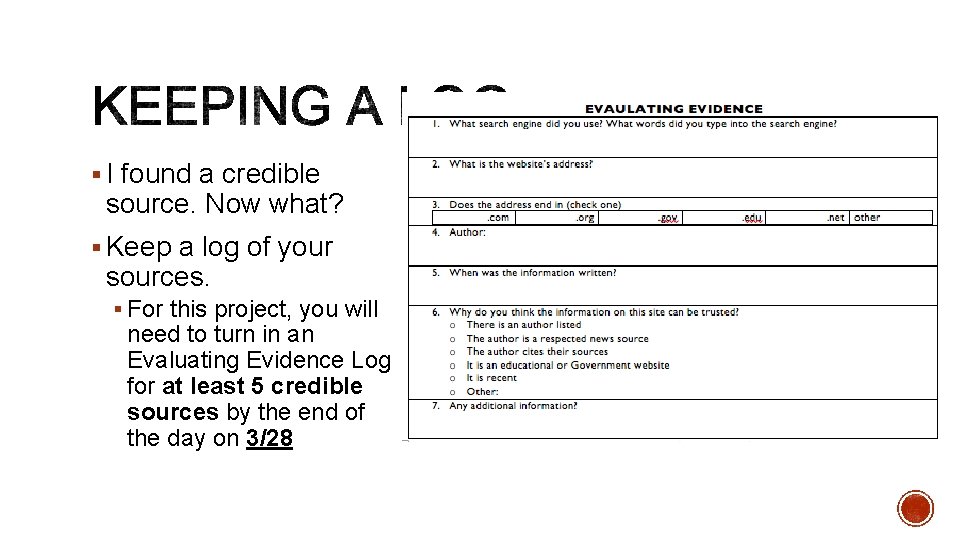
§ I found a credible source. Now what? § Keep a log of your sources. § For this project, you will need to turn in an Evaluating Evidence Log for at least 5 credible sources by the end of the day on 3/28
-There a few options for how to keep our sources organized. - 1. Make a word document, copy and paste your links to it. Add a label above or below the link so you know what it is and save it to google docs. - 2. The second method. If you have a google email account, make a google docs document, and save your sources directly on to google chrome. - Either way YOU NEED TO SAVE THIS TO A CLOUD DEVICE. (Chorme, Dropbox, etc…) - The third way is through google keep. It will be explained on the next slide.
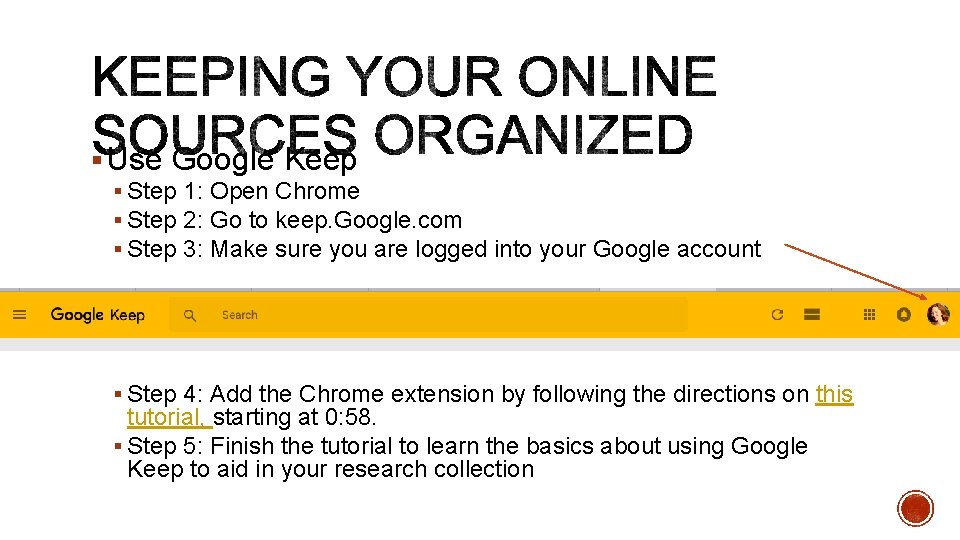
§ Use Google Keep § Step 1: Open Chrome § Step 2: Go to keep. Google. com § Step 3: Make sure you are logged into your Google account § Step 4: Add the Chrome extension by following the directions on this tutorial, starting at 0: 58. § Step 5: Finish the tutorial to learn the basics about using Google Keep to aid in your research collection
§ Using Google Keep will help keep all your electronic sources handy so you can easily create your Works Cited page later § To avoid plagiarism, immediately after saving your source with Google Keep, put the information in your own words like we saw in the tutorial. Start your paraphrases using a dash beforehand so they are easily distinguishable from the author’s own words § Remain focused on examining the TREND of your topic. This is not an argumentative project. Instead, you want to see how your topic has changed over time
- Slides: 13