
How to fill out an online standard recipe
- Slides: 13
How to fill out an online standard recipe form Narrated by Michael Teune c. c. c.
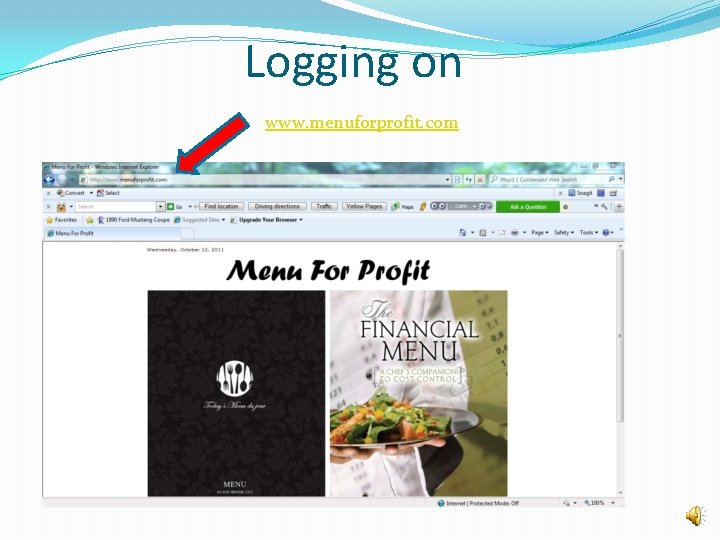
Logging on www. menuforprofit. com
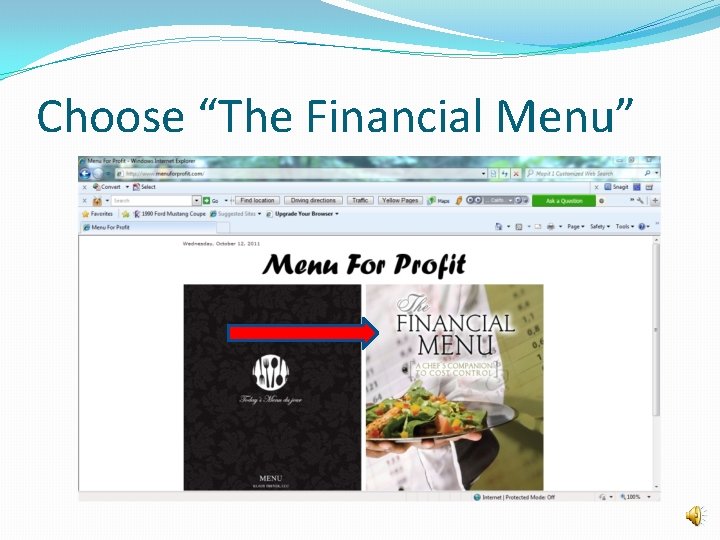
Choose “The Financial Menu”
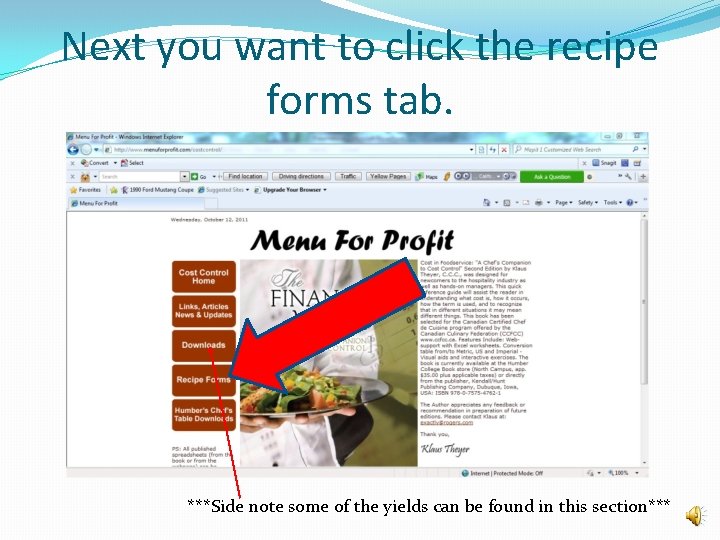
Next you want to click the recipe forms tab. ***Side note some of the yields can be found in this section***
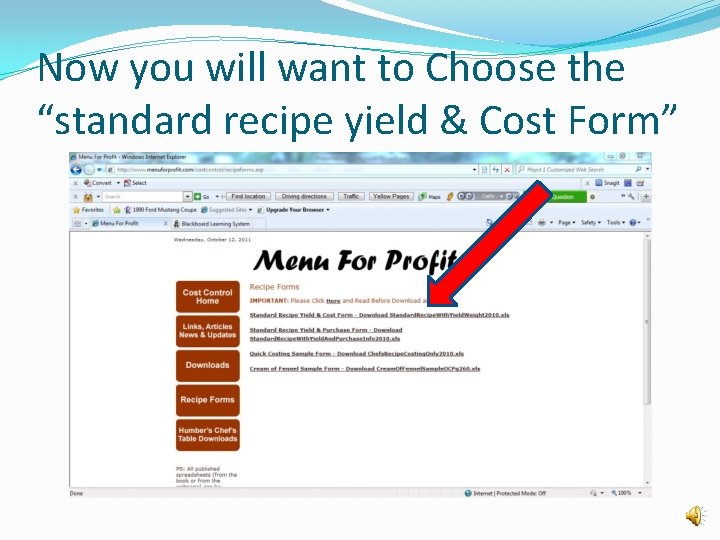
Now you will want to Choose the “standard recipe yield & Cost Form”
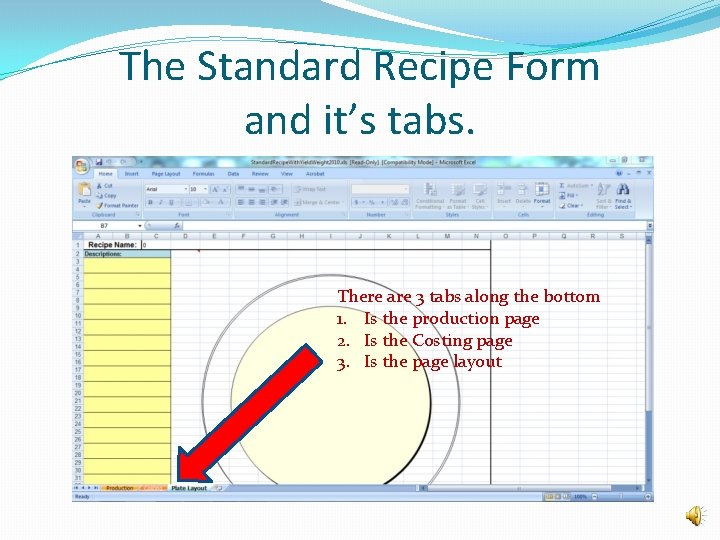
The Standard Recipe Form and it’s tabs. There are 3 tabs along the bottom 1. Is the production page 2. Is the Costing page 3. Is the page layout
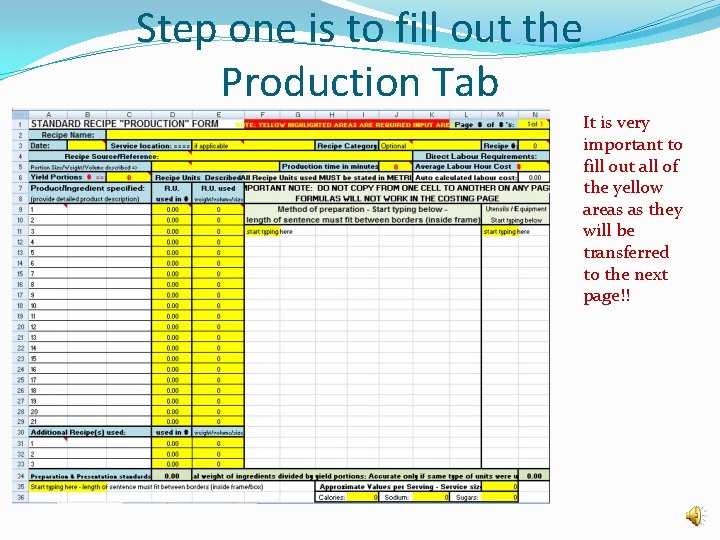
Step one is to fill out the Production Tab It is very important to fill out all of the yellow areas as they will be transferred to the next page!!
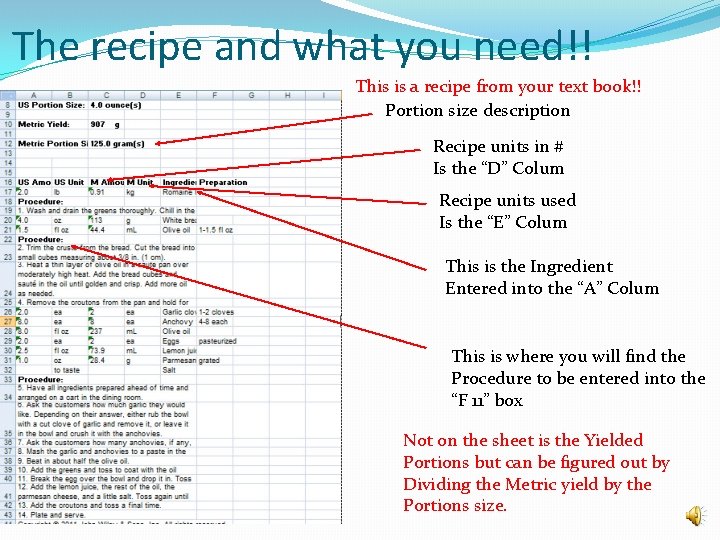
The recipe and what you need!! This is a recipe from your text book!! Portion size description Recipe units in # Is the “D” Colum Recipe units used Is the “E” Colum This is the Ingredient Entered into the “A” Colum This is where you will find the Procedure to be entered into the “F 11” box Not on the sheet is the Yielded Portions but can be figured out by Dividing the Metric yield by the Portions size.
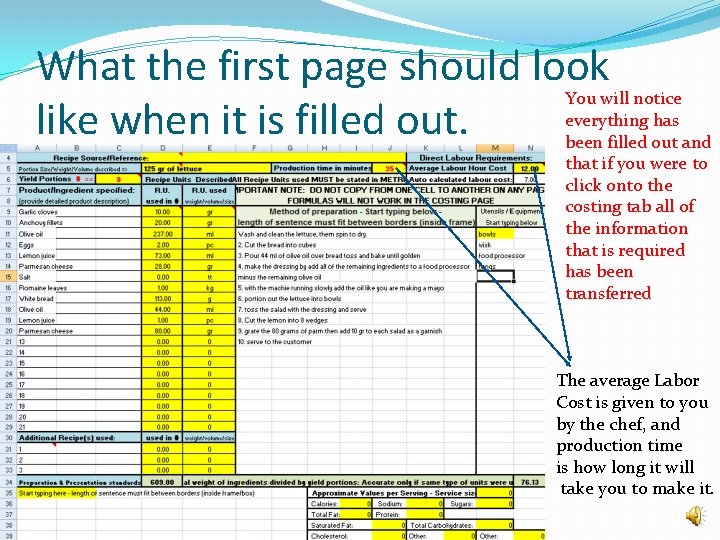
What the first page should look like when it is filled out. You will notice everything has been filled out and that if you were to click onto the costing tab all of the information that is required has been transferred The average Labor Cost is given to you by the chef, and production time is how long it will take you to make it.
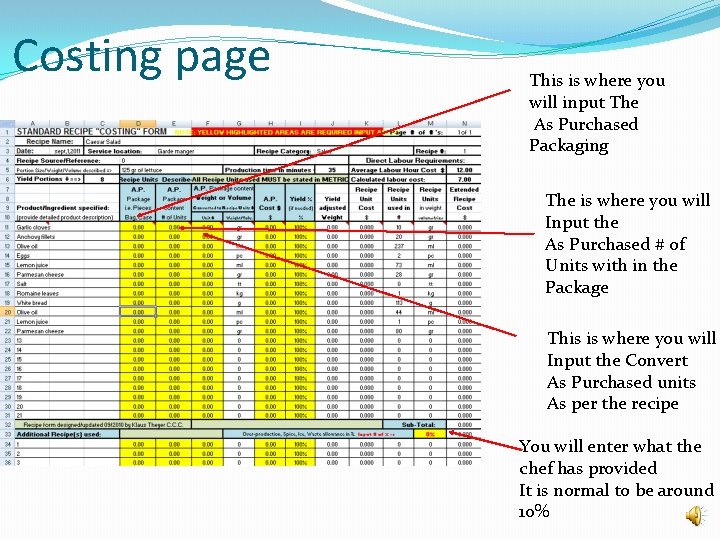
Costing page This is where you will input The As Purchased Packaging The is where you will Input the As Purchased # of Units with in the Package This is where you will Input the Convert As Purchased units As per the recipe You will enter what the chef has provided It is normal to be around 10%
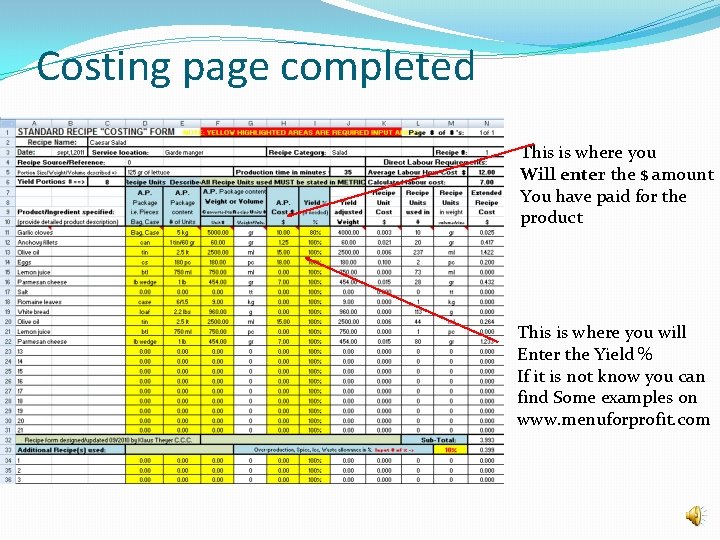
Costing page completed This is where you Will enter the $ amount You have paid for the product This is where you will Enter the Yield % If it is not know you can find Some examples on www. menuforprofit. com
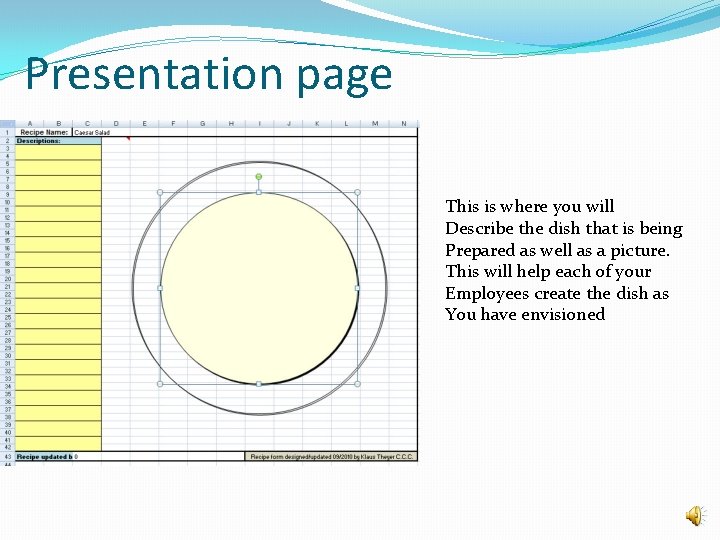
Presentation page This is where you will Describe the dish that is being Prepared as well as a picture. This will help each of your Employees create the dish as You have envisioned
Thank you Happy Menu creating!!!