
How to export custom PDF documents from Jira


- Slides: 39
How to export custom PDF documents from Jira issues and dashboards in zero time Easy emailing, sharing, archiving, printing for Jira data with Better PDF Exporter
Who is Midori? What is Better PDF Exporter ? Experience On the market since 2009 10+ years in the Atlassian Ecosystem Reliable maintenance, guaranteed support and top-notch docs Powering 4000+ customers Amazon, Airbnb, Boeing, Mercedes, Mc. Donald’s, NASA, etc. Top #2 rated app for Jira Extremely customizable Custom content, look & scripted logic
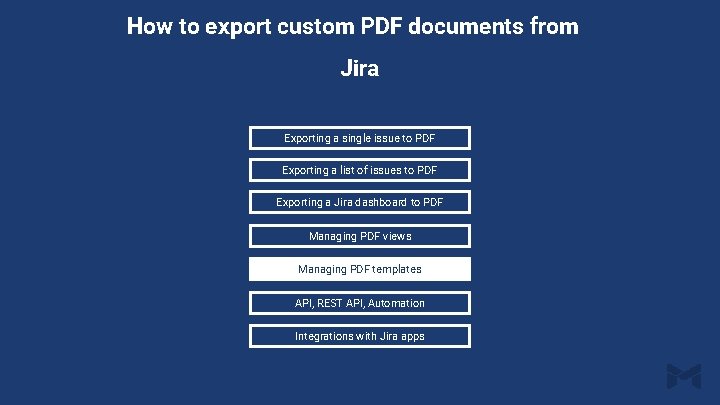
How to export custom PDF documents from Jira Exporting a single issue to PDF Exporting a list of issues to PDF Exporting a Jira dashboard to PDF Managing PDF views Managing PDF templates API, REST API, Automation Integrations with Jira apps
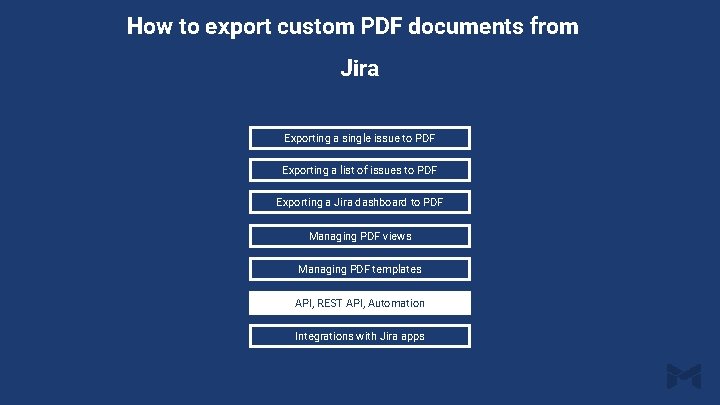
How to export custom PDF documents from Jira Exporting a single issue to PDF Exporting a list of issues to PDF Exporting a Jira dashboard to PDF Managing PDF views Managing PDF templates API, REST API, Automation Integrations with Jira apps
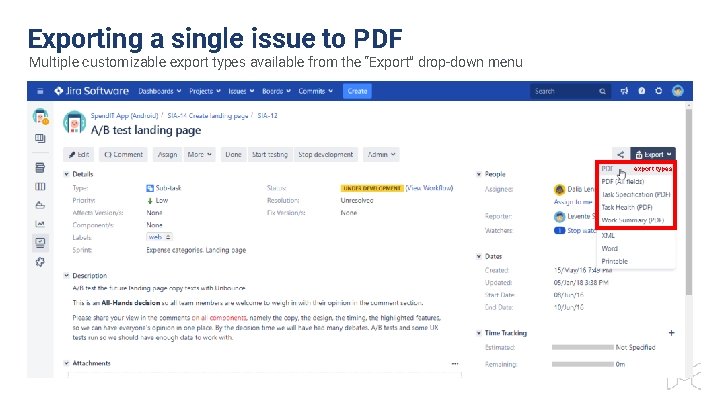
Exporting a single issue to PDF Multiple customizable export types available from the “Export” drop-down menu export types
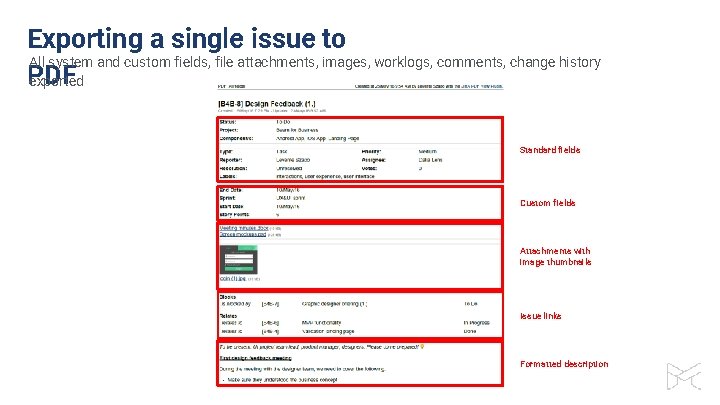
Exporting a single issue to All system and custom fields, file attachments, images, worklogs, comments, change history PDF exported Standard fields Custom fields Attachments with image thumbnails Issue links Formatted description
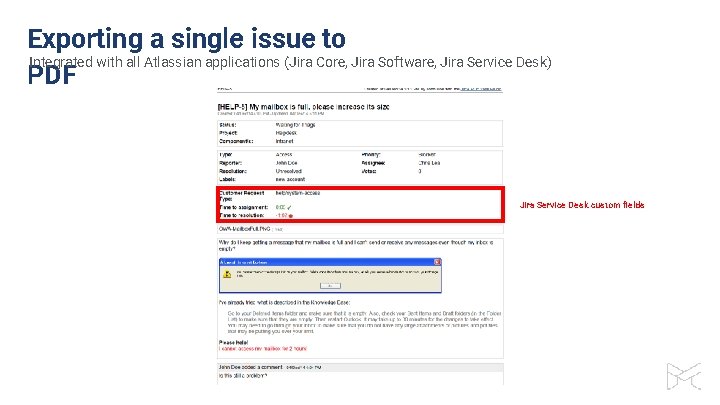
Exporting a single issue to Integrated with all Atlassian applications (Jira Core, Jira Software, Jira Service Desk) PDF Jira Service Desk custom fields
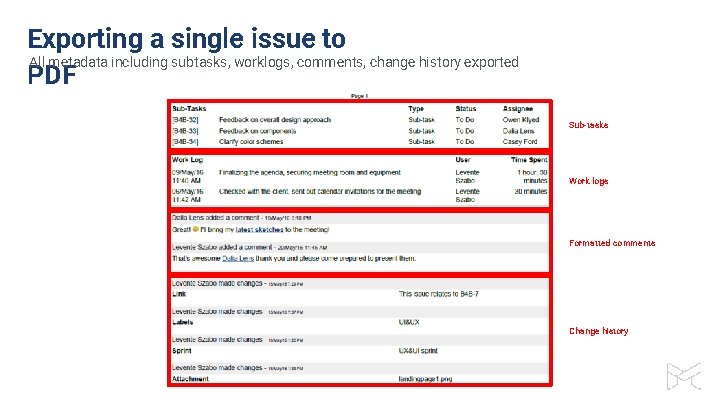
Exporting a single issue to All metadata including subtasks, worklogs, comments, change history exported PDF Sub-tasks Work logs Formatted comments Change history
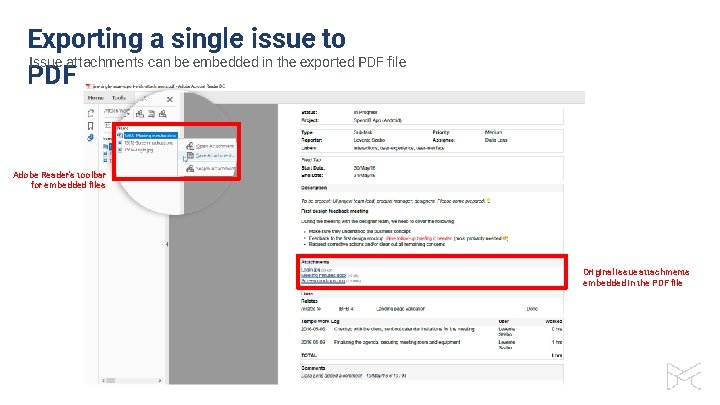
Exporting a single issue to Issue attachments can be embedded in the exported PDF file PDF Adobe Reader’s toolbar for embedded files Original issue attachments embedded in the PDF file
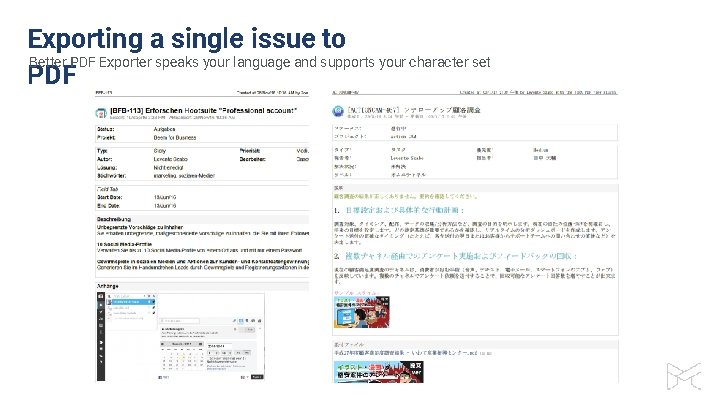
Exporting a single issue to Better PDF Exporter speaks your language and supports your character set PDF
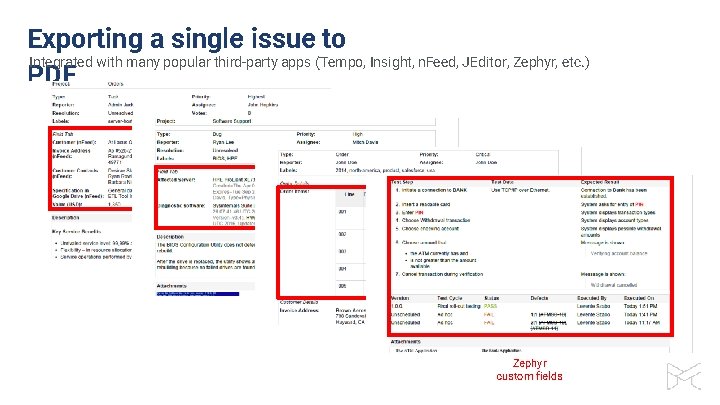
Exporting a single issue to Integrated with many popular third-party apps (Tempo, Insight, n. Feed, JEditor, Zephyr, etc. ) PDF n. Feed custom fields Insight custom fields Table Grid Editor custom field Zephyr custom fields
How to export custom PDF documents from Jira Exporting a single issue to PDF Exporting a list of issues to PDF Exporting a Jira dashboard to PDF Managing PDF views Managing PDF templates API, REST API, Automation Integrations with Jira apps
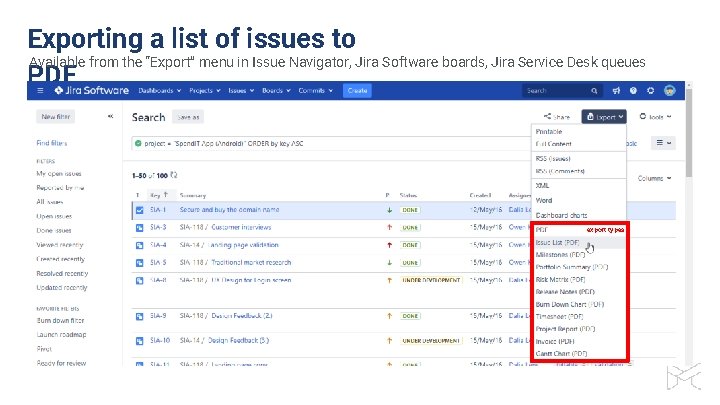
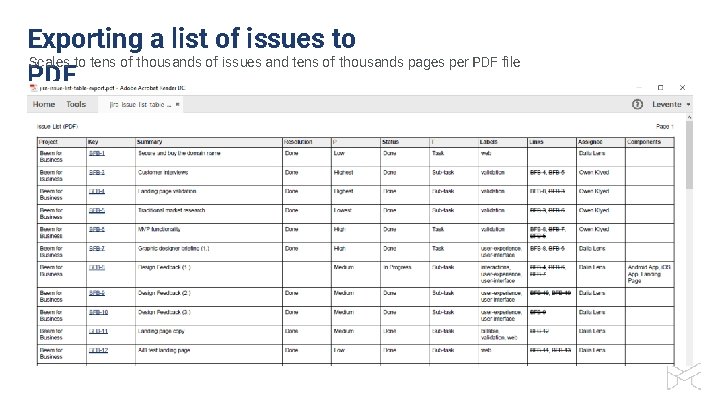
Exporting a list of issues to Available from the “Export” menu in Issue Navigator, Jira Software boards, Jira Service Desk queues PDF export types
Exporting a list of issues to Scales to tens of thousands of issues and tens of thousands pages per PDF file PDF
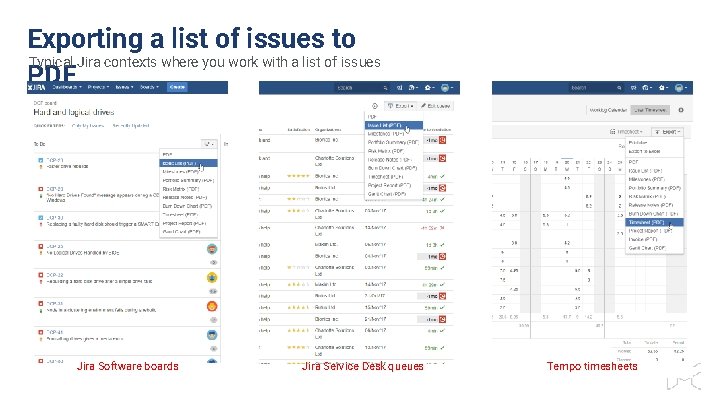
Exporting a list of issues to Typical Jira contexts where you work with a list of issues PDF Jira Software boards Jira Service Desk queues Tempo timesheets
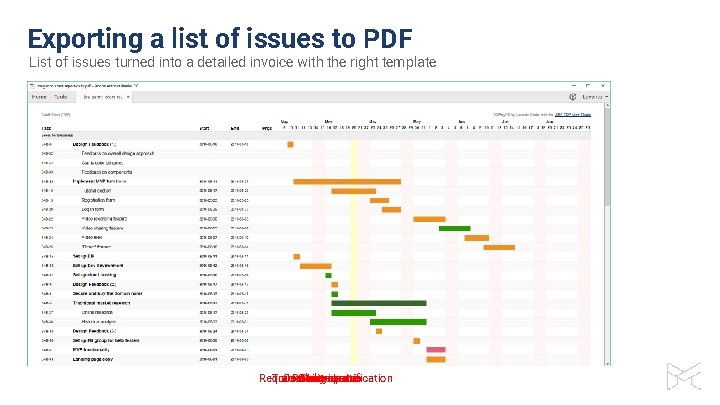
Exporting a list of issues to PDF List of issues turned into a detailed invoice with the right template Requirements Traceability Custom Release Gantt Story Invoice report chart cards specification matrix notes
How to export custom PDF documents from Jira Exporting a single issue to PDF Exporting a list of issues to PDF Exporting a Jira dashboard to PDF Managing PDF views Managing PDF templates API, REST API, Automation Integrations with Jira apps
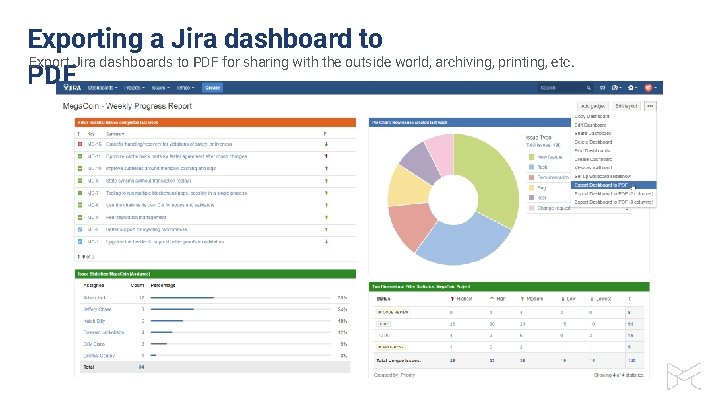
Exporting a Jira dashboard to Export Jira dashboards to PDF for sharing with the outside world, archiving, printing, etc. PDF
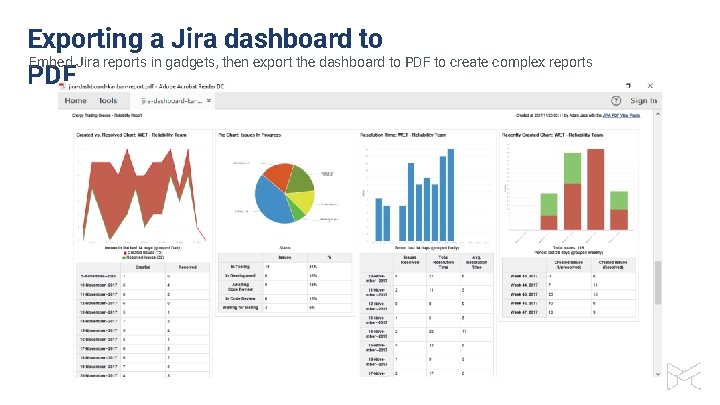
Exporting a Jira dashboard to Embed Jira reports in gadgets, then export the dashboard to PDF to create complex reports PDF
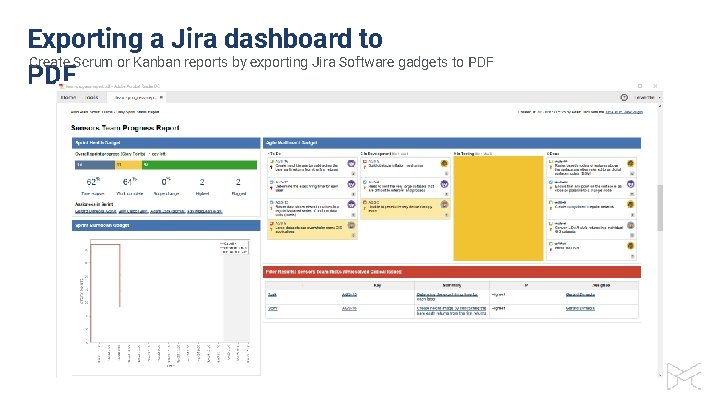
Exporting a Jira dashboard to Create Scrum or Kanban reports by exporting Jira Software gadgets to PDF
How to export custom PDF documents from Jira Exporting a single issue to PDF Exporting a list of issues to PDF Exporting a Jira dashboard to PDF Managing PDF views Managing PDF templates API, REST API, Automation Integrations with Jira apps
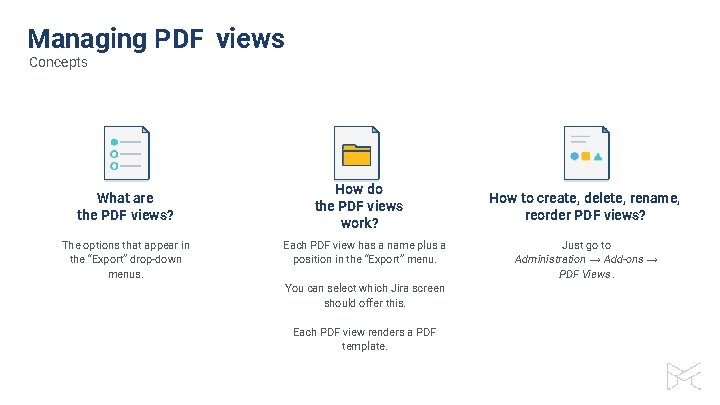
Managing PDF views Concepts What are the PDF views? The options that appear in the “Export” drop-down menus. How do the PDF views work? Each PDF view has a name plus a position in the “Export” menu. You can select which Jira screen should offer this. Each PDF view renders a PDF template. How to create, delete, rename, reorder PDF views? Just go to Administration → Add-ons → PDF Views.
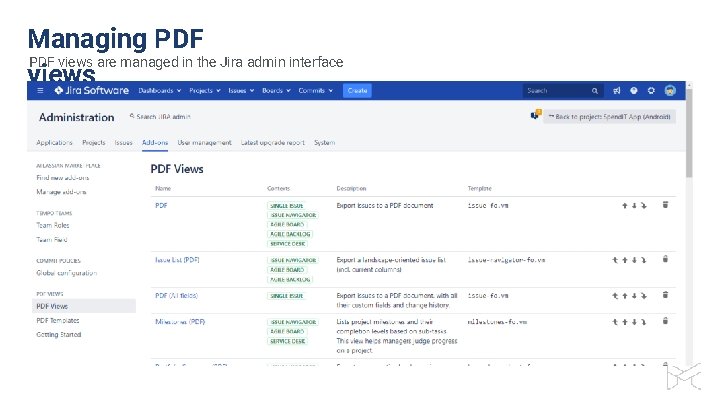
Managing PDF views are managed in the Jira admin interface views
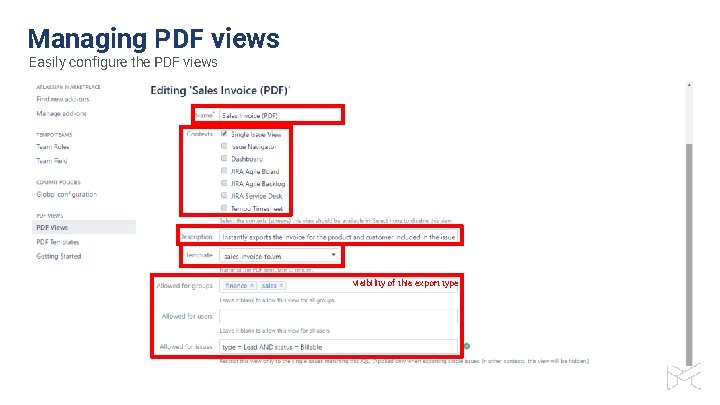
Managing PDF views Easily configure the PDF views visibility of this export type
How to export custom PDF documents from Jira Exporting a single issue to PDF Exporting a list of issues to PDF Exporting a Jira dashboard to PDF Managing PDF views Managing PDF templates API, REST API, Automation Integrations with Jira apps
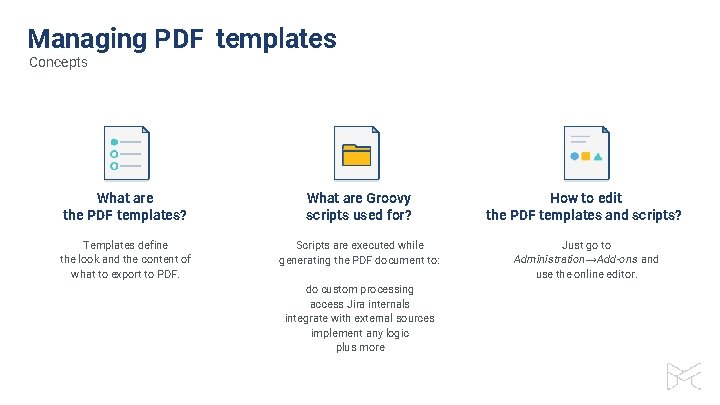
Managing PDF templates Concepts What are the PDF templates? What are Groovy scripts used for? How to edit the PDF templates and scripts? Templates define the look and the content of what to export to PDF. Scripts are executed while generating the PDF document to: Just go to Administration →Add-ons and use the online editor. do custom processing access Jira internals integrate with external sources implement any logic plus more
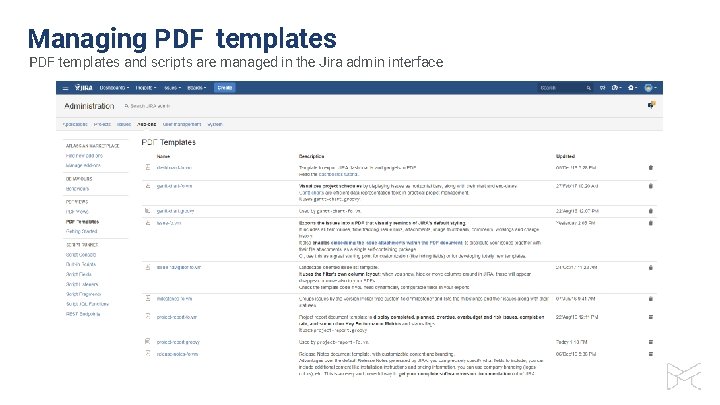
Managing PDF templates and scripts are managed in the Jira admin interface
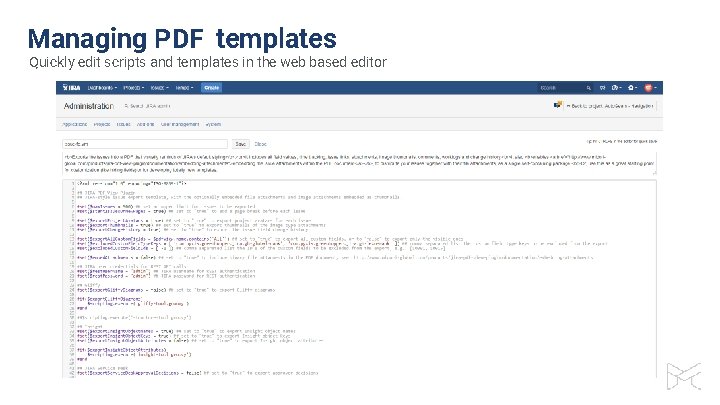
Managing PDF templates Quickly edit scripts and templates in the web based editor
How to export custom PDF documents from Jira Exporting a single issue to PDF Exporting a list of issues to PDF Exporting a Jira dashboard to PDF Managing PDF views Managing PDF templates API, REST API, Automation Integrations with Jira apps
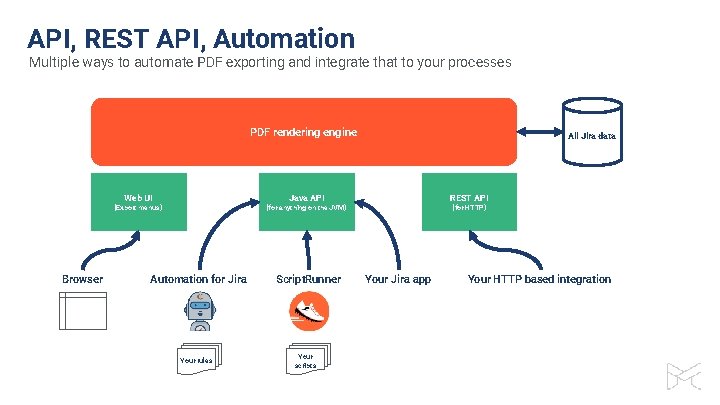
API, REST API, Automation Multiple ways to automate PDF exporting and integrate that to your processes PDF rendering engine Web UI Java API (Export menus) Browser All Jira data REST API (for anything on the JVM) Automation for Jira Your rules Script. Runner Your scripts (for HTTP) Your Jira app Your HTTP based integration
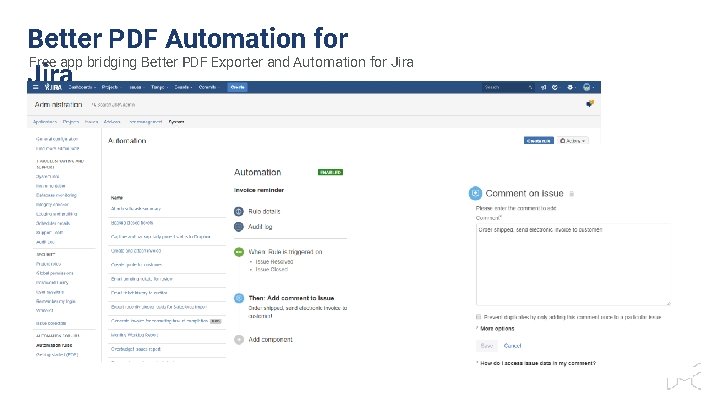
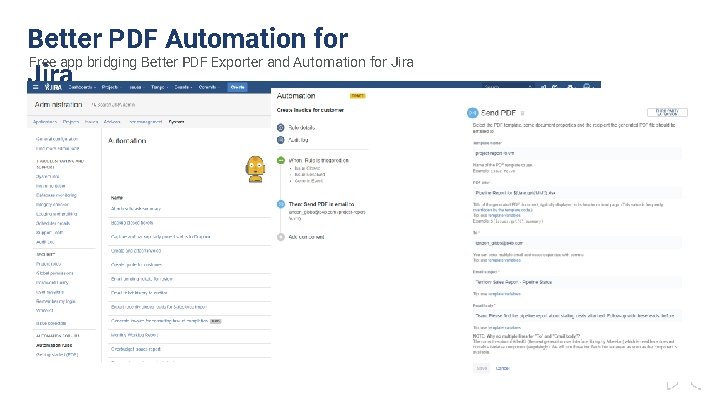
Better PDF Automation for Free app bridging Better PDF Exporter and Automation for Jira
Better PDF Automation for Free app bridging Better PDF Exporter and Automation for Jira
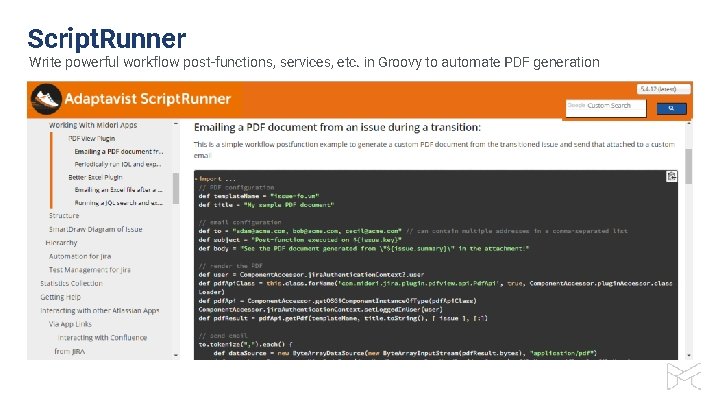
Script. Runner Write powerful workflow post-functions, services, etc. in Groovy to automate PDF generation
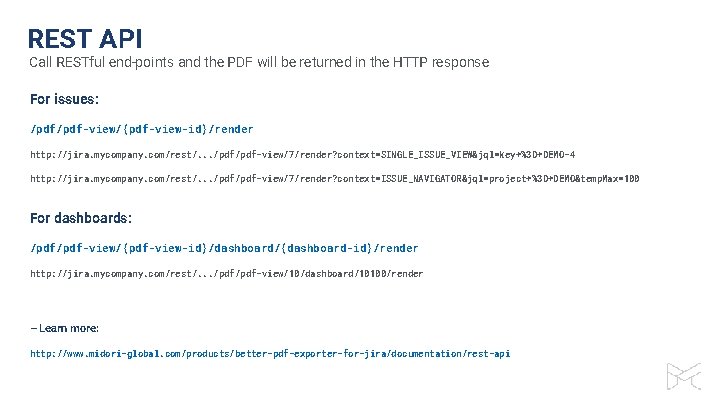
REST API Call RESTful end-points and the PDF will be returned in the HTTP response For issues: /pdf-view/{pdf-view-id}/render http: //jira. mycompany. com/rest/. . . /pdf-view/7/render? context=SINGLE_ISSUE_VIEW&jql=key+%3 D+DEMO-4 http: //jira. mycompany. com/rest/. . . /pdf-view/7/render? context=ISSUE_NAVIGATOR&jql=project+%3 D+DEMO&temp. Max=100 For dashboards: /pdf-view/{pdf-view-id}/dashboard/{dashboard-id}/render http: //jira. mycompany. com/rest/. . . /pdf-view/10/dashboard/10100/render – Learn more: http: //www. midori-global. com/products/better-pdf-exporter-for-jira/documentation/rest-api
How to export custom PDF documents from Jira Exporting a single issue to PDF Exporting a list of issues to PDF Exporting a Jira dashboard to PDF Managing PDF views Managing PDF templates API, REST API, Automation Integrations with Jira apps
Integrations with Jira applications Better PDF Exporter support all Jira editions
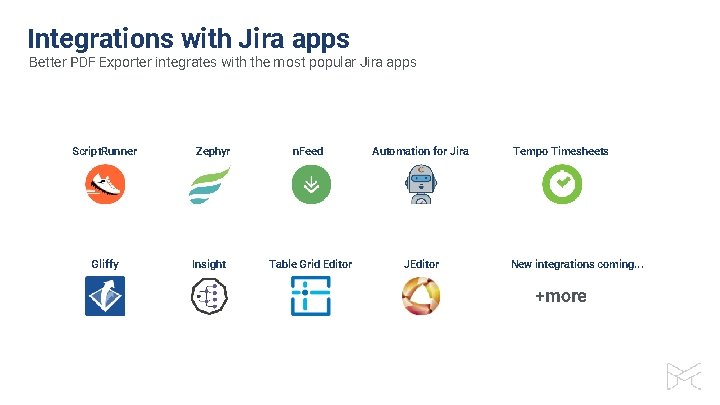
Integrations with Jira apps Better PDF Exporter integrates with the most popular Jira apps Script. Runner Gliffy Zephyr Insight n. Feed Automation for Jira Table Grid Editor JEditor Tempo Timesheets New integrations coming. . . +more
Thank you! Levente Szabo • levente. szabo@midoriglobal. com
Try our other apps, too (free)! Better Excel Exporter for Jira Full-blown native Excel exports, spreadsheet reports and Business Intelligence for Jira Better Content Archiving for Confluence Usage tracking, expiration, review workflow, retention and clean-up for your Confluence pages Better Commit Policy for Jira Verify the changes committed to Git, Bitbucket, Git. Hub, Git. Lab, Subversion & Mercurial against configurable rules