
How to edit tab names in our Monthly
How to edit tab names in our Monthly Statistics without affecting functionality By Alejandro Arana and Diana Reyes
• This presentation will guide you in an efficient way to edit tab names in our Monthly Statistics without affecting functionality established in macros.
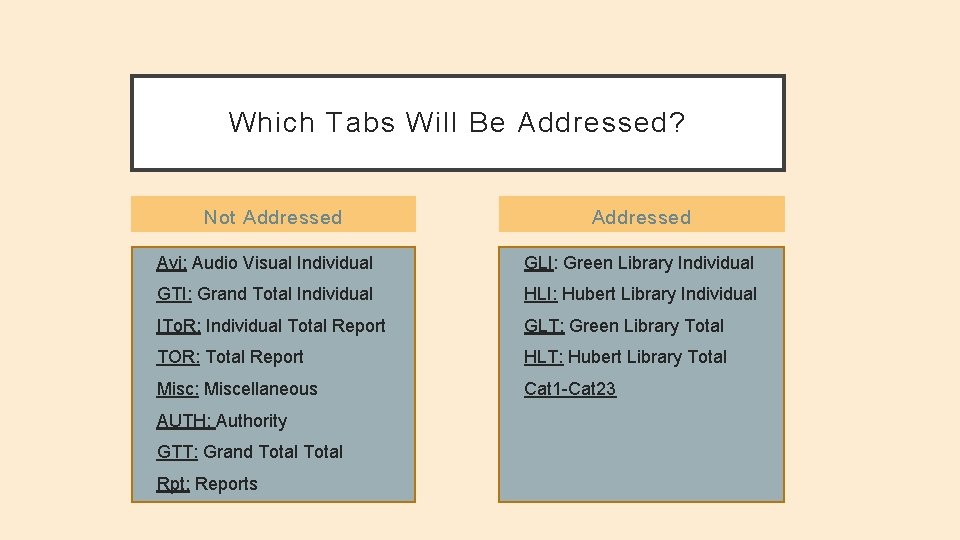
Which Tabs Will Be Addressed? Not Addressed • Avi: Audio Visual Individual • GLI: Green Library Individual • GTI: Grand Total Individual • HLI: Hubert Library Individual • ITo. R: Individual Total Report • GLT: Green Library Total • TOR: Total Report • HLT: Hubert Library Total • Misc: Miscellaneous • Cat 1 -Cat 23 • AUTH: Authority • GTT: Grand Total • Rpt: Reports
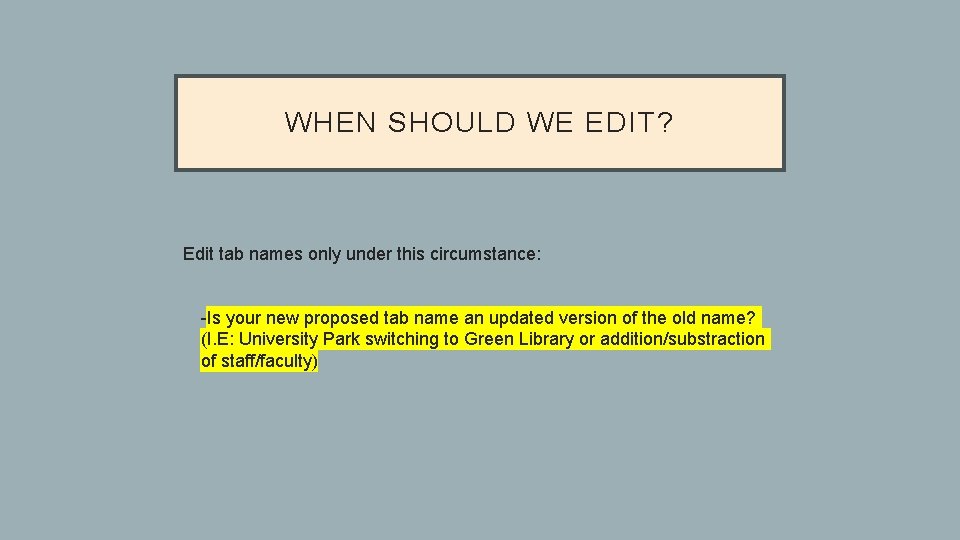
WHEN SHOULD WE EDIT? Edit tab names only under this circumstance: Ø -Is your new proposed tab name an updated version of the old name? (I. E: University Park switching to Green Library or addition/substraction of staff/faculty)
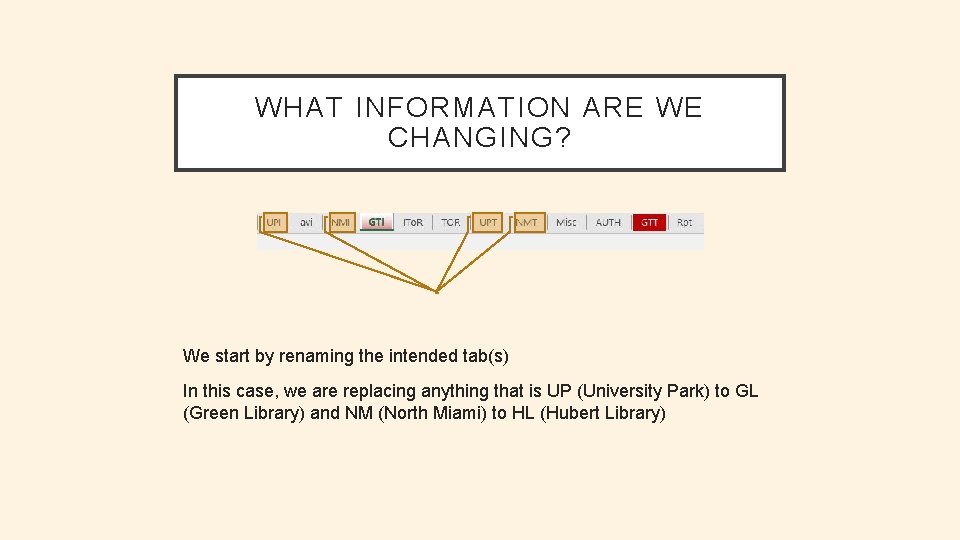
WHAT INFORMATION ARE WE CHANGING? We start by renaming the intended tab(s) In this case, we are replacing anything that is UP (University Park) to GL (Green Library) and NM (North Miami) to HL (Hubert Library)
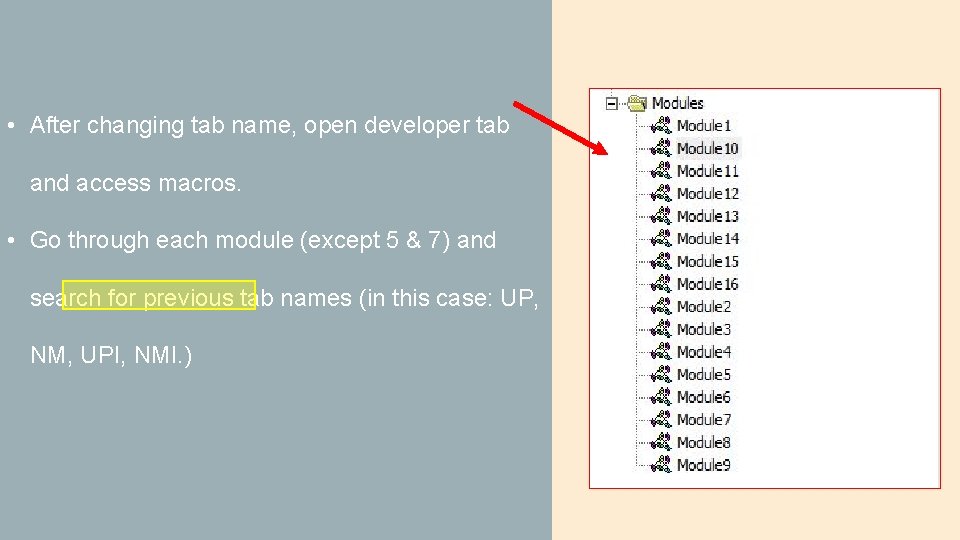
• After changing tab name, open developer tab and access macros. • Go through each module (except 5 & 7) and search for previous tab names (in this case: UP, NM, UPI, NMI. )
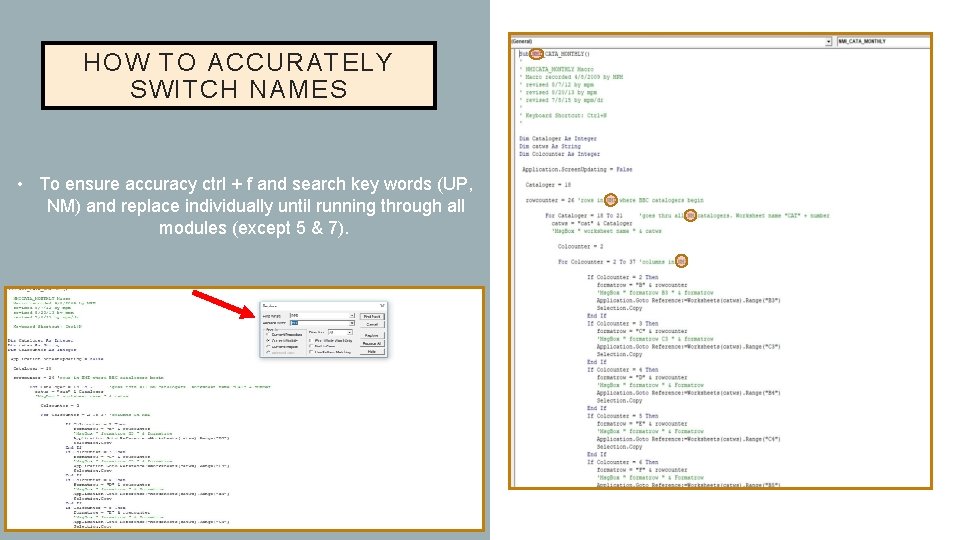
HOW TO ACCURATELY SWITCH NAMES • To ensure accuracy ctrl + f and search key words (UP, NM) and replace individually until running through all modules (except 5 & 7).
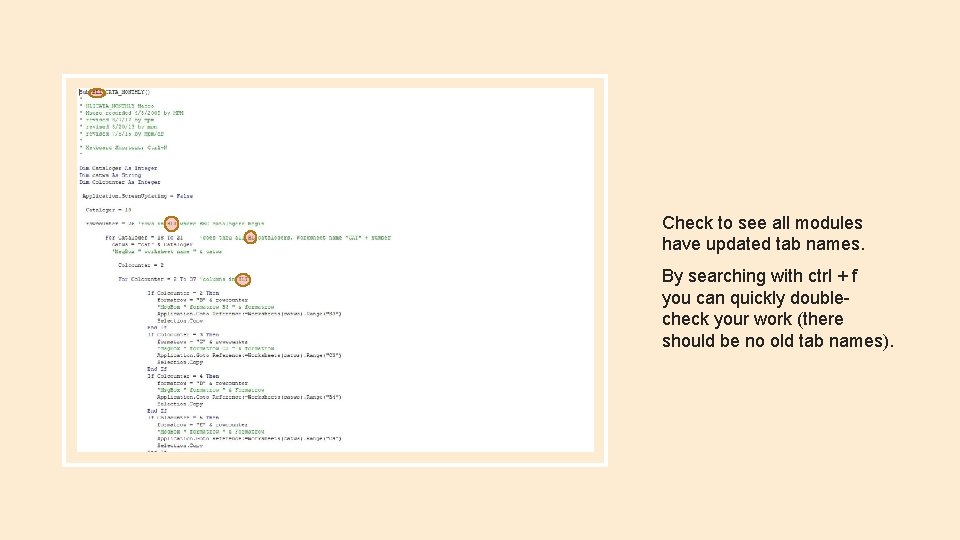
Check to see all modules have updated tab names. By searching with ctrl + f you can quickly doublecheck your work (there should be no old tab names).
MODULES 5 & 7 • Modules 5 & 7 have UP’s and NM’s that should not be changed because of established references. • The only ones you don’t change have a longer name ("UPT_ZERO 2" , “NMT_WITH” , etc. ) • In essence you only change it when it refers to the worksheet.
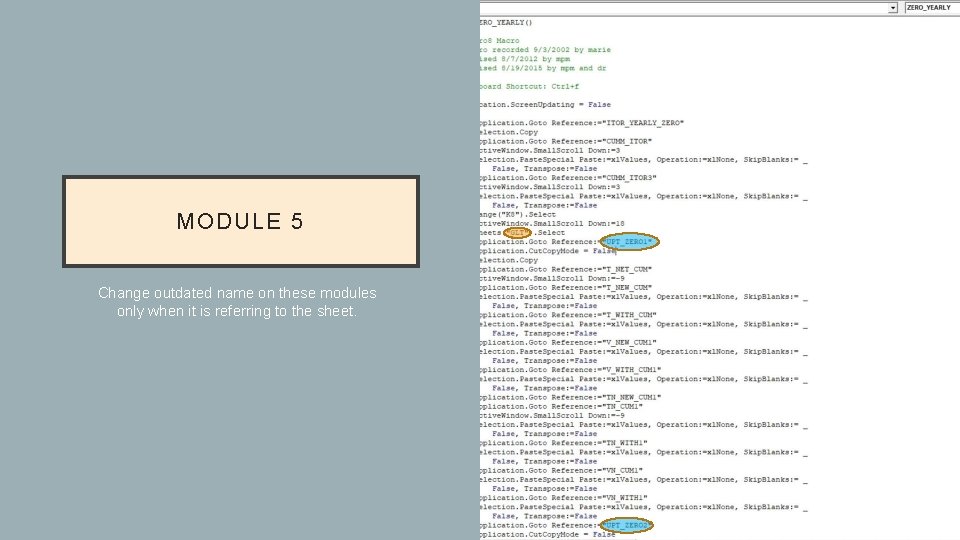
MODULE 5 Change outdated name on these modules only when it is referring to the sheet.
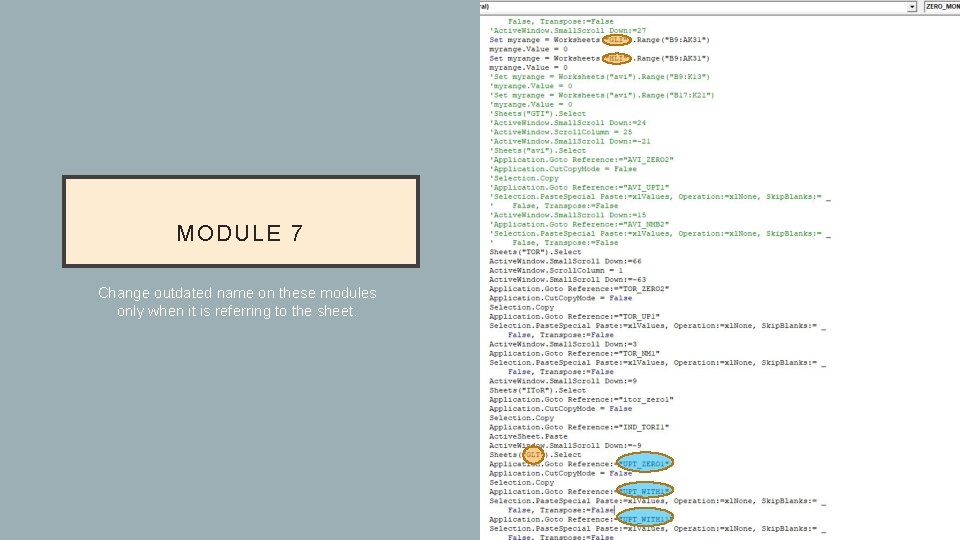
MODULE 7 Change outdated name on these modules only when it is referring to the sheet.
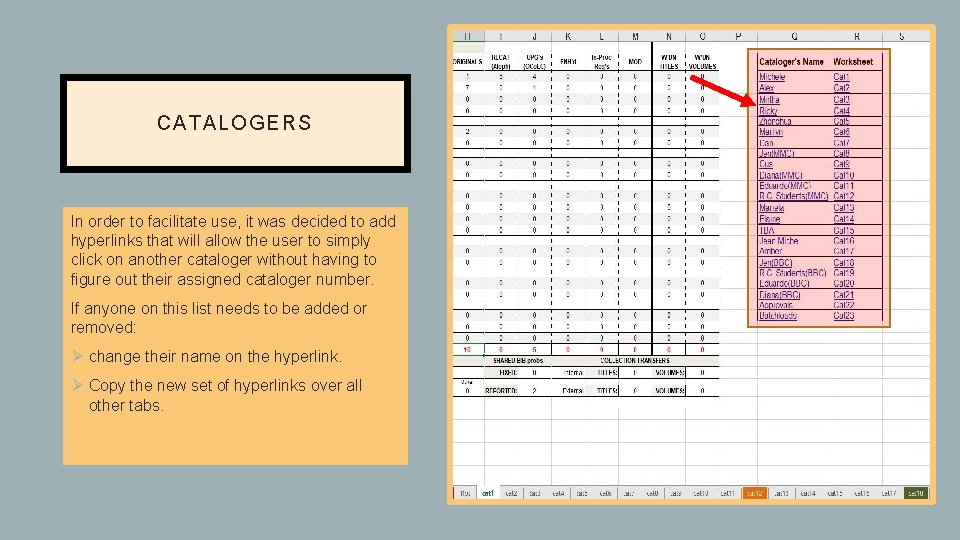
CA TALO GERS In order to facilitate use, it was decided to add hyperlinks that will allow the user to simply click on another cataloger without having to figure out their assigned cataloger number. If anyone on this list needs to be added or removed: Ø change their name on the hyperlink. Ø Copy the new set of hyperlinks over all other tabs.
- Slides: 12