
How to do PROJECT IMPLEMENTATION DOCUMENT MANAGEMENT COMMUNICATION
- Slides: 16
How to do? PROJECT IMPLEMENTATION DOCUMENT MANAGEMENT & COMMUNICATION
EU Projects- Usual way Countless e-mails – Irrelevant for all recipients – Mailnig groups are difficult to manage Security issues (personal data, financial data, research) Document exchange systems – Which version? Who can access the file? Who read the file? – Large files to inbox? Large international consortia
USUAL WAY Unclear organization Unproductive (on-line) conferences & meetings Unspecified tasks and parts of projects Missing documents and files Chaos ? ?
4 PM WAY Only relevant e-mails – for directly involved – organized communication history by tasks, projects Document exchange systems – – document versioning key words document Access control powerful search Safe document exchange (SSL) 24/7 access
4 PM WAY Transparency Better collaboration Improved communication Successful projects
How to IMPROVE PROJECT COLLABORATION?
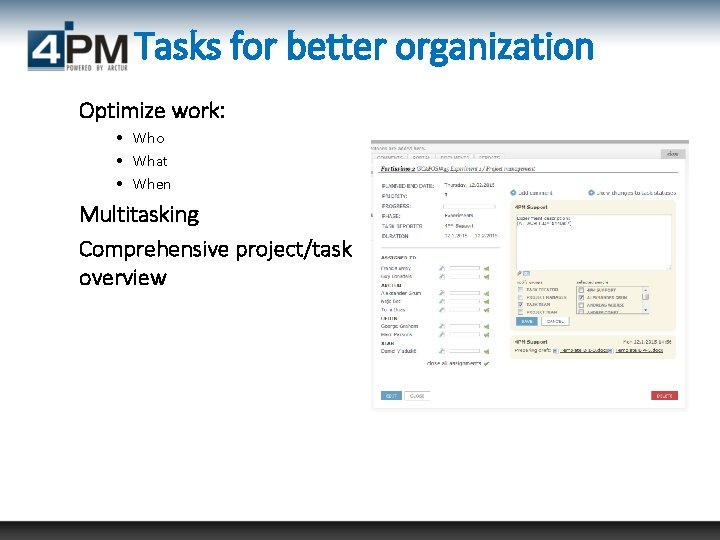
Tasks for better organization Optimize work: • Who • What • When Multitasking Comprehensive project/task overview
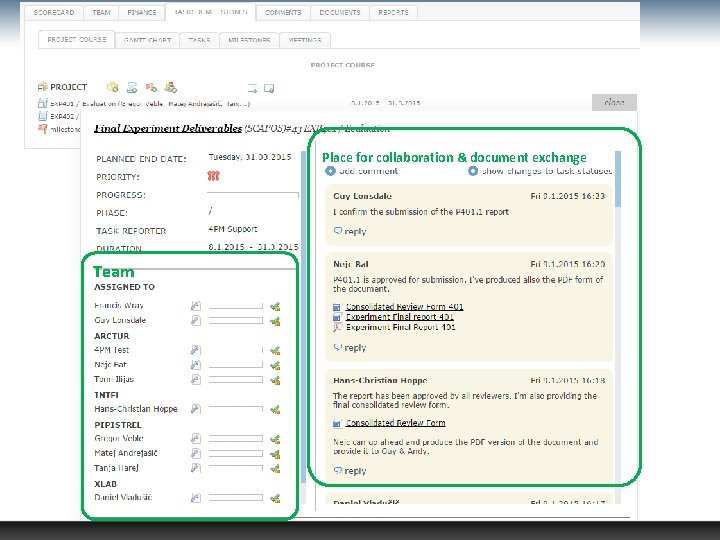
Place for collaboration & document exchange Team
Collaboration & Communication • writing task & project comments • attaching documents, versions to folders for document exchange • communication history • better collaboration & group work • management of e-mailing lists & sending e-mails • multi-level communication: • for a specific task (financial plan) • for project (kick-off meeting minutes, reports…)
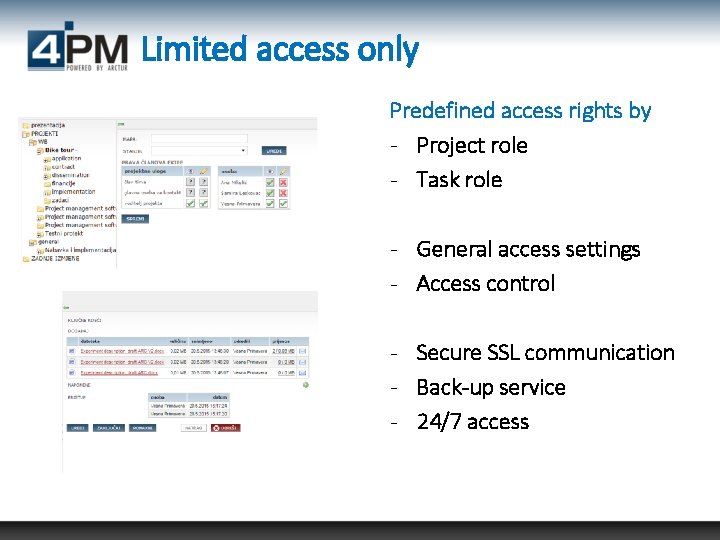
Limited access only Predefined access rights by - Project role - Task role - General access settings - Access control - Secure SSL communication - Back-up service - 24/7 access
How and whem can I USE 4 PM?
Project planning use – Application preparation and document management – Budget planning – Activity plan Project implementation – Deliverables management – Managing due dates – Financial reporting (budget plan and cost) – Time-sheet reporting – Project coordination Project archiving
And BEST PART OF USING 4 PM IS?
Ready to use All information, all documents, all communication and also project plan (Gantt-chart with activities and finance plan) is safely stored in 4 PM. Once your project is confirmed, you can continue with project implementation.
How to use? LIVE-DEMO. .
Additional information Arctur, d. o. o. Vesna Kobal P: + 386 41 400 967 M: + 386 5 333 15 65 www. 4 pm. si/eng support@4 pm. si