
How To Do Medication Changes New Leaf HowTos
- Slides: 11
How To Do… Medication Changes New Leaf How-To’s
Receive Script from Doctor New Leaf How-To’s
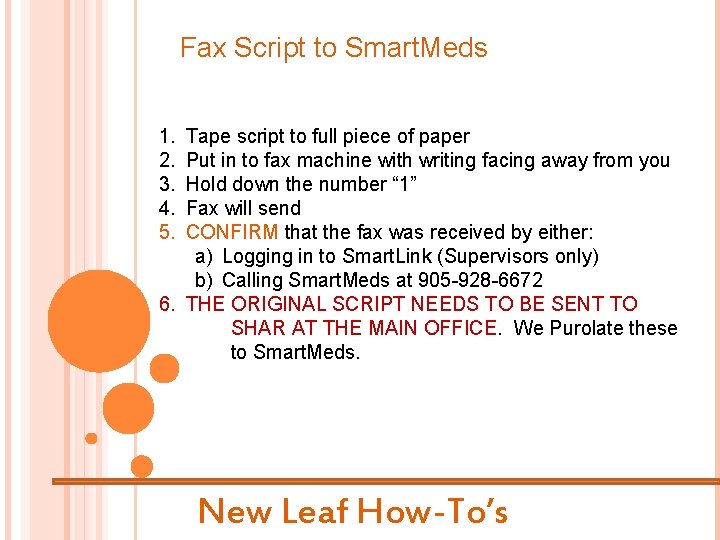
Fax Script to Smart. Meds 1. 2. 3. 4. 5. Tape script to full piece of paper Put in to fax machine with writing facing away from you Hold down the number “ 1” Fax will send CONFIRM that the fax was received by either: a) Logging in to Smart. Link (Supervisors only) b) Calling Smart. Meds at 905 -928 -6672 6. THE ORIGINAL SCRIPT NEEDS TO BE SENT TO SHAR AT THE MAIN OFFICE. We Purolate these to Smart. Meds. New Leaf How-To’s
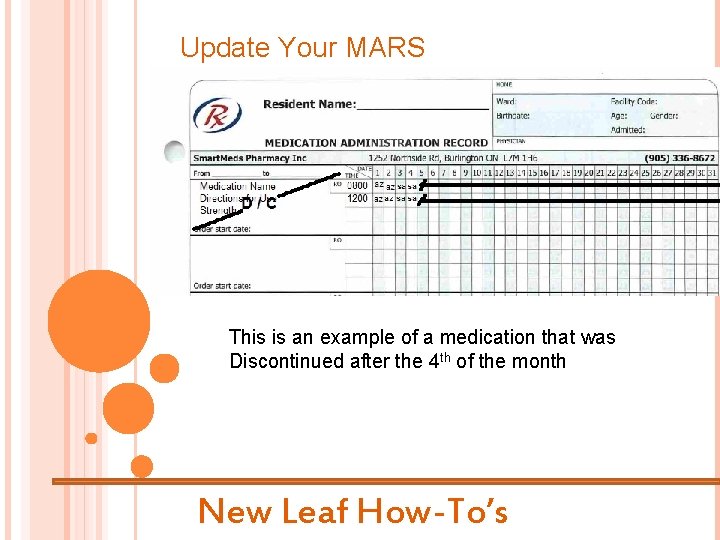
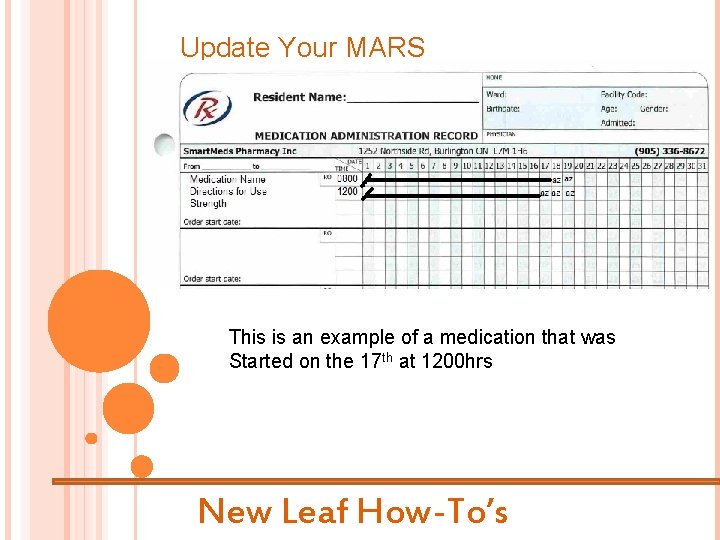
Update Your MARS See examples that follow for: 1. Discontinuation of medication 2. Starting NEW Medication New Leaf How-To’s
Update Your MARS This is an example of a medication that was Discontinued after the 4 th of the month New Leaf How-To’s
Update Your MARS This is an example of a medication that was Started on the 17 th at 1200 hrs New Leaf How-To’s
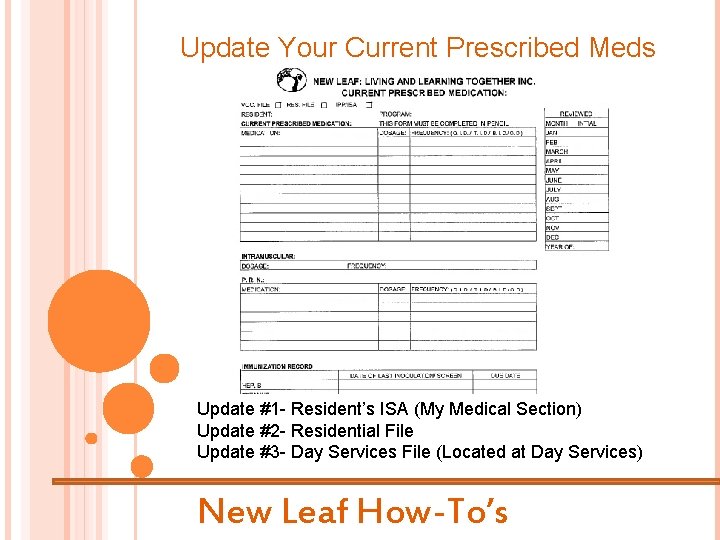
Update Your Current Prescribed Meds Update #1 - Resident’s ISA (My Medical Section) Update #2 - Residential File Update #3 - Day Services File (Located at Day Services) New Leaf How-To’s
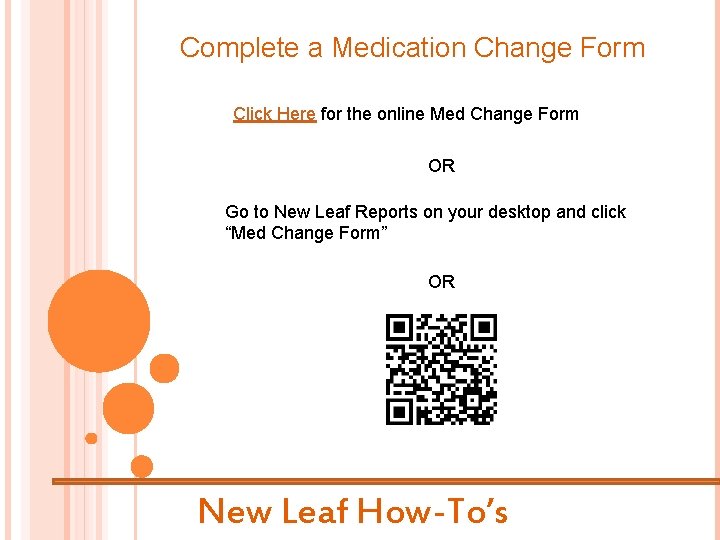
Complete a Medication Change Form Click Here for the online Med Change Form OR Go to New Leaf Reports on your desktop and click “Med Change Form” OR New Leaf How-To’s
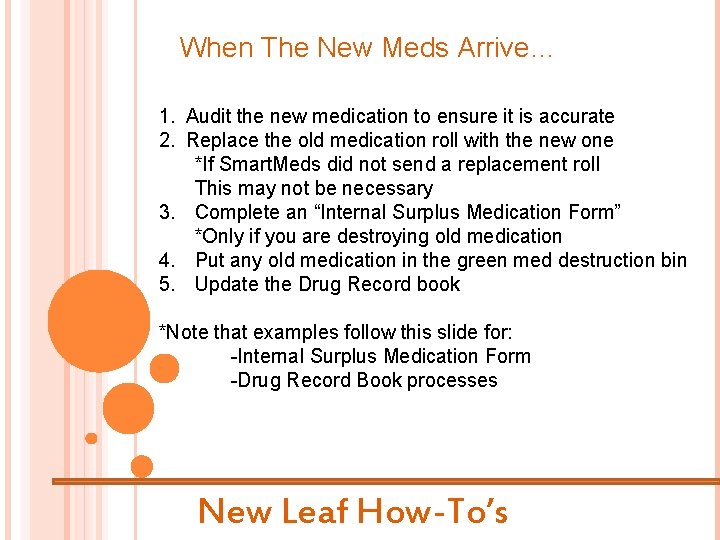
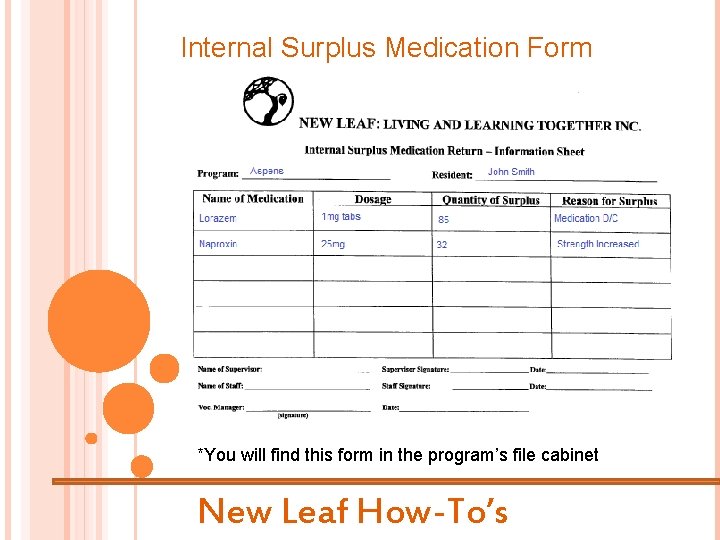
When The New Meds Arrive… 1. Audit the new medication to ensure it is accurate 2. Replace the old medication roll with the new one *If Smart. Meds did not send a replacement roll This may not be necessary 3. Complete an “Internal Surplus Medication Form” *Only if you are destroying old medication 4. Put any old medication in the green med destruction bin 5. Update the Drug Record book *Note that examples follow this slide for: -Internal Surplus Medication Form -Drug Record Book processes New Leaf How-To’s
Internal Surplus Medication Form *You will find this form in the program’s file cabinet New Leaf How-To’s
The Drug Record Book Click Here for instructions on how to use the DRB The End New Leaf How-To’s