
How to Customize and Print Report Cards within
- Slides: 10
How to Customize and Print Report Cards within the Teaching and Learning Exchange (TLE) Step Up For Students Office of Student Learning Nina Gregory Implementation Specialist
Customizing Report Cards Instructional Video
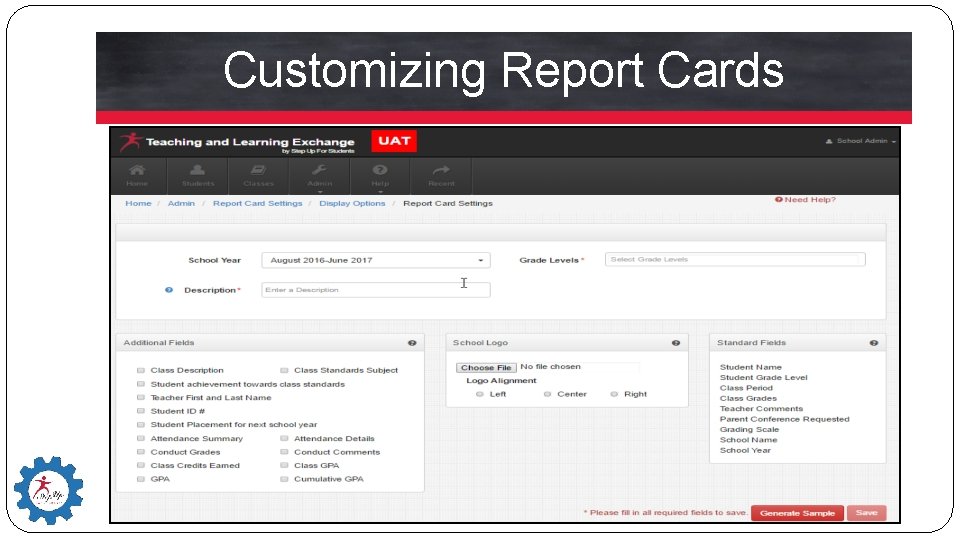
Customizing Report Cards
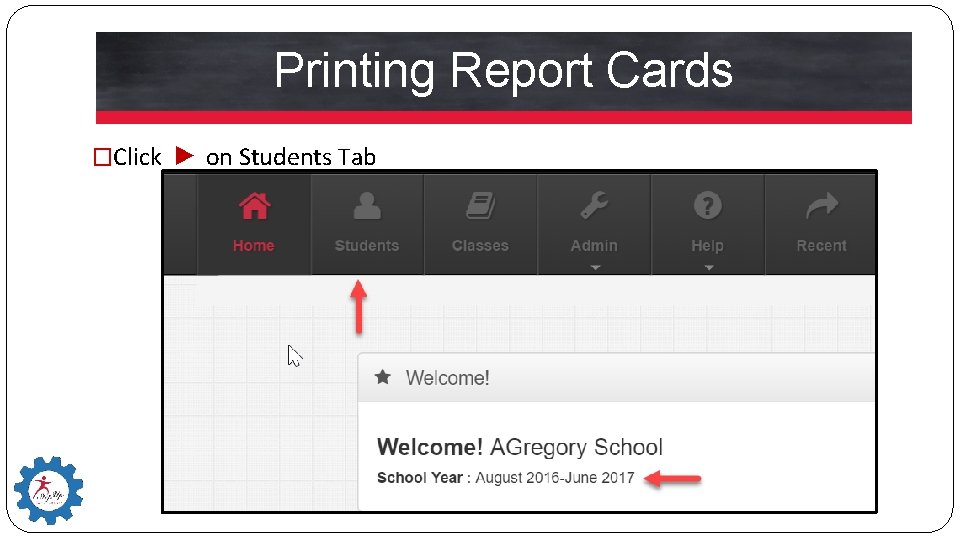
Printing Report Cards �Click ► on Students Tab
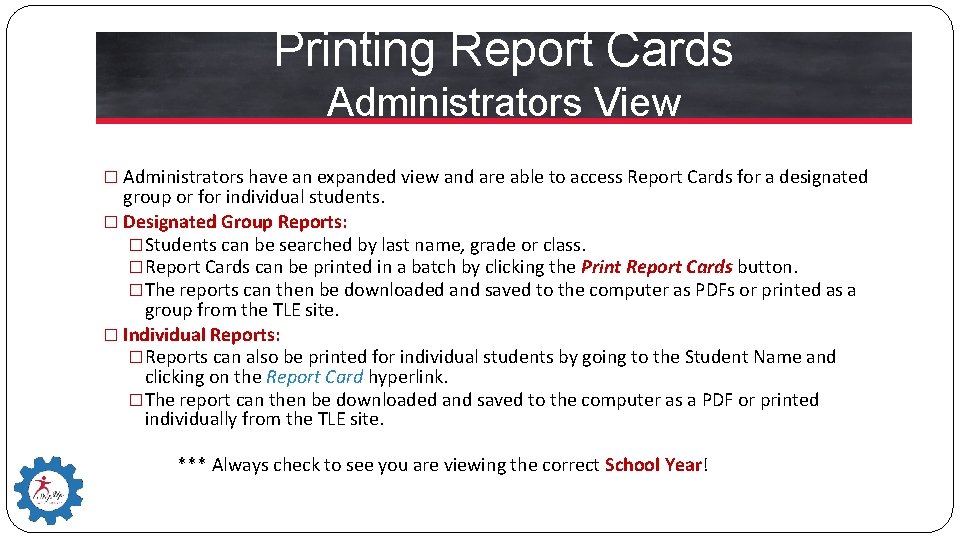
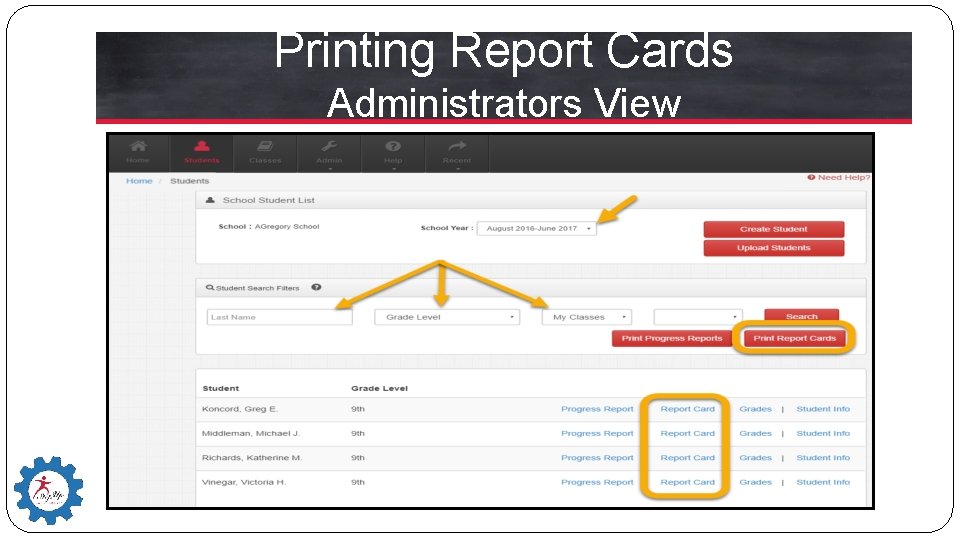
Printing Report Cards Administrators View � Administrators have an expanded view and are able to access Report Cards for a designated group or for individual students. � Designated Group Reports: �Students can be searched by last name, grade or class. �Report Cards can be printed in a batch by clicking the Print Report Cards button. �The reports can then be downloaded and saved to the computer as PDFs or printed as a group from the TLE site. � Individual Reports: �Reports can also be printed for individual students by going to the Student Name and clicking on the Report Card hyperlink. �The report can then be downloaded and saved to the computer as a PDF or printed individually from the TLE site. *** Always check to see you are viewing the correct School Year!
Printing Report Cards Administrators View
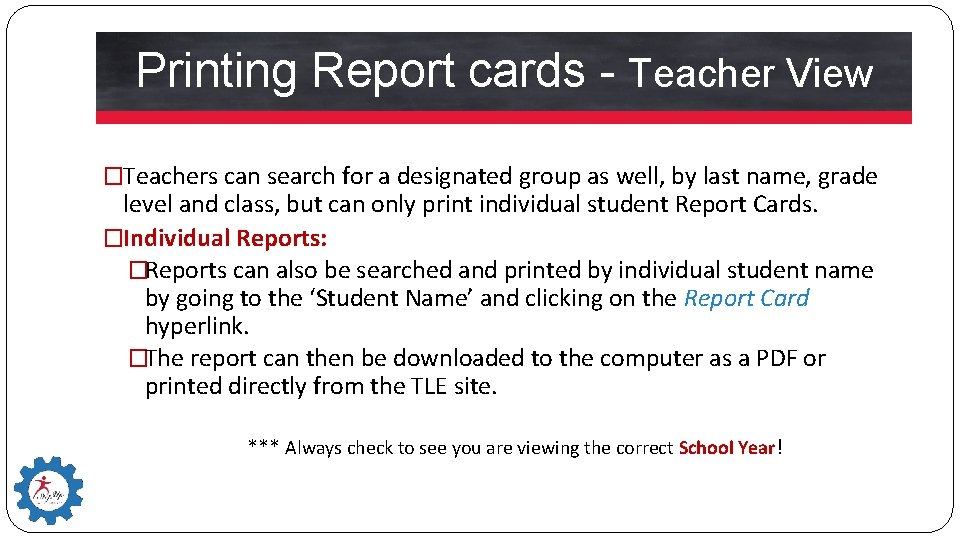
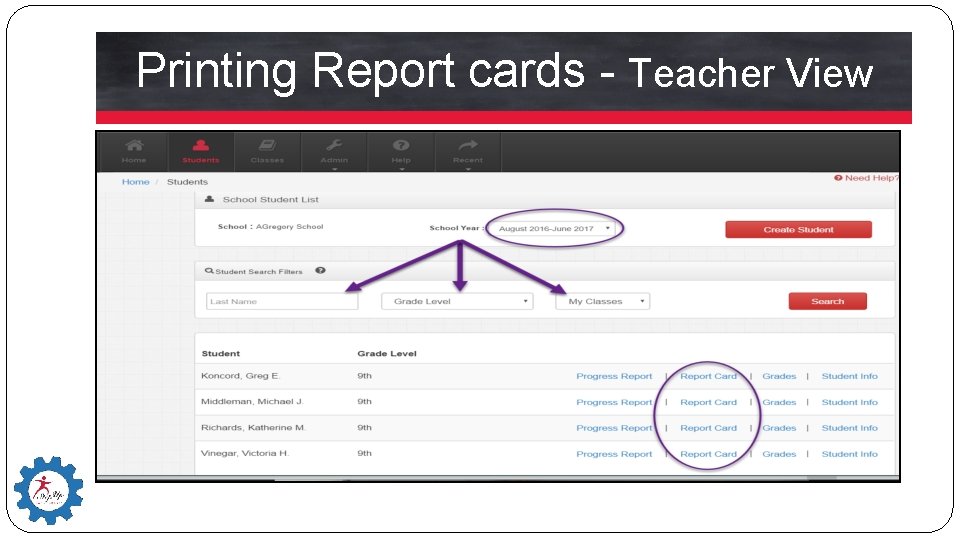
Printing Report cards - Teacher View �Teachers can search for a designated group as well, by last name, grade level and class, but can only print individual student Report Cards. �Individual Reports: �Reports can also be searched and printed by individual student name by going to the ‘Student Name’ and clicking on the Report Card hyperlink. �The report can then be downloaded to the computer as a PDF or printed directly from the TLE site. *** Always check to see you are viewing the correct School Year!
Printing Report cards - Teacher View
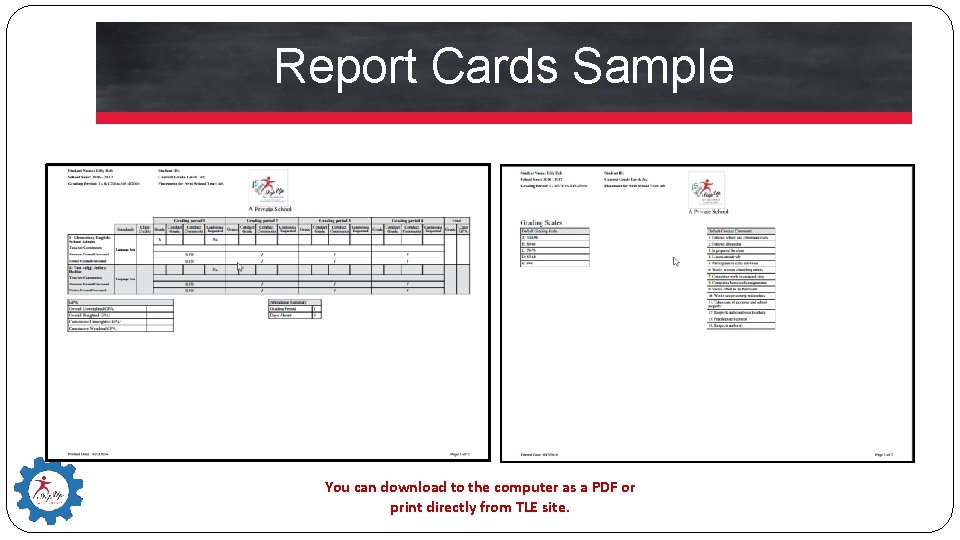
Report Cards Sample You can download to the computer as a PDF or print directly from TLE site.
For More Information… Nina Gregory �Step Up For Students Office of Student Learning �Implementation Specialist �agregory@sufs. org � 727. 300. 0359