
How to create individual SelfControls in Power Point
- Slides: 5
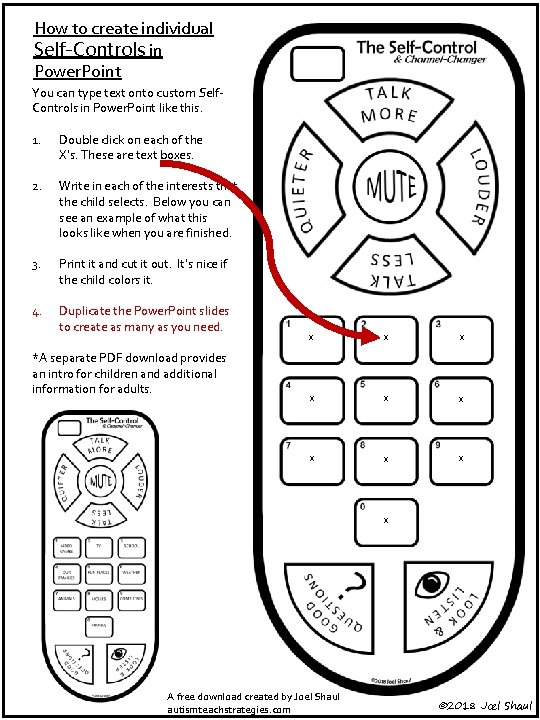
How to create individual Self-Controls in Power. Point You can type text onto custom Self. Controls in Power. Point like this. 1. Double click on each of the X’s. These are text boxes. 2. Write in each of the interests that the child selects. Below you can see an example of what this looks like when you are finished. 3. Print it and cut it out. It’s nice if the child colors it. 4. Duplicate the Power. Point slides to create as many as you need. *A separate PDF download provides an intro for children and additional information for adults. x x x x x A free download created by Joel Shaul autismteachstrategies. com © 2018 Joel Shaul
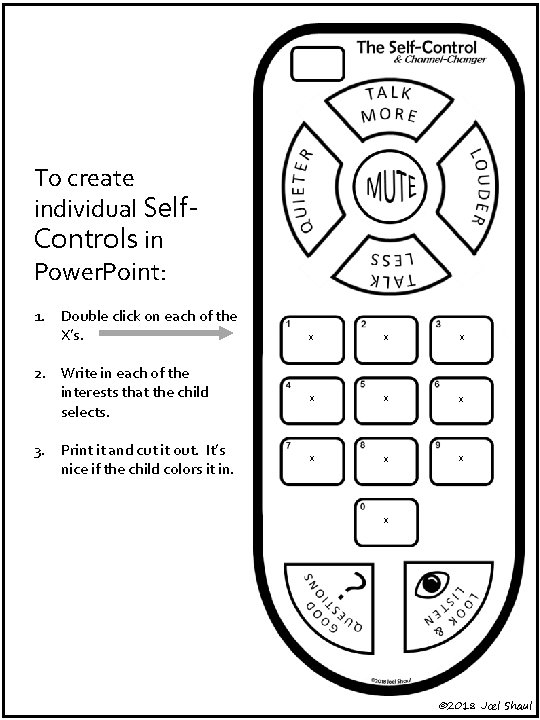
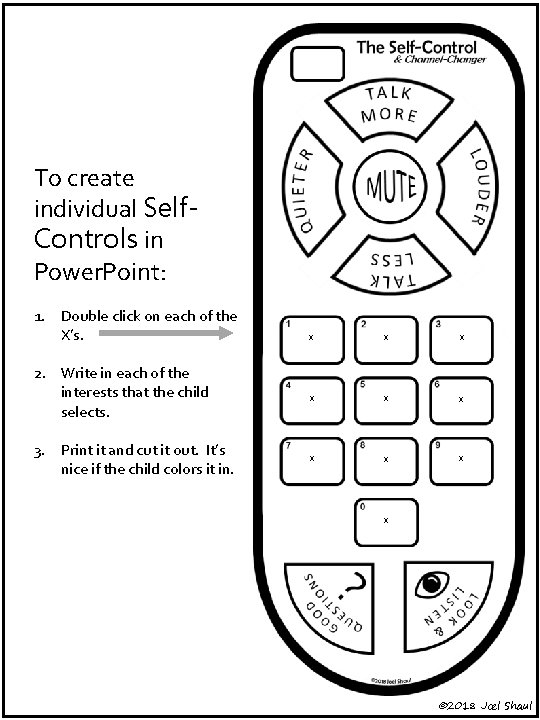
To create individual Self. Controls in Power. Point: 1. Double click on each of the X’s. 2. Write in each of the interests that the child selects. 3. Print it and cut it out. It’s nice if the child colors it in. x x x x x © 2018 Joel Shaul
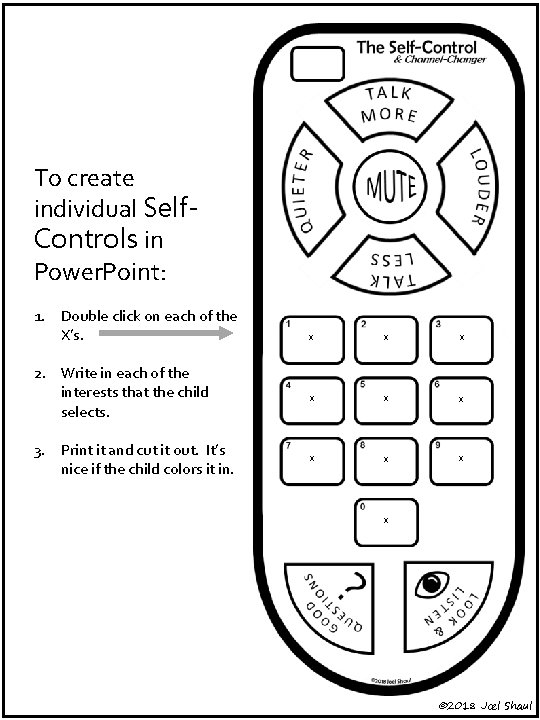
To create individual Self. Controls in Power. Point: 1. Double click on each of the X’s. 2. Write in each of the interests that the child selects. 3. Print it and cut it out. It’s nice if the child colors it in. x x x x x © 2018 Joel Shaul
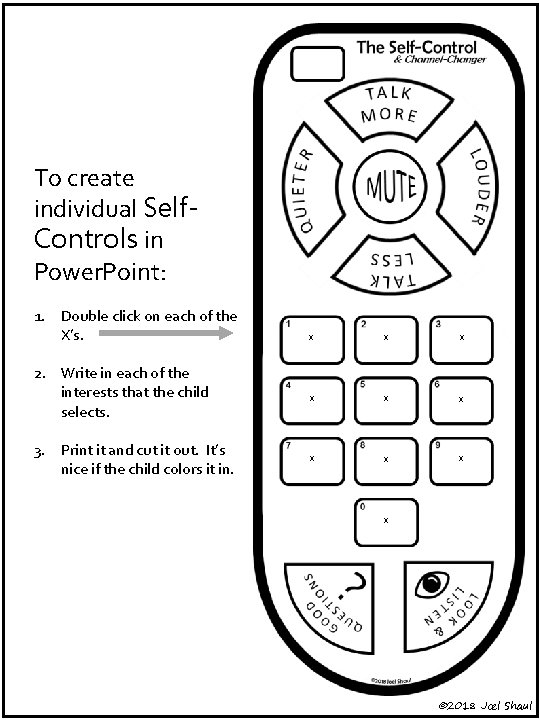
To create individual Self. Controls in Power. Point: 1. Double click on each of the X’s. 2. Write in each of the interests that the child selects. 3. Print it and cut it out. It’s nice if the child colors it in. x x x x x © 2018 Joel Shaul
To create individual Self. Controls in Power. Point: 1. Double click on each of the X’s. 2. Write in each of the interests that the child selects. 3. Print it and cut it out. It’s nice if the child colors it in. x x x x x © 2018 Joel Shaul