
How to Create Application Workplace List Accelerator June

- Slides: 15
How to Create Application - Workplace List Accelerator June 19, 2019 PUBLIC
Purpose of This Document SAP Activate Methodology Accelerator – How to Application - Workplace list The purpose of this accelerator is to enable and educate users on how to download the relevant information required for the Application - Workplace list from the SAP Fiori apps reference library. The list will help to identify the applications and required Business Catalogs during the Fit-to Standard workshop. Document Target Audience: Business Process Expert(s) © 2019 SAP SE or an SAP affiliate company. All rights reserved. ǀ PUBLIC Identity and Access Management Expert(s) Please Note: Detailed information on the Identity and Access Management process is not covered in this presentation. For detailed information regarding the Identity and Access Management process, please refer to the provided information in the SAP Activate Roadmap viewer. 2
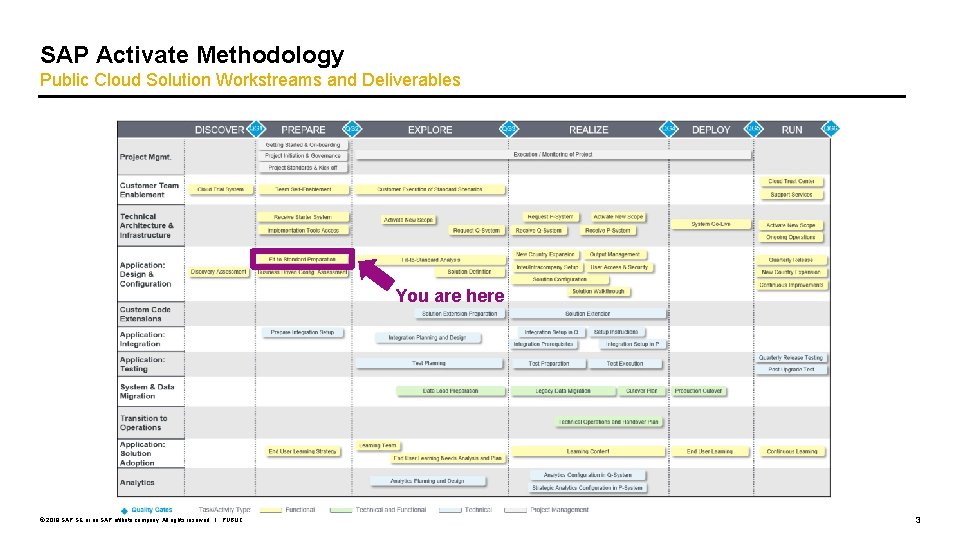
SAP Activate Methodology Public Cloud Solution Workstreams and Deliverables You are here © 2019 SAP SE or an SAP affiliate company. All rights reserved. ǀ PUBLIC 3
Agenda 1. Prepare: Create Application – Workplace list 2. Explore: Fit-to Standard Workshops 3. Explore: Plan and design Identity and Access Management © 2019 SAP SE or an SAP affiliate company. All rights reserved. ǀ PUBLIC 4
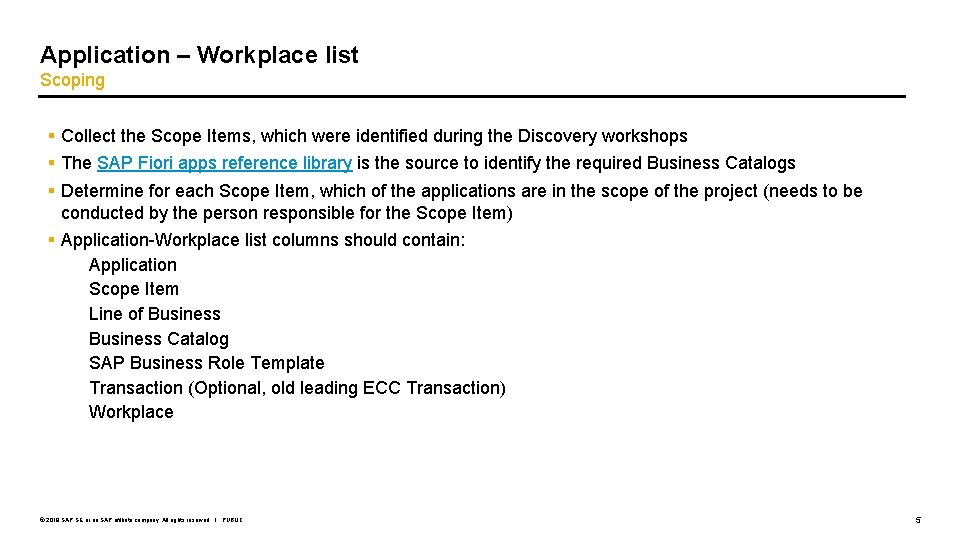
Application – Workplace list Scoping § Collect the Scope Items, which were identified during the Discovery workshops § The SAP Fiori apps reference library is the source to identify the required Business Catalogs § Determine for each Scope Item, which of the applications are in the scope of the project (needs to be conducted by the person responsible for the Scope Item) § Application-Workplace list columns should contain: ▫ Application ▫ Scope Item ▫ Line of Business ▫ Business Catalog ▫ SAP Business Role Template ▫ Transaction (Optional, old leading ECC Transaction) ▫ Workplace © 2019 SAP SE or an SAP affiliate company. All rights reserved. ǀ PUBLIC 5
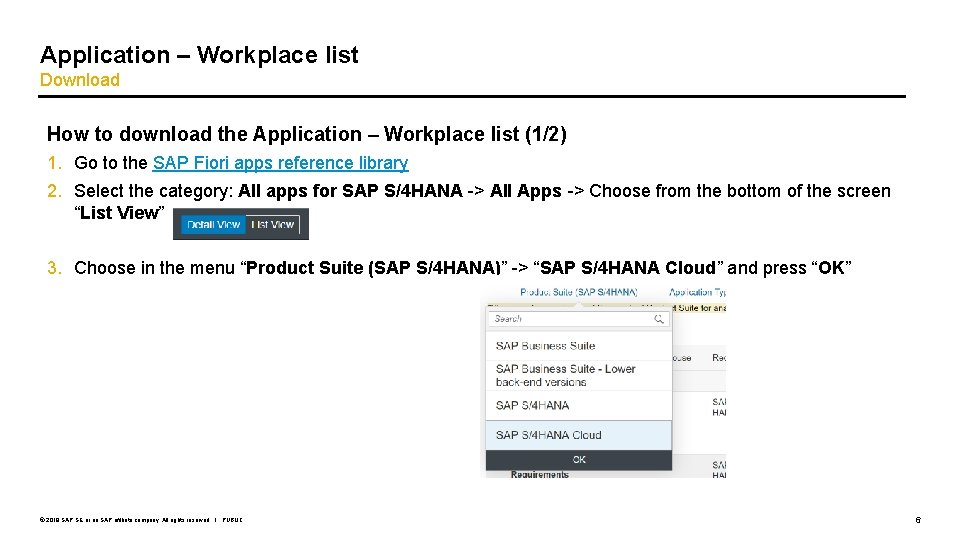
Application – Workplace list Download How to download the Application – Workplace list (1/2) 1. Go to the SAP Fiori apps reference library 2. Select the category: All apps for SAP S/4 HANA -> All Apps -> Choose from the bottom of the screen “List View” 3. Choose in the menu “Product Suite (SAP S/4 HANA)” -> “SAP S/4 HANA Cloud” and press “OK” © 2019 SAP SE or an SAP affiliate company. All rights reserved. ǀ PUBLIC 6
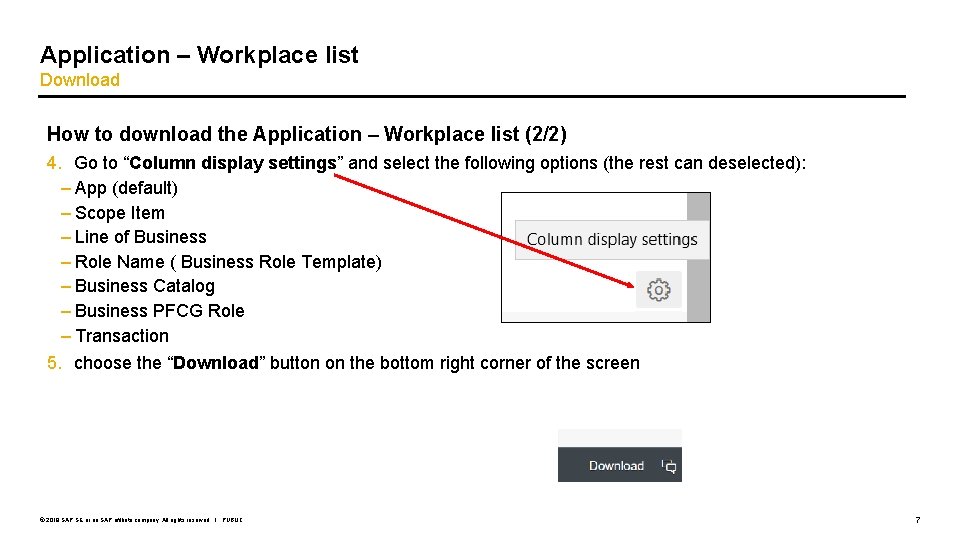
Application – Workplace list Download How to download the Application – Workplace list (2/2) 4. Go to “Column display settings” and select the following options (the rest can deselected): – App (default) – Scope Item – Line of Business – Role Name ( Business Role Template) – Business Catalog – Business PFCG Role – Transaction 5. choose the “Download” button on the bottom right corner of the screen © 2019 SAP SE or an SAP affiliate company. All rights reserved. ǀ PUBLIC 7
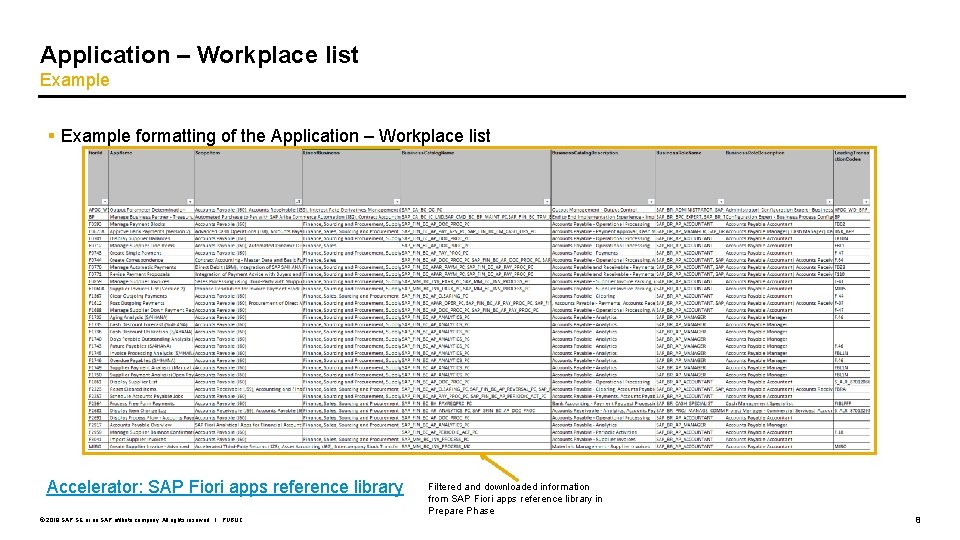
Application – Workplace list Example § Example formatting of the Application – Workplace list Accelerator: SAP Fiori apps reference library © 2019 SAP SE or an SAP affiliate company. All rights reserved. ǀ PUBLIC Filtered and downloaded information from SAP Fiori apps reference library in Prepare Phase 8
Agenda 1. Prepare: Create Application – Workplace list 2. Explore: Fit-to Standard Workshops 3. Explore: Plan and design Identity and Access Management © 2019 SAP SE or an SAP affiliate company. All rights reserved. ǀ PUBLIC 9
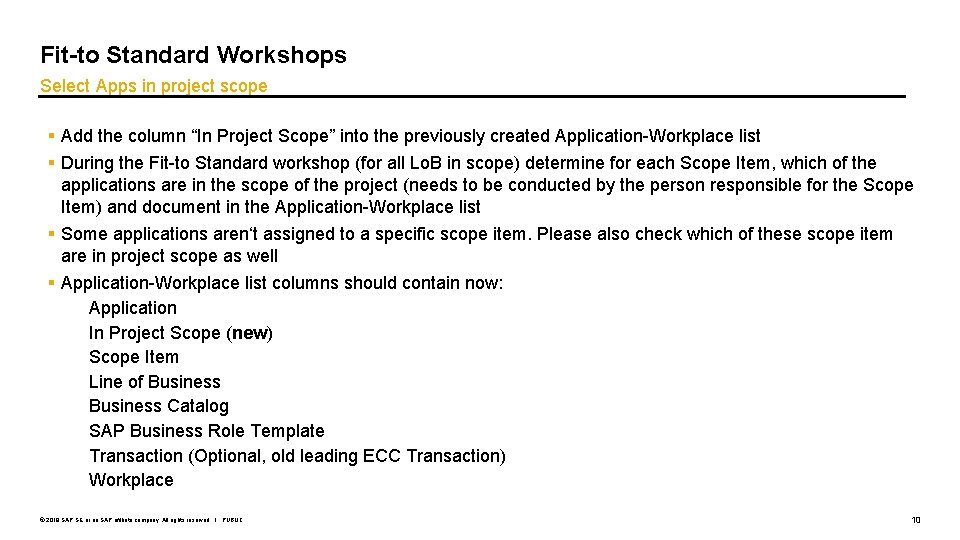
Fit-to Standard Workshops Select Apps in project scope § Add the column “In Project Scope” into the previously created Application-Workplace list § During the Fit-to Standard workshop (for all Lo. B in scope) determine for each Scope Item, which of the applications are in the scope of the project (needs to be conducted by the person responsible for the Scope Item) and document in the Application-Workplace list § Some applications aren‘t assigned to a specific scope item. Please also check which of these scope item are in project scope as well § Application-Workplace list columns should contain now: ▫ Application ▫ In Project Scope (new) ▫ Scope Item ▫ Line of Business ▫ Business Catalog ▫ SAP Business Role Template ▫ Transaction (Optional, old leading ECC Transaction) ▫ Workplace © 2019 SAP SE or an SAP affiliate company. All rights reserved. ǀ PUBLIC 10
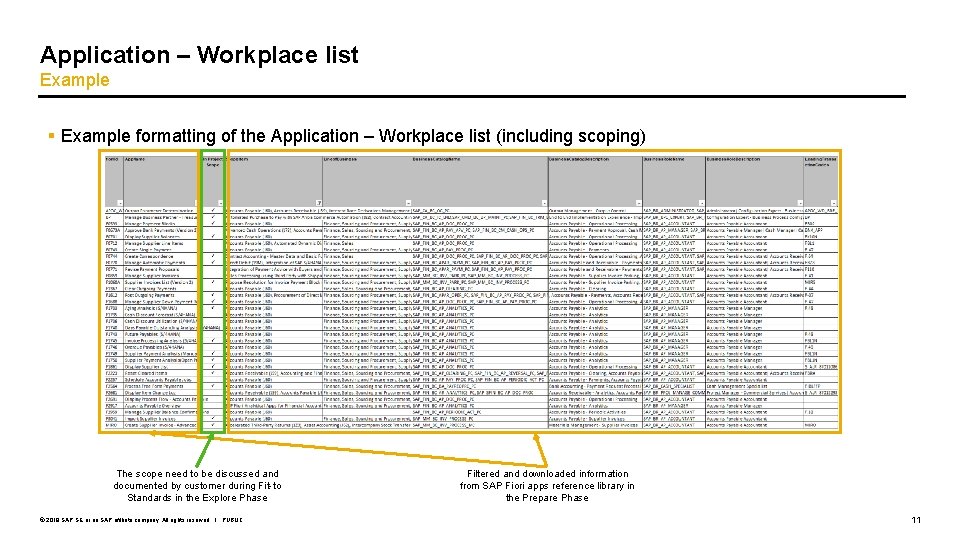
Application – Workplace list Example § Example formatting of the Application – Workplace list (including scoping) The scope need to be discussed and documented by customer during Fit-to Standards in the Explore Phase © 2019 SAP SE or an SAP affiliate company. All rights reserved. ǀ PUBLIC Filtered and downloaded information from SAP Fiori apps reference library in the Prepare Phase 11
Agenda 1. Prepare: Create Application – Workplace list 2. Explore: Fit-to Standard Workshops 3. Explore: Plan and design Identity and Access Management © 2019 SAP SE or an SAP affiliate company. All rights reserved. ǀ PUBLIC 12
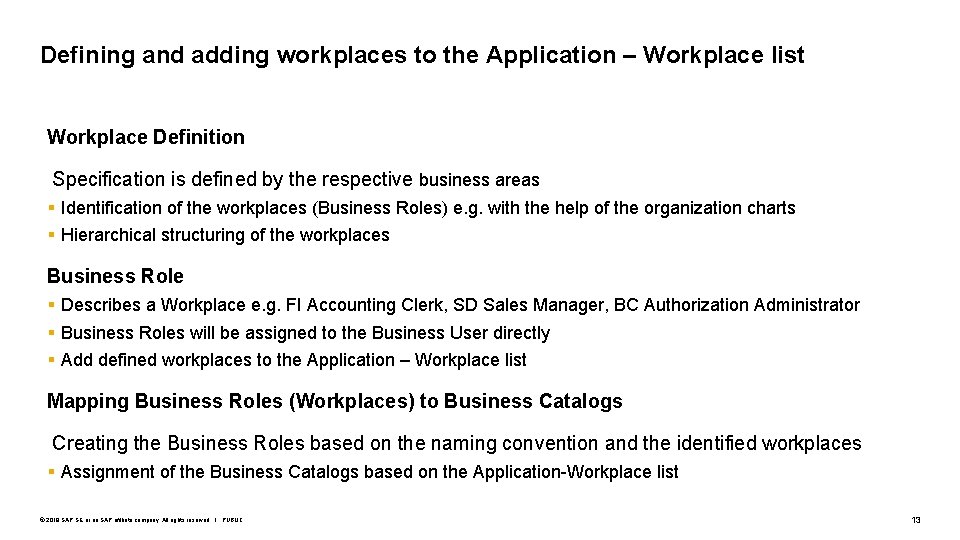
Defining and adding workplaces to the Application – Workplace list Workplace Definition Specification is defined by the respective business areas § Identification of the workplaces (Business Roles) e. g. with the help of the organization charts § Hierarchical structuring of the workplaces Business Role § Describes a Workplace e. g. FI Accounting Clerk, SD Sales Manager, BC Authorization Administrator § Business Roles will be assigned to the Business User directly § Add defined workplaces to the Application – Workplace list Mapping Business Roles (Workplaces) to Business Catalogs Creating the Business Roles based on the naming convention and the identified workplaces § Assignment of the Business Catalogs based on the Application-Workplace list © 2019 SAP SE or an SAP affiliate company. All rights reserved. ǀ PUBLIC 13
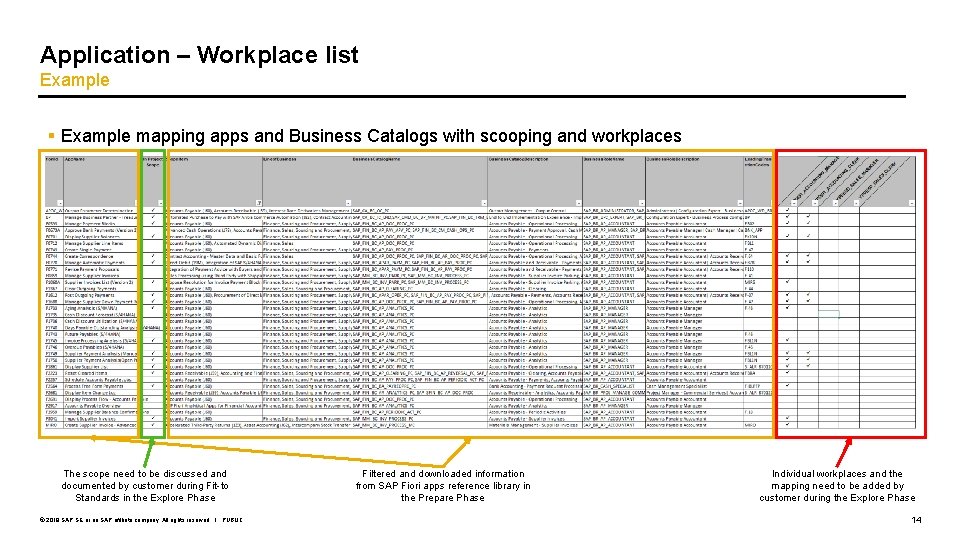
Application – Workplace list Example § Example mapping apps and Business Catalogs with scooping and workplaces The scope need to be discussed and documented by customer during Fit-to Standards in the Explore Phase © 2019 SAP SE or an SAP affiliate company. All rights reserved. ǀ PUBLIC Filtered and downloaded information from SAP Fiori apps reference library in the Prepare Phase Individual workplaces and the mapping need to be added by customer during the Explore Phase 14
Thank you. Contact information: SAP Activate Methodology sapactivatemethodology@sap. com