
HOW TO CREATE AND READ INSTRUCTION MANUALS Student
- Slides: 12
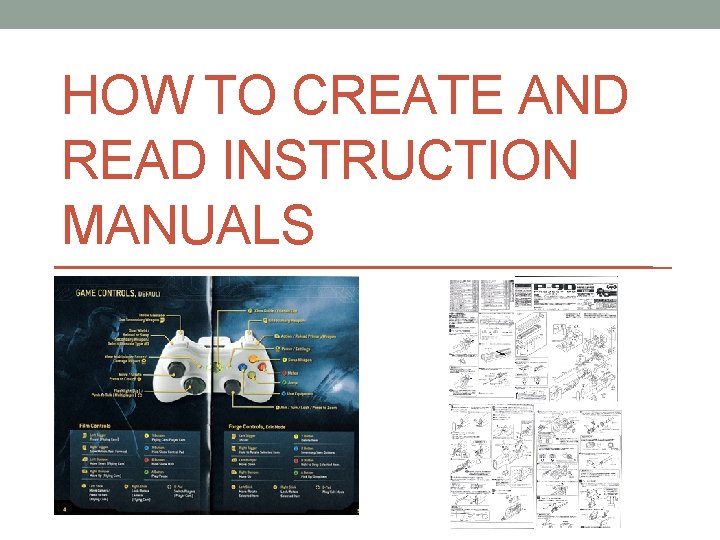
HOW TO CREATE AND READ INSTRUCTION MANUALS
Student Objectives • Analyze technical instructions to learn what makes them effective or ineffective for an audience. • Analyze and describe the audience for a set of instructions, noting what that audience needs from that document. • Use document and audience analysis, drafting, peer response/user feedback, and revision to create effective technical instructions. • Reflect on their writing process, noting how this assignment will be useful to them in future writing.
What are Instructional Manuals? • When did you last read a manual? • From your own experience, how helpful were they? • What parts were difficult? • What did you do if you had trouble understanding the instructions? Or, what did you do if your product stopped working properly? • Write your answers on a piece of paper and be prepared to share out.
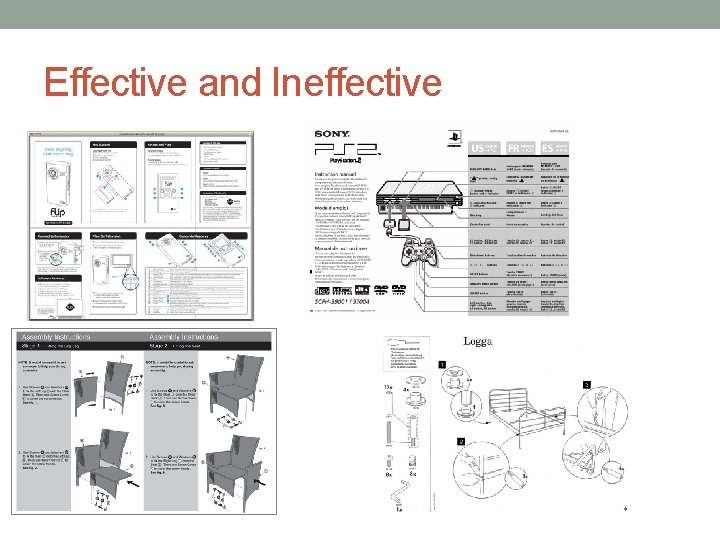
Effective and Ineffective
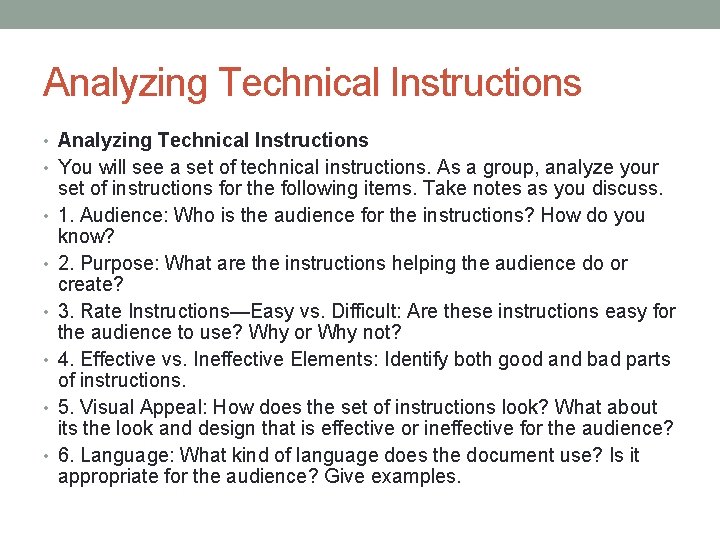
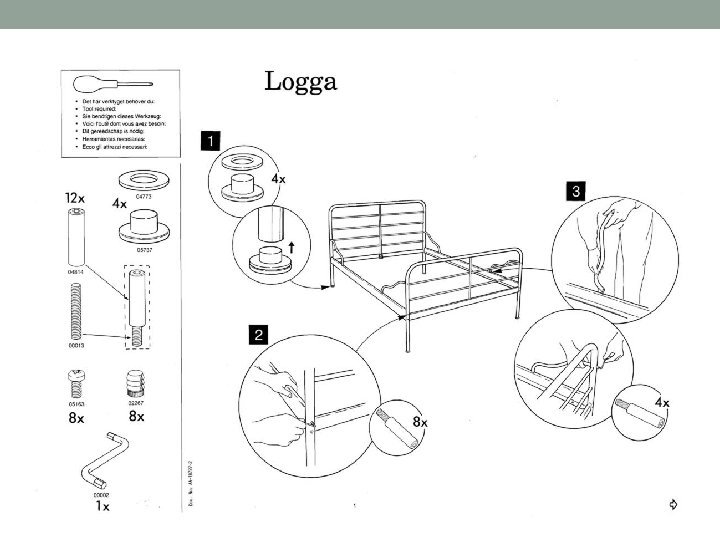
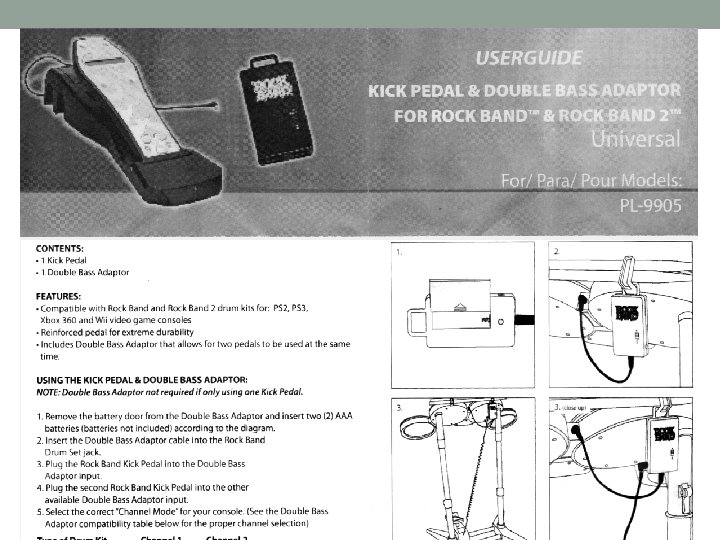
Analyzing Technical Instructions • You will see a set of technical instructions. As a group, analyze your • • • set of instructions for the following items. Take notes as you discuss. 1. Audience: Who is the audience for the instructions? How do you know? 2. Purpose: What are the instructions helping the audience do or create? 3. Rate Instructions—Easy vs. Difficult: Are these instructions easy for the audience to use? Why or Why not? 4. Effective vs. Ineffective Elements: Identify both good and bad parts of instructions. 5. Visual Appeal: How does the set of instructions look? What about its the look and design that is effective or ineffective for the audience? 6. Language: What kind of language does the document use? Is it appropriate for the audience? Give examples.
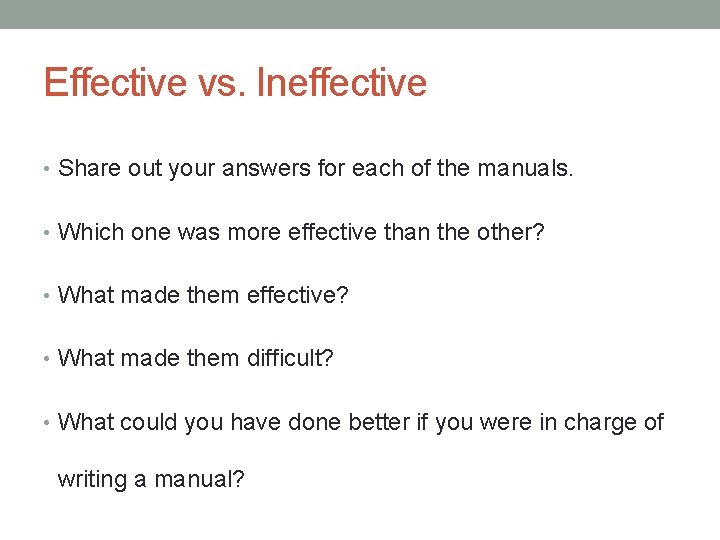
Effective vs. Ineffective • Share out your answers for each of the manuals. • Which one was more effective than the other? • What made them effective? • What made them difficult? • What could you have done better if you were in charge of writing a manual?
Writing Instructional Manuals • technical writing tips • http: //jerz. setonhill. edu/writing/technical/instructions/tips. ht m
Small Group Activity • In your group you will be creating instructions for one of the following tasks: 1. How to make a peanut butter and jelly sandwich 2. How to ride a bicycle 3. How to download a song from your i. Pod • Include 3 trouble shooting tips • You have 10 min. to create your directions: • *Remember* • Create detailed chronological order directions that ANYONE can follow
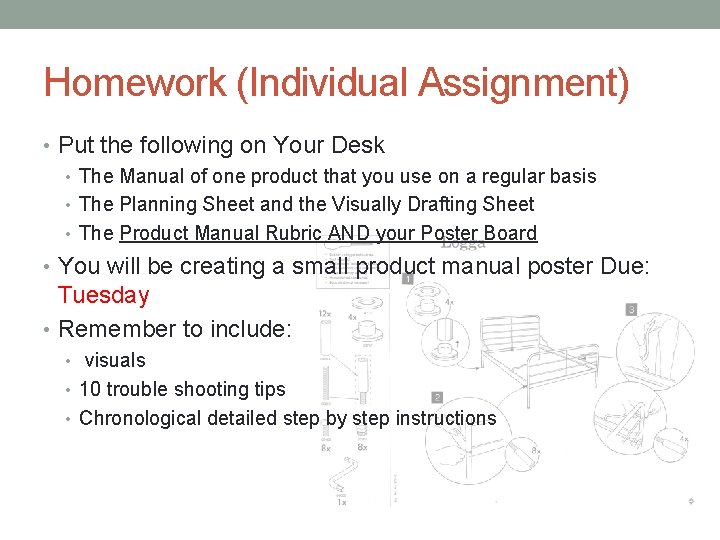
Homework (Individual Assignment) • Put the following on Your Desk • The Manual of one product that you use on a regular basis • The Planning Sheet and the Visually Drafting Sheet • The Product Manual Rubric AND your Poster Board • You will be creating a small product manual poster Due: Tuesday • Remember to include: • visuals • 10 trouble shooting tips • Chronological detailed step by step instructions
EXTRA CREDIT OPPORTUNITY • Along with the product manual poster, you will create a short power point about your favorite food recipe. (slide count is up to you) • Write the recipe and its steps. • Include 5 trouble shooting tips in case someone makes a mistake while cooking, or if they are not able to find an ingredient. • Include a video or photos of yourself following the recipe • Bring your final product to class to share! • Tips: • Watch your favorite cooking show on TV or youtube • Notice how they break things down step by step and see if they include trouble shooting techniques in case you do something wrong or don’t have an ingredient.