
How to Complete a Timesheet for Your Paycheck

- Slides: 21
How to Complete a Timesheet for Your Paycheck Alicia Correa, Payroll Specialist
Payroll Department An Extension of the Accounting Dept. • The staff is located in the C-2 Trailer • Manager – Huy Nguyen • Two Payroll Specialist – Alicia Correa x 3830 • Departments 1020 -1032 (Administration) 1136 -1248; 13102200 (labs & clinics) • Faculty – Maria Celina Reyes x 3618 • Departments 3000 (SLAHP/WIC) 9982 -9983 (Animal Care) 1110 -1134 (labs & clinics)
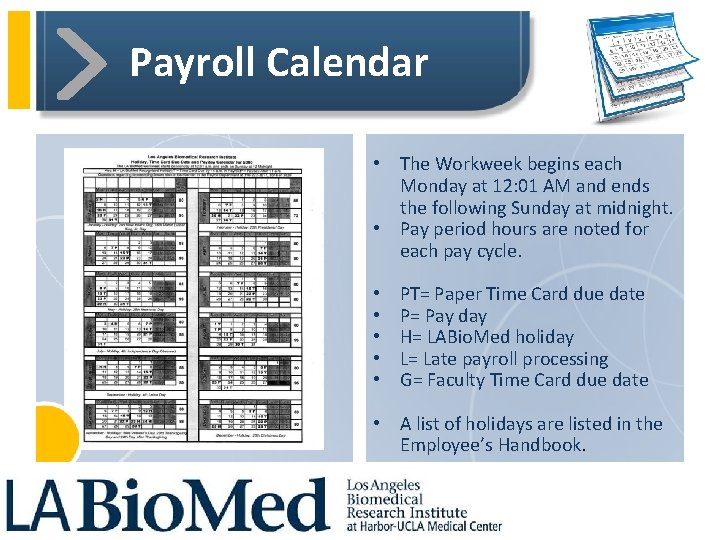
Payroll Calendar • The Workweek begins each Monday at 12: 01 AM and ends the following Sunday at midnight. • Pay period hours are noted for each pay cycle. • • • PT= Paper Time Card due date P= Pay day H= LABio. Med holiday L= Late payroll processing G= Faculty Time Card due date • A list of holidays are listed in the Employee’s Handbook.
Pay Days • Semi-monthly payroll with 24 pay periods in a year. • Pay dates are on the 7 th and the 22 nd of each calendar month. • When pay day falls on a Sat. the pay date moves to the closest Friday; when on a Sun. to the closest Mon. (please refer to the payroll calendar). • When pay day falls on a LABio. Med Holiday, the pay date will move to either the business day before or after.
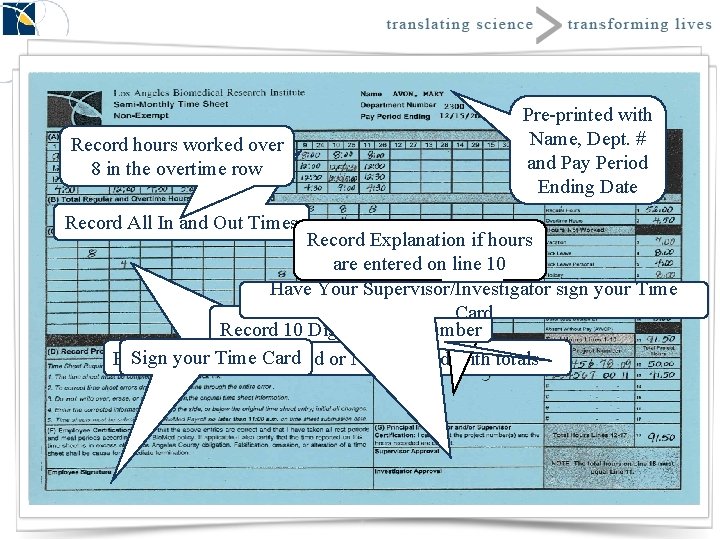
Time Cards • A timecard must be submitted by all employees. • Admin Employees: – Automated time keeping system to record attendance. – Report directly to the supervisor on accessing the Empower. Time directory. • Time cards are usually due on the 15 th and the last day of the month (please refer to payroll calendar). • They are due in the Payroll Department by 12: 00 p. m. on the due date. Under extreme circumstances the time may be faxed to the payroll fax number (310) 222 -6717. • Must be completed in blue or black ink only. • Payroll will accept a copy or faxed timecard. However, the original timecard must be submitted to payroll by payday.
Time Card Corrections • The LABio. Med time card is a legal document and any required corrections are done accordingly: • Draw a horizontal line through the entire error. • Do not write, erase or use whiteout over the original information. • Enter the correct information either above, to the side or below the original entry. • Employee and Supervisor/Investigator must initial all corrections to the time card.
Common Errors • • • Writing over original entry Adding number of hours wrong Missing employee or PI signature Missing project number Using whiteout
Non-Exempt vs. Exempt Status NON-EXEMPT Employees: • NON-exempt from the California and Federal Fair Labor Standards Act (FLSA). Are Paid for Every hour worked. • Any work in excess of eight hours in one workday and any work in excess of 40 hours in any one workweek and the first eight hours worked on the seventh day of work in any one workweek will be compensated at the rate of no less than one and one-half times the regular rate of pay for an employee. • Any work in excess of 12 hours in one day will be compensated at the rate of no less than twice the regular rate of pay for an employee. • Overtime must be approved in advance by your supervisor. Exempt Employees: • Are exempt from the California and Federal Fair Labor Standards Act (FLSA). • Will receive a fixed salary for the pay period regardless of the number of hours per pay period unless a leave status or have exhausted sick and vacation benefits.
MEAL / REST PERIODS All non-exempt employees must take at least a 30 minute meal period not more than five hours after the start of their shift. Further, non-exempt employees are required to a 10 minute paid rest period in the first half of their shift and in the second half of their shift.
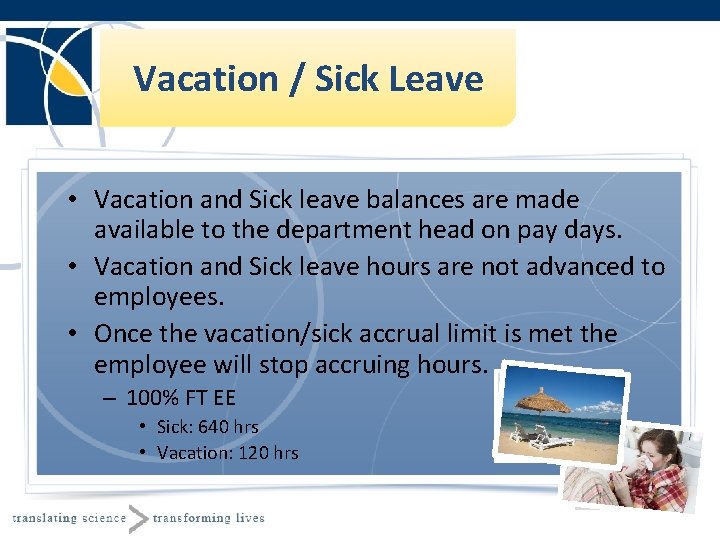
Vacation / Sick Leave • Vacation and Sick leave balances are made available to the department head on pay days. • Vacation and Sick leave hours are not advanced to employees. • Once the vacation/sick accrual limit is met the employee will stop accruing hours. – 100% FT EE • Sick: 640 hrs • Vacation: 120 hrs
Record hours worked over 8 in the overtime row Record All In and Out Times Pre-printed with Name, Dept. # and Pay Period Ending Date Record Explanation if hours are entered on line 10 Have Your Supervisor/Investigator sign your Time Card Record 10 Digit Project Number Sign your Time Worked Card or Not Worked with totals Record All Hours
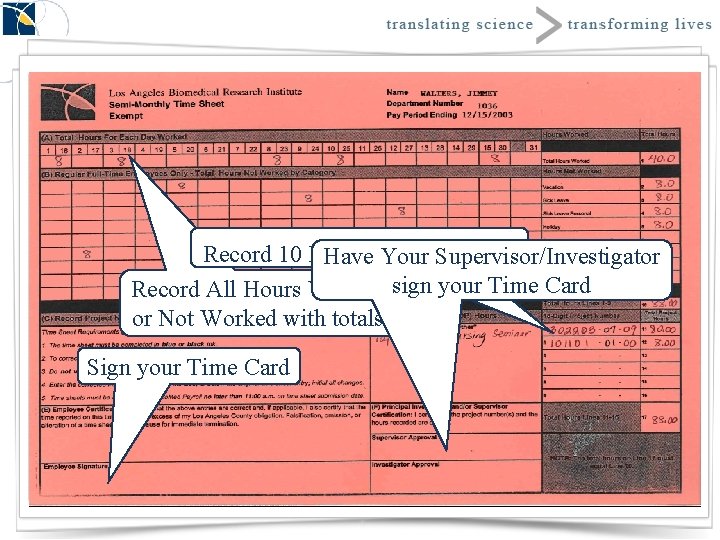
Record 10 Digit Number Have. Project Your Supervisor/Investigator Record All Hours Worked sign your Time Card or Not Worked with totals Sign your Time Card
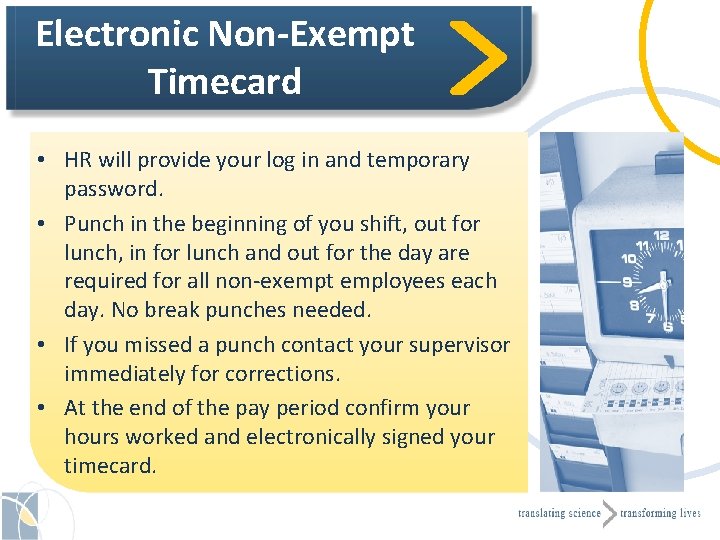
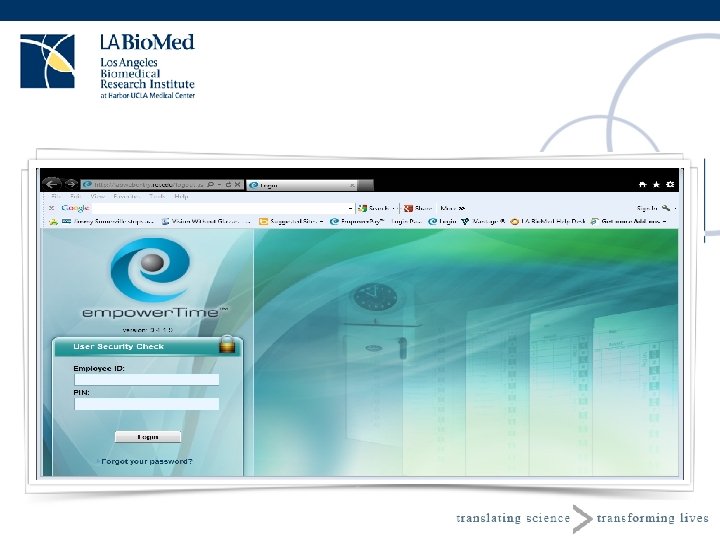
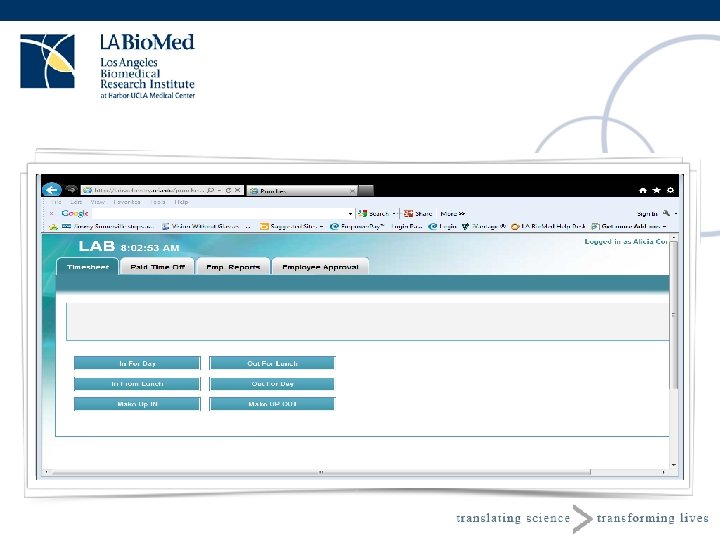
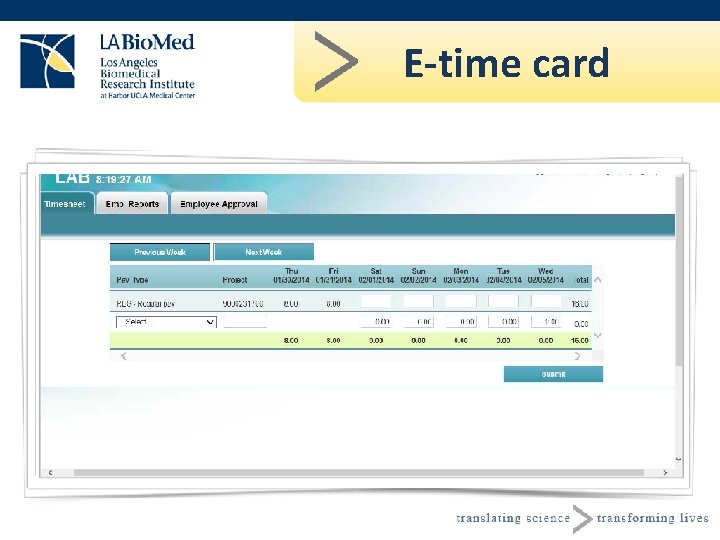
Electronic Non-Exempt Timecard • HR will provide your log in and temporary password. • Punch in the beginning of you shift, out for lunch, in for lunch and out for the day are required for all non-exempt employees each day. No break punches needed. • If you missed a punch contact your supervisor immediately for corrections. • At the end of the pay period confirm your hours worked and electronically signed your timecard.
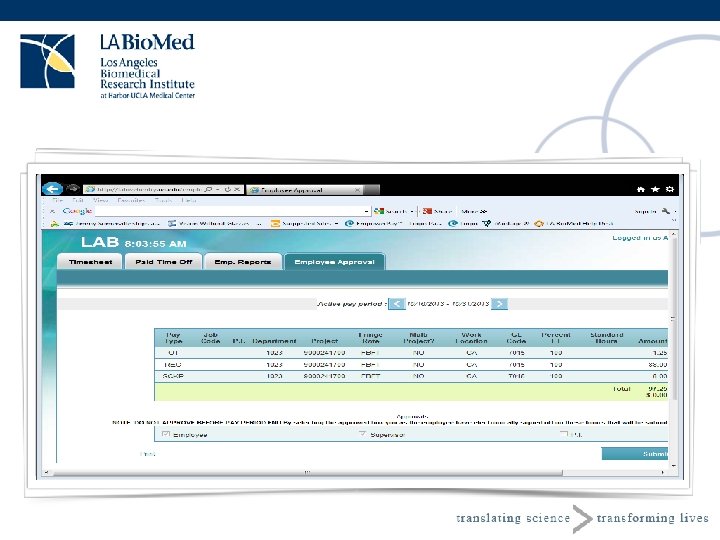
Electronic Exempt Timecard • HR will provide your log in and temporary password. • Record hours worked each day. • If any benefit hours charged enter benefit hours on your missed day. • At the end of the pay period confirm your hours worked and electronically signed your timecard.
E-time card
Pay Checks • Pay checks are available for distribution to authorized representatives of each department beginning at 10: 00 a. m. on pay days at the Accounting Office N-21. • Sick/Vacation Balances are provided on a summary report attached with the department checks. • Employees must verify all information on their pay stub each payday: – Personal information – Earnings, Taxes and Deductions – Balances and Year-to-date information
Taxes Forms • W 4 - Federal Form • DE 4 - California State Form Types of Taxes • Federal Withholding Tax (FWT) • State Withholding Tax (SWT-CA) • Federal Insurance Compensation Act. (FICA) – Social Security - 6. 2% wage base $113, 700 max. $7, 049. 40 – Medicare - 1. 45% no wage base (FICA-MCARE) • State Disability Insurance (SDI) – 1. 0% wage base of $100, 880. 00 maximum $1, 008. 80
Direct Deposit • Maximum two accounts. – Checking and/or Savings account • 100% of the employee’s pay is issued via direct deposit OR check, not both. • Must complete, sign and attach a copy of voided check for checking account and a direct deposit authorization from your bank for savings accounts. • Allow two pay periods before direct deposit takes effect. • Encourage Direct Deposit; you receive your money the night before pay day. • No time to go to the bank.