
How to build a brilliant Linkedin profile Clayton
How to build a brilliant Linkedin profile Clayton Wehner
Welcome • A little about me… • A little about you: • Your name • Do you have a Linkedin profile? • Why do you want to make your Linkedin profile brilliant?

What is Linkedin? • World’s largest online professional network • Started in 2002 in the living room of founder Reid Hoffmann • Currently has more than 10, 000 employees with offices in 30 cities globally • Currently has more than 610 million members in over 200 countries and territories (>9 million in Australia) • 2 new members per second • Linkedin was bought by Microsoft in 2016 for US$26. 2 billion

What Linkedin’s all about… Vision Create economic opportunity for every member of the global workforce. Mission The mission of Linked. In is simple: connect the world’s professionals to make them more productive and successful.
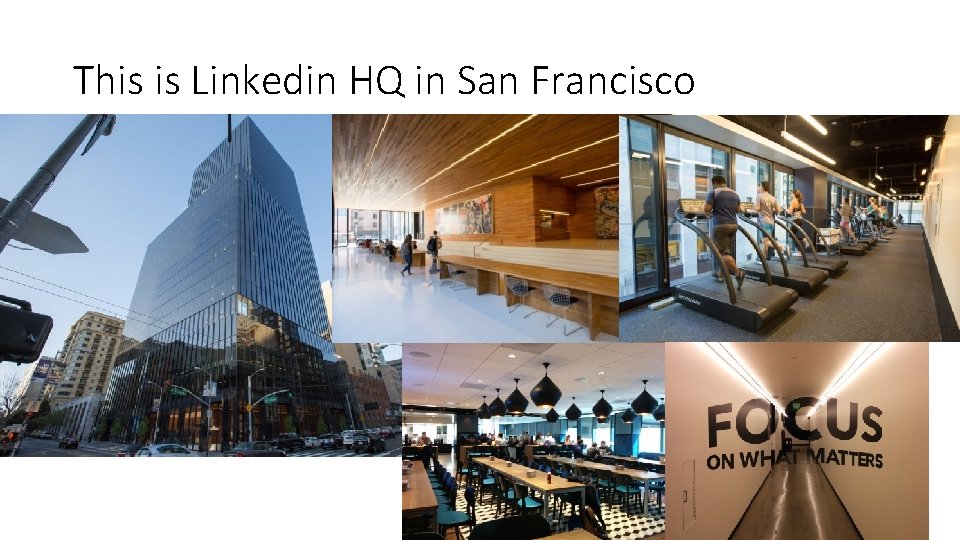
This is Linkedin HQ in San Francisco
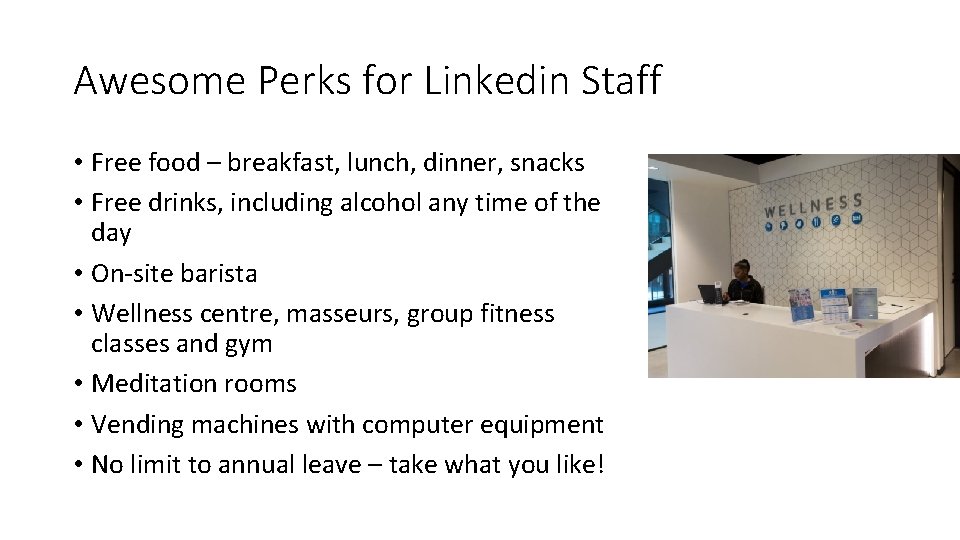
Awesome Perks for Linkedin Staff • Free food – breakfast, lunch, dinner, snacks • Free drinks, including alcohol any time of the day • On-site barista • Wellness centre, masseurs, group fitness classes and gym • Meditation rooms • Vending machines with computer equipment • No limit to annual leave – take what you like!
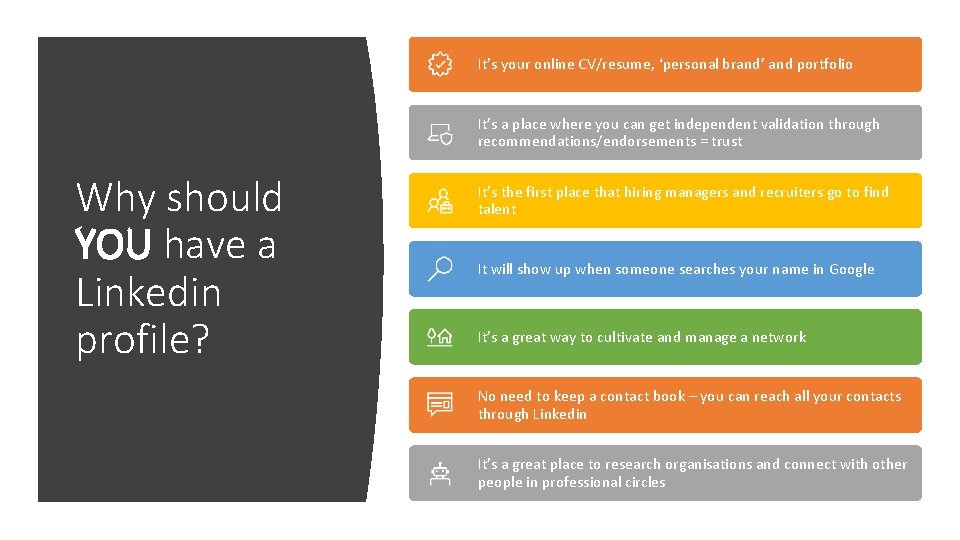
It’s your online CV/resume, ‘personal brand’ and portfolio It’s a place where you can get independent validation through recommendations/endorsements = trust Why should YOU have a Linkedin profile? It’s the first place that hiring managers and recruiters go to find talent It will show up when someone searches your name in Google It’s a great way to cultivate and manage a network No need to keep a contact book – you can reach all your contacts through Linkedin It’s a great place to research organisations and connect with other people in professional circles
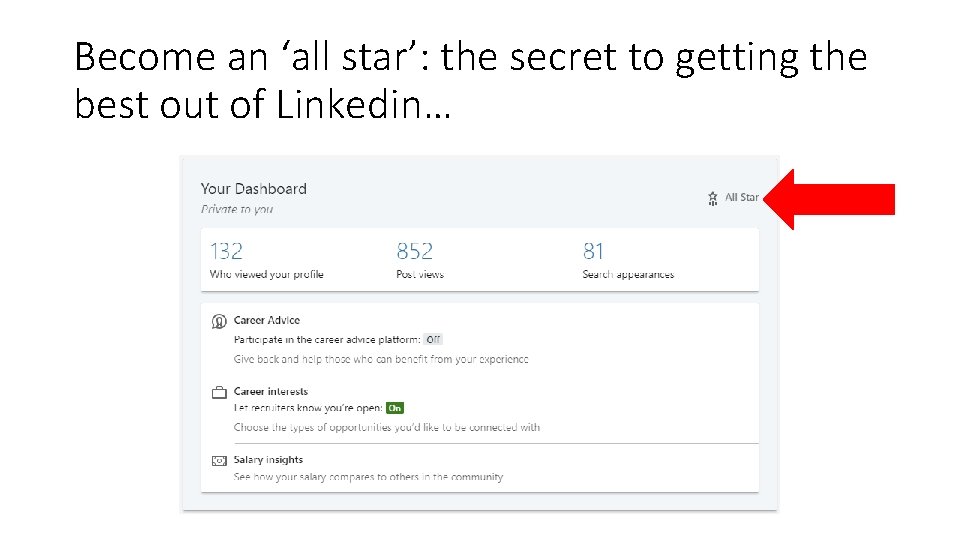
Become an ‘all star’: the secret to getting the best out of Linkedin…
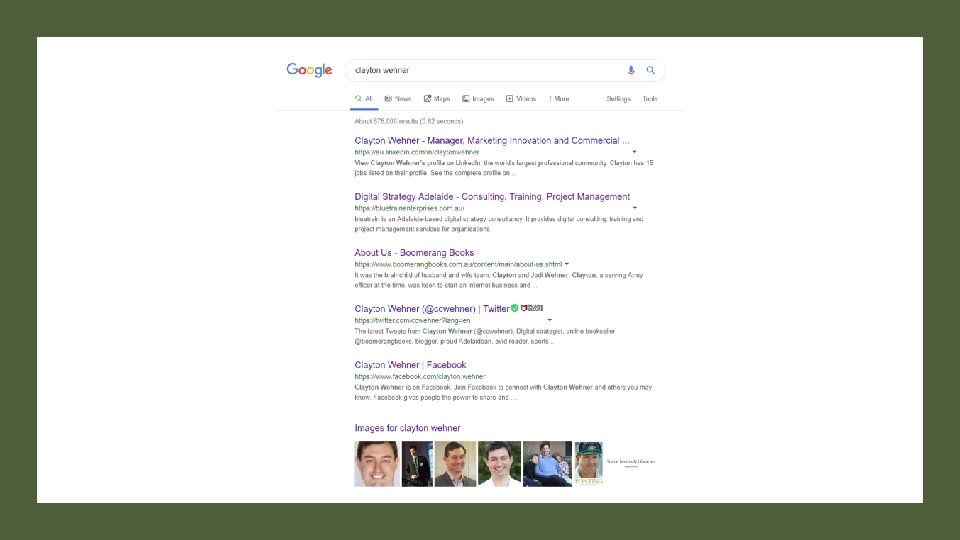
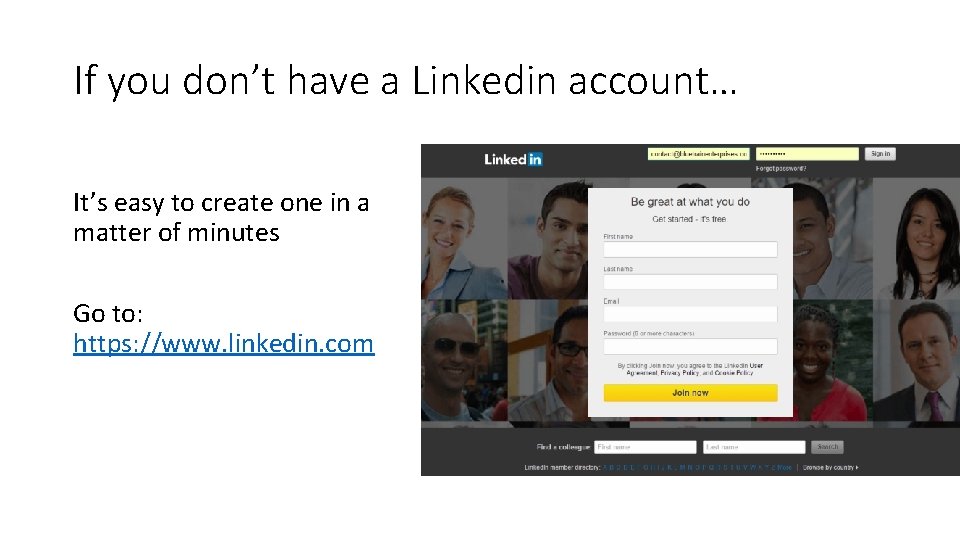
If you don’t have a Linkedin account… It’s easy to create one in a matter of minutes Go to: https: //www. linkedin. com
Linkedin’s ‘Find Nearby’ Function… • Make sure that Bluetooth is enabled on your phone • Open Linkedin app • Tap ‘My Network’ - this icon: • Tap ‘Find Nearby’ – at the top of the screen • Turn ‘Share my nearby status’ on • Active Linkedin users in the vicinity will show up on your screen; invite them to connect with you
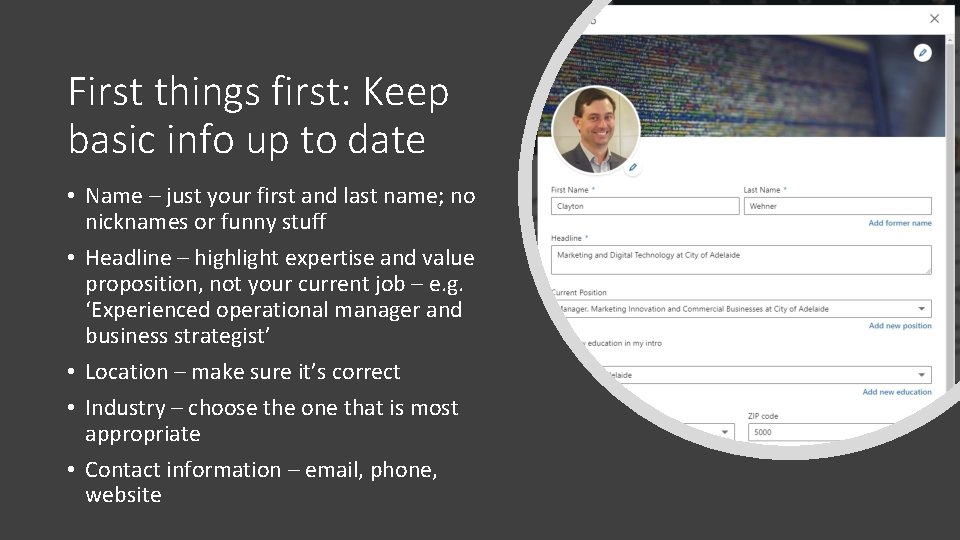
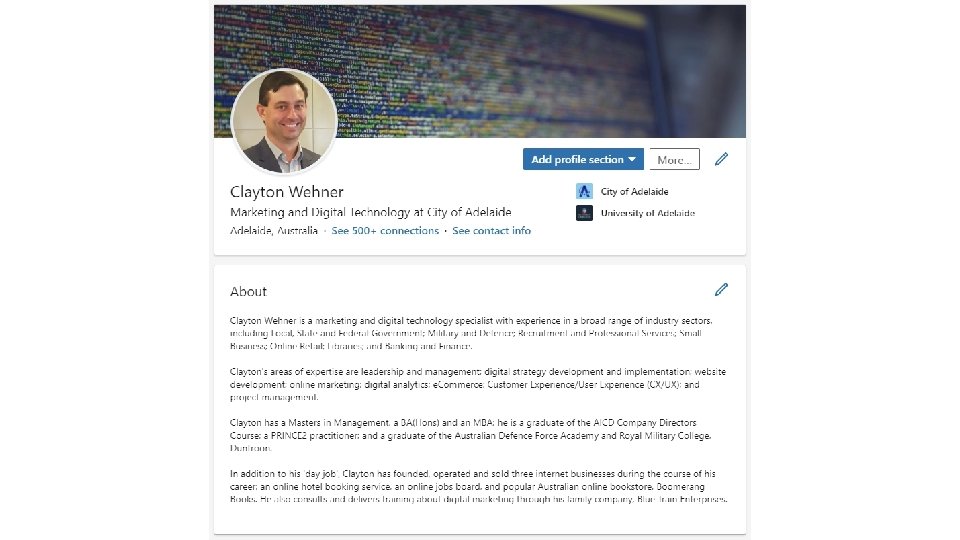
First things first: Keep basic info up to date • Name – just your first and last name; no nicknames or funny stuff • Headline – highlight expertise and value proposition, not your current job – e. g. ‘Experienced operational manager and business strategist’ • Location – make sure it’s correct • Industry – choose the one that is most appropriate • Contact information – email, phone, website
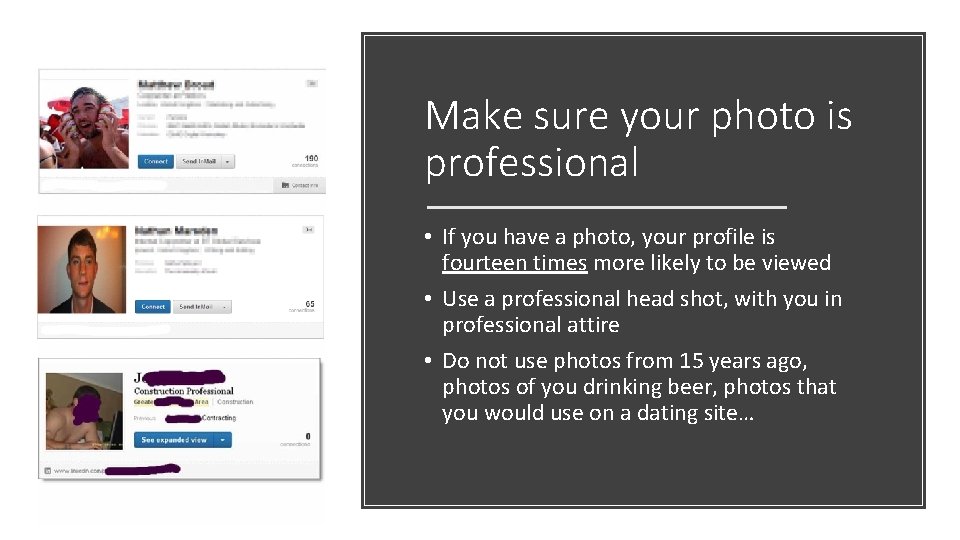
Make sure your photo is professional • If you have a photo, your profile is fourteen times more likely to be viewed • Use a professional head shot, with you in professional attire • Do not use photos from 15 years ago, photos of you drinking beer, photos that you would use on a dating site…
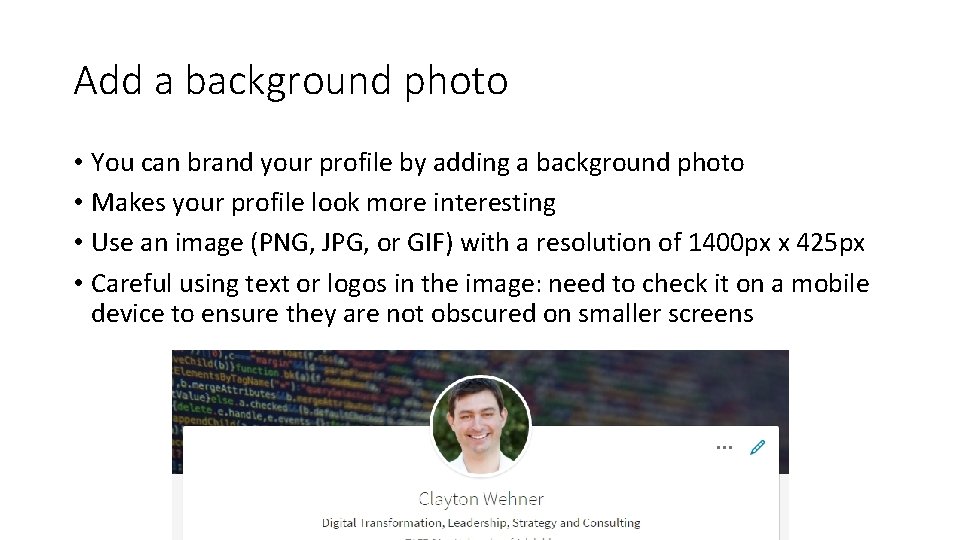
Add a background photo • You can brand your profile by adding a background photo • Makes your profile look more interesting • Use an image (PNG, JPG, or GIF) with a resolution of 1400 px x 425 px • Careful using text or logos in the image: need to check it on a mobile device to ensure they are not obscured on smaller screens
Write a great summary • This is where you ‘sell yourself’ to people viewing your profile; it’s your personal ‘elevator pitch’ • 2000 characters max; 3 -5 paragraphs • Build on the professional headline and provide more detailed information about your key skills, experience and education. • First or third person? Either, just keep it consistent • Avoid jargon • Don’t ‘oversell’ • Make it sharp, snappy and easy to read
Avoid buzzwords, ‘weasel’ words and ‘management speak’ • Responsible • Creative • Effective • Analytical • Strategic • Expert • Organisational • Driven • Innovative • Passionate • Motivated • Leadership • Extensive • Experienced • Successful • Dedicated • Track record = meh.
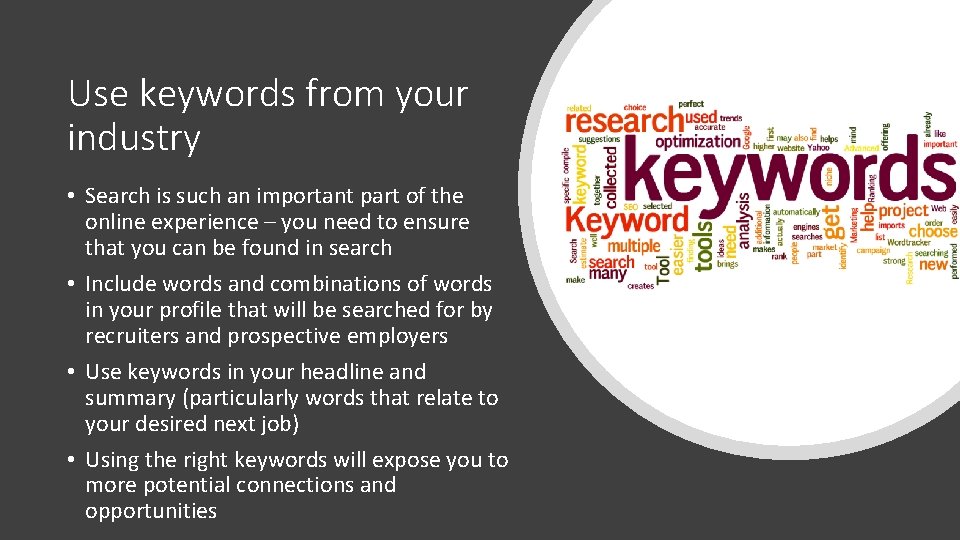
Use keywords from your industry • Search is such an important part of the online experience – you need to ensure that you can be found in search • Include words and combinations of words in your profile that will be searched for by recruiters and prospective employers • Use keywords in your headline and summary (particularly words that relate to your desired next job) • Using the right keywords will expose you to more potential connections and opportunities
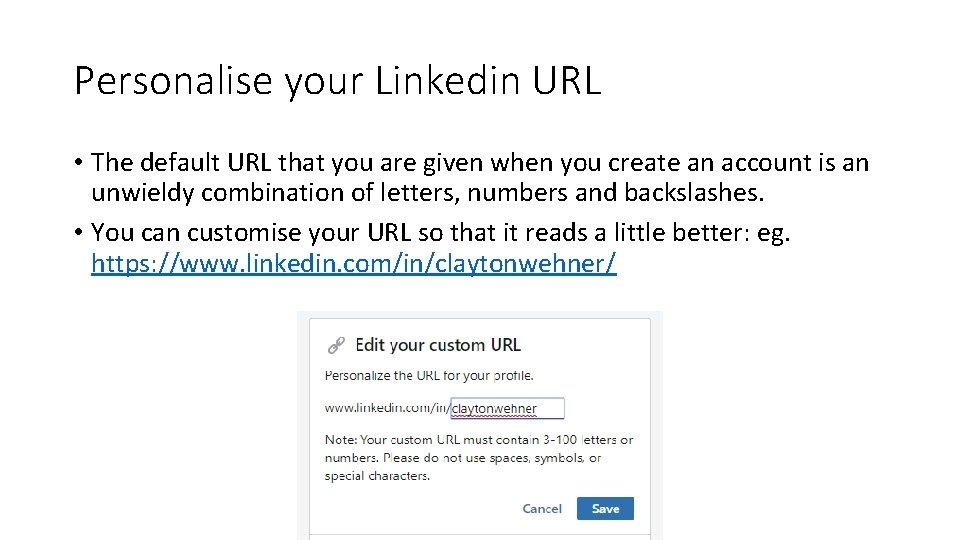
Personalise your Linkedin URL • The default URL that you are given when you create an account is an unwieldy combination of letters, numbers and backslashes. • You can customise your URL so that it reads a little better: eg. https: //www. linkedin. com/in/claytonwehner/
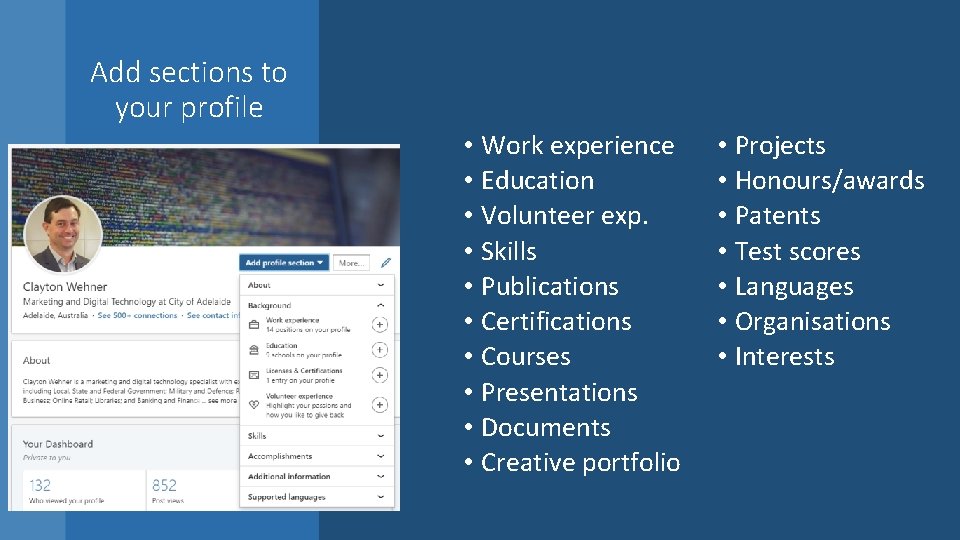
Add sections to your profile • Work experience • Education • Volunteer exp. • Skills • Publications • Certifications • Courses • Presentations • Documents • Creative portfolio • Projects • Honours/awards • Patents • Test scores • Languages • Organisations • Interests
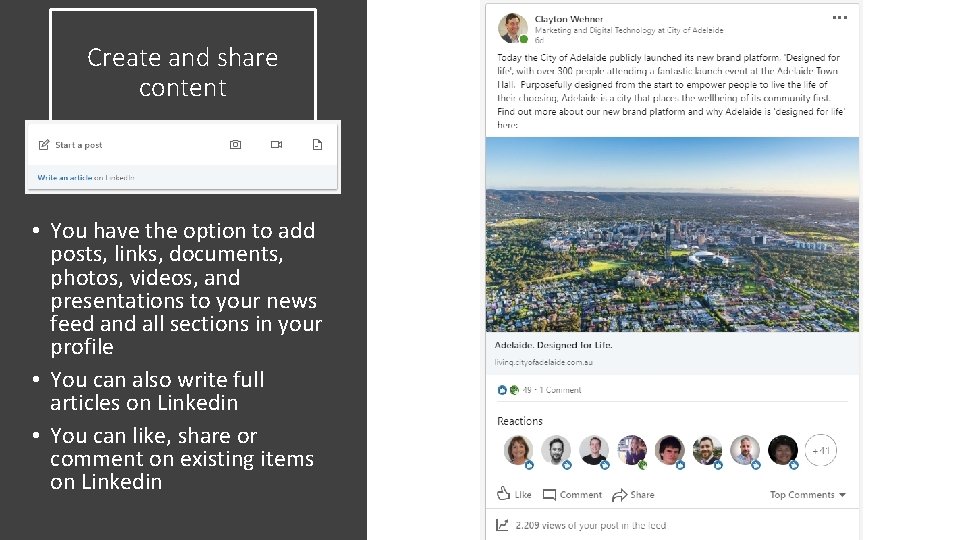
Create and share content • You have the option to add posts, links, documents, photos, videos, and presentations to your news feed and all sections in your profile • You can also write full articles on Linkedin • You can like, share or comment on existing items on Linkedin
Rules for posting content • Post regularly, but not too much (my suggestion is no more than once a day - at most) • Post unique, interesting, useful content • Be positive, constructive and giving • Don’t gloat – it’s not all about you • Don’t sell overtly • Don’t treat it like Facebook – there’s too much Facebook-type content appearing on Linkedin; remember, it’s a professional network
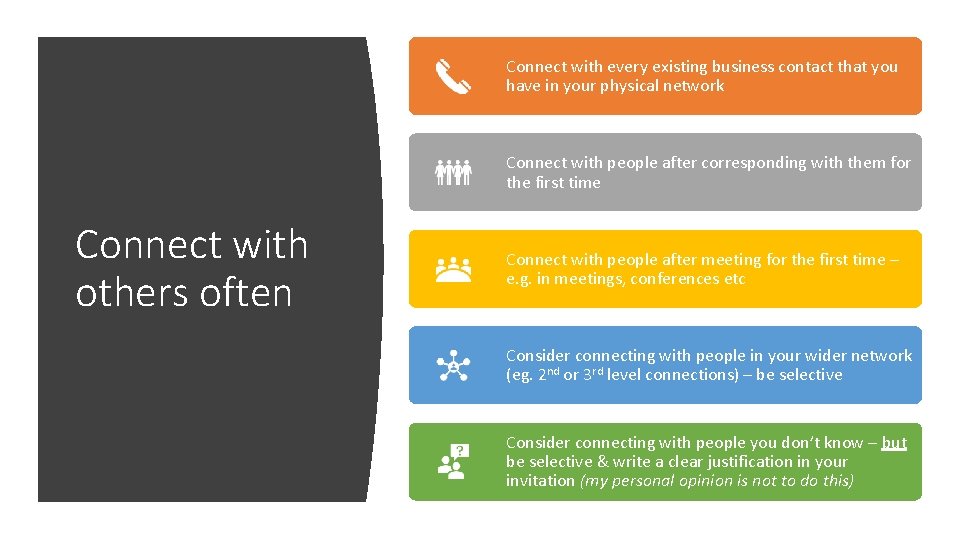
Connect with every existing business contact that you have in your physical network Connect with people after corresponding with them for the first time Connect with others often Connect with people after meeting for the first time – e. g. in meetings, conferences etc Consider connecting with people in your wider network (eg. 2 nd or 3 rd level connections) – be selective Consider connecting with people you don’t know – but be selective & write a clear justification in your invitation (my personal opinion is not to do this)
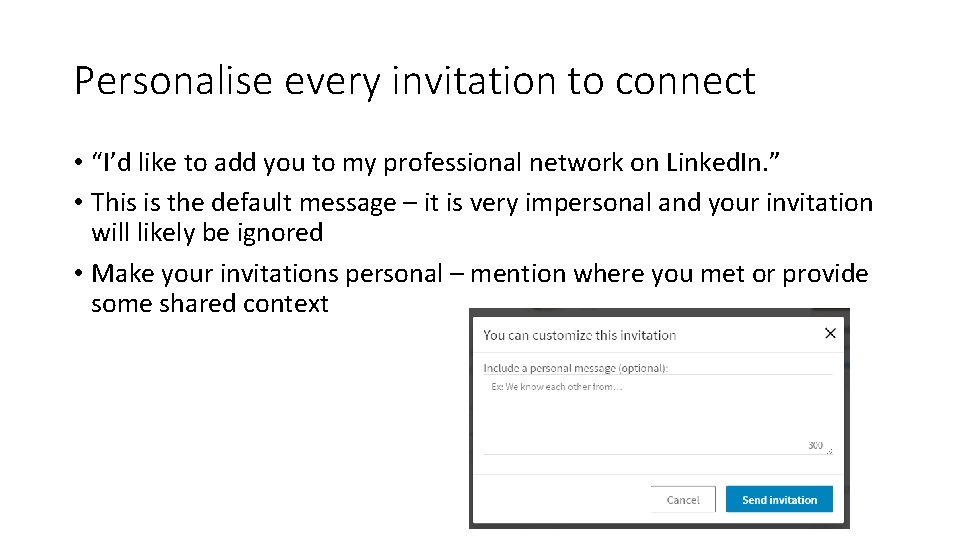
Personalise every invitation to connect • “I’d like to add you to my professional network on Linked. In. ” • This is the default message – it is very impersonal and your invitation will likely be ignored • Make your invitations personal – mention where you met or provide some shared context
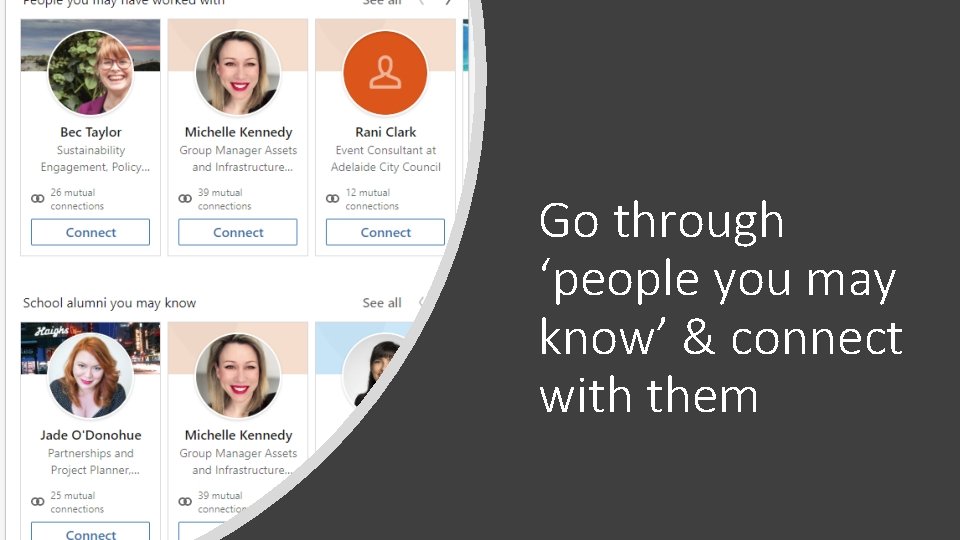
Go through ‘people you may know’ & connect with them
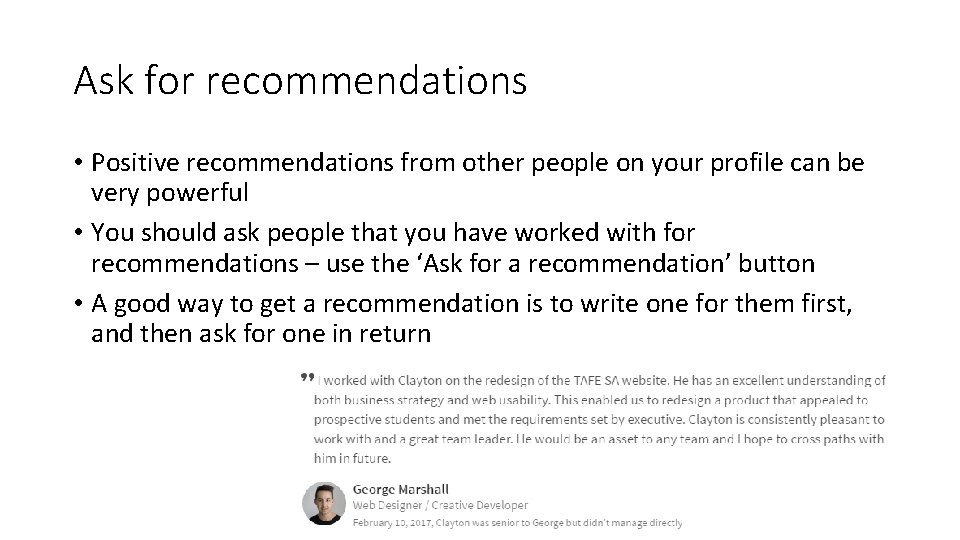
Ask for recommendations • Positive recommendations from other people on your profile can be very powerful • You should ask people that you have worked with for recommendations – use the ‘Ask for a recommendation’ button • A good way to get a recommendation is to write one for them first, and then ask for one in return
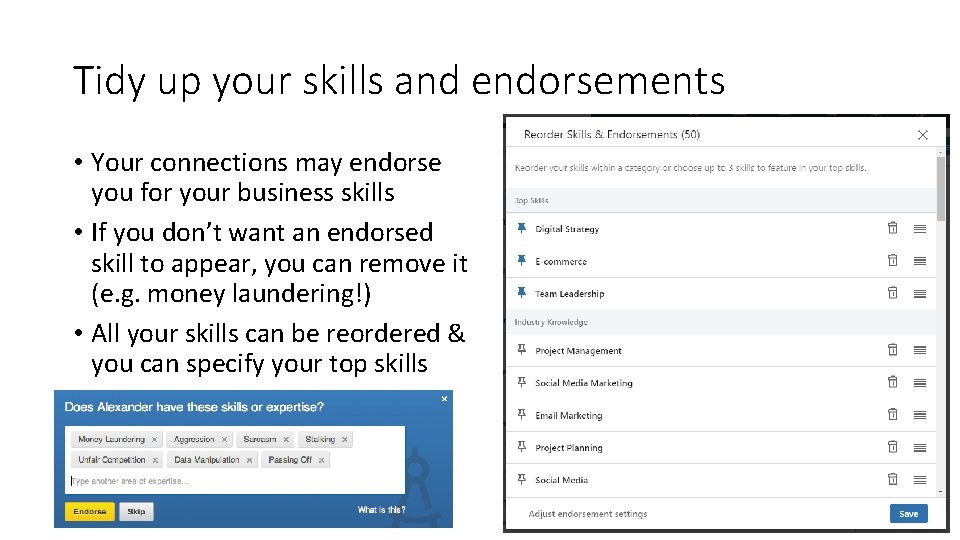
Tidy up your skills and endorsements • Your connections may endorse you for your business skills • If you don’t want an endorsed skill to appear, you can remove it (e. g. money laundering!) • All your skills can be reordered & you can specify your top skills
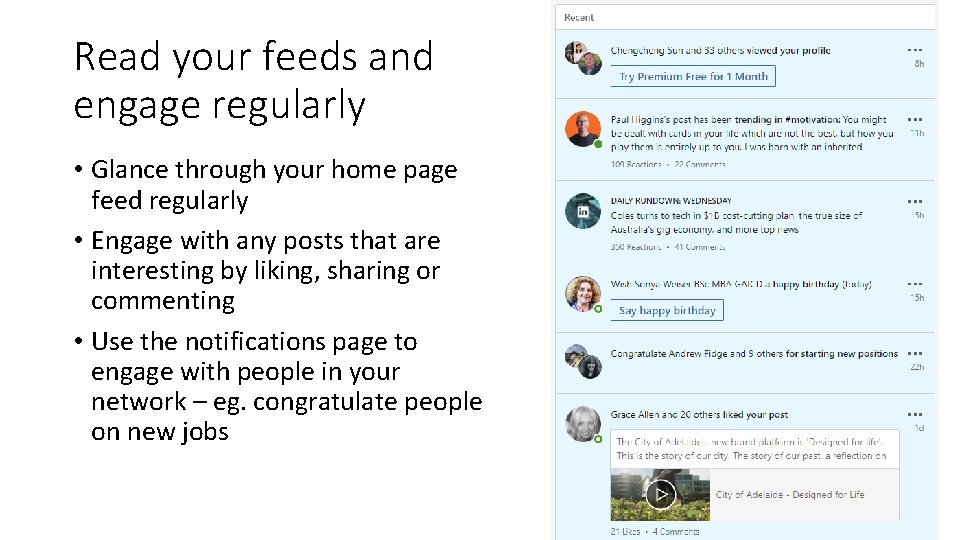
Read your feeds and engage regularly • Glance through your home page feed regularly • Engage with any posts that are interesting by liking, sharing or commenting • Use the notifications page to engage with people in your network – eg. congratulate people on new jobs
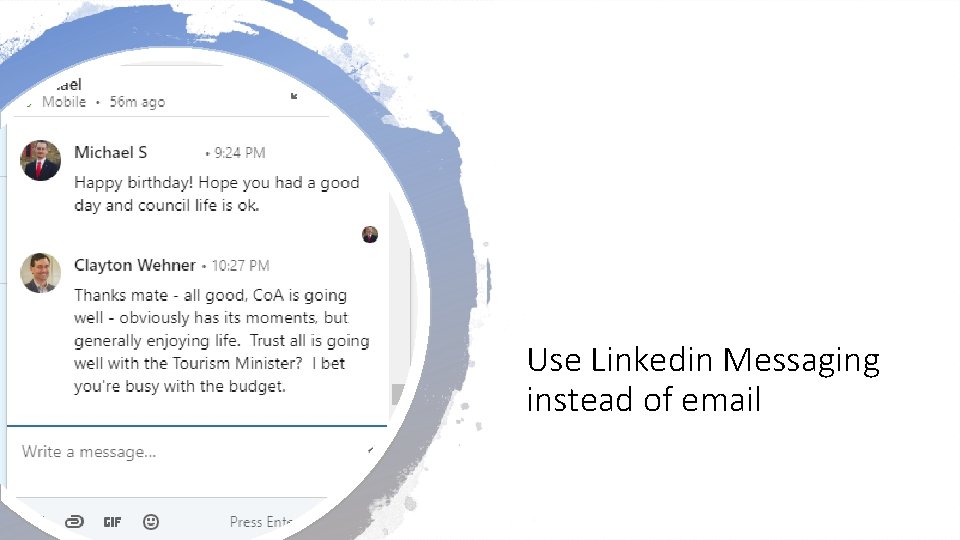
Use Linkedin Messaging instead of email
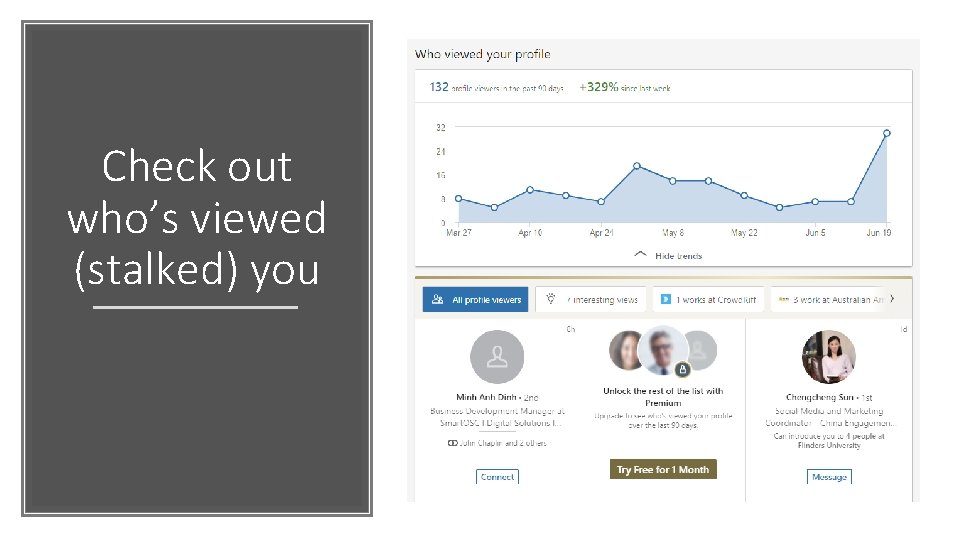
Check out who’s viewed (stalked) you
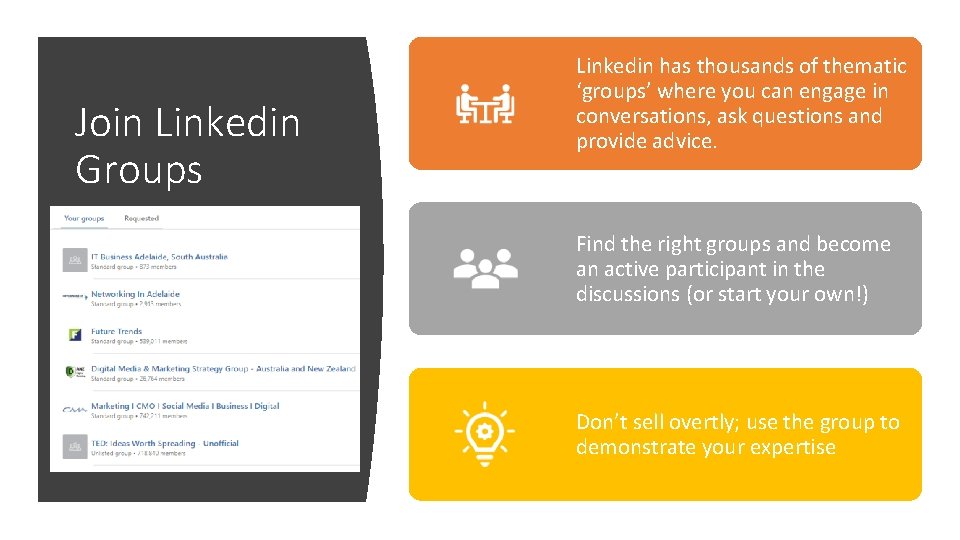
Join Linkedin Groups Linkedin has thousands of thematic ‘groups’ where you can engage in conversations, ask questions and provide advice. Find the right groups and become an active participant in the discussions (or start your own!) Don’t sell overtly; use the group to demonstrate your expertise
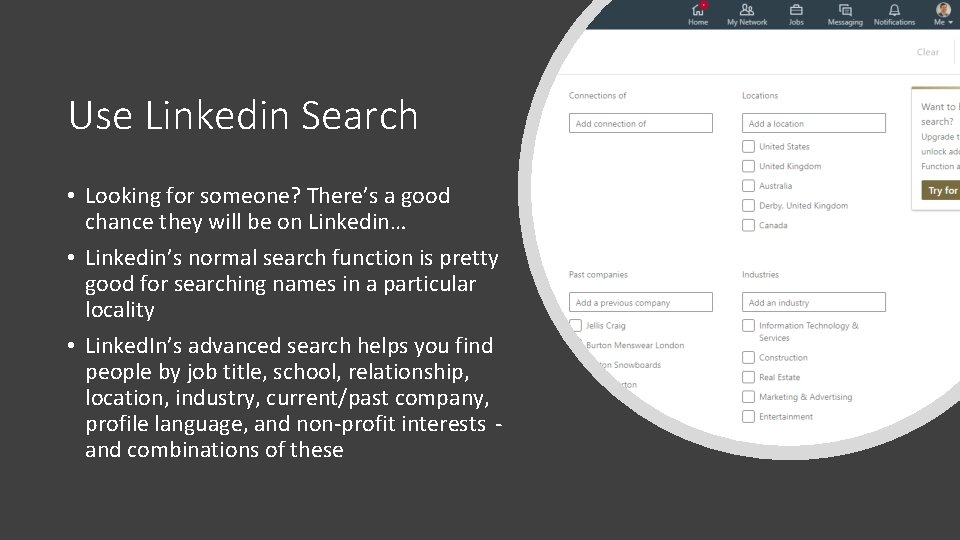
Use Linkedin Search • Looking for someone? There’s a good chance they will be on Linkedin… • Linkedin’s normal search function is pretty good for searching names in a particular locality • Linked. In’s advanced search helps you find people by job title, school, relationship, location, industry, current/past company, profile language, and non-profit interests and combinations of these
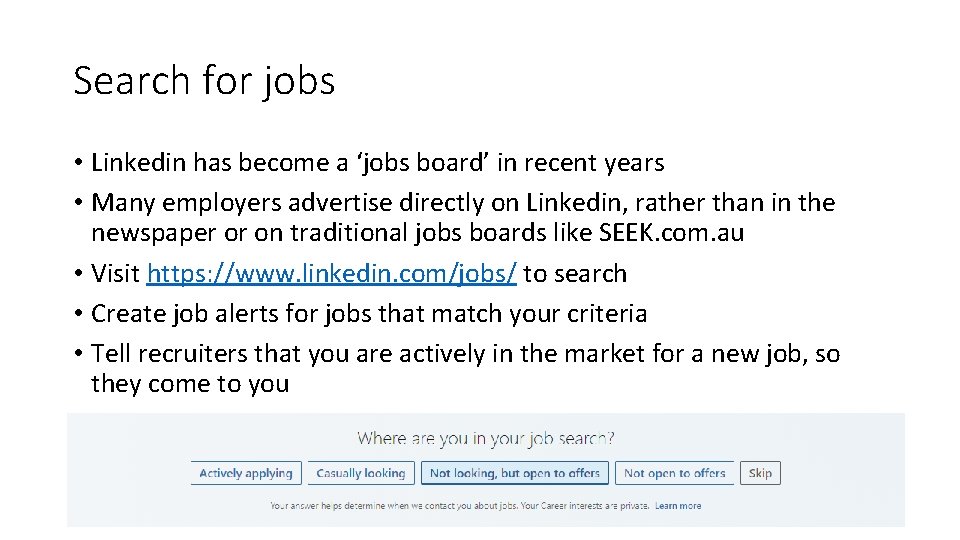
Search for jobs • Linkedin has become a ‘jobs board’ in recent years • Many employers advertise directly on Linkedin, rather than in the newspaper or on traditional jobs boards like SEEK. com. au • Visit https: //www. linkedin. com/jobs/ to search • Create job alerts for jobs that match your criteria • Tell recruiters that you are actively in the market for a new job, so they come to you
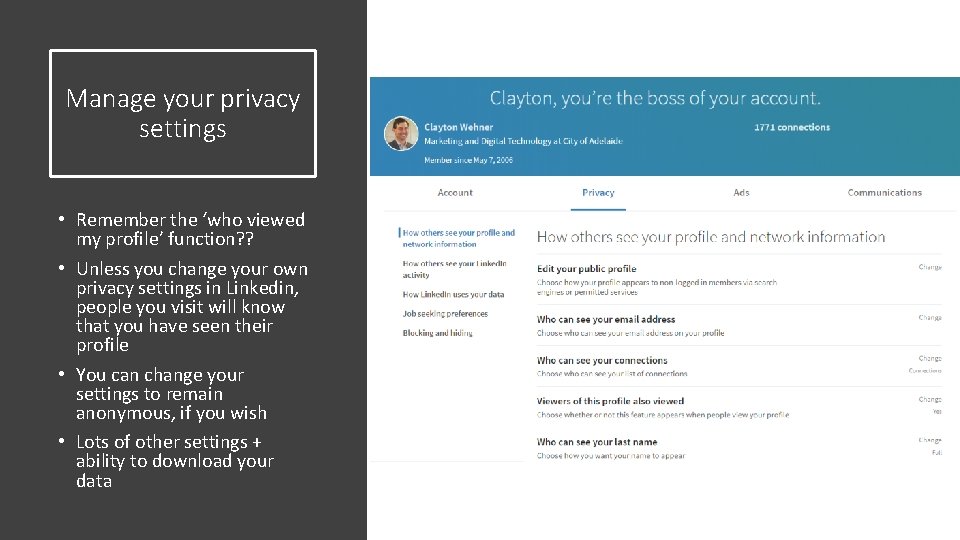
Manage your privacy settings • Remember the ‘who viewed my profile’ function? ? • Unless you change your own privacy settings in Linkedin, people you visit will know that you have seen their profile • You can change your settings to remain anonymous, if you wish • Lots of other settings + ability to download your data
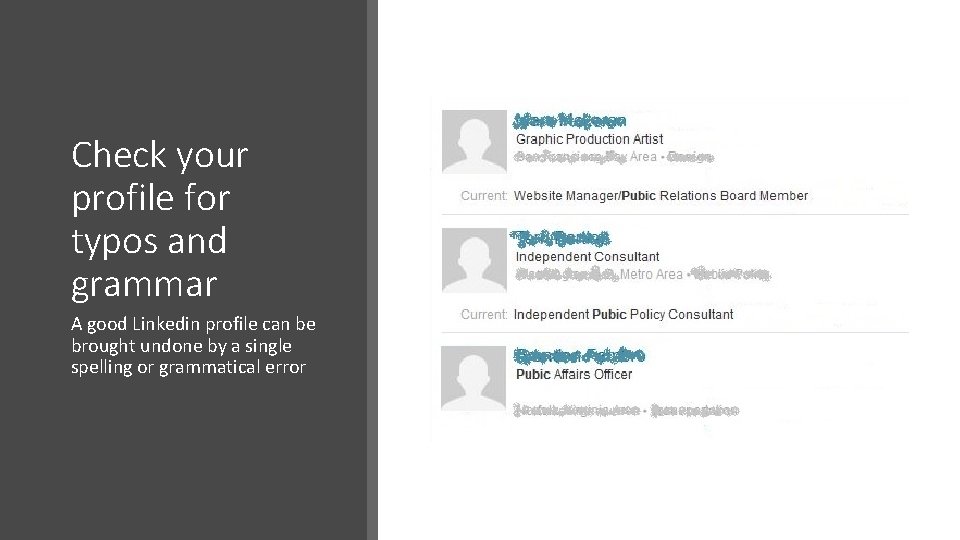
Check your profile for typos and grammar A good Linkedin profile can be brought undone by a single spelling or grammatical error
And we’re done! Any questions? ? Clayton Wehner contact@bluetrainenterprises. com. au
- Slides: 36