
How to Access Microsoft Teams IN THIS PRESENTATION
- Slides: 6
How to Access Microsoft Teams IN THIS PRESENTATION: • WHAT IS TEAMS? • HOW DO I ACCESS TEAMS? • WHAT CAN I DO IN TEAMS?
What is Microsoft Teams? Microsoft Teams is a digital hub for teachers and school leaders. It brings conversations, content, and apps together in one place, streamlining work flow for administrators and allowing teachers to create vibrant, personalized learning environments. With Teams, you can create collaborative classrooms, personalize learning with assignments, connect with colleagues, and streamline staff communication. Teams supports teacher-to-teacher collaboration as well as class collaboration and communication. In short, it is the one tool that can help with educators' administrative and classroom tasks, saving teachers time and teaching students future ready skills.
What you need to know Staff & Students have access to Teams through their Office 365 accounts. Remote Desktop is not needed. Teams works across almost all devices with an Internet connection (desktop & mobile) via web browser or downloadable app. All users can be part of multiple teams, organised by subject and class. These are already populated.
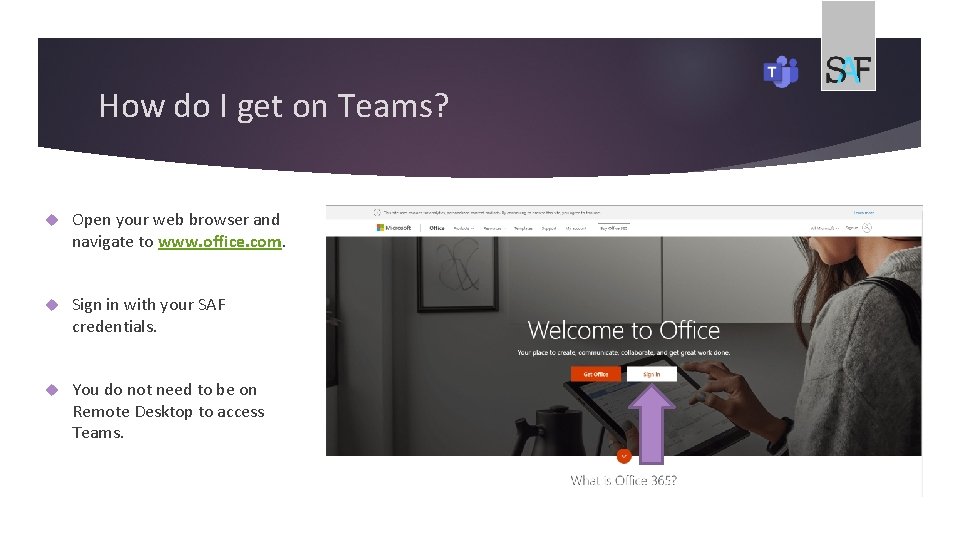
How do I get on Teams? Open your web browser and navigate to www. office. com. Sign in with your SAF credentials. You do not need to be on Remote Desktop to access Teams.
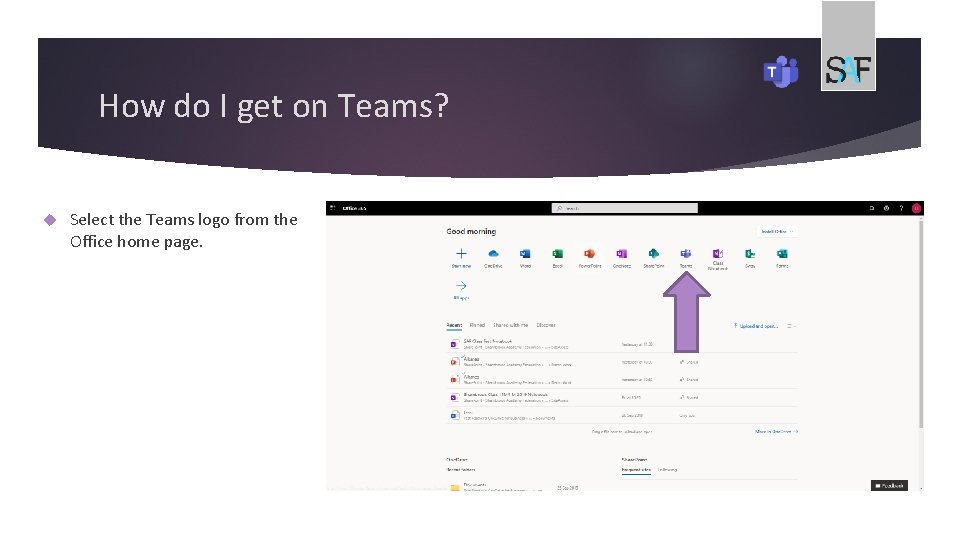
How do I get on Teams? Select the Teams logo from the Office home page.
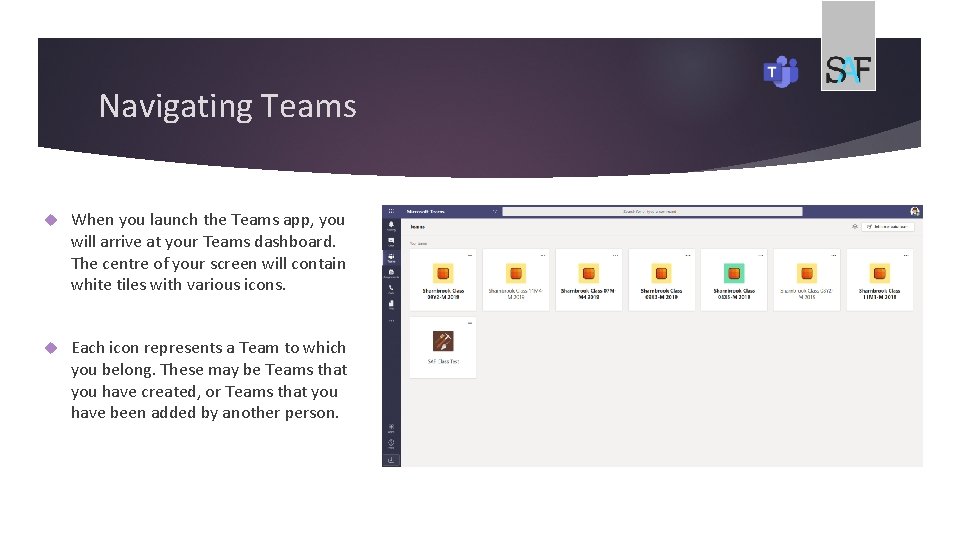
Navigating Teams When you launch the Teams app, you will arrive at your Teams dashboard. The centre of your screen will contain white tiles with various icons. Each icon represents a Team to which you belong. These may be Teams that you have created, or Teams that you have been added by another person.