
How Splunk Manages Our Junk Our experiences throughout
- Slides: 42
How Splunk Manages Our Junk Our experiences throughout the 3 year journey
About us • Harvard University – University Network Services Group – Serving over 2500 faculty and more than 18, 000 students • Jim Donn Management Systems • Tim Hartmann Systems Administrator – – – – Architect and implement Management solutions Deliver fault notifications Previously with HSBC 13 years in IT from NOC -> Sr. Engineer Architect and implement Authentication solutions Troubleshoot various server related issues Previously with another division within the University 11 Years in IT from Help Desk -> Sr. Engineer
Our Interests • • • Share our experiences with others Collaborating with like minded people Discuss strategies to tackle common issues Share solutions / code Endorse community activity!
Day 0 • Network and Systems team have very similar needs – centralized logging. • Teams belong to the same department, but historically act independently. • 2 independent Syslog-NG implementations. • Jim and Tim break the mold and talk to each other!
Network Management Systems Drivers • New tools must scale with the rebuild of Enterprise Network Management Systems • Syslog needs: – Syslog aggregation – Reliable event forwarding – Easy to use web interface – Centralized log viewer – Correlation and alerting engine*
Systems Team Drivers • Need to track down and resolve issues faster • Syslog needs: – Centralized logging – Web based search viewer – Role based access to logs – Alerting – Reporting – Trend Analysis
How to get data into Splunk? • UDP / TCP forwarding • Agents – Watch file – Watch folder – WMI / Event Log / Registry data – Scripted inputs *
Evaluation • Tim leads Splunk evaluation, sets up server – Simple installation • Tim and Jim point Syslog-NG envs at Splunk • Develop User Roles strategies – Net Eng, NOC, Security, and Server teams • Develop data separation strategies (KISS) – Host names – Sourcetypes – Indexes
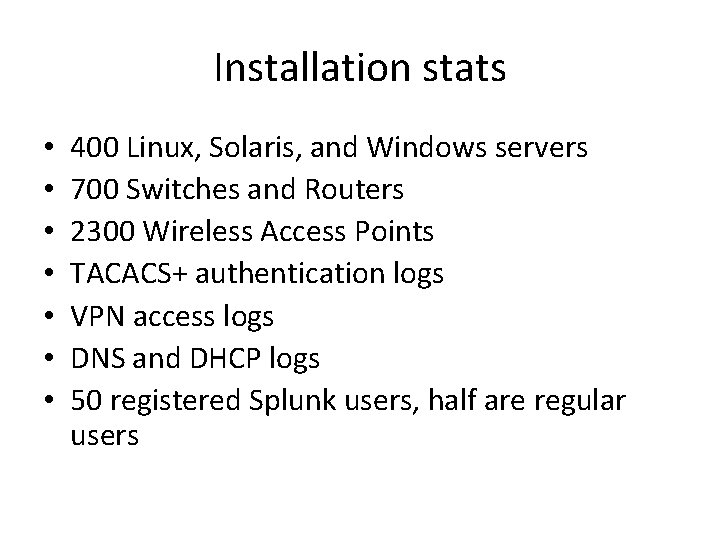
Installation stats • • 400 Linux, Solaris, and Windows servers 700 Switches and Routers 2300 Wireless Access Points TACACS+ authentication logs VPN access logs DNS and DHCP logs 50 registered Splunk users, half are regular users
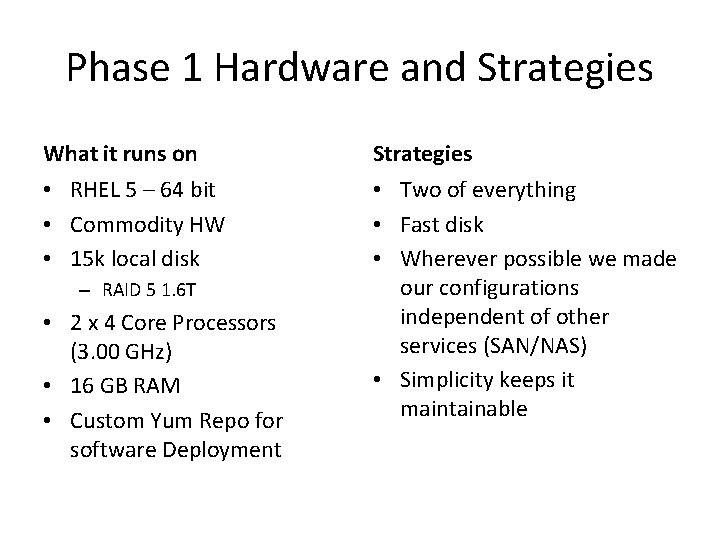
Phase 1 Hardware and Strategies What it runs on Strategies • RHEL 5 – 64 bit • Commodity HW • 15 k local disk • Two of everything • Fast disk • Wherever possible we made our configurations independent of other services (SAN/NAS) • Simplicity keeps it maintainable – RAID 5 1. 6 T • 2 x 4 Core Processors (3. 00 GHz) • 16 GB RAM • Custom Yum Repo for software Deployment
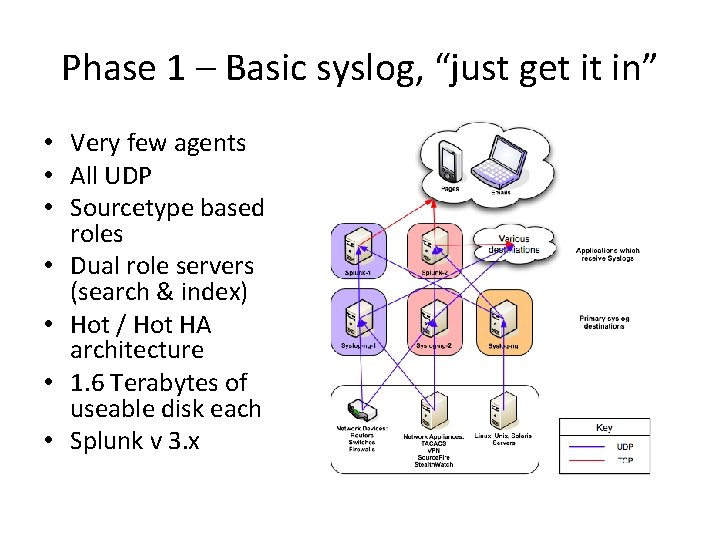
Phase 1 – Basic syslog, “just get it in” • Very few agents • All UDP • Sourcetype based roles • Dual role servers (search & index) • Hot / Hot HA architecture • 1. 6 Terabytes of useable disk each • Splunk v 3. x
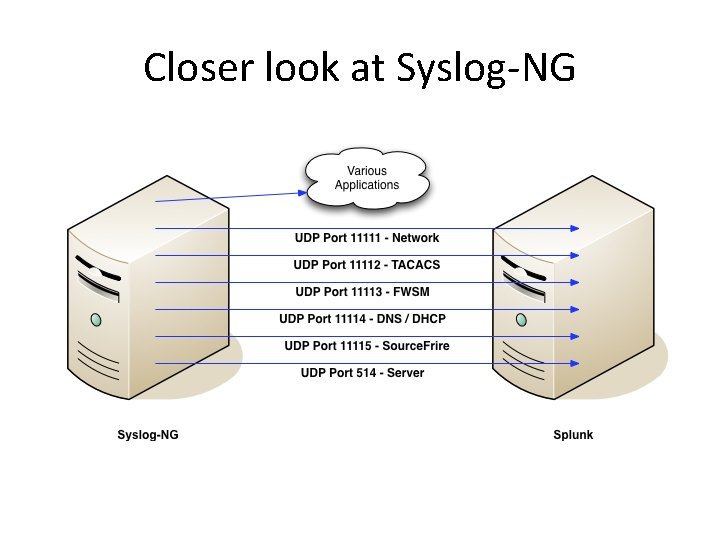
Closer look at Syslog-NG
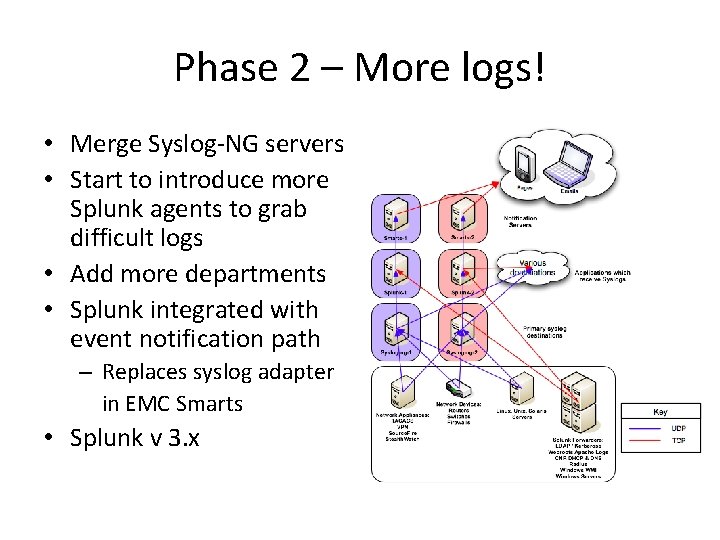
Phase 2 – More logs! • Merge Syslog-NG servers • Start to introduce more Splunk agents to grab difficult logs • Add more departments • Splunk integrated with event notification path – Replaces syslog adapter in EMC Smarts • Splunk v 3. x
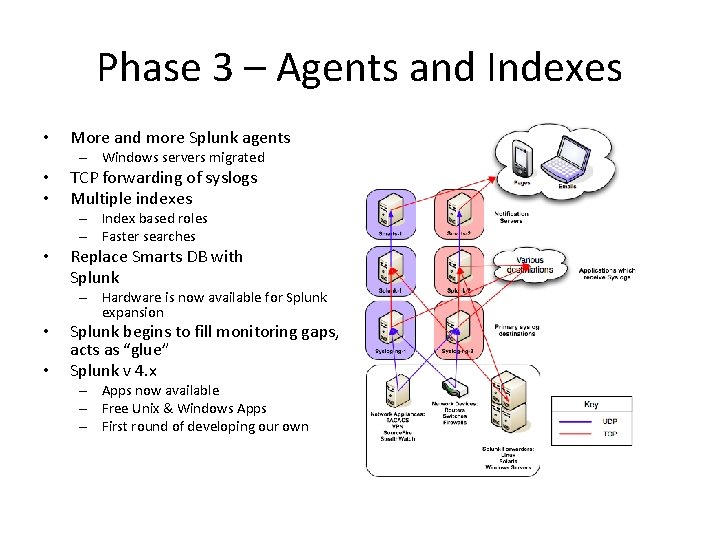
Phase 3 – Agents and Indexes • More and more Splunk agents – Windows servers migrated • • TCP forwarding of syslogs Multiple indexes – Index based roles – Faster searches • Replace Smarts DB with Splunk – Hardware is now available for Splunk expansion • • Splunk begins to fill monitoring gaps, acts as “glue” Splunk v 4. x – Apps now available – Free Unix & Windows Apps – First round of developing our own
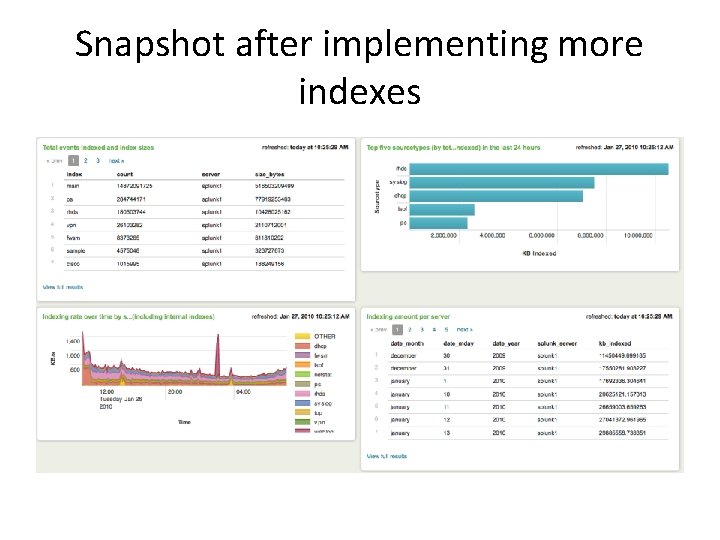
Snapshot after implementing more indexes
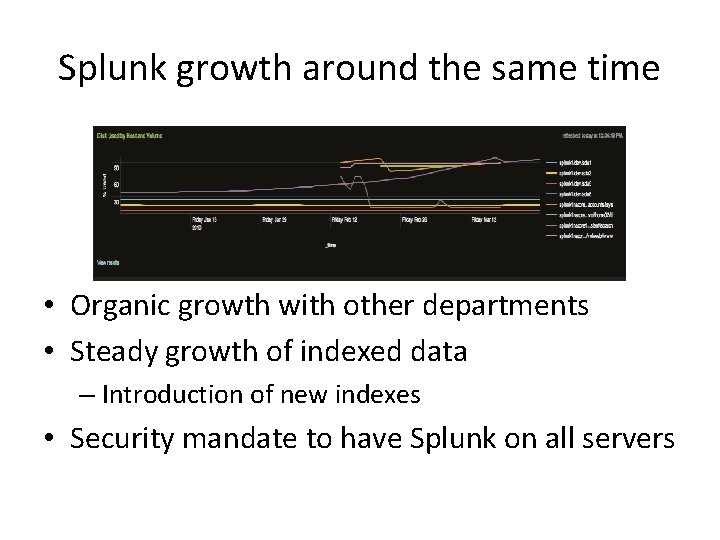
Splunk growth around the same time • Organic growth with other departments • Steady growth of indexed data – Introduction of new indexes • Security mandate to have Splunk on all servers
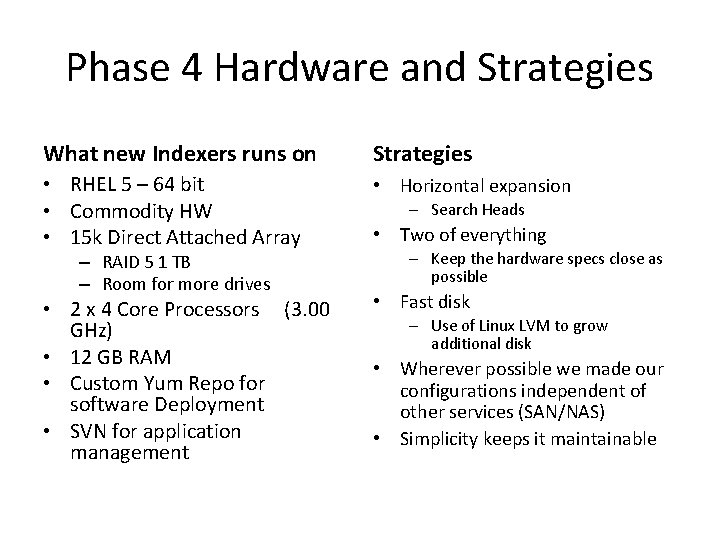
Phase 4 Hardware and Strategies What new Indexers runs on Strategies • RHEL 5 – 64 bit • Commodity HW • 15 k Direct Attached Array • Horizontal expansion • 2 x 4 Core Processors (3. 00 GHz) • 12 GB RAM • Custom Yum Repo for software Deployment • SVN for application management • Fast disk – RAID 5 1 TB – Room for more drives – Search Heads • Two of everything – Keep the hardware specs close as possible – Use of Linux LVM to grow additional disk • Wherever possible we made our configurations independent of other services (SAN/NAS) • Simplicity keeps it maintainable
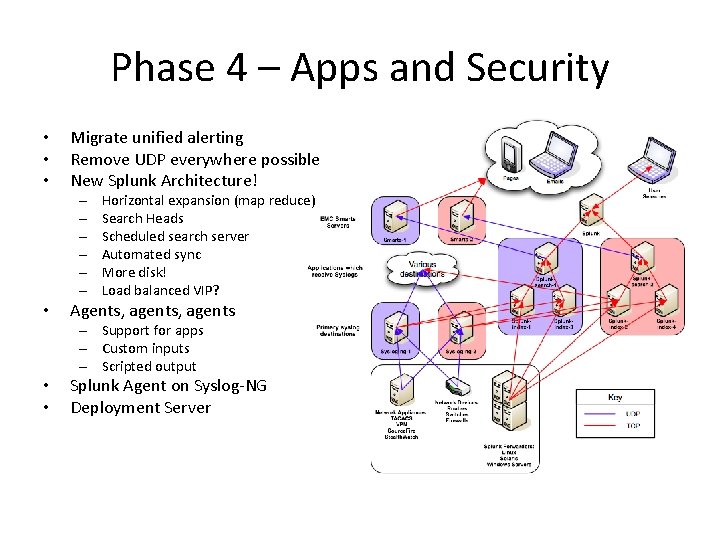
Phase 4 – Apps and Security • • • Migrate unified alerting Remove UDP everywhere possible New Splunk Architecture! – – – • Horizontal expansion (map reduce) Search Heads Scheduled search server Automated sync More disk! Load balanced VIP? Agents, agents – Support for apps – Custom inputs – Scripted output • • Splunk Agent on Syslog-NG Deployment Server
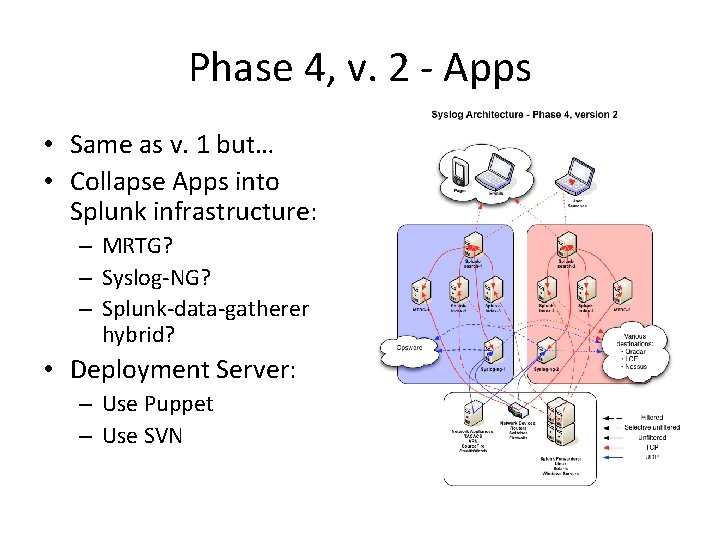
Phase 4, v. 2 - Apps • Same as v. 1 but… • Collapse Apps into Splunk infrastructure: – MRTG? – Syslog-NG? – Splunk-data-gatherer hybrid? • Deployment Server: – Use Puppet – Use SVN
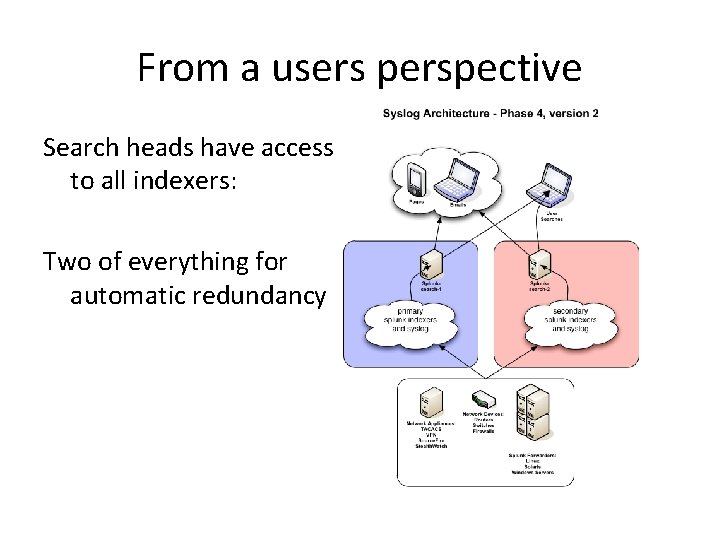
From a users perspective Search heads have access to all indexers: Two of everything for automatic redundancy
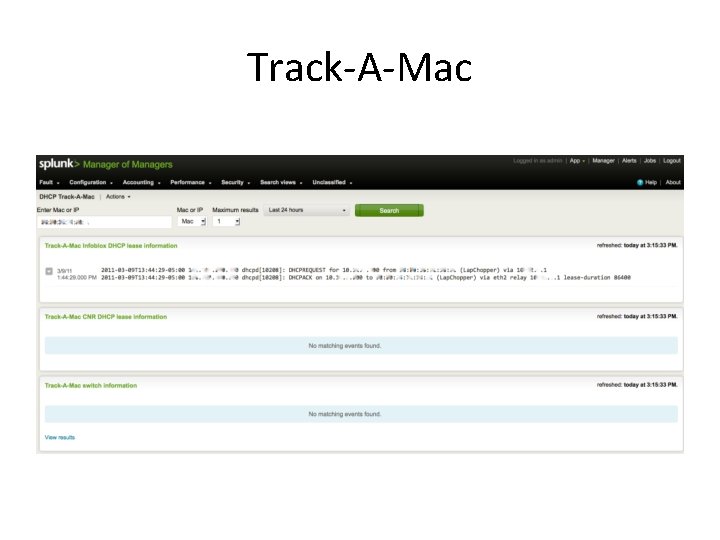
Home Brewed Splunk Apps / Usage • Xen server status • Replace legacy monitoring scripts • Transaction based alerts for Linux and Windows • Scripted inputs provide visibility into Network device port status (CLI only data) • Mac Address tracking
Track-A-Mac
Additional info Contact info james_donn@harvard. edu tim_hartmann@harvard. edu Community http: //answers. splunk. com https: //listserv. uconn. edu/cgi-bin/wa? A 0=SPLUNK-L
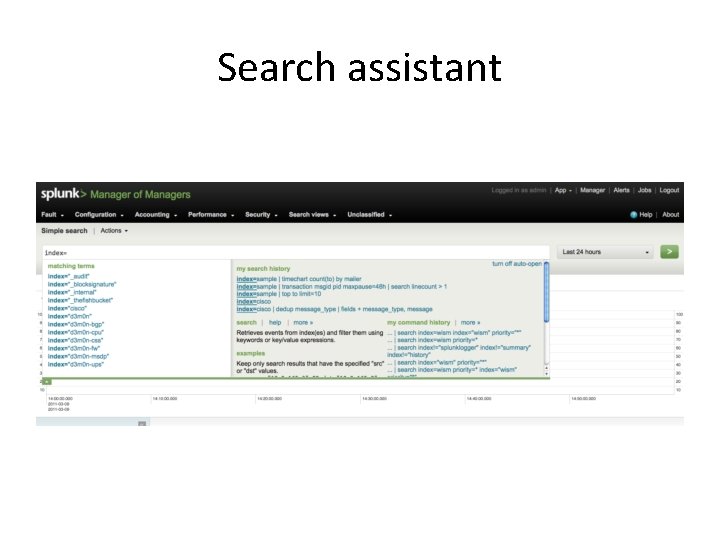
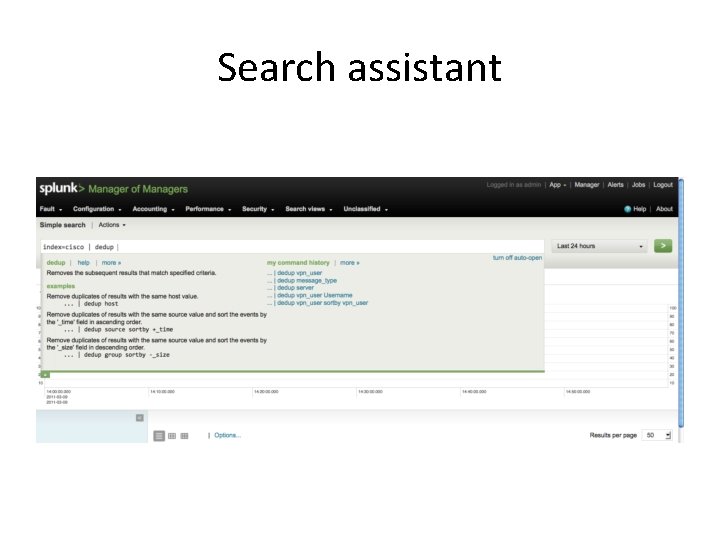
Search assistant
Search assistant
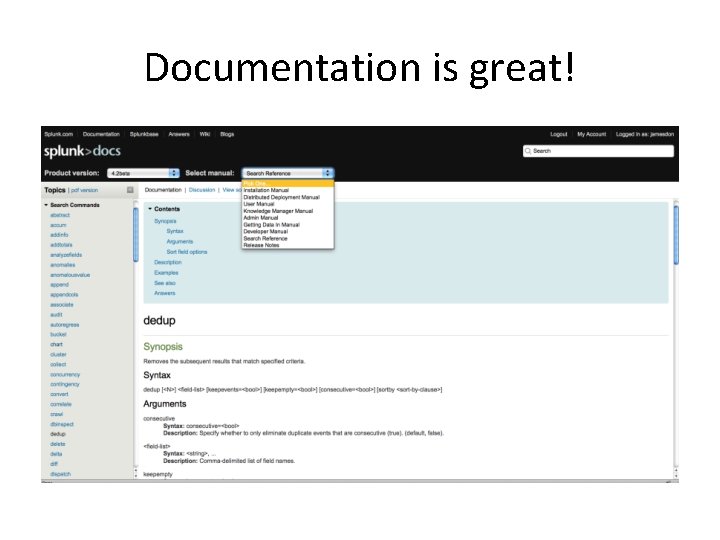
Documentation is great!
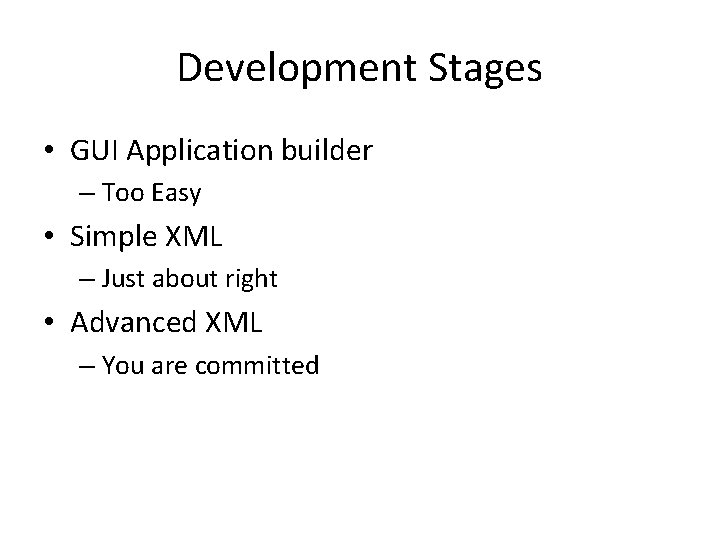
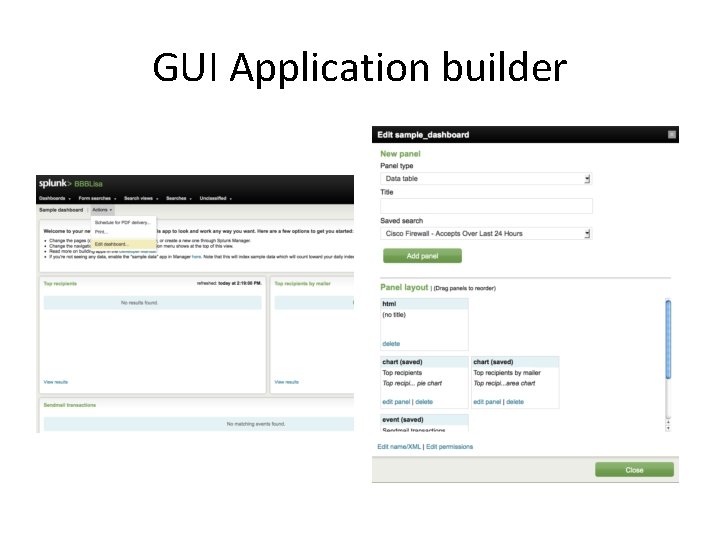
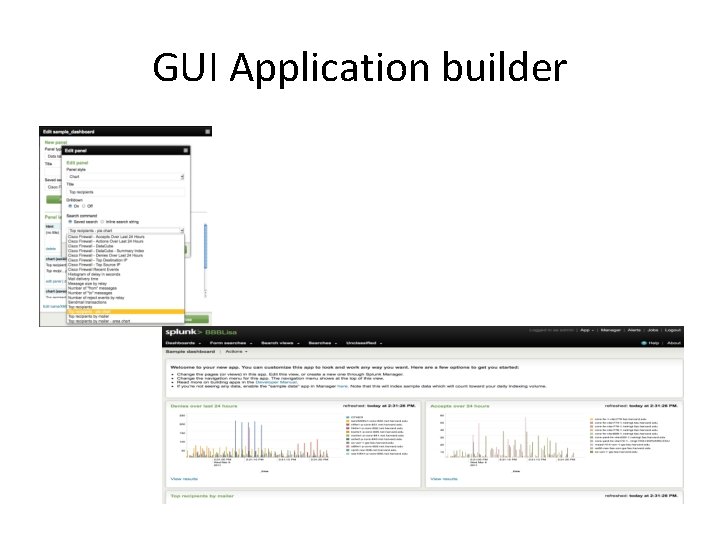
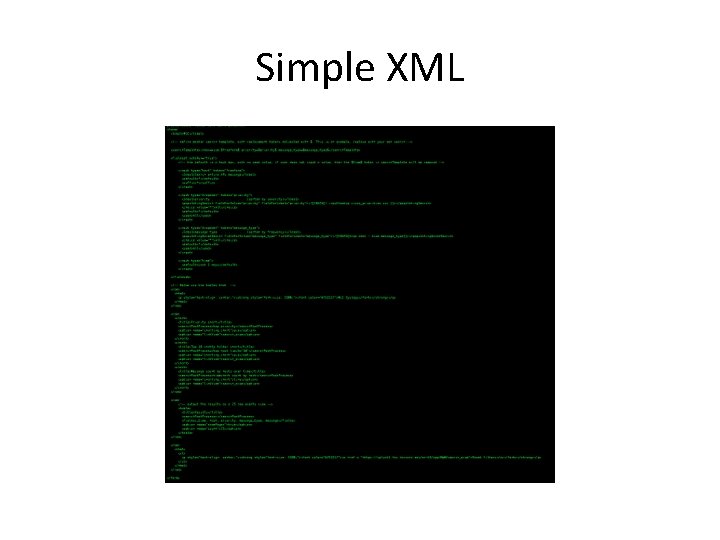
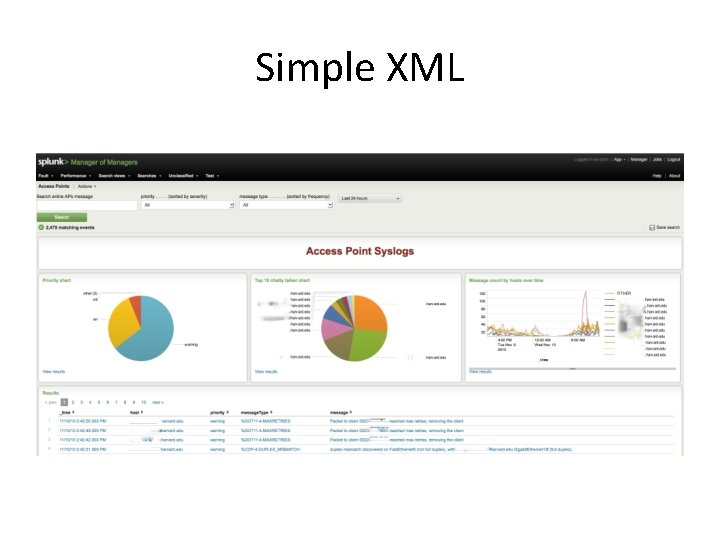
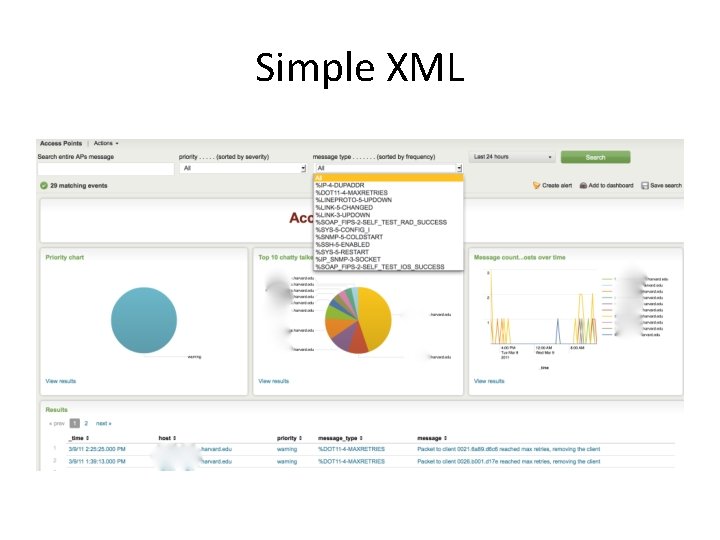
Development Stages • GUI Application builder – Too Easy • Simple XML – Just about right • Advanced XML – You are committed
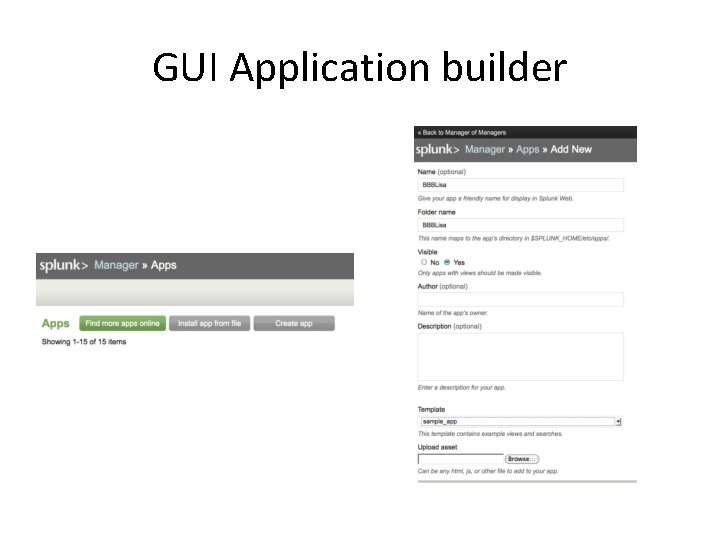
GUI Application builder
GUI Application builder
GUI Application builder
Simple XML
Simple XML
Simple XML
Advanced XML
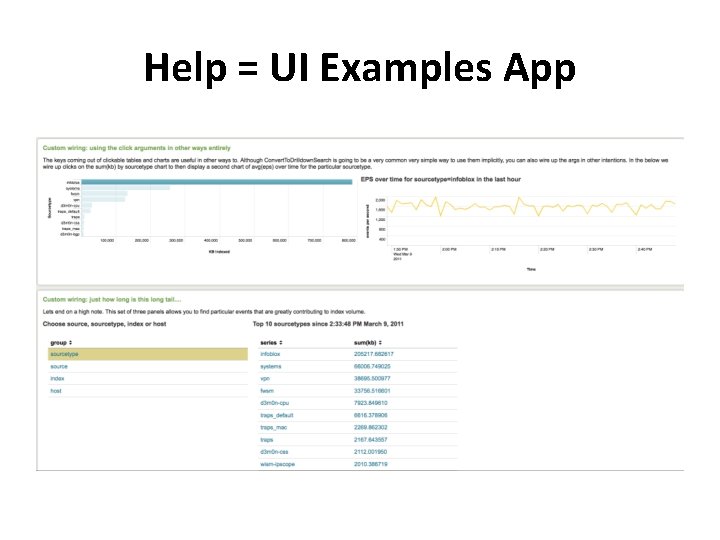
Help = UI Examples App
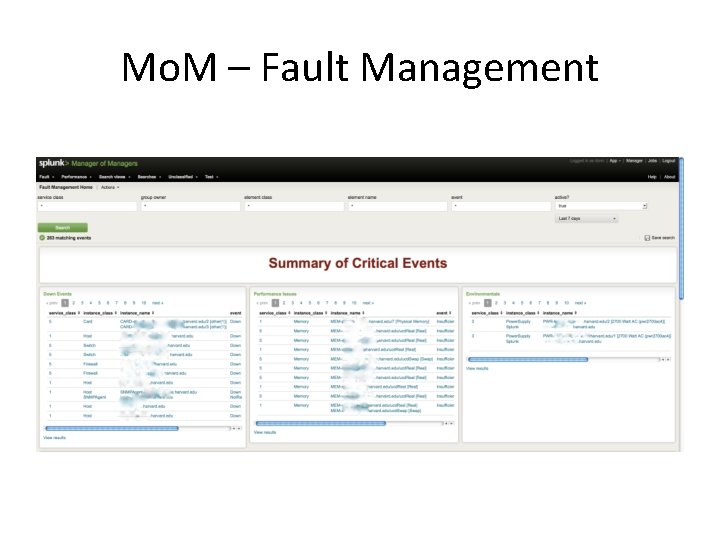
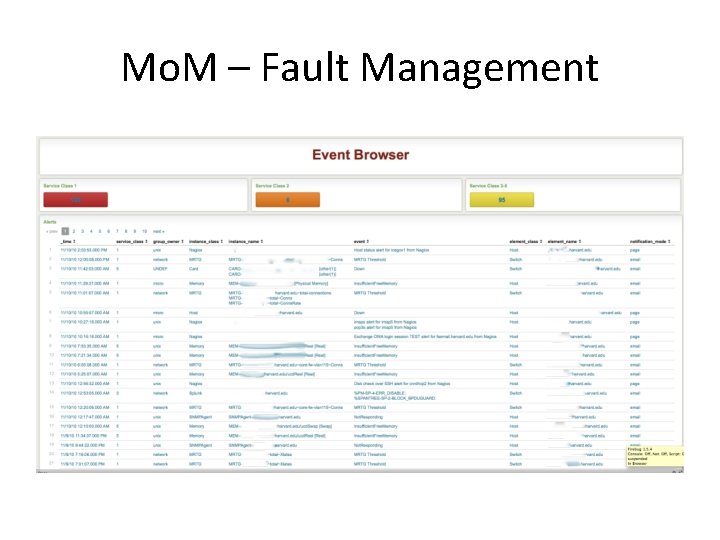
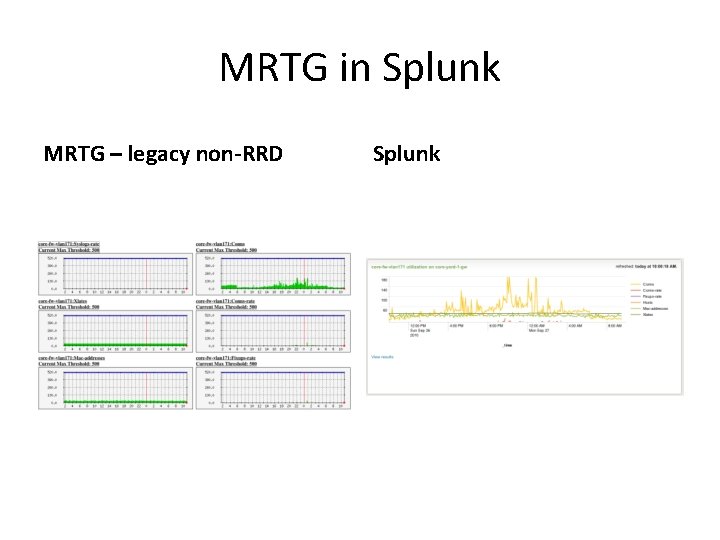
Future Apps • Security App – Requirements TBD • Manager of Managers – Net-SNMP trap receiver – Migrate MRTG graphs (Non-RRD) – Replace Cacti (RRD) – Trend all SNMPoll and d 3 m 0 n data
Mo. M – Fault Management
Mo. M – Fault Management
MRTG in Splunk MRTG – legacy non-RRD Splunk
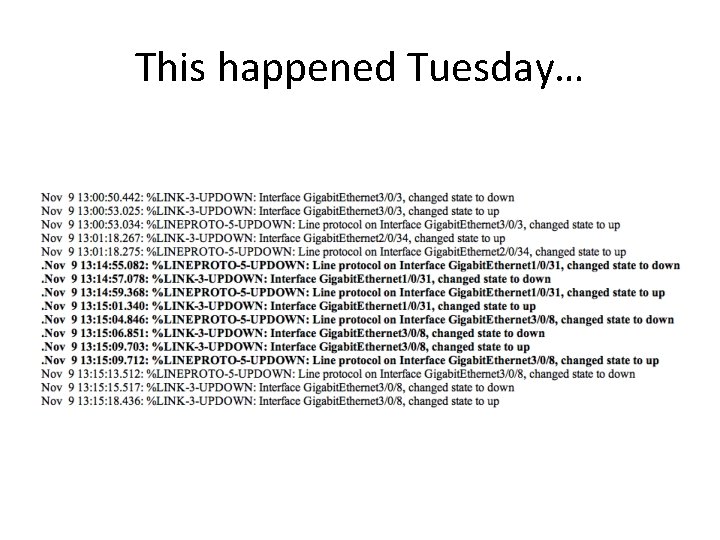
This happened Tuesday…
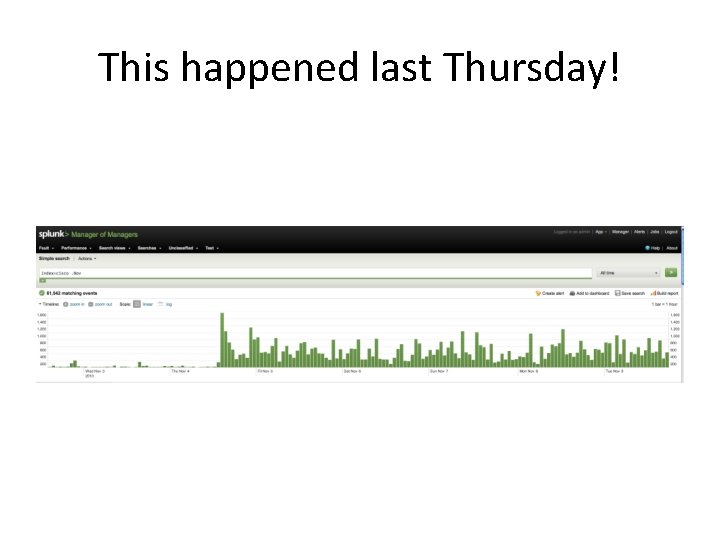
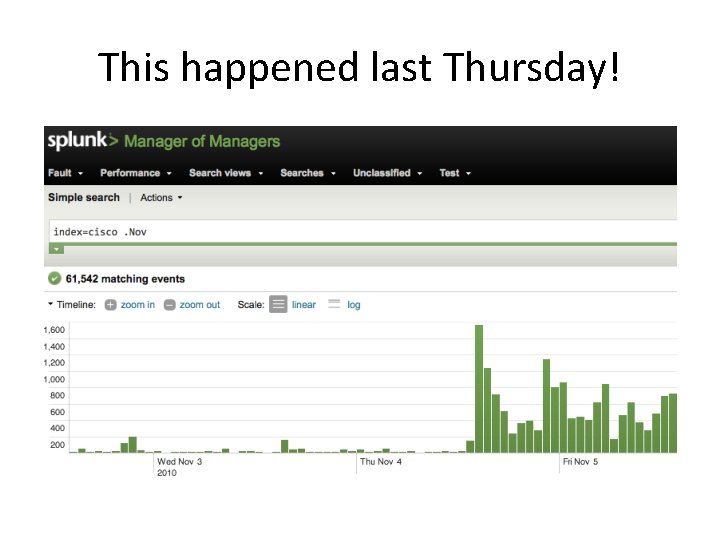
This happened last Thursday!
This happened last Thursday!