
HOW PAGES USE STRUCTURE HEADLINE HOW PAGES USE

- Slides: 27
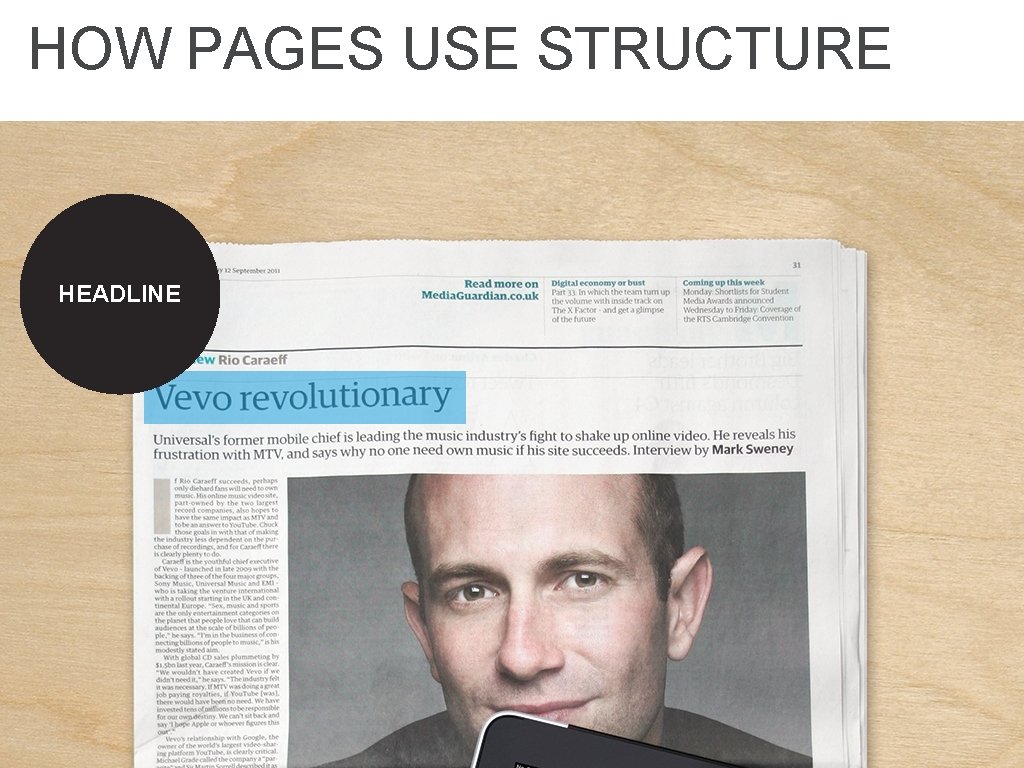
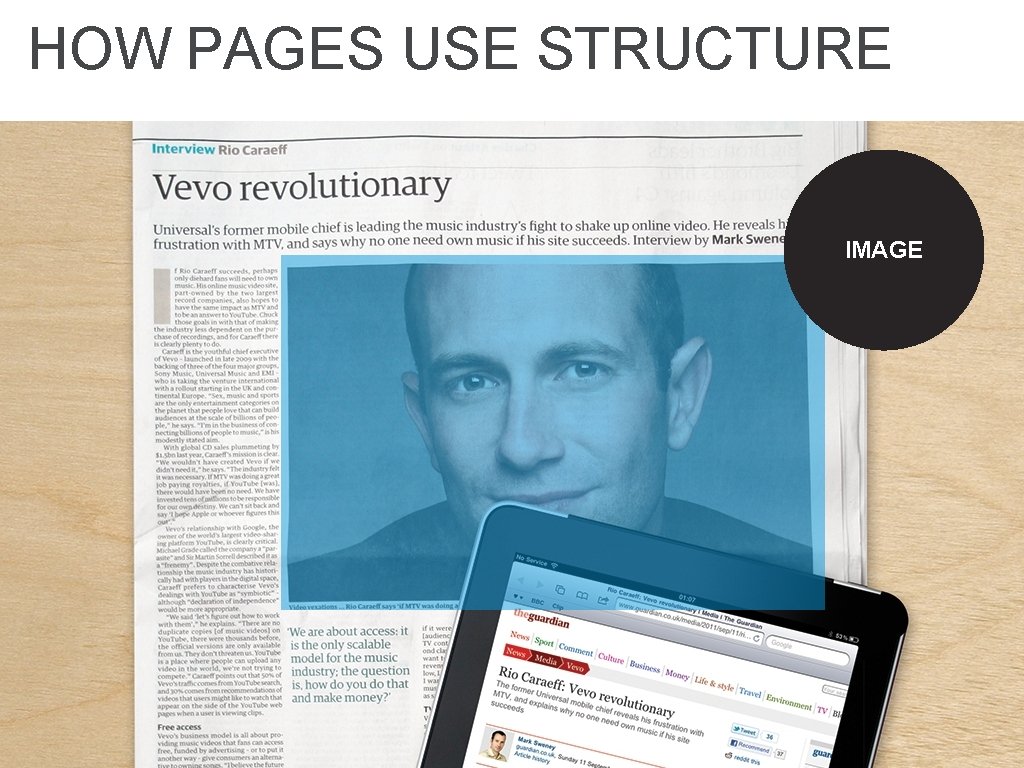
HOW PAGES USE STRUCTURE HEADLINE
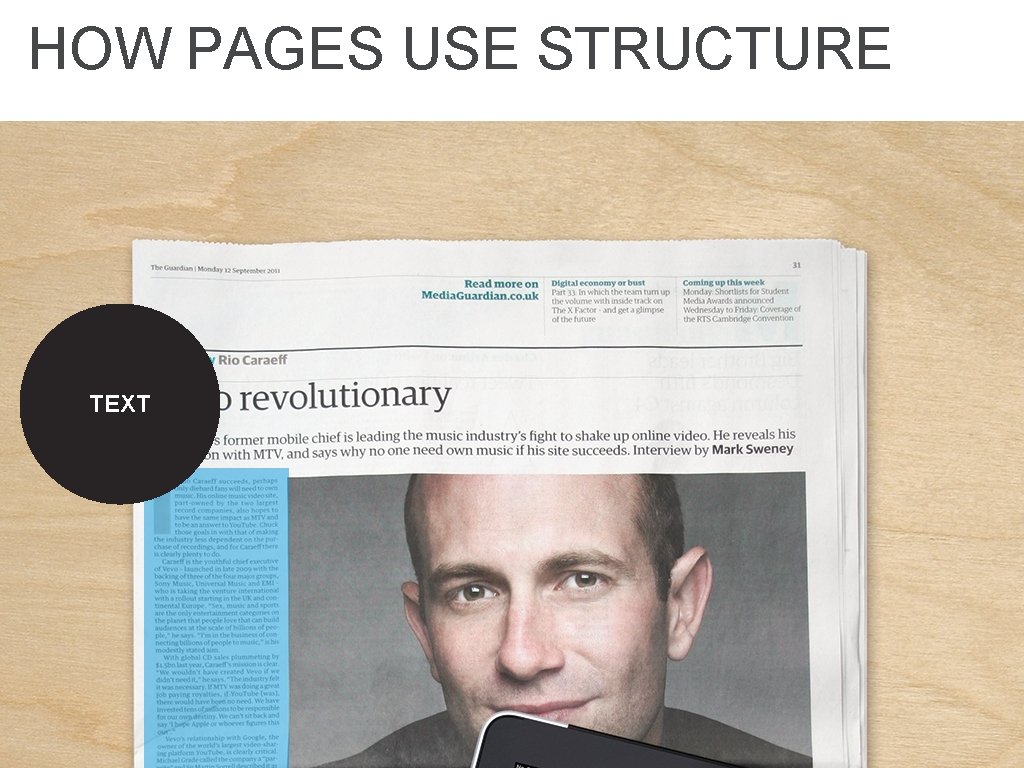
HOW PAGES USE STRUCTURE TEXT
HOW PAGES USE STRUCTURE IMAGE
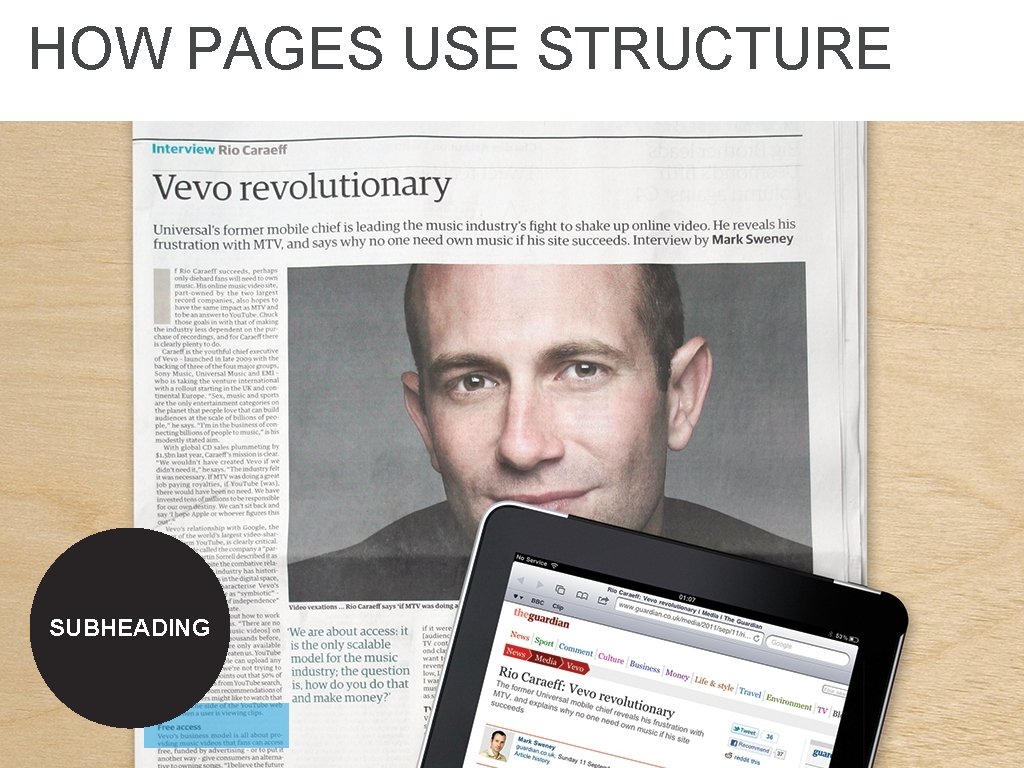
HOW PAGES USE STRUCTURE SUBHEADING
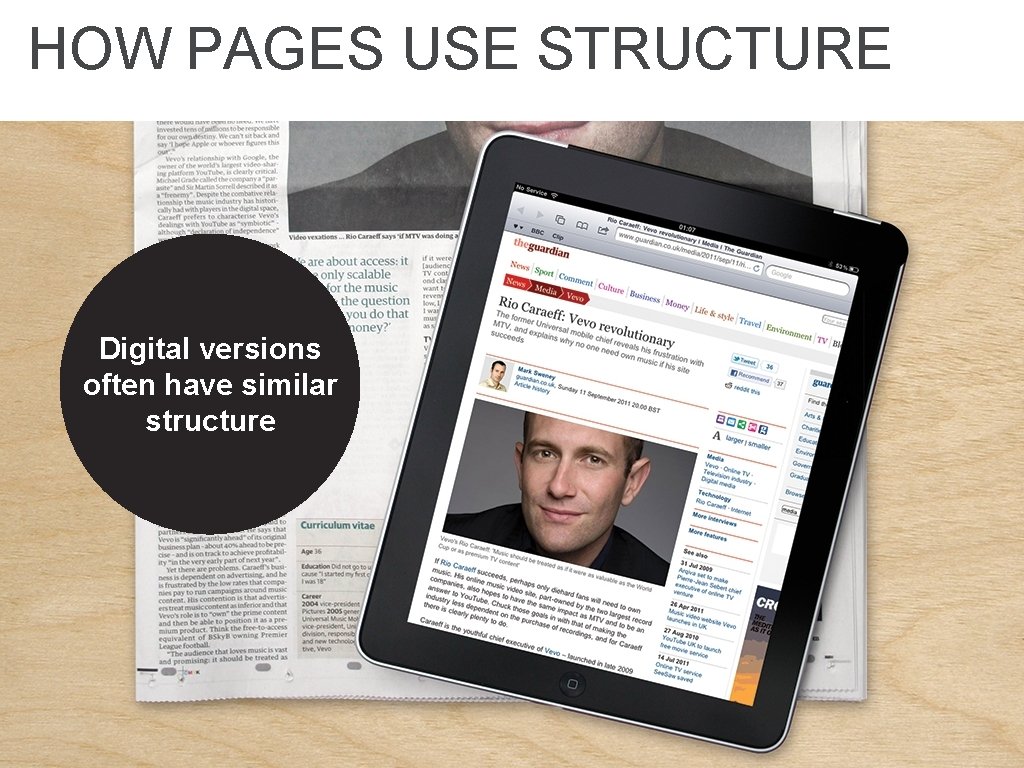
HOW PAGES USE STRUCTURE Digital versions often have similar structure
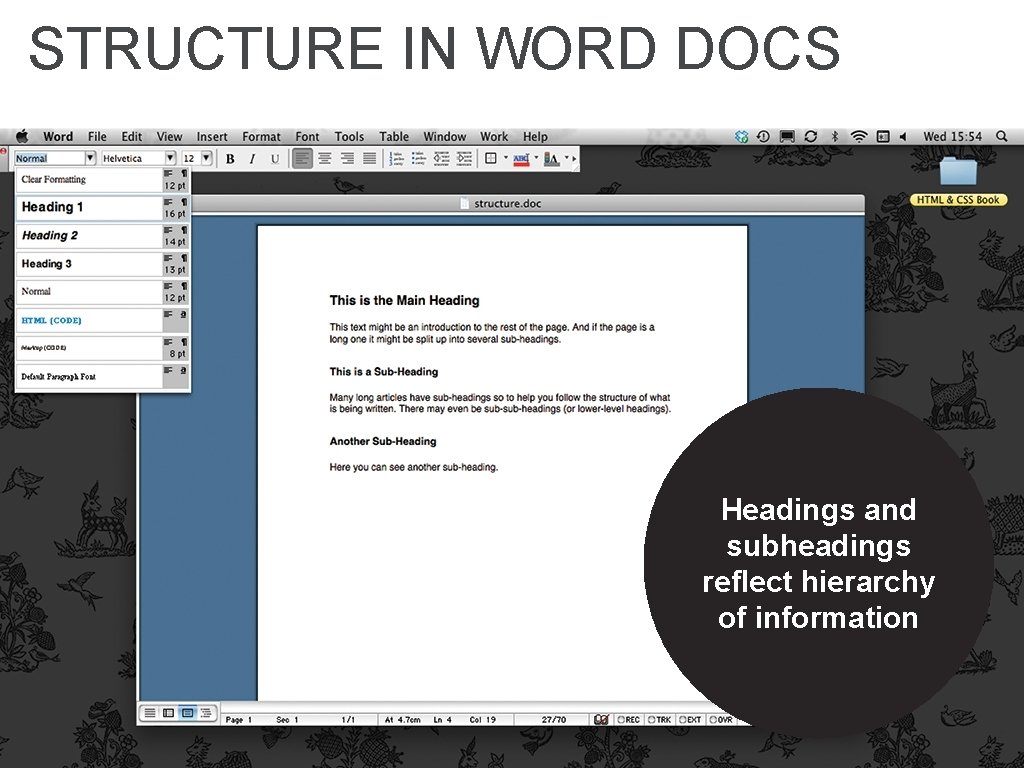
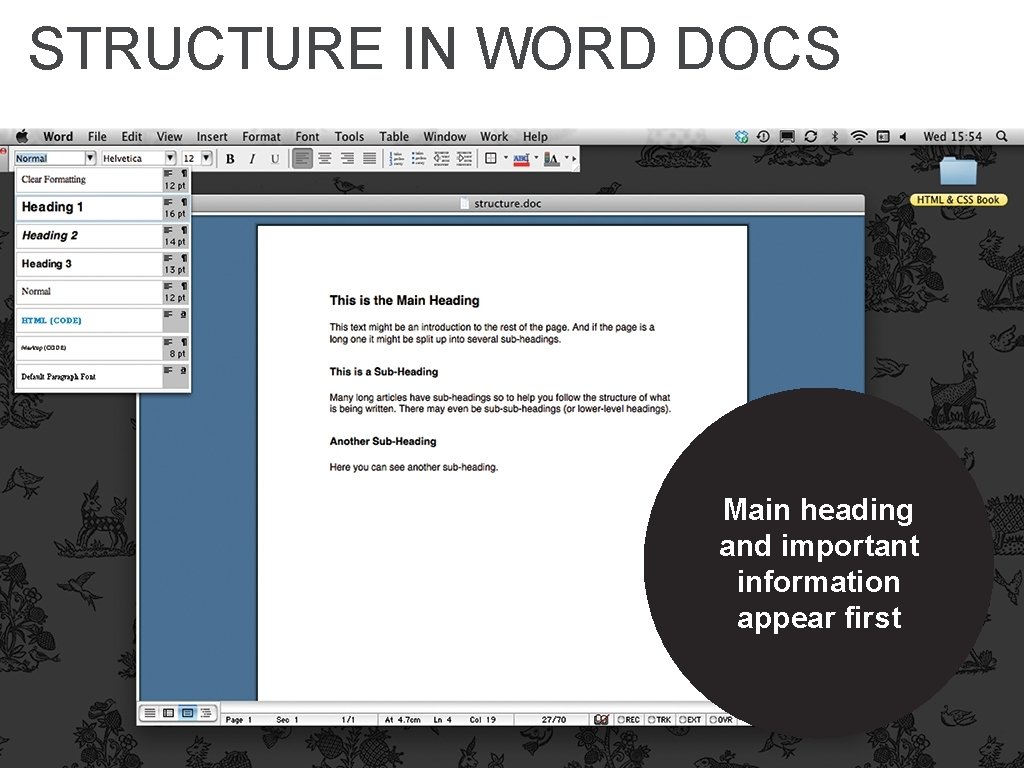
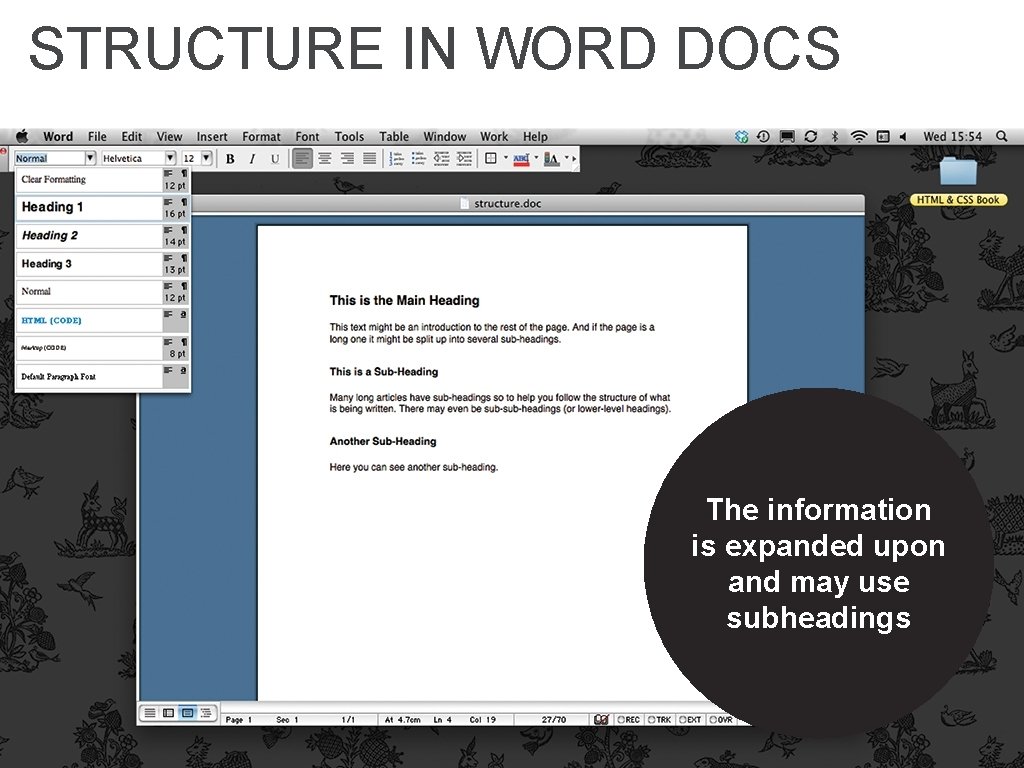
STRUCTURE IN WORD DOCS Headings and subheadings reflect hierarchy of information
STRUCTURE IN WORD DOCS Main heading and important information appear first
STRUCTURE IN WORD DOCS The information is expanded upon and may use subheadings
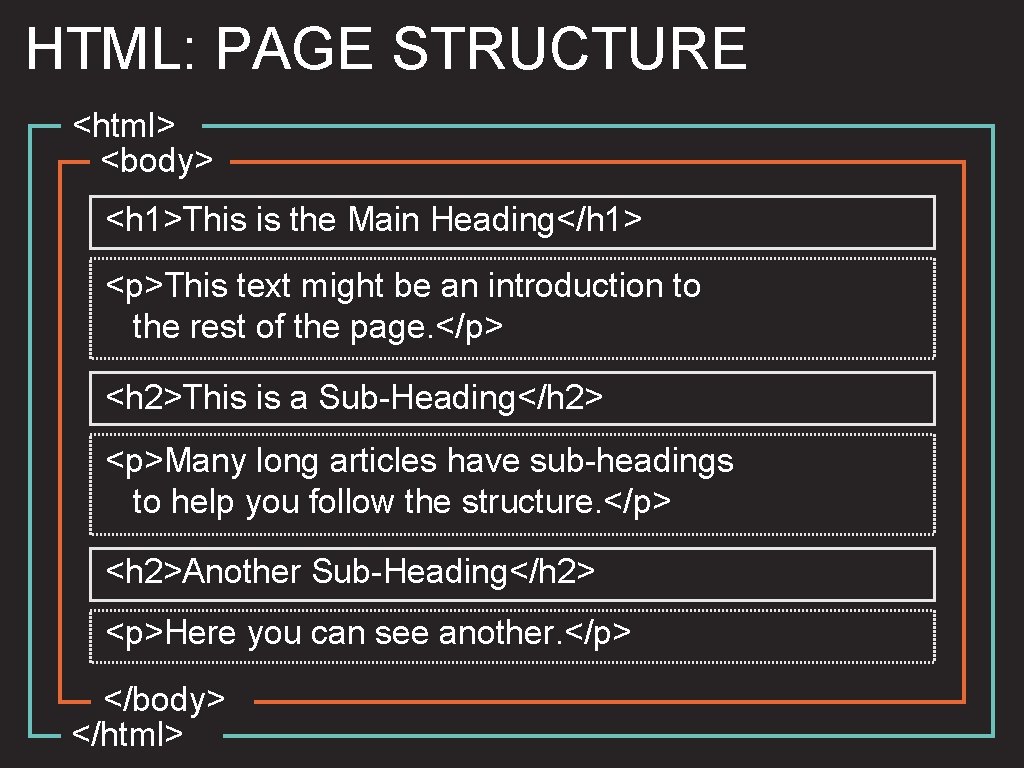
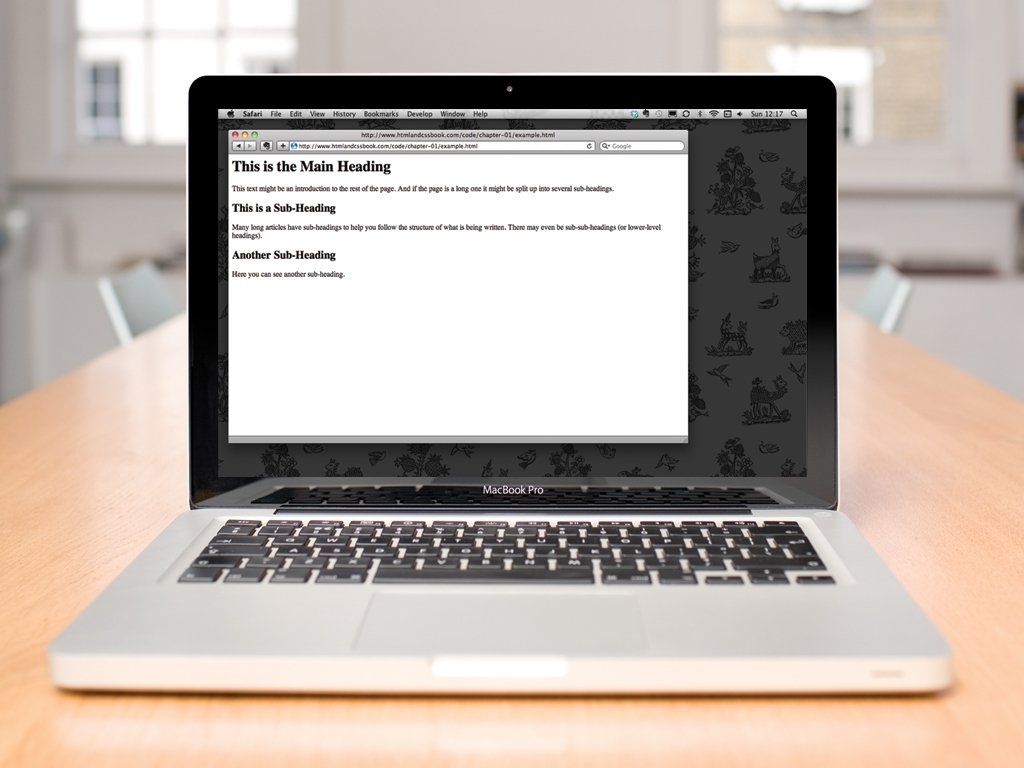
HTML: PAGE STRUCTURE <html> <body> <h 1>This is the Main Heading</h 1> <p>This text might be an introduction to the rest of the page. </p> <h 2>This is a Sub-Heading</h 2> <p>Many long articles have sub-headings to help you follow the structure. </p> <h 2>Another Sub-Heading</h 2> <p>Here you can see another. </p> </body> </html>
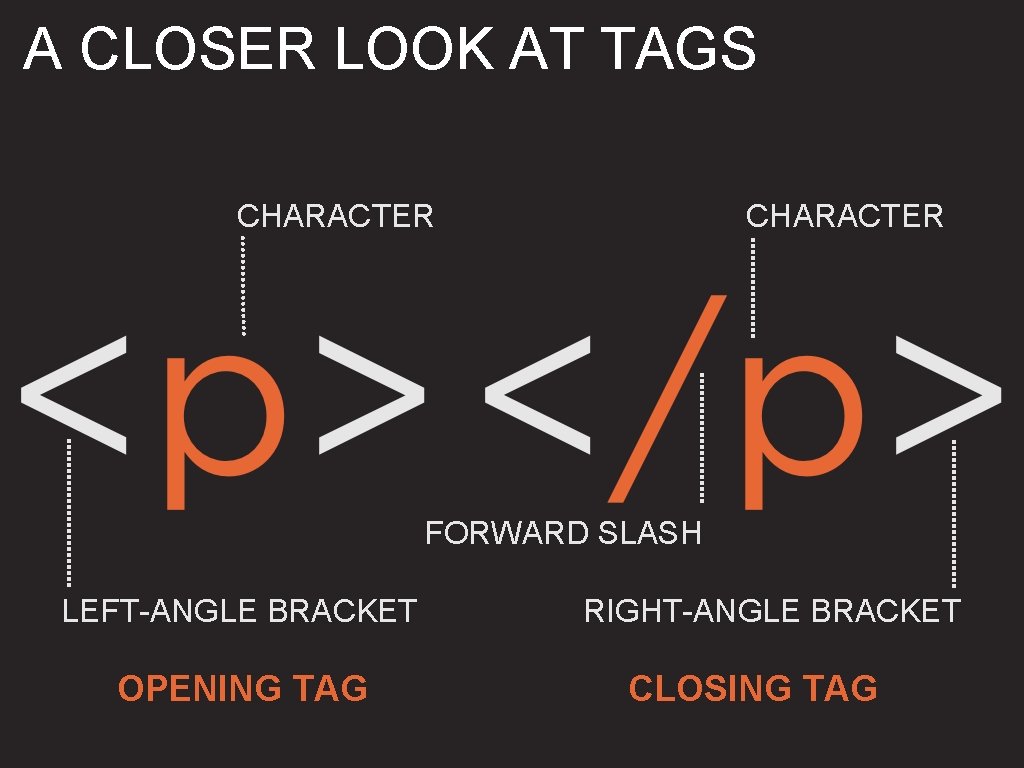
A CLOSER LOOK AT TAGS CHARACTER FORWARD SLASH LEFT-ANGLE BRACKET OPENING TAG RIGHT-ANGLE BRACKET CLOSING TAG
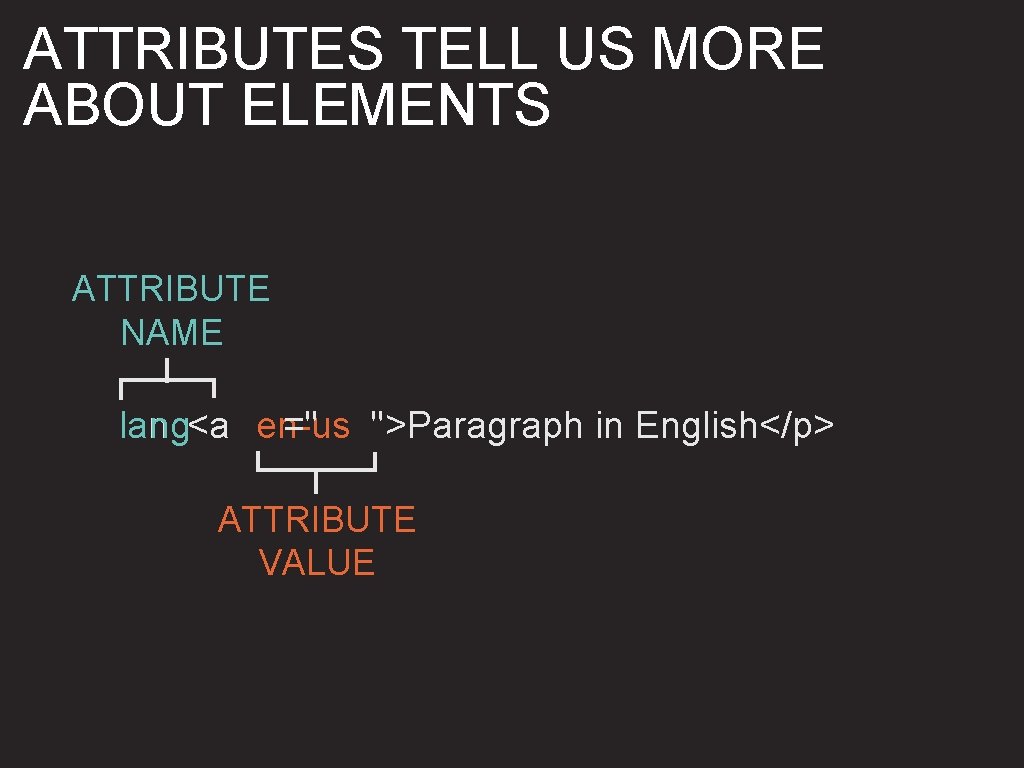
ATTRIBUTES TELL US MORE ABOUT ELEMENTS ATTRIBUTE NAME =" ">Paragraph in English</p> lang<a en-us ATTRIBUTE VALUE
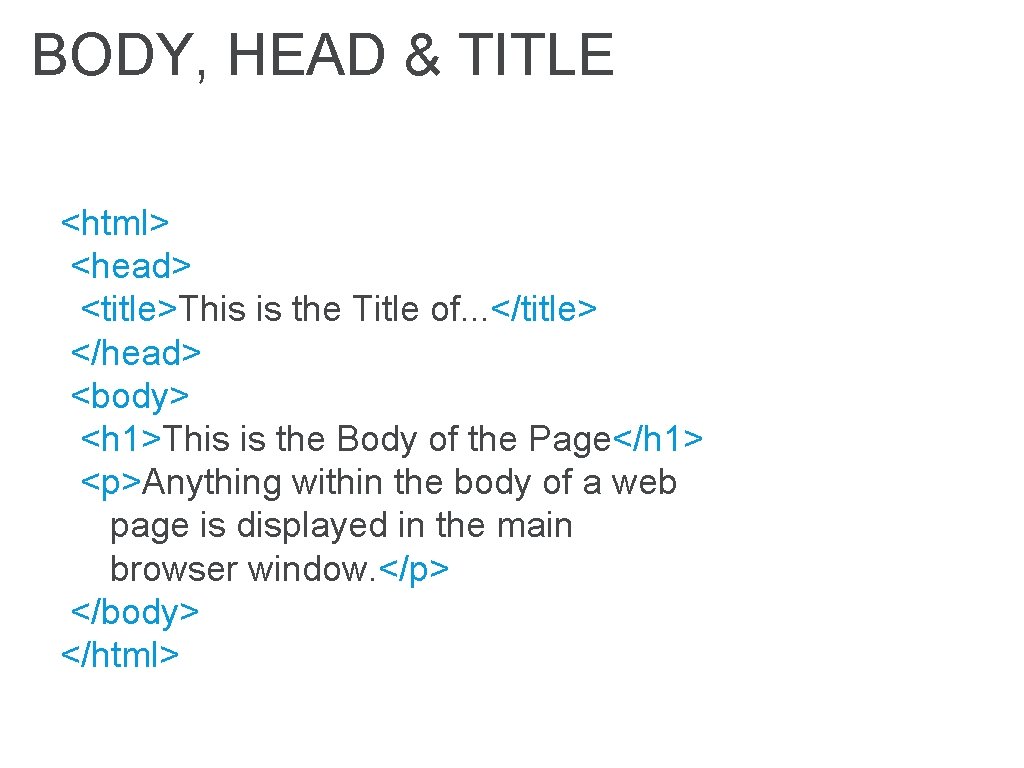
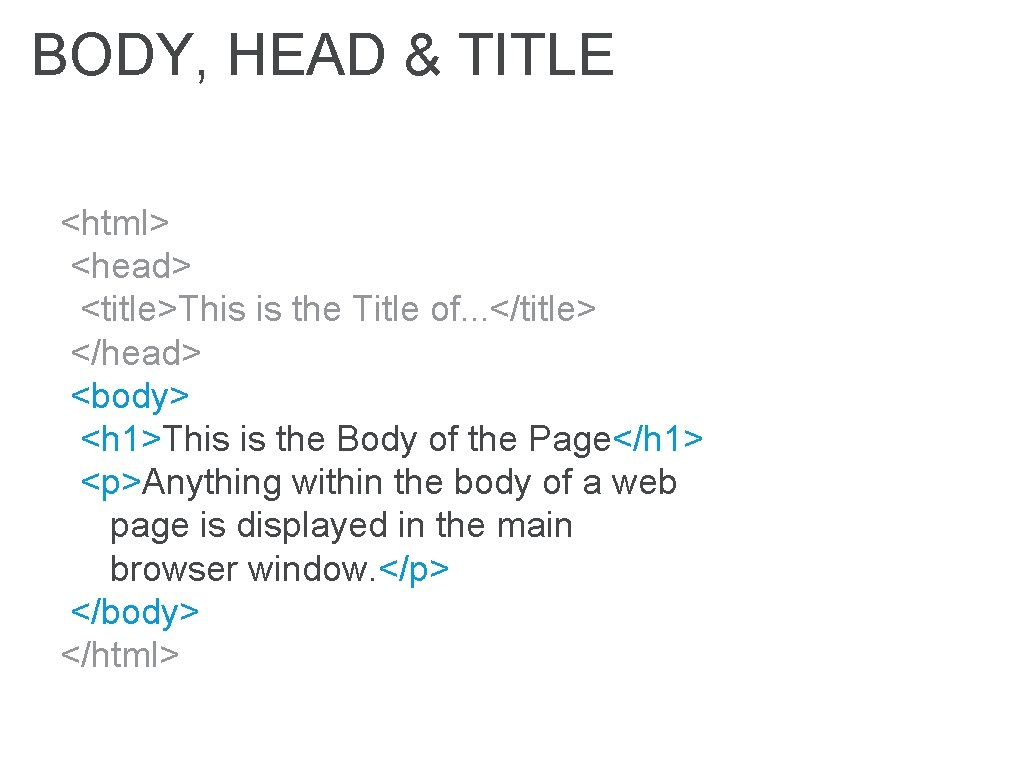
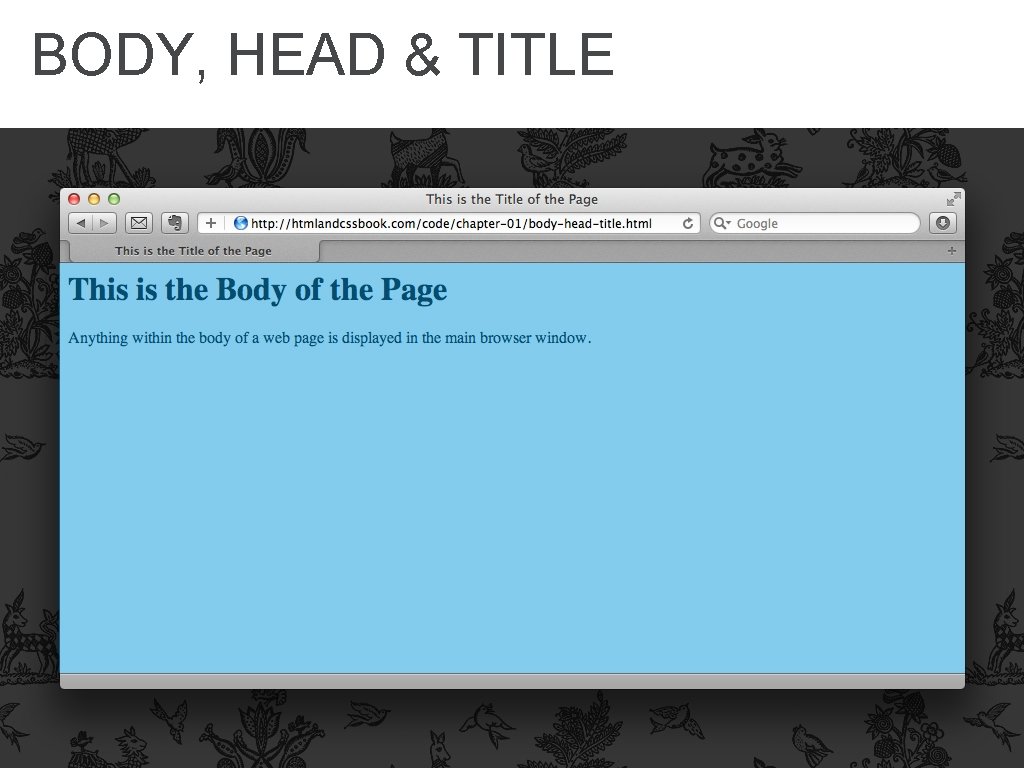
BODY, HEAD & TITLE <html> <head> <title>This is the Title of. . . </title> </head> <body> <h 1>This is the Body of the Page</h 1> <p>Anything within the body of a web page is displayed in the main browser window. </p> </body> </html>
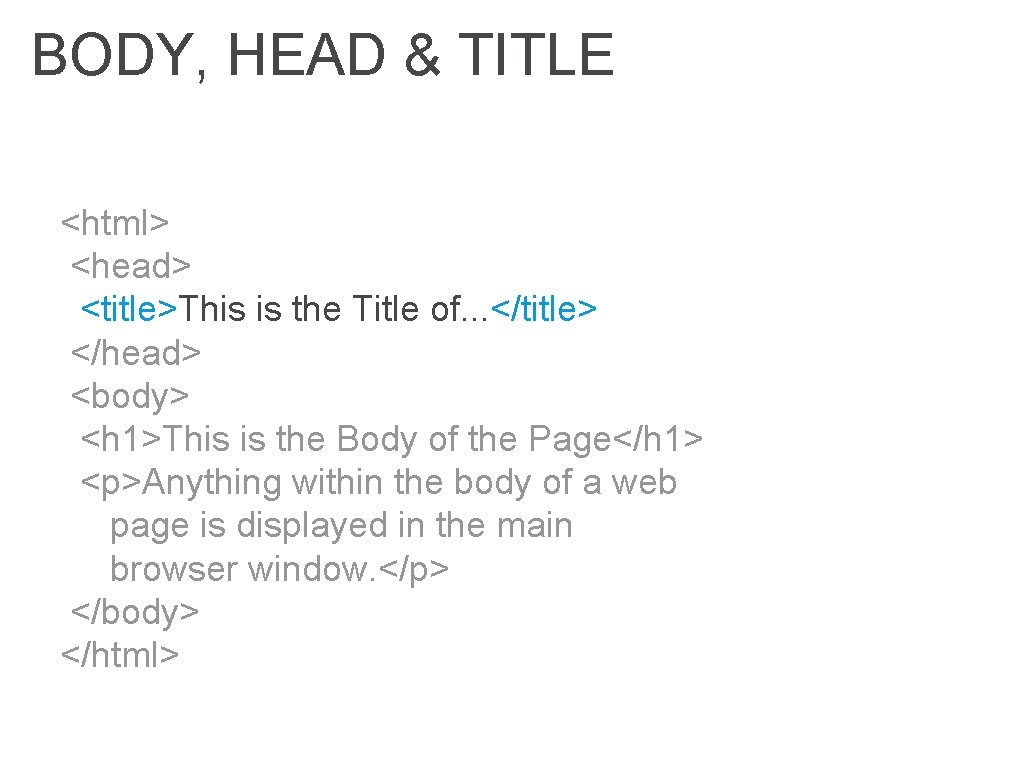
BODY, HEAD & TITLE <html> <head> <title>This is the Title of. . . </title> </head> <body> <h 1>This is the Body of the Page</h 1> <p>Anything within the body of a web page is displayed in the main browser window. </p> </body> </html>
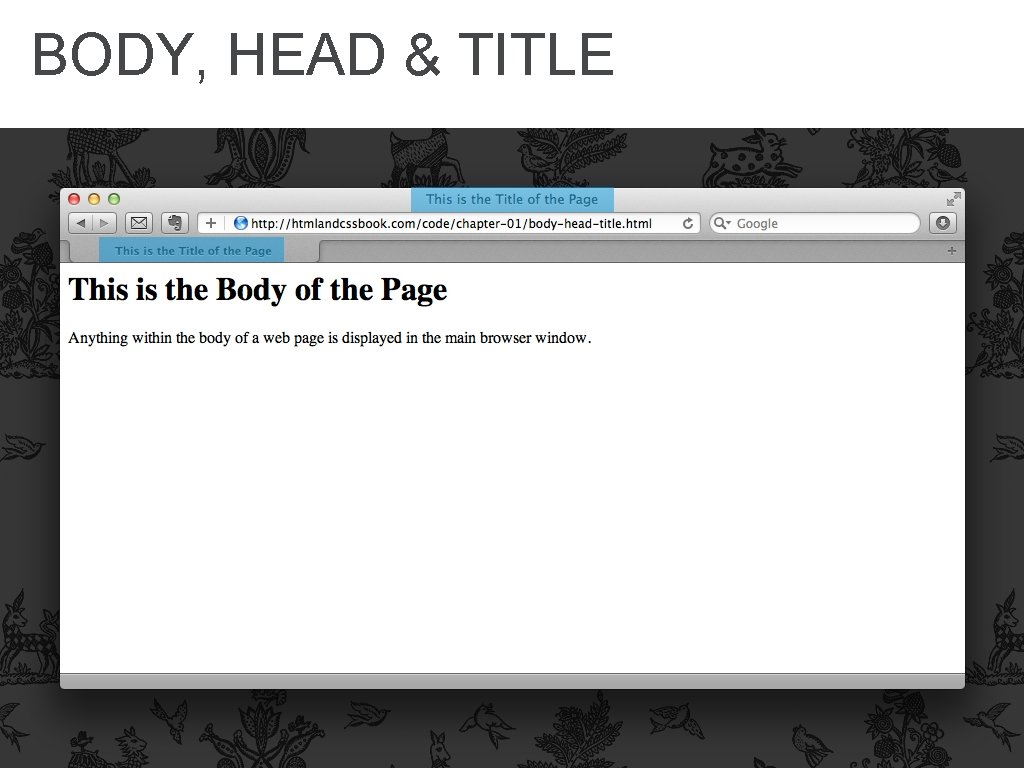
BODY, HEAD & TITLE
BODY, HEAD & TITLE <html> <head> <title>This is the Title of. . . </title> </head> <body> <h 1>This is the Body of the Page</h 1> <p>Anything within the body of a web page is displayed in the main browser window. </p> </body> </html>
BODY, HEAD & TITLE
SUMMARY HTML pages are text documents.
SUMMARY HTML uses tags, which act like containers and tell you about the information that lies between them.
SUMMARY Tags are often referred to as elements.
SUMMARY Tags usually come in pairs. Opening tags denote the start of a piece of content; closing tags denote the end.
SUMMARY Opening tags can carry attributes, which tell us more about the content of that element.
SUMMARY Attributes require a name and a value.
SUMMARY To learn HTML you need to know what tags you can use, what they do, and where they can go.