
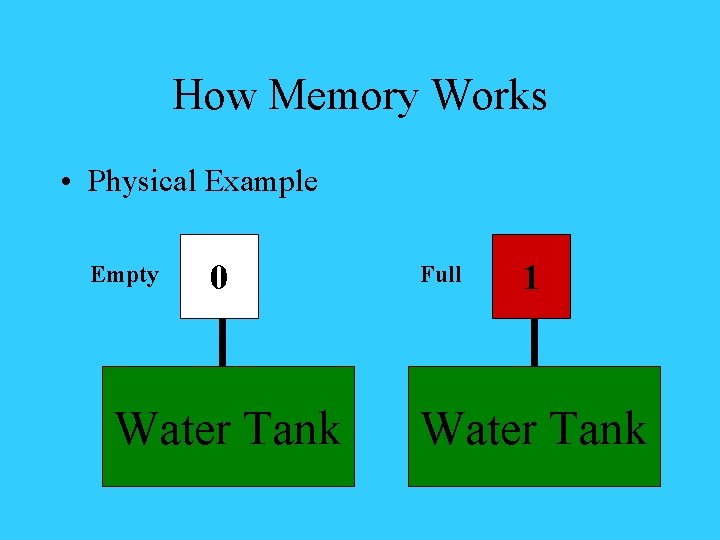
How Memory Works Physical Example Empty 0 Water


- Slides: 22
How Memory Works • Physical Example Empty 0 Water Tank Full 1 Water Tank
How Memory Works • Physical Example Discharged 0 Electronic Circuit Charged 1 Electronic Circuit
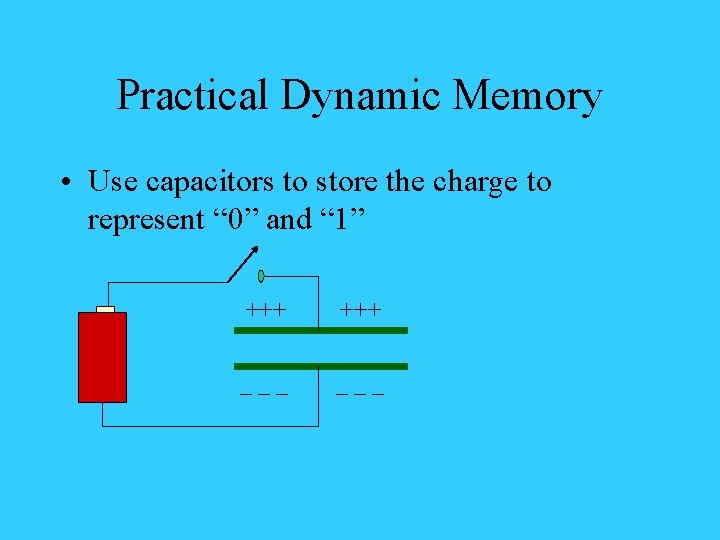
Practical Dynamic Memory • Use capacitors to store the charge to represent “ 0” and “ 1” +++ ___
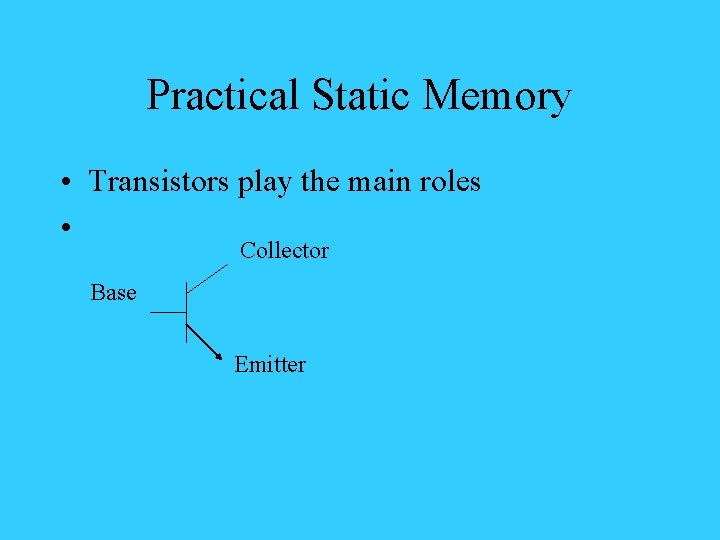
Practical Static Memory • Transistors play the main roles • Collector Base Emitter
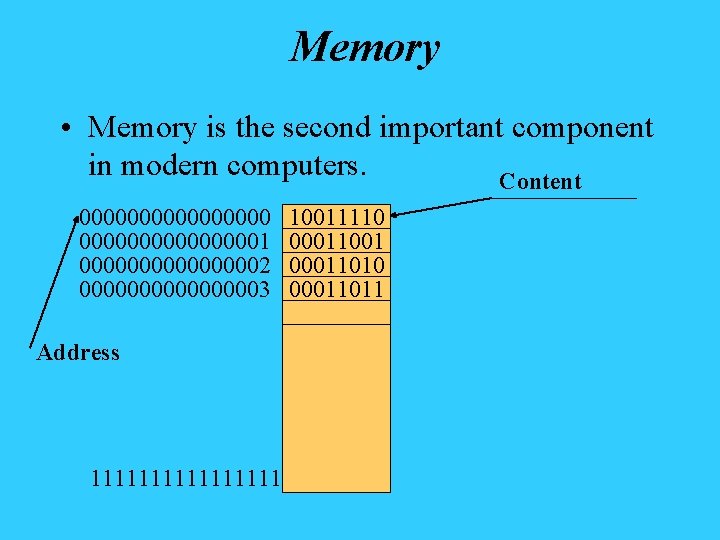
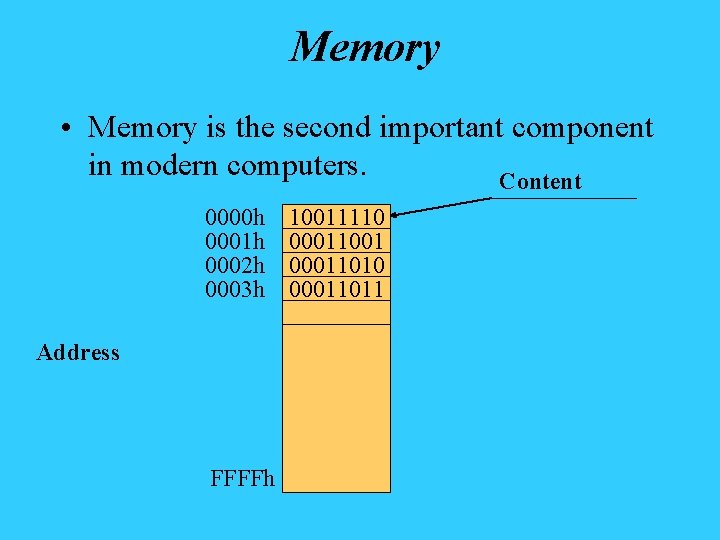
Memory • Memory is the second important component in modern computers. Content 000000001 000000002 000000003 Address 11111111 10011110 00011001 00011010 00011011
Memory • Memory is the second important component in modern computers. Content 0000 h 0001 h 0002 h 0003 h Address FFFFh 10011110 00011001 00011010 00011011
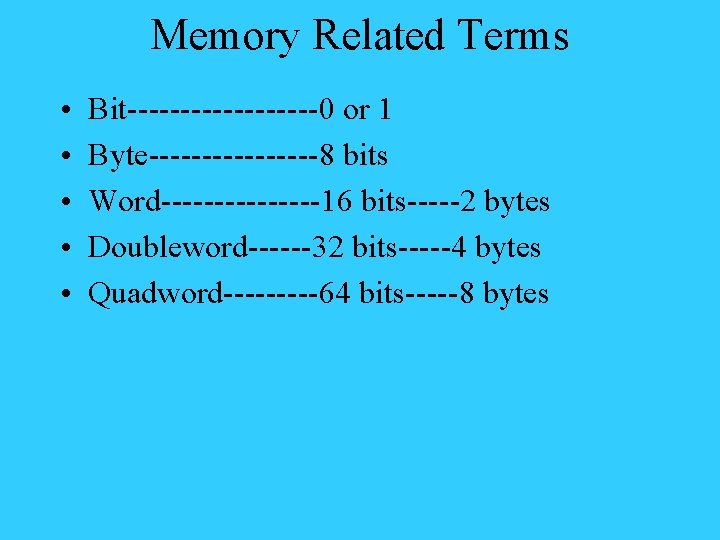
Memory Related Terms • • • Bit---------0 or 1 Byte--------8 bits Word--------16 bits-----2 bytes Doubleword------32 bits-----4 bytes Quadword-----64 bits-----8 bytes
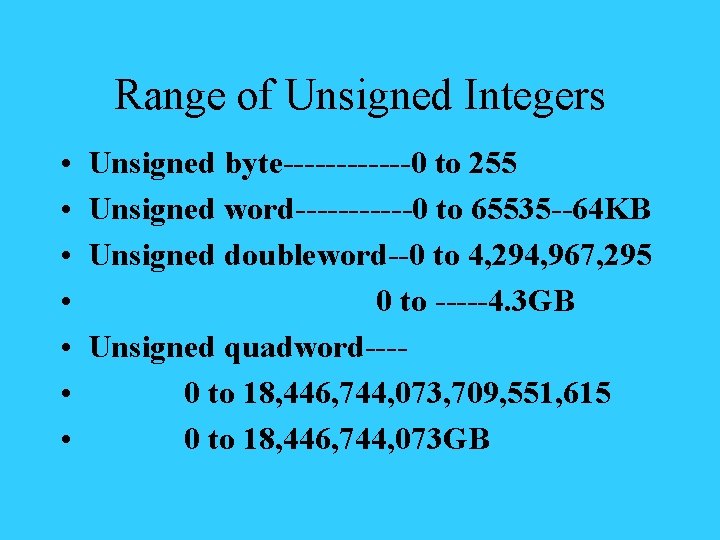
Range of Unsigned Integers • • Unsigned byte------0 to 255 Unsigned word------0 to 65535 --64 KB Unsigned doubleword--0 to 4, 294, 967, 295 0 to -----4. 3 GB Unsigned quadword---0 to 18, 446, 744, 073, 709, 551, 615 0 to 18, 446, 744, 073 GB
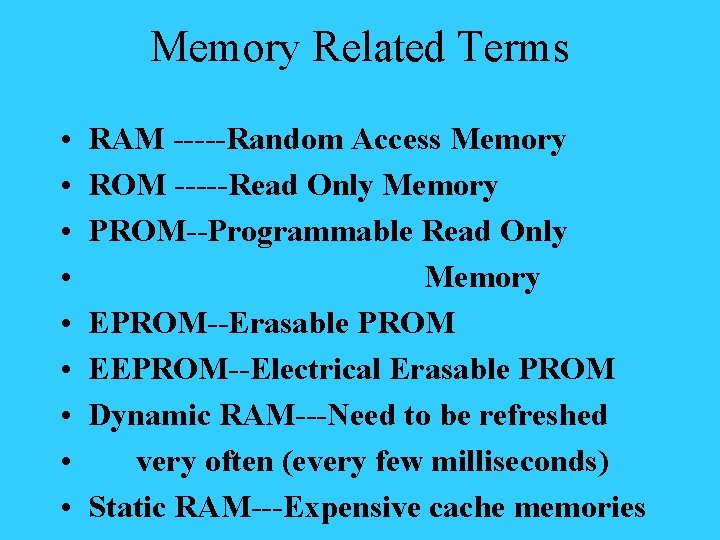
Memory Related Terms • • • RAM -----Random Access Memory ROM -----Read Only Memory PROM--Programmable Read Only Memory EPROM--Erasable PROM EEPROM--Electrical Erasable PROM Dynamic RAM---Need to be refreshed very often (every few milliseconds) Static RAM---Expensive cache memories
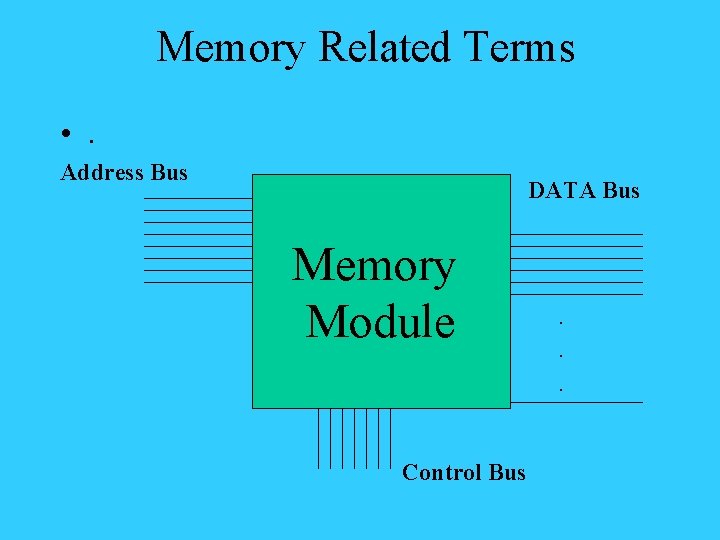
Memory Related Terms • . Address Bus DATA Bus Memory Module Control Bus . . .
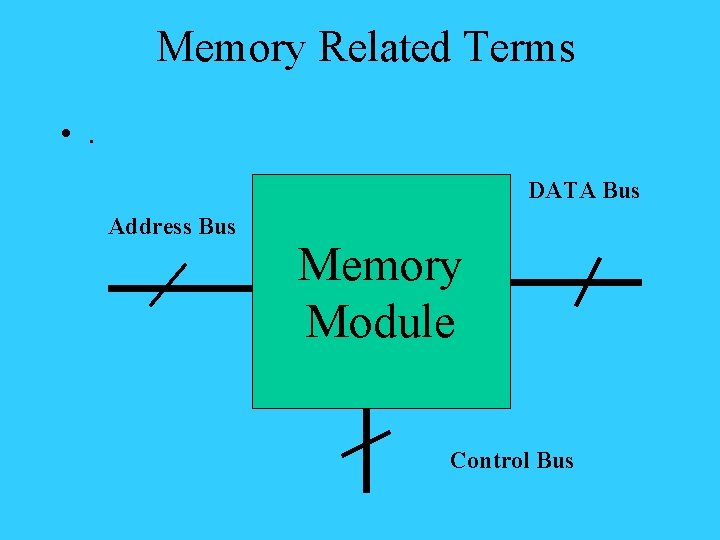
Memory Related Terms • . DATA Bus Address Bus Memory Module Control Bus
Memory Related Terms • By Packaging Styles • SIMM---Single Inline Memory Module • DIMM---Dual Inline Memory Module • SO-DIMM--Small Outline DIMM
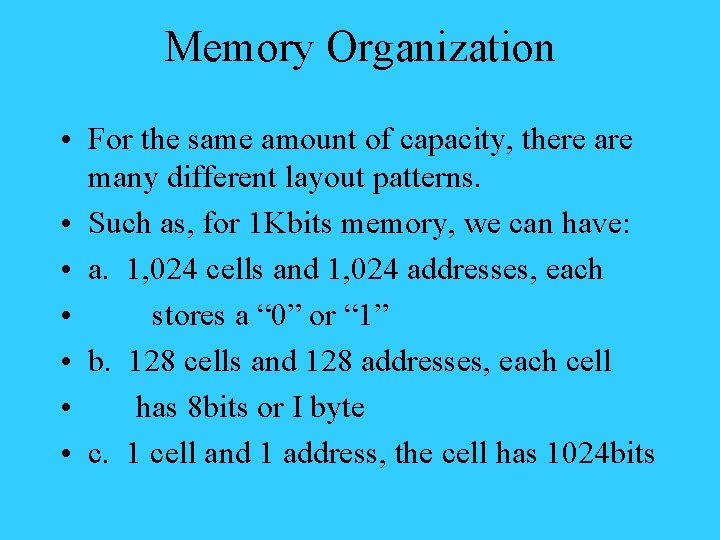
Memory Organization • For the same amount of capacity, there are many different layout patterns. • Such as, for 1 Kbits memory, we can have: • a. 1, 024 cells and 1, 024 addresses, each • stores a “ 0” or “ 1” • b. 128 cells and 128 addresses, each cell • has 8 bits or I byte • c. 1 cell and 1 address, the cell has 1024 bits
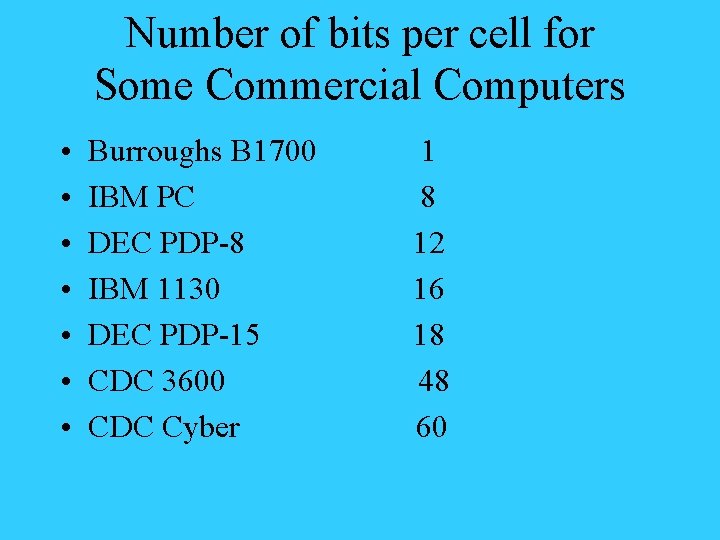
Number of bits per cell for Some Commercial Computers • • Burroughs B 1700 IBM PC DEC PDP-8 IBM 1130 DEC PDP-15 CDC 3600 CDC Cyber 1 8 12 16 18 48 60
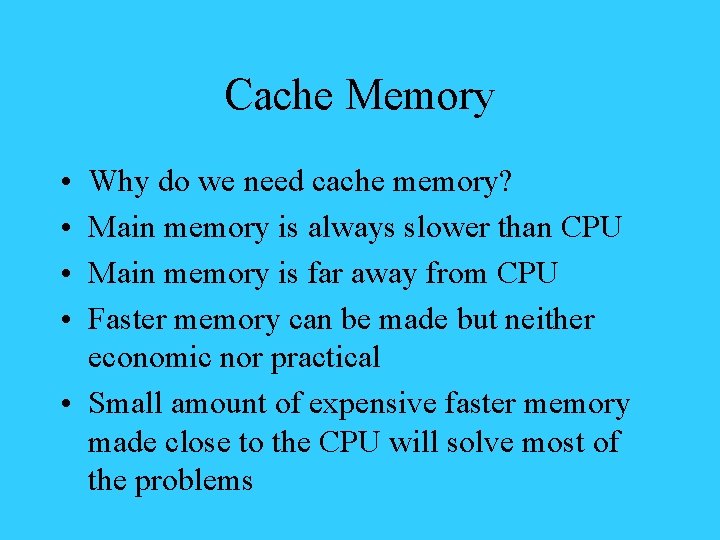
Cache Memory • • Why do we need cache memory? Main memory is always slower than CPU Main memory is far away from CPU Faster memory can be made but neither economic nor practical • Small amount of expensive faster memory made close to the CPU will solve most of the problems
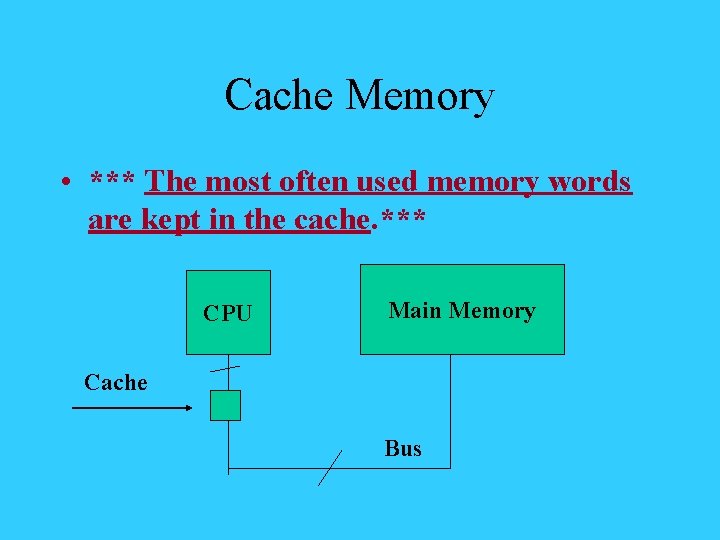
Cache Memory • *** The most often used memory words are kept in the cache. *** CPU Main Memory Cache Bus
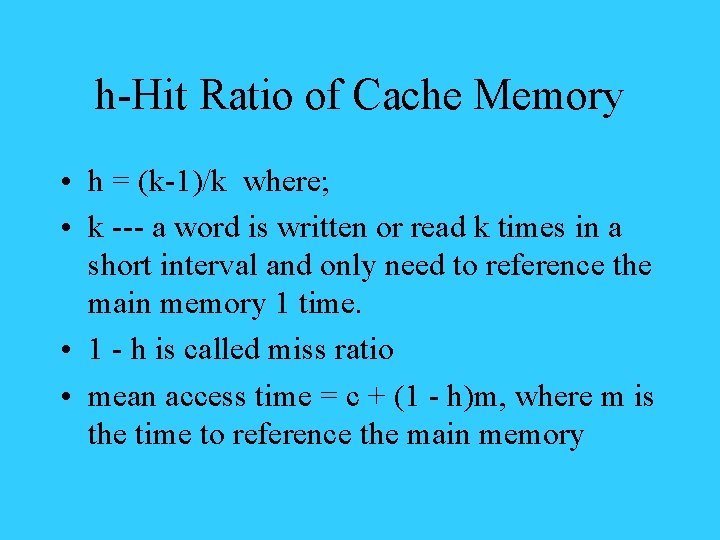
h-Hit Ratio of Cache Memory • h = (k-1)/k where; • k --- a word is written or read k times in a short interval and only need to reference the main memory 1 time. • 1 - h is called miss ratio • mean access time = c + (1 - h)m, where m is the time to reference the main memory
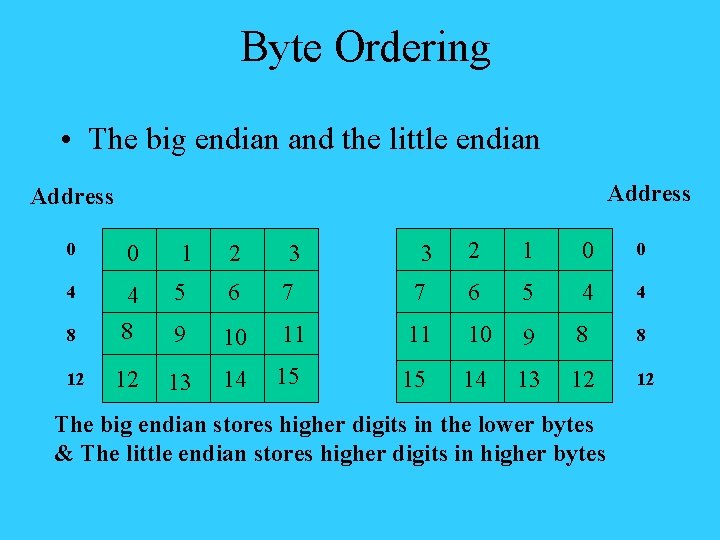
Byte Ordering • The big endian and the little endian Address 2 1 0 0 7 6 5 4 4 11 11 10 9 8 8 15 15 14 13 12 12 0 0 4 5 6 7 8 4 8 9 10 12 12 13 14 1 2 3 3 The big endian stores higher digits in the lower bytes & The little endian stores higher digits in higher bytes
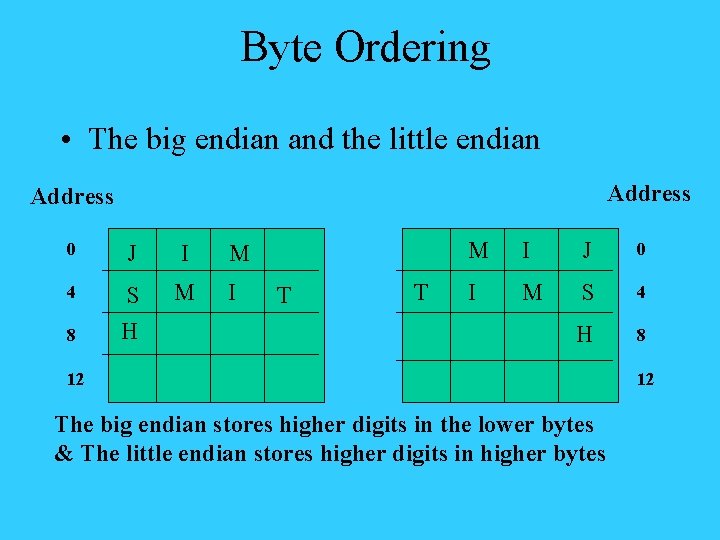
Byte Ordering • The big endian and the little endian Address 0 J I 4 S H M 8 M I T T M I J 0 I M S 4 H 8 12 The big endian stores higher digits in the lower bytes & The little endian stores higher digits in higher bytes 12
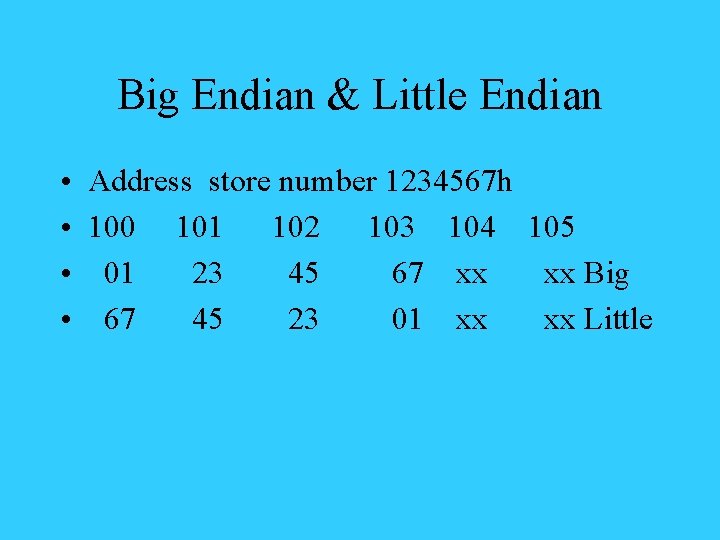
Big Endian & Little Endian • • Address store number 1234567 h 100 101 102 103 104 105 01 23 45 67 xx xx Big 67 45 23 01 xx xx Little
What wrong with the two systems? • There is nothing wrong when each system works alone (they are both internally consistent). • However, when transfer information over the network, we have problems. • We will also have problems when using a software from one machine to another. • There is no easy way to make both compatible without a time consuming conversion.