
HOW I WRITE LECTURES DAMIAN GORDON FORMAT OF












- Slides: 77
HOW I WRITE LECTURES DAMIAN GORDON
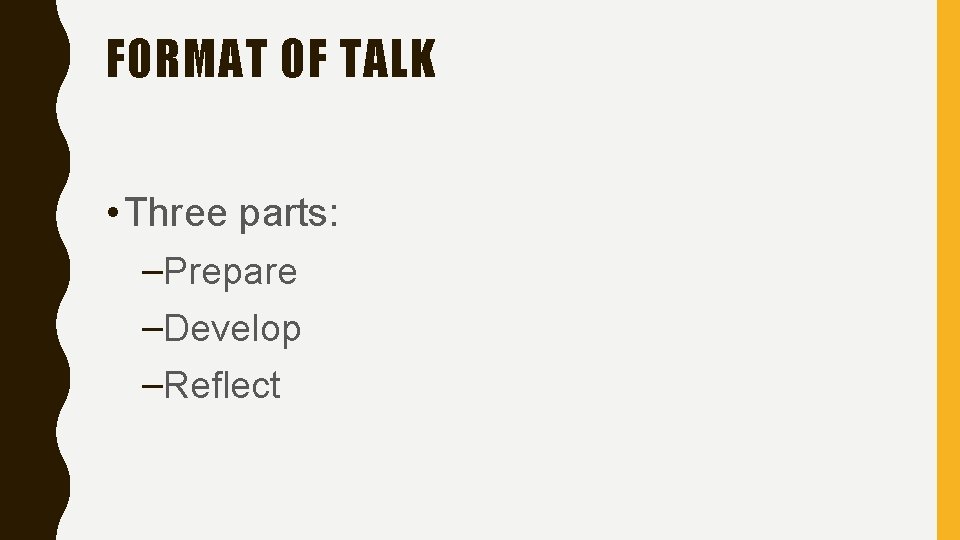
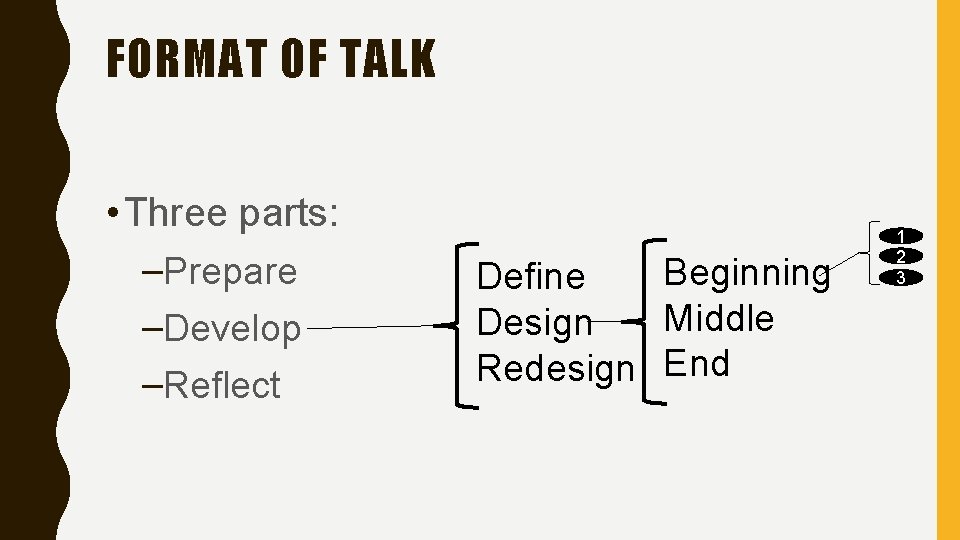
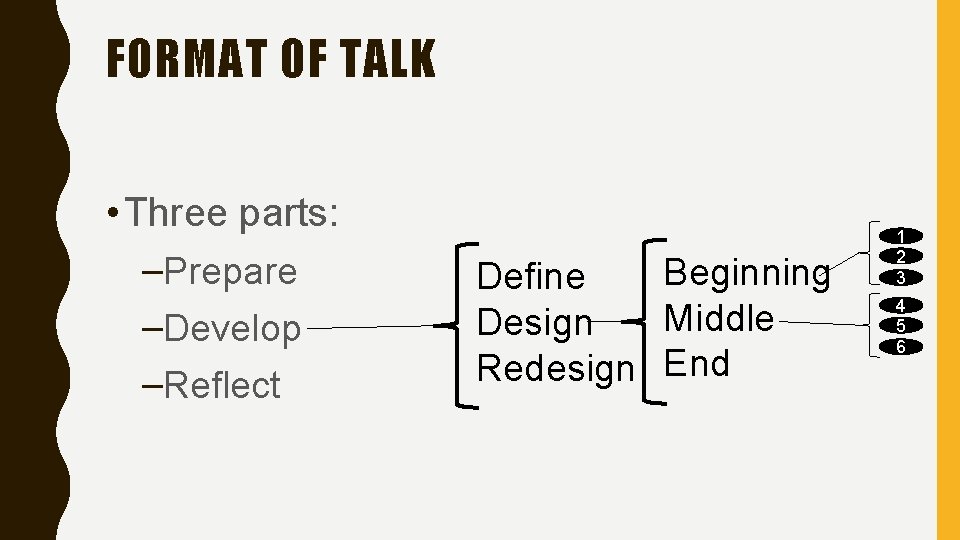
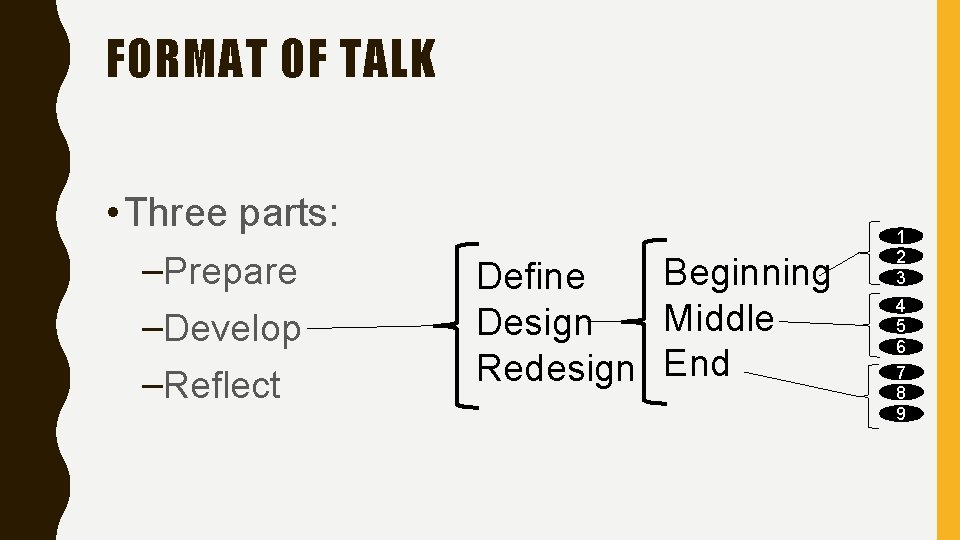
FORMAT OF TALK • Three parts: –Prepare –Develop –Reflect
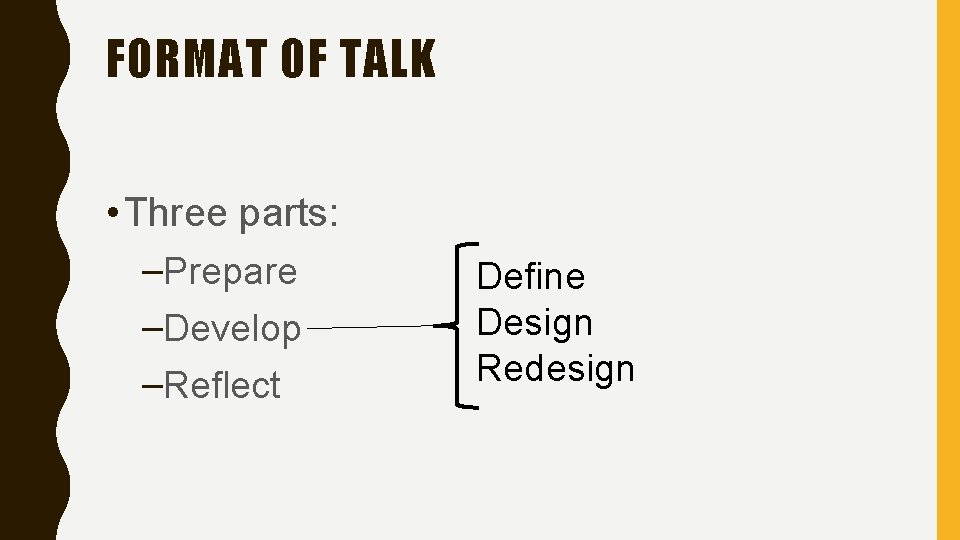
FORMAT OF TALK • Three parts: –Prepare –Develop –Reflect Define Design Redesign
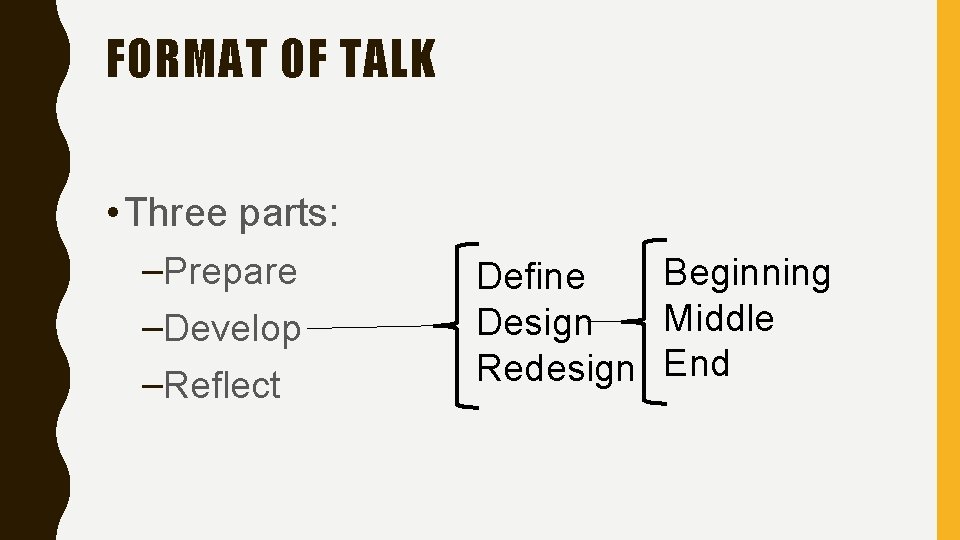
FORMAT OF TALK • Three parts: –Prepare –Develop –Reflect Beginning Define Middle Design Redesign End
FORMAT OF TALK • Three parts: –Prepare –Develop –Reflect Beginning Define Middle Design Redesign End 1 2 3
FORMAT OF TALK • Three parts: –Prepare –Develop –Reflect Beginning Define Middle Design Redesign End 1 2 3 4 5 6
FORMAT OF TALK • Three parts: –Prepare –Develop –Reflect Beginning Define Middle Design Redesign End 1 2 3 4 5 6 7 8 9
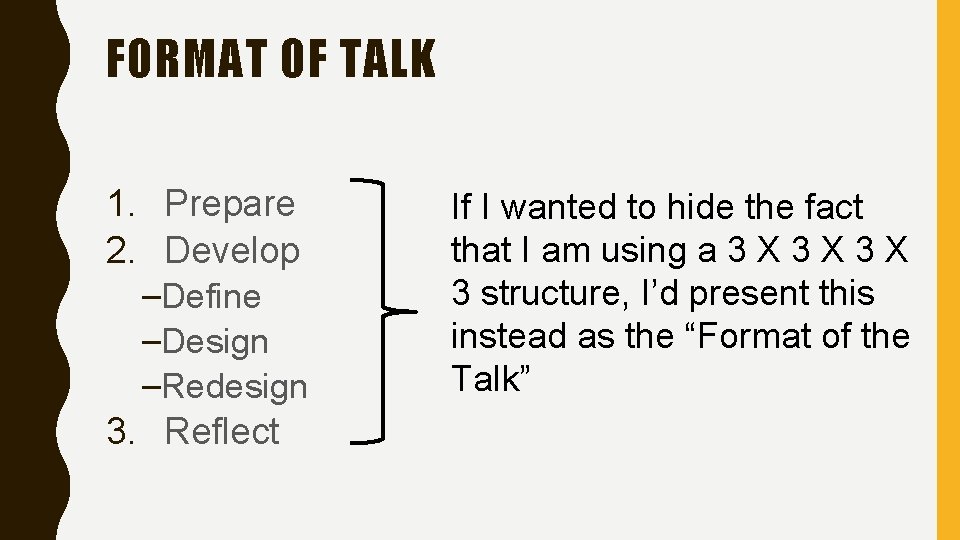
FORMAT OF TALK 1. Prepare 2. Develop –Define –Design –Redesign 3. Reflect If I wanted to hide the fact that I am using a 3 X 3 X 3 structure, I’d present this instead as the “Format of the Talk”
PREPARE
PREPARE • What resources do I use to get started?
PREPARE • Previous lecturer’s notes • Other lecture notes online • My own college notes
PREPARE • Textbooks • Conference and Journal papers • Magazines
PREPARE • News events • My work experience • Other Web content – e. g. Wikipedia – e. g. On-line resources – e. g. Slideshare
DEVELOP
DEVELOP • Define • Design • Redesign
DEVELOP: DEFINE
DEFINE • What is theme of this lecture?
DEFINE • What is theme of this lecture? –I find it hard to write the lesson until I know theme
DEFINE • What is theme of this lecture? –I find it hard to write the lesson until I know theme, e. g. efficiency, simplicity, accuracy
DEFINE • I like to base my lectures around a number.
DEFINE • I like to base my lectures around a number. –In this case 3, everything comes in 3 s
DEFINE • I like to base my lectures around a number. –In this case 3, everything comes in 3 s –Sometimes I use 6 or 8
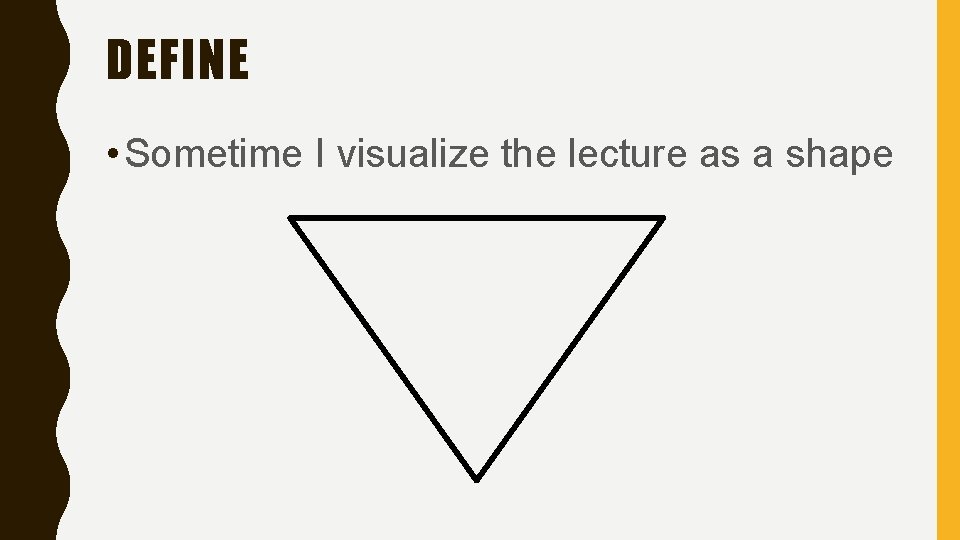
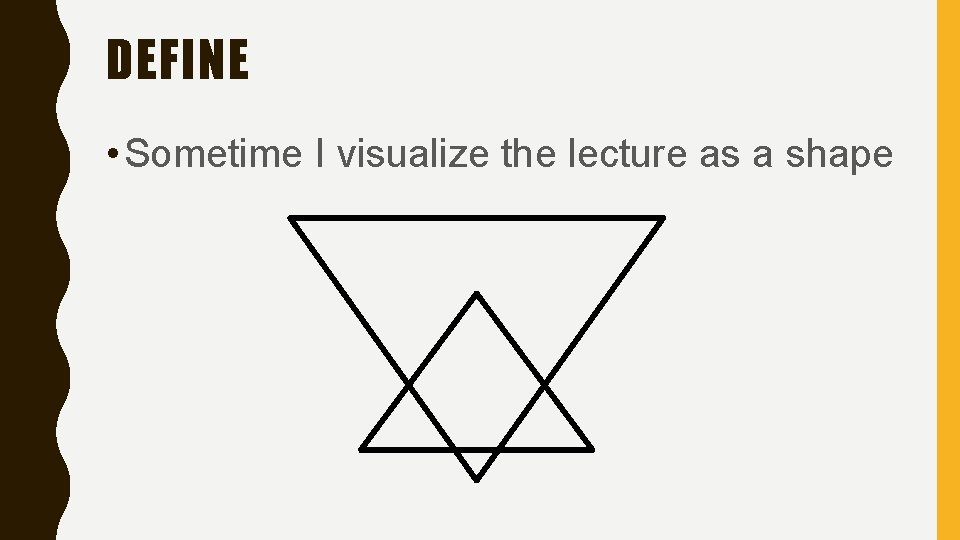
DEFINE • Sometime I visualize the lecture as a shape
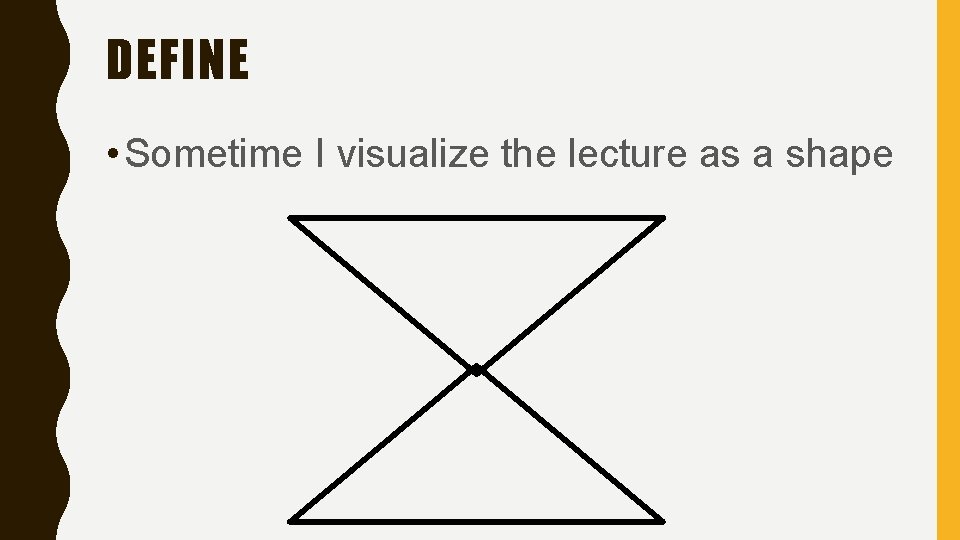
DEFINE • Sometime I visualize the lecture as a shape
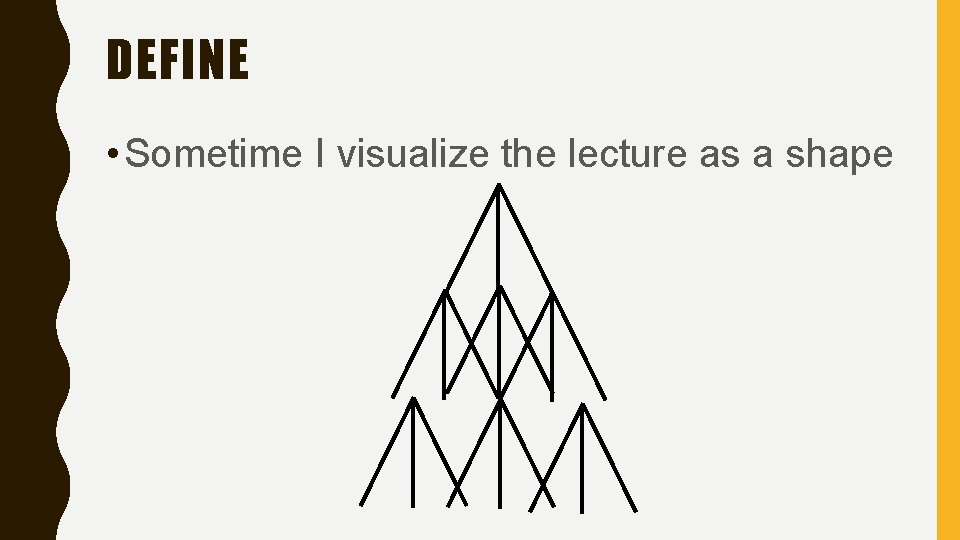
DEFINE • Sometime I visualize the lecture as a shape
DEFINE • Sometime I visualize the lecture as a shape
DEFINE • Sometime I visualize the lecture as a shape
DEVELOP: DESIGN
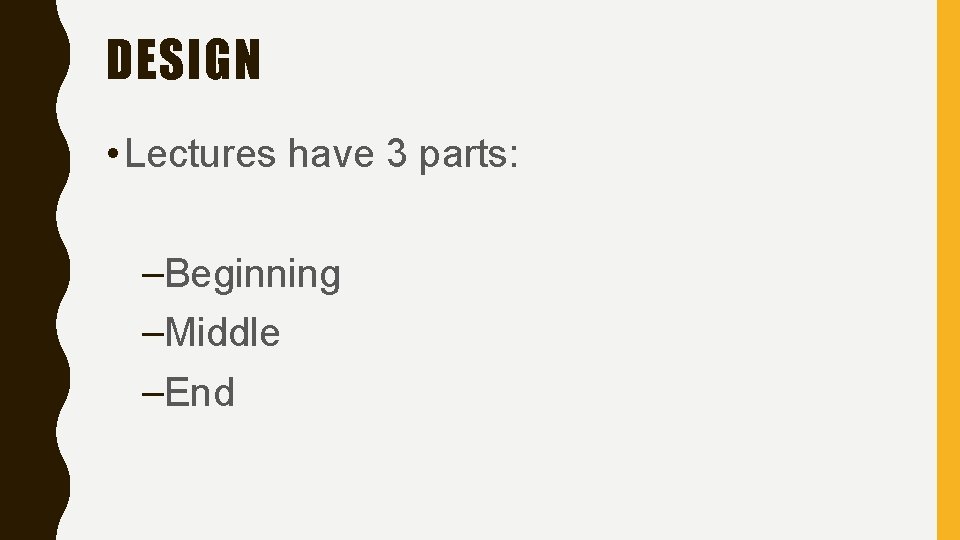
DESIGN • Lectures have 3 parts: –Beginning –Middle –End
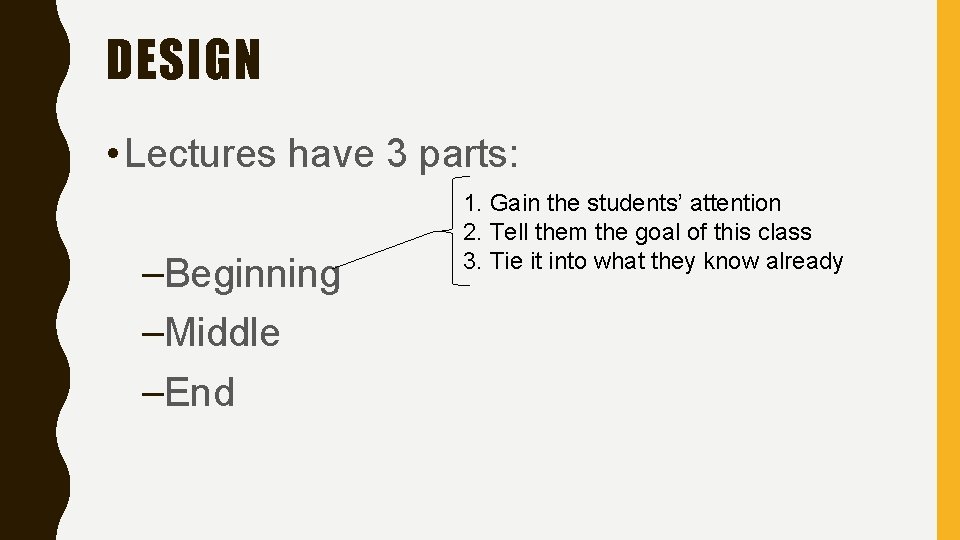
DESIGN • Lectures have 3 parts: –Beginning –Middle –End 1. Gain the students’ attention 2. Tell them the goal of this class 3. Tie it into what they know already
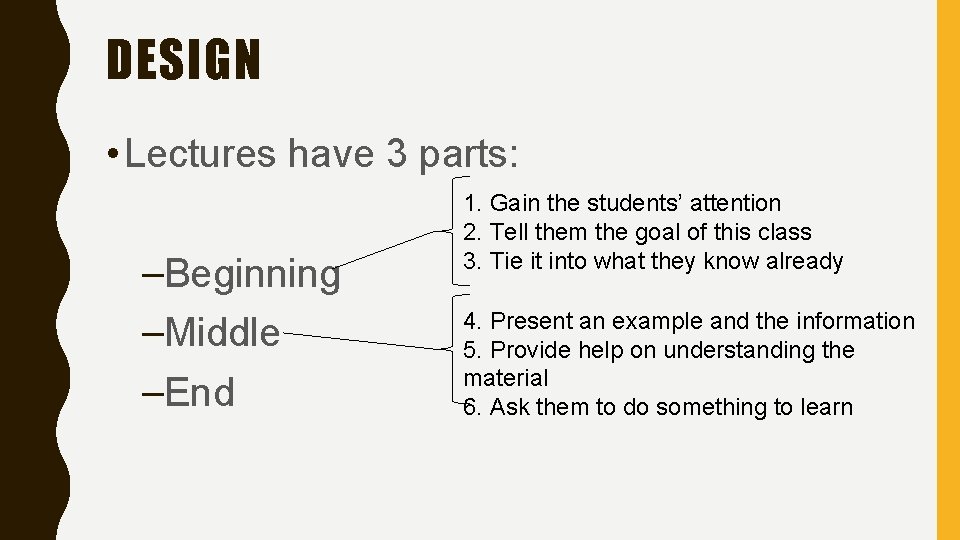
DESIGN • Lectures have 3 parts: –Beginning –Middle –End 1. Gain the students’ attention 2. Tell them the goal of this class 3. Tie it into what they know already 4. Present an example and the information 5. Provide help on understanding the material 6. Ask them to do something to learn
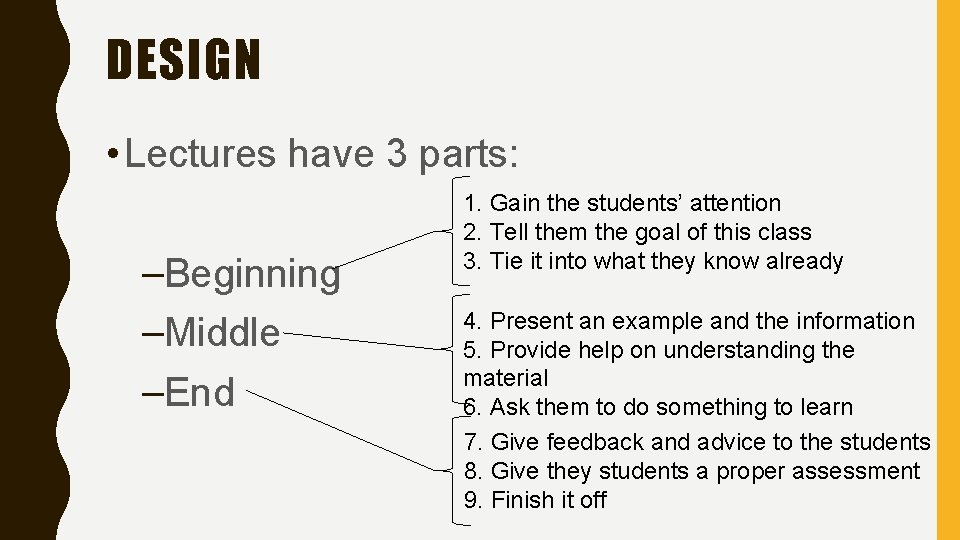
DESIGN • Lectures have 3 parts: –Beginning –Middle –End 1. Gain the students’ attention 2. Tell them the goal of this class 3. Tie it into what they know already 4. Present an example and the information 5. Provide help on understanding the material 6. Ask them to do something to learn 7. Give feedback and advice to the students 8. Give they students a proper assessment 9. Finish it off
DESIGN • Beginning – 1. Gain the students’ attention – 2. Tell them the goal of this class – 3. Tie it into what they know already
DESIGN • Beginning – 1. Gain the students’ attention – 2. Tell them the goal of this class – 3. Tie it into what they know already
1. Gain the students’ attention • Silence • A joke • A magic trick • Music video • Clip of a film • A quote
DESIGN • Beginning – 1. Gain the students’ attention – 2. Tell them the goal of this class – 3. Tie it into what they know already
2. Tell them the goal of this class • List the learning goals • Tell a simple story • Mention this might be coming up in the exam
DESIGN • Beginning – 1. Gain the students’ attention – 2. Tell them the goal of this class – 3. Tie it into what they know already
3. Tie it into what they know already • Something we covered in the last class • Something they covered in another module • Something they did in secondary school
DESIGN • Middle – 4. Present an example and the information – 5. Provide help on understanding the material – 6. Ask them to do something to learn
DESIGN • Middle – 4. Present an example and the information – 5. Provide help on understanding the material – 6. Ask them to do something to learn
4. Present an example and the information • THE CONTENT –Start with an example –Present the information –Include computer science specific notation –Include computer science specific diagrams –Explain theory as well as the details
4. Present an example and the information • Find excellent online videos from great computer lecturers.
DESIGN • Middle – 4. Present an example and the information – 5. Provide help on understanding the material – 6. Ask them to do something to learn
5. Provide help on understanding the material • Links • Videos • See Sample Notes
DESIGN • Middle – 4. Present an example and the information – 5. Provide help on understanding the material – 6. Ask them to do something to learn
6. Ask them to do something to learn • Active Learning –Three things we’ve covered –Write a one-minute essay –Do a quiz –Tweet or Google
DESIGN • End – 7. Give feedback and advice to the students – 8. Give they students a proper assessment – 9. Finish it off
DESIGN • End – 7. Give feedback and advice to the students – 8. Give they students a proper assessment – 9. Finish it off
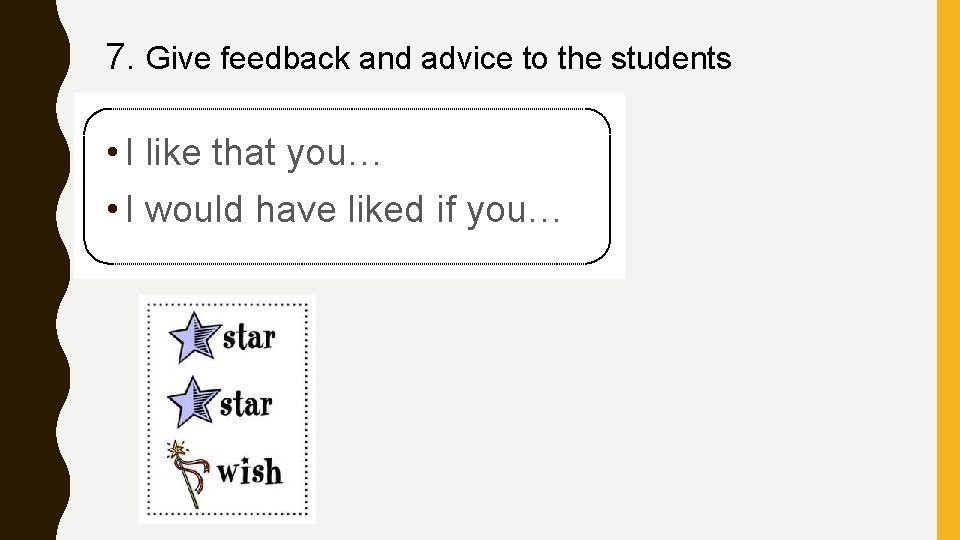
7. Give feedback and advice to the students • I like that you… • I would have liked if you…
DESIGN • End – 7. Give feedback and advice to the students – 8. Give they students a proper assessment – 9. Finish it off
DESIGN • End – 7. Give feedback and advice to the students – 8. Give they students a proper assessment – 9. Finish it off
9. Finish it off • Summarize what we did… – Practice the summary many times • Give any final instructions…
DEVELOP: REDESIGN
Redesign • Rewrite lecture: –Version 1, first complete version
Redesign • Rewrite lecture: –Version 1, first complete version –Version 2, is there any part that can be taken out (and maybe developed into a separate lecture? Or just removed)
Redesign • Rewrite lecture: –Version 1, first complete version –Version 2, is there any part that can be taken out (and maybe developed into a separate lecture? Or just removed) –Version 3, bring balance to all sections (harmony)
Redesign • Rewrite lecture: –Version 1, first complete version –Version 2, is there any part that can be taken out (and maybe developed into a separate lecture? Or just removed) –Version 3, bring balance to all sections (harmony) –Version 4, add in some jokes
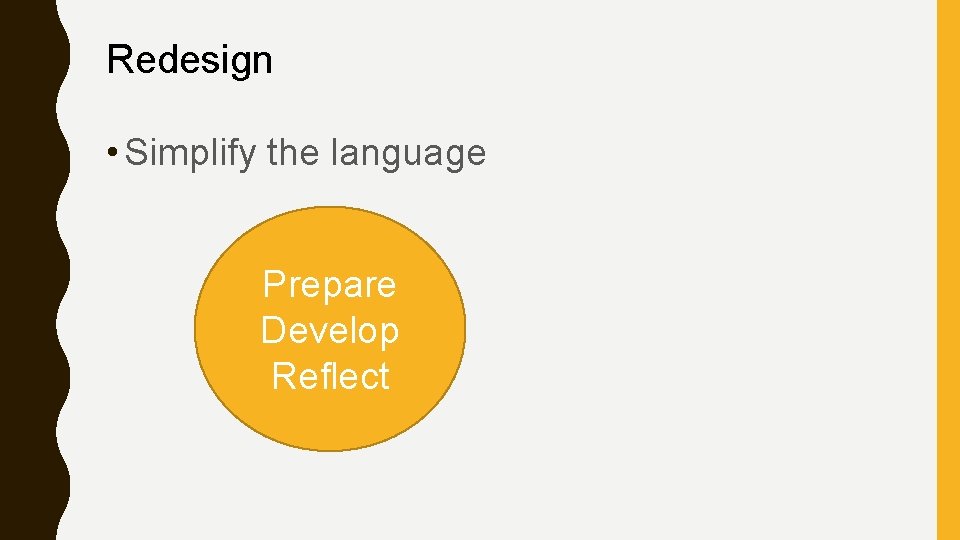
Redesign • Simplify the language Prepare Develop Reflect
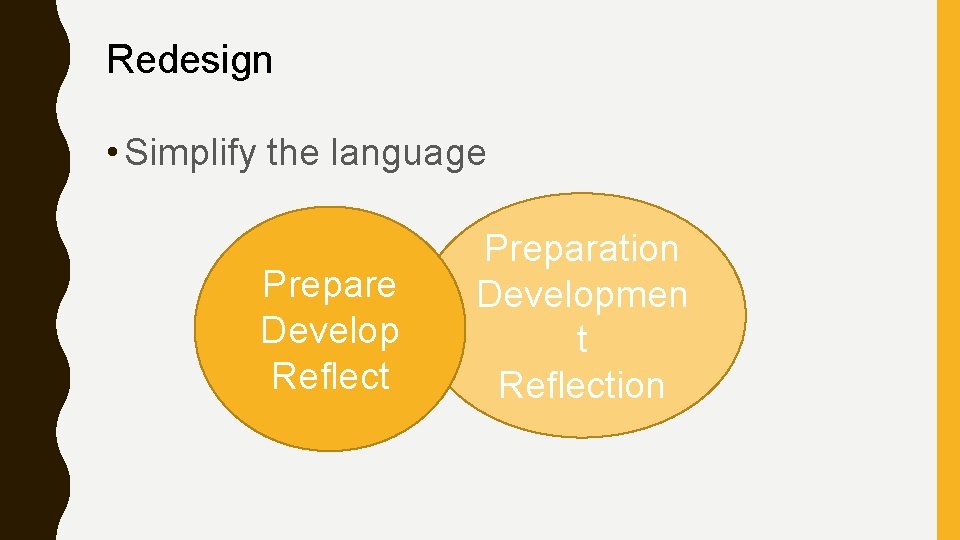
Redesign • Simplify the language Prepare Develop Reflect Preparation Developmen t Reflection
Redesign • Rehearsal, rehearsal,
Redesign • Rehearsal, rehearsal,
Redesign • Rehearsal, rehearsal, Tiny
REFLECT
REFLECT
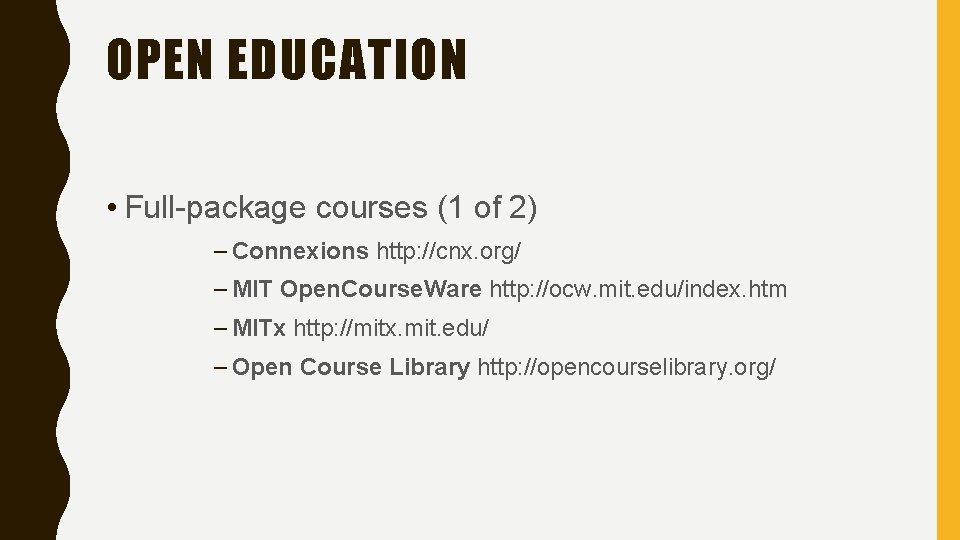
OPEN EDUCATION • Full-package courses (1 of 2) – Connexions http: //cnx. org/ – MIT Open. Course. Ware http: //ocw. mit. edu/index. htm – MITx http: //mitx. mit. edu/ – Open Course Library http: //opencourselibrary. org/
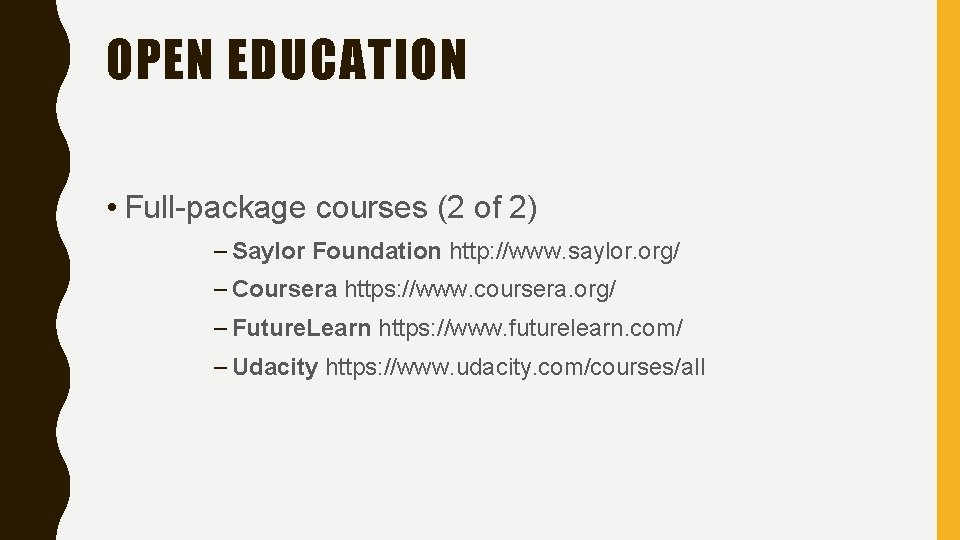
OPEN EDUCATION • Full-package courses (2 of 2) – Saylor Foundation http: //www. saylor. org/ – Coursera https: //www. coursera. org/ – Future. Learn https: //www. futurelearn. com/ – Udacity https: //www. udacity. com/courses/all
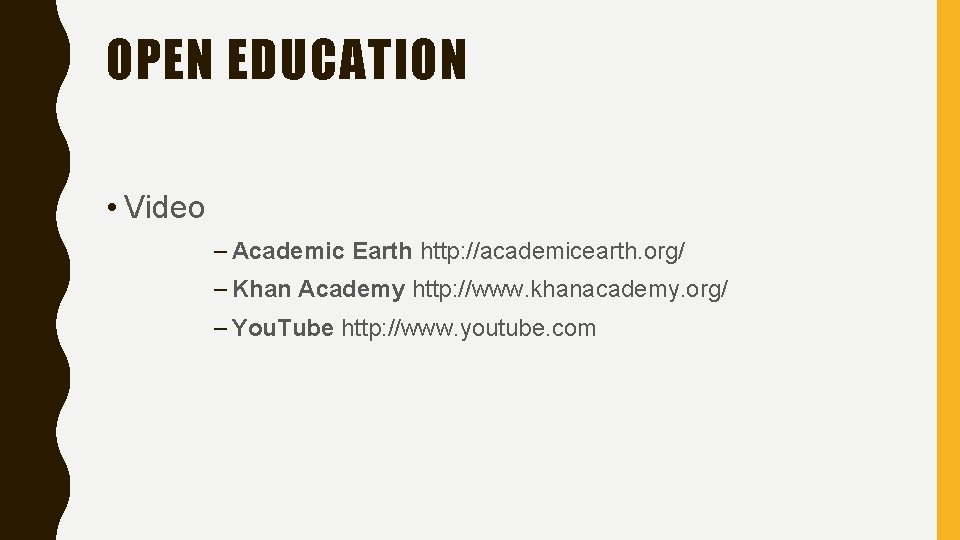
OPEN EDUCATION • Video – Academic Earth http: //academicearth. org/ – Khan Academy http: //www. khanacademy. org/ – You. Tube http: //www. youtube. com
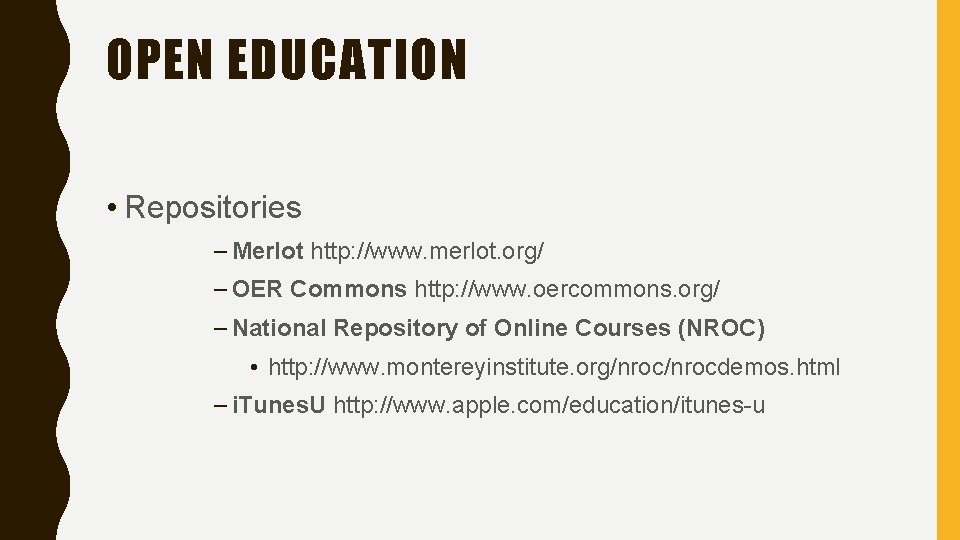
OPEN EDUCATION • Repositories – Merlot http: //www. merlot. org/ – OER Commons http: //www. oercommons. org/ – National Repository of Online Courses (NROC) • http: //www. montereyinstitute. org/nrocdemos. html – i. Tunes. U http: //www. apple. com/education/itunes-u
OPEN EDUCATION • Textbooks – Flatworld Knowledge http: //www. flatworldknowledge. com/ – Global Textbook Project http: //globaltext. terry. uga. edu/. – National Academies Press http: //www. nap. edu/. – Wiki. Books http: //en. wikibooks. org/wiki/Main_Page.
REFLECT
REFLECT • More rehearsal Tiny
THANK YOU