
HOW I LEARNED TO USE THE COMPUTER EFFICIENTLY



- Slides: 27
HOW I LEARNED TO USE THE COMPUTER EFFICIENTLY (MOSTLY BY USING THE KEYBOARD) ram@rachum. com https: //ram. rachum. com
ABOUT ME • Ram Rachum • Python/Django developer for 6 years • Software development services: https: //chipmunkdev. com • I do Python tutorials! If your company needs someone to help improve the Python chops of your team, talk to me. • Git. Hub: https: //github. com/cool-RR • Py. Web-IL organizer
WHAT DO I MEAN BY “USE THE COMPUTER EFFICIENTLY”? Doing everyday computer tasks quickly and with minimal amount of finger/hand/arm movement. Some example tasks: • Typing text • Writing code • Browsing the web • Starting programs • Navigating menus • Controlling your debugger
MORE EXAMPLES OF COMMON TASKS: • Pressing buttons in GUIs • Starting SSH sessions • Starting local terminals • Switching to a window • Maximizing / minimizing / restoring / moving windows • Creating random passwords • Manipulating the clipboard • Renaming a file • Pasting common snippets of text • Changing sound volume • Closing a non- • Playing/pausing a song
I’ll talk about my personal story of learning to use computers efficiently. I’ll talk about why nobody talks about using computers efficiently. And then I’ll talk about how to use computers efficiently.
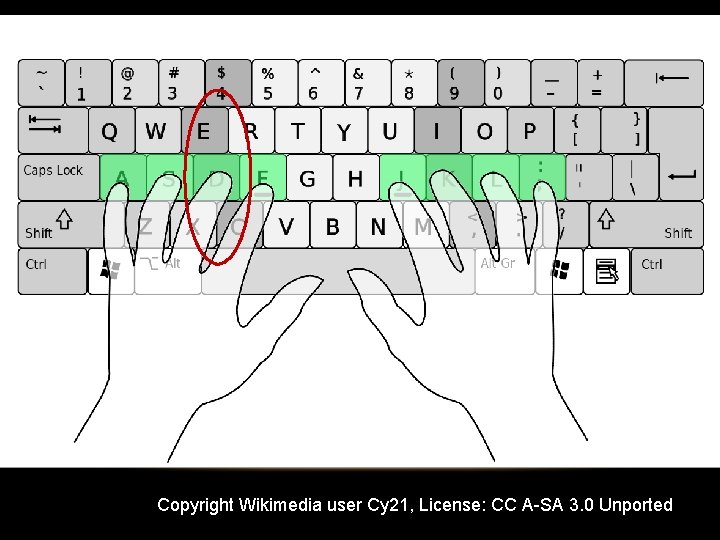
Copyright Wikimedia user Cy 21, License: CC A-SA 3. 0 Unported
I was surprised that most developers don’t really care about using the computer efficiently. I know top-rate developers who suck at handling their computers: • They can’t touch-type. • They don’t use any keyboard shortcuts beyond obvious ones like ctrl-z, ctrl-c, ctrl -x and ctrl-v.
WHY DO DEVELOPERS USUALLY NOT GET EXCITED ABOUT OPTIMIZING THEIR COMPUTER USAGE? • Inertia: Need to learn a different way to do things, requires upfront investment. • Believing it’s not as important as other skills: Coding skills, design skills, people skills, management skills, etc. • Working on different computers and using different program, not wanting to invest time in optimizing for a program that they could stop using at any time. • “The bottleneck argument. ”
“THE BOTTLENECK ARGUMENT” “As a developer, my typing speed and how efficiently I use my computer are not the bottleneck on my productivity. I spend most of my time thinking about what I’m developing and discussing with colleagues, so cutting down the 20 seconds that it takes me to write a code line to 10 seconds doesn’t make a meaningful contribution to my productivity. ”
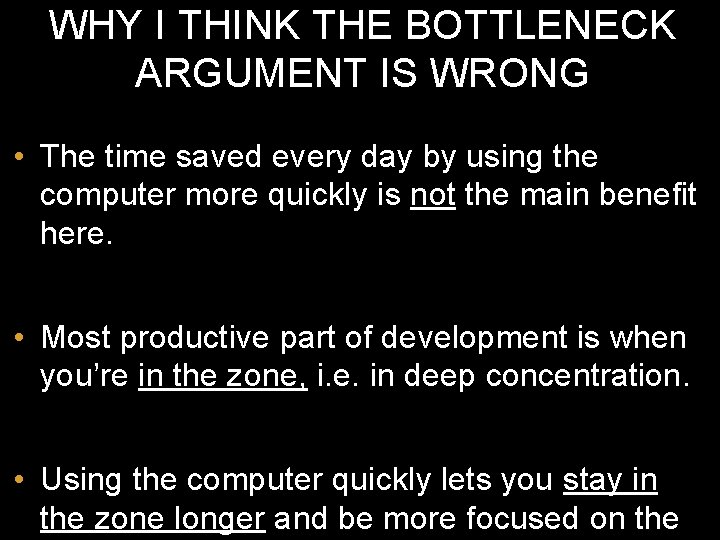
WHY I THINK THE BOTTLENECK ARGUMENT IS WRONG • The time saved every day by using the computer more quickly is not the main benefit here. • Most productive part of development is when you’re in the zone, i. e. in deep concentration. • Using the computer quickly lets you stay in the zone longer and be more focused on the
I’ll talk about my personal story of learning to use computers efficiently. I’ll talk about why nobody talks about using computers efficiently. And then I’ll talk about how to use computers efficiently.
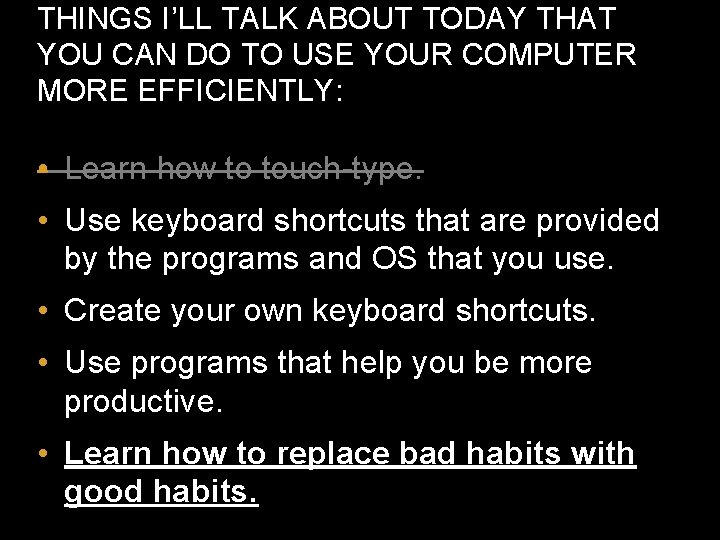
THINGS I’LL TALK ABOUT TODAY THAT YOU CAN DO TO USE YOUR COMPUTER MORE EFFICIENTLY: • Learn how to touch-type. • Use keyboard shortcuts that are provided by the programs and OS that you use. • Create your own keyboard shortcuts. • Use programs that help you be more productive. • Learn how to replace bad habits with good habits.
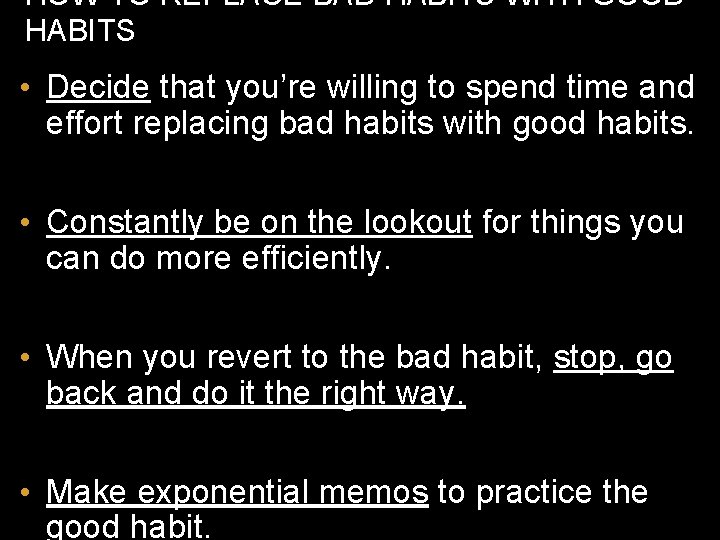
HOW TO REPLACE BAD HABITS WITH GOOD HABITS • Decide that you’re willing to spend time and effort replacing bad habits with good habits. • Constantly be on the lookout for things you can do more efficiently. • When you revert to the bad habit, stop, go back and do it the right way. • Make exponential memos to practice the good habit.
WHAT ARE EXPONENTIAL MEMOS? • They are the best way that I’ve found to ingrain new habits. • Make memos for yourself for 1 hour from now, 2 hours from now, 4 hours… 1, 024 hours. • Every time a memo pops up, you practice the activity, even if you don’t need to use it right now. • Every time you want to ingrain a new habit, you create a new set of exponential memos
HOW CAN I CREATE EXPONENTIAL MEMOS? Simplest way is to use followupthen. com Send email to 3 hours@fut. io , get an automatic reply in 3 hours. Other time expressions also work: • 1100@fut. io • nextwednesday@fut. io • 1100 -sms@fut. io if you pay for the pro version. To do exponential memos, send email to
THINGS I’LL TALK ABOUT TODAY THAT YOU CAN DO TO USE YOUR COMPUTER MORE EFFICIENTLY: • Learn how to touch-type. • Use keyboard shortcuts that are provided by the programs and OS that you use. • Create your own keyboard shortcuts. • Use programs that help you be more productive. • Learn how to replace bad habits with good habits.
Biggest rule: The mouse is the root of all evil. Anything that can be done with the keyboard, should be done with keyboard. Developers love CLIs because they’re keyboard-driven, but many don’t know that GUIs can be keyboard-driven too!
Every time you touch the mouse, ask yourself, could I do the same action using the keyboard? Think of a task that you do every day. Can you do it without using the mouse? Found something you can’t do with the keyboard? Ask me: ram@rachum. com or ask on superuser. com
I’ve used Auto. Hot. Key to make hotkeys that automate common tasks in Windows. Auto. Hot. Key is an interpreted language, like Python. I have mixed feelings about Auto. Hot. Key. There are things that I love it for, and things that I hate it for.
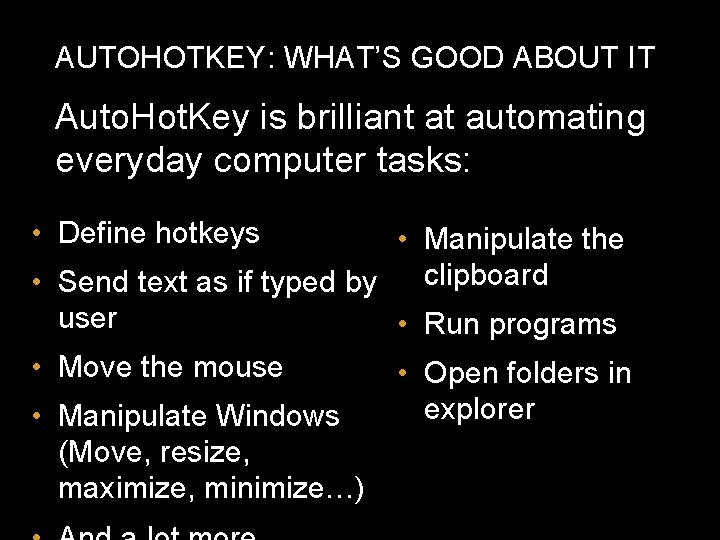
AUTOHOTKEY: WHAT’S GOOD ABOUT IT Auto. Hot. Key is brilliant at automating everyday computer tasks: • Define hotkeys • Manipulate the clipboard • Send text as if typed by user • Run programs • Move the mouse • Open folders in explorer • Manipulate Windows (Move, resize, maximize, minimize…)
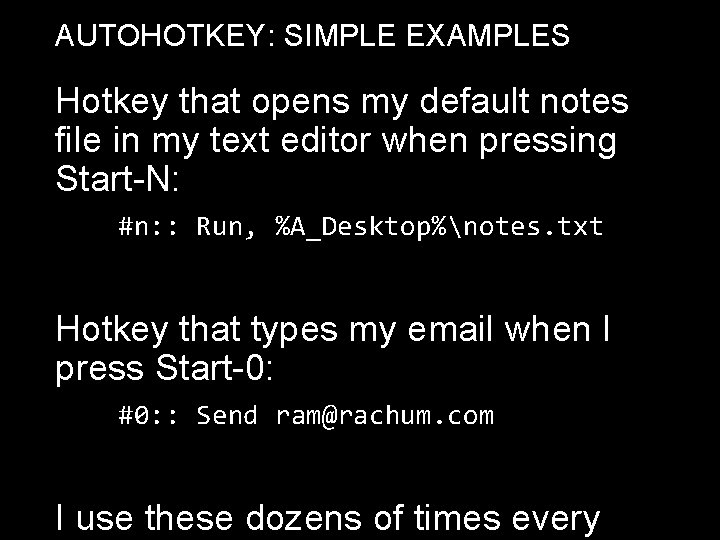
AUTOHOTKEY: SIMPLE EXAMPLES Hotkey that opens my default notes file in my text editor when pressing Start-N: #n: : Run, %A_Desktop%notes. txt Hotkey that types my email when I press Start-0: #0: : Send ram@rachum. com I use these dozens of times every
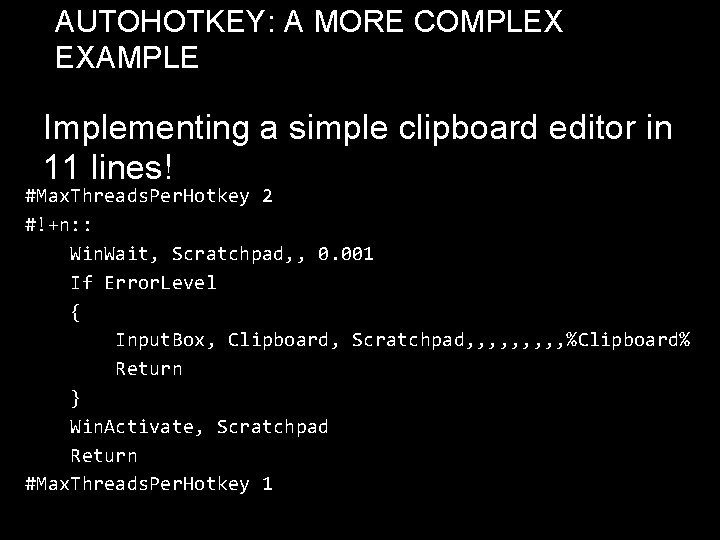
AUTOHOTKEY: A MORE COMPLEX EXAMPLE Implementing a simple clipboard editor in 11 lines! #Max. Threads. Per. Hotkey 2 #!+n: : Win. Wait, Scratchpad, , 0. 001 If Error. Level { Input. Box, Clipboard, Scratchpad, , , , , %Clipboard% Return } Win. Activate, Scratchpad Return #Max. Threads. Per. Hotkey 1
AUTOHOTKEY: WHAT’S BAD ABOUT IT Auto. Hot. Key’s programming language is a terrible one. It sucks so, fucking, bad. It’s okay for writing short scripts, but anything with complex logic is a nightmare. It feels like writing a web app in Bash.
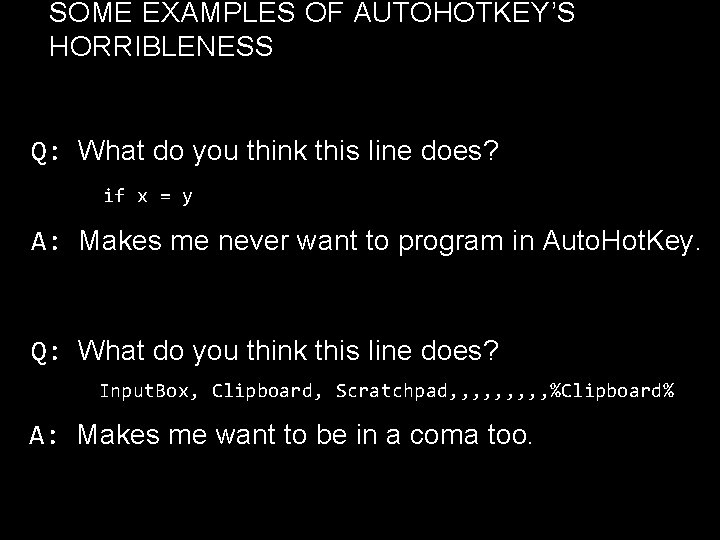
SOME EXAMPLES OF AUTOHOTKEY’S HORRIBLENESS Q: What do you think this line does? if x = y A: Makes me never want to program in Auto. Hot. Key. Q: What do you think this line does? Input. Box, Clipboard, Scratchpad, , , , , %Clipboard% A: Makes me want to be in a coma too.
SOME PRODUCTIVITY SOFTWARE I USE Windows only: Launchy (launches programs) Ditto (clipboard manager) Dexpot (multiple desktops) Ultramon (multiple taskbars) Undo. Close (re-open windows you just closed)
SOME PRODUCTIVITY SOFTWARE I USE Cross-OS: Dropbox Glee. Box (keyboard navigation for Chrome) F. lux (change monitor colors based on time of day)
THANK YOU