
How do you choose SWITCH W H C
- Slides: 13
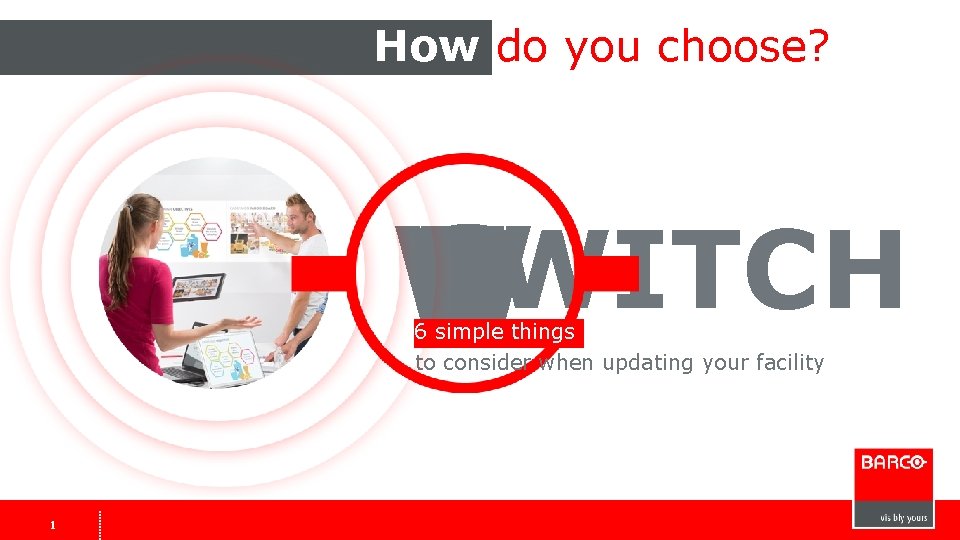
How do you choose? SWITCH W H C S T I 6 simple things to consider when updating your facility 1 1
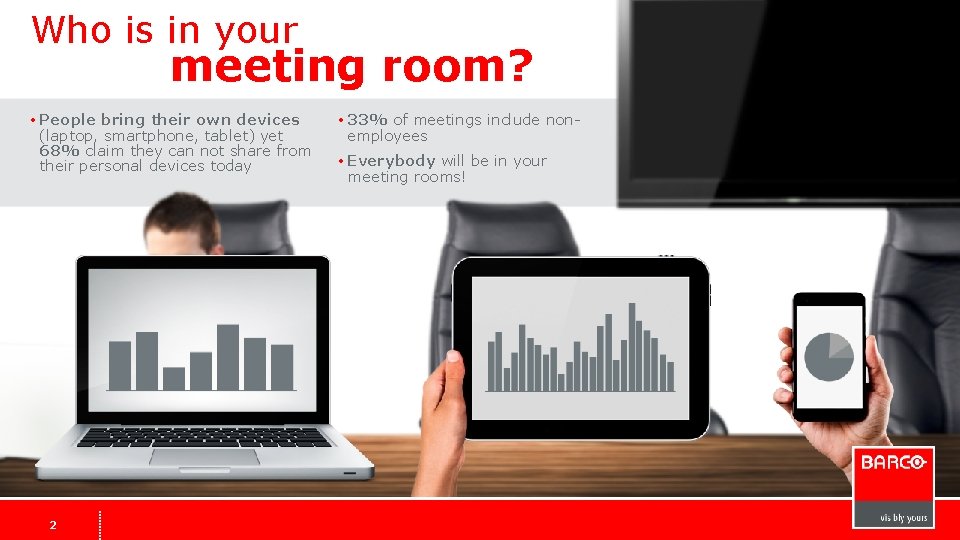
Who is in your meeting room? • People bring their own devices (laptop, smartphone, tablet) yet 68% claim they can not share from their personal devices today 2 2 • 33% of meetings include nonemployees • Everybody will be in your meeting rooms!
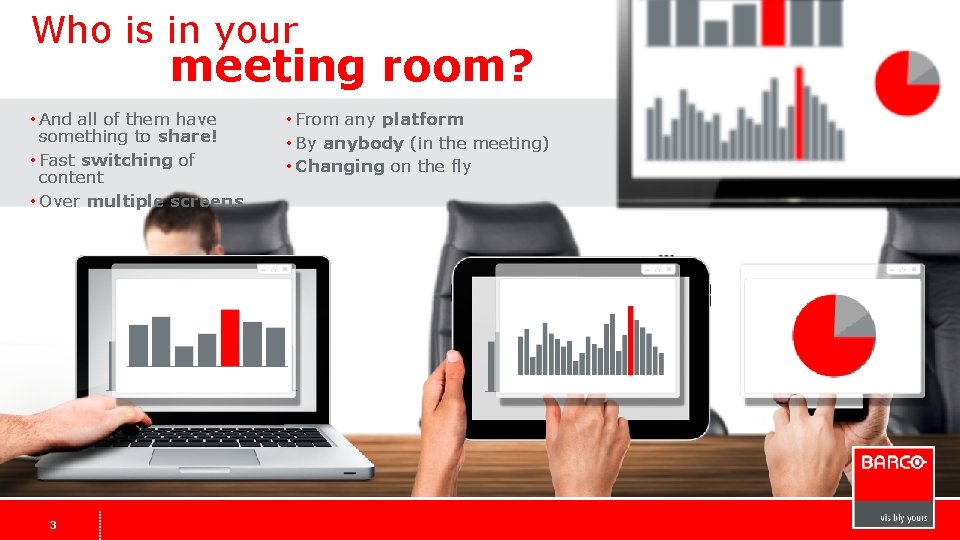
Who is in your meeting room? • And all of them have something to share! • Fast switching of content • Over multiple screens 3 3 • From any platform • By anybody (in the meeting) • Changing on the fly
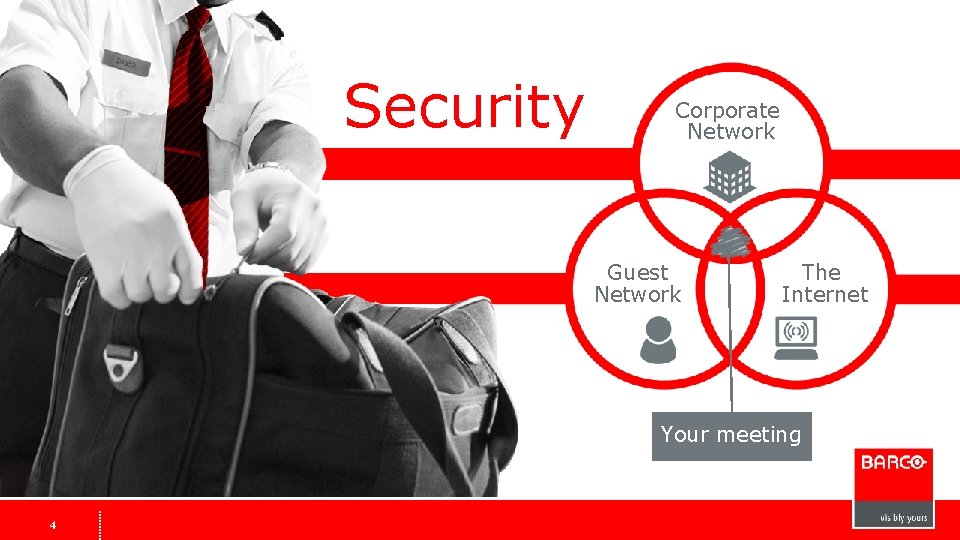
Security Corporate Network Guest Network The Internet Your meeting 4 4
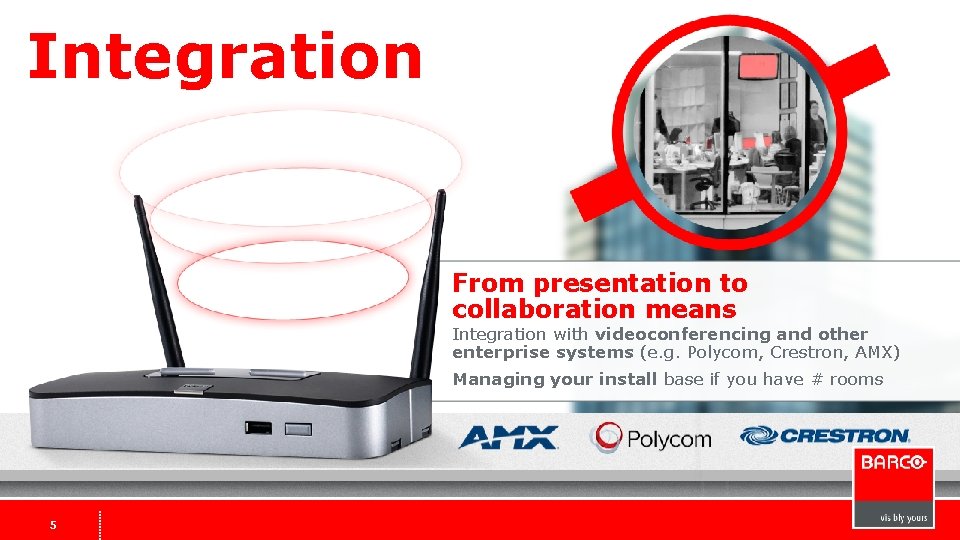
Integration From presentation to collaboration means Integration with videoconferencing and other enterprise systems (e. g. Polycom, Crestron, AMX) Managing your install base if you have # rooms 5 5
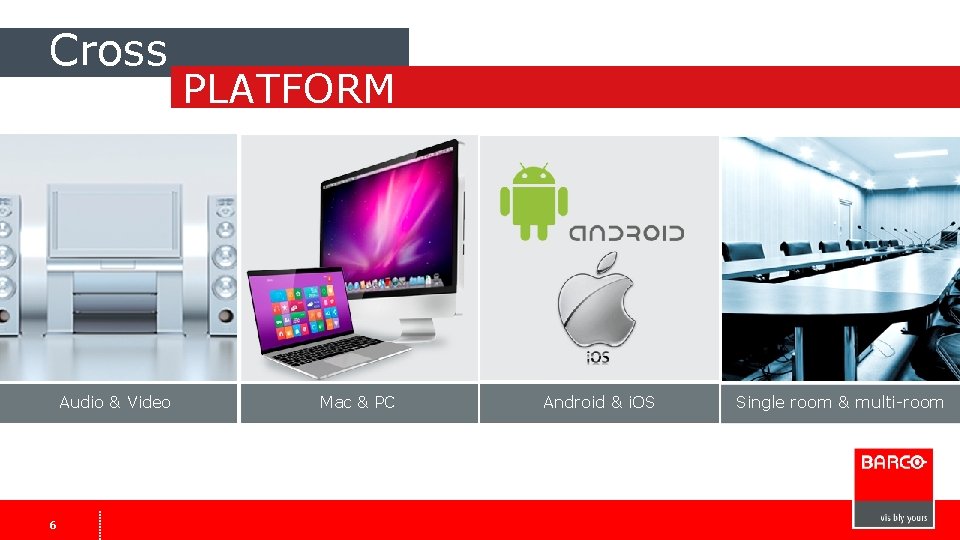
Cross Audio & Video 6 6 PLATFORM Mac & PC Android & i. OS Single room & multi-room
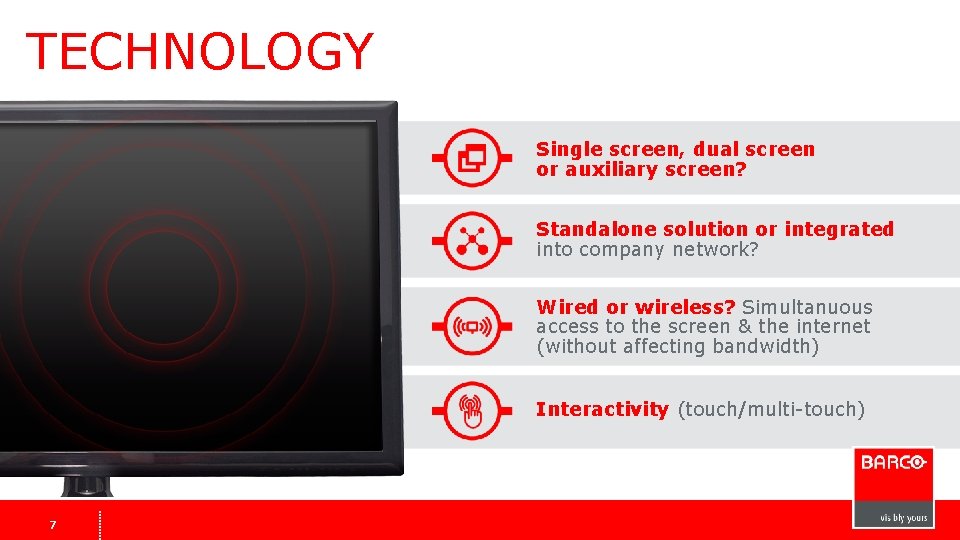
TECHNOLOGY Single screen, dual screen or auxiliary screen? Standalone solution or integrated into company network? Wired or wireless? Simultanuous access to the screen & the internet (without affecting bandwidth) Interactivity (touch/multi-touch) 7 7
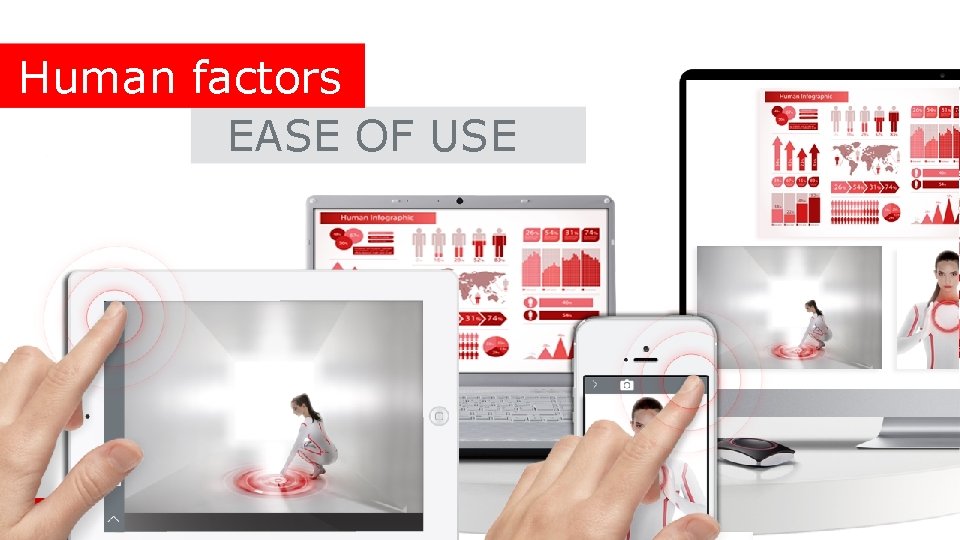
Human factors EASE OF USE 8
CROSS PLATFORM TECHNOLOGY INTERACTION WHO IS IN YOUR MEETING ROOM W H C S T I 9 9 SECURITY SWITCH
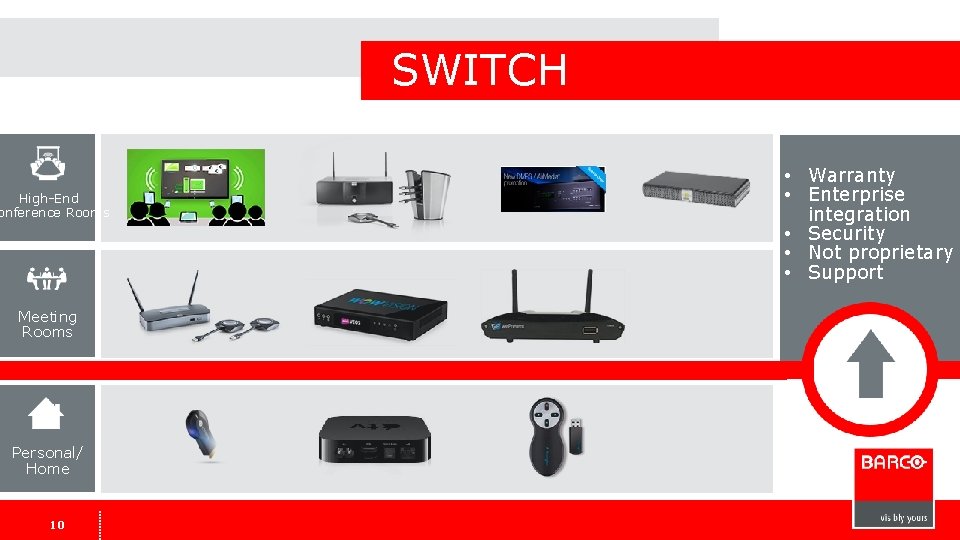
SWITCH High-End onference Rooms Meeting Rooms Personal/ Home 1010 • Warranty • Enterprise integration • Security • Not proprietary • Support
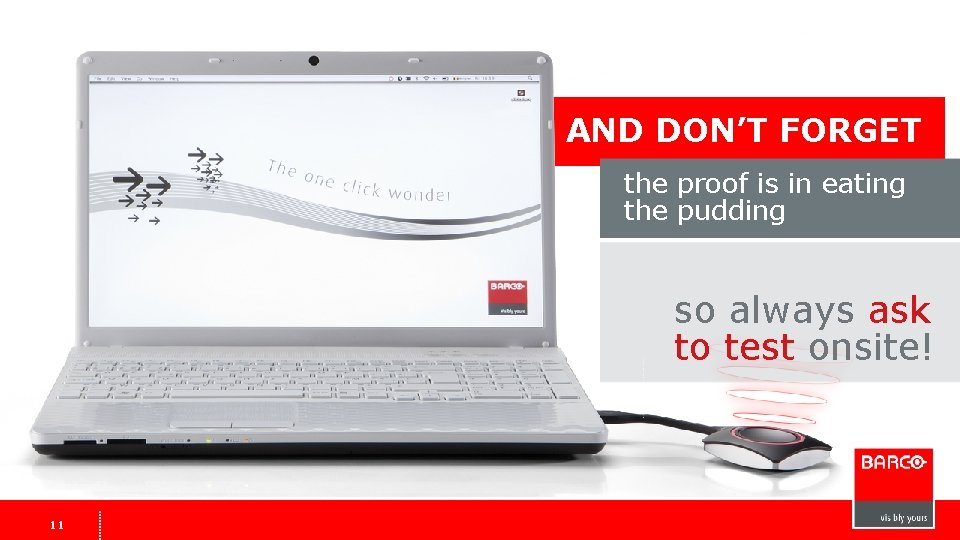
AND DON’T FORGET the proof is in eating the pudding so always ask to test onsite! 1111
Try Clickshare NOW! (or any other barco product) Contact : Peter. pauwels@barco. com Sal. amato@barco. com jfinnegan@almo. com 1212
Questions ? www. youtube. com/Barco. TV 13 www. twitter. com/Barco www. facebook. com/Barco